Preferences
Privacy is important to us, so you have the option of disabling certain types of storage that may not be necessary for the basic functioning of the website. Blocking categories may impact your experience on the website. More information
Privacy is important to us, so you have the option of disabling certain types of storage that may not be necessary for the basic functioning of the website. Blocking categories may impact your experience on the website. More information

 WordPress Themes, Compared by Speed and Price
Compare 10 SEO friendly WordPress themes on speed, code, schema and price, see which fits your site, and learn how to test a theme before you switch.
In short
An SEO friendly WordPress theme is one that outputs light, valid HTML, a clean heading structure and a fast, stable mobile layout, and leaves titles and schema to your SEO plugin. GeneratePress, Kadence and Astra are the safest picks today. Blocksy, Twenty Twenty-Five and Neve follow closely.
Want to go further? Ask
Quick quiz
Which kind of software is right for your business?
Our advice for you
Code weight: what the theme adds to every page is the right solution for you
Number 1 in this ranking, the best match for your answers.
Our advice for you
Core Web Vitals on a real page is the right solution for you
Number 2 in this ranking, the best match for your answers.
Our advice for you
A clean heading structure is the right solution for you
Number 3 in this ranking, the best match for your answers.
Our advice for you
Structured data that does not clash is the right solution for you
Number 4 in this ranking, the best match for your answers.
The best SEO friendly WordPress theme for most sites is a lightweight, actively maintained theme that you can configure without a heavy page builder. The table below compares the ten themes in this guide. Prices were read on each official site on 27 November 2026. Several vendors were running Black Friday offers that day, so the regular price is given when the page showed it.
| Theme | Best for | SEO strong point | Starting price (paid version) |
|---|---|---|---|
| 1. GeneratePress | Blogs, content and affiliate sites | Adds less than 10 KB (gzipped) on a fresh install | Free; GeneratePress One from $99/year (1 site) |
| 2. Kadence | Business sites, agencies, accessibility | Schema markup and breadcrumbs built in | Free; Pro from $299/year |
| 3. Astra | Small businesses, WooCommerce stores | Under 50 KB on the front end, schema built in | Free; Pro: not shown in the page text |
| 4. Blocksy | Block editor users, WooCommerce | Modern block editor support, accessibility ready | Free; Pro: not published (page did not load) |
| 5. Twenty Twenty-Five | Simple blogs, portfolios, personal sites | Default WordPress block theme, no extra layer | Free |
| 6. Neve | Small sites that want AMP or a tiny footprint | About 28 KB on a default install | Free; Pro from 69/year (Black Friday, unlimited sites) |
| 7. Ollie | Designers working in the Site Editor | Pure block theme built on patterns | Free; Ollie Pro from $89/year |
| 8. OceanWP | Multipurpose sites that need many options | Large feature set through extensions | Free; Pro: not published (page did not load) |
| 9. Hello Elementor | Sites already built with Elementor | Minimal base, under 30 KB | Free; Elementor from $60/year |
| 10. Divi | Designers who want one visual builder for everything | Divi 5 rebuilt for performance | $67/year or $187 lifetime (Black Friday) |
Why this matters: WordPress runs a large share of the web, and most WordPress sites still fail Google's speed and stability test on mobile. The theme is the first layer of code on every page, so it sets the floor for how fast and how clean that page can be.
WordPress on mobile: where performance stands
Source: HTTP Archive, Web Almanac 2025, CMS chapter (published January 2026)
These figures come from the CMS chapter of the HTTP Archive Web Almanac 2025, published in January 2026. A 45% pass rate means more than half of WordPress sites still lose ground on mobile experience. A theme cannot fix a 900 KB hero image, but a bloated theme can sink a page that is otherwise well built.
A theme is SEO friendly when it keeps pages light, prints a logical HTML outline, works on phones, stays compatible with your SEO plugin and is still maintained. Everything else in a vendor's "SEO optimized" claim is marketing. A theme does not write your titles, choose your keywords or earn links: it only removes obstacles.
The 8-point SEO theme checklist
Every byte the theme loads is loaded on every URL of your site. GeneratePress states on its WordPress.org page that a fresh install adds less than 10 KB (gzipped). Astra says less than 50 KB on the front end, Neve about 28 KB, and Elementor says Hello is under 30 KB. These are vendor figures on empty installs. Use them to shortlist, never to decide.
The technical point: what hurts is render-blocking CSS and JavaScript in the <head>. A good theme loads its CSS in one small file, defers or avoids jQuery on the front end, and only loads the styles of a component (slider, mega menu, WooCommerce) on the pages that use it. Open your page source and count the <link rel="stylesheet"> and <script> tags that come from /wp-content/themes/.
 Core Web Vitals on a real page
Google measures three Core Web Vitals. According to Philip Walton's Web Vitals article on web.dev (last updated 31 October 2024), a page is "good" when LCP is 2.5 seconds or less, INP is 200 milliseconds or less and CLS is 0.1 or less, measured at the 75th percentile of page loads. Our glossary entry on what LCP, CLS and INP measure explains each metric in detail.
The theme influences all three. LCP depends on how fast the main image or headline paints, which a heavy header or a web font loaded from a third-party server slows down. INP suffers when the theme ships large JavaScript bundles for menus and animations. CLS comes from headers that resize after load, fonts that swap late and images without width and height attributes.
The Web Almanac 2025 estimates that about 60% of WordPress sites use a page builder. That is why the theme alone rarely explains a bad score: the builder on top of it often weighs more than the theme itself.
Your theme prints the post title as the H1 on most templates. Problems start when it also wraps the site name, widget titles or footer columns in H1 or H2 tags. Google can live with it, but your outline becomes noisy and AI assistants that parse pages by headings get a worse summary. Check the output of a real article with this command:
curl -s https://example.com/your-post/ | grep -oE '<h[1-6][^>]*>' | sort | uniq -cYou want one H1, then H2 and H3 that match your content. If you see six H2 tags on a post with only two sections, look at the sidebar and footer widgets.
 Structured data that does not clash
Some themes print schema.org microdata (itemtype attributes) for the page, the header, the article and the author. Your SEO plugin prints its own JSON-LD graph. Two sources describing the same article differently is the most common structured data mess on WordPress. The right setup is simple: let one tool own the schema, usually the SEO plugin, and disable the other where the theme allows it.
Breadcrumbs are the exception worth keeping from a theme, as long as the markup is correct. Google's breadcrumb structured data documentation requires a BreadcrumbList with at least two ListItem entries, each with a position, a name and an item URL (optional on the last one). A valid example:
<script type="application/ld+json">
{
  "@context": "https://schema.org",
  "@type": "BreadcrumbList",
  "itemListElement": [
    {"@type": "ListItem", "position": 1, "name": "Blog", "item": "https://example.com/blog/"},
    {"@type": "ListItem", "position": 2, "name": "SEO", "item": "https://example.com/blog/seo/"},
    {"@type": "ListItem", "position": 3, "name": "Best SEO friendly WordPress themes"}
  ]
}
</script>
Our guide to designing and marking up breadcrumbs covers the design side.
Google indexes the mobile version of your pages. A theme that hides text, tables or internal links on small screens hides them from Google too. Look for themes that reflow content instead of removing it, keep tap targets large and do not load a separate mobile menu script that weighs more than the page. The mobile-first indexing definition lists what Google expects.
Yoast SEO, Rank Math and AIOSEO handle the title tag, meta description, canonical, robots directives, sitemap and most of the schema. A good theme stays out of their way: it uses the standard title-tag theme support, does not print its own meta description and exposes its breadcrumbs or lets the plugin replace them. If you have not chosen a plugin yet, compare them in our review of the best WordPress SEO plugins.
Accessibility and SEO overlap: semantic landmarks, alt text, visible focus, readable contrast and logical heading order help screen readers and crawlers alike. The "Accessibility ready" tag on WordPress.org means the theme passed the directory's accessibility review. Kadence, Blocksy, Neve, OceanWP, Hello Elementor and Twenty Twenty-Five carry it.
A theme that is not updated drifts away from WordPress core, PHP versions and the block editor. On WordPress.org, every theme page shows its version and last update date. Most themes in this guide were updated in November 2026. GeneratePress is the exception: the free theme's last update was 1 December 2025, while the company keeps shipping its premium products.
The ranking below weighs the eight criteria above, using only what each vendor publishes on its official site and its WordPress.org page, read on 27 November 2026. Install counts and versions come from WordPress.org. Vendor speed claims are quoted as claims: always measure your own pages.
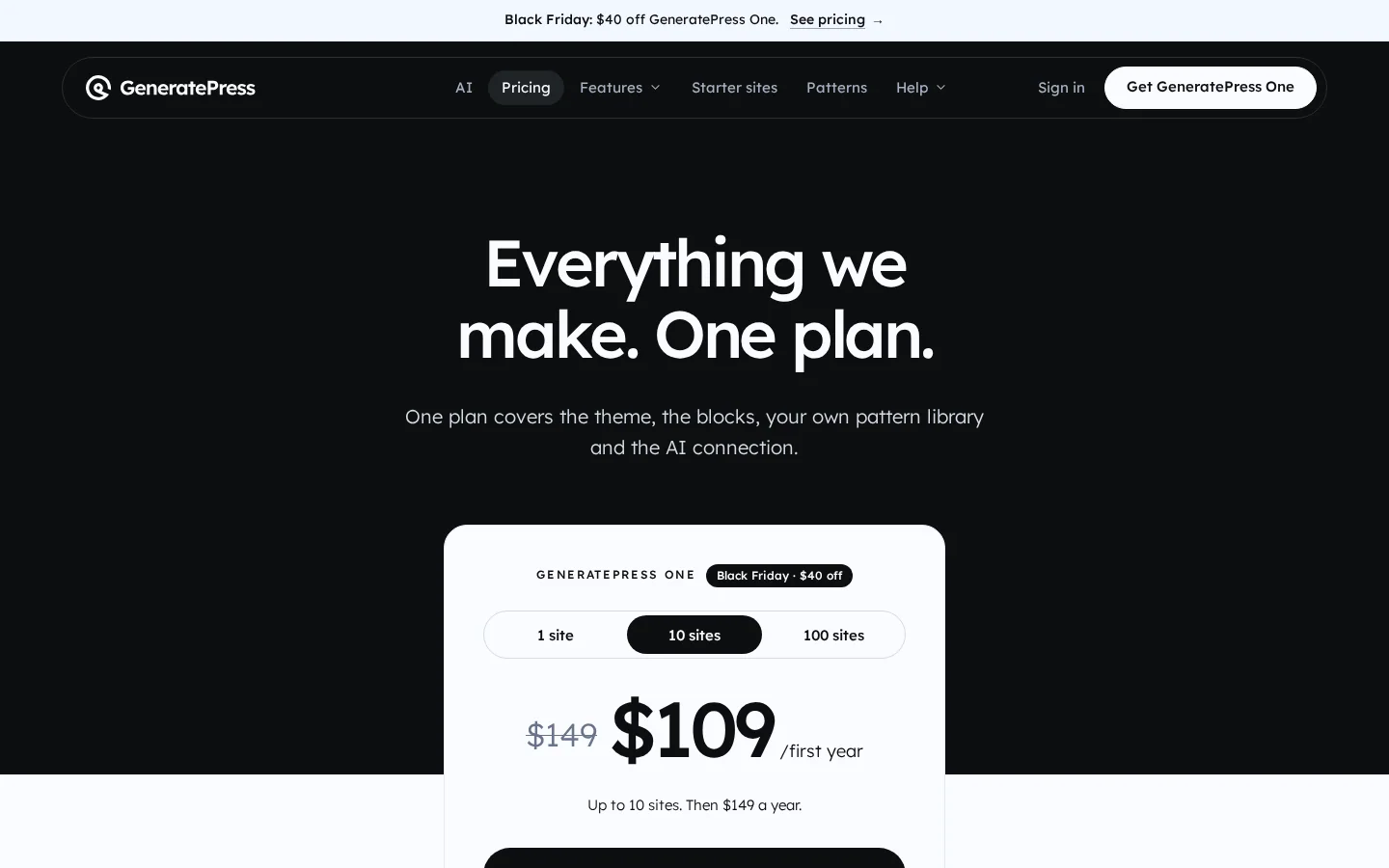
What it is: a lightweight theme by EDGE22 Studios, free on WordPress.org with more than 500000 active installations and a 4.9 out of 5 rating. Its paid layer is now sold only inside GeneratePress One, which bundles GP Premium, GenerateBlocks Pro, GenerateCloud and GeneratePress AI.
For whom: bloggers, publishers and affiliate sites who care about speed above everything, and developers who like hooks and filters.
Strong points: the WordPress.org page states that a fresh install adds less than 10 KB (gzipped) and that the theme is fully responsive with valid HTML and CSS. The Elements module in the premium version lets you add hooks, layouts and headers without a page builder, so pages stay light. It works with any SEO plugin because it does very little on its own.
Honest limit: the free theme was last updated on 1 December 2025 (version 3.6.1). The vendor focuses on its block products, so expect to build layouts with GenerateBlocks rather than with theme options.
Price: GeneratePress One costs $99 per year for 1 site, $149 for 10 sites, $199 for 100 sites, or $596 once for a lifetime licence on 100 sites. On 27 November 2026 a Black Friday offer showed $59 for the first year on 1 site.
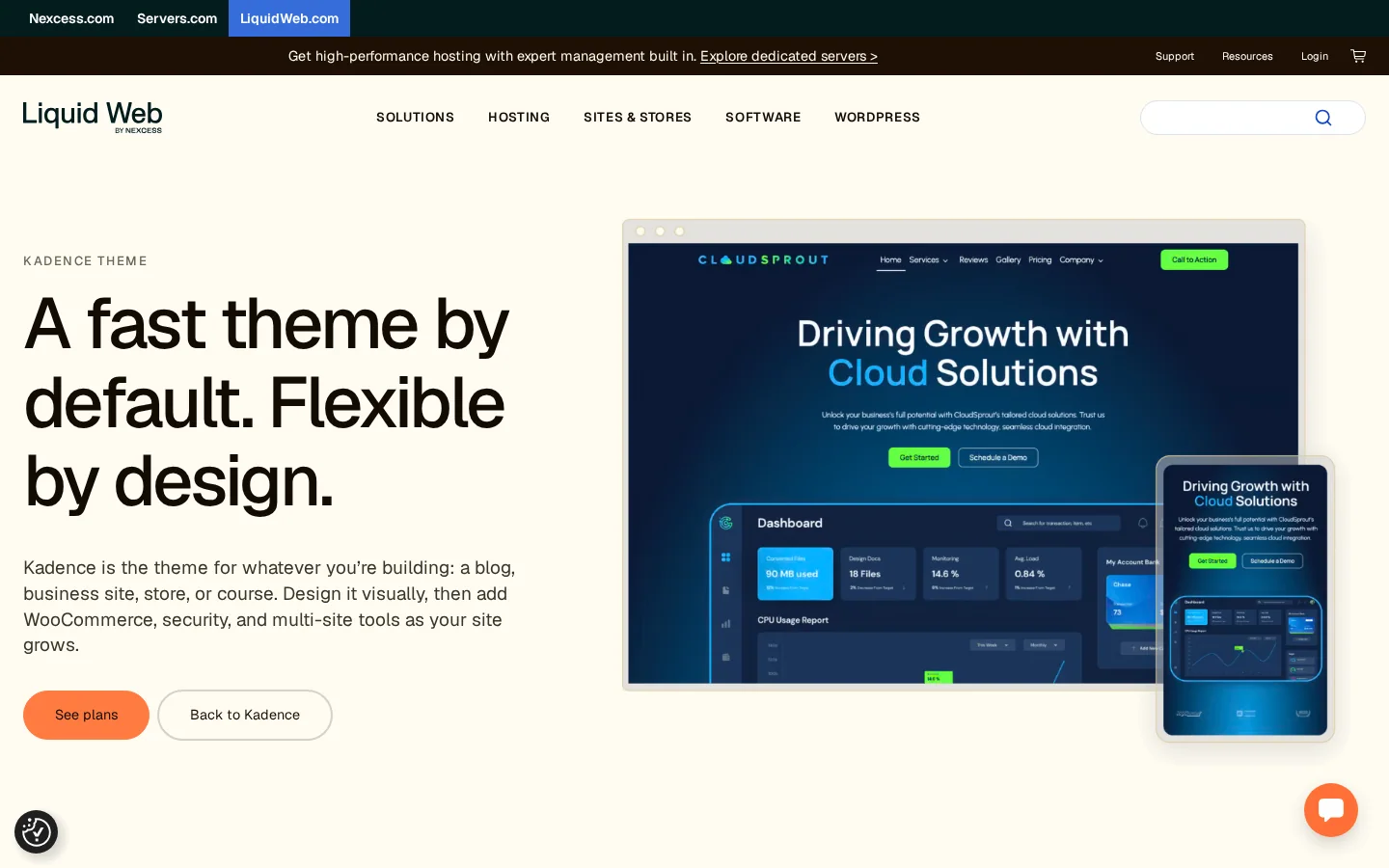
What it is: a block-first theme, free on WordPress.org (500000+ active installations, version 1.6.0.1, updated 20 November 2026). Kadence is now sold by Liquid Web, and the Kadence theme page describes it as "built from the ground up as a lightweight, block-first WordPress theme".
For whom: business sites and agencies that want a header and footer builder, global styles and strong accessibility without a page builder.
Strong points: the official page lists "built-in SEO best practices, structured schema markup, clean HTML" and breadcrumbs compatible with popular SEO plugins. The theme carries the Accessibility ready tag. Kadence Blocks gives you rows, tabs and accordions in the block editor, so you rarely need another builder.
Honest limit: the paid plans are bundles. Pro starts at $299 per year and adds shop, security and backup tools you may already have from your host. Check the schema settings so the theme's markup and your SEO plugin's JSON-LD do not describe the same page twice.
Price: the theme is free. Pro starts at $299 per year and Elite at $499 per year (read on 27 November 2026).
What it is: one of the most installed WordPress themes, with more than 1 million active installations, version 4.14.3, updated 12 November 2026. Astra's official site claims the theme is "less than 50KB on the front end" and "loads in less than 0.5 seconds".
For whom: small businesses and WooCommerce stores that want ready-made starter templates and a theme that works with Elementor, Beaver Builder or the block editor.
Strong points: the WordPress.org description says "fast performance, clean code, mobile-first design and schema markup are all built-in". The large library of starter templates gets a site online quickly, and the theme works with the block editor as well as with Elementor or Beaver Builder.
Honest limit: starter templates often pull in a page builder and extra plugins. The theme is light, the template you import may not be. Measure a page from the imported demo, not the blank theme.
Price: the theme is free. Astra Pro prices are on the official pricing page, but they were not shown in the page text when we read it on 27 November 2026, so check the current figure before you buy.
Blocksy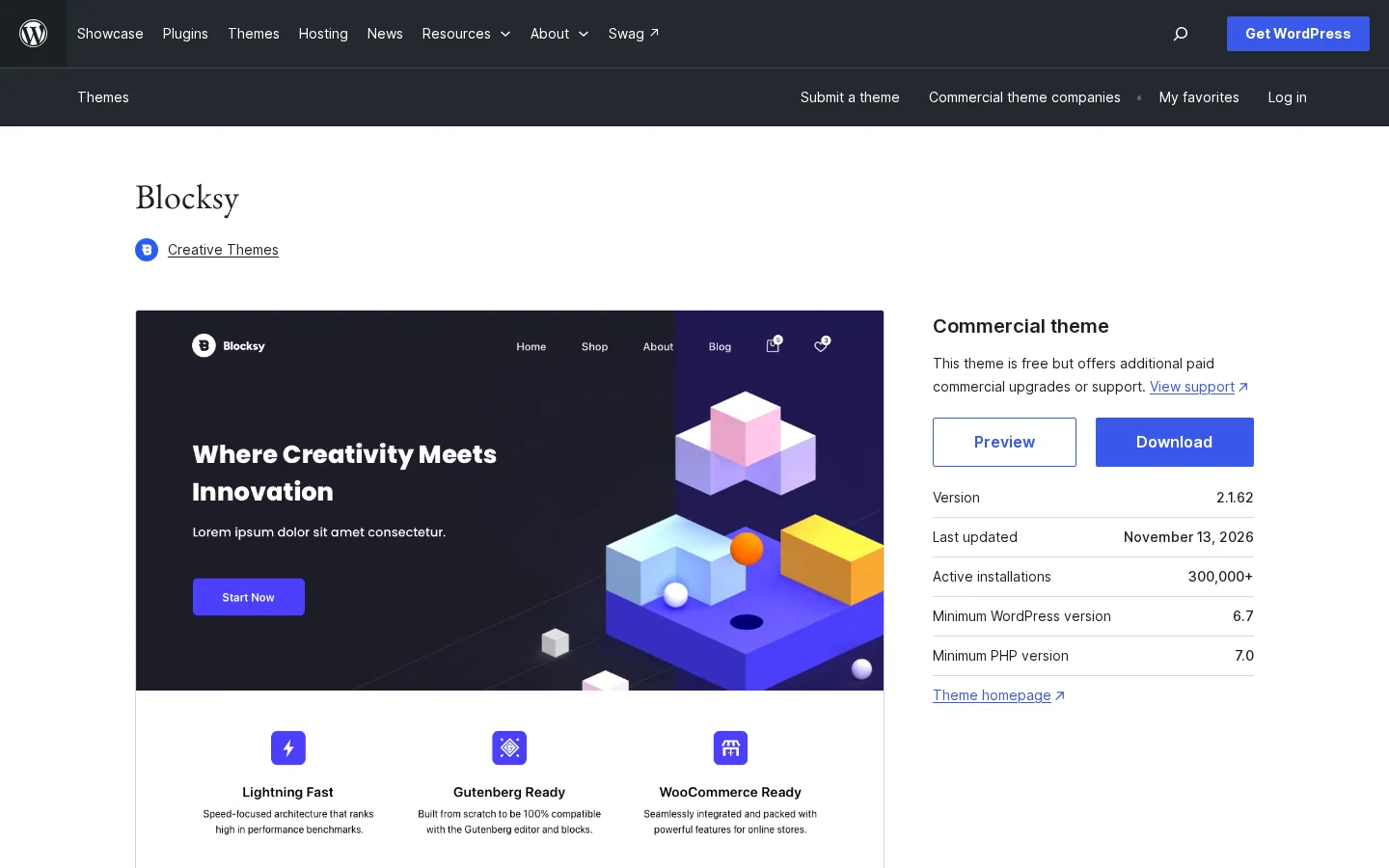
What it is: a modern theme by Creative Themes, described on its WordPress.org page as "a fast, modern WordPress theme" with WooCommerce and block editor support. It has 300000+ active installations, a 5 out of 5 rating from 874 reviews and was updated on 13 November 2026 (version 2.1.62).
For whom: site owners who build with the block editor and want a visual header builder and good WooCommerce options in the free version.
Strong points: Accessibility ready tag, block editor patterns and styles, frequent updates and a free version that is complete enough for most sites. It plays well with every major SEO plugin.
Honest limit: the WordPress.org page makes no claim about SEO or schema, so all of your structured data will come from your SEO plugin. That is fine, but you need one.
Price: the theme is free. The vendor's pricing page refused our request on 27 November 2026, so we cannot quote a Pro price.
Twenty Twenty-Five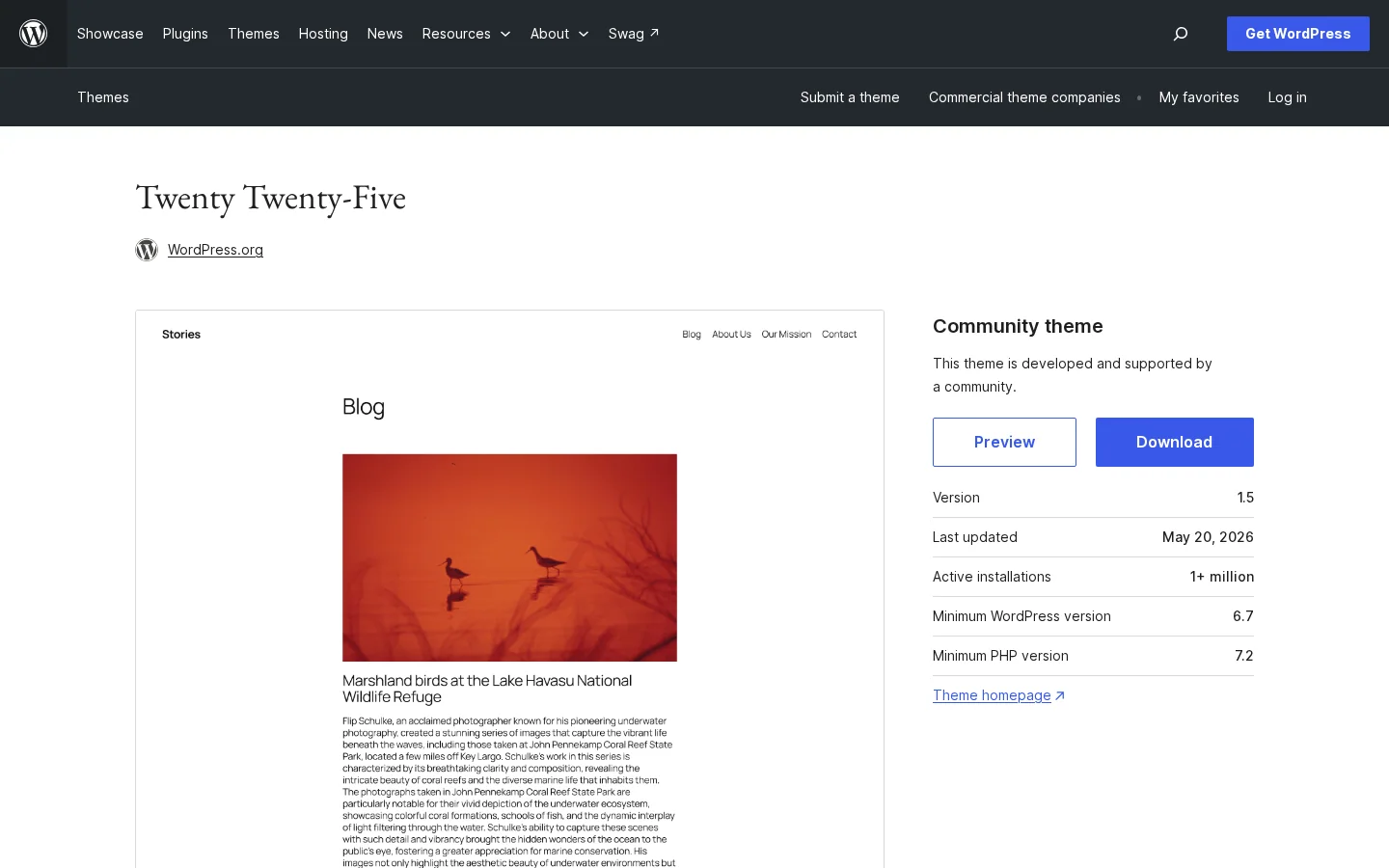
What it is: the default theme shipped by WordPress, a block theme that "emphasizes simplicity and adaptability" according to its WordPress.org page. It has 1 million+ active installations, requires WordPress 6.7 and was updated on 20 May 2026 (version 1.5).
For whom: simple blogs, portfolios and personal sites, and anyone who wants zero dependency on a third-party theme vendor.
Strong points: it is maintained alongside WordPress core, uses only core blocks and patterns, and carries the Accessibility ready tag. There is no theme options framework to load and no lock-in: what you build is standard block markup.
Honest limit: no header builder, no WooCommerce-specific layouts and no built-in breadcrumbs. You edit everything in the Site Editor, which takes some learning if you come from a classic theme.
Price: free.
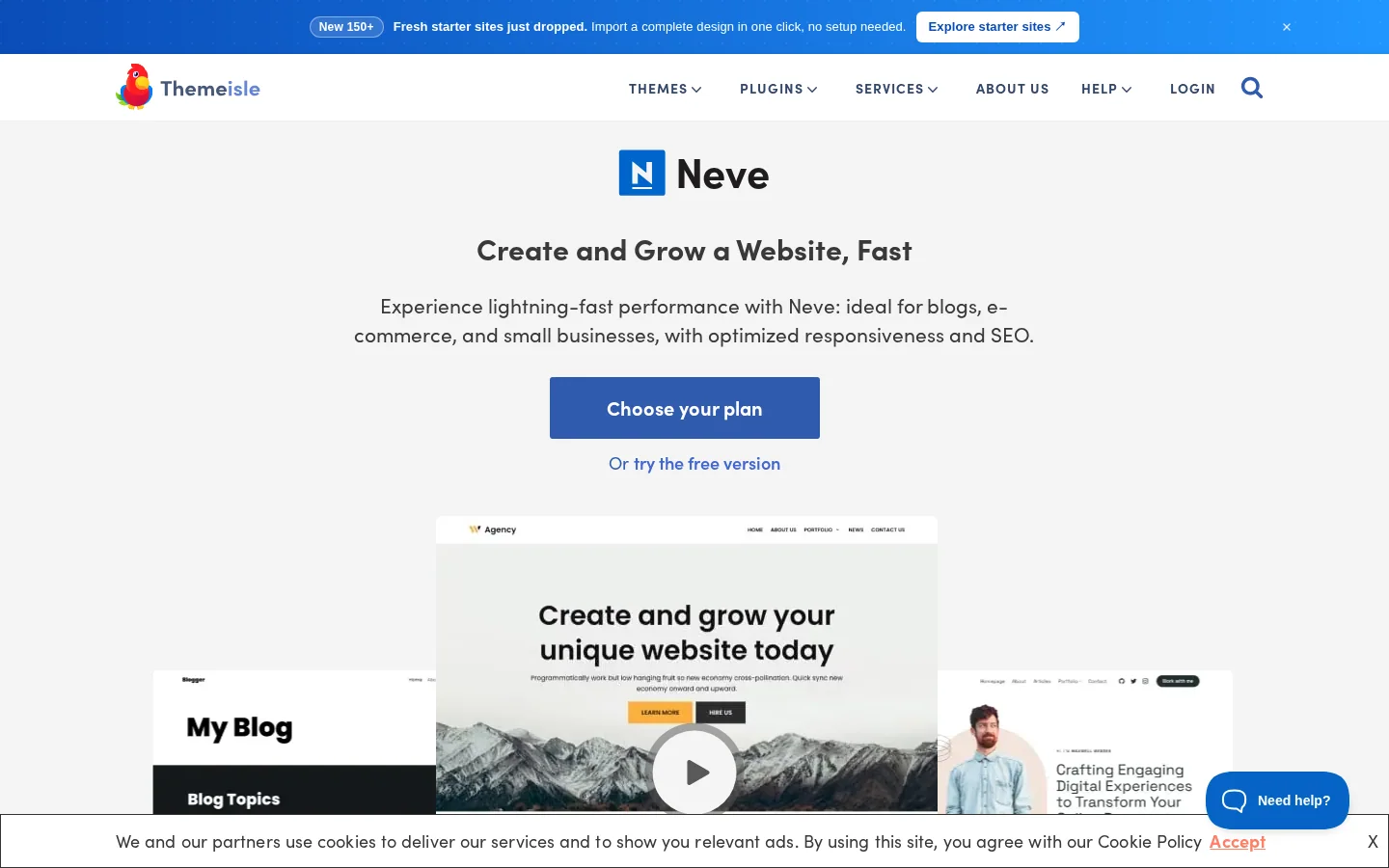
What it is: a lightweight theme by Themeisle with 200000+ active installations, updated on 26 November 2026 (version 4.2.20). The Neve product page says a default install weighs about 28 KB and loaded in 0.6 seconds in the vendor's test.
For whom: small business sites, blogs and agencies that want a very small footprint and native AMP support.
Strong points: the vendor says Neve renders pages as native AMP and has "an SEO-ready structure". The Pro plan includes a performance module that loads fonts locally and removes unnecessary scripts. Every Pro plan covers unlimited sites.
Honest limit: AMP is no longer needed to appear in Google's Top Stories, so native AMP support is a minor advantage today. Read our note on what AMP still means for SEO before you switch it on.
Price: free, with Pro at 69 per year for Personal, 149 for Business and 259 for Agency (Black Friday prices on 27 November 2026, regular prices 139, 299 and 519; the page shows both dollars and euros).
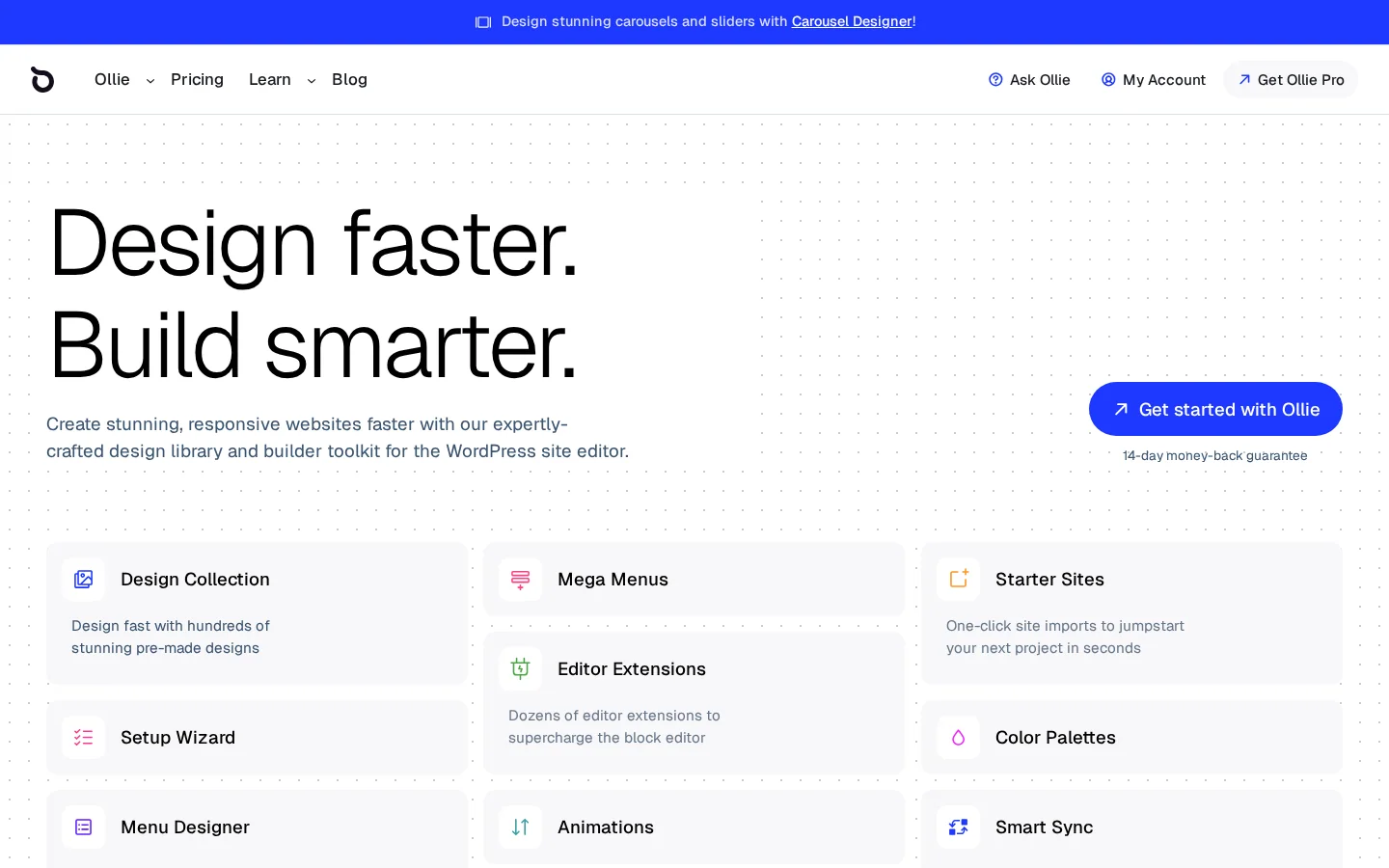
What it is: a block theme and pattern library for the Site Editor. The Ollie site presents it as a way to launch "blazing-fast websites" with the WordPress Site Editor. On WordPress.org it has 7000+ active installations and a 5 out of 5 rating, updated on 4 November 2026 (version 1.6.6).
For whom: designers and freelancers who want to work in native WordPress blocks, with good-looking patterns, and no page builder at all.
Strong points: pure block markup, so pages stay close to what WordPress core outputs. Patterns give you landing pages, pricing sections and FAQ layouts made from core blocks, which keeps the HTML light and portable.
Honest limit: a much smaller user base than the themes above, so fewer tutorials and third-party compatibility reports. The site makes no SEO claim: your SEO plugin does the work.
Price: free, with Ollie Pro at $89 per year for 1 site, $149 for 10 sites and $299 for 100 sites (read on 27 November 2026).
OceanWP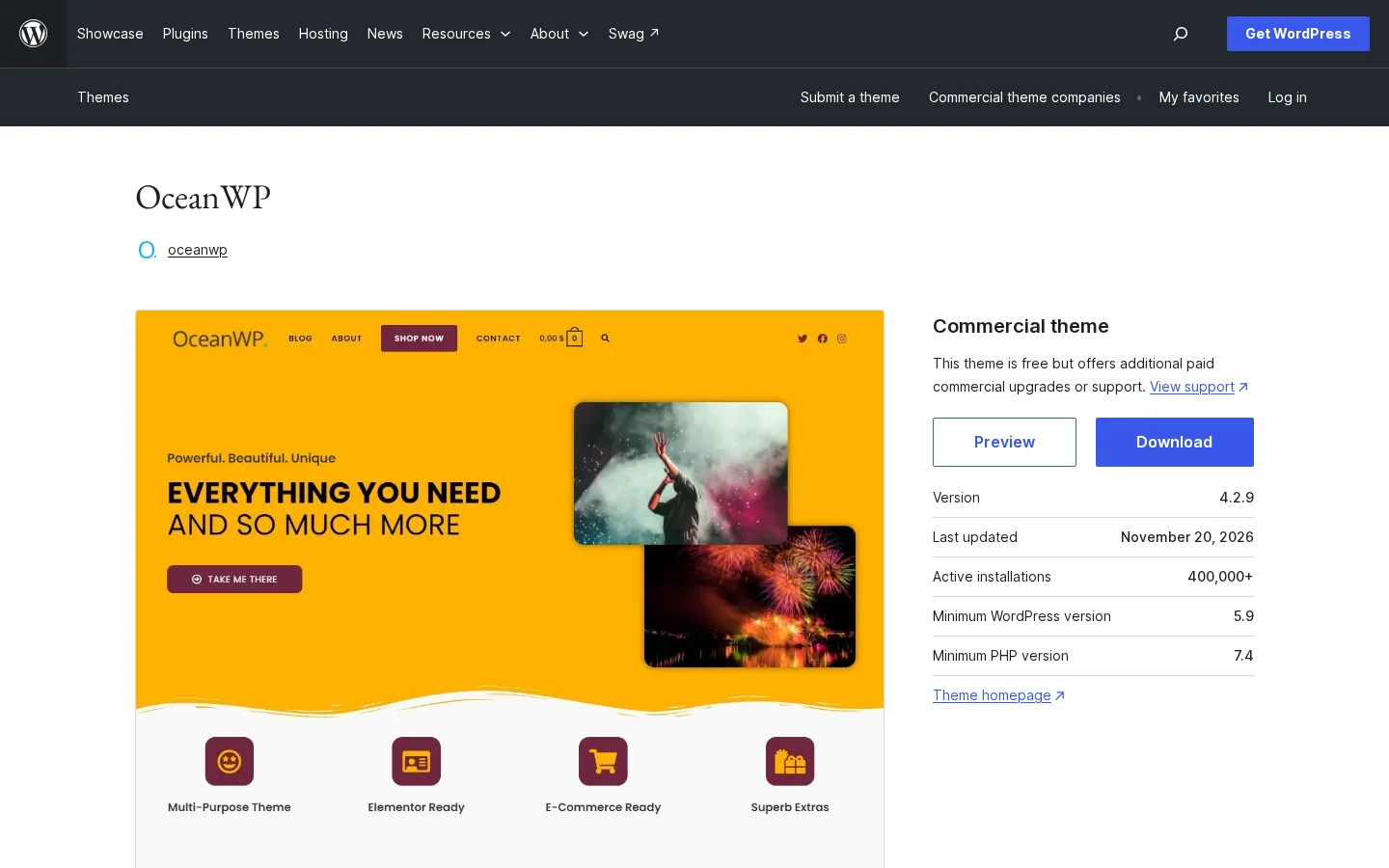
What it is: a multipurpose theme for blogs, portfolios, business sites and WooCommerce stores, with 400000+ active installations and a 4.9 out of 5 rating on its WordPress.org page, updated on 20 November 2026 (version 4.2.9).
For whom: site owners who want many layout options from the Customizer and a large set of extensions.
Strong points: the theme page says it follows "best SEO practices" and calls it lightweight. It carries the Accessibility ready tag and supports RTL languages.
Honest limit: many features come through extensions, and every active extension adds code. Keep only the ones you use, and measure after each one.
Price: the theme is free. The vendor's site refused our request on 27 November 2026, so we cannot quote the price of its paid extensions.
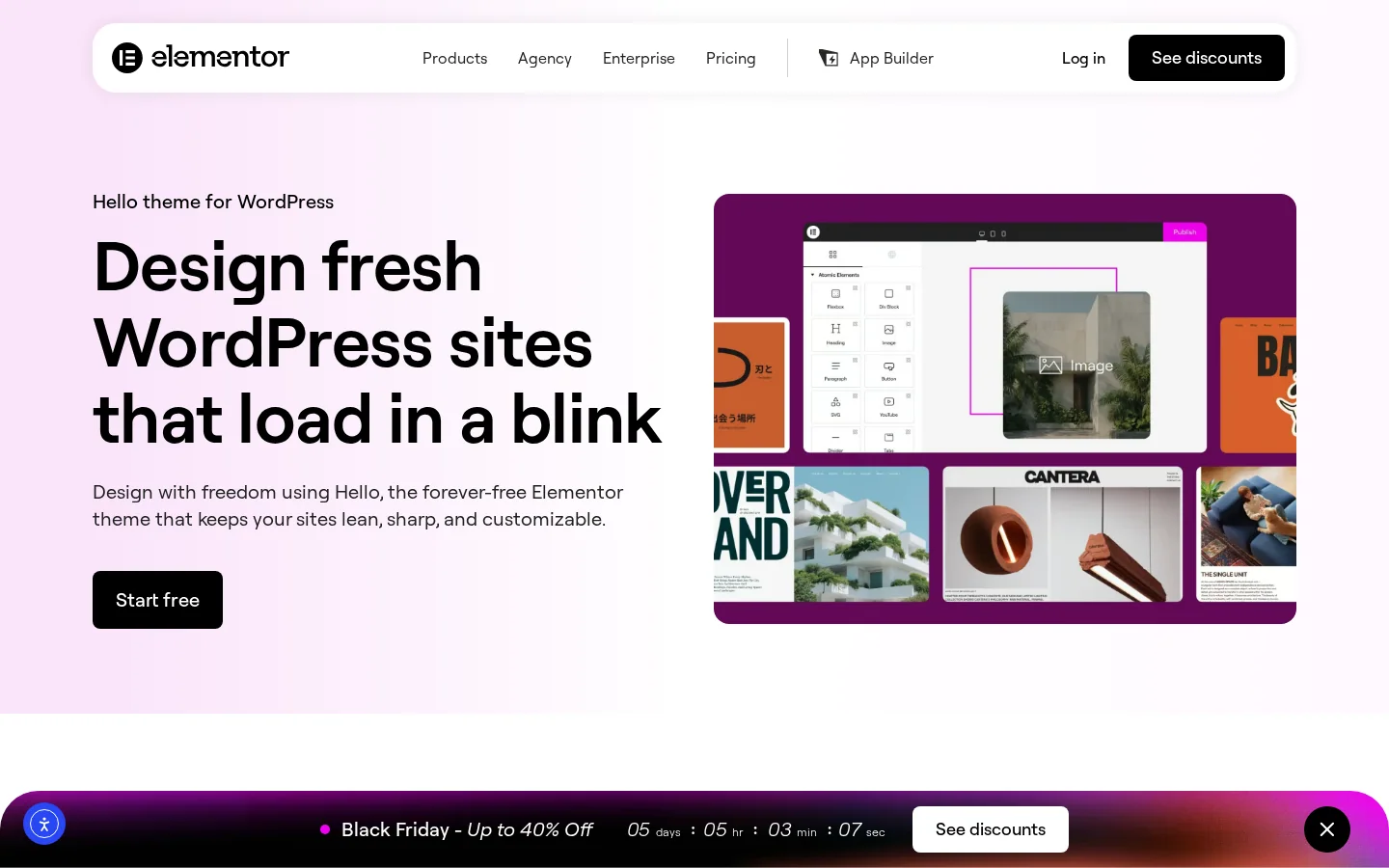
What it is: a minimal theme made as a base for the Elementor page builder. The Hello theme page calls it "forever-free" and says it is under 30 KB and loads in about a quarter of a second. It has 1 million+ active installations on WordPress.org and was updated on 3 November 2026 (version 3.5.2).
For whom: sites already built with Elementor. If you use Elementor, this is the lightest base you can put under it.
Strong points: almost no theme code, so Elementor controls the whole layout. Accessibility ready tag.
Honest limit: the theme is light, but Elementor is what you will measure. Its rating on WordPress.org is 4.2 out of 5, the lowest in this list. Without Elementor, the theme is nearly empty.
Price: the theme is free. Elementor's pricing page says plans start from $60 per year (read on 27 November 2026).
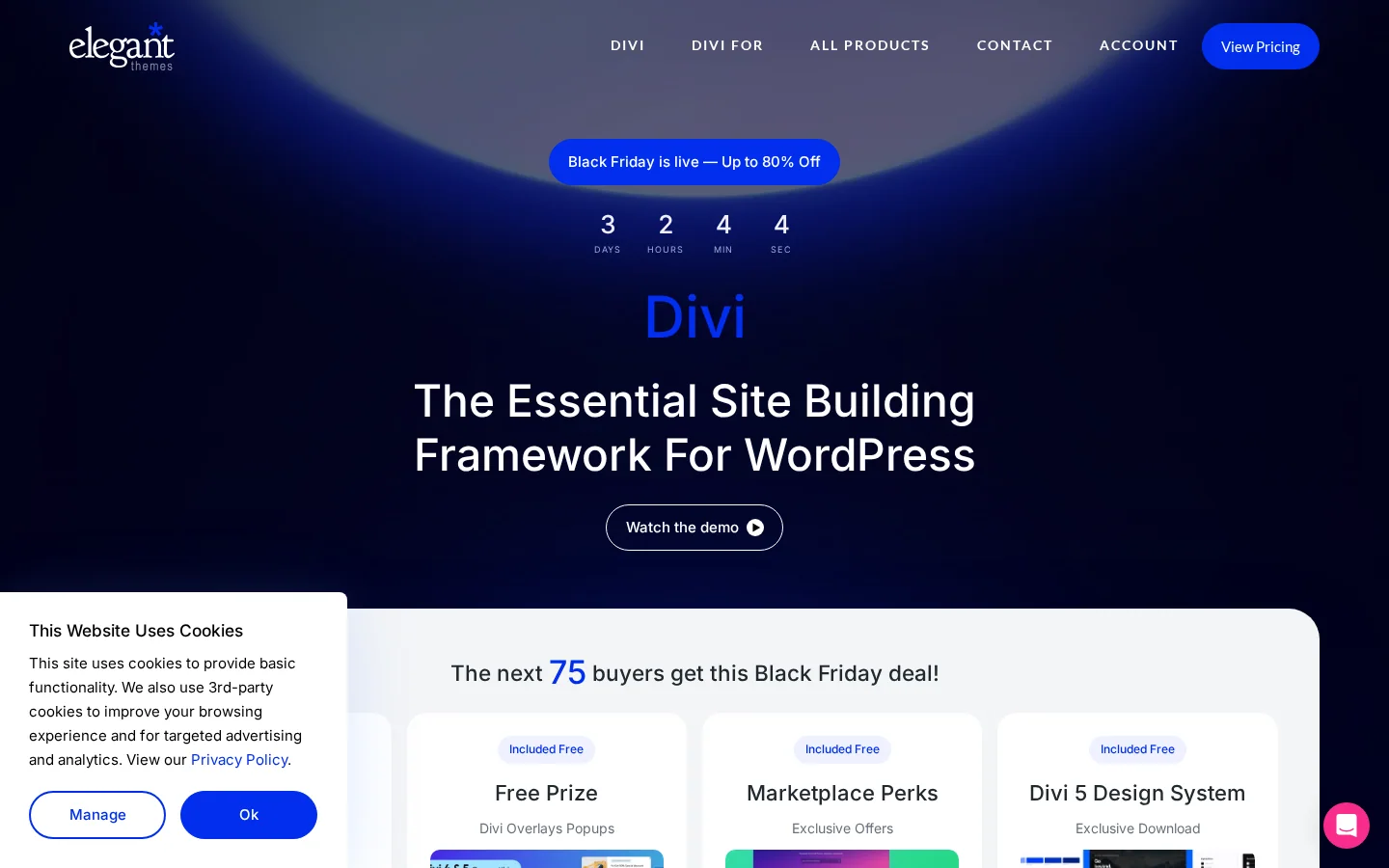
What it is: a theme and visual builder from Elegant Themes. The Divi page says Divi 5 was rebuilt "from the ground up, focusing on performance and advanced design systems". The Web Almanac 2025 found Divi on 10% of WordPress sites.
For whom: designers and agencies that build many sites and want one visual tool with unlimited site licences.
Strong points: one licence covers unlimited websites, and Divi 5 brings global variables and presets that make consistent designs easier to maintain.
Honest limit: the page makes no measured speed or SEO claim. Like any builder, Divi ties your layouts to the tool: leaving it later means rebuilding pages. Test a finished page, not the demo.
Price: $67 per year or $187 once for lifetime access (Black Friday prices on 27 November 2026).
There are four ways to build a WordPress site's front end, and they have different SEO profiles. A block theme or a lightweight classic theme gives you the lightest pages. A page-builder theme gives you design freedom at a weight cost. "SEO themes" sold on marketplaces are the riskiest choice.
Principle: the whole site, header and footer included, is made of blocks edited in the Site Editor. When to use it: new sites, blogs and content sites. Advantages: core markup, no lock-in, styles in a single theme.json file. Limits: the Site Editor takes time to learn; fewer ready-made options. Examples: Twenty Twenty-Five, Ollie.
Principle: a small PHP theme with Customizer options, used with the block editor for content. When to use it: most business sites, blogs and stores. Advantages: fast, mature, huge compatibility, easy header and layout settings. Limits: some features are paid; options panels can hide what the theme outputs. Examples: GeneratePress, Kadence, Astra, Blocksy, Neve, OceanWP.
Principle: a minimal theme with a visual builder that controls the layout. When to use it: design-led sites, landing pages, teams that do not want to touch code. Advantages: design freedom, fast production of new pages. Limits: heavier DOM, extra CSS and JavaScript, lock-in. Examples: Hello Elementor, Divi.
Principle: an all-in-one theme sold with demo content, bundled plugins and a promise of rankings. When to use it: rarely. Advantages: a complete look on day one. Limits: bundled sliders and builders, schema that clashes with SEO plugins, and slow updates. Ranking is not a theme feature.
| Approach | Page weight | Design freedom | Lock-in | Best for |
|---|---|---|---|---|
| Block theme | Low | Medium, growing | None | Blogs, content sites, new builds |
| Lightweight classic or hybrid | Low | Medium to high | Low | Business sites, stores, publishers |
| Page-builder theme | Medium to high | Very high | High | Design-led sites, landing pages |
| Marketplace "SEO theme" | Often high | High | High | Rarely the right choice |
Page builder on a light theme vs block theme
If you are still choosing the platform itself, our comparison of the best CMS options for SEO puts WordPress next to its alternatives.
The right theme depends on what your site does most. Pick on the main template you will publish (article, product, service page), not on the homepage demo.
| Type of site | First choice | Alternative | Why |
|---|---|---|---|
| Blog, content or affiliate site | GeneratePress | Twenty Twenty-Five | Smallest footprint, clean article template |
| Local business or services | Kadence | Astra | Header builder, schema, accessible forms and layouts |
| WooCommerce store | Blocksy | Astra or Kadence | Shop layouts in the theme, no extra builder needed |
| Agency building many sites | Kadence | Divi | Multi-site licences and reusable designs |
| Designer working in blocks | Ollie | Twenty Twenty-Five | Pure blocks, patterns, no lock-in |
| Site already on Elementor | Hello Elementor | Astra | Lightest base under the builder |
Your money template is the single post. Choose the theme whose post template prints the least around your text: no sidebar by default, no related-posts slider, no social share script on page load. GeneratePress or Twenty Twenty-Five, plus an SEO plugin, is a strong base.
Product and category pages carry the weight. Check that the theme does not load WooCommerce scripts on blog posts, that product images have explicit dimensions (CLS) and that filters do not create thousands of crawlable URL combinations. Our page on WooCommerce SEO and GEO goes further.
Standardise on one theme and one builder at most, keep a starter child theme, and measure every client launch. A licence that covers unlimited sites saves money, but consistency saves more time.
Tip
Want to see what a competitor runs? Our free CMS detector tells you which platform a site is built with, then open its source and search for /wp-content/themes/ to find the theme folder name.
Test a theme on a staging copy of your real site, measure your real templates, then switch in one controlled step. A theme change is a site migration on the front end: titles, headings, schema and layout can all change at once.
The 6-step theme test
Pick one URL per template and run Lighthouse on mobile. The command-line version keeps runs comparable:
npx lighthouse https://example.com/your-post/ --only-categories=performance,seo --output=html --output-path=./before-post.htmlLab tests vary from one run to the next, so run each URL three times and keep the median. Field data in PageSpeed Insights is what Google uses, and our guide to reading a PageSpeed Insights report shows where to find it.
Tip
No terminal? Our free website speed test shows what slows a page down, file by file, so you can compare themes in the browser.
Most hosts offer one-click staging. On staging, tick "Discourage search engines from indexing this site" in Settings, then Reading. If you use WP-CLI, installing and activating a free theme takes one line:
wp theme install generatepress --activate
wp theme list --status=activeOn each test URL, check that the title tag is still the one from your SEO plugin, that there is one H1, that the canonical is unchanged and that only one schema source describes the page:
curl -s https://staging.example.com/your-post/ | grep -oE '<title>[^<]*|rel="canonical"[^>]*|application/ld\+json|itemtype="[^"]*"' | sort | uniq -cSeveral itemtype lines next to a JSON-LD block mean the theme prints microdata on top of your plugin's graph. Run the page through our structured data validator to see both.
Compare the before and after reports template by template. Switch only if the new theme is equal or better on every template. After launch, watch the Pages report and the Core Web Vitals report in Search Console. Field data needs about 28 days to reflect the change.
Most theme problems are not about the theme you picked, but about how you judged it and what you loaded on top. Here are the mistakes we see most, how to spot them and how to fix them.
Theme switch: the wrong way vs the right way
What it is: choosing a theme because its demo site scores 100 in PageSpeed. How to spot it: your real pages score far lower than the demo. How to fix it: test with your own content, images, fonts and plugins, on mobile, as in the step-by-step section.
What it is: importing a full demo that installs a builder, sliders and form plugins you never use. How to spot it: the Plugins page lists tools you did not choose, and pages load scripts named after them. How to fix it: import single pages or patterns, then delete the plugins nothing depends on.
What it is: the theme prints microdata and the SEO plugin prints JSON-LD for the same article. How to spot it: the validator shows two Article or two WebPage items with different authors or dates. How to fix it: disable the theme's schema option, or the plugin's schema for that type, so one source remains.
What it is: widget titles, footer columns or the site logo wrapped in H1 to H3 tags. How to spot it: run our free heading structure analyzer on a post. How to fix it: change widget title tags in the theme options, or override them in a child theme.
What it is: using "hide on mobile" settings for text, tables or internal link blocks. How to spot it: compare the mobile and desktop rendering of a page, or test it with our mobile friendly test. How to fix it: reflow content into one column instead of hiding it. Google indexes the mobile version.
What it is: a new theme that prints its own title tag, changes the breadcrumb paths or drops custom templates. How to spot it: after the switch, titles in Google change and some pages lose their layout. How to fix it: run the HTML comparison of step 4 before going live, and keep the old theme installed so you can roll back.
What it is: changing the theme's PHP or CSS files. How to spot it: your changes disappear after an update. How to fix it: move every change into a child theme or into the Site Editor, so updates never overwrite them.
A theme removes technical obstacles; it does not create rankings. Once your theme is fast and clean, what moves traffic is content that answers real searches, internal links between related pages and links from other sites. AI assistants such as ChatGPT, Claude and Gemini work the same way: they cite pages that answer the question clearly, whatever theme renders them.
That is where most of your time should go after the switch. Our guide to WordPress SEO and GEO settings lists the settings AI crawlers need. If you lack the time to write, Sorank's AI blog article generator plans and writes articles for Google and AI search, and its WordPress plugin publishes them in your theme with images, internal links and a FAQ, as drafts if you want to review them first.
For most sites, the best SEO friendly WordPress theme is GeneratePress for content sites and Kadence for business sites, with Astra as the safe choice if you want starter templates. If you prefer to stay close to WordPress core, Twenty Twenty-Five or Ollie give you block markup with no lock-in. If your site already runs on Elementor, keep it light with Hello Elementor.
What to do today: pick your most visited article or service page, run the heading check and a mobile Lighthouse test, and write down the LCP, CLS and page weight. That gives you the baseline any new theme has to beat. Then set up your SEO plugin properly; our Rank Math vs Yoast comparison helps you choose.
This ranking reflects my own experience and opinion as an SEO expert with more than 7 years in the field. It is based on verified facts, but the order itself is my personal view.
Yes, indirectly. The theme sets how much code every page loads, how headings are printed and how the layout behaves on mobile, which all affect Core Web Vitals and how crawlers read the page. It does not write titles or earn links, so it removes obstacles rather than creating rankings.
On vendor figures for blank installs, GeneratePress (less than 10 KB gzipped), Neve (about 28 KB) and Hello Elementor (under 30 KB) are among the lightest. What counts is the speed of your own pages with your content and plugins, so test your main templates on mobile before you choose.
Yes. The free versions of GeneratePress, Kadence, Astra, Blocksy and Twenty Twenty-Five are light, maintained and work with Yoast SEO, Rank Math and AIOSEO. Paid versions add layout and design features, not ranking power.
We analyse your competitors, your website and your AI visibility to create a tailored content plan for free.
 Website Value Calculator
 Website Accessibility Checker
 Google Analytics Checker
 Duplicate Content Checker
 Mobile-Friendly Test
 Website Speed Test
 Subdomain Finder
 Domain Age Checker
 CMS Detector
 Googlebot Simulator
 Nofollow Link Checker
 Meta Tag Checker
 Keyword Cannibalization Checker
 Keyword Intent Checker
 Keyword Extractor
 Google Ads Cost Calculator
 CPC Calculator
 Local Citation Finder
 Reddit Threads Finder
 Disavow File Generator
 Redirect Generator
 Canonical Tag Generator
 Passive Voice Checker
 Google Location Changer
 Google Review Calculator
 Google Review Link Generator
 Keyword Combiner
 Podcast Show Notes Generator
 AI Content Rewriter
 AI Text Humanizer
 ChatGPT Prompt Generator
 Twitter Thread Generator
 Tweet Generator
 Landing Page Copy Generator
 Google Ads Copy Generator
 Pinterest Pin Description Generator
 Anchor Text Generator
 Social Media Post Generator
 LinkedIn Post Generator
 Free AI Writer
 Review Response Generator
 LSI Keyword Generator
 YouTube Video Ideas Generator
 YouTube Tag Generator
 YouTube Description Generator
 Product Description Generator
 CTA Generator
 Blog Introduction Generator
 Conclusion Generator
 Hook Generator
 AI Content Brief Generator
 FAQ Schema Generator
 AI Blog Post Ideas Generator
 Structured Data Validator (Schema Validator)
 Alt Text Checker
 Internal Link Analyzer
 Backlink Challenge
 AI Meta Description Generator
 AI Blog Title Generator
 Google Indexability Checker
 AI Blog Outline Generator
 UTM Link Builder
 Keyword Clustering Tool
 Canonical Tag Checker
 XML Sitemap Generator
 Broken Link Checker
 AI SEO Title Generator
 Headline Analyzer
 SERP Preview Tool
 Redirect Checker
 Hreflang Tag Generator
 Heading Structure Analyzer
 HTTP Headers Checker
 Favicon Extractor
 SERP CTR Calculator
 SEO vs Paid Search Savings Calculator
 SEO Share of Voice Calculator
 SEO ROI Calculator
 SEO Traffic and Revenue Forecast Calculator
 SEO Budget Calculator
 SEO Break-Even Calculator
 SaaS SEO ROI Calculator
 ROAS Calculator
 Reading Time Calculator
 Ranking Gain Simulator
 Organic Traffic Value Calculator
 Organic Traffic Estimator and Website Traffic Checker
 LTV to CAC Ratio Calculator
 Local SEO ROI Calculator
 Link Building Cost Calculator
 Keyword Value Calculator
 Keyword Opportunity Score Calculator
 Keyword Density Calculator
 GEO ROI Calculator
 GEO Content Investment Calculator
 Ecommerce SEO ROI Calculator
 Customer Lifetime Value Calculator
 Customer Acquisition Cost Calculator
 CTR Calculator
 Cost Per Article Calculator
 Conversion Rate Calculator
 Content Marketing ROI Calculator
 ChatGPT Referral Traffic Estimator
 Bounce Rate Calculator
 Backlink ROI Calculator
 AI Visibility Score Calculator
 AI Traffic Value Calculator
 AI Share of Voice Calculator
 Cost of AI Invisibility Calculator
 AI Citation Rate Calculator
 llms.txt Validator
 AI Overview Checker and AI Overviews Rank Checker
 Robots.txt Checker
 AI SEO Audit
 LLM Readability Checker
 SearchGPT Readiness Checker
 Structured Data LLM Audit
 Website Crawlability AI Audit
 Why ChatGPT Is Not Recommending My Website
 Gemini Ranking Tool
 Perplexity Ranking Checker
 LLM Citation Checker
 Answer Engine Optimization Audit
 GEO Audit
 AI Search Visibility Test
 ChatGPT Visibility Checker
 llms.txt Generator
 URL Extractor
 Webpage to Markdown
 Sitemap Checker
 SERP Volatility Sensor
 Page Size Checker
 Word Counter
 Slug Generator
 Schema Generator
 Robots Generator
 OG Preview
 Meta Tags Generator
 Image Compressor
 Favicon Generator
 On-Page SEO Audit: SEO Checker and SEO Analyzer
 Backlink Analysis Tool
 Keyword Research Tool
 Domain Authority Checker
 “I tested Sorank on a real client site and it's insane. It does everything an agency would bill you $1500 a month for. It's going into production on that client now.”

 Guillaume Guersanguersanguillaume.com“We are an Ads agency and we wanted to get our SEO back on track once and for all. Sorank gave us a clear view of our site, helped us prioritize optimizations, and properly structure our content. The tool is easy to use, well designed for a team, and very practical for centralizing tracking without having to juggle multiple platforms. A very solid foundation to start fresh with our SEO.”
 Gaspard MadouiAds Agency
 “I just let the Sorank software do its thing, and now my DR is 25 and my page is ranking higher.”
 Lucas Flandrefoundertrace.fr“I specialized in GEO thanks to Sorank. The GEO Leaderboard allows me to show my clients their position vs competitors on ChatGPT. It’s a real commercial differentiator.”
 MélanieSEO Freelance“Great service, works well for our website and helps us understand how to improve it to rank better on Google and elsewhere. Congrats, keep going, I recommend it.”
 Hugo T.E-commerce merchant