Summary
The free on-page SEO audit loads any URL in a real browser and runs 16 checks in a few seconds: title, meta description, H1 and H2 headings, canonical, robots directive, HTTPS, HTTP status, charset, load time, page size, scripts, stylesheets, images and links. Each line shows the value found, a status (passed, failed, warning or info) and the fix to apply. Start with the failed lines, then the warnings, then run the audit again.
Want to go further? Ask


An on-page SEO audit answers one question: can Google read, understand and display this page correctly? Google's own starter guide reminds site owners that the title text and headings are among the sources it uses to build the title link shown in results (Google Search Central, SEO Starter Guide). When one of these basics is missing, good content loses clicks it should have won. The audit finds those gaps on a single page before you spend time on anything else.
What does the on-page SEO audit check?
The tool renders the page with JavaScript turned on, as a browser would, then reads 16 elements. The table lists each one and the rule behind its status.
| Element | What the audit reads | Passes when |
|---|---|---|
| Title | The <title> text | A title exists (recommended: unique, 50 to 60 characters) |
| Meta description | The description tag | A description exists (recommended: 150 to 160 characters) |
| H1 | Number of H1 headings | At least one H1; a warning otherwise |
| H2 | Number of H2 headings | At least one H2; shown as info otherwise |
| Canonical | The rel="canonical" tag | A canonical is declared; a warning otherwise |
| Robots | The meta robots value | Info: check that it does not say noindex |
| SSL | The protocol | The page is served over HTTPS |
| Status code | The HTTP answer | The page answers 200 |
| Charset | The declared encoding | A charset is declared (UTF-8 recommended) |
| Speed | Time to load the page | Under 3 seconds |
| Page size | Total weight of the page | Under 3 MB |
| Scripts | Number of script files | Fewer than 20 |
| Stylesheets | Number of CSS files | Info: fewer files mean fewer requests |
| Images | Number of images | Info: compress them and add alt text |
| Internal links | Links to your own pages | Info: enough to guide visitors and crawlers |
| External links | Links to other sites | Info: they should point to reliable sources |
A "failed" line blocks or seriously weakens the page (no title, no HTTPS, an error code). A "warning" is a weakness worth fixing. An "info" line gives you a count to interpret with your own judgment, because there is no universal right number of images or links.
How do you run the audit and read the score?
Paste the full address of the page, including https://, and start the audit. After a short email verification, you get 3 free audits per day.
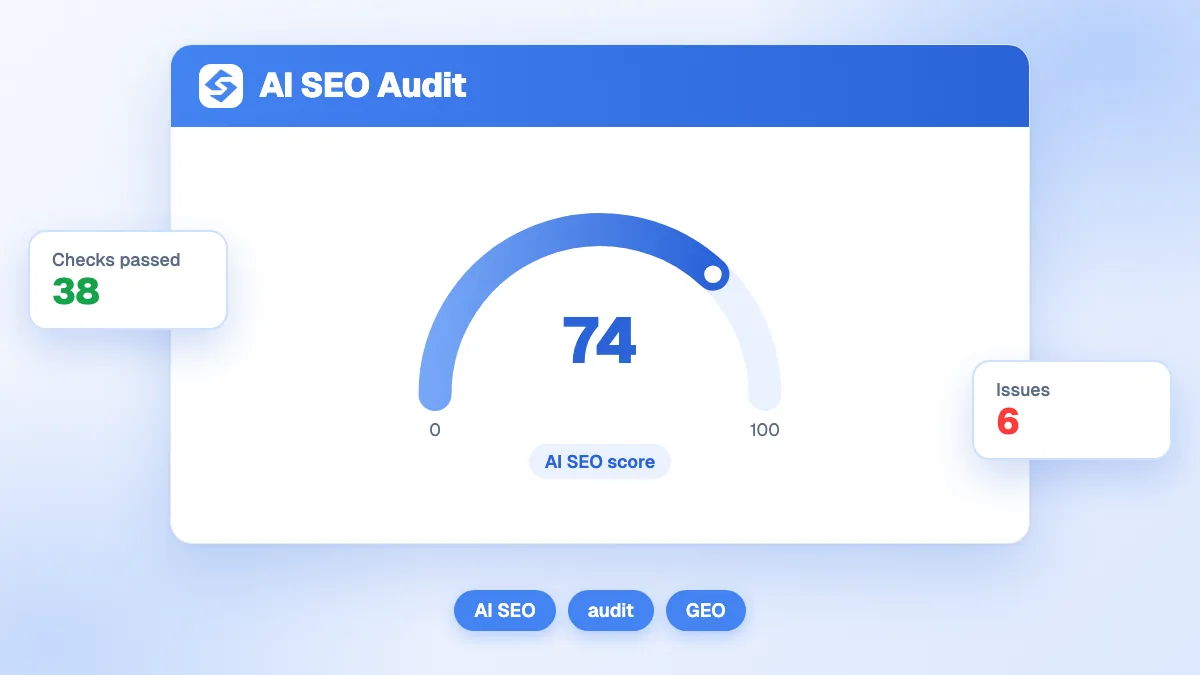
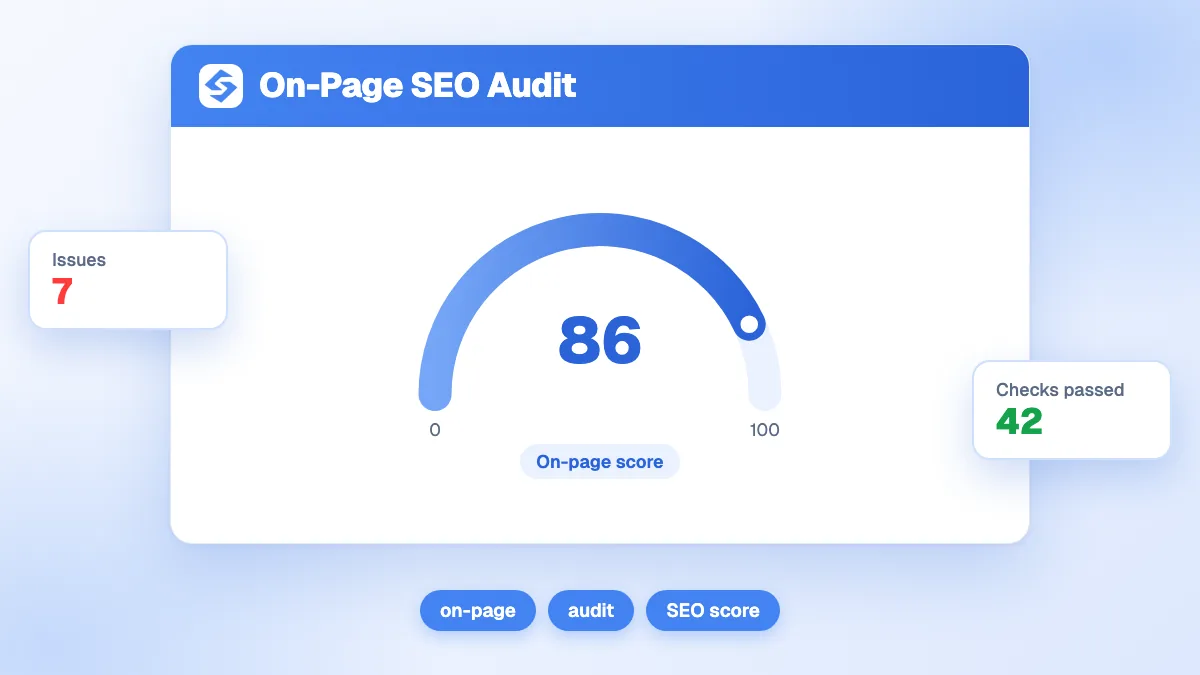
- Read the score ring first. It is the share of the 16 checks the page passes. Informational lines count in the total without passing, so compare scores between your own pages and over time instead of aiming for 100.
- Open the failed lines. Each one shows the value found and the recommendation. These are the fixes that matter most.
- Look at the heading block. The audit lists the H1 and H2 it found, so you can see the outline Google reads.
- Fix, then audit again. A second run confirms the change is live, which also catches caching or CMS settings that undo your edits.
Audit the URL that receives traffic, not only the home page. Product pages, service pages and the articles that bring leads deserve their own check.
Which on-page problems are the most common?
Missing meta descriptions and missing H1 headings are far more frequent than missing titles. The HTTP Archive measures millions of pages every year for its Web Almanac, and its 2024 SEO chapter gives a clear picture of the web as crawled (HTTP Archive, Web Almanac 2024, SEO chapter).
| Element | Desktop pages that have it (2024) | Mobile pages that have it (2024) |
|---|---|---|
| Title element | 98.0% | 98.2% |
| Meta description | 66.7% | 66.4% |
| Non-empty H1 | 70% | 70% |
| Non-empty H2 | 71% | 70% |
| Canonical tag | 69% | 65% |
| HTTPS | 89% | 88.9% |
In other words, about one page in three has no meta description and no visible H1. These gaps take minutes to close, which is why they sit at the top of most audit reports.
Which fixes should you make first?
Fix what stops Google from indexing or displaying the page, then what changes the click, then what improves comfort. The order below follows that logic.
| Priority | Problem | Why it matters | Typical effort |
|---|---|---|---|
| 1 | Status other than 200, noindex in robots | The page cannot rank at all | Minutes, in the CMS or server |
| 2 | Missing title or HTTPS | No proper title link, browser warnings | Minutes to an hour |
| 3 | Missing canonical or H1 | Duplicate versions, unclear topic | Minutes per page or template |
| 4 | Missing meta description | Google writes the snippet for you | A few minutes per page |
| 5 | Slow load, heavy page, many scripts | Visitors leave before reading | Hours, often with a developer |
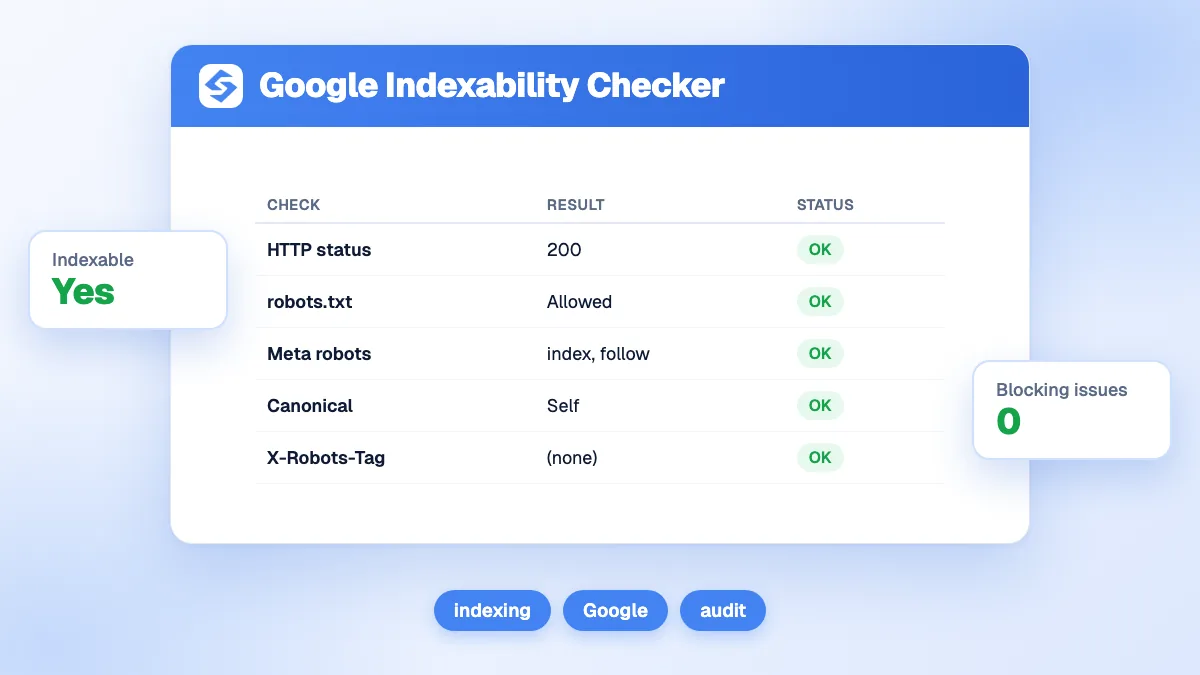
For the first two levels, the Google indexability checker confirms whether anything else blocks the page, such as robots.txt or a canonical pointing elsewhere. For the fourth, the meta description generator writes a first draft you can adjust.
What do Google's guidelines say about titles, descriptions and headings?
Google gives precise advice on each element the audit checks, and some of it contradicts popular myths.
- Titles: Google asks for a title on every page and recommends writing "descriptive and concise text", avoiding keyword stuffing and boilerplate titles repeated across pages (Google, influencing title links).
- Meta descriptions: snippets are created mainly from the page content, and Google uses the meta description when it describes the page better (Google, meta descriptions and snippets). Writing one keeps the pitch in your hands.
- Headings: the starter guide says heading order does not matter for Google Search, and there is no ideal number of headings. Headings still help readers and screen readers scan the page, which is why the audit flags a page with none.
- Length: the same guide states that content length alone does not matter for ranking. The audit does not judge word count; the word counter does that job when you need it.
To review the full outline of a page, run the heading analyzer. For the definitions, see the glossary entries on on-page SEO and the canonical tag.

How do load time and page weight fit in?
The audit flags a page that takes 3 seconds or more to load, weighs 3 MB or more, or calls 20 scripts or more. These are quick warning signs measured from one load. Google evaluates the experience with the Core Web Vitals, measured on real visitors.
| Core Web Vital | What it measures | Good threshold (Google) |
|---|---|---|
| Largest Contentful Paint (LCP) | Loading of the main content | Within 2.5 seconds |
| Interaction to Next Paint (INP) | Responsiveness to clicks and taps | Under 200 milliseconds |
| Cumulative Layout Shift (CLS) | Visual stability while loading | Under 0.1 |
The thresholds come from Google's documentation (Google Search Central, Core Web Vitals). If the audit shows a slow or heavy page, check the Core Web Vitals report in Search Console, compress your images with the image compressor and read our glossary entry on Core Web Vitals.
HTTPS deserves a word too. Google announced in 2014 that it uses HTTPS as a ranking signal, then described it as very lightweight, affecting fewer than 1% of global queries at the time (Google Search Central Blog, HTTPS as a ranking signal). The bigger cost of plain HTTP today is the "not secure" warning visitors see in their browser.
Does on-page SEO matter for AI Overviews and ChatGPT?
Yes, because AI answers start from pages that can be crawled and indexed. Google states that, to appear as a supporting link in AI Overviews or AI Mode, a page must be indexed and eligible to show in Search with a snippet, and that no special optimization is required beyond SEO best practices (Google, AI features and your website). A noindex directive, an error code or a missing title hurts you in both places.
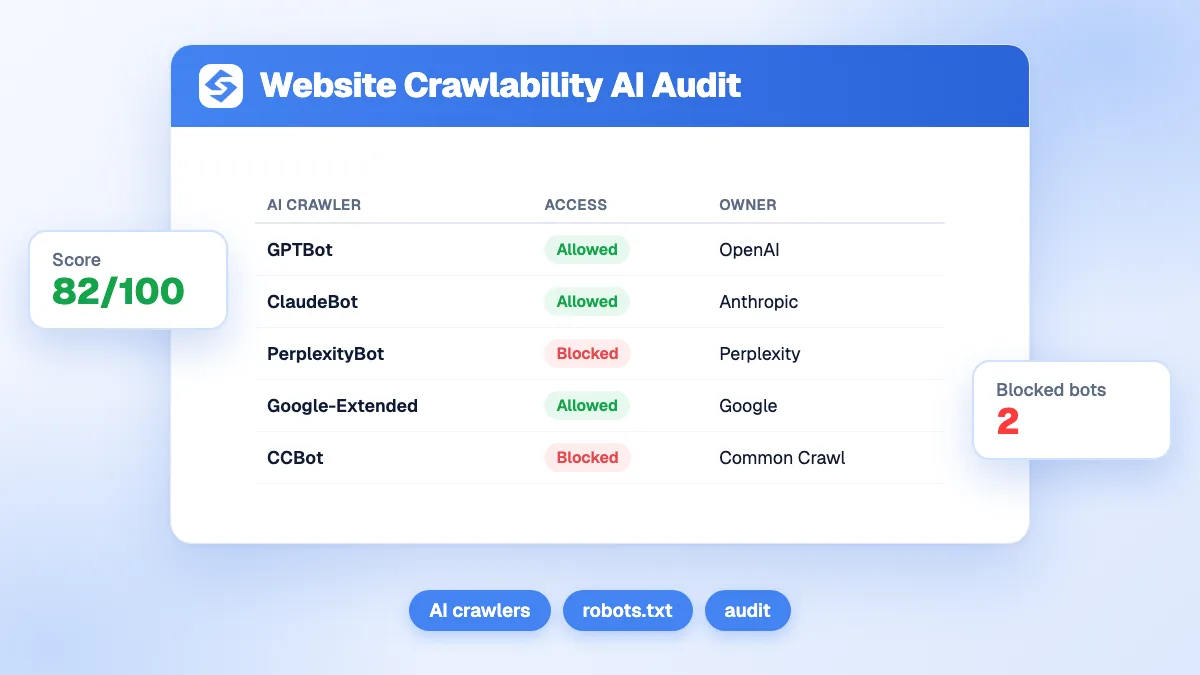
Assistants such as ChatGPT and Perplexity use their own crawlers. Check that your robots.txt lets them in with the AI crawlability audit, then see whether they actually cite you with the ChatGPT visibility checker.
Should you audit one page or the whole site?
Both, at different moments. A page audit is fast and precise; a site crawl finds patterns that repeat across templates.
| Question | Single-page audit (this tool) | Full site crawl |
|---|---|---|
| When to use it | Before and after publishing or editing a page | Quarterly, or after a redesign or migration |
| What it finds | Missing tags, slow load, wrong status on one URL | Duplicate titles, orphan pages, broken links across the site |
| Time needed | Seconds | Minutes to hours |
| Best for | Money pages and new articles | Template errors that affect hundreds of pages |
When the same problem shows on several pages, fix the template rather than each page. A missing H1 or canonical in a blog template, for example, affects every article published with it.
How do you run a free SEO website audit?
A free SEO website audit combines three free sources: this SEO checker for your key pages, Google Search Console for what Google actually indexes, and a desktop crawler for errors that repeat across the site. Together they cover most of what a paid audit reports, without a subscription.
| Step | Free tool | What it finds | Free limit (checked October 2026) |
|---|---|---|---|
| 1 | This on-page SEO checker | Title, description, headings, canonical, status code, speed and links on one URL | 3 audits per day after an email check |
| 2 | Google Search Console, Page indexing report | Which pages Google indexed and why the others are not (noindex, robots.txt, duplicates) | Free for verified sites; lists show a sample of up to 1,000 URLs, according to Search Console Help |
| 3 | Screaming Frog SEO Spider, free version | Duplicate or missing titles, broken links and redirects across the whole site | 500 URLs per crawl, according to the Screaming Frog website |
| 4 | PageSpeed Insights and the Core Web Vitals report | Loading, responsiveness and visual stability measured on real visitors | Free |
What a free SEO checker cannot tell you
An SEO checker or SEO analyzer verifies that the technical basics are in place. It cannot judge whether your content is the best answer to the query: that takes a content review, page by page, against the results that rank above you, which is what some tools sell as an SEO content checker. Run the technical audit first, since a page Google cannot index or display gains nothing from better text, then spend your writing time on the pages that already earn impressions.
Tip
When the Page indexing report lists many URLs as crawled but not indexed, run a sample of them through this audit first: weak pages often share the same missing title, H1 or canonical, which points to a template to fix.
What are the limits of this audit?
The audit tests the presence and basic health of each element. It does not judge whether your title matches the query, whether the content answers the reader better than competing pages, or how many sites link to you. It also measures one load from one location, so speed can vary from one run to the next.
- Relevance: compare your title and H1 with the words people search, using keyword research.
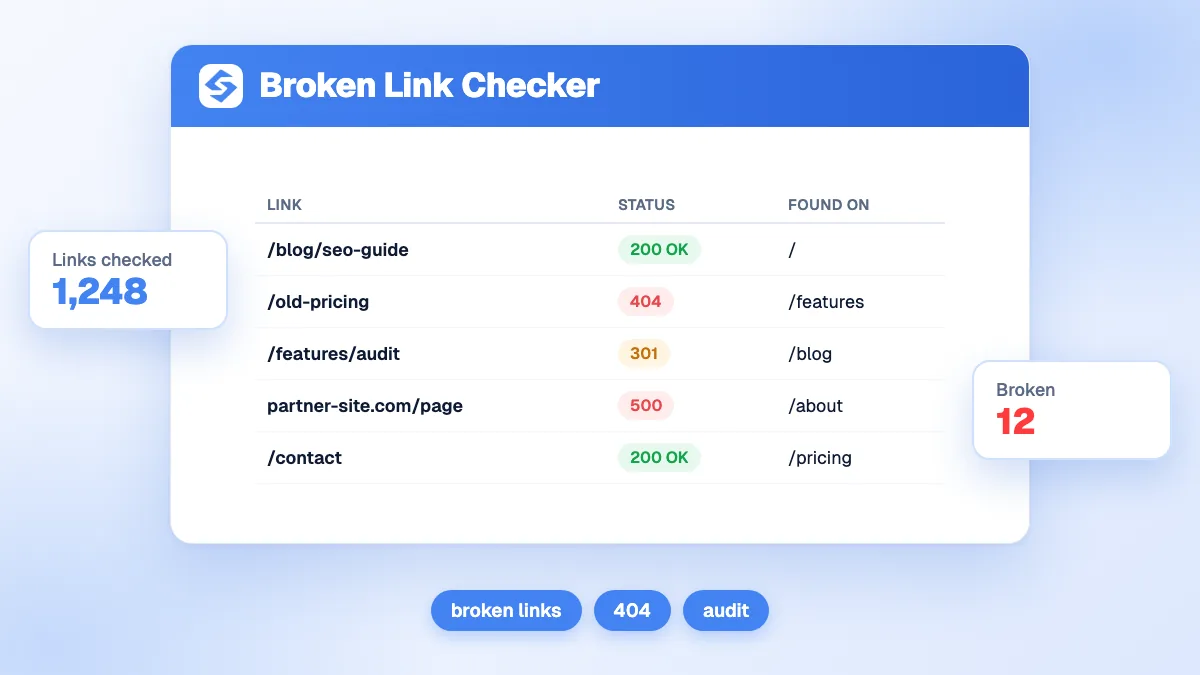
- Authority: look at your backlinks with the backlink checker.
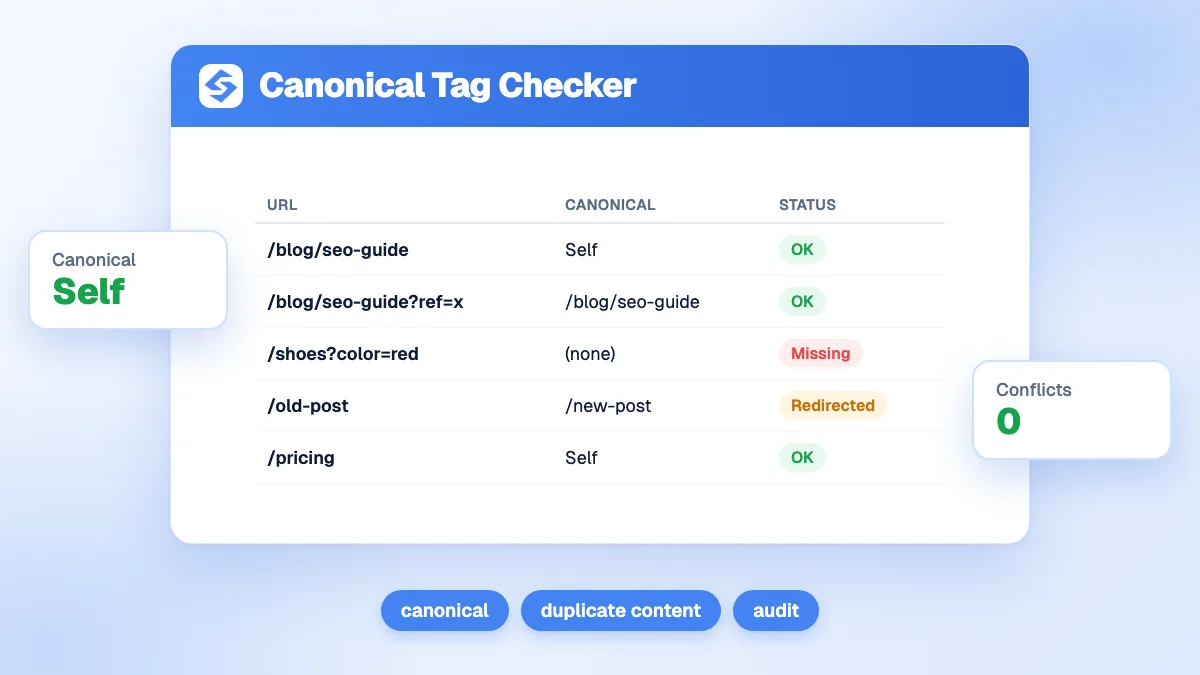
- Canonical details: the audit says whether a canonical exists; the canonical checker tells you whether it points to the right URL.
From audit to better rankings
An audit tells you what is broken; the ranking comes from fixing it and then publishing pages that answer real questions. Fix the failed lines first, run the audit again, and keep the habit on every new page. Ask the Sorank SEO chat what to fix first on your own site, follow the effect week by week in the GEO and SEO dashboard, and let the blog article generator publish well-structured articles for you. See the Sorank plans to run it all on autopilot.