Summary
The ranking gain simulator estimates what moving a page from one Google position to another is worth. It multiplies the monthly search volume by the average click-through rate of each position, then turns the extra clicks into revenue with your conversion rate and value per conversion. For a keyword searched 5,400 times a month, moving from position 12 to position 4 lifts clicks from about 70 to 421: 351 more visits and, at 2% and 140 per conversion, about 983 more revenue per month.
Want to go further? Ask


A ranking gain simulator puts a number on a question every SEO team asks: is it worth pushing this page higher? Clicks are not spread evenly across the results page. Research on search behavior using eye tracking concluded that clicks are "informative but biased": where a result sits on the page weighs on whether people click it (Joachims et al., SIGIR 2005). The simulator shows how steep that curve is for your own keyword, so you can choose where to spend your effort.

How does the ranking gain simulator work?
Enter five values: the monthly search volume, the current position, the target position, the conversion rate and the value of a conversion. The simulator returns six results; the default example uses 5,400 searches, position 12 to 4, 2% and 140.
| Result | Formula | Default example |
|---|---|---|
| Clicks today | Volume × CTR of the current position | 5,400 × 1.3% = 70 |
| Clicks at target | Volume × CTR of the target position | 5,400 × 7.8% = 421 |
| Clicks gained | Clicks at target − clicks today | 351 |
| Traffic multiple | Clicks at target ÷ clicks today | 6.0 |
| Monthly revenue gained | Clicks gained × conversion rate × value | 351 × 2% × 140 = 983 |
| Annual revenue gained | Monthly revenue gained × 12 | 11,794 |
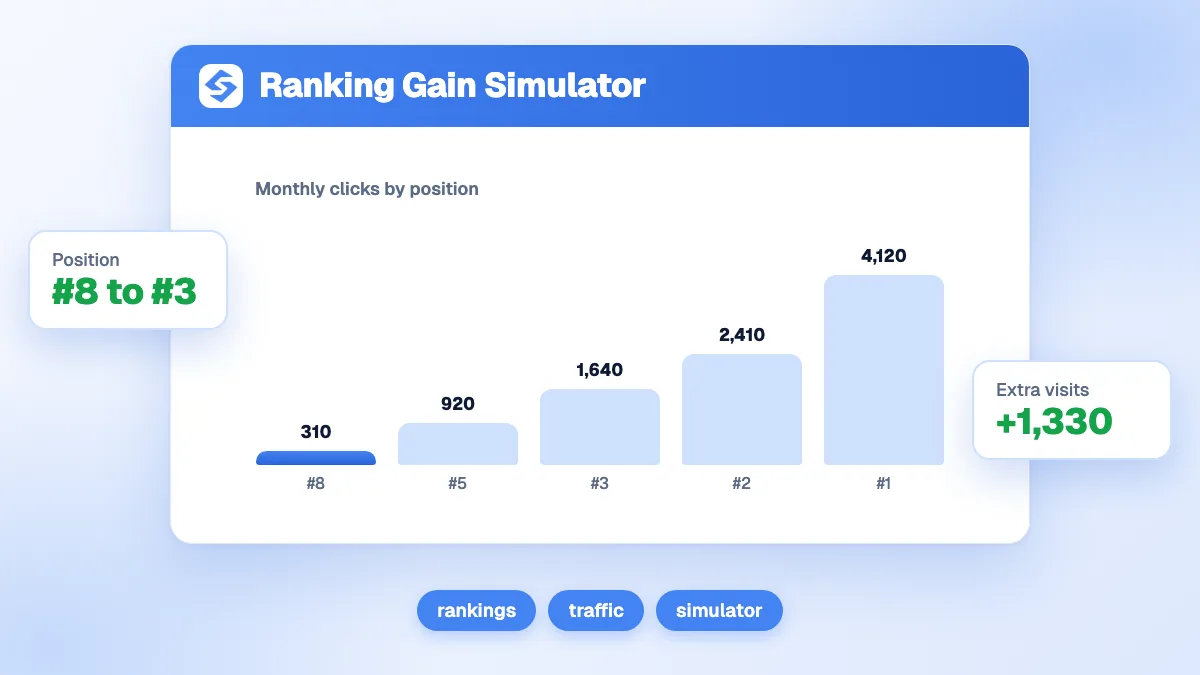
The chart under the results draws the clicks at every position for your volume, with markers on today's position and the target. The shaded gap between the two is the gain.
Which click-through rate does each position get?
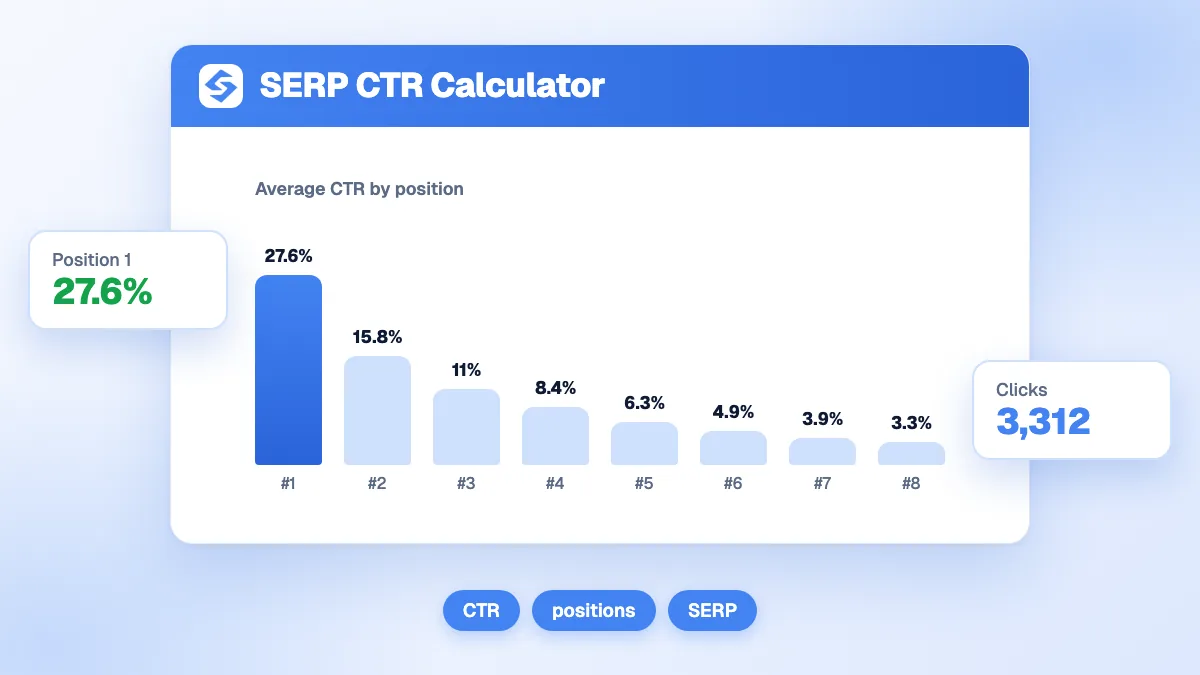
The simulator uses one average curve for every keyword. Here it is, with the clicks it gives for 5,400 monthly searches.
| Position | Average CTR | Clicks for 5,400 searches | Position | Average CTR | Clicks for 5,400 searches |
|---|---|---|---|---|---|
| 1 | 27.6% | 1,490 | 11 | 1.5% | 81 |
| 2 | 15.3% | 826 | 12 | 1.3% | 70 |
| 3 | 10.2% | 551 | 13 | 1.1% | 59 |
| 4 | 7.8% | 421 | 14 | 1.0% | 54 |
| 5 | 5.9% | 319 | 15 | 0.9% | 49 |
| 6 | 4.6% | 248 | 16 | 0.8% | 43 |
| 7 | 3.6% | 194 | 17 | 0.7% | 38 |
| 8 | 2.7% | 146 | 18 | 0.6% | 32 |
| 9 | 2.2% | 119 | 19 | 0.55% | 30 |
| 10 | 1.8% | 97 | 20 | 0.5% | 27 |
Beyond position 20, the simulator counts 0.3%. Your own curve will differ: brand queries get more clicks at the top, queries with ads, maps or an AI summary get fewer. Replace the averages with your data when you can (see below).
Which ranking moves are worth the most?
Moves into the top three, by far. The table compares six moves for the same 5,400-search keyword, with 2% conversion and 140 per conversion.
| Move | Clicks before | Clicks after | Clicks gained | Multiple | Revenue gained per month |
|---|---|---|---|---|---|
| 3 to 1 | 551 | 1,490 | 940 | 2.7 | 2,631 |
| 5 to 2 | 319 | 826 | 508 | 2.6 | 1,421 |
| 8 to 3 | 146 | 551 | 405 | 3.8 | 1,134 |
| 12 to 4 | 70 | 421 | 351 | 6.0 | 983 |
| 25 to 12 | 16 | 70 | 54 | 4.3 | 151 |
| 15 to 10 | 49 | 97 | 49 | 2.0 | 136 |
Two lessons. A big multiple on a small base is still a small gain: doubling from 49 to 97 clicks adds little. And the step from 3 to 1 is worth more than the whole climb from 25 to 4. When a page cannot reasonably reach the top five, the effort is often better spent on another keyword.

How do you find your current position and volume?
- Current position: in Google Search Console, open the Performance report, filter on the query and read the average position. Google defines it as the topmost position of your link, averaged across the queries where you appeared (Search Console Help, impressions, position and clicks).
- Search volume: Google Ads Keyword Planner gives average monthly searches for free. Search Console impressions are a good proxy when you already rank on page one, because almost every search then shows your page.
- Your own CTR: the same report shows clicks ÷ impressions for each query. If your real CTR at position 4 is 5% instead of 7.8%, scale the simulator's result down in proportion.
- Conversion rate and value: from your analytics and CRM, for organic visitors.
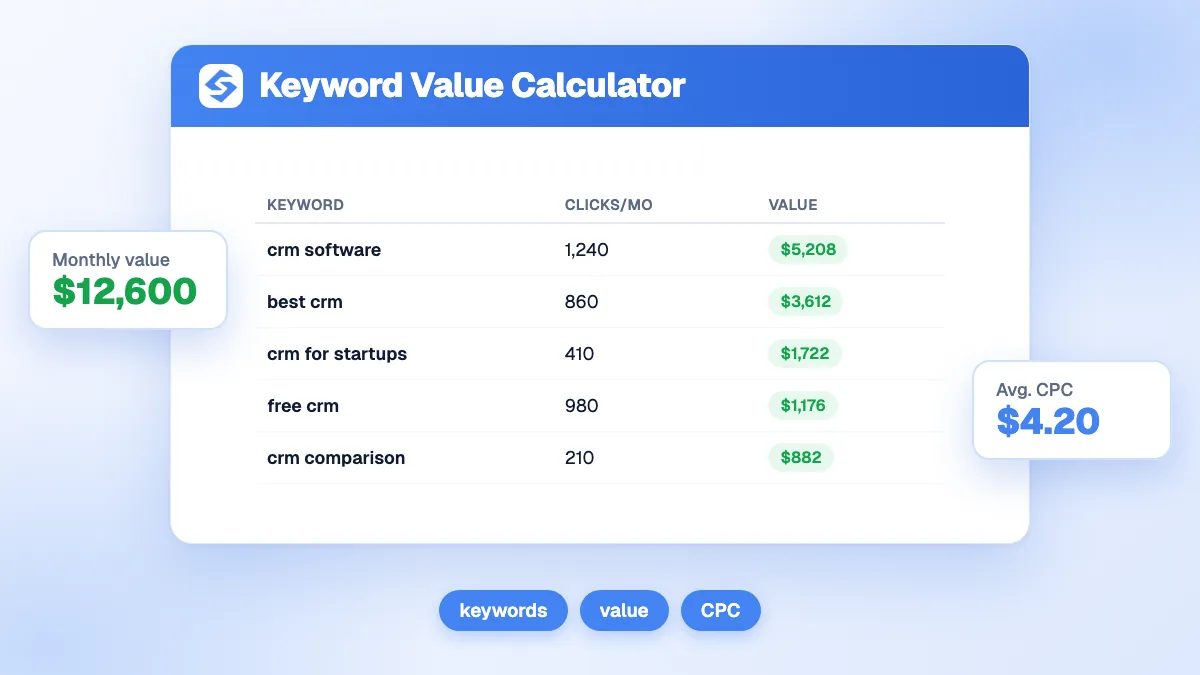
For a quick reading of the value of a keyword's clicks in ad money, the keyword value calculator uses the CPC instead of your conversion data.
Why can real clicks be lower than the simulation?
Because the results page is no longer ten blue links. Ads, maps, videos and AI summaries take attention before the first organic result. Pew Research Center found that Google users who saw an AI summary clicked a traditional result in 8% of visits, against 15% for those who did not (Pew Research Center, 2025).
- Check the results page of your keyword before trusting the curve: count what sits above position 1.
- Expect lower CTRs on informational questions, where AI summaries appear most often.
- Expect higher CTRs on brand and transactional queries, where people look for a specific site.
The glossary entries on click-through rate and zero-click search explain both effects. For a CTR curve that you can adjust yourself, try the SERP CTR calculator.
How do you use the simulator to set SEO priorities?
- Export your queries from Search Console with their position and impressions.
- Keep the pages between positions 4 and 15: they are close enough to move and far enough to gain.
- Simulate a realistic target for each one, usually three to five places higher, not position 1 for everything.
- Sort by revenue gained and work down the list: update the content, add internal links, earn a few relevant backlinks.
Run it on your whole list rather than one term. The sum of small gains across fifty keywords often beats one hard-won first place.
What does a keyword portfolio look like in the simulator?
Simulate each keyword, then add up the gains. Here is a realistic portfolio for a CRM vendor, with modest targets, 2% conversion and 140 per conversion.
| Keyword | Volume | Today | Target | Clicks gained | Revenue gained per month |
|---|---|---|---|---|---|
| crm for small business | 2,900 | 9 | 4 | 162 | 455 |
| best crm for startups | 1,600 | 6 | 3 | 90 | 251 |
| free crm software | 6,600 | 18 | 11 | 59 | 166 |
| crm pricing comparison | 880 | 14 | 7 | 23 | 64 |
| Total | 334 | 936 |
The biggest keyword is not the biggest win: "free crm software" has the largest volume but stays outside the top ten, so it adds less than a smaller keyword that reaches position 4.
What are the limits of the simulator?
- One curve for every query: brand, local and shopping queries behave differently from the average.
- One keyword per page: a page that climbs usually gains on dozens of related queries too, so the real gain is often higher.
- No timing: the simulator says what a position is worth, not how long it takes to reach it.
- Positions are averages: Search Console reports an average across queries and days, so a page shown at 4.6 moves between several positions.
From simulation to rankings
The top three positions hold most of the clicks: simulate first, then invest where the gain is largest. The Sorank competitor spy shows which keywords your rivals rank for and you do not, the keyword research picks the ones within reach, and the GEO and SEO dashboard tracks your positions week by week. See the Sorank plans to climb on autopilot.