

Summary: Content shared on social media with properly configured Open Graph tags receives up to 2.5× more engagement than posts without them, according to a 2024 Social Media Examiner report.
When you share a link on Facebook, LinkedIn, Twitter, or WhatsApp, the platform reads your page's Open Graph (OG) meta tags to generate a rich preview, a card with a title, description, and image. If those tags are missing or misconfigured, the preview can look broken, display the wrong image, or show a generic description that fails to attract clicks.
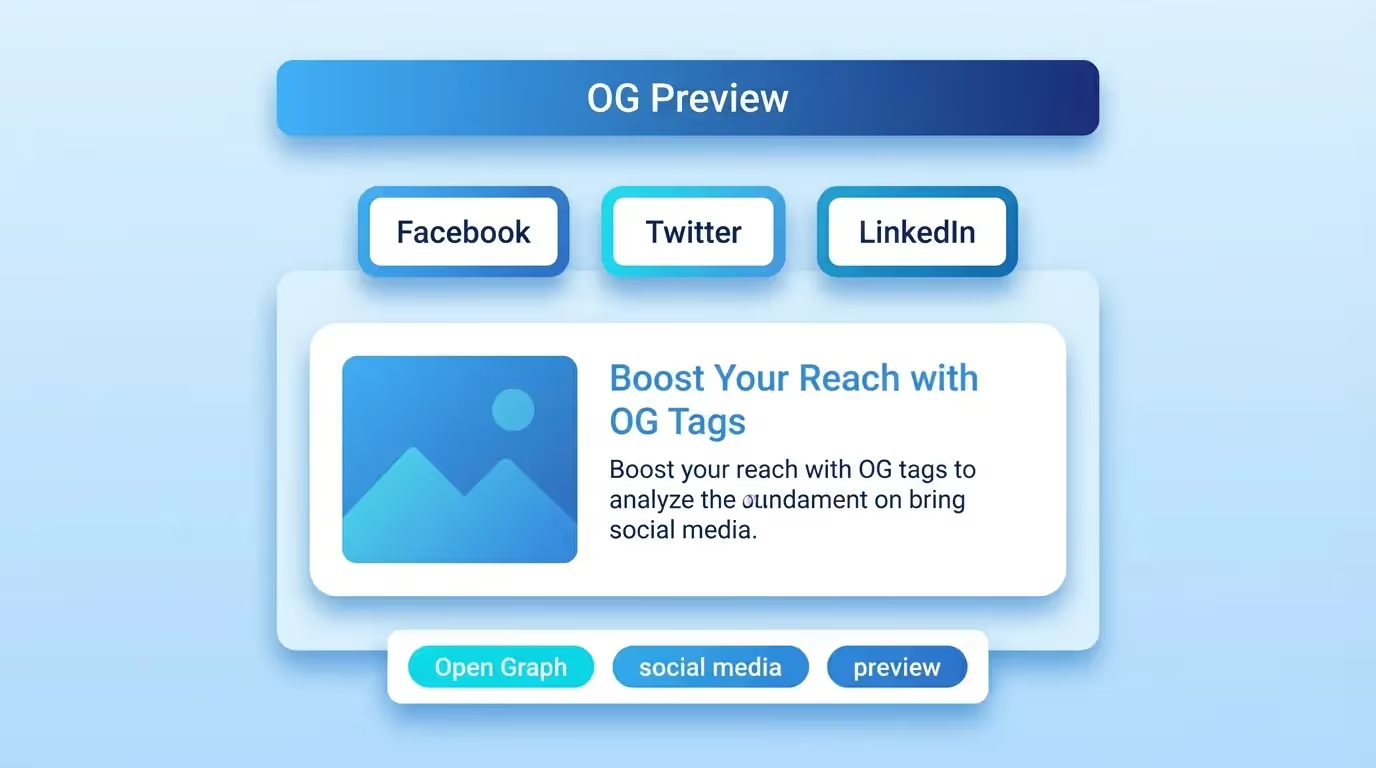
Our free OG Preview tool on sorank.com lets you visualize exactly how your page will appear when shared on every major social platform, before you hit publish. Catch errors, optimize your visuals, and maximize engagement in real time.
What Are Open Graph Tags?
Open Graph is a protocol originally created by Facebook in 2010 that allows web pages to become rich objects in a social graph. By placing specific <meta> tags in your page's <head> section, you control how platforms display your content when it's shared.
The core Open Graph tags include:
og:title, The headline displayed in the share card. Keep it under 60 characters for best results.
og:description, A supporting description that appears below the title. Aim for 150-200 characters.
og:image, The preview image. This is the most visually impactful element. Recommended size: 1200×630 pixels.
og:url, The canonical URL of the page being shared.
og:type, Defines the content type (website, article, product, video, etc.).
og:site_name, Your website or brand name.
Twitter uses its own variation called Twitter Cards, with tags like twitter:card, twitter:title, twitter:description, and twitter:image. However, Twitter will fall back to Open Graph tags if its own tags are not present.
Why OG Preview Matters for Your SEO Strategy
You might wonder: how does social sharing relate to SEO? While social signals are not a direct Google ranking factor, the indirect benefits are significant:
More traffic from social platforms: An attractive, well-formatted share card dramatically increases click-through rates from social media. More visitors from social channels means more potential backlinks, brand mentions, and engagement signals.
Reduced bounce rate: When users see an accurate preview before clicking, they know what to expect. This alignment between preview and content reduces bounce rates and improves dwell time, both positive user experience signals.
Brand consistency: Consistent, professional-looking share cards across all platforms reinforce your brand identity and build trust with your audience.
Link sharing amplification: People are more likely to share content that has an appealing preview. Each share creates another opportunity for organic discovery and potential backlinks.
How to Use the Sorank OG Preview Tool
Our OG Preview tool helps you debug and optimize your social share cards:
Step 1: Enter the URL of the page you want to preview. The tool fetches the page and reads all Open Graph and Twitter Card meta tags.
Step 2: View the generated previews for Facebook, Twitter/X, LinkedIn, and WhatsApp. Each platform renders share cards slightly differently, so our tool shows you the exact appearance on each one.
Step 3: Identify issues. The tool highlights common problems like missing tags, images that are too small, truncated titles, or descriptions that exceed recommended character limits.
Step 4: Fix and re-test. After correcting your meta tags, re-enter the URL to verify that all previews now look perfect.
Common OG Tag Mistakes and How to Fix Them
Even experienced developers make Open Graph mistakes. Here are the most frequent issues we see:
Missing og:image tag: This is the number one mistake. Without an image, platforms either show a blank card or pull a random image from your page. Always specify a high-quality image sized at 1200×630 pixels.
Image too small or wrong aspect ratio: Facebook requires images to be at least 200×200 pixels, but recommends 1200×630 for the large card format. Images that are too small or not in a 1.91:1 ratio will be cropped awkwardly or displayed as a small thumbnail instead of a large card.
Using relative URLs instead of absolute URLs: All OG tag values must use absolute URLs (starting with https://). Relative paths like /images/og.jpg will not work on social platforms.
Duplicate or conflicting tags: Having multiple og:title or og:image tags on the same page confuses crawlers. Ensure each OG tag appears exactly once.
Not clearing the cache: Facebook and other platforms cache your OG data aggressively. After updating your tags, you need to use Facebook's Sharing Debugger to force a re-scrape and clear the cached version.
Missing Twitter-specific tags: While Twitter falls back to OG tags, specifying twitter:card (with value summary_large_image) ensures your content gets the large image format instead of the small summary card.
Platform-Specific OG Requirements
Each social platform has its own requirements and quirks:
Facebook: Minimum image size 200×200px, recommended 1200×630px. Supports og:type values like article, product, and video. Caches aggressively, use the Sharing Debugger to refresh. Maximum title length: 60 characters. Maximum description length: 200 characters.
Twitter/X: Requires twitter:card meta tag. Supports summary (small image) and summary_large_image (large image) card types. Image minimum: 144×144px for summary, 300×157px for large image. Falls back to OG tags when Twitter tags are absent.
LinkedIn: Uses OG tags directly. Recommended image size: 1200×627px. Supports article and website types. Has its own Post Inspector tool for debugging.
WhatsApp: Reads OG tags for link previews. Requires og:image to be served over HTTPS. Caches previews on the device, clearing requires the user to clear app cache.
Best Practices for OG Image Design
Your OG image is the most important element of your social share card. Follow these design guidelines:
• Use 1200×630 pixels (1.91:1 aspect ratio) for universal compatibility.
• Keep important text and visual elements within the center 80% of the image to account for platform-specific cropping.
• Include your brand logo or colors for instant recognition.
• Use bold, readable text with high contrast, many users browse social media on mobile devices.
• Keep the file size under 5 MB (ideally under 1 MB) for fast loading.
• Use JPEG for photographs and PNG for graphics with text overlays.
• Create unique OG images for your most important pages rather than using a generic site-wide image.
• Test your image on a dark background, as platforms like Twitter/X support dark mode.
Integrating OG Tags with Your CMS
Most modern CMS platforms and frameworks support Open Graph tags natively or through plugins:
WordPress: Plugins like Yoast SEO or Rank Math automatically generate OG tags based on your content. You can also customize the social image and title per page.
Webflow: Open Graph settings are available in the page settings panel under the Open Graph tab. You can set the title, description, and image for each page.
Next.js / React: Use the <Head> component or metadata API to add OG tags programmatically. Libraries like next-seo simplify this process.
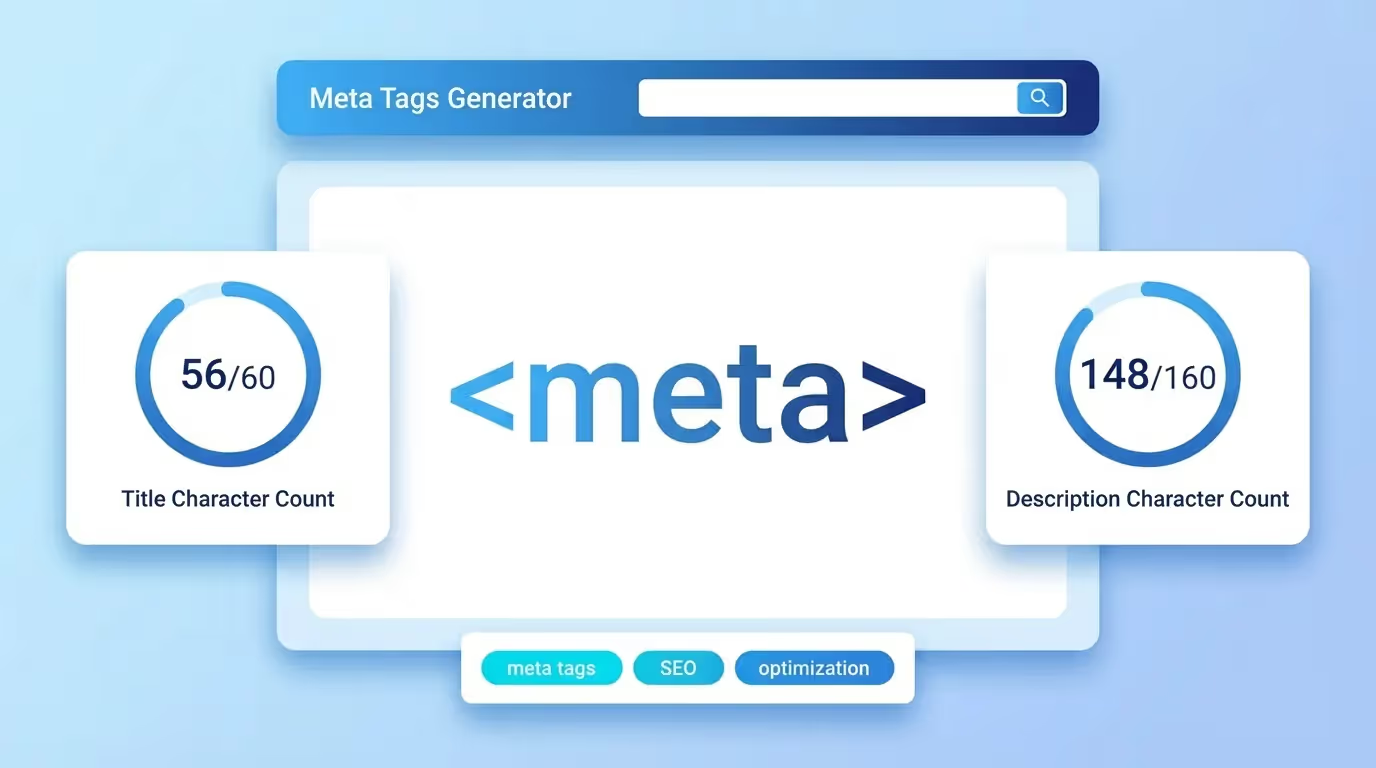
Static HTML: Add OG meta tags directly in the <head> section of each page. Use our Meta Tags Generator tool on sorank.com to create the code automatically.
Regardless of your platform, always use our OG Preview tool to verify that your tags render correctly across all social platforms before publishing.