Summary
The free keyword suggestions tool turns one seed keyword into up to 50 related searches that people really type, sorted by monthly search volume. Each suggestion comes with its keyword difficulty (0 to 100), its cost per click and its level of advertiser competition, for the country you choose. Keep the suggestions that match your topic and your authority, group them by intent, and give each group its own page.
Want to go further? Ask


A keyword suggestions tool answers the first question of any SEO project: which words do people use to look for what you offer? Google's own SEO starter guide asks site owners to "think about the words that a user might search for" and notes that experts and beginners rarely use the same ones (Google Search Central, SEO starter guide). Guessing those words from inside your company is the most common way to write pages nobody finds.

How does the keyword suggestions tool work?
Type a seed keyword, choose a country and run the search. The tool queries a database of Google searches and returns the longer queries that contain your seed, with zero-volume terms filtered out.
- Enter a short seed of one to three words, such as "running shoes" or "accounting software". A seed that is too long returns few suggestions.
- Pick the market among 18 countries, from the United States and the United Kingdom to France, Germany, Japan or Brazil. Volumes and CPC change from one country to another.
- Read the summary cards: number of suggestions, total volume, average CPC and average competition.
- Explore the charts and the table: the volume of the top suggestions, the split between low, medium and high competition, then every keyword in a table you can sort by volume, difficulty, CPC or competition.
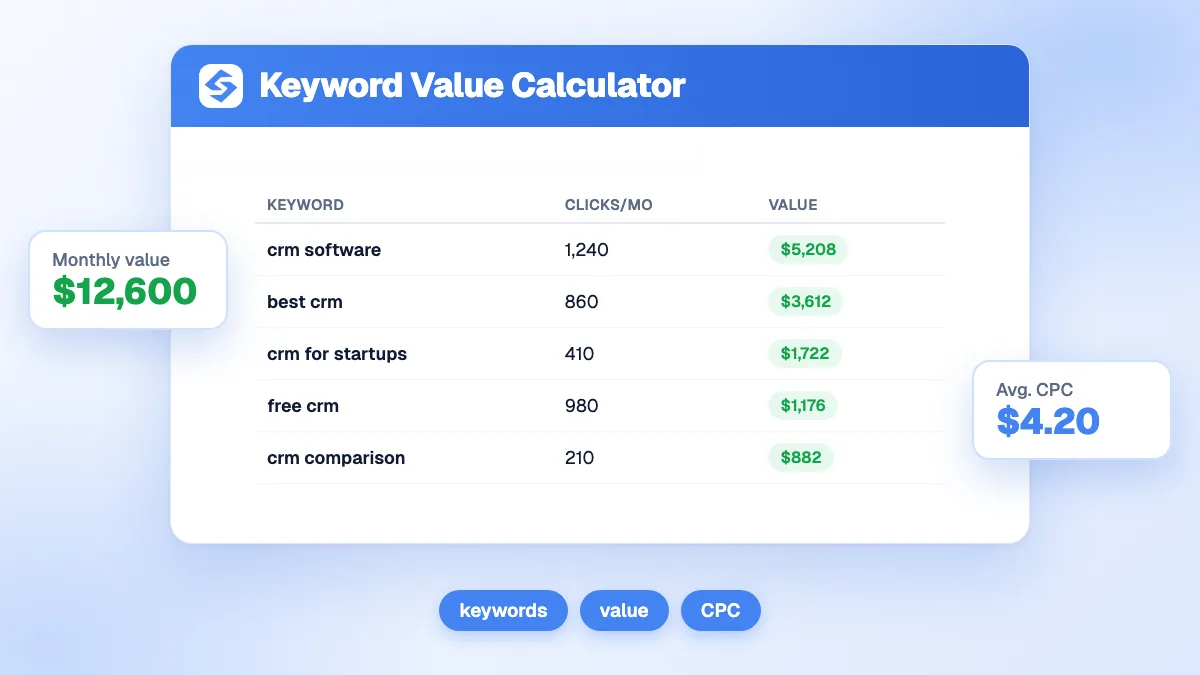
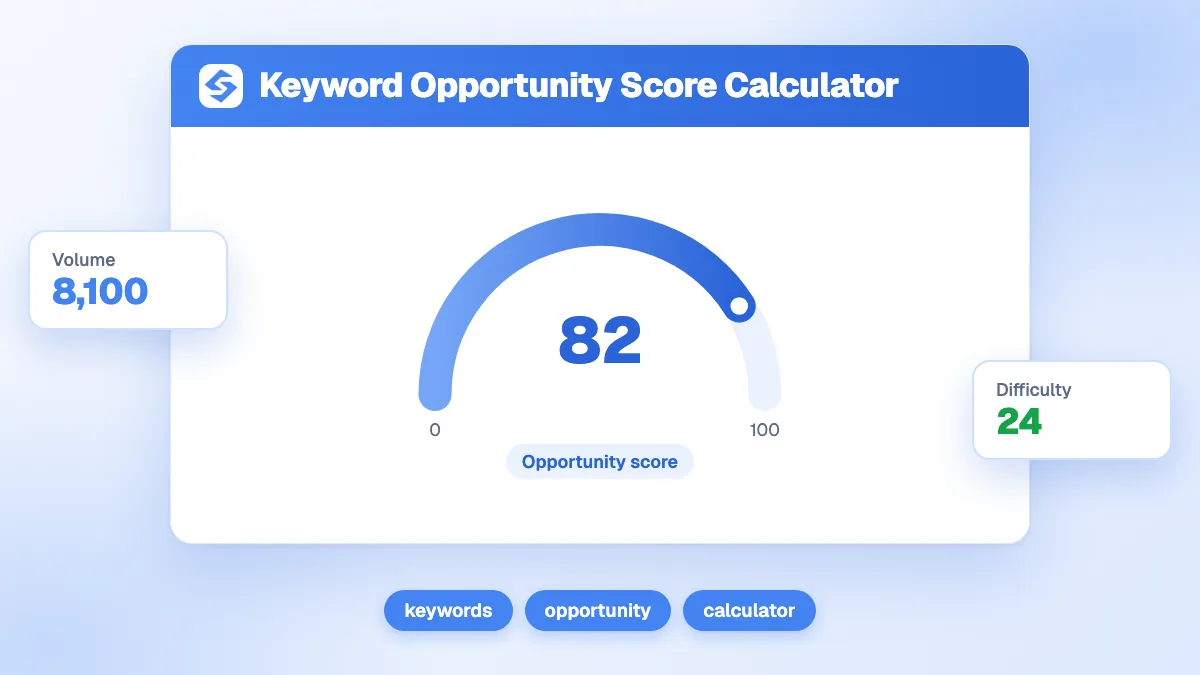
The tool is free, with three searches per day after a quick email check. For a deeper study of one keyword, combine it with the keyword opportunity score calculator and the keyword value calculator.
What does each keyword metric mean?
Four numbers describe every suggestion. None of them is enough on its own: volume tells you about demand, difficulty about the effort, CPC and competition about the commercial value.
| Metric | What it measures | How to use it |
|---|---|---|
| Search volume | Average number of monthly searches for the exact query in the chosen country | Sizes the demand. Compare keywords within the same topic, not across topics. |
| Keyword difficulty | Score from 0 to 100 based on the strength of the pages that already rank | Below 30, a young site can compete. Above 60, plan links and a strong page. |
| CPC | Average cost per click paid by advertisers on Google Ads, in US dollars | A high CPC signals buying intent: these searches are worth money. |
| Competition | Share of advertisers bidding on the keyword: low (under 0.4), medium (0.4 to 0.7) or high (0.7 and above) | High competition with a high CPC marks a commercial query, often worth a dedicated page. |
The competition column follows the definition used by Google Ads: the number of advertisers that showed on a keyword relative to all keywords across Google, shown as low, medium or high, and based on a monthly volume averaged over 12 months (Google Ads Help, Keyword Planner forecasts). For the definitions, see our glossary entries on search volume and keyword difficulty.
Which keyword suggestions should you target first?
Start with the keywords you can realistically rank for, not the biggest ones. Cross volume and difficulty to sort the list into four groups.
| Volume | Difficulty | What to do |
|---|---|---|
| High | Low | Priority. Write a complete page now. |
| Low | Low | Quick wins. Group several in one article or answer them in an FAQ. |
| High | High | Long-term target. Build supporting articles and links first. |
| Low | High | Skip, unless the CPC shows a very valuable buyer. |
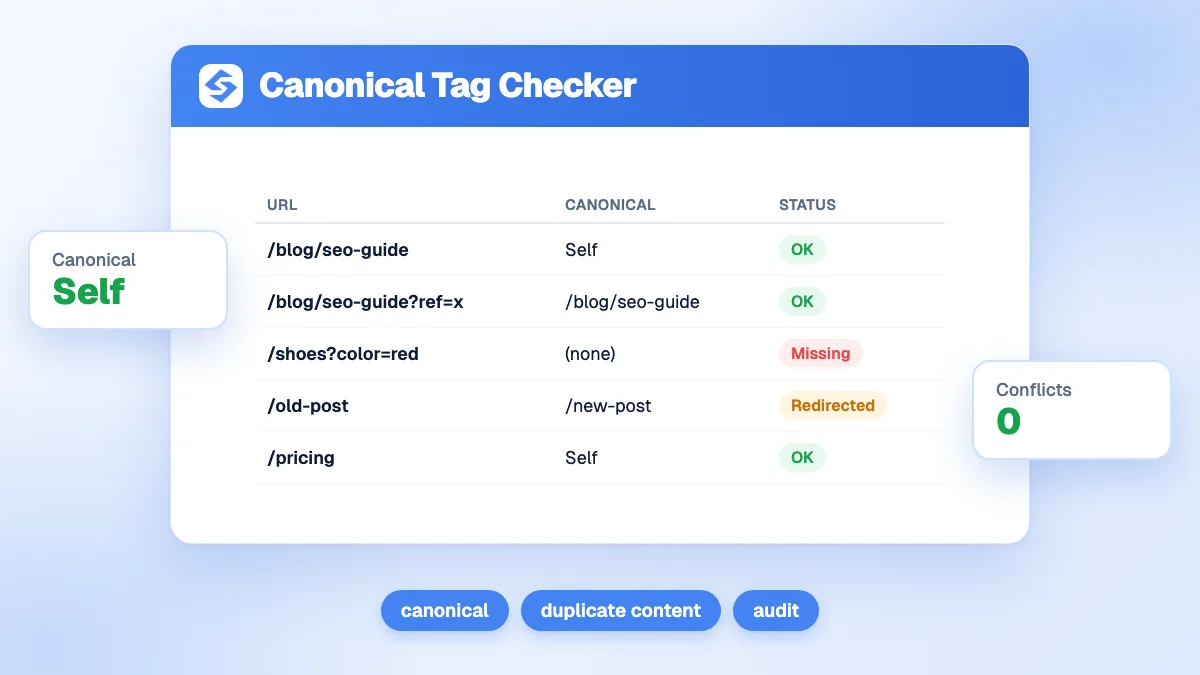
"High" and "low" are relative to your market and your site. A new blog should treat difficulty above 40 as high; a site with years of links can aim higher. Two suggestions that mean the same thing ("cheap running shoes" and "affordable running shoes") belong on the same page: writing two pages would create keyword cannibalization.
Keyword volume checker: how to check the volume of a list you already have
A keyword volume checker takes the keywords you already have and returns the monthly search volume of each one, for the country and language you choose. Use it after the suggestions tool. The suggestions give you ideas, and the checker tells you whether people search for those ideas often enough to justify a page.
Google Ads Keyword Planner does this for free with a Google Ads account, and you do not have to launch a campaign to use it. Paste your list into the option called Get search volume and forecasts, then set the location and the language before you run it. Some accounts with little ad spend see volume ranges instead of exact figures, so read a range as an order of magnitude rather than a precise count.
Check your list in four steps
- Clean the list first. Remove duplicates and terms that mean the same thing for your purpose. Keep one version of “running shoe” and “running shoes” if both point to the same page.
- Set the market. A query can mean something different in another country, so a volume figure only describes the market you picked.
- Read the average, then the trend. The figure is an average over the last 12 months. Seasonal queries can sit far above or below that average in a given month, so check whether a query peaks at one time of year.
- Compare inside one topic. A modest volume can be strong for a narrow topic and weak for a broad one. Compare each keyword with the others in its group, not with keywords from other topics.
Common mistakes
- Reading the volume of a broad head term as the volume of your exact query.
- Mixing figures from different countries or languages in one table.
- Making a decision from one month of data, which misses seasonal demand.
Tip
Keep a simple sheet with the keyword, the country, the date and the volume. Check the list again after six months. A change over time tells you more than one snapshot.
Microsoft Advertising has a similar planner, described in the Bing section further down this page. For more on reading these numbers, see our guides on how to analyze keyword search volume and Google Keyword Planner.
How do you match a suggestion to search intent?
Read each suggestion as a need, then choose the page type that answers it. Google's Search Quality Rater Guidelines sort queries into four intents: Know, Do, Website and Visit-in-person (Google Search Quality Rater Guidelines). The words around your seed usually reveal which one you face.
| Intent | Typical words in the suggestion | Page that fits |
|---|---|---|
| Know (information) | what is, how, why, ideas, examples | Guide, blog article, glossary entry |
| Do (action, purchase) | buy, price, best, vs, review, template, download | Product page, comparison, tool, pricing page |
| Website | a brand name, login, app | Home page or the exact page searched |
| Visit-in-person | near me, a city name, open now | Local page and Google Business Profile |
When you hesitate, search the keyword and look at the first results: Google already shows the page type it considers right. More on this in our search intent glossary entry.
Why do long-tail suggestions matter so much?
Because demand is spread over a huge number of precise queries. Google says that 15% of the searches it sees every day are new, never typed before (Google, quality improvements for Search). A list of suggestions shows the precise versions of your topic that people actually use: "running shoes for flat feet", "running shoes for beginners", "best running shoes for marathon".
- They convert better, because a precise query reflects a precise need.
- They are easier to rank for, since fewer pages target them directly.
- They add up: twenty long-tail keywords at 200 searches each bring as much demand as one head keyword at 4,000, with much less competition.
Our glossary explains the concept of the long-tail keyword in more detail.

eBay keyword tool: what buyers type on eBay and how to read it
An eBay keyword tool helps you find the words buyers use on eBay before they buy. If you sell on eBay, those words belong in your listing titles. If you sell elsewhere, the same words show the product terms of a buyer who is ready to purchase, and you can reuse them on your product pages.
Start with the search box
Type your seed, such as “running shoes”, into the eBay search box and read the drop-down. The suggestions complete your seed with searches that buyers have made, so they show the order and wording people actually use. Add a word after the seed, such as a size, a color or a brand, to see other completions.
Check what sold
Run the search, then open the filters and choose the option for sold items. You see listings that closed, not only listings that were posted. Read their titles: they show the words sellers used and the words buyers responded to. Compare a few sold titles with the drop-down suggestions, and keep the words that appear in both.
| eBay signal | What it tells you | Use it for |
|---|---|---|
| Drop-down completions | The wording buyers type after your seed | Choosing the product terms for a title |
| Sold items | Listings that closed, with their titles | Checking which words go with a sale |
| Attribute words | Size, color or material added to the seed | Filling the item details |
Turn the words into listing titles
- Group the words by product type, brand and attribute (size, color, material).
- Lead with the product term that buyers type most, then add the attributes that separate your item from others.
- Keep the title readable. Titles stuffed with unrelated terms are harder for buyers to read, so only add a word when it describes the item.
eBay changes its search menus from time to time, so check the current options before you follow these steps. The same product words can also bring visitors from Google, as explained in our eBay SEO guide. For other marketplaces, our marketplace SEO guide covers the ranking rules that apply to listings and seller pages.
Local keyword research tool: how to find searches that bring nearby customers
A local keyword research tool looks at searches tied to a place, such as a city, a neighborhood or a “near me” query. The free suggestions tool on this page works by country, so it cannot tell you which city a query comes from. For local work, add the place to your seed yourself, then check the results against the searches people use to find your business.
Build seeds for each place
Combine your service with each place you serve: the city, the neighborhoods and the nearby towns. Run each one as its own seed, then add the Visit-in-person words from the intent table above, such as “near me”, “open now” and “nearby”. Each seed returns its own list, so you can see which places people name in their searches.
Use the searches that already find you
Google Business Profile shows the search terms that people used to find your business in its performance report. Google describes the metric as “the search terms people used to find your business”, updated at the start of each month, and it can take up to five days to appear (Google Business Profile Help, Understand your Business Profile performance and insights). You cannot manage these queries directly, so treat them as evidence of real demand rather than a list you can edit.
| Source | What it shows | Limit |
|---|---|---|
| Suggestions tool | Searches that contain your seed, for one country | No city split, so add the place to the seed |
| Google Business Profile searches | Terms that led people to your listing | Monthly update, and only for your own profile |
| Keyword Planner with a location | Volume for a city or region you choose | Small volumes are common, so judge them by distance |
Local volumes are often small. A query with a modest volume can still be worth a page if the buyer can reach you, so judge it by distance and buying intent as well as by volume.
Tip
Write a separate page for a place only when you have local detail to add, such as your service area, opening hours or local examples. Two city pages with the same text compete with each other.
For the method step by step, read our guide to local keyword research, and our note on hyperlocal SEO for searches like “near me”.
How do you turn a list of suggestions into a content plan?
Group the suggestions, assign one group per page, then order the pages by priority. A list of 50 keywords usually becomes 8 to 15 pages, not 50.
- Export or copy the list and remove off-topic terms, such as a brand you do not sell.
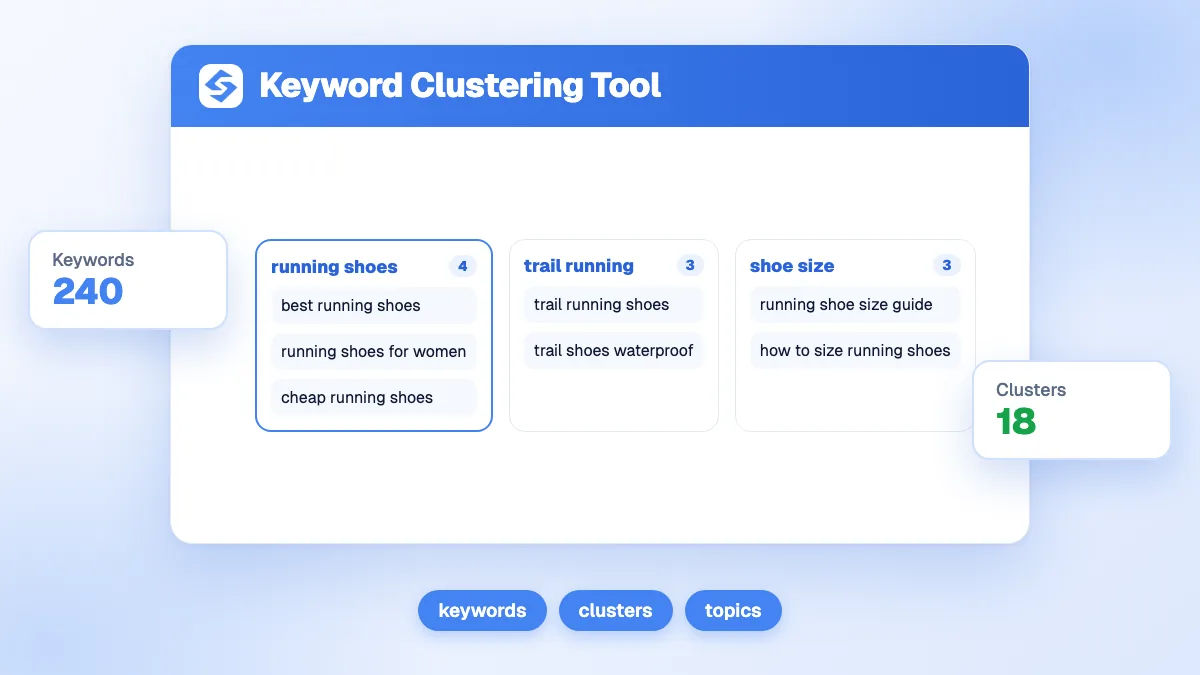
- Cluster the keywords that share the same intent and the same results. The keyword clustering tool does this grouping for you.
- Give each cluster one page and pick its main keyword: usually the one with the highest volume that still matches the page.
- Check your existing pages before writing, to update a page rather than create a competitor to it.
- Plan the order: quick wins first, then the pages that support your long-term targets.
How to use a long tail keyword generator to find longer queries
A long tail keyword generator builds longer versions of one seed by adding modifiers. A generator can produce many combinations in a few seconds, but most of them are never typed. Treat its output as a list of candidates, then keep only the queries that appear in the autocomplete or pass a volume check.
Add modifiers to your seed
Modifiers are the words that narrow the need: the audience, the use, the comparison, the problem or the place. Start from a pattern like this one, and replace the words in braces:
{seed} for beginners
{seed} for {audience}
best {seed} for {use case}
{seed} vs {alternative}
how to choose {seed}
{seed} near me
{seed} without {constraint}
Let search suggest the rest
Type each seed into Google and read the autocomplete. These completions are searches that other people made, which makes them a stronger check than a generator’s output. Then read the “People also ask” box and the related searches at the bottom of the results. Run these checks from the country and language you target, because completions change with the market. Our guide to Google autocomplete for SEO explains the method in detail.
Filter the list
- Remove the wrong intent. A query that asks for free instructions rarely leads to a purchase, even when its words match your product.
- Remove other brands. Keep a brand name only if you sell that brand.
- Group what remains by the page that would answer it, using our keyword clustering guide, then check the volume of each group.
Tip
A long-tail query often belongs in a section of a larger page, not in a page of its own. Put the variants that answer the same question together under one heading.
How does AI search change keyword research?
Keywords still matter, but each question now hides several searches. Google explains that AI Overviews and AI Mode may use a "query fan-out" technique, issuing multiple related searches across subtopics to build one answer (Google Search Central, AI features and your website). A page that covers the related questions around a keyword has more chances to be used as a source.
Clicks are also harder to win. In a 2025 study, Google users who saw an AI summary clicked a traditional result in 8% of visits, against 15% for those who did not (Pew Research Center, 2025). Two consequences: favor the suggestions with a commercial angle, where people still click to compare and buy, and treat question-type suggestions as material for the sections and FAQ of a larger page. The Sorank query fan-out tracker records, every month, the real sub-queries AI assistants run on your prompts.
What are the limits of the free tool?
The tool is designed for a fast first exploration. Keep these limits in mind before you build a whole strategy on one search.
- Suggestions contain the seed. Synonyms that do not include your words ("sneakers" for "running shoes") need a second search.
- Volumes are averages. A seasonal keyword can be far above or below its monthly average depending on the month.
- Up to 50 suggestions per search, with the highest volumes first. Very small queries may not appear.
- 18 countries are available. For other markets, use the closest country with the same language as an indication.
- Three free searches per day. Plan your seeds before you start.
Is there a Bing keyword tool, and is it worth using next to Google?
Yes. The Bing keyword tool is the Keyword Planner of Microsoft Advertising. It was built for advertisers, but it also works for SEO research. It returns monthly searches, competition, average cost per click and ad impression share for keywords on the Microsoft Advertising network (Microsoft Advertising API documentation, Keyword Ideas and Traffic Estimates). You can start from a phrase, a website or a product category, and refine the results by location, language and network.
Why check Bing at all
Bing is a separate search engine with its own results and its own users, and its share of searches varies a lot from one country to another. Check that share for your market before you decide how much time to spend on it. Our search engine market share guide covers Google, Bing and other engines. A query that shows volume on both engines is a stronger target than one that shows volume on only one.
Use it in five steps
- Sign in to Microsoft Advertising. The planner sits inside an account, so you need one to open it.
- Enter a phrase from your seed list, or the address of the page you want to rank.
- Set the location and the language to match your market.
- Read the volume and its trend. The planner shows a 12-month average, so open the trend for seasonal terms.
- Compare the best terms with your Google volumes, and keep the ones that hold up on both engines.
Tip
Use Bing data as a check, not as your only source. A term with volume on Google but none on Bing is not weak by default. Your market decides which engine matters for your audience.
For the engine itself, read our Bing SEO guide. For the data side, Bing Webmaster Tools shows how your own pages perform on Bing.
Build your keyword strategy on autopilot
The right keyword is the one people search, that you can rank for, and that leads to your offer. The free tool gives you the raw list. To go further, Sorank keyword research starts from your Search Console, your competitors and the queries AI models run, then removes the keywords that would compete with your existing pages; the topical cluster generator organizes them into silos; and the blog content planner turns them into an editorial calendar. See the Sorank plans to publish on those keywords on autopilot.