Summary
The backlink ROI calculator compares what a link building campaign costs with the revenue its extra visits bring over the period you hold the links. Cost = links × cost per link. Monthly revenue = links × visits gained per link × conversion rate × value per conversion. ROI = (revenue over the period - cost) ÷ cost. With 20 links at 180, 10 extra visits per link, 2% conversion and 150 per conversion, a 3,600 campaign returns 7,200 in 12 months: a 100% ROI, paid back in 6 months.
Want to go further? Ask


A backlink ROI calculator turns a link building quote into a business case. Links still count: Google explains that one of the factors used to judge the quality of content is whether other prominent websites link or refer to it (Google, how ranking results work). The question is never whether links help, but whether a given campaign earns back what it costs.
How is backlink ROI calculated?
The calculator takes six inputs and returns five results. The cost is paid once, at the start; the revenue builds up month after month.
| Result | Formula | Example (20 links, 180 per link, 10 visits per link, 2%, 150, 12 months) |
|---|---|---|
| Campaign cost | Links × cost per link | 3,600 |
| Monthly visits gained | Links × visits gained per link | 200 |
| Revenue over the period | Monthly visits × conversion rate × value per conversion × months | 600 × 12 = 7,200 |
| Return on investment | (Revenue - cost) ÷ cost × 100 | 100% |
| Payback period | Cost ÷ monthly revenue | 6 months |
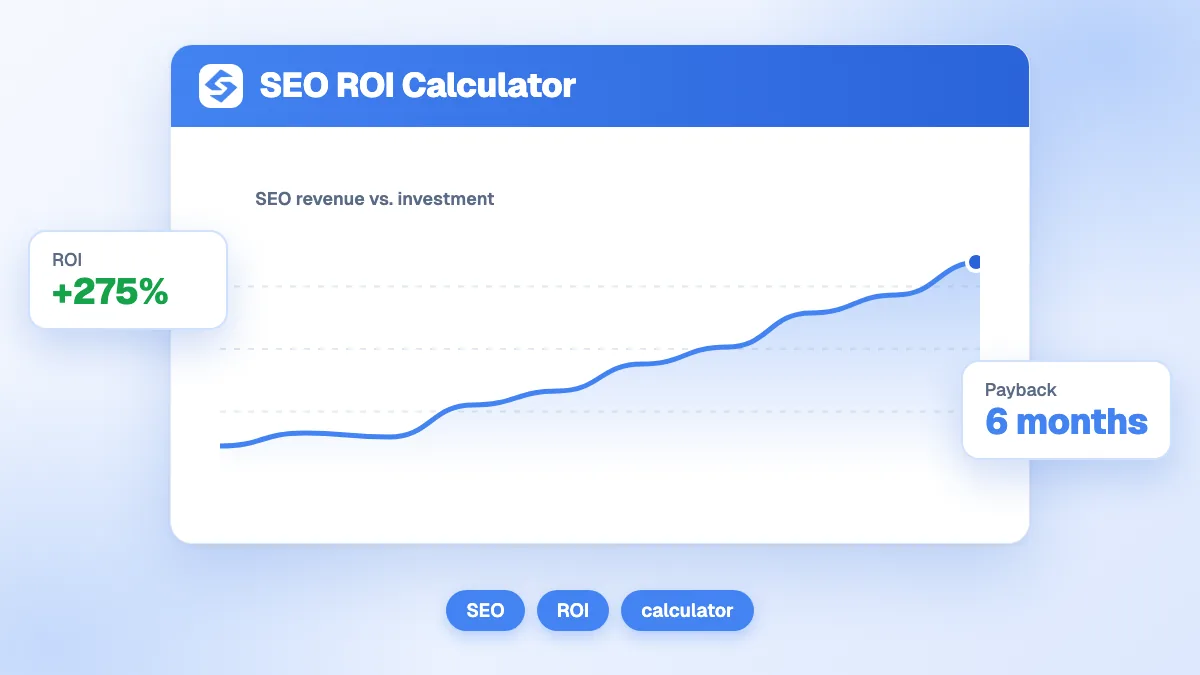
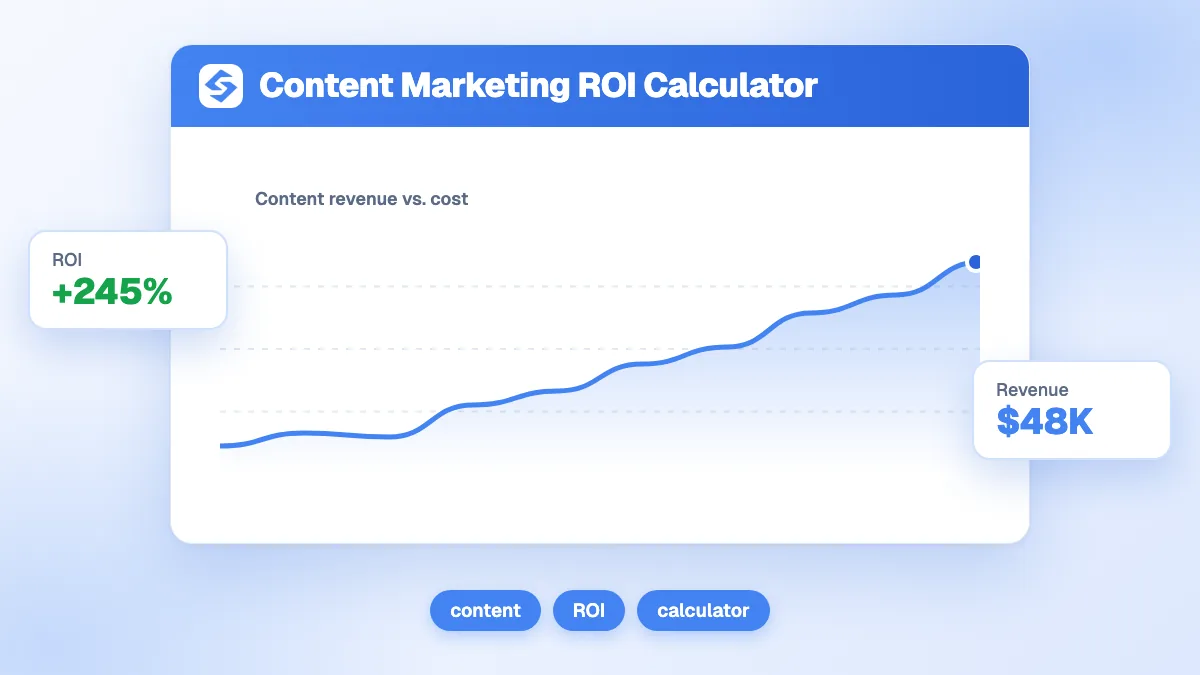
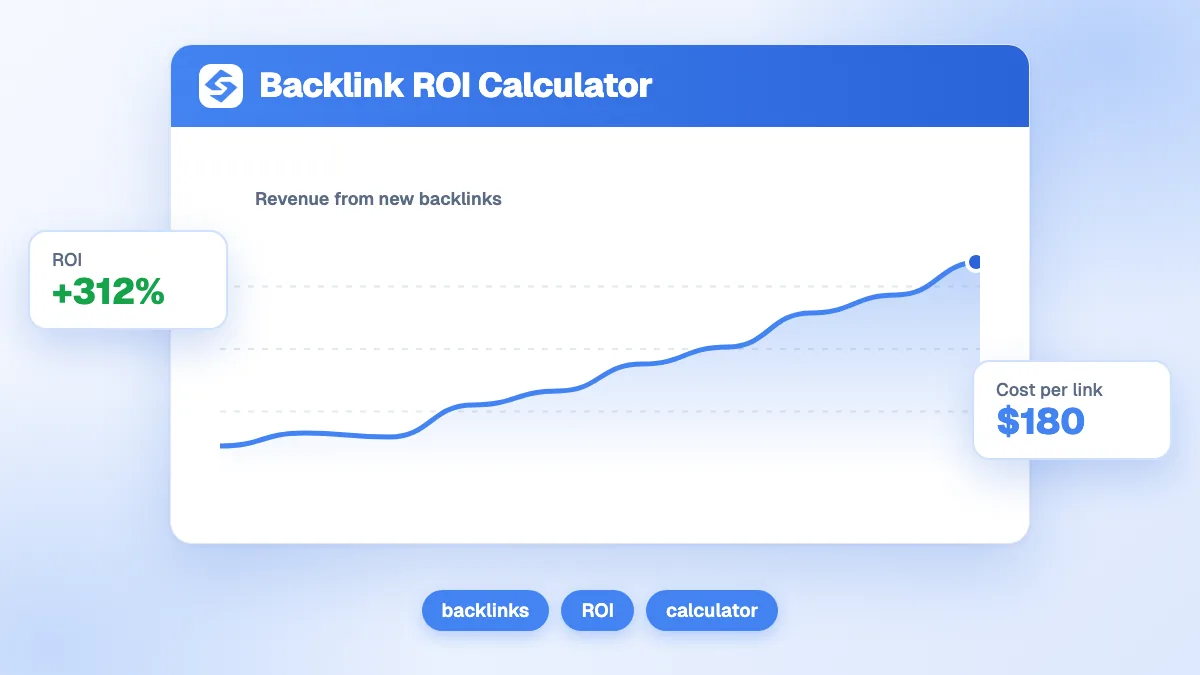
The chart draws the cumulative revenue against the flat campaign cost and marks the month where the two cross. The result is labeled Losing money below 0%, Watch this from 0 to 100%, Healthy from 100 to 300% and Excellent above 300%. Pick your currency in the tool; the formulas do not change.
Which input changes the result the most?
The visits gained per link. It is the only input you cannot read from an invoice, and it moves the ROI more than any other. The table keeps every other input of the example fixed.
| Visits gained per link | Monthly visits | Revenue in 12 months | ROI | Payback |
|---|---|---|---|---|
| 5 | 100 | 3,600 | 0% | 12 months |
| 10 | 200 | 7,200 | 100% | 6 months |
| 25 | 500 | 18,000 | 400% | 2.4 months |
| 45 (tool default) | 900 | 32,400 | 800% | 1.3 months |
The same campaign is break-even or a big win depending on one guess. That is why you should run the calculation with a low figure before committing a budget, and keep the high figure as the upside, not the plan.

How do you estimate the visits a backlink brings?
Count the ranking lift the link helps produce, not the clicks on the link itself. Referral clicks from a guest post are usually small; the value comes from the keywords that move up.
- List the pages the links will point to and their target keywords.
- Read their current clicks and positions in the Performance report of Search Console (Search Console Help, Performance report).
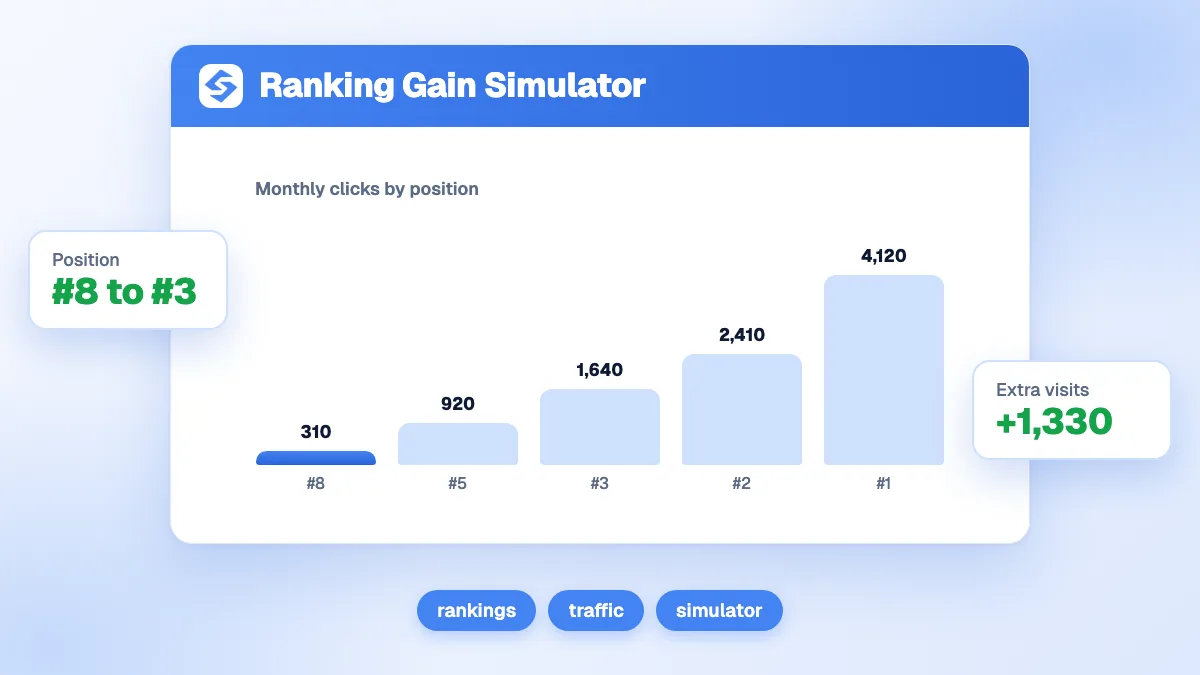
- Estimate the clicks at the position you can reach with the ranking gain simulator or the SERP CTR calculator.
- Divide the extra clicks by the number of links in the campaign. That is your visits gained per link.
- Average over the period. Links take time to be crawled and to move rankings, and the calculator counts the visits from the first month. If you expect three slow months out of twelve, lower the figure accordingly.
Before buying, compare your profile with the pages that outrank you using the free backlink analysis: the gap in referring domains tells you how many links you really need.
What should the cost per link include?
Everything the campaign costs, divided by the number of links. A cheap placement fee hides the real cost when outreach, writing and management are billed elsewhere.
- Placement or sponsorship fees, if any.
- Content: the guest article, data study or resource page that earns the link.
- Outreach time, internal or agency, including the pitches that never convert.
- Tools and management fees.
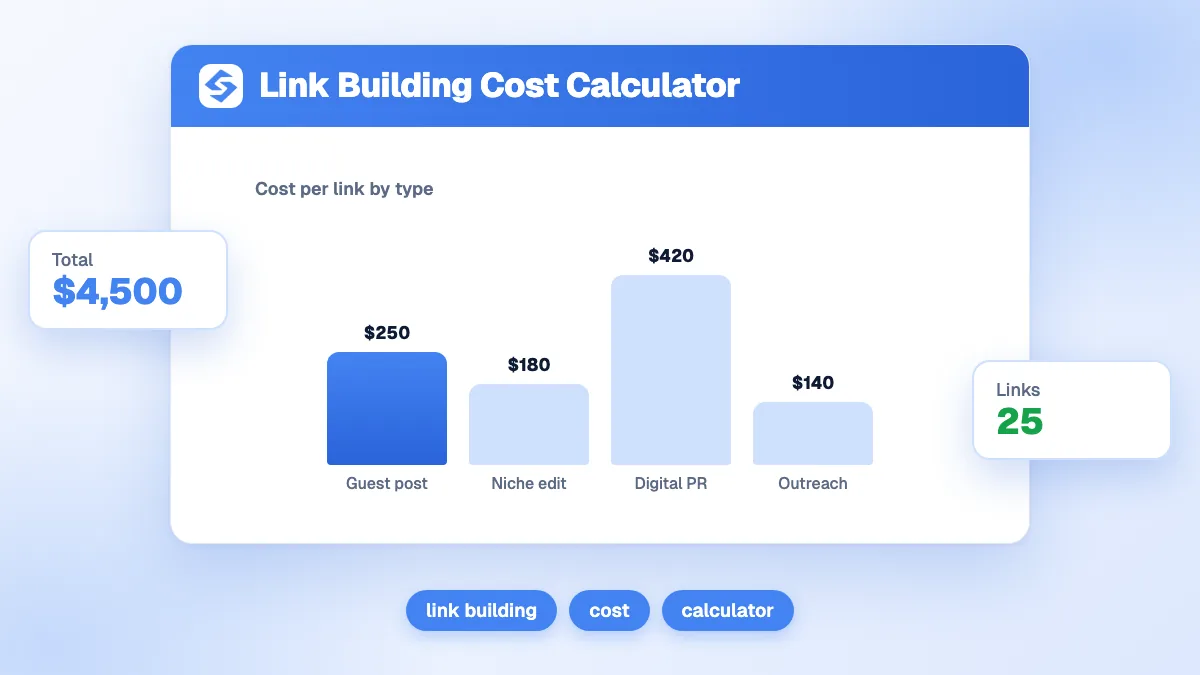
The link building cost calculator builds that number line by line. For the value per conversion, use margin rather than revenue when you can: an ROI computed on revenue overstates the return.
Are paid backlinks allowed by Google?
Not when they are meant to pass ranking credit. Google's spam policies list buying or selling links for ranking purposes, including exchanging money for links or for posts that contain links, as link spam. Paid links are fine when they carry rel="sponsored" or rel="nofollow" (Google, spam policies for web search).
This changes the ROI calculation. A link that Google ignores, or that triggers a manual action, has a return of zero or less. Count risky links at a low value, favor links earned through content and relationships, and keep the anchor texts natural. For the basics, see our glossary entries on backlinks and link building.

How long should the ROI period be?
Use the period you expect to keep the links, capped at what you can defend. The tool accepts 1 to 60 months; 12 months is a sound default.
| Period | When to use it | Risk |
|---|---|---|
| 3 to 6 months | Testing a new vendor or a new type of link | Undervalues links, which keep working after the test |
| 12 months | Most campaigns, and budget approvals | Balanced |
| 24 months or more | Editorial links on stable, well-maintained sites | Links get removed, pages get deleted, rankings shift |
A link is paid once and can work for years, so judging it on a single month makes every campaign look like a loss. The opposite mistake is projecting five years of traffic from a link on a page that may disappear next year.
How do you raise the return of a link campaign?
- Point links at pages that convert. Links to a page that does not sell return nothing, however strong they are. Aim at the pages that already generate leads or sales.
- Fix conversion before buying traffic. Going from 2% to 3% conversion raises the revenue of every link by half, at no extra cost.
- Choose relevance over metrics. A link from a site your customers read is worth more than a high authority score on an unrelated site.
- Measure after the fact. Compare clicks on the target pages three and six months later, then rerun the calculator with real numbers.
To see what the whole SEO program returns, not only the links, use the SEO ROI calculator.
What are the limits of this calculator?
It assumes the visits arrive from the first month and stay constant, and it treats every link as equal. It does not model ranking delays, link losses, seasonality or the value of brand mentions in AI answers, which links from cited sites can also bring. Treat the result as a scenario to compare campaigns, not as a forecast.
How do you get quality backlinks without overpaying?
Get links from sites in your niche, inside real articles, and follow their effect on traffic. Sorank brings the three steps together.
- Acquire contextual links from sites in your niche with Sorank backlinks acquisition, with a minimum authority you set and every link tracked.
- Follow your authority with the authority tracker, next to your clicks and your AI visibility.
- Measure the traffic effect on the target pages in the GEO and SEO dashboard.
A backlink campaign is worth buying when it pays back on conservative numbers. Run the calculator with a low estimate of visits per link, then see the Sorank plans to build links and track their return on autopilot.