

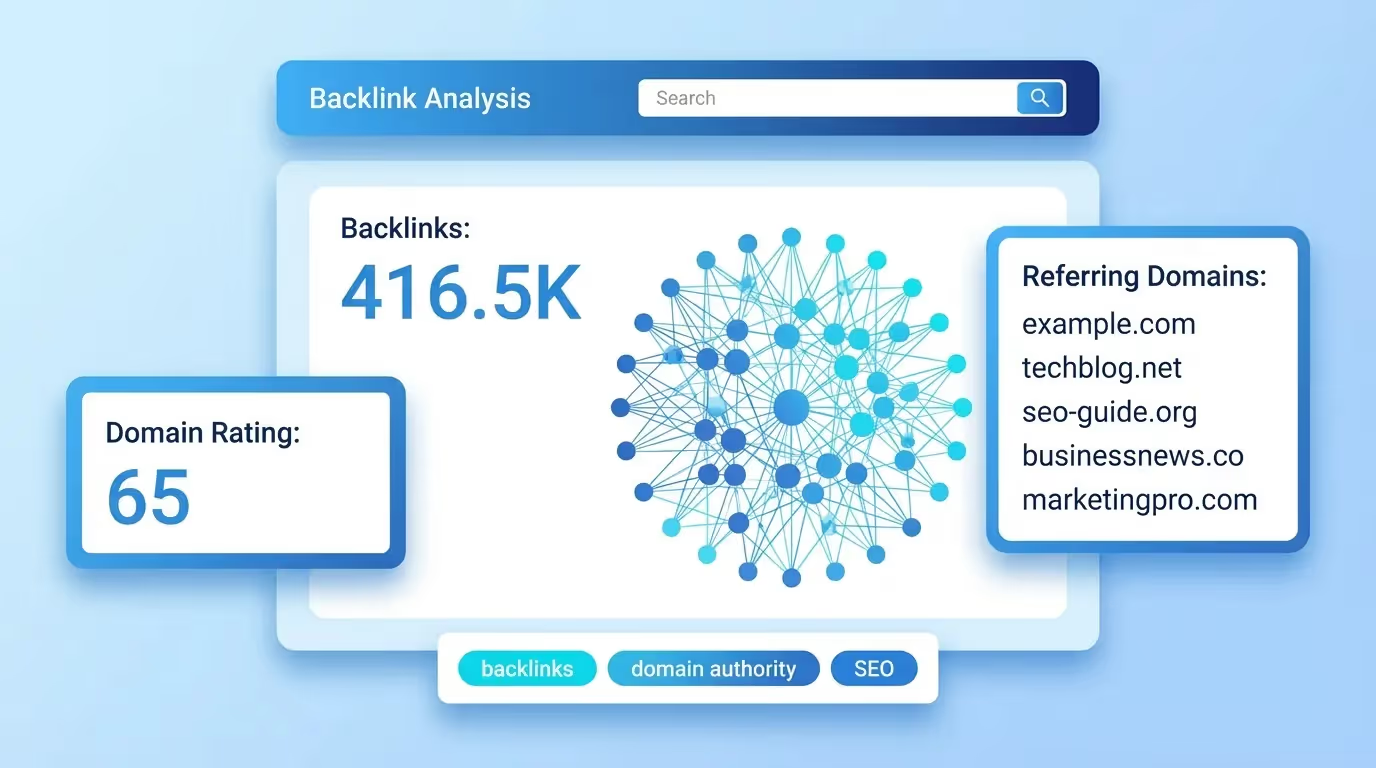
Summary: The top Google result has 3.8x more backlinks than positions 2 through 10. A free backlink checker reveals who links to any site in seconds.
Backlinks remain the strongest off-page ranking signal in Google's algorithm. A Backlinko study of 11.8 million search results confirmed that the number of referring domains correlates with higher rankings more than any other external factor. Yet most website owners have no idea who links to them, let alone who links to their competitors.
A free backlink checker changes that equation. Enter any domain, and within seconds you see every inbound link, its authority score, anchor text, and follow status. This data is the foundation of every serious link-building strategy, and you do not need to pay hundreds per month to access it.
What a Backlink Checker Tells You
A backlink checker crawls the web to find every page that links to a given domain or URL. The results typically include the total number of backlinks, the number of unique referring domains, the authority score of each linking site, the anchor text used, and whether the link passes SEO value through a dofollow attribute or not.
The distinction between total backlinks and referring domains matters enormously. One hundred links from a single website count far less than ten links from ten different domains. Search engines treat each unique referring domain as an independent vote of confidence. A healthy backlink profile shows diversity across domains, industries, and content types.
The tool also reveals link quality. Not all backlinks help your rankings. Links from spammy, irrelevant, or penalized domains can actively harm your site. A thorough checker flags these toxic links so you can disavow them before they cause damage.
Why Backlinks Still Dominate Rankings in 2026
Despite years of algorithm updates, Google has never diminished the importance of backlinks. Andrey Lipattsev, a Google Search Quality Senior Strategist, publicly stated that content and links are the two most important ranking factors, followed by RankBrain. That hierarchy has not changed.
What has evolved is how Google evaluates link quality. The algorithm now prioritizes relevance, authority, and editorial context over raw volume. A single link from a respected industry publication outweighs thousands of directory submissions. This shift makes backlink analysis more critical than ever, because understanding quality requires data, not guessing.
The emergence of AI search engines adds another layer. Tools like ChatGPT, Perplexity, and Google's AI Overviews draw from sources they consider authoritative. Pages with strong backlink profiles are more likely to be cited in AI-generated answers, making link building a dual-channel strategy for both traditional and AI search visibility.
How to Analyze Your Own Backlink Profile
Start by entering your domain into the checker. Review three metrics first: total referring domains, the ratio of dofollow to nofollow links, and the authority distribution of linking sites. A healthy profile shows a steady growth in referring domains over time, a natural mix of follow and nofollow links, and links from sites with varying authority levels.
Next, examine your anchor text distribution. If more than 10% of your links use exact-match keyword anchors, your profile may appear manipulative to Google. Natural link profiles show a diverse mix of branded anchors, naked URLs, generic phrases like "click here," and a smaller percentage of keyword-rich anchors.
Finally, check for toxic backlinks. These are links from sites with extremely low authority, sites flagged for spam, or sites completely unrelated to your niche. Most backlink checkers assign a toxicity or spam score to help you identify these quickly. If you find them, compile a disavow file and submit it through Google Search Console's Disavow Tool.
Competitor Backlink Analysis: Steal Their Strategy
The most powerful use of a backlink checker is not analyzing your own site. It is studying your competitors. Enter a competitor's domain and you instantly see every site that links to them but not to you. These are your highest-probability link opportunities.
The logic is simple. If a website already links to content in your niche, the site owner has demonstrated interest in your topic. Reaching out with superior content or a relevant resource gives you a realistic chance of earning that link. This approach, known as backlink gap analysis, consistently produces better results than cold outreach to random sites.
Look specifically at the competitor pages attracting the most links. This reveals which content formats and topics earn links in your industry. Are their most-linked pages data studies, how-to guides, free tools, or infographics? That pattern should inform your own content strategy.
If you are managing multiple clients or tracking several competitors, our platform centralizes backlink analysis alongside keyword tracking and AI visibility monitoring, so you can run gap analyses at scale without switching between tools.
Free vs. Paid Backlink Checkers: What You Actually Get
Free backlink checkers typically show the top 100 backlinks sorted by authority, total referring domains, basic anchor text data, and follow status. For quick competitor research or a health check on your own profile, this is sufficient.
Paid tools expand the view with full historical data, new and lost link tracking, toxicity scoring, and site-wide analysis across thousands of pages. They also offer larger databases. Leading commercial platforms index tens of trillions of backlinks across hundreds of millions of domains, providing a level of depth that free tools cannot match.
FeatureFree CheckersPaid ToolsTop backlinks displayed50-100UnlimitedReferring domains countYesYes + historicalAnchor text analysisBasicDetailed + trendsToxic link detectionLimitedAutomated scoringNew/lost link alertsNoYesCompetitor gap analysisManualAutomated
The choice depends on your stage. If you are building your first link strategy or auditing a single site, start free. Once you manage multiple domains or need ongoing monitoring, the investment in a paid tool pays for itself in time saved.
5 Link-Building Strategies Backed by Backlink Data
Raw data without a strategy is just noise. Here are five approaches that convert backlink analysis into actual links.
Broken Link Building
Use the checker to find broken outbound links on authoritative sites in your niche. Contact the site owner, point out the dead link, and suggest your relevant content as a replacement. This approach works because you are solving a problem for the webmaster, not just asking for a favor.
Content Gap Exploitation
Identify topics where competitors earn links but you have no content. Create a superior resource on that topic and reach out to the same linking sites. The data gives you proof that demand exists before you invest in content creation.
Resource Page Outreach
Many industry websites maintain "best tools" or "recommended resources" pages. A backlink checker reveals which competitors appear on these lists. Submit your tool or content for inclusion with a brief, personalized pitch.
Digital PR with Data
Original data studies attract links naturally. Use your backlink data to produce insights like "the average referring domain count for top-10 rankings in [your niche]." Journalists and bloggers link to original research because it adds credibility to their own content.
Guest Content on Linking Domains
If a domain links to your competitors, they may accept guest contributions. Pitch a unique angle that complements their existing content. The backlink checker tells you exactly which domains are receptive to your topic area.
How to Spot and Remove Toxic Backlinks
Not every link is a gift. A Google Spam Policies update makes clear that manipulative link schemes can result in manual actions or algorithmic demotions. Toxic links typically come from private blog networks, link farms, irrelevant foreign-language sites, or domains previously penalized by Google.
Warning signs include sites with no real content, pages stuffed with outbound links to unrelated industries, and domains with an authority score near zero. If your checker flags a significant cluster of toxic links, compile the list and submit it to Google's Disavow Tool. This tells Google to ignore those links when evaluating your site.
A word of caution: do not over-disavow. Google is generally good at ignoring spammy links on its own. Only disavow links you are certain are harmful and were not earned naturally. Removing links from legitimate sites by accident can hurt your rankings more than the spam itself.
Tracking Backlink Growth Over Time
A single snapshot of your backlink profile tells you where you stand. Regular monitoring tells you whether you are moving forward. Track your referring domain count monthly and compare it against your organic traffic trends. The correlation is typically strong: steady link growth produces steady ranking improvements.
Watch for sudden drops in referring domains. These indicate that linking sites removed your links, were deindexed, or changed their content. Quick action to replace lost links prevents ranking declines from compounding. Our dashboard tracks these changes automatically and alerts you when significant shifts occur.
Also monitor your competitors' link velocity. If a rival suddenly gains dozens of high-quality links, they may be running an aggressive PR or outreach campaign. Early detection gives you time to respond with your own strategy before their ranking improvements solidify.
Conclusion
Your backlink profile is the most honest measure of your site's authority. A free backlink checker strips away the guesswork and shows you exactly who links to you, who links to your competitors, and where the gaps are. The data that used to cost hundreds of dollars per month is now accessible to anyone willing to act on it.
Start with a competitor analysis. Find the sites linking to them but not to you. Build content that deserves those links. Then monitor your growth monthly to stay ahead. With both Google and AI search engines rewarding authoritative, well-linked content, your backlink strategy has never been more important.
To analyze your backlink profile and discover link-building opportunities alongside your full SEO data, explore our free SEO tools and get started today.