

Summary: Pages with optimized meta tags receive up to 43% more organic clicks than those with default or missing metadata, according to a 2024 Backlinko CTR study.
Meta tags are the invisible backbone of on-page SEO. They tell search engines what your page is about, control how your content appears in search results, and influence whether users decide to click through to your site. Despite being hidden in the <head> section of your HTML, meta tags play a decisive role in organic visibility, social sharing, and overall user experience.
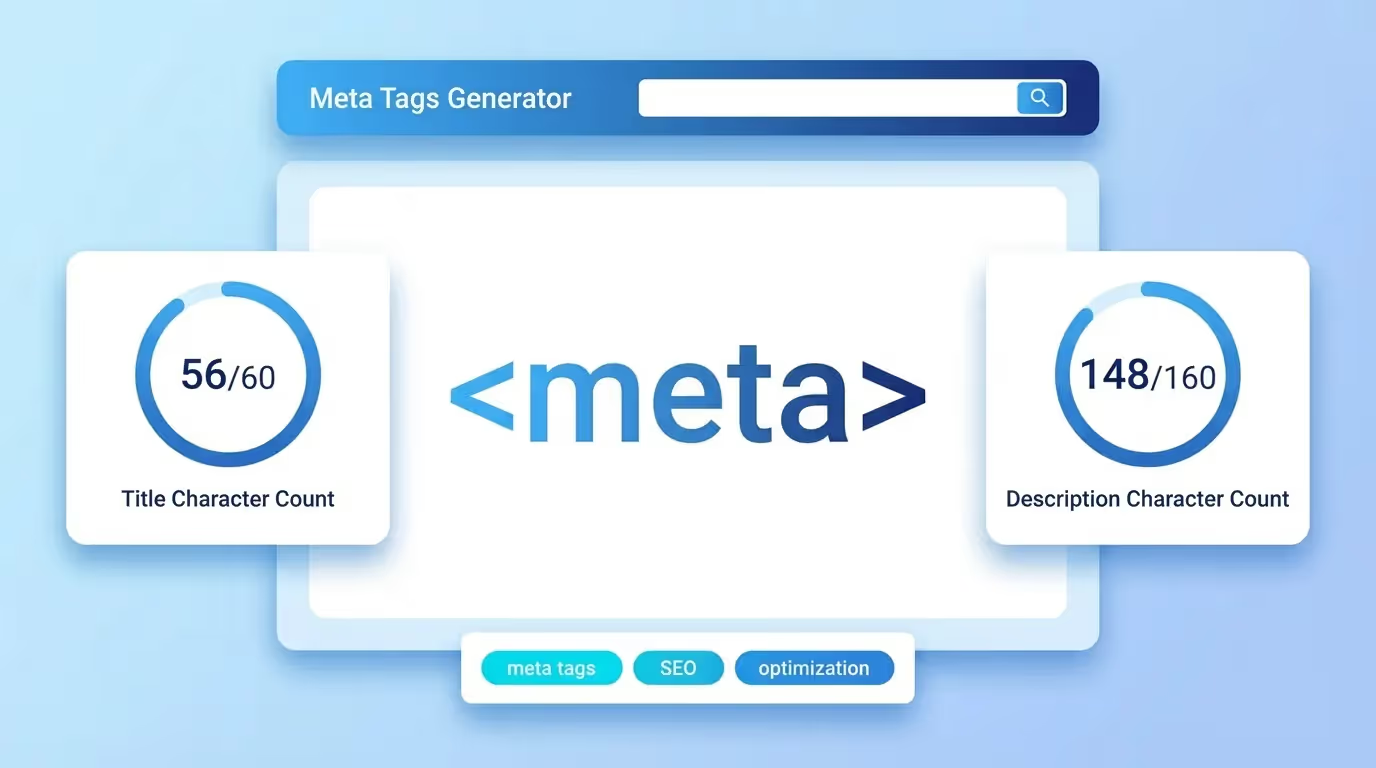
Our free Meta Tags Generator on sorank.com lets you create perfectly formatted title tags, meta descriptions, Open Graph tags, Twitter Card markup, and other essential metadata in seconds, no coding required.
Why Meta Tags Matter for SEO
Search engines rely on meta tags to understand and categorize your content. The two most important meta tags for SEO are the title tag and the meta description:
Title tags are the single most influential on-page ranking factor. Google uses them as a primary signal to determine relevance for a given search query. A well-crafted title tag that includes your target keyword can significantly boost your rankings.
Meta descriptions, while not a direct ranking factor, have a massive impact on click-through rate (CTR). Google often displays your meta description as the snippet beneath your title in search results. A compelling description can be the difference between a user clicking your link or scrolling past it.
Beyond these two, other important meta tags include robots directives (which control crawling and indexing), canonical tags (which prevent duplicate content issues), and viewport tags (which ensure mobile responsiveness).
Understanding Open Graph and Twitter Card Tags
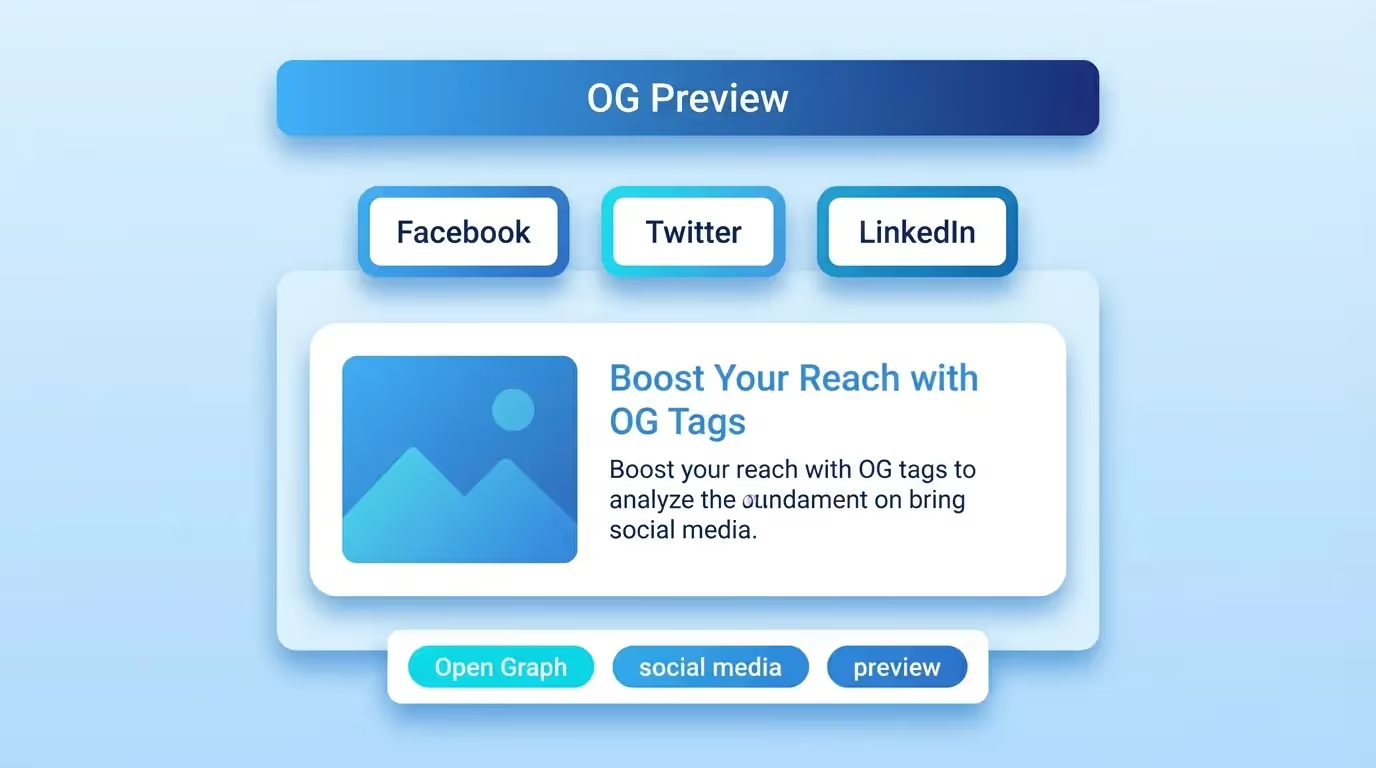
When someone shares your page on social media platforms like Facebook, LinkedIn, or Twitter, Open Graph (OG) and Twitter Card meta tags determine how the preview looks. Without these tags, platforms generate previews automatically, often with incorrect images, truncated titles, or missing descriptions.
The key Open Graph tags include:
og:title, The title displayed in the social share preview.og:description, A short description shown beneath the title.og:image, The preview image (recommended size: 1200×630 pixels).og:url, The canonical URL of the shared page.og:type, The content type (e.g., article, website, product).
Twitter Card tags follow a similar pattern with twitter:card, twitter:title, twitter:description, and twitter:image. Our generator creates both Open Graph and Twitter Card markup simultaneously, ensuring consistent previews across all platforms.
How to Use the Sorank Meta Tags Generator
Using our tool is straightforward:
Step 1: Enter your page title. Keep it under 60 characters to avoid truncation in search results. Include your primary keyword as close to the beginning as possible.
Step 2: Write your meta description. Aim for 150-160 characters. Make it action-oriented and include a clear value proposition or call to action.
Step 3: Add your Open Graph details, title, description, image URL, and page URL. The tool validates image dimensions and warns you if your image might be cropped on social platforms.
Step 4: Configure Twitter Card settings. Choose between summary and summary_large_image card types depending on your content.
Step 5: Copy the generated HTML code and paste it into the <head> section of your page, or use it with your CMS or site builder.
Best Practices for Writing Meta Tags
Follow these guidelines to maximize your meta tag effectiveness:
Title tag best practices:
• Keep titles between 50-60 characters to prevent truncation.
• Place your primary keyword at the beginning of the title.
• Include your brand name at the end, separated by a pipe (|) or dash (, ).
• Make each page title unique, duplicate titles confuse search engines.
• Use power words like "Free", "Guide", "Best", or "2025" to increase CTR.
Meta description best practices:
• Stay within 150-160 characters for optimal display.
• Include your target keyword naturally, Google bolds matching keywords in the SERP.
• Add a clear call to action (e.g., "Learn more", "Try it free", "Get started today").
• Avoid duplicate descriptions across different pages.
• Write in active voice and make the description compelling enough to earn the click.
Open Graph best practices:
• Always specify an og:image, posts with images get 2.3× more engagement on social media.
• Use images sized at 1200×630 pixels for best results across all platforms.
• Keep OG titles under 60 characters and OG descriptions under 200 characters.
• Test your tags using Facebook's Sharing Debugger and Twitter's Card Validator.
Common Meta Tag Mistakes to Avoid
Many websites lose valuable traffic because of simple meta tag errors:
Missing meta tags entirely: If you don't provide a title or description, search engines will auto-generate one from your page content, and the result is rarely optimal.
Keyword stuffing: Cramming keywords into your title or description looks spammy and can trigger Google penalties. Write for humans first, search engines second.
Duplicate meta tags: Every page on your site should have unique title and description tags. Duplicate metadata causes confusion for search engines and dilutes your ranking potential.
Ignoring character limits: Titles over 60 characters and descriptions over 160 characters get truncated in search results, cutting off your message mid-sentence.
Forgetting social tags: Without Open Graph and Twitter Card tags, your carefully crafted content looks unprofessional when shared on social media, reducing engagement and referral traffic.
Advanced Meta Tags for Technical SEO
Beyond basic title and description tags, technical SEO professionals use additional meta tags to fine-tune how search engines interact with their pages:
<meta name="robots" content="index, follow">, Controls whether a page should be indexed and whether links should be followed.
<link rel="canonical" href="...">, Specifies the preferred version of a page to prevent duplicate content issues.
<meta name="viewport" content="width=device-width, initial-scale=1">, Essential for mobile-friendly pages and a ranking factor since Google's mobile-first indexing.
<meta charset="UTF-8">, Declares the character encoding, ensuring proper display of special characters across different browsers and devices.
Our Meta Tags Generator includes all these technical tags in its output, giving you a complete, production-ready <head> section that covers both SEO and technical requirements.