

Summary: Favicons appear in browser tabs, bookmarks, mobile home screens and Google search results. A single 512×512 source image can produce every size you need in seconds.
A favicon is the small icon that represents your website across every platform and device. It shows up in browser tabs, bookmark lists, history menus, progressive web app launchers, and, since 2019, directly in Google mobile search results next to your site name. Despite its tiny footprint, the favicon plays an outsized role in brand recognition and user trust.
Google's documentation confirms that sites must have a valid favicon to display one in search results. Pages without a favicon show a generic globe icon, which reduces visual distinctiveness and can lower click-through rates compared to branded competitors. A Google Search Central guide details exact requirements: the file must be a multiple of 48 pixels, square, and accessible to Googlebot.
Why Favicons Matter for SEO and Branding
When users scan Google search results on mobile, the favicon is one of the first visual elements they notice. A clear, recognizable icon creates instant brand association and can improve click-through rate by making your listing stand out against competitors using default icons.
Beyond search, favicons serve as persistent brand touchpoints. Every open browser tab displays your icon. Every bookmark entry shows it. When a user adds your site to their phone home screen, the Apple Touch icon or Android Chrome icon becomes your app-like representation. Sites that neglect these assets look unfinished and unprofessional.
Progressive Web Apps (PWAs) depend entirely on properly configured favicons. The web app manifest references icon files at multiple resolutions. Without them, the install prompt may not appear, and the PWA will not display correctly on the home screen.
All the Favicon Sizes You Need
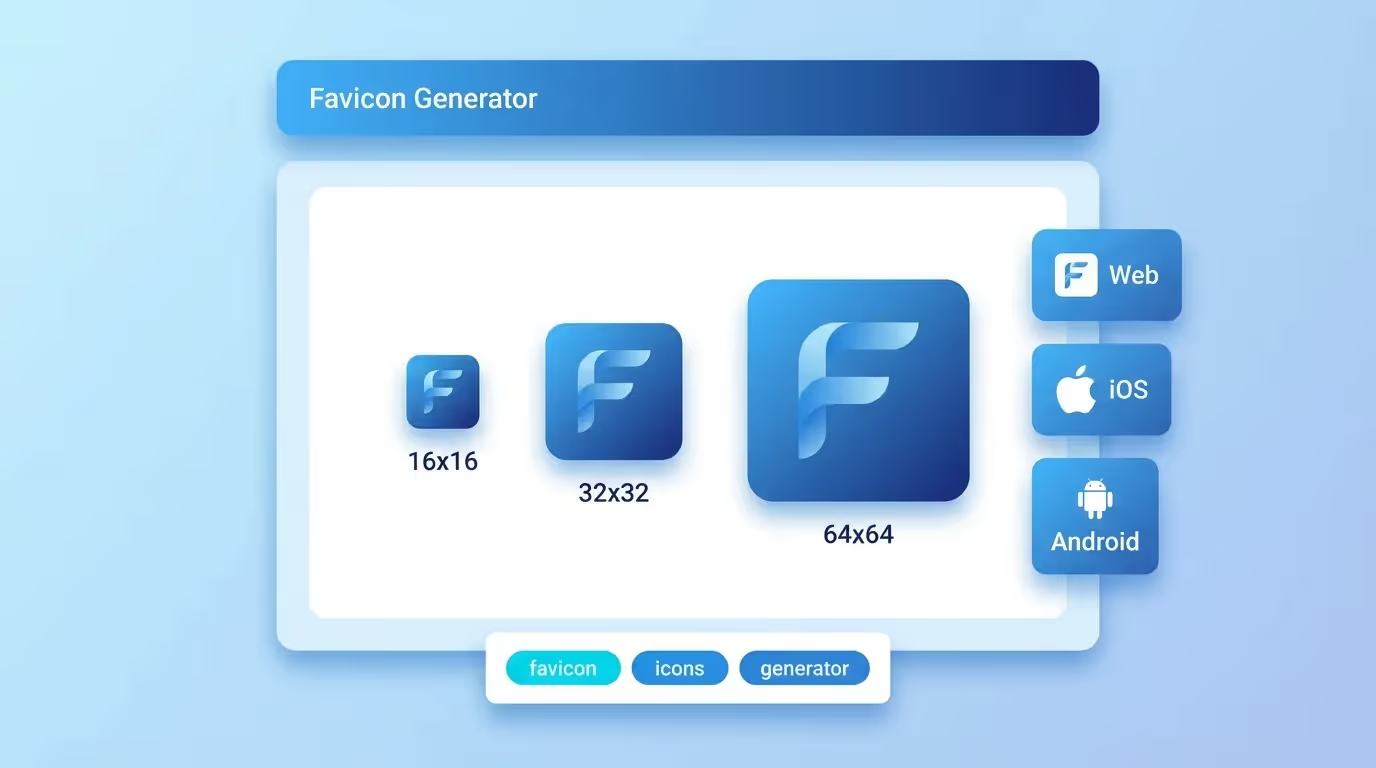
A complete favicon implementation covers four main contexts, each requiring specific file sizes:
Browser favicons use 16×16 and 32×32 pixel ICO or PNG files. These appear in tabs, address bars, and bookmark menus. The 32×32 version is also used by Windows taskbar shortcuts.
Apple Touch icons require a 180×180 pixel PNG. iOS uses this when users add your site to their home screen. Without it, Safari takes a screenshot of your page instead, which rarely looks good.
Android Chrome icons need 192×192 and 512×512 pixel PNGs referenced in the web app manifest. These power PWA installations and the Add to Home Screen feature. The 512×512 version is also used for splash screens.
Windows tiles use a 150×150 pixel PNG for the Microsoft Start menu tile and other Windows integrations. An optional browserconfig.xml file lets you customize the tile color.
Our free favicon generator produces all these sizes from a single source image. Upload once, download a complete package with every format included.
How to Create the Perfect Source Image
Start with a square image at 512×512 pixels or larger. SVG format is ideal because it scales without quality loss, but a high-resolution PNG works equally well.
Simplicity is key. Favicons display at extremely small sizes, so intricate details disappear. The most effective favicons use bold shapes, high contrast, and minimal elements. Think of the Twitter bird, the GitHub cat, or the YouTube play button, all instantly recognizable at 16 pixels.
Avoid using photographs or full logos with text. Letters work only if they are single characters in a bold typeface. Many brands use just their initial letter or a simplified version of their logo mark.
Use transparent backgrounds for PNG favicons. This ensures the icon looks clean on any browser theme, whether light or dark. The ICO format can contain multiple sizes in a single file, making it a reliable fallback for older browsers.
Implementing Favicons with Proper HTML
After generating your favicon files, you need the correct HTML tags in your page's <head> section. The essential tags are:
The <link rel="icon"> tag points to your main favicon. Modern browsers support PNG directly: <link rel="icon" type="image/png" sizes="32x32" href="/favicon-32x32.png">.
The <link rel="apple-touch-icon"> tag specifies the iOS home screen icon. Apple devices look for this exact relationship attribute. Set the sizes attribute to 180x180 for best results.
The <link rel="manifest"> tag connects your web app manifest, which lists the Android Chrome icons with their sizes and purposes. This is essential for PWA support.
For Windows tiles, the <meta name="msapplication-TileImage"> tag provides the tile graphic. You can also set <meta name="msapplication-TileColor"> to define the tile background color.
Our generator provides ready-to-paste HTML code for all these tags. Simply copy the code block into your site's head section, upload the generated files to your root directory, and every platform is covered.
Favicon Best Practices for 2026
Keep your favicon consistent with your brand identity. The icon should use the same colors and visual language as your logo and website design. Consistency across touchpoints builds brand recognition over time.
Test your favicon across multiple browsers and devices. Chrome, Firefox, Safari, and Edge each render favicons slightly differently. What looks crisp on one browser may appear blurry on another if the wrong size is served.
Use the SVG favicon format where supported. Modern browsers accept SVG favicons via <link rel="icon" type="image/svg+xml">. SVG scales perfectly to any size and supports dark mode media queries, letting you adapt your icon to the user's system preference.
Cache-bust when updating favicons. Browsers cache favicons aggressively. After changing your icon, append a version query string or change the filename to force browsers to fetch the new version.
Finally, always include an ICO fallback at /favicon.ico in your site root. Some browsers and tools still look for this default path regardless of what your HTML specifies. Having it present ensures no platform is left without your brand icon.