

Summary: Unoptimized images account for up to 75% of total page weight. Compressing them can cut load times in half without any visible quality loss.
Image compression is the single highest-impact optimization most websites can make. According to the HTTP Archive, images represent over 40% of an average web page's total bytes. On image-heavy sites like e-commerce stores and portfolios, that number climbs past 75%. Every unnecessary kilobyte directly slows down page load time, hurts Core Web Vitals scores, and pushes your site lower in Google search results.
Google has made page speed a direct ranking factor since 2018 for mobile and 2021 through Core Web Vitals. The Largest Contentful Paint (LCP) metric, which measures how quickly the main content loads, is heavily influenced by image file size. Sites with LCP under 2.5 seconds rank significantly better than slower competitors. A web.dev study found that reducing image weight is the most common fix for failing LCP scores.
How Image Compression Works
Image compression reduces file size by eliminating redundant data. There are two approaches: lossy and lossless.
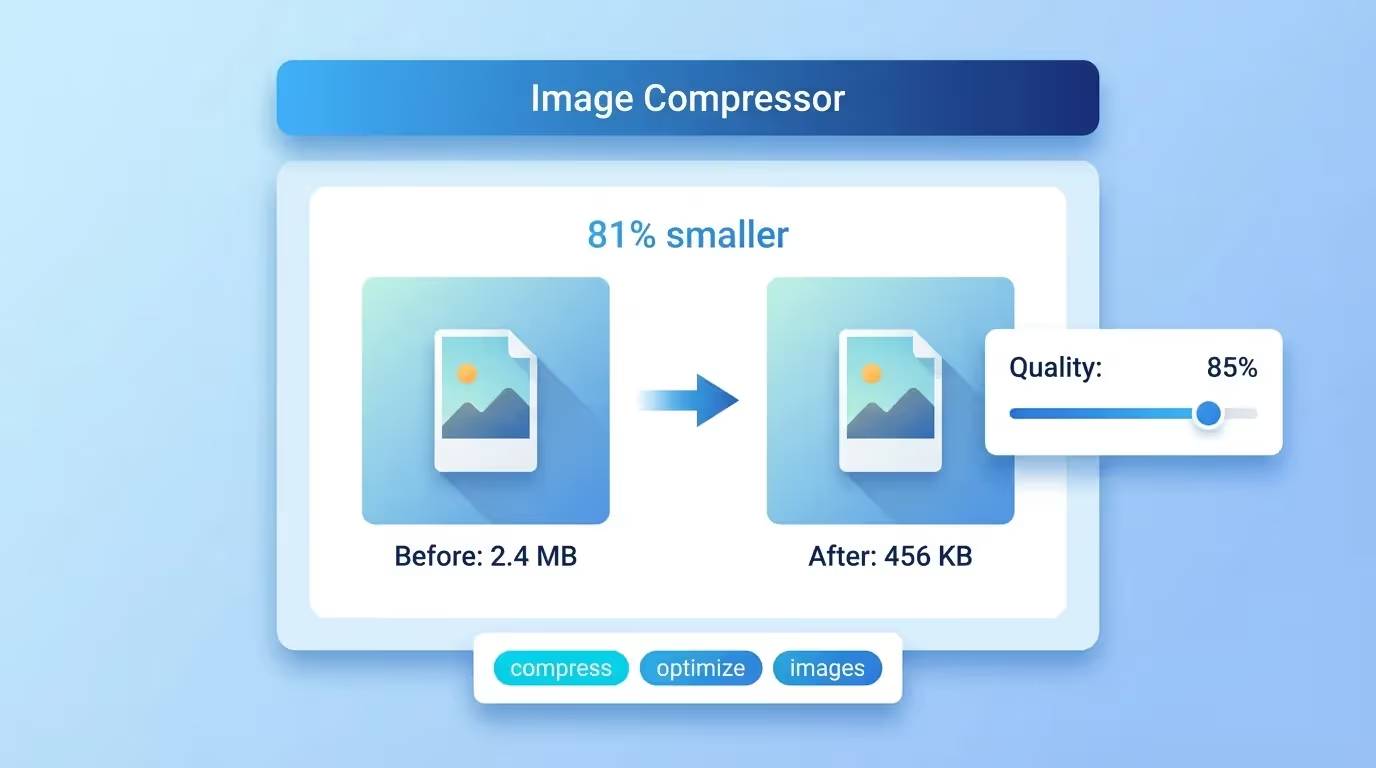
Lossy compression removes data that the human eye cannot easily detect. At quality levels between 70% and 85%, the visual difference between the original and compressed image is virtually invisible, but the file size can drop by 60% to 80%. This is the sweet spot for web images where file size matters more than pixel-perfect reproduction.
Lossless compression reduces file size without removing any image data. The savings are smaller, typically 10% to 30%, but the image remains bit-for-bit identical to the original. This approach suits images where every detail matters, such as technical diagrams, screenshots, and medical imaging.
Our free image compressor uses advanced lossy compression algorithms that maintain visual quality while achieving maximum file size reduction. You control the quality slider to find the perfect balance for your needs.
Why Image Size Impacts SEO Rankings
Google measures three Core Web Vitals metrics: LCP, First Input Delay (FID), and Cumulative Layout Shift (CLS). Large images directly harm LCP because the browser must download the full image file before rendering it on screen. An uncompressed 3MB hero image on a mobile connection can take 5 to 10 seconds to load, pushing LCP far beyond the 2.5-second threshold.
Beyond LCP, heavy images increase total page weight, which affects overall bandwidth consumption and data costs for mobile users. Google's mobile-first indexing means the mobile experience determines your ranking. If your mobile page loads slowly because of large images, your desktop rankings suffer too.
Page speed also impacts bounce rate. Research from Google shows that as page load time increases from 1 to 3 seconds, the probability of bounce increases by 32%. From 1 to 5 seconds, it jumps to 90%. Every image you compress directly reduces the chance that visitors leave before seeing your content.
Choosing the Right Image Format
WebP is the recommended format for most web images in 2026. It offers 25% to 35% smaller files than JPEG at equivalent quality and supports both lossy and lossless compression. All modern browsers support WebP, including Chrome, Firefox, Safari, and Edge.
JPEG remains the standard for photographs and complex images with many colors. It achieves excellent compression ratios but does not support transparency. Use JPEG when broad compatibility is critical or when your audience includes users on very old browsers.
PNG is ideal for images that require transparency, sharp edges, or exact color reproduction. Logos, icons, and screenshots compress well in PNG format. However, PNG files are typically larger than JPEG or WebP for photographic content.
AVIF is the newest format, offering even better compression than WebP. Support is growing but not yet universal. Consider AVIF as a progressive enhancement alongside WebP fallbacks for maximum savings.
Batch Compression for Large Websites
E-commerce sites, blogs, and media platforms often have hundreds or thousands of images. Compressing them one by one is impractical. Our tool supports batch processing, letting you compress multiple images simultaneously and download them all in a single archive.
For existing websites, prioritize compressing images on your highest-traffic pages first. Use Google PageSpeed Insights to identify which pages have the worst image-related performance scores. Even compressing just the top 20 pages can deliver noticeable ranking improvements.
When adding new images to your site, make compression part of your workflow. Upload the original to our compressor before publishing. This prevents performance degradation over time as new content accumulates unoptimized images.
Image Compression Best Practices
Always resize images to their display dimensions before compressing. A 4000x3000 pixel photograph displayed at 800x600 wastes bandwidth on pixels that will never be seen. Resize first, then compress for the smallest possible file size.
Use responsive images with the srcset attribute to serve different sizes at different breakpoints. This ensures mobile users download smaller images while desktop users see full-resolution versions.
Enable lazy loading with loading="lazy" on images below the fold. This prevents the browser from downloading images that are not yet visible, improving initial page load time.
Set explicit width and height attributes on all images to prevent layout shifts. This addresses the CLS Core Web Vital, which measures visual stability during page load.
Finally, leverage browser caching by setting long cache headers for image files. Once a visitor downloads a compressed image, their browser stores it locally. Subsequent page views load instantly from cache rather than re-downloading from your server.