

Pages with structured data markup receive up to 30% more clicks than those without, according to Google's own case studies.
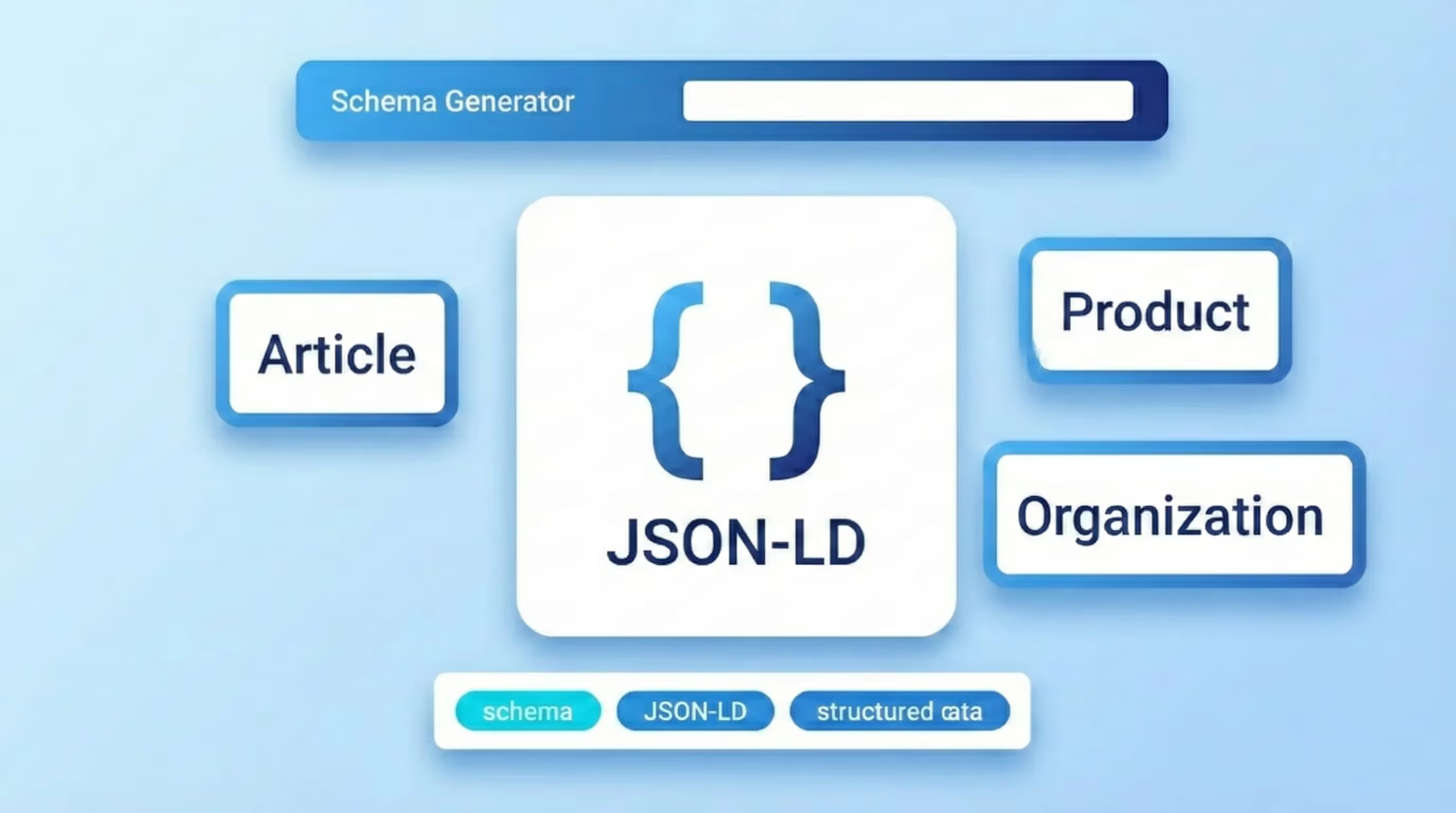
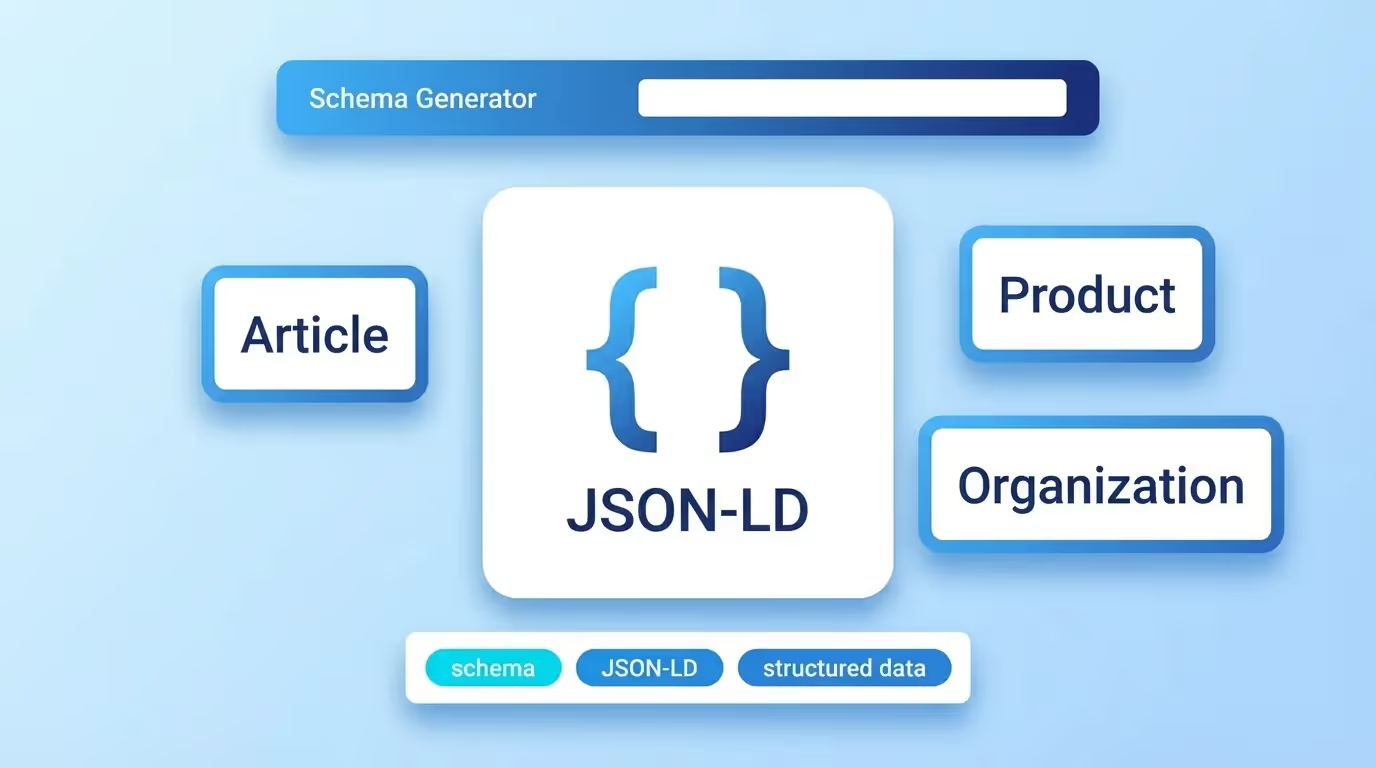
Schema markup is the hidden language that helps search engines understand your content beyond plain text. Without it, Google can only guess what your page is about. With it, you unlock rich results, star ratings, FAQ dropdowns, product prices, event dates, and more, directly in the search results. The sorank.com Schema Generator lets you create valid JSON-LD structured data for any page type in seconds, without writing a single line of code.
What Is Schema Markup and Why Does It Matter for SEO?
Schema markup (also called structured data) is a standardized vocabulary defined by Schema.org, a collaborative project between Google, Bing, Yahoo, and Yandex. It uses a specific format to describe entities on your web pages, articles, products, businesses, events, FAQs, recipes, and hundreds of other types.
When you add schema markup to your pages, you're providing search engines with explicit, machine-readable information about your content. This enables:
- Rich results (rich snippets), Enhanced search listings with star ratings, images, prices, availability, and other visual elements that dramatically increase click-through rates
- Knowledge Graph integration, Your business or brand information can appear in Google's Knowledge Panel
- Voice search optimization, Structured data helps voice assistants like Google Assistant and Siri deliver accurate answers from your content
- Better content understanding, Search engines can disambiguate entities and understand relationships between your content pieces
Google officially supports three formats for structured data: JSON-LD (recommended), Microdata, and RDFa. JSON-LD is the preferred format because it's cleanly separated from your HTML, easy to maintain, and can be injected anywhere in the page without modifying the markup structure.
Most Important Schema Types for SEO
While Schema.org defines hundreds of types, these are the ones that directly impact your search visibility:
Article / BlogPosting: Essential for news sites and blogs. Enables rich results with headline, author, publication date, and featured image. Google News requires Article schema for inclusion.
Product: Critical for e-commerce. Displays price, availability, review ratings, and shipping information directly in search results. Can trigger the "Products" tab in Google Shopping.
LocalBusiness: Must-have for any physical business. Powers the local Knowledge Panel with address, hours, phone number, and reviews. Directly impacts Google Maps and local pack rankings.
FAQPage: One of the easiest wins in SEO. Generates expandable FAQ dropdowns directly in search results, significantly increasing your SERP real estate and CTR.
HowTo: Perfect for tutorial and instructional content. Creates step-by-step rich results with images, tools, and time estimates.
Organization: Defines your brand entity for Google's Knowledge Graph. Includes logo, social profiles, contact information, and founding details.
BreadcrumbList: Improves navigation display in search results by showing your page hierarchy instead of the raw URL.
Event: Displays event dates, locations, ticket prices, and availability. Powers Google's Events search experience.
How to Use the Sorank Schema Generator
Our free schema generator creates valid JSON-LD markup through a simple step-by-step process:
- Select your schema type, Choose from Article, Product, LocalBusiness, FAQPage, HowTo, Organization, Event, BreadcrumbList, and more
- Fill in the required fields, Enter your content details like name, description, URL, images, and type-specific properties (e.g., price for Product, address for LocalBusiness)
- Add optional properties, Enhance your markup with additional fields like author, datePublished, aggregateRating, or offers
- Preview and validate, See your generated JSON-LD code and check it for errors before implementing
- Copy and implement, Paste the generated code into your page's
<head>section or before the closing</body>tag
JSON-LD Implementation Best Practices
Follow these guidelines to maximize the impact of your structured data:
Place JSON-LD in the head: While Google can read JSON-LD anywhere on the page, placing it in the <head> section ensures it's processed immediately and avoids rendering delays.
One primary entity per page: Each page should have one main schema type that represents the page's primary content. You can nest related schemas within it (e.g., a Product with an aggregateRating and offers).
Match visible content: Your structured data must accurately reflect the content visible on the page. Google penalizes pages where schema data doesn't match what users see, this is considered a structured data spam violation.
Use specific types over generic ones: Use NewsArticle instead of just Article, Restaurant instead of just LocalBusiness. More specific types provide richer information to search engines.
Always include required properties: Each schema type has required and recommended properties. Missing required properties will cause Google to ignore your markup entirely. Example for Article:
{
  "@context": "https://schema.org",
  "@type": "Article",
  "headline": "Your Article Title",
  "image": "https://example.com/image.jpg",
  "author": {
    "@type": "Person",
    "name": "Author Name"
  },
  "datePublished": "2025-01-15",
  "dateModified": "2025-01-20",
  "publisher": {
    "@type": "Organization",
    "name": "Publisher Name",
    "logo": {
      "@type": "ImageObject",
      "url": "https://example.com/logo.png"
    }
  }
}
Common Schema Markup Mistakes
Avoid these frequent errors that can prevent your rich results from appearing:
1. Marking up invisible content: Adding schema for content that doesn't exist on the page (like fake reviews or non-existent products) violates Google's guidelines and can result in a manual action penalty.
2. Using deprecated types or properties: Schema.org evolves constantly. Properties like logo on Article were replaced by nesting under publisher. Always check current Google documentation.
3. Invalid JSON syntax: Missing commas, unclosed brackets, or incorrect nesting will break your entire schema block. Always validate your JSON-LD before deploying.
4. Duplicate schema on the same page: Having two competing Product schemas or two Organization schemas confuses search engines. Use one primary entity per page with nested sub-entities.
5. Not updating dateModified: For Article schema, keeping the dateModified property current signals freshness to Google and can improve your content's ranking for time-sensitive queries.
6. Ignoring warnings in testing tools: Google's Rich Results Test shows both errors (blocking) and warnings (limiting). Fix warnings too, they indicate missing recommended properties that could enhance your rich results.
Testing and Validating Your Schema Markup
Always validate your structured data before and after deployment:
- Google Rich Results Test, The primary tool for checking if your markup qualifies for Google's rich results. Tests against Google's specific requirements, which are stricter than Schema.org's general specification
- Schema.org Validator, Validates your markup against the full Schema.org vocabulary. Useful for checking general correctness beyond Google's requirements
- Google Search Console, The "Enhancements" section shows which schema types Google has detected on your site, along with any errors or warnings across all your pages
- Bing Markup Validator, Validates your markup for Bing's rich results, which may have different requirements than Google's
Schema Markup for Different CMS Platforms
WordPress: Use plugins like Yoast SEO or Rank Math for automatic schema generation. For custom schemas, add JSON-LD blocks via your theme's header.php or a custom plugin. The block editor also supports custom HTML blocks for manual schema insertion.
Webflow: Add JSON-LD in the custom code section of your page settings (head or body). For collection pages, use dynamic fields within embedded code blocks to generate unique schema for each item.
Shopify: Many themes include basic Product schema by default. Enhance it with apps like JSON-LD for SEO or manually edit your theme.liquid file. Ensure your product variants, pricing, and availability are accurately reflected.
Next.js / React: Use the next/head component or libraries like next-seo to inject JSON-LD dynamically. For SPAs, ensure your structured data is present in the initial HTML response, not just client-side rendered.
Use the Sorank Schema Generator to create perfectly valid JSON-LD structured data in seconds. Boost your search visibility, unlock rich results, and give search engines the context they need to rank your content higher.