

Content that hits the optimal word count for its target keyword ranks 3x higher on average than content that is too short or excessively long. Word count isn't just a vanity metric, it's a critical content planning signal that directly influences SEO performance, readability, and user engagement.
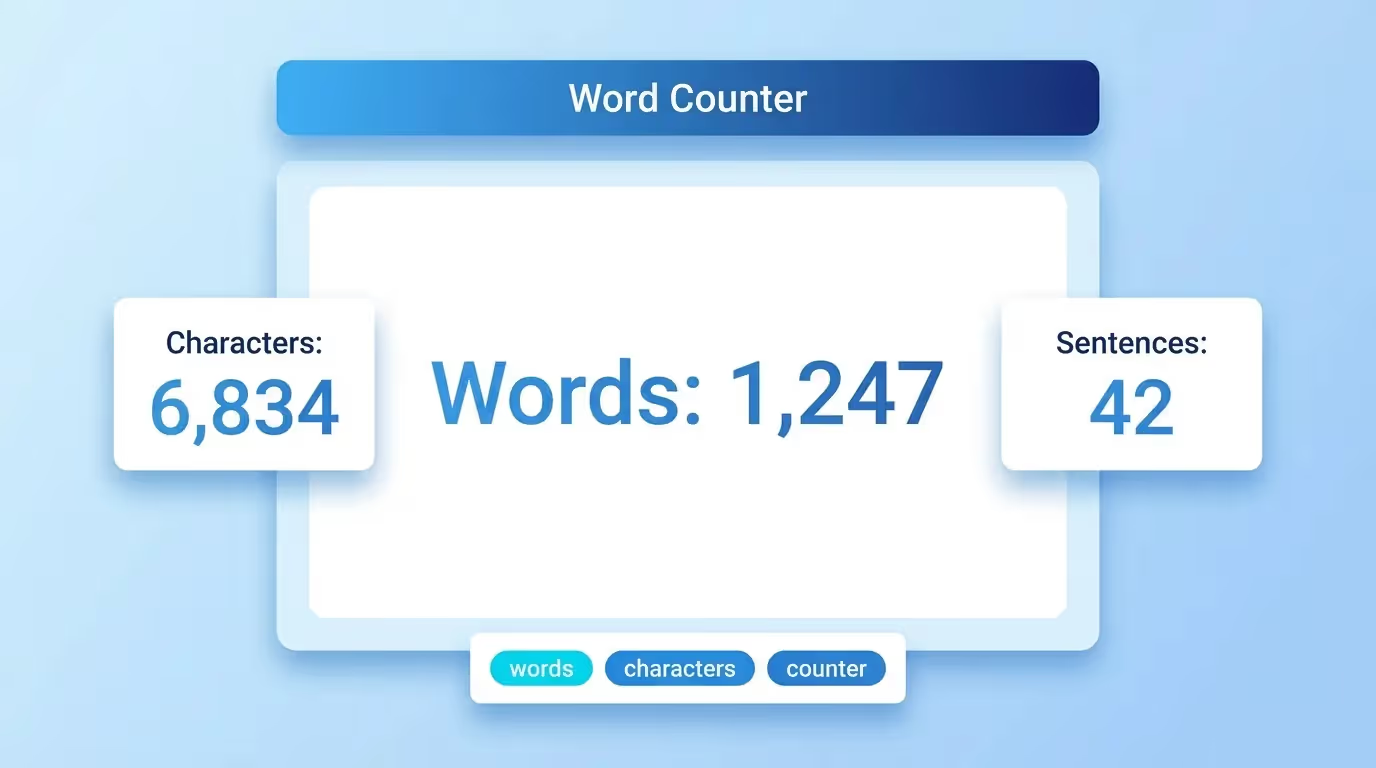
The Sorank Word Counter instantly analyzes any text, giving you a complete breakdown of words, characters, sentences, paragraphs, and estimated reading time, everything you need to optimize your content length.
Why Word Count Matters for SEO
Search engines don't have a strict word count requirement, but data consistently shows that content length correlates with ranking performance. Here's why word count is a key factor in your content strategy:
- Topical depth: Longer content naturally covers more subtopics and semantic variations, signaling comprehensive expertise to search engines.
- Keyword opportunities: More content means more natural places to include target keywords, related terms, and long-tail variations without keyword stuffing.
- Dwell time: Longer, high-quality content keeps users on the page longer, sending positive engagement signals to search engines.
- Backlink potential: In-depth articles attract more backlinks from other websites, as they serve as authoritative resources on a topic.
- Featured snippets: Content with sufficient depth is more likely to be selected for Google's featured snippets and People Also Ask boxes.
Optimal Word Counts by Content Type
Different content types have different ideal word counts. Use these benchmarks as guidelines:
- Blog posts: 1,500-2,500 words. This range consistently performs well in organic search. Aim for the higher end on competitive topics.
- Product pages: 300-500 words. Enough to describe features, benefits, and specifications without overwhelming shoppers.
- Landing pages: 500-1,000 words. Balance persuasive copy with conversion-focused design. Include enough text for search engines to understand the page's purpose.
- Pillar pages: 3,000-5,000+ words. These comprehensive guides cover a broad topic in depth and link out to supporting cluster content.
- Category pages: 200-400 words. A short description helps search engines understand the category while keeping the focus on product listings.
- FAQ pages: 1,000-2,000 words. Answer questions thoroughly but concisely. Each answer should target a specific long-tail keyword.
- Technical documentation: As long as needed. Prioritize completeness and clarity over arbitrary word counts.
How to Use the Sorank Word Counter
The tool provides instant text analysis:
- Enter or paste your text: Type directly or paste content from your document, CMS, or code editor into the text area.
- Get instant metrics: The tool immediately displays word count, character count (with and without spaces), sentence count, paragraph count, and estimated reading time.
- Optimize your content: Use the metrics to compare against target benchmarks for your content type and adjust accordingly.
The counter updates in real time as you type or edit, so you can monitor your content length throughout the writing process.
Understanding Word Count Metrics
A comprehensive word counter provides several metrics beyond just the word count:
- Word count: The total number of words in your text. This is the primary metric for content length planning.
- Character count: The total number of characters including spaces. Essential for platforms with character limits like meta descriptions (155-160 chars), title tags (50-60 chars), and social media posts.
- Character count without spaces: Useful for translation cost estimates, as many translation services charge per character excluding spaces.
- Sentence count: Helps assess content structure. Shorter sentences improve readability, while a mix of lengths creates a natural rhythm.
- Paragraph count: Indicates visual structure. Web content should use short paragraphs (2-4 sentences) for better scanability.
- Reading time: Estimated time to read the content at an average reading speed of 200-250 words per minute. Useful for setting reader expectations and planning content depth.
Word Count and Content Quality
Word count alone doesn't determine content quality. A 3,000-word article filled with fluff will underperform a focused 1,200-word piece that answers the user's query directly. Here's how to balance length with quality:
- Match search intent: If users want a quick answer, a concise 500-word post may outperform a 3,000-word guide. Analyze the top-ranking pages for your target keyword to understand what length works.
- Eliminate filler: Every sentence should add value. Remove redundant introductions, obvious statements, and unnecessary transitions.
- Use structure wisely: Break long content into scannable sections with H2 and H3 headings, bullet points, and short paragraphs. This makes longer content more accessible.
- Focus on completeness: Cover every aspect of the topic your readers need, but don't pad content to hit an arbitrary number. The right word count is however many words it takes to fully address the topic.
Character Limits for SEO Elements
Beyond body content, word and character counts are critical for specific SEO elements:
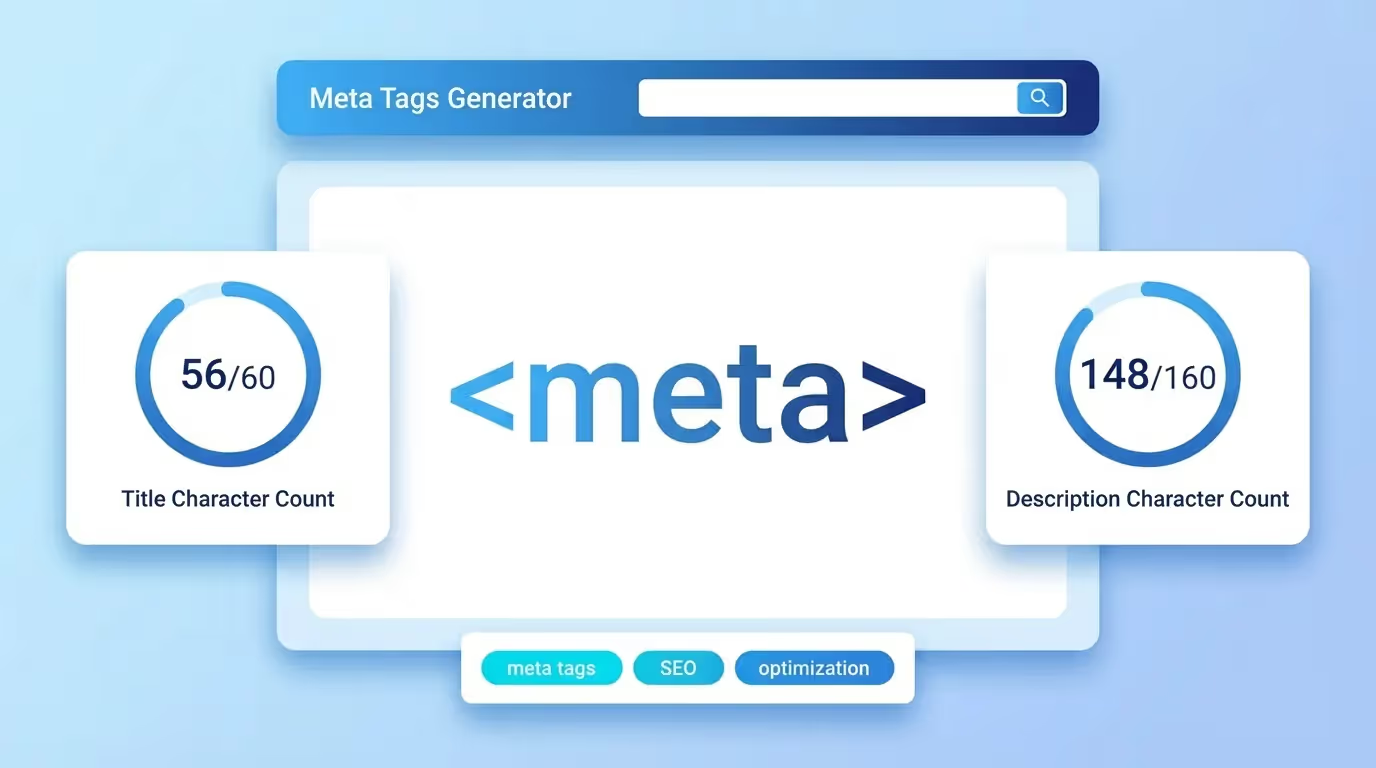
- Title tags: 50-60 characters. Google truncates titles longer than approximately 60 characters in search results.
- Meta descriptions: 150-160 characters. Longer descriptions get cut off with an ellipsis, reducing their effectiveness.
- H1 headings: 20-70 characters. Keep them descriptive but concise.
- URL slugs: 3-5 words (under 60 characters). Short, keyword-rich slugs perform best.
- Image alt text: 80-125 characters. Describe the image clearly for accessibility and SEO.
- Open Graph titles: Under 60 characters for optimal display on social platforms.
- Open Graph descriptions: Under 200 characters for clean social sharing previews.
- Twitter/X posts: 280 characters maximum, but engagement peaks at 71-100 characters.
Word Count Tools for Different Workflows
Different content workflows require different approaches to word counting:
Writers and Editors
Track word count during the writing process to stay within target ranges. Use the Sorank Word Counter alongside your writing tool to monitor progress. Set word count goals before writing and check periodically to ensure you're on track.
SEO Specialists
Analyze competitor content word counts to determine the optimal length for each target keyword. Compare the word counts of top-ranking pages and aim to match or exceed the average while maintaining quality. Use word count as one input among many in your content brief.
Content Managers
Set word count guidelines for your content team based on content type and topic competitiveness. Use word count in your editorial calendar to plan content depth and estimate production timelines. A 3,000-word pillar page takes significantly more time and resources than a 500-word product description.
Social Media Managers
Use character counting to optimize posts for each platform's limits and engagement sweet spots. Different platforms have different optimal lengths: LinkedIn posts perform best at 1,300-2,000 characters, Instagram captions at 138-150 characters, and Facebook posts at 40-80 characters.
Reading Time and User Experience
Estimated reading time is an increasingly important metric for content planning:
- Set reader expectations: Displaying reading time at the top of articles helps users decide whether to commit. Articles showing reading time see higher engagement rates.
- Plan content depth: A 5-minute read (~1,250 words) works for a focused topic, while a 15-minute read (~3,750 words) suits comprehensive guides.
- Optimize for mobile: Mobile users tend to prefer shorter content or well-structured long content with clear sections. Reading time helps you calibrate for your audience's consumption patterns.
- Calculate at 200-250 WPM: The average adult reads at 200-250 words per minute on screen. Technical or complex content may be read slower, at 150-200 WPM.
Common Word Count Mistakes
Avoid these pitfalls when using word count as a content metric:
- Treating word count as a ranking factor: Google has stated that word count is not a direct ranking factor. It's a proxy for content depth and quality, not a metric that search engines use algorithmically.
- Padding content to hit targets: Adding filler paragraphs, unnecessary examples, or verbose explanations to reach a word count target hurts content quality and user experience.
- Ignoring competitor benchmarks: Writing 500 words on a topic where the top 10 results average 2,500 words means you're likely not covering the topic comprehensively enough.
- One-size-fits-all approach: A transactional keyword (“buy running shoes”) doesn't need 3,000 words. Match content length to search intent and user needs.
- Not counting metadata separately: Your title tag and meta description aren't part of your body content word count. Track them separately with character-specific limits.
The Sorank Word Counter gives you all the metrics you need to plan, write, and optimize content at the perfect length for your SEO goals, whether you're crafting a tweet or writing a comprehensive pillar page.