AI-powered assistants now handle over 30% of informational queries, yet most websites provide no structured guidance for AI crawlers to understand their content.
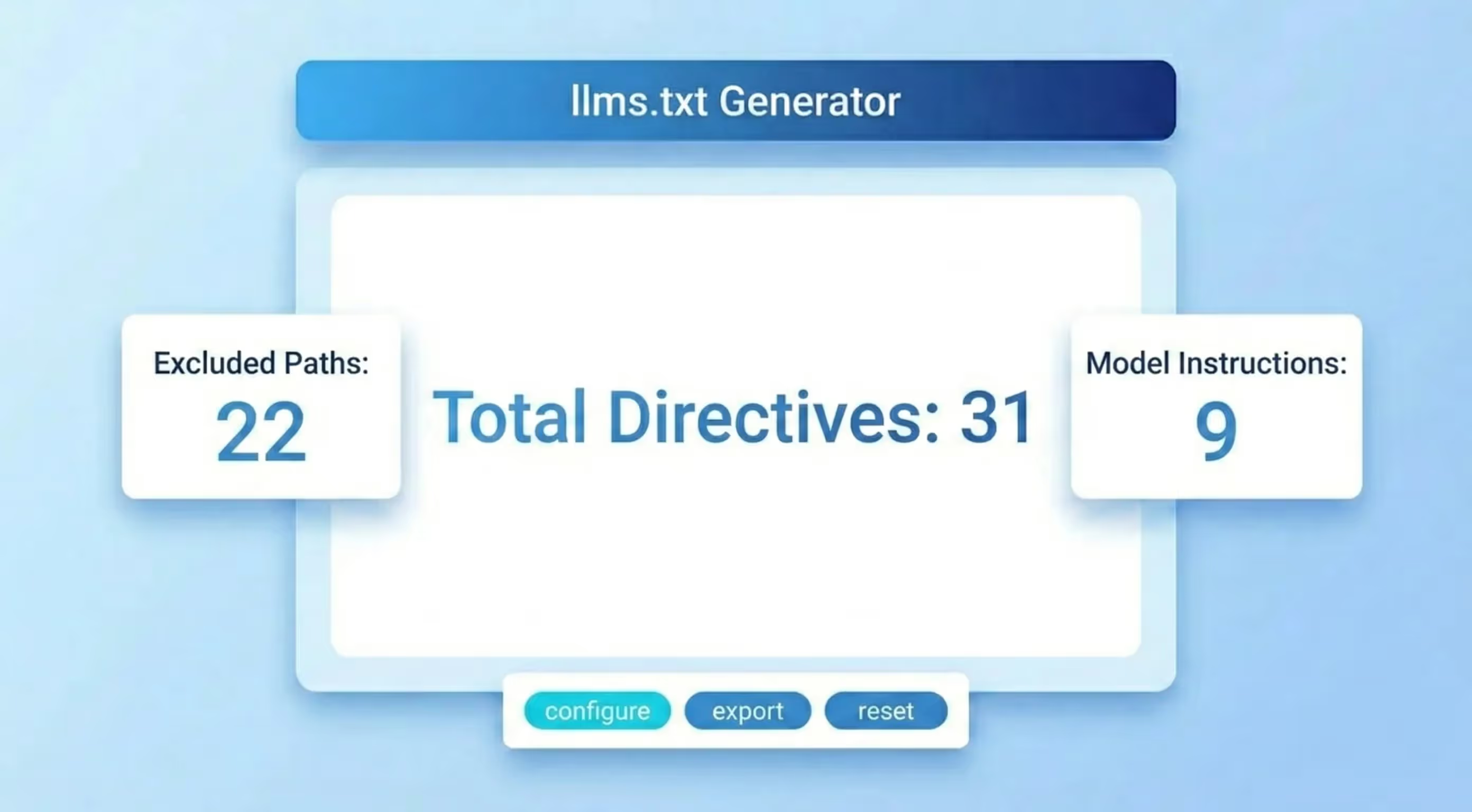
The Sorank llms.txt Generator helps you create a properly formatted llms.txt file in seconds. This file acts as a roadmap for large language models, telling AI systems like ChatGPT, Claude, Perplexity, and Gemini exactly what your website offers and how its content is organized. In this guide, you will learn what llms.txt is, why it matters for your online visibility, and how to create one that maximizes your chances of appearing in AI-generated answers.
What Is llms.txt and Why Does It Matter for AI Visibility?
The llms.txt file is a proposed standard that provides large language models with a structured, machine-readable summary of your website. Think of it as a complement to your existing robots.txt file: while robots.txt tells crawlers where they can and cannot go, llms.txt tells AI models what your site is about, what pages matter most, and how your content is organized.
The file follows a simple plain-text format with clear sections. It typically includes your site name, a brief description, your most important URLs, and optional metadata. AI crawlers look for this file at yourdomain.com/llms.txt and use it to build a better understanding of your content before generating answers that reference your site.
As AI assistants like Perplexity, ChatGPT with browsing, and Google AI Overviews continue to grow, websites without a llms.txt file risk being overlooked. The file is lightweight, easy to create, and can significantly improve how accurately AI models represent your brand and content.
The llms.txt File Format Explained
A well-structured llms.txt file contains several key sections that AI models parse to understand your website:
- Title line: starts with
#followed by your site or organization name - Description block: a short paragraph explaining what your website does and who it serves
- Primary URLs section: marked with
## URLs, listing your most important pages with brief descriptions - Optional sections: you can add categories like
## Blog,## Documentation, or## Productsto organize your links thematically
Each URL entry follows the format: - [Page Title](URL): Brief description of the page content. This structure makes it easy for AI models to quickly scan and understand what each page offers without having to crawl your entire site.
There is also a companion format called llms-full.txt that includes the complete content of your pages in markdown format. This is useful for sites that want AI models to have deep access to their content without requiring multiple page crawls.
How to Use the Sorank llms.txt Generator
Creating your llms.txt file with the Sorank generator is straightforward. Follow these steps:
- Enter your website URL in the input field. The tool will automatically scan your site to detect your pages and structure.
- Review the detected pages. The generator identifies your key pages including your homepage, main sections, blog posts, and product pages.
- Customize descriptions. Edit the auto-generated descriptions for each page to ensure they accurately represent your content.
- Choose your sections. Organize your URLs into logical categories that match your site architecture.
- Generate and download. Click the generate button to create your llms.txt file. Copy the output or download it directly.
- Upload to your root directory. Place the file at
yourdomain.com/llms.txtso AI crawlers can find it automatically.
The entire process takes less than two minutes. Once uploaded, AI models will start using your llms.txt file the next time they crawl your domain.
llms.txt vs robots.txt vs sitemap.xml: Understanding the Differences
These three files serve complementary but distinct purposes in your website's technical SEO stack:
- robots.txt controls which pages search engine bots can crawl. It uses allow and disallow directives to manage crawler access. You can create one with the Sorank Robots.txt Generator.
- sitemap.xml provides search engines with a complete list of your URLs, their priority, and last modification dates. Use the Sorank Sitemap Checker to verify yours is working correctly.
- llms.txt gives AI language models a human-readable summary of your site with descriptions and context that go beyond simple URL lists.
While robots.txt and sitemap.xml target traditional search engines like Google, llms.txt specifically targets AI models. A comprehensive technical SEO strategy now requires all three files. Run an on-page SEO audit to verify that all your technical files are properly configured.
Best Practices for Writing an Effective llms.txt File
Keep descriptions concise and specific. Each page description should be one to two sentences that clearly explain what the page covers. Avoid marketing language and focus on factual, informative descriptions that help AI models categorize your content accurately.
Prioritize your most important pages. List your highest-value pages first. AI models pay more attention to URLs that appear early in the file. Put your core product pages, key blog posts, and main service pages at the top.
Update regularly. Whenever you publish new content or restructure your site, update your llms.txt file. An outdated file is worse than no file at all because it gives AI models incorrect information about your site.
Use proper formatting. Follow the standard markdown-like syntax exactly. AI parsers expect specific formatting, and deviations can cause sections to be misread or ignored entirely. Use the Sorank llms.txt Generator to ensure correct formatting every time.
Include all content types. Do not limit your llms.txt to blog posts only. Include product pages, documentation, tools, guides, and any other content that adds value. The more complete your file, the better AI models understand your site.
Common Mistakes When Creating a llms.txt File
- Placing the file in the wrong directory. Your llms.txt must be at the root of your domain, accessible at
yourdomain.com/llms.txt. Placing it in a subdirectory means AI crawlers will never find it. - Writing vague descriptions. Descriptions like "Our blog" or "Products page" give AI models no useful context. Be specific: "Weekly SEO tutorials covering technical optimization, link building, and content strategy."
- Including every single page. Unlike a sitemap, your llms.txt should focus on your most important and representative pages. Including hundreds of URLs dilutes the signal and makes the file harder for AI models to process.
- Forgetting to update it. A stale llms.txt with dead links or outdated descriptions actively harms your AI visibility. Set a monthly reminder to review and update the file.
- Blocking AI crawlers while serving llms.txt. Check your robots.txt file to ensure you are not blocking AI user agents like GPTBot, ClaudeBot, or PerplexityBot while simultaneously trying to serve them a llms.txt file. These directives must be consistent.
Optimizing llms.txt for Different Platforms
WordPress: Upload your llms.txt file to your WordPress root directory via FTP or your hosting file manager. The file should be at the same level as your wp-config.php. Some SEO plugins are beginning to add native llms.txt support.
Webflow: Add your llms.txt content through the custom code section or upload it as a static file. Since Webflow handles hosting, ensure the file is accessible at your published domain root.
Shopify: Shopify does not allow direct file uploads to the root directory. Use a workaround by creating a page template that outputs plain text, or configure your CDN to serve the file at the correct path.
Next.js and other frameworks: Place your llms.txt in the public directory of your project. Files in this directory are served at the root of your domain automatically. For dynamic sites, consider generating the file at build time based on your page routes and meta tags.
The Future of AI SEO and llms.txt
The llms.txt standard is still evolving, but its adoption is accelerating. Major AI companies are increasingly respecting structured signals from websites, and providing clear guidance through llms.txt is becoming as essential as having a schema markup for rich snippets.
As AI search continues to grow, the websites that proactively optimize for AI discoverability will have a significant competitive advantage. Your llms.txt file is the foundation of your AI SEO strategy. Combine it with proper meta tags, valid structured data, and a clean URL structure to maximize your visibility across both traditional and AI-powered assistants.
Start building your llms.txt file now with the free Sorank llms.txt Generator and take control of how AI models discover and represent your content.