Every link on a webpage tells a story about site architecture, content relationships, and SEO strategy. Whether you are auditing your own site's internal linking, analyzing a competitor's link structure, or preparing for a content migration, extracting all URLs from a page is the essential first step.
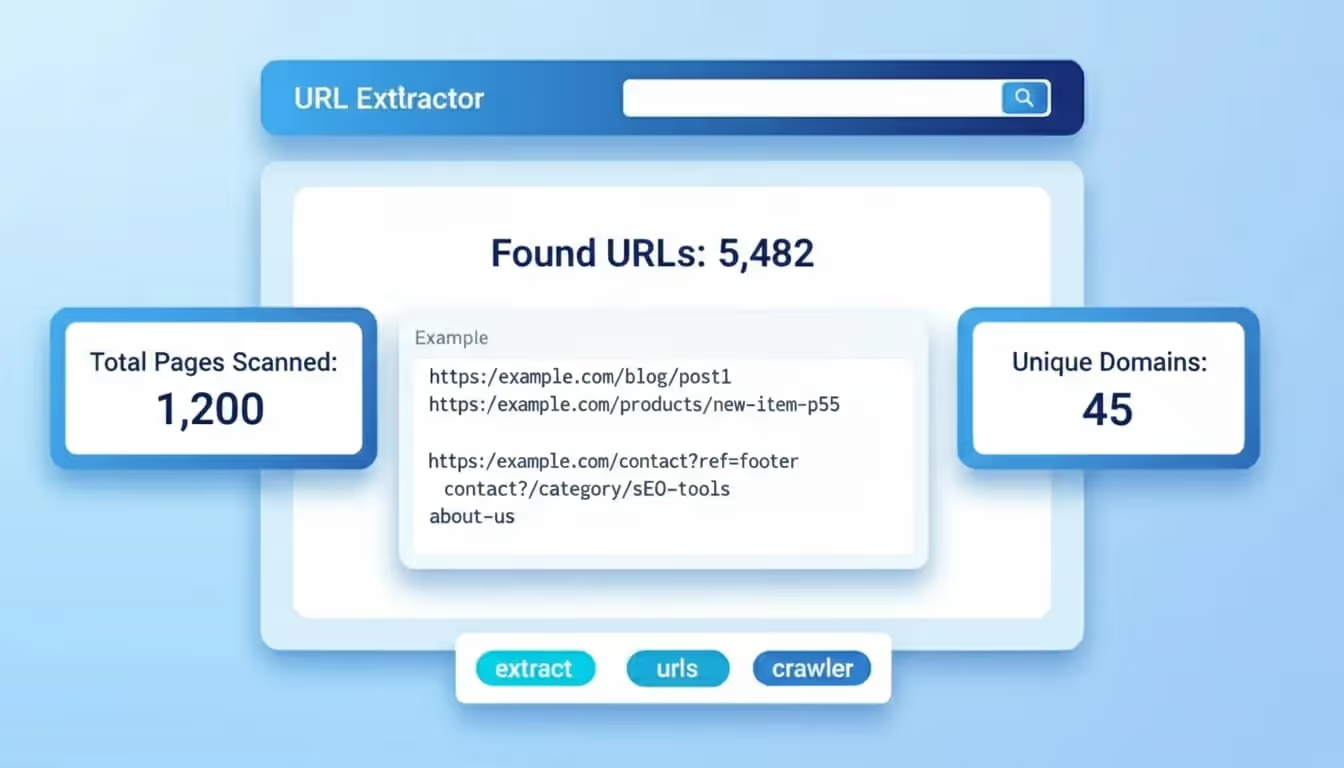
The Sorank URL Extractor pulls every link from any webpage in seconds, categorizing them by type and giving you a complete picture of the page's link profile.
Why URL Extraction Matters for SEO
Links are the connective tissue of the web, and understanding how they work on your site directly impacts your search engine performance. URL extraction serves several critical SEO functions:
- Internal linking audit: A page's outbound internal links determine how link equity flows through your site. Extracting URLs reveals whether your most important pages receive enough internal links or if link equity is being wasted on low-value pages.
- Broken link detection: Dead links frustrate users and waste crawl budget. By extracting all URLs from key pages, you can systematically check each one for 404 errors, redirect chains, or server issues.
- Competitive analysis: Extracting URLs from competitor pages reveals their linking strategy, which external resources they reference, how they structure internal navigation, and which pages they prioritize.
- Content migration planning: Before migrating a website, you need a complete inventory of every URL referenced across all pages to build accurate redirect maps and prevent link rot.
- Anchor text analysis: The anchor text used in internal links sends relevance signals to search engines. Extracting URLs with their anchors helps you optimize these signals for target keywords.
Understanding Link Types
Not all links carry the same weight or serve the same purpose. The URL Extractor categorizes links to help you understand their function:
- Internal links: Links pointing to other pages on the same domain. These are the primary way you control how search engines discover and prioritize your content.
- External links: Links pointing to other websites. Outbound links to authoritative sources can support your content's credibility, while excessive or irrelevant external links may dilute your page's focus.
- Anchor links: Links that jump to a specific section within the same page using fragment identifiers (#). These improve user experience and can generate sitelinks in search results.
- Resource links: Links to images, stylesheets, scripts, and other non-page resources that are part of the page's technical structure.
How the URL Extractor Works
The tool performs a thorough analysis of the target webpage's HTML to identify every link:
- HTML parsing: The extractor fetches the page's HTML source and parses all anchor tags, identifying the href attribute, anchor text, and link attributes like rel=nofollow.
- URL classification: Each extracted URL is categorized as internal, external, anchor, or resource based on its domain and protocol.
- Deduplication: Duplicate URLs are identified and flagged, showing you how many times the same destination is linked from a single page.
- Summary statistics: The tool provides a count of total links, unique URLs, internal vs external ratio, and other metrics for quick assessment.
Practical Use Cases
URL extraction is a foundational task in many SEO workflows:
- Site audit: Extract URLs from your top pages to ensure critical internal links are present and functioning. Combine with a crawl tool for a comprehensive site health check.
- Link reclamation: Extract external links from pages that mention your brand to identify link building opportunities where you are mentioned but not linked.
- Content gap analysis: By examining which internal pages are linked from your cornerstone content, you can identify topics that lack proper internal linking support.
- Redirect mapping: During a site redesign or domain migration, extract all URLs from every page to create a complete redirect map that preserves link equity and user access.
- Competitor link profiling: Extract URLs from competitor landing pages to discover which resources, tools, and partners they reference, revealing potential outreach targets for your own link building efforts.
Best Practices for Link Analysis
Once you have extracted URLs from a page, follow these guidelines for effective analysis:
- Check the internal-to-external ratio: Most SEO experts recommend maintaining a higher proportion of internal links to keep link equity within your site. A page with 50 external links and 5 internal links may be leaking too much authority.
- Verify all links return 200 status: Any extracted URL that returns a 4xx or 5xx error should be fixed immediately. Redirect chains (multiple 301s) should be simplified to direct links.
- Review anchor text diversity: Internal links should use descriptive, keyword-relevant anchor text rather than generic phrases like click here or read more.
- Monitor link changes over time: Regularly extracting URLs from important pages helps you catch unintended link removals, broken links from CMS updates, or unauthorized link additions.