Preferences
Privacy is important to us, so you have the option of disabling certain types of storage that may not be necessary for the basic functioning of the website. Blocking categories may impact your experience on the website. More information

Privacy is important to us, so you have the option of disabling certain types of storage that may not be necessary for the basic functioning of the website. Blocking categories may impact your experience on the website. More information

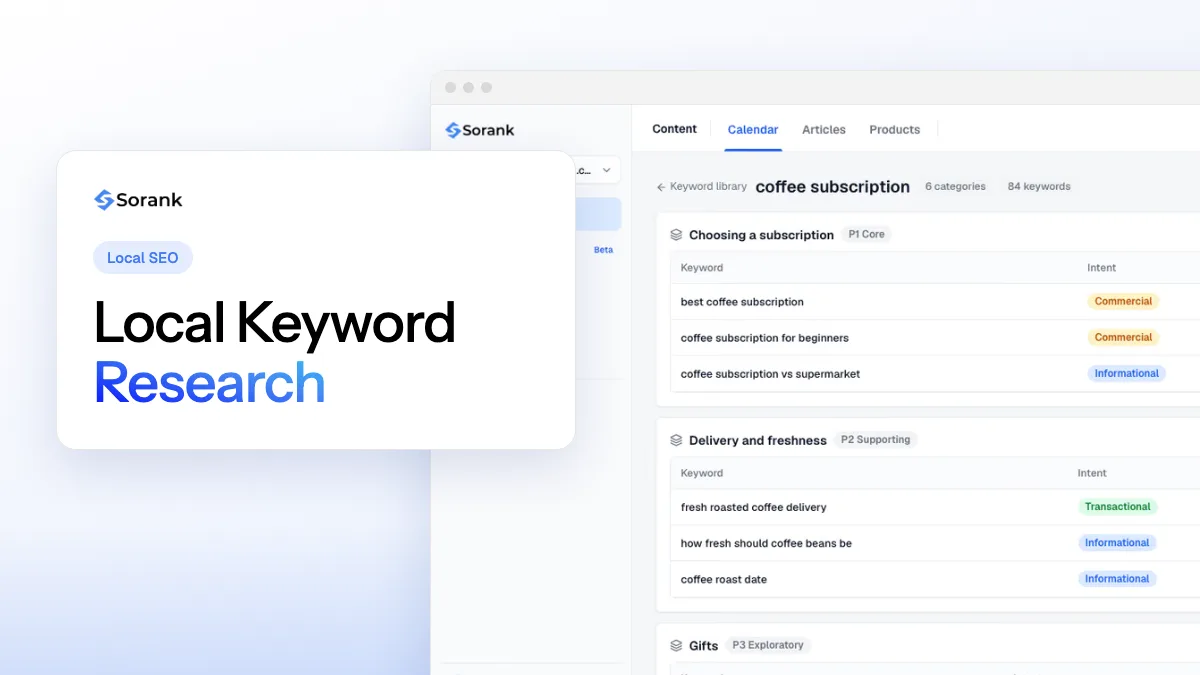
Local keyword research step by step: combine services, cities and modifiers, read the intent behind Maps results and map each keyword to the right page.
Tools

In short
local keyword research means listing the services you sell, combining them with the places you serve and the modifiers customers add (near me, emergency, open now, best, cheap), then checking which combinations have real demand and what Google shows for them. A query that triggers a map block belongs to your Google Business Profile and a location page; a query that returns guides belongs to a blog post. Map each keyword to one page and track it from the right location.
Want to go further? Ask
Quick quiz
How should you find the right keywords?
Sorank matches your answers


Test it for 3 days on your own site and see where you stand on Google, ChatGPT and the other AIs.
Start 3-day free trial3 days free, then stop whenever you want. 90-day results-or-refund guarantee.
Keyword research for local SEO follows the same logic as classic keyword research, with one extra variable: where the searcher is. Google states in its explanation of local ranking that local results are based mainly on relevance, distance and prominence. Keywords drive the first of the three. This guide gives a method you can run in an afternoon for a single shop, or scale to dozens of branches.
Local keyword research is the process of finding the searches that people in a given area type when they need a business like yours. It is part of local SEO and has two outputs: a list of local keywords with their demand and intent, and a keyword map that says which page or profile answers each one.
Local queries come in two shapes:
Implicit queries are often the largest share of demand, and they do not show up when you add city names to a keyword tool. That is why the method below starts with services, then layers places on top.
Write every service and product you sell in the words customers use, not the words on your invoices. A garage sells "MOT", "brake pads" and "car service"; a lawyer sells "divorce lawyer" and "will writing". Check your Google Business Profile categories, competitor menus and the questions customers ask on the phone. Keep 10 to 40 core terms; each one becomes a seed keyword.
Modifiers turn a broad seed into a specific search. Group them by type:
Combining seeds and modifiers produces long-tail keywords with lower volume but much clearer intent: "emergency plumber open Sunday" converts better than "plumber".
List the city, the neighborhoods, nearby towns, the county or region and local landmarks people search by ("near King's Cross"). Only add places where you can serve customers: a location you cannot reach brings calls you will lose.
Cross services with places in a spreadsheet. A firm with 8 services and 6 towns gets 48 combinations, before modifiers. This matrix is the raw list you will validate next.
| Service (seed) | + Modifier | + Place | Resulting keyword |
|---|---|---|---|
| plumber | emergency | Bristol | emergency plumber Bristol |
| boiler repair | same day | Bath | same day boiler repair Bath |
| dentist | near me | (implicit) | dentist near me |
| teeth whitening | cost | Leeds | teeth whitening cost Leeds |
| wedding florist | best | Shoreditch | best wedding florist Shoreditch |
Type each seed into Google and note autocomplete suggestions, the "People also ask" questions and related searches at the bottom of the page. Run the seeds through a free keyword research tool for variants, and open the Performance report of Google Search Console: filter queries by a city name to see which local searches already bring you impressions.
Local volumes are small and easy to misread. In Google Keyword Planner, set the location to your city or region: Google's help page on Keyword Planner forecasts explains that average monthly searches depend on the location and network settings you select, and that volumes are rounded, so figures for several locations "might not add up as you'd expect". Treat a keyword showing 10 or "0" searches with caution: implicit searches from people in your area may be counted under the generic term instead.
Search each priority keyword from the target area (or with a location set in a rank tracker) and note what Google shows. The layout tells you which asset can rank, as the next section explains.
Tip
Do not add "near me" to your page titles or business name. Google already handles proximity with the searcher's location; your job is to make the service and the area you cover obvious on the page and the profile.
The same service can trigger very different results depending on the words around it. The search intent visible on the results page tells you which page to build.
| What Google shows | Intent | Example query | Asset that should rank |
|---|---|---|---|
| Map block with 3 businesses at the top | Transactional, local | emergency electrician Leeds | Google Business Profile + service or city page |
| Map block lower, directories above it | Comparison | best wedding venue Cotswolds | Location page, reviews, directory listings |
| Guides and articles, no map | Informational | how much does a new boiler cost | Blog post or price guide |
| Your brand name and site links | Navigational | [your brand] opening hours | Homepage, contact page, Business Profile |
When the map block, called the local pack, sits at the top, organic links get fewer clicks and your Business Profile does most of the work. When it does not appear, a strong page can win on its own. Many local businesses chase map keywords only and ignore informational queries, which are cheaper to rank for and feed later bookings.
Score each keyword on four criteria: business value (margin and conversion), local demand, difficulty (who ranks today, using keyword difficulty as a rough guide) and fit with an existing page. Then assign one primary keyword per page in a keyword map:
Two pages aimed at "plumber Bristol" and "Bristol plumbers" compete against each other: merge them to avoid keyword cannibalization. Businesses with several branches should give each branch its own profile and page; the multi-location SEO guide covers that setup.
Watch out
Google's spam policies list as doorway abuse "having multiple domain names or pages targeted at specific regions or cities that funnel users to one page". Create a city page only when you serve that city and can say something specific about it.
Your Business Profile is the main asset for map queries. Keywords go into the fields Google reads, within its guidelines for representing your business:
Once pages and profile are live, check positions from several points in your area: map rankings change from one street to the next, which is the job of local rank tracking.
People now ask ChatGPT, Gemini or Perplexity "who is the best emergency plumber in Bristol?" or "which dentist in Leeds takes new patients on weekends?". These prompts are longer than typed queries and mix service, place and criteria. To be cited:
Local GEO starts from the same keyword matrix: services, places and criteria, rewritten as questions.
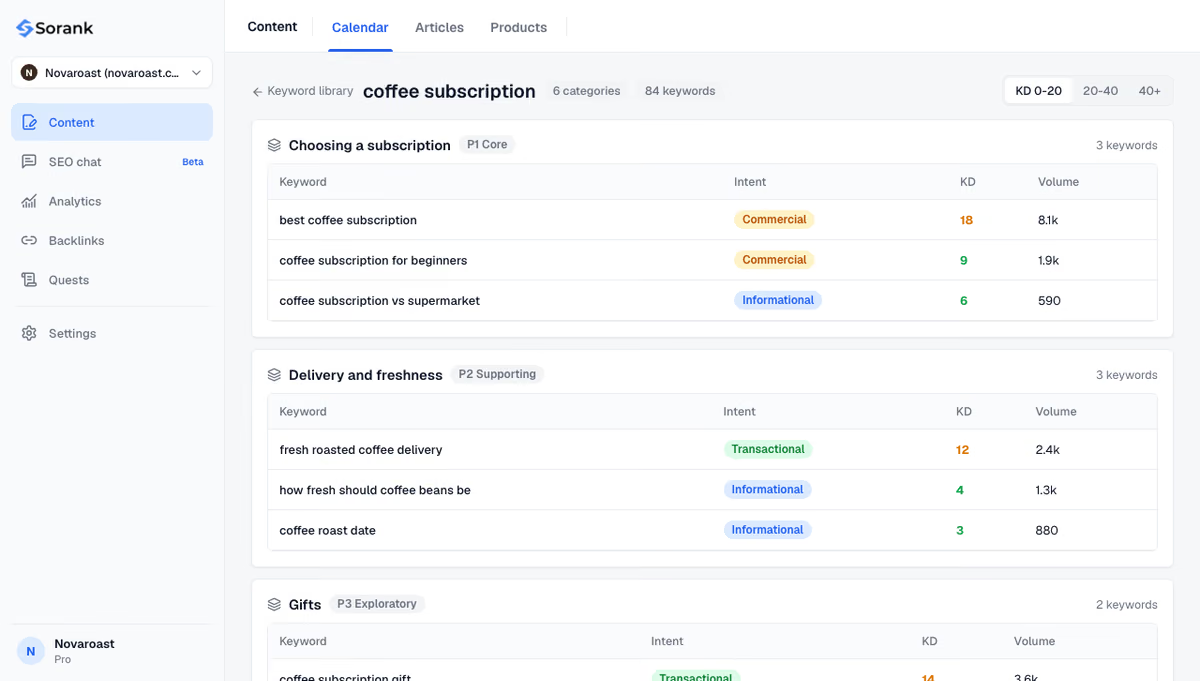
Sorank is an SEO and GEO software that runs on autopilot. Its automated keyword research analyzes your site, finds the keywords your customers use, groups them by topic and shows intent, volume and difficulty, then writes and publishes the matching articles. AI mention tracking follows the prompts that matter to you on ChatGPT, Claude and Gemini and shows who is cited in your place.
Plans start at $49 per month on annual billing, with a 3-day free trial and a 90-day money-back guarantee: see pricing.
Local keyword research comes down to a matrix of services, modifiers and places, validated with real data and checked against what Google shows. Map each keyword to one asset: the Business Profile and location pages for map queries, blog posts for questions. Revisit the list every few months, since new services, new areas and new AI prompts change the map. To find and cover these keywords automatically, start with Sorank.

Start with one primary keyword per page: usually 5 to 15 for a single-location business (homepage, service pages and a few location pages), plus questions for blog posts. Each page can also rank for close variants of its primary keyword. Add new targets when you add services or areas.
Yes, for service and location pages: a title such as "Boiler Repair in Bristol" states both the service and the area. Use one place per page and keep the title readable. Do not stuff several towns into one title.
Local volumes are small and rounded, and many people search without typing a place, so their searches are counted under the generic term. Check the generic keyword with your city set as the location, and look at Search Console impressions, which show real demand for your site.
We analyse your competitors, your website and your AI visibility to create a tailored content plan for free.
 AI Content Brief Generator
 FAQ Schema Generator
 AI Blog Post Ideas Generator
 Structured Data Validator (Schema Validator)
 Alt Text Checker
 Internal Link Analyzer
 Backlink Challenge
 AI Meta Description Generator
 AI Blog Title Generator
 Google Indexability Checker
 AI Blog Outline Generator
 UTM Link Builder
 Keyword Clustering Tool
 Canonical Tag Checker
 XML Sitemap Generator
 Broken Link Checker
 AI SEO Title Generator
 Headline Analyzer
 SERP Preview Tool
 Redirect Checker
 Hreflang Tag Generator
 Heading Structure Analyzer
 HTTP Headers Checker
 Favicon Extractor
 SERP CTR Calculator
 SEO vs Paid Search Savings Calculator
 SEO Share of Voice Calculator
 SEO ROI Calculator
 SEO Traffic and Revenue Forecast Calculator
 SEO Budget Calculator
 SEO Break-Even Calculator
 SaaS SEO ROI Calculator
 ROAS Calculator
 Reading Time Calculator
 Ranking Gain Simulator
 Organic Traffic Value Calculator
 Organic Traffic Estimator and Website Traffic Checker
 LTV to CAC Ratio Calculator
 Local SEO ROI Calculator
 Link Building Cost Calculator
 Keyword Value Calculator
 Keyword Opportunity Score Calculator
 Keyword Density Calculator
 GEO ROI Calculator
 GEO Content Investment Calculator
 Ecommerce SEO ROI Calculator
 Customer Lifetime Value Calculator
 Customer Acquisition Cost Calculator
 CTR Calculator
 Cost Per Article Calculator
 Conversion Rate Calculator
 Content Marketing ROI Calculator
 ChatGPT Referral Traffic Estimator
 Bounce Rate Calculator
 Backlink ROI Calculator
 AI Visibility Score Calculator
 AI Traffic Value Calculator
 AI Share of Voice Calculator
 Cost of AI Invisibility Calculator
 AI Citation Rate Calculator
 llms.txt Validator
 AI Overview Checker and AI Overviews Rank Checker
 Robots.txt Checker
 AI SEO Audit
 LLM Readability Checker
 SearchGPT Readiness Checker
 Structured Data LLM Audit
 Website Crawlability AI Audit
 Why ChatGPT Is Not Recommending My Website
 Gemini Ranking Tool
 Perplexity Ranking Checker
 LLM Citation Checker
 Answer Engine Optimization Audit
 GEO Audit
 AI Search Visibility Test
 ChatGPT Visibility Checker
 llms.txt Generator
 URL Extractor
 Webpage to Markdown
 Sitemap Checker
 SERP Volatility Sensor
 Page Size Checker
 Word Counter
 Slug Generator
 Schema Generator
 Robots Generator
 OG Preview
 Meta Tags Generator
 Image Compressor
 Favicon Generator
 On-Page SEO Audit: SEO Checker and SEO Analyzer
 Backlink Analysis Tool
 Keyword Research Tool
 Domain Authority Checker
THEY TRIED SORANK BEFORE YOU
 “I tested Sorank on a real client site and it's insane. It does everything an agency would bill you $1500 a month for. It's going into production on that client now.”
 Guillaume Guersanguersanguillaume.com“We are an Ads agency and we wanted to get our SEO back on track once and for all. Sorank gave us a clear view of our site, helped us prioritize optimizations, and properly structure our content. The tool is easy to use, well designed for a team, and very practical for centralizing tracking without having to juggle multiple platforms. A very solid foundation to start fresh with our SEO.”
 Gaspard MadouiAds Agency
 “I just let the Sorank software do its thing, and now my DR is 25 and my page is ranking higher.”
 Lucas Flandrefoundertrace.fr“I specialized in GEO thanks to Sorank. The GEO Leaderboard allows me to show my clients their position vs competitors on ChatGPT. It’s a real commercial differentiator.”
 MélanieSEO Freelance“Great service, works well for our website and helps us understand how to improve it to rank better on Google and elsewhere. Congrats, keep going, I recommend it.”
 Hugo T.E-commerce merchant