Preferences
Privacy is important to us, so you have the option of disabling certain types of storage that may not be necessary for the basic functioning of the website. Blocking categories may impact your experience on the website. More information

Privacy is important to us, so you have the option of disabling certain types of storage that may not be necessary for the basic functioning of the website. Blocking categories may impact your experience on the website. More information

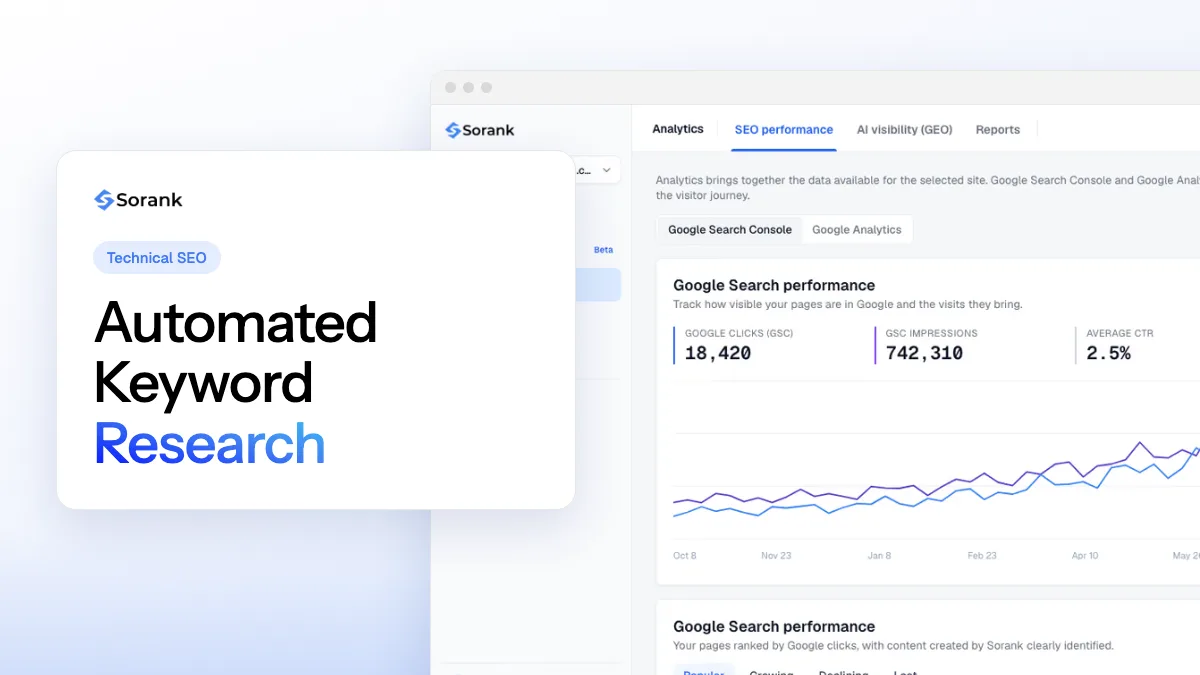
Automated keyword research turns a few seed topics into scored, grouped keywords in minutes. How it works (APIs, AI, clustering), its limits and a workflow.
Tools

In short
automated keyword research uses software to do the repetitive parts of keyword research for you: it collects seed topics from your site, expands them into thousands of queries through keyword databases and APIs, scores each query (volume, difficulty, intent, business fit), groups them into clusters and assigns one page per cluster. A human still decides which topics matter to the business. Done well, it replaces days of spreadsheet work with a list of prioritized pages that is refreshed every month.
Want to go further? Ask
Quick quiz
How should you find the right keywords?
Sorank matches your answers


Test it for 3 days on your own site and see where you stand on Google, ChatGPT and the other AIs.
Start 3-day free trial3 days free, then stop whenever you want. 90-day results-or-refund guarantee.
Automated keyword research exists because search demand never stops moving. Google's John Mueller repeated at Search Central Live NYC that around 15% of the queries Google sees every day are new, as Search Engine Journal reported in March 2025. A keyword list built by hand once a year misses part of that demand. This guide explains what each layer of an automated system does, where it fails, and the workflow we recommend.
Automated keyword research is the use of tools, APIs and AI models to run the steps of keyword research without manual copy and paste: finding ideas, collecting metrics, classifying intent, grouping and prioritizing. The output is the same as a manual study (a keyword map that links each group of queries to one page), produced faster and rerun on a schedule.
It sits on a spectrum. At one end, a keyword tool that suggests related terms is assisted research: you still filter, sort and group everything yourself. At the other end, end-to-end automation chains every step, from reading your site to delivering a ranked list of pages to create, and can hand that list to content production. If you have never done the process by hand, read our step-by-step method for keyword research first: automation only speeds up decisions you understand.
Every automated system, from a homemade script to a full platform, chains the same six layers.
The software reads your homepage, product pages and existing articles to extract your offers, the problems you solve and your vocabulary. Each extracted term becomes a seed keyword. Better systems also pull the queries you already appear for in Search Console and the category names your competitors use.
Each seed is sent to one or more data sources that return related queries. Google's own Google Ads API documentation shows what this layer looks like: the keyword ideas service accepts 1 to 20 seed keywords, a page URL, or a whole domain, and a site seed can return up to 250,000 keyword ideas, each with a 12-month average volume, monthly volumes, a competition index from 0 to 100 and bid ranges. Third-party databases (Semrush, Ahrefs and others) add their own estimates and competitor rankings. Search Console adds real data: its Search Analytics API returns up to 25,000 rows per request with clicks, impressions, CTR and position for each query.
Raw lists are useless until they are scored. The system attaches volume, difficulty, cost per click and trend to each query, then computes a priority score. The usual formula weighs potential traffic against difficulty and your site's authority, with a bonus for queries where you already rank between positions 5 and 20. Our guide to keyword metrics explains what each number really measures.
This is where language models changed the field. A model reads each query, or the current top results for it, and labels the intent: informational, commercial, transactional or navigational. It also flags business fit: "free invoice template" and "invoice software for freelancers" share a topic, but only one is likely to bring a customer to an invoicing tool. Classifying 5,000 queries by hand takes days; a model does it in minutes, with errors that a quick human review catches.
Queries that Google answers with the same pages belong on the same page of your site. Clustering tools compare the top results of each query and group those with strong overlap, or group them by meaning with text embeddings. This step is what prevents duplicate articles and cannibalization. You can test it on your own list with our free keyword clustering tool, and the method is detailed in our guide to keyword clustering.
Each cluster is matched against your existing pages: update a page that already targets it, or create a new one. The result is a ranked backlog of pages, the useful output of the whole process.
Automation changes the cost of each step more than the steps themselves.
| Criterion | Manual research | Automated research |
|---|---|---|
| Time for a first study | One to several days | Minutes to a few hours |
| Number of queries reviewed | A few dozen to a few hundred | Thousands |
| Intent check | Read by a person, query by query | Labelled by AI, sampled by a person |
| Grouping | By intuition, often inconsistent | By overlap of search results or by meaning |
| Refresh | Once or twice a year | Weekly or monthly |
| Business judgment | Built in | Must be added at review |
| Main risk | Missed opportunities | Irrelevant keywords that bring traffic without customers |
Watch out
Google's Keyword Planner help page states that keywords with very low search volumes are not discoverable. Never drop a precise, high-intent query from your plan only because a tool shows zero volume.
Here is the workflow we recommend, with the place of the human in each step.
| Step | Automated part | Human check | Frequency |
|---|---|---|---|
| 1. Seeds | Site crawl, Search Console queries, competitor categories | Remove off-topic seeds, add missing offers | Quarterly |
| 2. Expansion | API calls to keyword databases | None | Monthly |
| 3. Scoring | Volume, difficulty, trend, priority score | Adjust weights to your authority | Monthly |
| 4. Intent and fit | AI labels each query | Review a sample of 50 | Monthly |
| 5. Clustering | Grouping by search results overlap | Check the 10 largest clusters | Monthly |
| 6. Gap analysis | Competitor keywords you do not cover | Pick the gaps that match your offers | Quarterly |
| 7. Backlog | One page per cluster, ranked | Approve the top 10 pages | Monthly |
Step 6 deserves its own method, described in our guide to keyword gap analysis. The whole table fits into a broader keyword strategy: the workflow feeds it, and the strategy decides which clusters come first.
Example
A software company selling invoicing to freelancers starts from 12 seeds. Expansion returns a few thousand queries; intent filtering keeps those with commercial or problem-solving intent; clustering turns them into about 40 groups such as "invoice software for freelancers", "how to invoice a client abroad" and "late payment reminder email". The team reviews the top clusters in an hour and gets a ranked list of pages for the quarter.
There are three levels, depending on your time and technical skills.
A developer can connect the Google Ads API, the Search Console API and a language model in a script or a spreadsheet. It costs little and gives full control, but it needs maintenance, API access and someone to own it. Our article on SEO automation lists which tasks are worth scripting.
Semrush, Ahrefs and similar suites offer large keyword databases, competitor data and grouping features. They automate collection and metrics; the filtering, mapping and handoff to writing stay manual. For a quick start without a subscription, our free keyword research tool returns ideas from a single seed.
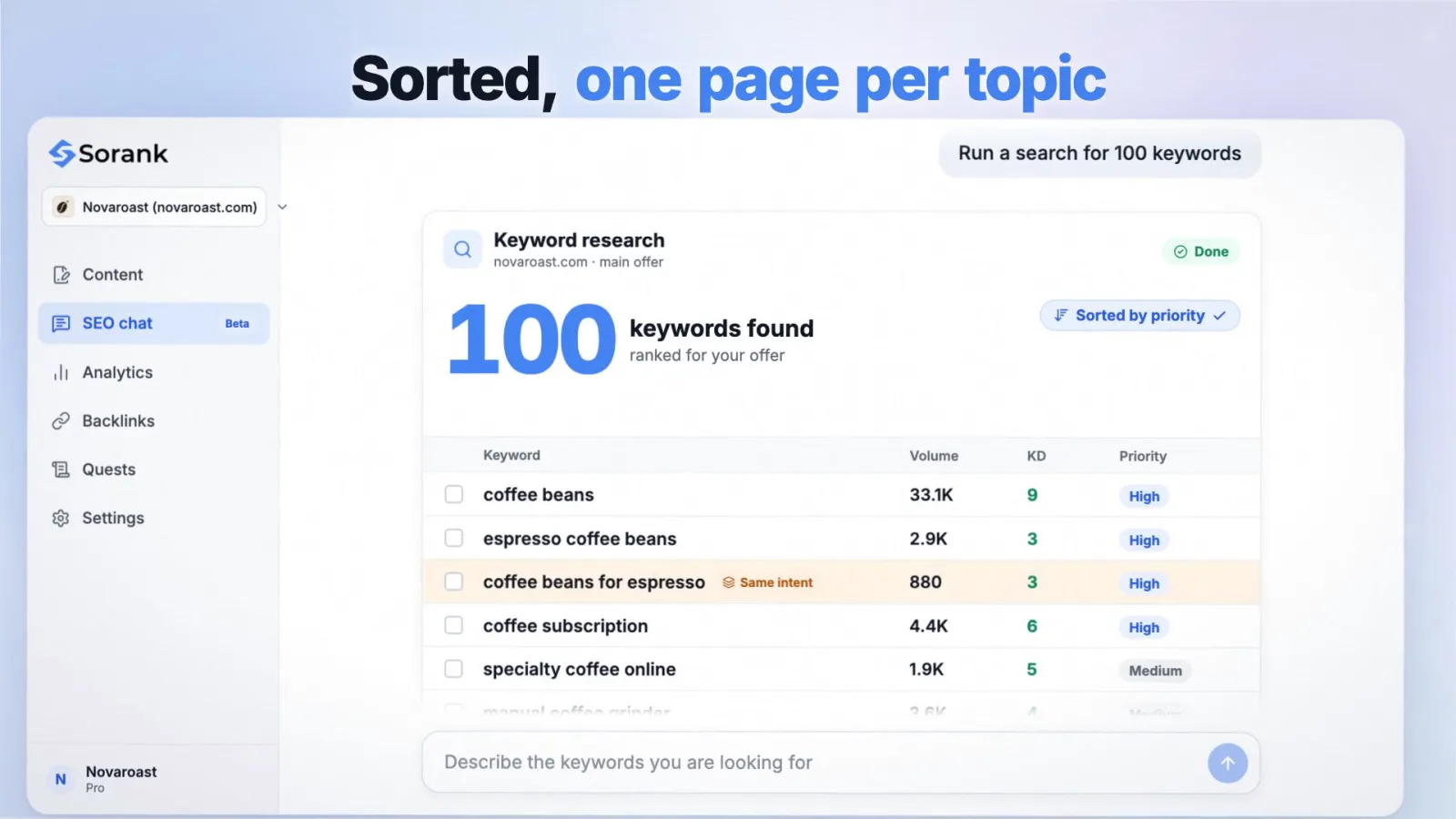
The last level chains research and content. Sorank's keyword research analyzes your site, finds the keywords you can rank for automatically, groups them into one page per topic, then writes and publishes the matching articles, on autopilot or as drafts for review.
Tip
Whatever the level, keep one rule: no keyword goes into production without a human yes on the cluster. Reviewing 10 clusters takes minutes and prevents most of the costly mistakes.
For Google, automation gives you a cleaner site: one page per intent, no duplicates, and fast reaction to new queries. For AI assistants such as ChatGPT, Gemini and Perplexity, the unit changes from short keywords to full questions. A buyer asks "which invoicing tool handles VAT for freelancers in Germany?", a query with no measurable volume in keyword tools.
The same pipeline handles both: expand seeds into questions, cluster them, and answer each cluster on a page with a direct answer at the top. Sorank's AI prompt research finds the questions people ask the AIs in your market, and our ChatGPT citation study shows which types of pages those answers cite. Ranking on Google remains the base: the pages that AI assistants cite are often pages that already rank.
Automated keyword research is worth it as soon as you publish regularly: the machine finds, scores and groups, you decide in minutes. To test it on your site, Sorank runs the research, writes the articles and publishes them, from $49 per month (annual plan) with a 3-day free trial.

AI can generate ideas, label search intent and group queries very quickly, but a language model alone has no reliable search volume or difficulty data. The best results come from combining keyword data from Google or a keyword database with a model for classification, then a short human review of the final clusters.
Monthly is a good default for expansion, scoring and clustering, because new queries and seasonal changes appear every month. Seed topics and competitor gaps change more slowly and can be reviewed every quarter, or after a new product launch.
Yes, especially because SaaS buyers search with many specific, low-volume queries such as integrations, alternatives and use cases. Automation surfaces and groups these long-tail queries at scale, and the team only needs to confirm which features and use cases deserve a page.
We analyse your competitors, your website and your AI visibility to create a tailored content plan for free.
 AI Content Brief Generator
 FAQ Schema Generator
 AI Blog Post Ideas Generator
 Structured Data Validator (Schema Validator)
 Alt Text Checker
 Internal Link Analyzer
 Backlink Challenge
 AI Meta Description Generator
 AI Blog Title Generator
 Google Indexability Checker
 AI Blog Outline Generator
 UTM Link Builder
 Keyword Clustering Tool
 Canonical Tag Checker
 XML Sitemap Generator
 Broken Link Checker
 AI SEO Title Generator
 Headline Analyzer
 SERP Preview Tool
 Redirect Checker
 Hreflang Tag Generator
 Heading Structure Analyzer
 HTTP Headers Checker
 Favicon Extractor
 SERP CTR Calculator
 SEO vs Paid Search Savings Calculator
 SEO Share of Voice Calculator
 SEO ROI Calculator
 SEO Traffic and Revenue Forecast Calculator
 SEO Budget Calculator
 SEO Break-Even Calculator
 SaaS SEO ROI Calculator
 ROAS Calculator
 Reading Time Calculator
 Ranking Gain Simulator
 Organic Traffic Value Calculator
 Organic Traffic Estimator and Website Traffic Checker
 LTV to CAC Ratio Calculator
 Local SEO ROI Calculator
 Link Building Cost Calculator
 Keyword Value Calculator
 Keyword Opportunity Score Calculator
 Keyword Density Calculator
 GEO ROI Calculator
 GEO Content Investment Calculator
 Ecommerce SEO ROI Calculator
 Customer Lifetime Value Calculator
 Customer Acquisition Cost Calculator
 CTR Calculator
 Cost Per Article Calculator
 Conversion Rate Calculator
 Content Marketing ROI Calculator
 ChatGPT Referral Traffic Estimator
 Bounce Rate Calculator
 Backlink ROI Calculator
 AI Visibility Score Calculator
 AI Traffic Value Calculator
 AI Share of Voice Calculator
 Cost of AI Invisibility Calculator
 AI Citation Rate Calculator
 llms.txt Validator
 AI Overview Checker and AI Overviews Rank Checker
 Robots.txt Checker
 AI SEO Audit
 LLM Readability Checker
 SearchGPT Readiness Checker
 Structured Data LLM Audit
 Website Crawlability AI Audit
 Why ChatGPT Is Not Recommending My Website
 Gemini Ranking Tool
 Perplexity Ranking Checker
 LLM Citation Checker
 Answer Engine Optimization Audit
 GEO Audit
 AI Search Visibility Test
 ChatGPT Visibility Checker
 llms.txt Generator
 URL Extractor
 Webpage to Markdown
 Sitemap Checker
 SERP Volatility Sensor
 Page Size Checker
 Word Counter
 Slug Generator
 Schema Generator
 Robots Generator
 OG Preview
 Meta Tags Generator
 Image Compressor
 Favicon Generator
 On-Page SEO Audit: SEO Checker and SEO Analyzer
 Backlink Analysis Tool
 Keyword Research Tool
 Domain Authority Checker
THEY TRIED SORANK BEFORE YOU
 “I tested Sorank on a real client site and it's insane. It does everything an agency would bill you $1500 a month for. It's going into production on that client now.”
 Guillaume Guersanguersanguillaume.com“We are an Ads agency and we wanted to get our SEO back on track once and for all. Sorank gave us a clear view of our site, helped us prioritize optimizations, and properly structure our content. The tool is easy to use, well designed for a team, and very practical for centralizing tracking without having to juggle multiple platforms. A very solid foundation to start fresh with our SEO.”
 Gaspard MadouiAds Agency
 “I just let the Sorank software do its thing, and now my DR is 25 and my page is ranking higher.”
 Lucas Flandrefoundertrace.fr“I specialized in GEO thanks to Sorank. The GEO Leaderboard allows me to show my clients their position vs competitors on ChatGPT. It’s a real commercial differentiator.”
 MélanieSEO Freelance“Great service, works well for our website and helps us understand how to improve it to rank better on Google and elsewhere. Congrats, keep going, I recommend it.”
 Hugo T.E-commerce merchant