Summary
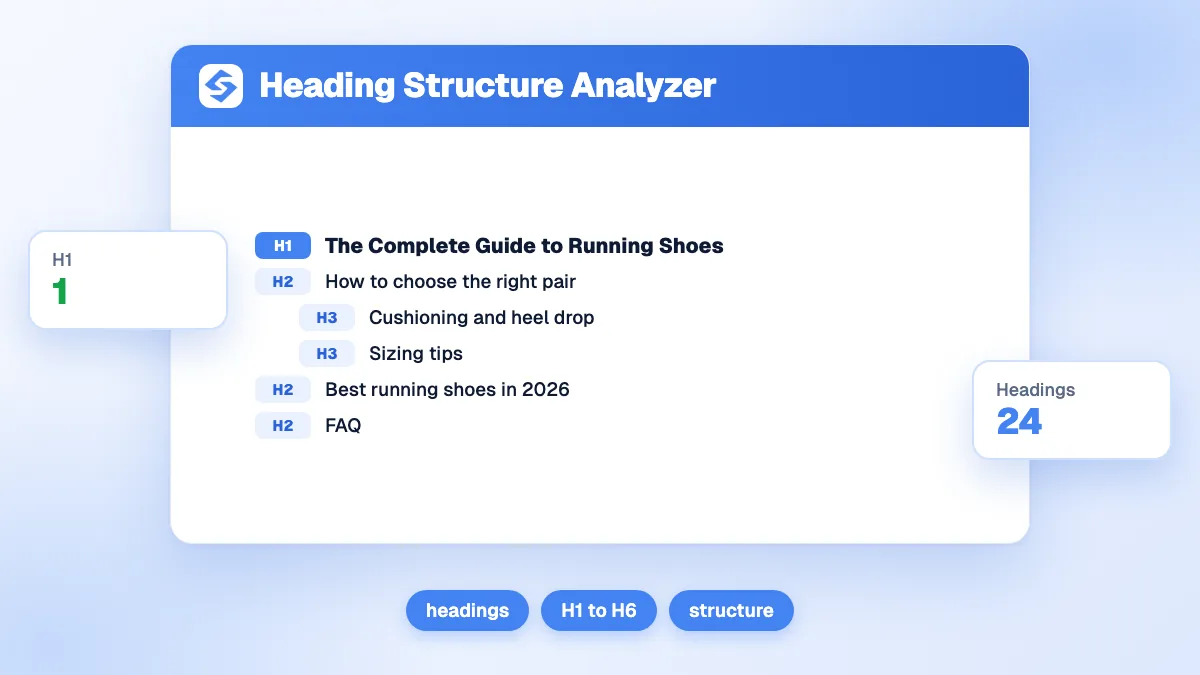
The free heading structure analyzer extracts every H1 to H6 of a web page and draws them as an indented outline. It counts the headings per level and flags four problems: no H1, several H1s, no H2 under the title, and skipped levels such as an H2 followed directly by an H4. Fix the errors first, then make sure the H2s read like a table of contents of the page.
Want to go further? Ask


A heading structure analyzer shows the skeleton of a page the way machines and screen reader users meet it. Headings are the main way many people find their way through a long page: in WebAIM's survey of screen reader users, 71.6% said that navigating through the headings is the first thing they do to find information on a lengthy page (WebAIM, Screen Reader User Survey #10). Search engines and AI assistants also use headings to understand what each section covers. A clean outline serves all of them.
What does the heading analyzer check?
Enter a URL and the tool reads the HTML of the page, collects each heading with its level and its text, and runs four checks.
| Check | Flagged when | Severity | Usual cause |
|---|---|---|---|
| Missing H1 | No H1 on the page | Error | The title is styled text or a logo, not a heading |
| Multiple H1 | Two or more H1 tags | Warning | The logo, a banner or a widget also uses H1 |
| Missing H2 | Several headings but no H2 | Warning | Sections jump from H1 to H3 for visual size |
| Hierarchy jump | A level is skipped going down, for example H2 then H4 | Warning | A heading level chosen for its font size |
The result shows the page title, the number of headings per level, the total, the list of problems and the full outline, indented by level, with each jump highlighted. Going back up several levels, for example from an H4 to a new H2, is normal and is not flagged.
How do you use the heading analyzer?
- Paste the full URL of the page, for example https://example.com/guide.
- Pass the anti-bot check and click Analyse. Three analyses per day are free.
- Read the issues first. A missing H1 is the only error; everything else is a warning to review.
- Read the outline as a reader would. The H2s alone should tell you what the page covers, in a logical order.
- Fix the template, not only the page. When the logo or the footer uses a heading tag, every page of the site has the same problem.
Should a page have only one H1?
One H1 is the clearest choice, even if HTML does not forbid more. WebAIM notes that a page typically has only one H1, with H2 to H6 acting as increasing degrees of indentation in an outline (WebAIM, semantic structure). The HTML standard itself shows a page without any H1 as conforming but "not encouraged" (WHATWG HTML standard, sections).
For SEO, the H1 also matters indirectly: Google lists heading elements such as the H1 among the sources it uses to build the title link of a result when the title tag has a problem (Google Search Central, title links). A single H1 that matches the title tag in meaning keeps that signal consistent. To write the title tag that goes with it, try the AI SEO title generator.
Does skipping heading levels hurt SEO?
Not for Google rankings, but it hurts readers who rely on the outline. Google's SEO starter guide says that semantic order is fantastic for screen readers, while from a Google Search perspective it does not matter if headings are out of order (Google, SEO starter guide). The W3C takes the accessibility side: skipping heading ranks can be confusing and should be avoided where possible, though it is fine to skip ranks when closing subsections (W3C Web Accessibility Initiative, headings).

So treat jumps as an accessibility and clarity issue. They usually come from picking a heading level for its size; the fix is to use the right level and change the size in CSS.
How do you fix the most common heading problems?
Most fixes take minutes once you know where the tag comes from.
- Logo tagged as H1: change it to a plain link or image in the site header, and give the page title the H1.
- Headings used for styling: a promotional banner or a quote set as H2 or H3 for its size should become a paragraph with a CSS class.
- Sidebar and footer headings: keep them at one consistent level across the site, as the W3C recommends for fixed page sections, so they never interrupt the main outline.
- Page builder blocks: check the heading level setting of each block, since many default to H2 or H3 regardless of position.
- Empty headings: remove heading tags that contain only an icon or a spacer.
What does a good heading outline look like?
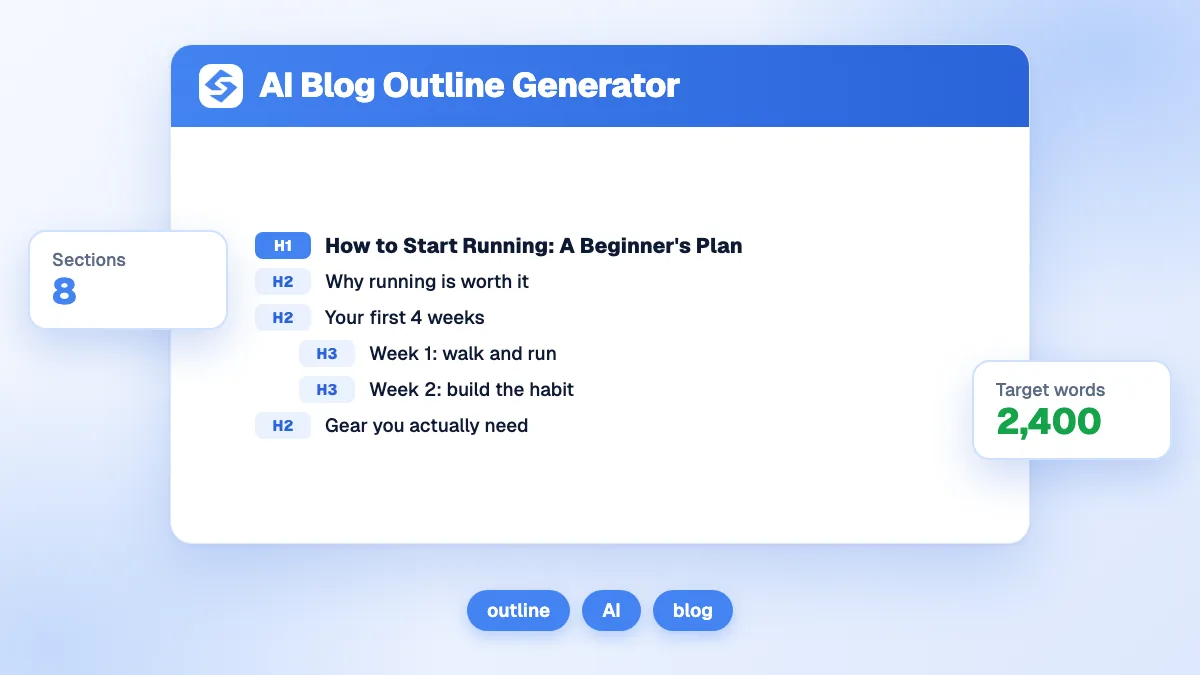
It reads like a table of contents. Compare these two outlines of the same article.
| Weak outline | Clear outline |
|---|---|
| H1 Welcome to our blog | H1 How to Choose a Running Shoe |
| H3 Introduction | H2 What type of runner are you? |
| H4 Cushioning | H3 Road, trail or treadmill |
| H2 Newsletter | H2 How much cushioning do you need? |
| H1 Our products | H2 How do you find the right size? |
| H5 Contact | H2 When should you replace your shoes? |
The weak outline has two H1s, two jumps and headings that describe the layout rather than the content. The clear one states the topic in the H1, asks the reader's questions in the H2s and nests details under them.
How do headings help in AI search?
They make each section easy to identify and quote. Systems that build AI answers pick passages that match a sub-question, and a heading phrased as that question, followed by a direct answer, is the easiest passage to reuse. Google's guide to generative AI search recommends organizing content in paragraphs and sections with headings that provide a clear structure, written for people first, and adds that perfect semantic HTML is not required (Google, optimizing for generative AI search).
- Phrase H2s as questions your customers ask.
- Keep headings short: roughly five to ten words, specific to the section.
- Avoid repeating the same keyword in every heading.
- Answer right below each heading, in the first sentence or two.
To check the answer blocks under your headings, run the AEO audit; for sentence and paragraph length, the LLM readability checker. Our glossary entry on on-page SEO places headings among the other page signals.
What are the limits of the heading analyzer?
- Raw HTML only. Headings added by JavaScript after loading are not seen, as with many AI crawlers.
- Hidden headings count. A heading hidden with CSS, in a mobile menu or a closed accordion, still appears in the outline.
- The whole page is analyzed, header, sidebar and footer included. Headings in those areas often explain unexpected H1s or jumps.
- One URL per analysis, as it is at the time of the request. For a site-wide view, start with the on-page SEO audit.
From a clean outline to better content
One H1, H2s that read like a table of contents and no skipped levels: that is a heading structure people and machines can follow. If your outlines need work across many pages, the Sorank blog article generator writes every new article on that model, with question H2s and answer-first sections, and topical clusters organize the articles themselves. See the Sorank plans to publish on autopilot.