Summary
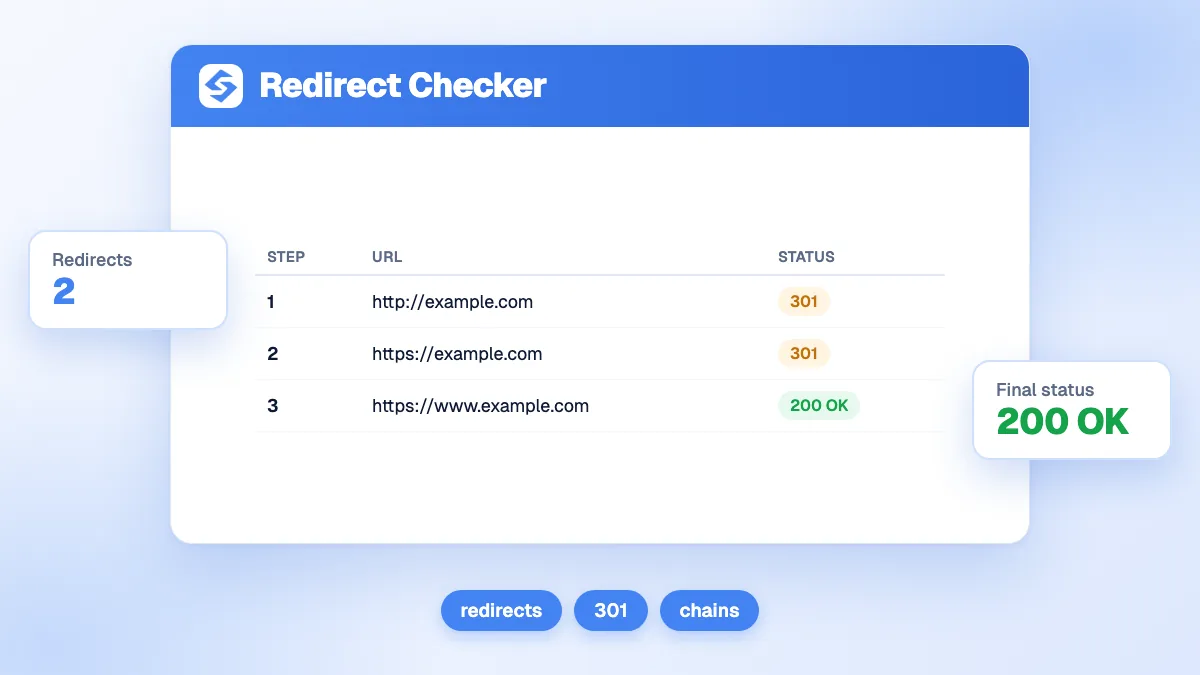
The free redirect checker follows a URL hop by hop, the way a crawler does, and shows the status code, the address and the server of each step until the final page. You see the chain at a glance (for example 301 > 301 > 200), the number of redirects, the final status and whether there is a loop. Aim for one permanent redirect straight to the final URL: Google follows up to 10 hops, but recommends pointing directly to the destination.
Want to go further? Ask


A redirect checker shows what a browser hides. A visitor typing an old address lands on the right page and never sees the three hops in between, the temporary 302 that should have been a 301, or the loop that breaks the page for some bots. Redirects are also how a site keeps its history after a migration: Google uses a permanent redirect as a signal that the target should be the canonical URL (Google, redirects and Google Search).
What does the redirect checker show?
Enter a URL. The tool requests it without following redirects automatically, reads the answer, then requests the next address itself, up to 20 hops.
| Block | What you see | What a good result looks like |
|---|---|---|
| Verdict | The chain of codes and the final URL | One 301 or 308, then 200 |
| Redirects | The number of hops before the final page | 0 or 1 |
| Final status | The code of the last answer | 200 |
| Steps | The total number of requests | 1 or 2 |
| Loop | Whether the chain comes back to a URL already visited | No |
| Redirect chain | Each step with its code, label, URL and server | Every intermediate URL is a deliberate redirect |
The verdict turns red when there is a loop or the final page is not a 2xx, orange when there is more than one redirect, and green otherwise. The free version runs 3 checks per day.
Which redirect status code should you use?
Use a permanent code when the move is final, a temporary one only when the original URL will come back. Google shows the target of a permanent redirect in search results, and the source page for a temporary one.
| Code | Meaning | Google treats it as | Use it for |
|---|---|---|---|
| 301 | Moved permanently | Permanent | Renamed pages, migrations, http to https, merged content |
| 308 | Permanent redirect, same method | Permanent | Same as 301 when forms or APIs must keep their method |
| 302 | Found | Temporary | A short campaign or a page that will return |
| 303 | See other | Temporary | After a form submission |
| 307 | Temporary redirect, same method | Temporary | Temporary moves that must keep the method |
The difference between 301 and 308, or 302 and 307, is technical: with 307 and 308, the client must not change the request method, while 301 and 302 historically allow a POST to become a GET (RFC 9110, HTTP semantics). For SEO, what matters is permanent or temporary.

How many redirects in a chain are too many?
More than one is already too many to keep. By default, Google's crawlers follow up to 10 redirect hops, and the content of the redirecting URLs is ignored (Google, how HTTP status codes affect Google's crawlers). For site moves, Google recommends redirecting to the final destination directly or, if that is not possible, keeping chains ideally to no more than 3 hops and fewer than 5, because each hop adds latency and not every browser supports long chains (Google, site moves and migrations).
| Chain | Verdict | Fix |
|---|---|---|
| 301 > 200 | Good | Nothing to do |
| 301 > 301 > 200 | Works, but wasteful | Point the first URL straight at the final one, and update internal links |
| 302 > 200 on a permanent move | Wrong signal | Change the 302 to a 301 |
| 301 > 404 | Broken | Redirect to the closest live page, or let the old URL return 404 or 410 |
| A > B > A | Loop: the page cannot be reached | Fix the conflicting rules on the server or in the CMS |
What causes redirect chains and loops?
Chains build up over time: each change adds a rule on top of the previous ones. The usual layers are:
- Protocol and host: http to https, then example.com to www.example.com, as two separate rules instead of one.
- Trailing slash: /page to /page/ added by the server after another redirect.
- Successive migrations: a page renamed in 2022, then again in 2024, with the old rule still pointing to the intermediate URL.
- CMS and server disagreeing: a plugin redirects one way, the server config or the CDN the other way, which creates loops.
Test the four variants of your home page (http and https, with and without www): each should reach the final URL in a single hop. For the definitions, see our glossary entries on the 301 redirect and crawl budget.

How do you check redirects after a site migration?
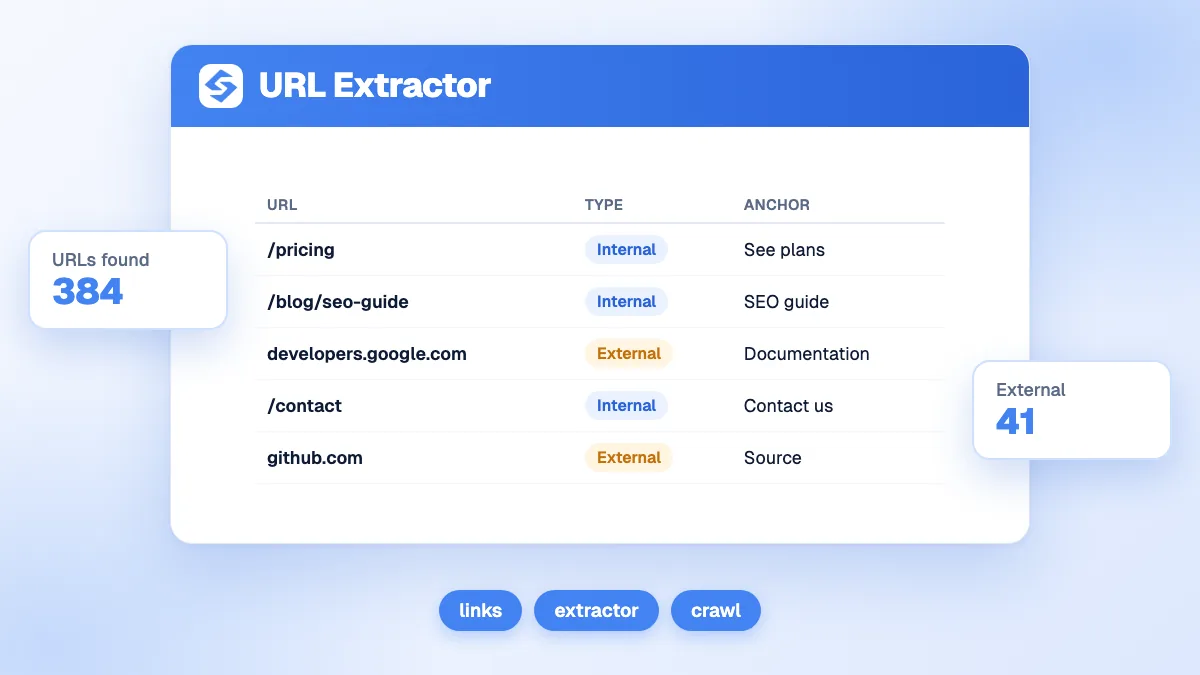
- Take your list of old URLs: the ones that had traffic or links. The URL extractor lists the links of your key pages.
- Check a sample of them with the redirect checker: one permanent hop, final 200, and a destination that matches the old content.
- Avoid redirecting everything to the home page. Google warns that redirecting many old URLs to one irrelevant page, such as the new home page, can confuse users and be treated as a soft 404.
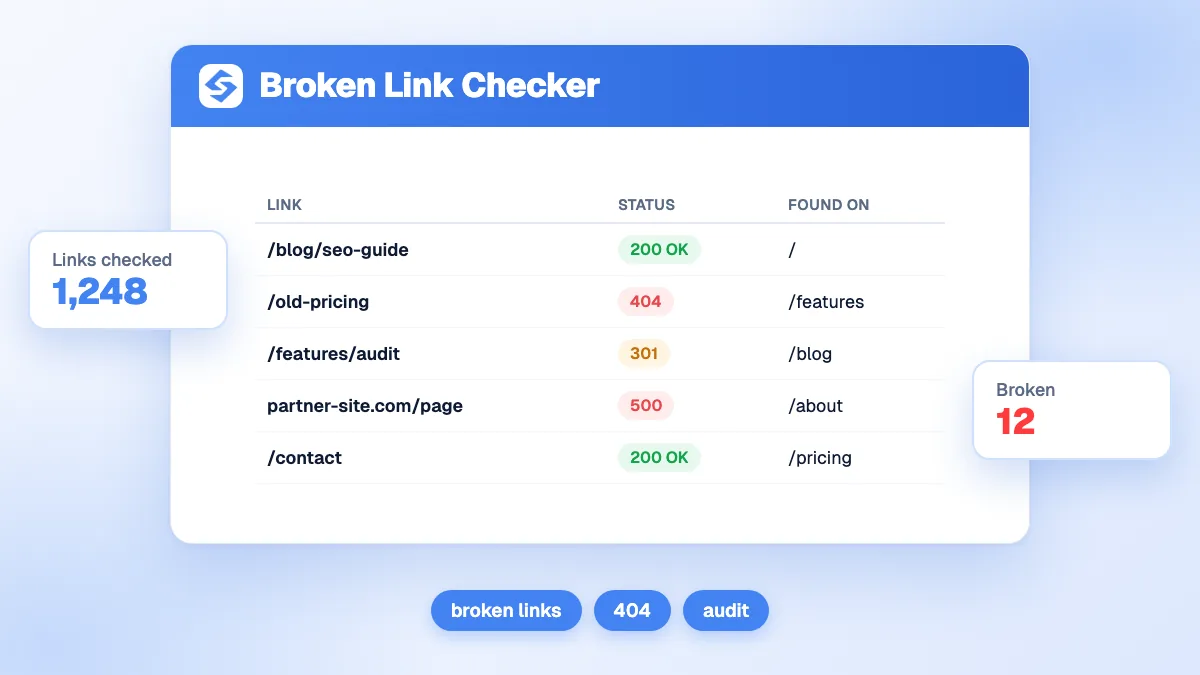
- Update internal links so they point to final URLs, not to redirects. The broken link checker flags the links of a page that redirect or fail.
- Keep the redirects for as long as possible, generally at least a year, as Google advises.
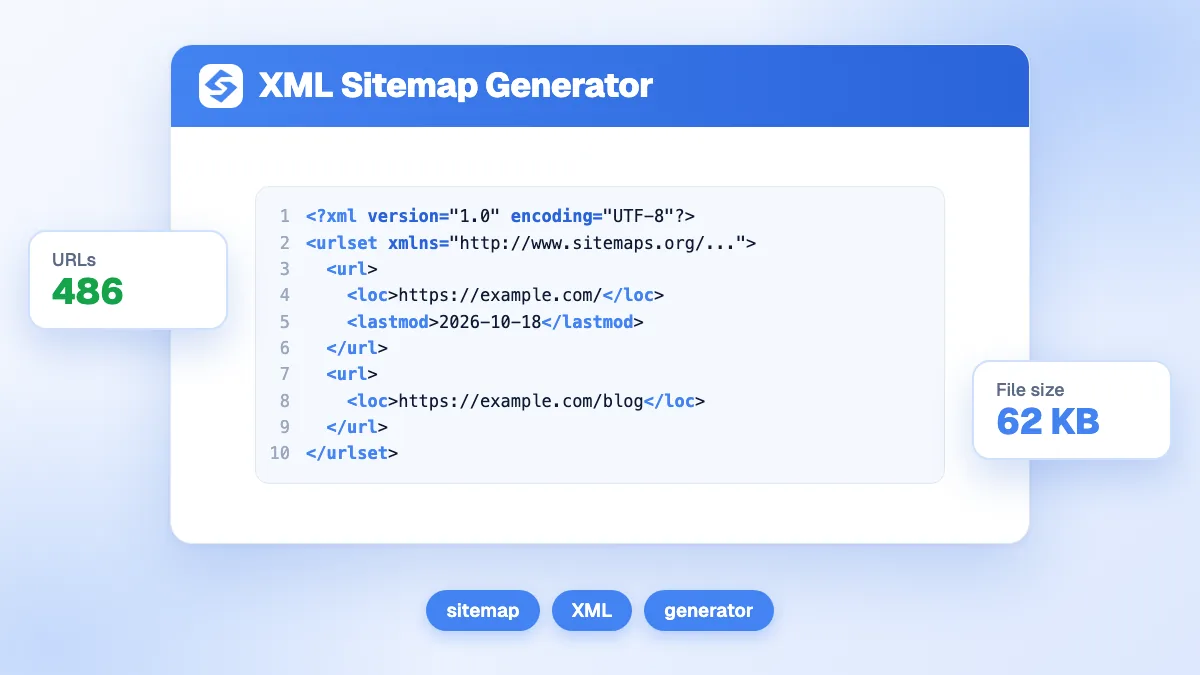
- Regenerate your sitemap with only the new final URLs, using the XML sitemap generator.
What are the limits of the redirect checker?
- Server redirects only. The tool reads HTTP status codes and Location headers. A meta refresh or a JavaScript redirect inside the page is not followed; the page answers 200 and the chain stops there. Google advises using JavaScript redirects only if you cannot do server-side or meta refresh redirects.
- One user agent. Some sites redirect differently by device, country or language. The check shows what a crawler without cookies sees, from one location.
- 10 seconds per hop. A server slower than that returns a timeout error.
- Private addresses are blocked. A chain that leads to an internal or private host stops with a "blocked" step, for security.
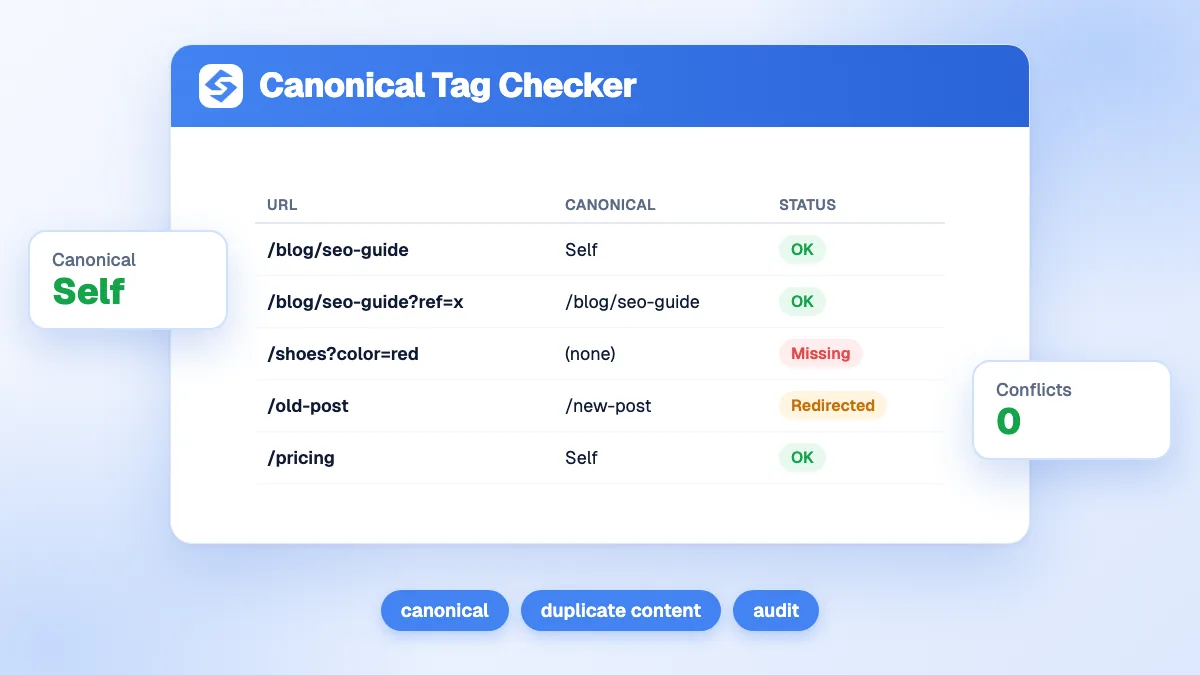
To check what happens after the last hop, run the final URL through the canonical checker or the indexability checker: a clean redirect to a noindex page is still a lost page.
How do you catch redirect problems before they cost traffic?
Watch the pages that lose clicks: a broken redirect often shows up first as a drop in traffic on the old URL with no gain on the new one.
- Spot the pages that drop in the Sorank GEO and SEO dashboard, which follows clicks and AI visits page by page.
- Keep your authority after a migration with the authority tracker, which shows whether your links still count.
- Ask what changed in plain words with SEO Chat, which knows your site and answers with your data.
The best redirect is one permanent hop to the right page. Check your important URLs above after every change, then see the Sorank plans to monitor your traffic and visibility on autopilot.