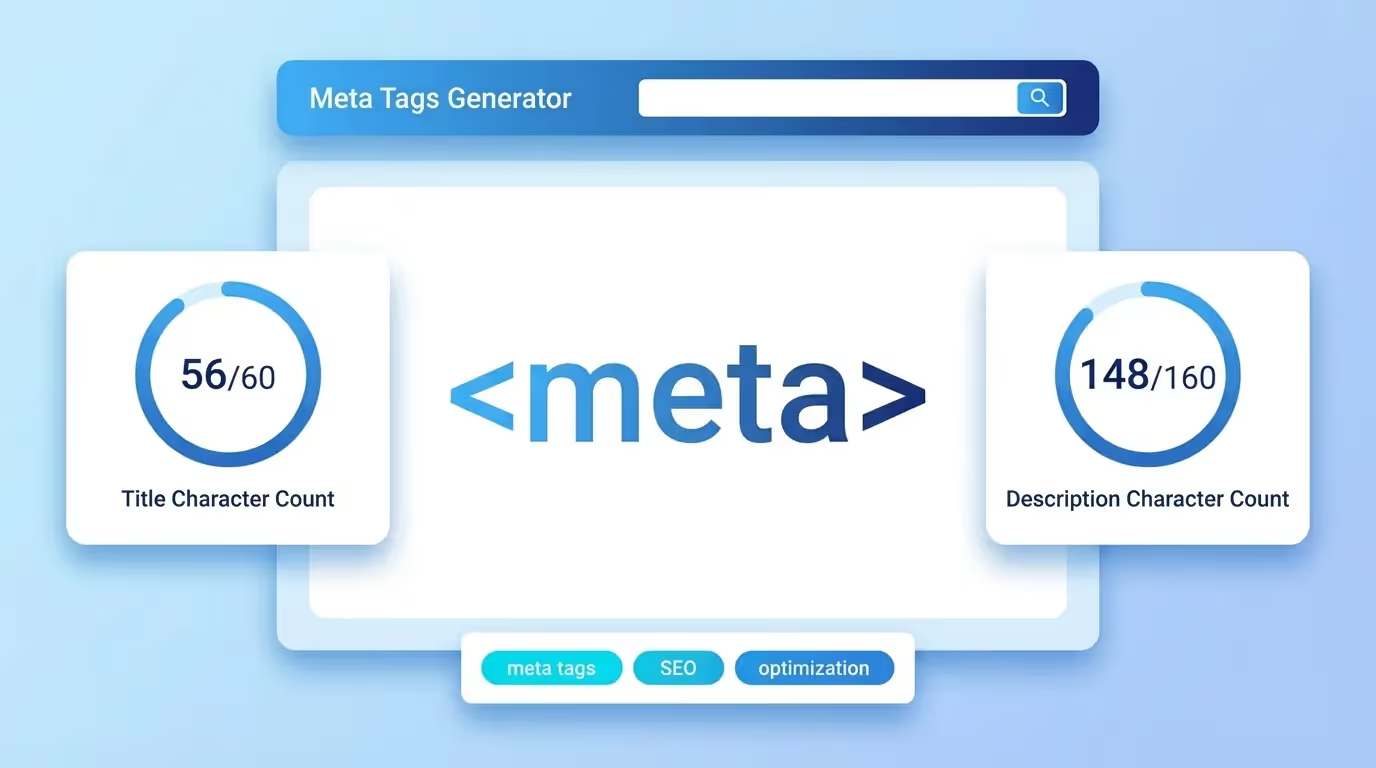
Summary: The AI SEO Title Generator writes five title tags of 45 to 60 characters for a page, from its URL or from a short description. Each title puts your keyword near the start, stays specific without clickbait, and fits within the width Google shows on desktop. You see the length of each proposal and a Google preview.
The title tag is the blue link in the results and one of the strongest on-page signals. It tells Google and the AIs what the page is about, and it is the first thing people read before deciding to click. A title that is vague, too long or identical on several pages leaves visits on the table.
The rules the generator follows
- 45 to 60 characters, so that the title is shown in full.
- The keyword near the start, where Google and readers look first.
- A specific promise: what the page contains, for whom, and what makes it different.
- The brand at the end, after a colon or a vertical bar, when there is room.
- No clickbait: a title that over-promises raises the bounce rate and loses the click the next time.
Choosing the right title
- Read the five proposals and keep the one that matches what the page really delivers.
- Score it with the headline analyzer if you hesitate between two.
- Check it next to its description in the SERP preview.
- Use a different title on every page of the site.
To write the description that goes under the title, use the AI meta description generator. To check how the current title and meta tags of a page are set, run an on-page SEO audit. Sorank optimizes the title of every article it publishes.