Summary
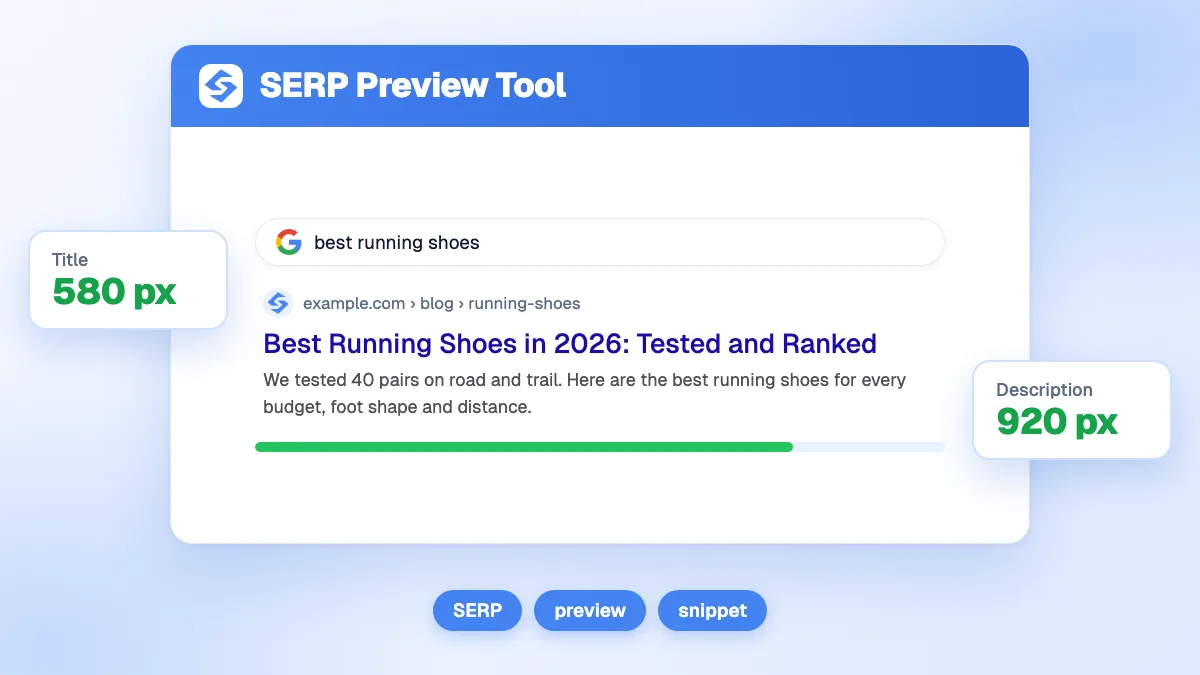
The free SERP preview tool shows how your title and meta description will look as a Google result on desktop and mobile, before you publish. It counts characters and measures the title's width in pixels against a 580 px reference, flags titles under 30 or over 60 characters and descriptions under 80 or over 160, and builds the breadcrumb from your URL. Aim for a title of 50 to 60 characters and a description of 120 to 160, with the important words first.
Want to go further? Ask


A SERP preview tool lets you test the first impression of a page: the few words a searcher reads before deciding to click. Google says there is no limit on how long a title can be, but "the title link is truncated in Google Search results as needed, typically to fit the device width", and the same applies to snippets (Google, title links). Seeing the cut before it happens is cheaper than discovering it in Search Console.

What does the SERP preview tool show?
Type the page URL, the title tag, the meta description and, optionally, a date. The preview updates as you type, in a desktop or a mobile frame.
| Element | What the tool measures | When it warns you |
|---|---|---|
| Title tag | Characters out of 60, and width in pixels out of 580 | Under 30 characters (short), over 60 (cut off), or empty |
| Meta description | Characters out of 160 | Under 80 characters (short), over 160 (cut off), or empty |
| URL | Site name and breadcrumb built from the path | Shows long or messy paths at a glance |
| Date | Shown before the description, as Google does for articles | Optional |
The gauges turn orange from 90% of the limit and red beyond it. Everything runs in your browser, with no sign-up and no daily limit.
How long should a title tag be?
Long enough to name the subject, short enough to survive the cut: 50 to 60 characters works for most pages. Characters are only a proxy, because Google cuts by width. A title full of wide letters such as W and M runs out of space sooner than one with narrow letters such as i and l. That is why the tool also measures the width of your title in a 20 px Arial font and compares it with a 580 px reference, a common estimate of the space available on desktop.
- Put the keyword and the promise first. If the end is cut, the meaning survives.
- Name the page, not the site. Google suggests adding the site name "at the beginning or end" with a delimiter such as a hyphen, colon or pipe.
- Avoid repetition. Google gives "Foobar, foo bar, foobars, foo bars" as an example of keyword stuffing that "can make your results look spammy".
- Write one title per page. Repeated or boilerplate titles make pages hard to tell apart.
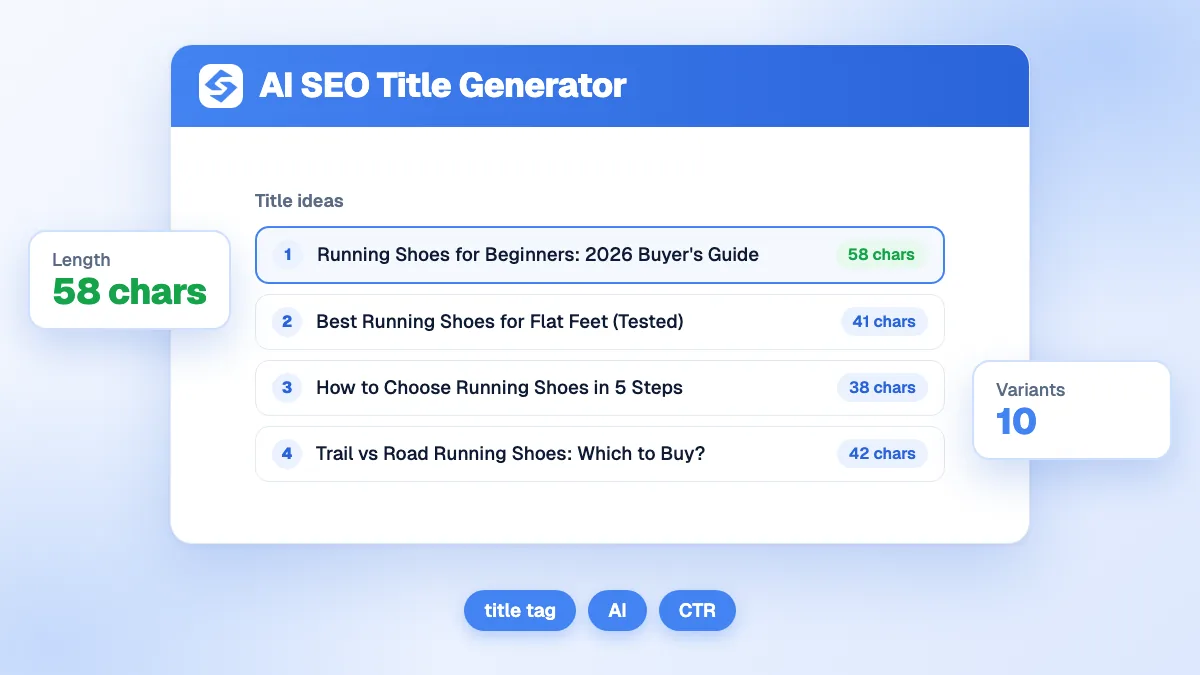
Need ideas? The SEO title generator proposes several options from a topic, and the headline analyzer scores them.
How long should a meta description be?
Around 120 to 160 characters, so that it reads as a complete sentence on desktop and survives on mobile. Google states that "there's no limit on how long a meta description can be, but the snippet is truncated in Google Search results as needed, typically to fit the device width" (Google, snippets).
| Length | What usually happens | Advice |
|---|---|---|
| Under 80 characters | Too short to convince; Google may prefer page text | Add the benefit and a concrete detail |
| 120 to 160 characters | Shown in full in most cases | The target range of the tool |
| Over 160 characters | Cut off with an ellipsis | Move the key point to the start |
Treat the description as the answer to the query the searcher just typed. Google's own examples favor specific details: an author and a price for a book, opening hours and a location for a shop. The meta description generator drafts one from your page, and the meta tags generator writes the full set of tags.

Why does Google show a different title than the one I wrote?
Because Google builds the title link from several sources, and the title tag is only the most likely one. Google looks at "the main visual title, heading elements, and other large and prominent text" on the page, and can use anchor text from other sites when it cannot read the page (Google, title links). When it changed its system in 2021, Google said the HTML title was still used "more than 80% of the time" (Google Search Central Blog, 2021).
Titles get rewritten most often when they are very long, stuffed with keywords, identical across pages, or different from the visible H1. Keep the title and the H1 close in meaning, and check the structure of your headings with the heading analyzer.
Does Google always use my meta description?
No. "Snippets are primarily created from the page content itself," Google explains, and it uses the meta description when it "might give users a more accurate description of the page" (Google, snippets). The same page can show different snippets for different queries. A well-written description still matters: it is the only version you control, and Google uses it when it judges it more accurate than text taken from the page.
You can also limit what Google shows. The nosnippet rule removes the snippet, max-snippet sets its maximum length, and the data-nosnippet attribute hides one part of the page. Use them with care: these controls also limit what Google can show from your page in its AI features.
What makes a snippet worth clicking?
The searcher compares ten results in a few seconds. Yours wins when it answers three questions at a glance: is this about my query, is it what I need, and is it trustworthy?
- Match the words of the query in the title and description: Google says snippets are designed to preview "the page content that best relates to a user's specific search".
- Make one specific promise: a number, a year, a price, a format such as "checklist" or "calculator".
- Say who it is for when the audience matters: beginners, small businesses, a city.
- Keep the brand short and at the end, unless the brand is what people search for.
- Deliver it on the page. A snippet that overpromises gets clicks and loses the visitor right after.
Does the SERP snippet affect rankings?
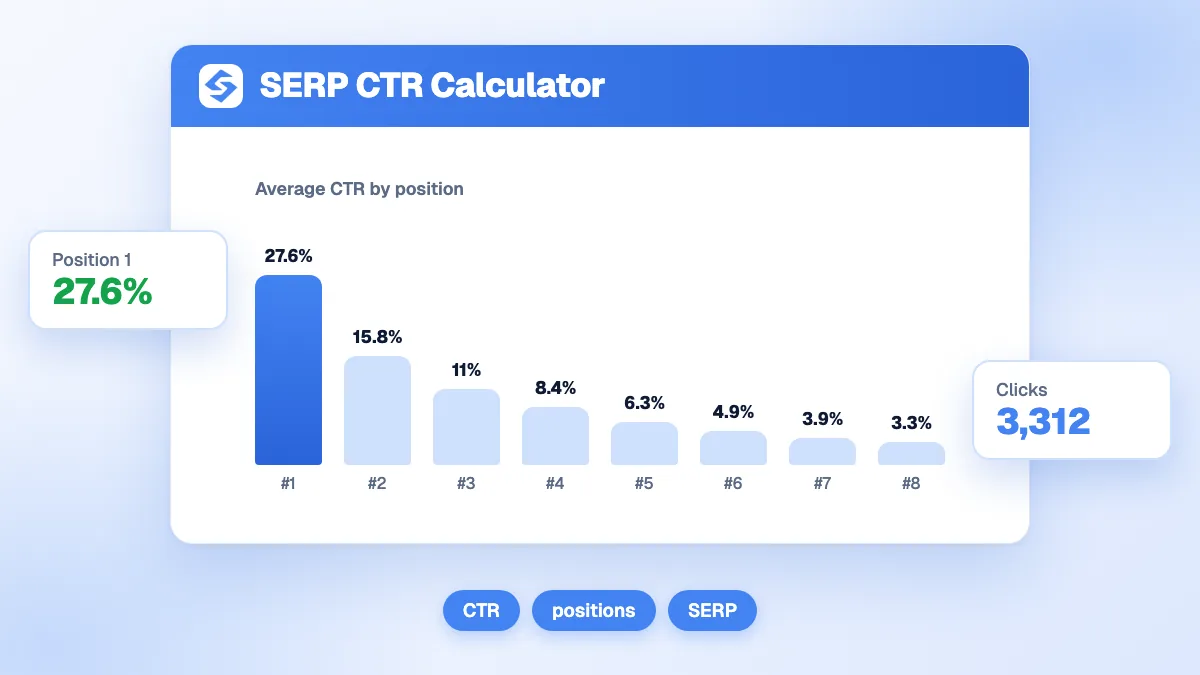
The title helps Google understand the page; the meta description mostly affects clicks. Both decide your click-through rate, which turns a ranking into traffic. Measure the result in the Search Console Performance report, then compare it with the curve in the SERP CTR calculator: a page whose CTR is well below the average for its position usually has a snippet problem. For the definitions, see our glossary entries on the title tag and the meta description.
How do you write titles and descriptions at scale?
Start with the pages that already rank in positions 1 to 10 but get few clicks: they gain the most from a better snippet. Rewrite the title and description, preview them here, publish, and compare the CTR four weeks later. For new content, the Sorank blog article generator writes the title, the meta description and the slug with each article, and you can edit all three before publishing. Then follow clicks and AI mentions together in the GEO and SEO dashboard.
The snippet is your ad in the organic results: specific, complete and short enough to be read in full. Preview your next title now, and see the Sorank plans to optimize every page on autopilot.