Summary
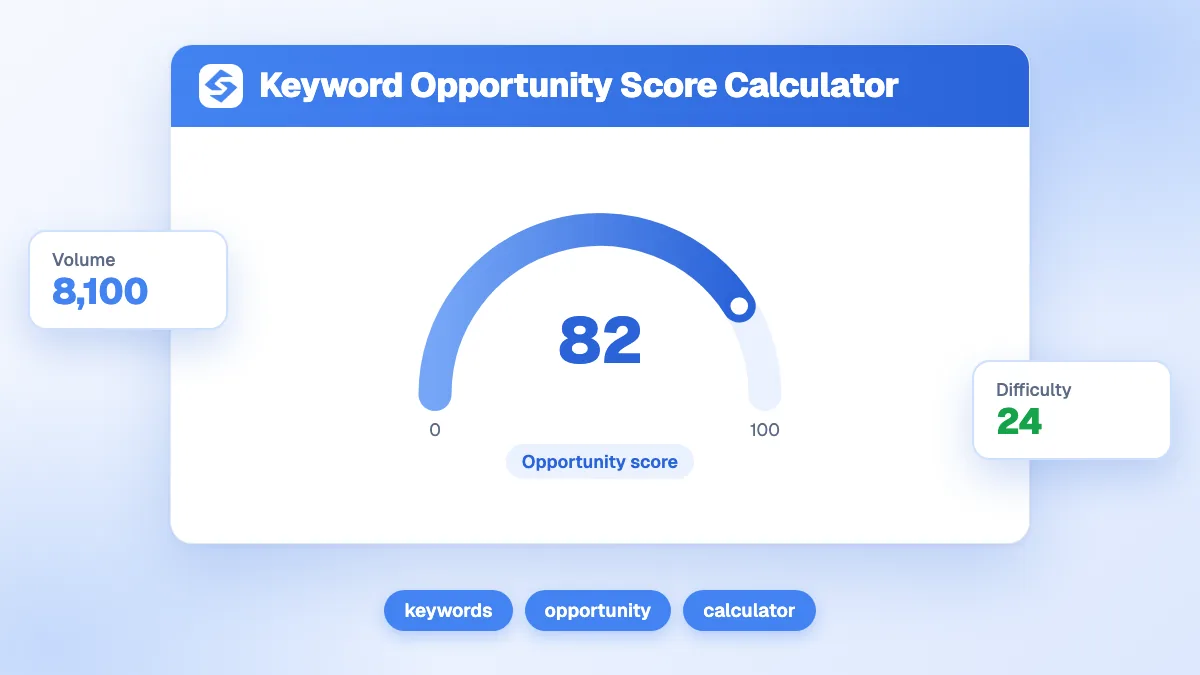
The keyword opportunity score combines search volume, keyword difficulty, cost per click and business relevance into one number from 0 to 100, so you can sort a keyword list by what to do first. Above 70, work on it now; between 30 and 70, queue it; below 30, something works against it. A keyword with 1,500 searches, difficulty 35, a 1.50 CPC and strong relevance scores 68. Relevance should override everything else.
Want to go further? Ask


The keyword opportunity score calculator solves the most common problem of keyword research: a spreadsheet of 200 ideas and no clear order. Volume, difficulty and CPC each tell part of the story, and they often disagree. One score that weighs them together, with your own judgement of business fit, turns the list into a roadmap. The inputs come from free sources: Google's Keyword Planner shows estimates of monthly searches and the average cost for an ad to show on a keyword (Google Ads Help, Keyword Planner).

How is the keyword opportunity score calculated?
The calculator first computes a raw score, then converts it to a scale from 0 to 100.
Raw score = log10(volume + 1) × relevance × (1 + CPC) ÷ (difficulty ÷ 100 × 10 + 1)
Opportunity score = 100 × (1 − e−raw ÷ 6.23)
Each term has a reason. The logarithm keeps huge volumes from crushing everything else: going from 1,000 to 10,000 searches adds one point to that term, not ten times more. Relevance, from 1 to 5, multiplies the whole score. CPC acts as a signal of commercial intent. Difficulty divides, from 1 for an easy keyword to 11 for the hardest. The final curve compresses high values, so scores close to 100 are rare; the constant 6.23 is set so that a keyword with 1,000 searches, difficulty 40, a 1.50 CPC and maximum relevance lands at 70.
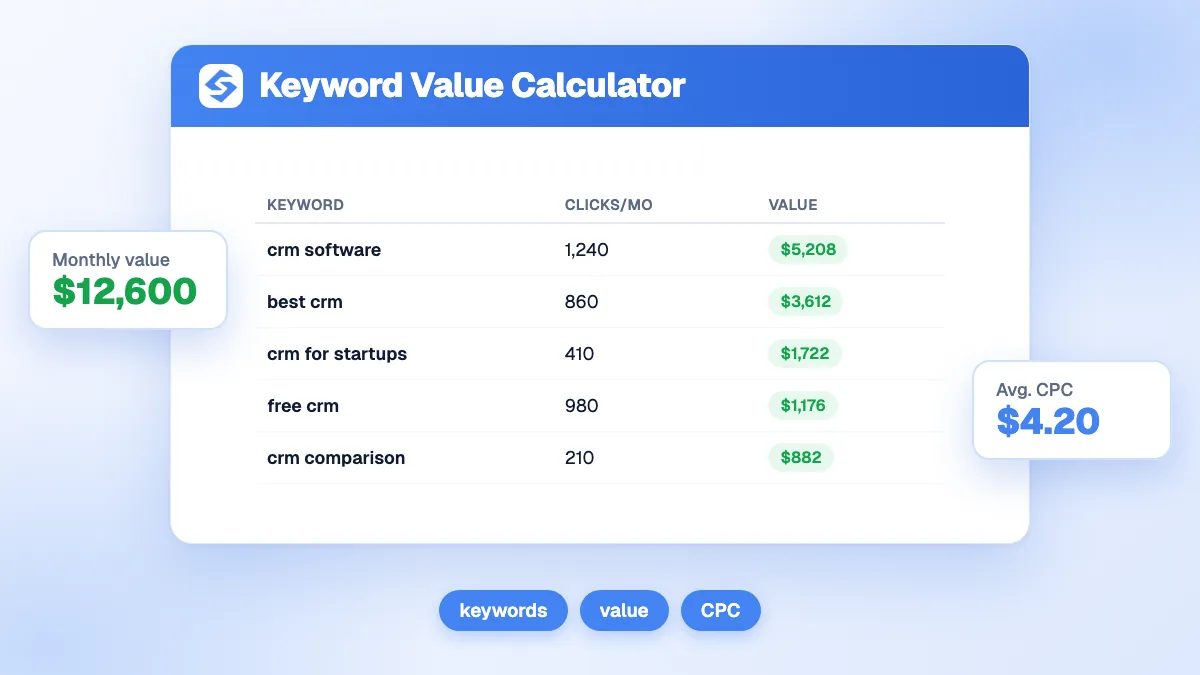
The calculator also estimates two figures for a top 3 position: clicks = volume × 10.2%, the click-through rate the calculator assumes for a top 3 result, and monthly value = those clicks × CPC, what the same traffic would cost in ads.
| Step | Example: 1,500 searches, difficulty 35, CPC 1.50, relevance 4 |
|---|---|
| Volume term | log10(1,501) = 3.18 |
| Numerator | 3.18 × 4 × 2.50 = 31.76 |
| Divisor | 35 ÷ 100 × 10 + 1 = 4.5 |
| Raw score | 31.76 ÷ 4.5 = 7.06 |
| Opportunity score | 100 × (1 − e−7.06 ÷ 6.23) = 68 |
| Clicks in top 3 | 1,500 × 10.2% = 153 per month |
| Monthly value in top 3 | 153 × 1.50 = 230 |
Where do you find the four inputs?
- Monthly search volume: Keyword Planner, or the impressions of queries you already appear for in Google Search Console. See our glossary entry on search volume.
- Keyword difficulty: a score out of 100 from your SEO tool. Each tool calculates it differently, so take every keyword of a comparison from the same tool. More in keyword difficulty.
- CPC: the average cost per click shown by Keyword Planner. In Google Ads, the price of a click is set by the auction and is often lower than the maximum bid (Google Ads Help, cost per click). Use one currency for the whole list.
- Business relevance: your judgement, from 1 (barely related) to 5 (exactly what you sell). This is the input no tool can give you.
How do you read the score?
| Score | Label | Decision |
|---|---|---|
| 70 and above | Healthy | Do it now: create or improve the page this month |
| 30 to 69 | Watch this | Queue it: plan it after the top priorities, or group it with a related page |
| Below 30 | Below par | Volume, difficulty or relevance works against it; skip it or target a more specific variant |
The raw score stays visible next to the final score. Use it to separate two keywords that both sit near the top of the scale.
Which input moves the score the most?
Change one input at a time from the default example (1,500 searches, difficulty 35, CPC 1.50, relevance 4, score 68) and the weight of each one appears.
| Input changed | Values tested | Scores |
|---|---|---|
| Volume | 100 / 1,000 / 10,000 / 100,000 | 51 / 66 / 76 / 83 |
| Difficulty | 10 / 35 / 60 / 90 | 92 / 68 / 52 / 40 |
| CPC | 0 / 0.50 / 1.50 / 5.00 | 36 / 49 / 68 / 93 |
| Relevance | 1 / 2 / 3 / 4 / 5 | 25 / 43 / 57 / 68 / 76 |
Multiplying volume by 1,000 adds 32 points; dropping relevance from 4 to 1 removes 43. The logarithm tames volume on purpose, while relevance, difficulty and CPC act directly. That is the intended behaviour: a smaller, closer, easier keyword should often beat a big generic one.
What does a scored keyword list look like?
Here are six keywords for a CRM aimed at small agencies, scored with the calculator. The inputs are illustrations.
| Keyword | Volume | Difficulty | CPC | Relevance | Score |
|---|---|---|---|---|---|
| crm for real estate agents | 900 | 28 | 4.20 | 5 | 96 |
| free crm for freelancers | 600 | 22 | 2.00 | 5 | 88 |
| best crm software | 8,000 | 78 | 6.50 | 4 | 88 |
| crm for small agency | 1,500 | 35 | 1.50 | 4 | 68 |
| what is a crm | 12,000 | 62 | 0.80 | 2 | 28 |
| crm definition | 3,000 | 45 | 0.30 | 1 | 12 |
The two most searched terms finish last: they are informational, cheap in ads and far from the product. The long, specific keywords win, a pattern you will see often with long-tail keywords. Note also "best crm software": a very high CPC lifts it to 88 despite a difficulty of 78. Check whether your site can compete before you chase it.

Why does business relevance matter more than volume?
Because traffic that does not buy is a cost. High volume on a term that does not match your offer brings visitors who leave, and it takes a slot in your editorial calendar. Relevance multiplies the score, so moving a keyword from 2 to 4 doubles the raw score, more than any realistic change in volume. Be honest with this input: set relevance by asking whether someone typing the query could become a customer within a few steps, and match the format of your page to the search intent.
What are the limits of a single opportunity score?
A score sorts a list; it does not replace a look at the results page.
- CPC can outweigh difficulty, as the example shows. Compare difficult keywords with your own strength using the domain authority checker.
- The 10.2% click-through rate is an assumption. Real rates vary with SERP features. In 2024, 58.5% of US Google searches ended without a click (SparkToro and Datos, 2024 zero-click study). Refine the estimate with the SERP CTR calculator.
- Your own CTR is the best reference. Search Console shows the clicks, impressions and click-through rate of each query you already rank for (Search Console Help, Performance report).
- Two keywords can share one page. Group close variants with the keyword clustering tool to avoid keyword cannibalization.
How do you turn the scores into a content plan?
Score the whole list, sort it, then assign one page per group of close keywords, starting at the top.
- Collect ideas with the keyword suggestions tool and your Search Console queries.
- Score each keyword with the same difficulty source and currency.
- Group keywords that one page can answer.
- Plan the groups above 70 first, then those between 30 and 70.
- Measure the value of each target with the keyword value calculator.
The Sorank keyword research automates this sorting and filters out keywords that would compete with your existing pages, and the topical cluster generator organises the winners into clusters ready to write.
Volume tells you how many search; relevance tells you whether it matters. Score your next keyword list with the calculator above, then see the Sorank plans to turn it into published content on autopilot.