Summary
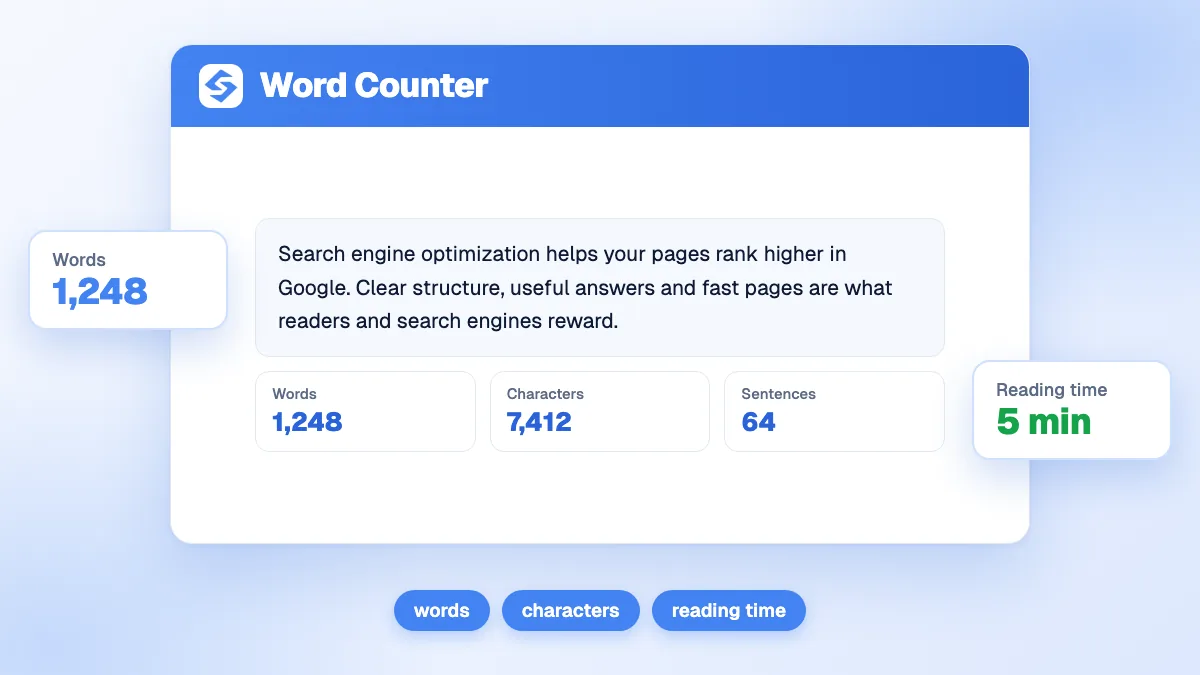
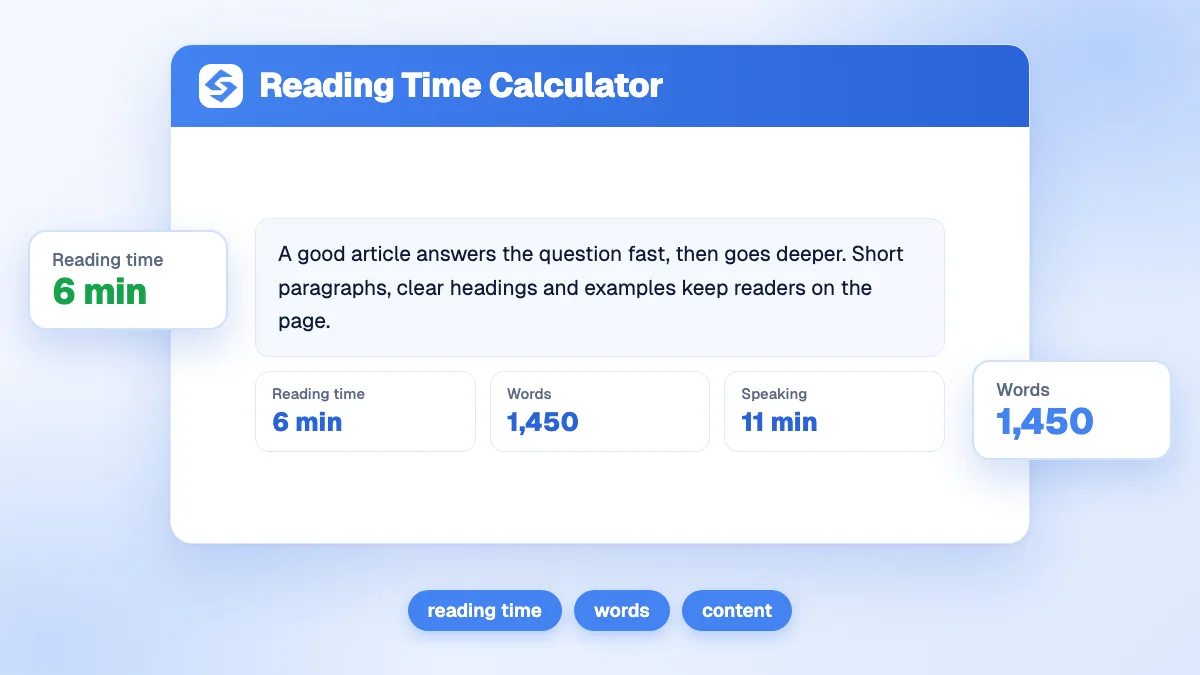
Reading time is the word count divided by a reading speed in words per minute. Paste your text into the calculator: it counts the words and characters, then gives the silent reading time at the speed you choose (220 words per minute by default) and the time needed to read it aloud at 150 words per minute. A 1,200-word article takes about 5 minutes 27 seconds to read and 8 minutes to say out loud.
Want to go further? Ask


A reading time calculator tells you, and your readers, what an article will cost them in minutes. It is the small "5 min read" label at the top of a post, the length check before you send a newsletter, and the timing of a video script. The speed matters more than people think: a meta-analysis of 190 studies with 18,573 participants puts the average silent reading rate of adults in English at 238 words per minute for non-fiction and 260 for fiction (Brysbaert, Journal of Memory and Language, 2019). Many popular estimates are higher than that.
How does the reading time calculator work?
Paste the full text and, if you want, change the reading speed. The results update with four figures.
- Reading time, in minutes and seconds, at the speed you set.
- Words: every group of characters separated by a space counts as one word.
- Characters, spaces included, useful for meta descriptions, social posts and print layouts.
- Read aloud: the time to say the text at 150 words per minute, for a video, a podcast or a voice-over.
The speed accepts any value from 50 to 800 words per minute. On Chinese, Japanese and Korean pages, the tool counts characters instead of words, so set the speed in characters per minute.

How is reading time calculated?
The formula is reading time = number of words ÷ words per minute. The calculator converts the result into seconds, rounds it, and shows it as minutes and seconds. The read-aloud time applies the same formula at 150 words per minute.
| Words | At 220 wpm (default) | At 238 wpm (adult average, non-fiction) | At 175 wpm (slow reader, dense text) | Read aloud (150 wpm) |
|---|---|---|---|---|
| 300 | 1:22 | 1:16 | 1:43 | 2:00 |
| 800 | 3:38 | 3:22 | 4:34 | 5:20 |
| 1,200 | 5:27 | 5:03 | 6:51 | 8:00 |
| 2,000 | 9:05 | 8:24 | 11:26 | 13:20 |
| 3,000 | 13:38 | 12:36 | 17:09 | 20:00 |
The default of 220 is slightly below the measured average on purpose: screen reading, technical vocabulary and figures slow readers down, and a label that says "5 minutes" for a text that takes 7 frustrates more than the reverse.
Which reading speed should you choose?
Pick the speed that matches your audience and your content, not the fastest figure you can find.
| Content | Suggested speed | Why |
|---|---|---|
| Technical guide, legal or medical text | 175 to 200 wpm | Long words and careful reading. Most adults read English non-fiction between 175 and 300 wpm. |
| Standard blog article, newsletter | 220 to 240 wpm | Close to the measured adult average of 238 wpm for non-fiction. |
| Story, light opinion piece | 250 to 260 wpm | Fiction is read faster, at 260 wpm on average, because words are shorter. |
| Readers in a second language | Below 200 wpm | The same meta-analysis finds lower rates for readers with English as a second language. |
For the read-aloud figure, the tool uses 150 words per minute, a comfortable pace for a voice-over with pauses. The meta-analysis measures an average oral reading rate of 183 wpm, so a fluent speaker will usually finish a little earlier: treat the read-aloud time as a safe upper bound for a script.

When should you use the read-aloud time?
Whenever the text will be spoken: a video script, a podcast intro, a webinar or a sales demo. At 150 words per minute, a 2-minute explainer video holds about 300 words and a 10-minute talk about 1,500. Paste the script, read the "Read aloud" figure, and cut until it fits the slot. Leave a margin for pauses, on-screen demonstrations and questions.
Why display reading time on your articles?
Because it sets an expectation the reader can accept or decline before scrolling. Someone with two minutes knows a 12-minute guide is for later; someone looking for depth sees that the article will deliver it. That honesty helps readers stay with a text they chose knowingly, rather than leaving after the first screen.
It also reminds writers how little people read. On an average web page, users have time to read at most 28% of the words during a visit, and 20% is more likely (Nielsen Norman Group). A long reading time is fine when the article is easy to scan: question headings, a summary at the top, lists and tables. The bounce rate calculator shows whether visitors stay once they arrive.
How do you display reading time on a website?
Keep it short, honest and up to date.
- Place it near the title, with the date and the author, where readers decide whether to start.
- Round up to the next minute. "6 min read" for 5:27 sets an expectation the reader will meet.
- Count only the article. Leave out menus, comments, related posts and code samples, which readers skim or skip.
- Add time for heavy media if your articles rely on charts, tables or videos that must be studied.
- Recalculate after each edit. A label that says 4 minutes on an article that grew to 3,000 words loses the reader's trust.
Most content management systems can compute the label automatically from the word count; set the speed to the one you chose here so the two match.
Does a longer reading time help SEO?
Not by itself. Google says plainly that it has no preferred word count, and lists writing to a particular word count among the questions that point to search-first rather than people-first content (Google Search Central, creating helpful content). Length is a consequence of the question you answer.
- Quick questions ("how many ounces in a cup") need a direct answer and a few lines of context. Padding them hides the answer.
- Comparisons and guides need room for criteria, examples and tables. A 2,000-word page can be the shortest complete answer.
- Product and service pages need enough text to answer objections, then a clear next step.
The practical method: check the length of the pages that already rank for your query, then cover the topic better, not longer. Our article on how long an article should be details this approach, and the word counter gives the count of each section.
Does reading time matter for AI answers?
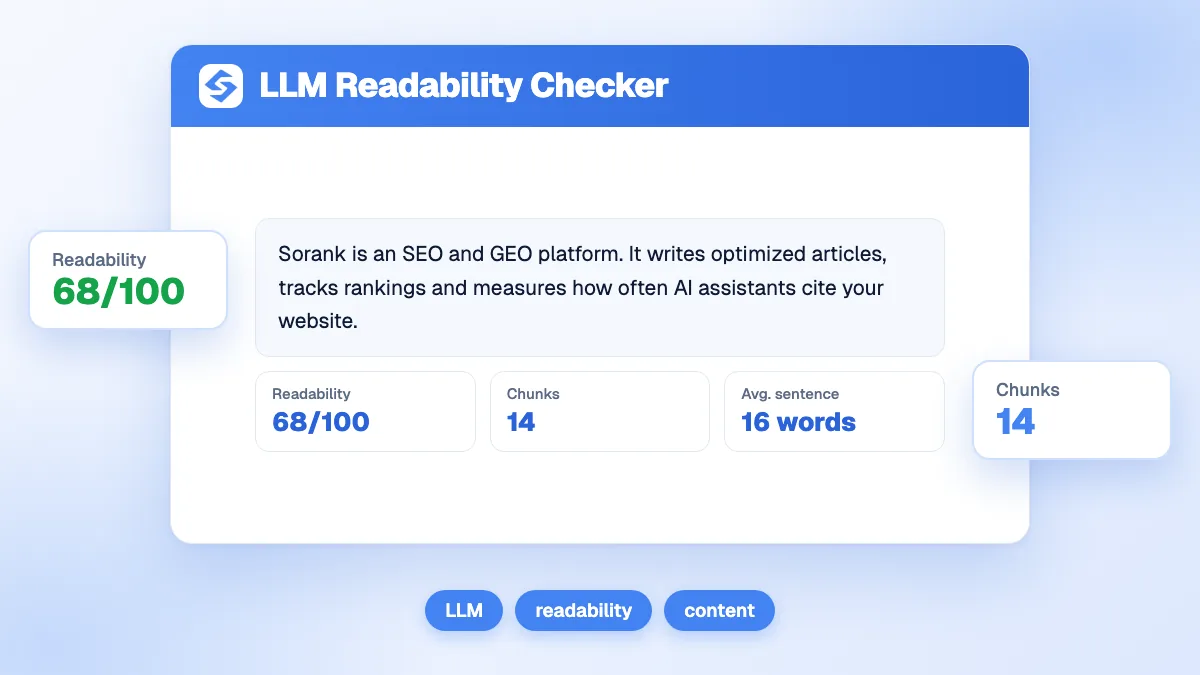
AI assistants do not read your page from top to bottom like a person. They retrieve the passages that answer the question and rewrite them. What helps is not total length but clear, self-contained sections: a heading phrased as a question, an answer in the first sentences, then the detail. A long article built that way gives assistants several passages to cite, and gives human readers a page they can scan. The LLM readability checker measures how easily a model can extract answers from your text.
To keep a steady flow of well-structured articles, the blog article generator writes structured, sourced articles with images and internal links, and the content planner schedules and publishes them on your site.
Show the reading time, base it on a realistic speed, and let the question decide the length. Paste your text above, then see the Sorank plans to publish articles that are worth the minutes, on autopilot.