Summary
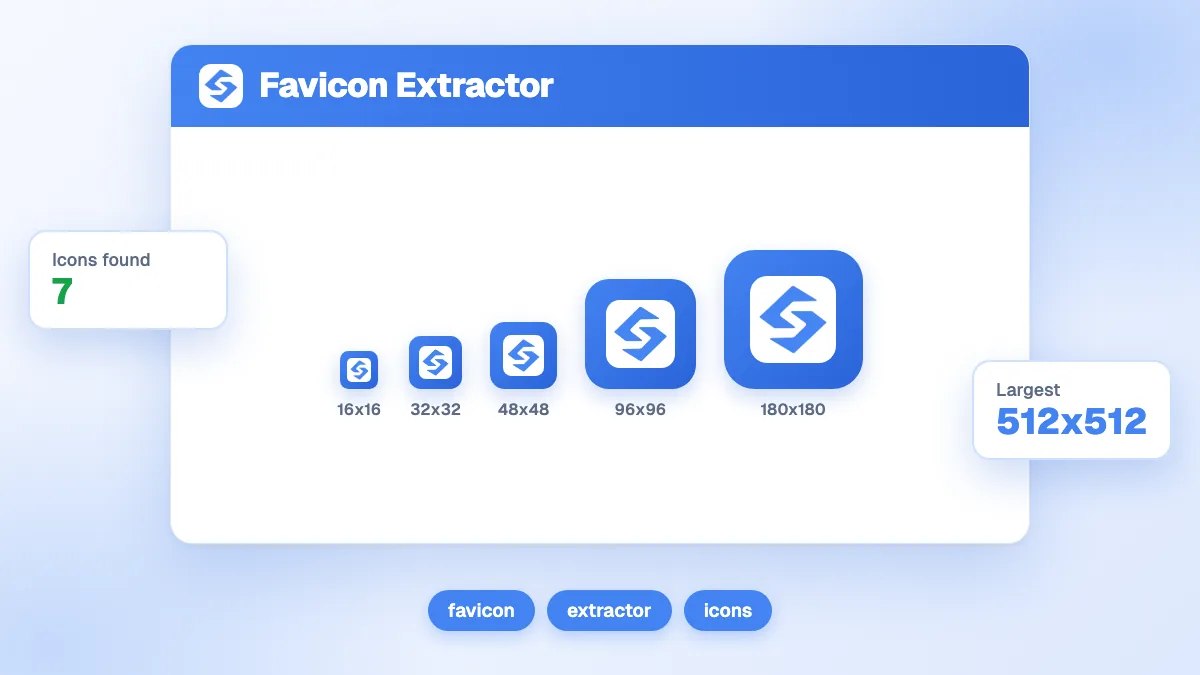
The favicon extractor fetches any web page and lists every icon it declares: the rel="icon" and Apple touch icon links in the HTML, the icons of the web app manifest, and the default /favicon.ico file. Each icon comes with its declared size, format, origin and a download button, sorted from largest to smallest, plus the HTML tags to reuse and a preview in a browser tab and a search result. Use it to audit your own site, debug a missing favicon or collect brand icons for a directory.
Want to go further? Ask


A favicon extractor shows what a website really publishes as icons, which is often not what its owners think. A redesign leaves an old favicon.ico at the root, a theme declares a 16-pixel icon only, the manifest points to files that were deleted. These details matter because the favicon travels: Google can show it next to your site name in results, as long as it is square, at least 8x8 pixels and ideally larger than 48x48, and crawlable (Google Search Central, favicons in search results).
How does the favicon extractor work?
Paste the URL of a page, complete the anti-bot check and run the extraction. The tool downloads the page the way a crawler does, follows redirects and reads three sources.
| Source | What the tool reads | Label in the results |
|---|---|---|
| HTML head | Every <link> whose rel contains "icon": icon, shortcut icon, apple-touch-icon and their variants, with sizes and type | html |
| Web app manifest | The file linked by rel="manifest" and each entry of its icons list | manifest |
| Default location | /favicon.ico at the root of the domain, kept only if the server answers with an image | fallback |
Relative paths are turned into full URLs, duplicates are removed and icons embedded as data URIs are skipped. The results then show:
- A verdict with the domain, the number of favicons found, a "Manifest detected" badge when there is one, and the largest icon.
- The list of icons, from largest to smallest declared size, each with its type, rel value, source label and a download button.
- The HTML code of every icon as link tags, ready to copy.
- A preview of the small icon in a browser tab and next to a search-style result.
The free version allows three extractions per day.
How do you audit your own favicon with the extractor?
Run the extractor on your home page first, since Google reads the favicon from the home page of each hostname, then on one inner page per template. Then check four points.
- Is there an icon of 48 pixels or more? Look at the top of the list. If the largest declared size is 16x16 or 32x32, Google and high-resolution screens have to scale it up.
- Are the sizes real? The tool shows the size declared in the tag or the manifest, not the size of the file. Download the largest icon and check its dimensions. A tag that says 192x192 on a 32-pixel file is a common leftover.
- Does every file load? Click each download link. A 404 on a manifest icon breaks the home screen icon on Android; a 404 on the main icon leaves a blank square.
- Is the set complete? You want at least a PNG or ICO icon for browsers, a 180x180 Apple touch icon and a 192 and 512 pair in the manifest; web.dev notes that Chromium needs both of these manifest sizes (web.dev, add a web app manifest).
If something is missing, the favicon generator creates the six standard sizes and the tags from one square image.
Why does Google show the wrong favicon or none at all?
Most cases come down to a handful of causes. The extractor helps you confirm which one applies.
| What you see | Likely cause | What to check in the extraction |
|---|---|---|
| A generic globe instead of your icon | No icon declared on the home page, or the file cannot be crawled | Zero favicons found, or only a fallback; then test the file against your robots.txt |
| An old logo | A previous icon still declared or still at /favicon.ico | Several icons with different designs in the list |
| A blurry icon | Only a small icon available | Largest declared size below 48x48 |
| A stretched or cropped icon | A file that is not square | Download the largest file and check its width and height |
| A different icon on a subdomain | Each hostname has its own favicon in Google | Run the extractor on each subdomain home page |
Google adds two rules worth remembering: the favicon URL should be stable, and Googlebot-Image must be allowed to crawl the file. The robots.txt checker shows whether a rule blocks it. After a fix, Google needs to recrawl the home page, which can take from several days to several weeks.

The list also shows SVG icons, declared with the type image/svg+xml. They scale cleanly in modern browsers, but Google Search lists BMP, GIF, ICO, PNG, JPEG, PPM and TIFF as its supported favicon formats, so keep a PNG or ICO version next to an SVG icon.
What else can you use the favicon extractor for?
Beyond your own site, extraction saves time whenever you need clean brand icons at the right size.
- Competitive review. See how competitors brand their tabs and home screen icons, and whether they publish a full manifest.
- Directories and comparison pages. Collect the icon of each listed company in its largest available size instead of screenshots.
- Link previews and dashboards. Display recognizable icons next to links in an internal tool or a report.
- Migration checks. Before and after moving a site, confirm that the same icons are declared at the same URLs.
When several icons are declared, browsers choose using the type and sizes attributes and fall back to the next one if a file fails (MDN, link types). The order in the extractor follows declared size, which is not always the order a browser uses, so test in the browsers that matter to you.
Can you reuse an extracted favicon?
For audits, comparisons and references to a brand, yes. As your own icon, no. A favicon is usually a logo, and a trademark can be any word, phrase, symbol or design that identifies goods or services (USPTO, what is a trademark). Showing a company's icon next to its name in a directory identifies that company; using it to represent your own site misleads visitors. When in doubt, ask the brand owner.
What are the limits of the extraction?
- Sizes are declared, not measured. The tool reports what the tag or manifest says.
- No JavaScript rendering. Icons inserted by a script after loading are not seen.
- The fallback is assumed to be 16x16. A /favicon.ico file can contain several sizes; download it to see them.
- One page at a time. Icons declared only on some templates appear only when you extract those pages.
A favicon is part of how your brand appears, in Google results and in the source lists of AI assistants. To see whether your brand is named in those answers at all, AI mention tracking checks it every week, and the GEO and SEO dashboard follows your Google clicks alongside your AI visibility.
Check what your site really publishes before you redesign or debug it. Extract your icons above, then see the Sorank plans to grow the visibility of the brand behind them, on autopilot.