Summary
The HTTP headers checker requests any URL, follows its redirects and shows the final status code, every response header, a security score based on seven security headers, and the caching and compression headers. Look first at the status code and any X-Robots-Tag, because a header can deindex a page whose HTML looks perfect, then at caching and compression, then at security.
Want to go further? Ask


An HTTP headers checker shows what your server says before the page even starts: the status code, the caching rules, the security policies and sometimes indexing instructions. Those headers are invisible in the page source, yet Google reads them. Any rule you can put in a robots meta tag, such as noindex, can also be sent as an X-Robots-Tag header, which is the way to control files that have no HTML, such as PDFs or images (Google Search Central, robots meta tag and X-Robots-Tag). When a page drops out of Google and its HTML shows nothing wrong, the headers are the next place to look.

What does the HTTP headers checker show?
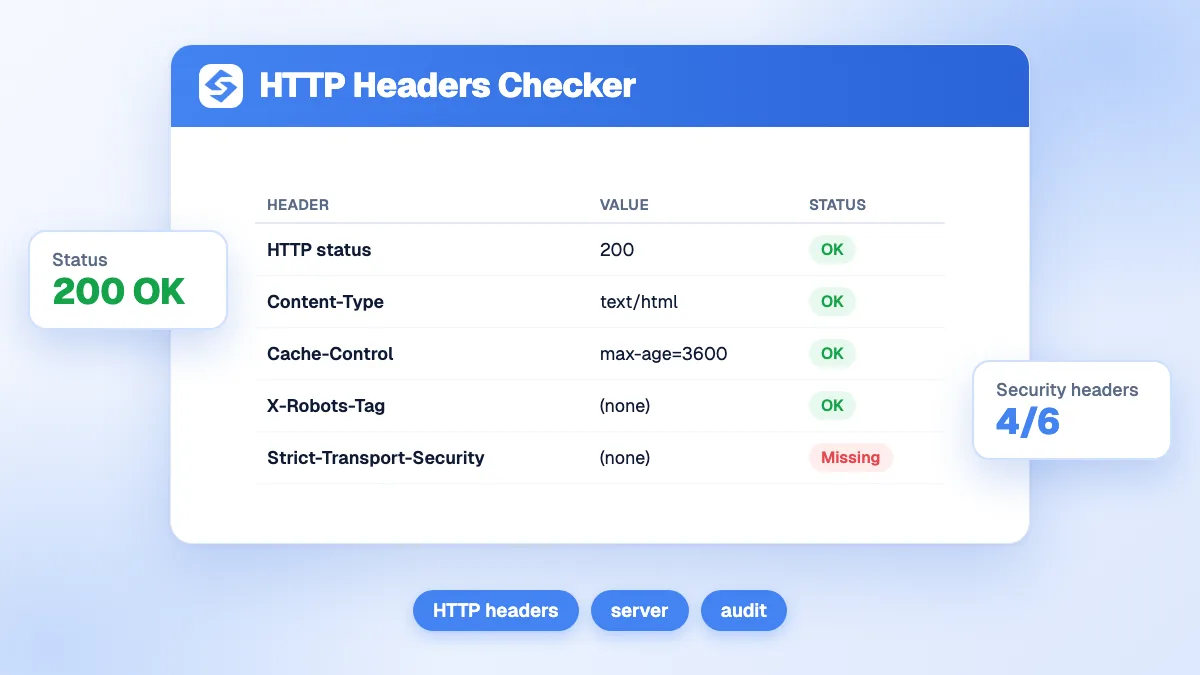
Enter a URL. The tool requests it, follows redirects to the final address, and returns a report in four parts.
| Part of the report | What it contains |
|---|---|
| Key figures | Final HTTP status code, number of security headers present out of 7, total number of headers, server name |
| Security headers | Present or missing, with the value and the severity of each one |
| Cache and performance | Cache-Control, Expires, ETag, Last-Modified, Age, Vary, Content-Encoding and Content-Type |
| All headers | Every header returned, in alphabetical order, shown on demand |
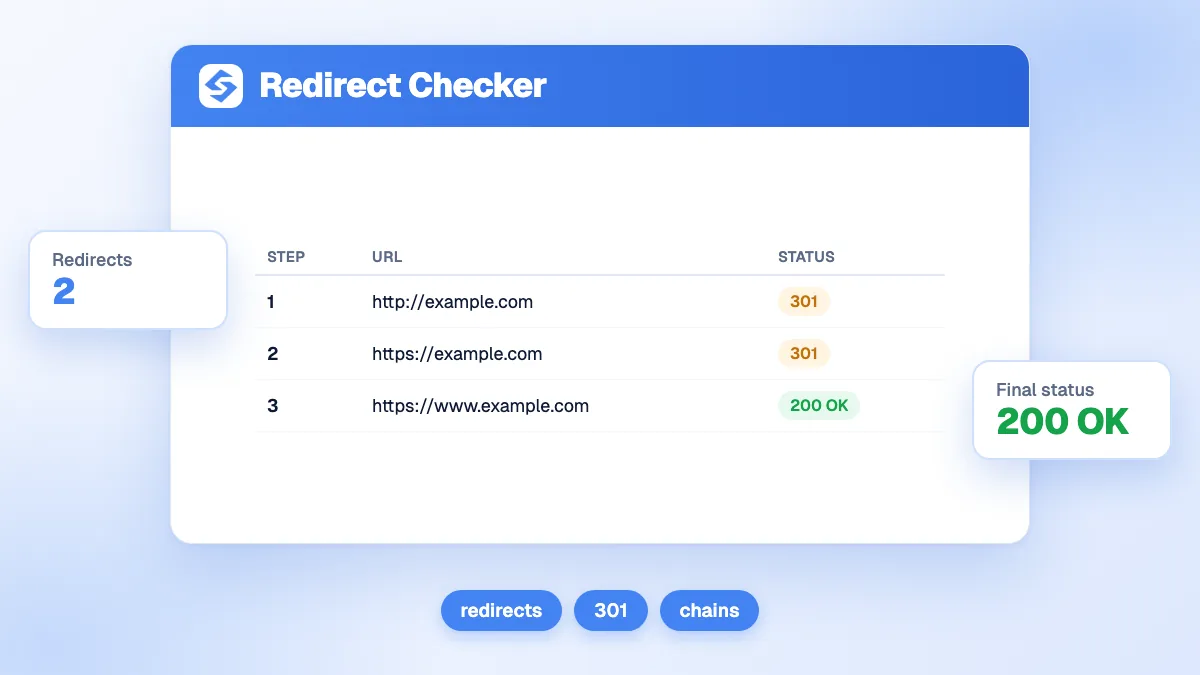
Three checks a day are free, after a quick anti-bot verification. The report shows the response for the final URL; to see each hop of a redirect chain, use the redirect checker.
Which headers affect SEO?
Four kinds of headers change how search engines crawl and index a URL. Find them in the full list of headers.
| Header | Example | Effect on Google |
|---|---|---|
| Status code | 200, 301, 404, 503 | A 2xx response may be indexed; Google follows up to 10 redirect hops (Google, HTTP status codes) |
| X-Robots-Tag | X-Robots-Tag: noindex | Same rules as the robots meta tag, applied to any file type |
| Link, rel="canonical" | Link: <https://example.com/page>; rel="canonical" | Declares the preferred URL, useful for PDFs |
| Link, rel="alternate" hreflang | Link: <https://example.com/de/>; rel="alternate"; hreflang="de" | Declares language versions, one of three equivalent methods |
Two warnings from Google's documentation. For canonicals, choose either the HTML link element or the HTTP header: using both "is more error prone", for instance when they point to different URLs (Google, consolidate duplicate URLs). For hreflang, HTML, HTTP headers and sitemaps are equivalent, and headers are useful for non-HTML files (Google, localized versions). Check the HTML side with the canonical checker and the hreflang generator.
How is the security score calculated?
Security score = security headers present ÷ 7 × 100. Each header counts the same, whatever its severity. The ring turns green from 70%, amber from 40%, red below.
| Header | Severity | What it does |
|---|---|---|
| Strict-Transport-Security (HSTS) | High | Tells browsers to use HTTPS only for this host |
| Content-Security-Policy | High | Limits which scripts, styles and resources a page may load |
| X-Content-Type-Options | Medium | Stops browsers from guessing a file's type ("nosniff") |
| X-Frame-Options | Medium | Prevents other sites from framing your pages |
| Referrer-Policy | Medium | Controls what your URLs reveal to the sites you link to |
| Permissions-Policy | Medium | Turns off browser features you do not use, such as the camera |
| X-XSS-Protection | Low | Legacy filter, now deprecated |
The score checks presence, not quality: a Content-Security-Policy that allows everything counts as present. And do not chase the last point: MDN marks X-XSS-Protection as deprecated and advises against using it in new projects (MDN, X-XSS-Protection). A well-secured modern site can sit at 86% (6 of 7) on purpose. The OWASP Secure Headers Project documents the recommended values for each header (OWASP Secure Headers Project).

How do caching and compression headers affect speed?
They decide how much a returning visitor downloads again, and how heavy each response is.
- Cache-Control sets the rules. "max-age=N" keeps a response fresh for N seconds; "no-cache" allows storage but requires checking with the server before each reuse; "no-store" forbids storage (MDN, Cache-Control).
- ETag and Last-Modified let the browser ask whether a file changed, and receive a short answer instead of the whole file when it did not.
- Age shows how long a CDN has kept the response: a value means it came from a cache.
- Vary lists the request headers that change the response, such as Accept-Encoding.
- Content-Encoding shows the compression: gzip, br (Brotli) or zstd. An HTML page without compression downloads several times heavier than necessary.
A common pattern: static files with versioned names get a long max-age, often with "immutable"; HTML gets a short max-age or "no-cache", so updates appear immediately. Measure the effect on the whole page with the page size checker.
What does a healthy response look like?
Here is a typical set of headers for an HTML page that is indexable, cached sensibly, compressed and secured, with what each line tells you.
| Header returned | Reading |
|---|---|
| HTTP status 200 | The page answers normally and can be indexed |
| Content-Type: text/html; charset=utf-8 | An HTML page with a declared character set |
| Content-Encoding: br | Compressed with Brotli |
| Cache-Control: max-age=300 | Cached for five minutes, so updates show quickly |
| Vary: Accept-Encoding | Caches keep separate compressed and uncompressed versions |
| Strict-Transport-Security: max-age=31536000 | HTTPS only for a year |
| No X-Robots-Tag | No hidden indexing restriction |
If you see "X-Robots-Tag: noindex" on a page you want in Google, or a 302 where you expected a 301, fix that before anything else.
When should you check your headers?
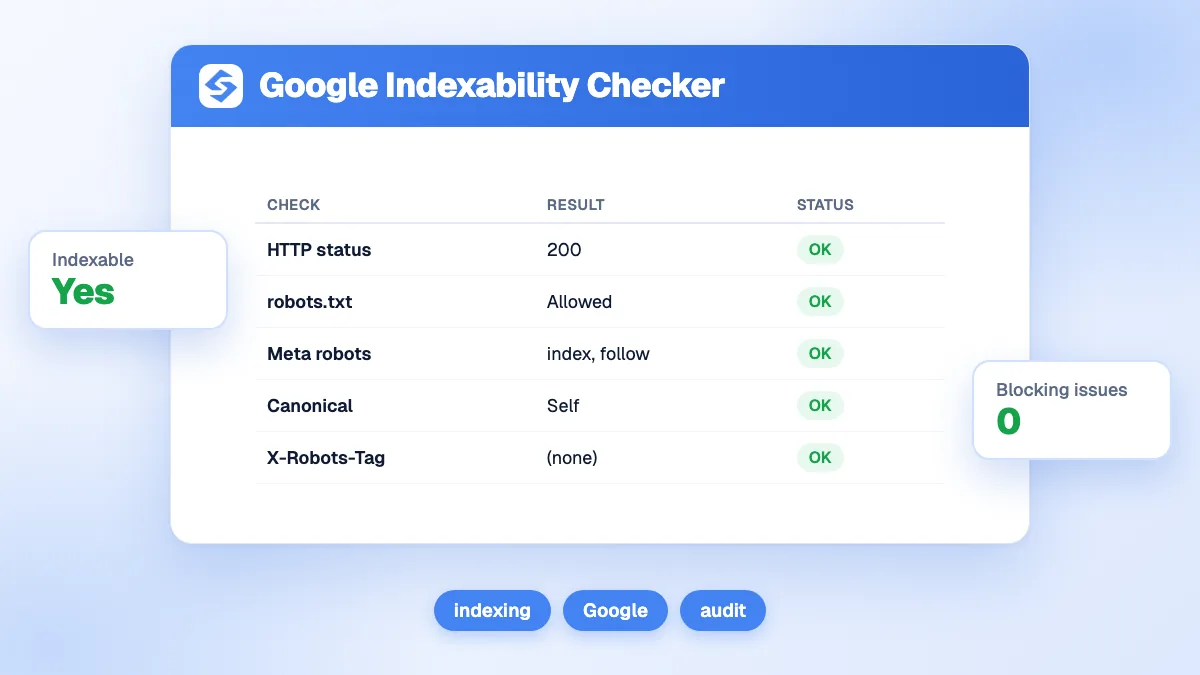
- A page disappeared from Google and its HTML looks fine: look for an X-Robots-Tag, then confirm with the indexability checker.
- After a migration, a CDN change or a new hosting plan, when redirect, cache and security rules are rewritten in bulk.
- After a staging site goes live, since a blanket "noindex" header set on the test server often survives the move.
- Before a performance push, to see what is cached, what is compressed, and what is neither.
- For PDFs and images you want indexed, or kept out, since headers are the only way to give them instructions.
What are the limits of the check?
The tool sees what its own request receives. Some servers answer differently depending on the visitor: a firewall can block unknown bots, a CDN can vary by country, and some sites serve search engine crawlers a different response. If the result surprises you, compare it with the URL Inspection tool in Google Search Console, which shows what Googlebot received. The report also shows the response of the final URL only; intermediate redirects belong to the redirect checker.
How do you keep headers right across the whole site?
Check templates, not pages. Headers are usually set once in the server, CDN or framework configuration, so one wrong rule affects thousands of URLs. After every infrastructure change, check one URL of each type: home page, article, product, PDF, image.
For a wider technical review, run the on-page SEO audit, and see our glossary entry on the technical SEO audit. To follow the effect of your fixes on traffic and on AI answers, use the Sorank GEO and SEO dashboard, or ask the Sorank SEO chat what a header means for your site.
Status code, X-Robots-Tag, canonical, then cache and security: that is the order that protects your rankings first. Check your key URLs with the tool above, then see the Sorank plans to monitor your site on autopilot.