Summary: The XML Sitemap Generator starts from your home page, follows the internal links the way Googlebot does, respects robots.txt, and keeps only the pages that answer 200, carry no noindex and are their own canonical. You get a sitemap.xml file to download, and the list of pages left out with the reason for each one.
An XML sitemap tells search engines which pages of your site exist and deserve to be indexed. A sitemap full of redirects, errors or pages in noindex sends contradictory signals and wastes crawl budget: Google learns to trust it less. A clean sitemap lists only the URLs you actually want in the results.
How the generator builds the file
- It explores like a robot: it follows the links found in the pages, on the same domain only, without files, tracking parameters, carts or search pages.
- It respects robots.txt: a page blocked for Googlebot is left out and reported.
- It keeps indexable pages only: status 200, no noindex, canonical pointing to the page itself.
- It adds the last modification date when the server sends it.
After downloading
- Upload sitemap.xml to the root of your site, for example example.com/sitemap.xml.
- Add the line Sitemap: followed by its full address to your robots.txt.
- Submit it in Google Search Console and Bing Webmaster Tools.
- Regenerate it after adding or removing pages, or let your CMS update it automatically.
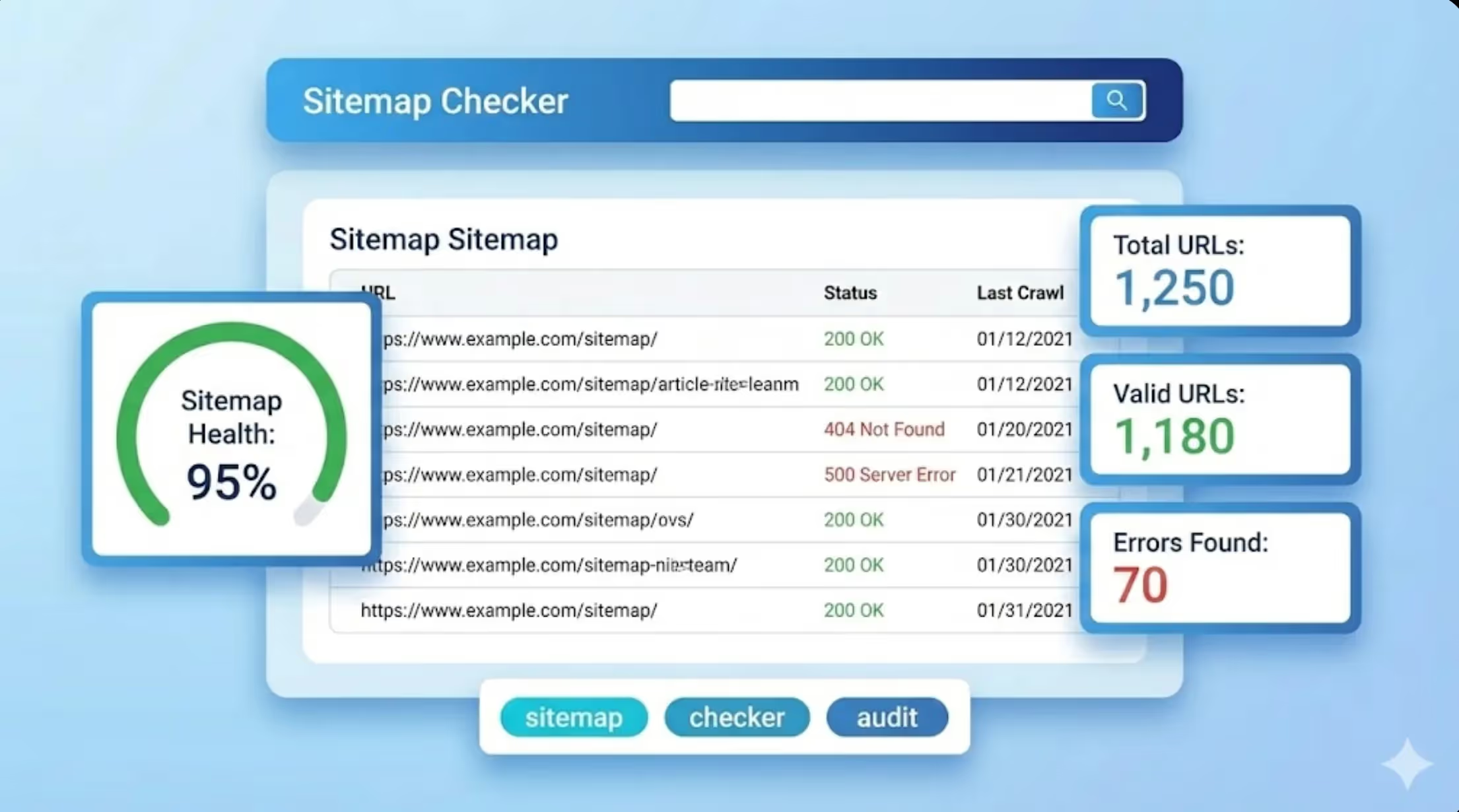
The free version explores up to 50 pages. To audit an existing sitemap, use the sitemap checker. To control what robots may crawl, use the robots.txt generator. Sorank adds every article it publishes to your sitemap.