Summary
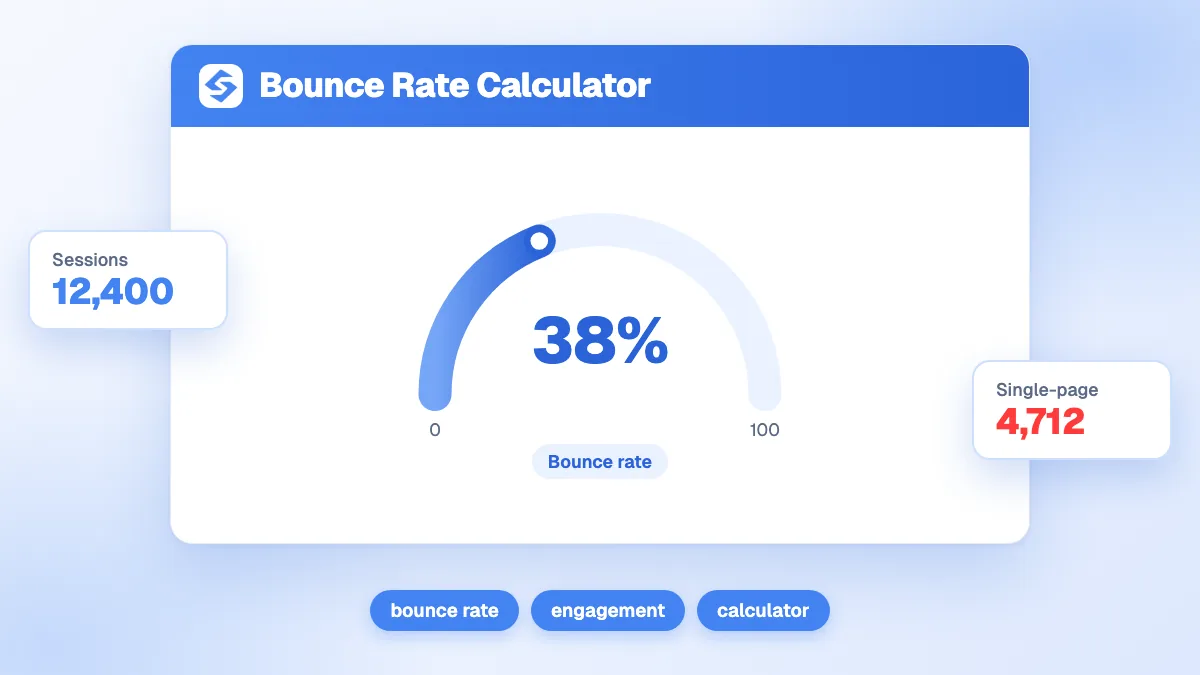
Bounce rate is the share of sessions that end without a second action: single-page sessions divided by total sessions, times 100. Enter both numbers and the calculator returns the bounce rate, the engaged sessions and the engagement rate, with a verdict from Excellent (40% or less) to Below par (above 70%). With 9,500 sessions and 5,320 single-page sessions, the bounce rate is 56.0%. In Google Analytics 4, enter non-engaged sessions instead of single-page sessions to match GA4's definition.
Want to go further? Ask


The bounce rate calculator turns two numbers from your analytics into one signal: how many visitors leave right after arriving. Google Analytics 4 now defines it as the opposite of engagement: "The bounce rate is the percentage of sessions that were not engaged" (Google Analytics Help, engagement rate and bounce rate). A high number is not always bad. A visitor who finds the opening hours and leaves has been served well. The calculator helps you see where the number points to a real problem.

How is bounce rate calculated?
The formula is bounce rate = single-page sessions ÷ total sessions × 100. The calculator also returns the two complementary figures, so you can report whichever your team uses.
| Result | Formula | Example (9,500 sessions, 5,320 single-page) |
|---|---|---|
| Bounce rate | Single-page sessions ÷ sessions × 100 | 56.0% |
| Engaged sessions | Sessions − single-page sessions | 4,180 |
| Engagement rate | 100 − bounce rate | 44.0% |
If you type more single-page sessions than total sessions, the tool caps them at the total, so the rate never exceeds 100%. The verdict follows a simple scale: 40% or less is Excellent, up to 55% Healthy, up to 70% Watch this, above 70% Below par. The example lands in Watch this.
What is the difference between bounce rate in GA4 and Universal Analytics?
The name stayed, the definition changed. Universal Analytics counted a bounce as a session with a single pageview. GA4 counts a session as engaged when it "lasts longer than 10 seconds", has a key event, or has at least two pageviews or screenviews, and the bounce rate is the share of sessions that meet none of these (Google Analytics Help).
| Universal Analytics (retired) | Google Analytics 4 | |
|---|---|---|
| A bounce is | A session with one pageview | A session that is not engaged |
| Reader who stays 3 minutes on one page | Counted as a bounce | Engaged, not a bounce |
| Visitor who clicks a key event button | Bounce if no second page | Engaged |
| What to enter in the calculator | Single-page sessions | Sessions minus engaged sessions |
The GA4 version is fairer to content pages: a long article read in full is no longer a failure. The same site can therefore show a different bounce rate in GA4 than it did in Universal Analytics. Compare figures only within the same tool and definition.
Where do you find the numbers in Google Analytics 4?
Bounce rate is hidden by default in GA4 reports. Google explains that you need to customize a detail report to add the "Engagement rate" and "Bounce rate" metrics, which requires Editor or Administrator access.
- Open Reports, then Engagement, then Pages and screens, or the Traffic acquisition report for a channel view.
- Customize the report and add Sessions, Engaged sessions, Engagement rate and Bounce rate.
- Filter on organic search to see the visitors who came from Google; their intent differs from email or social traffic.
- Enter Sessions and Sessions minus Engaged sessions in the calculator, page by page or for the whole site.
For the definitions behind these metrics, see our glossary entries on bounce rate and dwell time.
What is a good bounce rate?
It depends on what the page is for. A page built to answer one question can have a high bounce rate and still do its job; a page built to lead somewhere should not. Read the number against the purpose of the page.
| Page type | Purpose | Is a high bounce rate a problem? |
|---|---|---|
| Blog article, definition, guide | Answer a question | Rarely, if the reader stays long enough to read |
| Contact page, opening hours | Give one piece of information | No: the visitor found it |
| Category or collection page | Send visitors to products | Yes: they should click a product |
| Pricing page | Lead to a trial, a quote or a purchase | Yes, unless they convert by phone |
| Landing page of a funnel | Start a sign-up or a form | Yes: the funnel stops here |
Compare each page with pages of the same type on your own site, and with itself over time. A change of ten points after a redesign says more than any industry average.

Why do visitors bounce?
Most bounces have one of four causes, and the first one to check is speed. Google's web.dev team cites the BBC, which "lost an additional 10% of users for every additional second" its site took to load, and The Economic Times, which reached "an overall 43% better bounce rate" after passing the Core Web Vitals thresholds (web.dev, why speed matters).
- Slow loading: aim for a Largest Contentful Paint within 2.5 seconds, an Interaction to Next Paint of 200 milliseconds or less and a Cumulative Layout Shift of 0.1 or less (web.dev, Web Vitals).
- Mismatched intent: the page ranks for a query it does not answer. Compare the queries in Search Console with the first screen of the page.
- A weak first screen: a large banner, a cookie wall and a pop-up before any answer.
- No next step: no internal link, no related content, no clear call to action.
To tell the causes apart, segment before you act. A high rate on mobile only points to speed or layout; a high rate on organic traffic only points to a mismatch between the query and the page; a high rate on every channel points to the page itself. Our glossary entries on Core Web Vitals and search intent explain both sides in more detail.
Does bounce rate affect SEO rankings?
Not as such. Bounce rate is an analytics metric, and it does not appear in Google's guide to its ranking systems. What Google does say is that its "core ranking systems look to reward content that provides a good page experience", including good Core Web Vitals and mobile display (Google, page experience). The causes of a high bounce rate, slow pages and content that misses the intent, are the ones that hurt rankings. Fix the causes and both numbers improve.
How do you reduce your bounce rate?
Work page by page, starting with the pages that get the most organic traffic and are meant to lead somewhere.
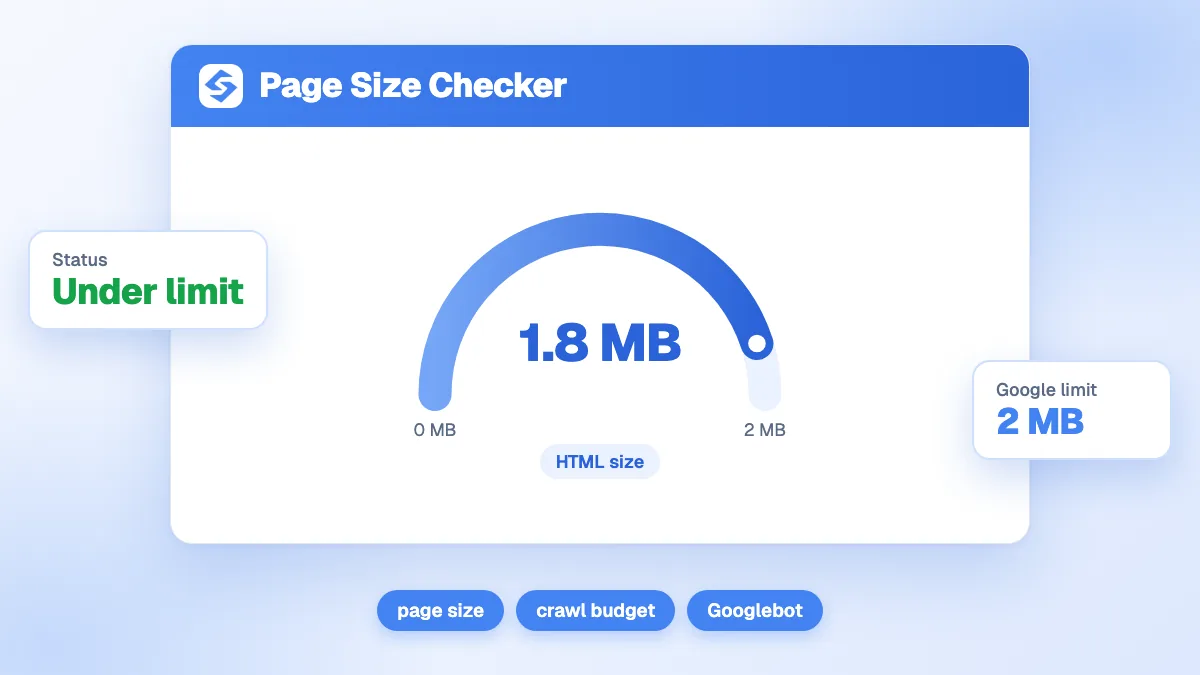
- Check the weight and speed of the page with the page size checker and the on-page SEO audit.
- Answer in the first screen: a clear heading and a two-sentence answer before any image or form. The heading analyzer shows whether the structure promises what the page delivers.
- Add the next step: links to related pages and one visible call to action.
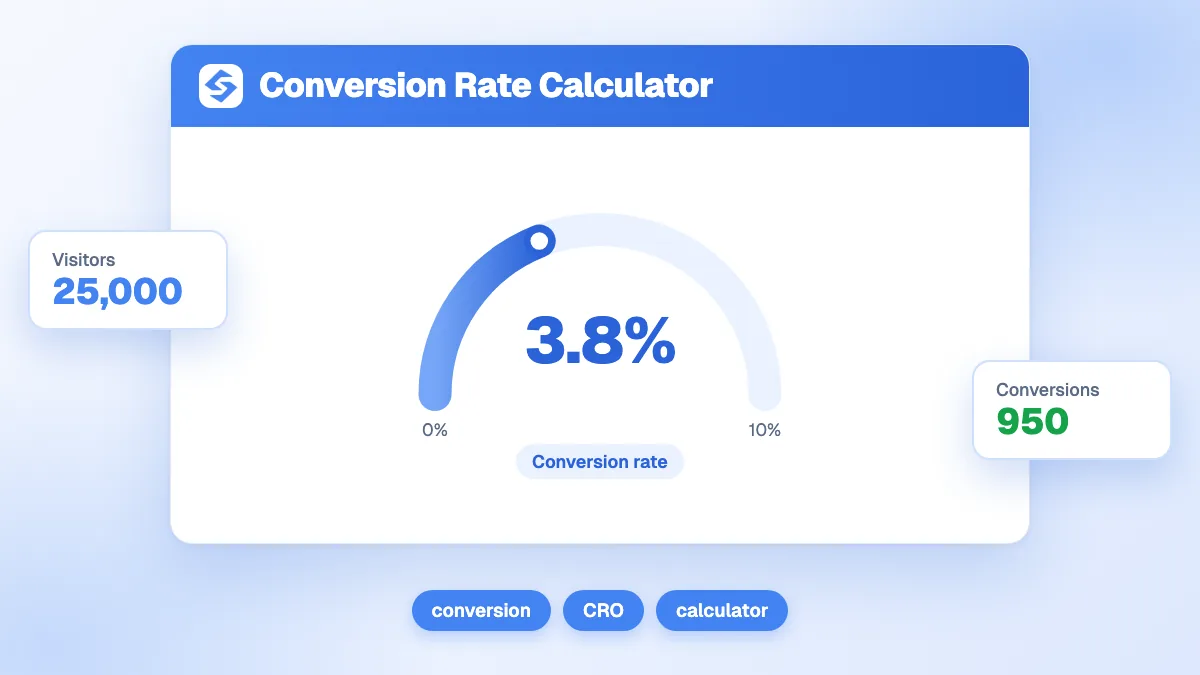
- Measure what happens next: the conversion rate calculator shows whether engaged visitors also convert.
On a blog, consistent structure helps every article at once. The Sorank blog article generator writes articles with an answer first, headings, internal links and a FAQ, and the GEO and SEO dashboard follows the traffic they bring from Google and AI assistants.
A bounce rate only means something next to the purpose of the page. Calculate yours for your five most visited pages, fix the one that should lead somewhere, and see the Sorank plans to grow the traffic worth keeping.