Summary
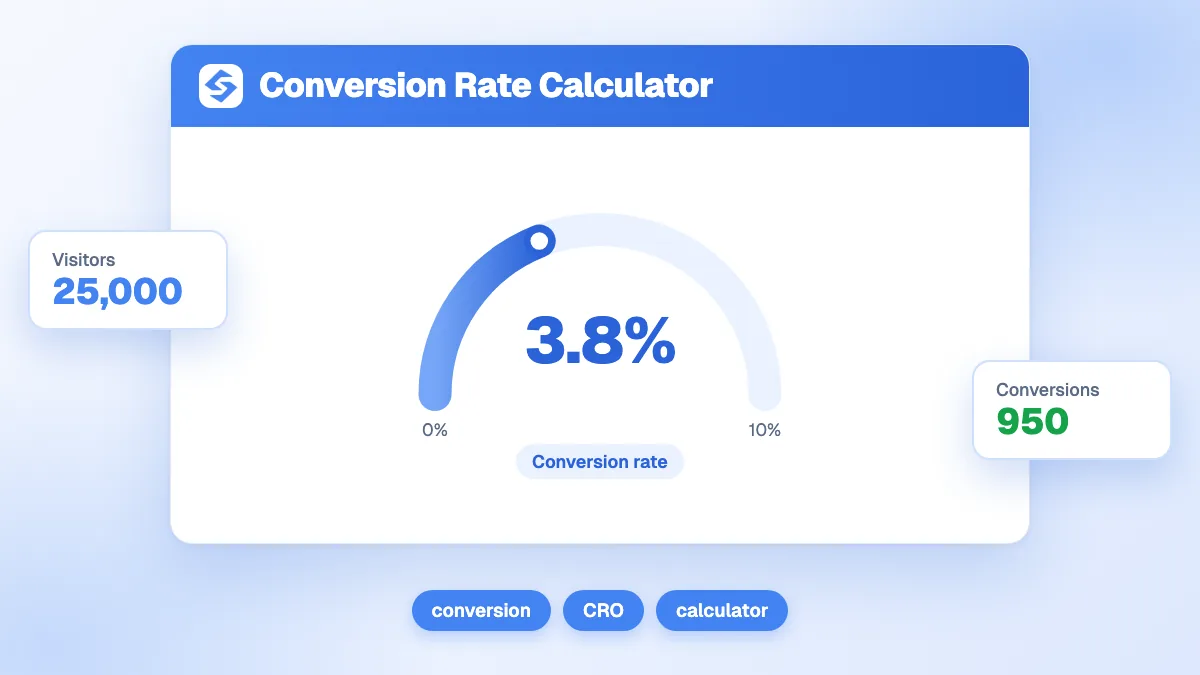
Conversion rate is conversions divided by visitors, times 100. The calculator also gives the revenue (conversions × average order value), the revenue per visitor and the value of one extra point of conversion. With 12,000 visitors, 240 conversions and an average order of 85, the rate is 2.00%, revenue is 20,400, each visitor is worth 1.70, and one more point would add 10,200.
Want to go further? Ask


A conversion rate calculator answers the question that sits between traffic and revenue: out of everyone who visits, how many do what you want? A conversion can be a purchase, a demo request, a signup or a download. In Google Analytics 4, these actions are called key events, defined as events that measure an action particularly important to the success of your business (Google Analytics Help, about key events). Once you know the rate, you know whether to buy more traffic or to fix what happens after the click.
How is conversion rate calculated?
The calculator takes three inputs, visitors, conversions and average order value, and returns four results.
| Result | Formula | Example (12,000 visitors, 240 conversions, order 85) |
|---|---|---|
| Conversion rate | Conversions ÷ visitors × 100 | 240 ÷ 12,000 × 100 = 2.00% |
| Revenue | Conversions × average order value | 240 × 85 = 20,400 |
| Revenue per visitor | Revenue ÷ visitors | 20,400 ÷ 12,000 = 1.70 |
| Value of one extra point | Visitors × 1% × average order value | 12,000 × 1% × 85 = 10,200 |
The last line answers the most useful question: what would going from 2% to 3% be worth? Here, 120 more conversions and 10,200 more revenue, with exactly the same traffic. Choose your currency in the tool; the formulas stay the same. If visitors is zero, the calculator returns nothing rather than a misleading figure.

How do you read your conversion rate?
The result is colored according to four bands. They are a rough guide for a site-wide rate, not a universal standard.
| Conversion rate | Label in the tool | Reading |
|---|---|---|
| Below 1% | Below par | Something blocks visitors: traffic that does not match the offer, a confusing page or a difficult checkout. |
| 1% to 2.49% | Watch this | A common range for online stores and broad content sites. There is usually room to improve. |
| 2.5% to 4.99% | Healthy | Traffic and offer match well. Gains now come from testing details. |
| 5% and above | Excellent | Typical of focused landing pages, warm audiences or very high-intent traffic. |
Compare like with like. A dedicated landing page converts far more than a whole website: across 57 million landing page conversions, the median landing page conversion rate was 6.6% across all industries, with medians ranging from 3.8% to 12.3% by industry (Unbounce Conversion Benchmark Report). A site-wide rate mixes visitors who came to read, compare or log in, so it will always be lower.
Which numbers should you enter?
The rate is only as good as its denominator and its definition of a conversion.
- Visitors: use sessions or users, but stay consistent over time. GA4 reports a session key event rate (sessions with at least one key event), which suits most sites.
- Conversions: count one type of goal at a time. Mixing newsletter signups and purchases produces a rate that describes neither.
- Average order value: revenue divided by number of orders. For lead generation, use the value of a lead: average deal value multiplied by your close rate.
- Period: take a full month, or a full quarter if your volume is small. With 40 conversions, one more or one less moves the rate visibly.
Is it cheaper to improve conversion or to buy more traffic?
Often conversion, and the calculator shows why. The value of one extra point grows with your traffic, while the cost of a better page does not.
| Monthly visitors | Revenue at 2% (order 85) | Value of one extra point | Traffic needed for the same gain at 2% |
|---|---|---|---|
| 5,000 | 8,500 | 4,250 | +2,500 visitors |
| 12,000 | 20,400 | 10,200 | +6,000 visitors |
| 50,000 | 85,000 | 42,500 | +25,000 visitors |
Going from 2% to 3% brings the same revenue as 50% more traffic. That is why revenue per visitor is the number worth tracking: it moves when either the rate or the order value moves, and it makes traffic sources comparable. To see what that traffic costs you, the customer acquisition cost calculator and the ROAS calculator complete the picture.

How do you improve your conversion rate?
Start where visitors leave, then fix the causes in order of impact.
- Segment the rate by traffic source, device and landing page. A blended rate hides the channels that convert and the ones that only add volume. A 0.5% mobile rate next to a 3% desktop rate is a mobile problem, not a traffic problem.
- Match the page to the intent. A visitor who searched "price" wants a price. Visitors who land on the wrong page leave fast; the bounce rate calculator shows how many.
- Speed up the pages that sell. In a study run for Google, a 0.1 second improvement in mobile site speed increased retail progression from product page to add-to-basket by 9.1%, and shoppers spent 9.2% more (web.dev, Milliseconds Make Millions).
- Simplify the checkout or the form. On average, 70.22% of online shopping carts are abandoned, according to an average of 50 studies compiled by the Baymard Institute (Baymard Institute, cart abandonment rate). Fewer fields, guest checkout and clear costs reduce that loss.
- Test one change at a time and keep it only if the rate moves on a meaningful sample.
For the vocabulary, see our glossary entry on conversion rate optimization.
Which mistakes distort a conversion rate?
Most surprising rates come from the measurement, not from the site. Check these five points before you act on a number.
- Bots and internal visits in the denominator. Crawlers, uptime monitors and your own team inflate visitors and push the rate down. Filter them in your analytics.
- Conversions counted twice. A thank-you page reloaded or a purchase event fired on every refresh doubles some conversions. Compare your analytics with your orders or CRM.
- Several goals mixed together. A rate that adds newsletter signups to purchases rises when the newsletter form gets more visible, even if sales fall.
- Periods that do not match. Comparing a sales month with a quiet month, or a period before and after a tracking change, measures the calendar, not the page.
- Samples that are too small. On a page with 300 visits, three more conversions move the rate by a full point. Wait for enough volume before concluding.
Does the traffic source change the conversion rate?
Yes, often more than the page itself. Visitors from a search for "best accounting software for freelancers" are closer to buying than visitors from a general article on taxes. Compare your rates by channel: organic search, paid search, social, email, and now AI assistants such as ChatGPT and Perplexity, which send visitors who have already read a recommendation.
The GEO and SEO dashboard puts your Google clicks, your Google Analytics data and your visits from AI assistants side by side, so you can see which source converts. To attract more of the visitors who convert, Sorank keyword research finds the buying queries your site can rank for. And to put a price on the traffic you already have, use the organic traffic value calculator and the AI traffic value calculator.
One extra point of conversion is often worth more than thousands of extra visits. Calculate yours above, then see the Sorank plans to bring in visitors who are ready to buy, on autopilot.