Summary
Content marketing ROI = (revenue from the leads your articles bring − content budget) ÷ content budget × 100. The calculator adds up the visits of every article month by month, because an article published early keeps working for the whole period, then turns those visits into leads and revenue. With a budget of 6,000, 8 articles bringing 350 visits a month each, a 2.5% conversion rate and 180 per lead, the programme returns 81,900 over 12 months: an ROI of 1,265%.
Want to go further? Ask


A content marketing ROI calculator answers the question every content budget eventually meets: what did we get back? It is a real pain point. In the Content Marketing Institute's research on more than 1,000 B2B marketers, 33% name measuring content effectiveness among their top three challenges, and only 12% describe their programme as highly effective (Content Marketing Institute, B2B Content and Marketing Trends 2026). The calculator gives you a simple model you can defend, built on your own traffic and lead figures.

How is content marketing ROI calculated?
The calculator takes six inputs: the total content budget, the number of articles, the monthly visits one article brings once it has matured, the conversion rate from visit to lead, the value of a lead and the period in months. It returns five results.
| Result | Formula | Example (6,000 budget, 8 articles, 350 visits, 2.5%, 180, 12 months) |
|---|---|---|
| Cumulative visits | Articles × monthly visits per article × (months + 1) ÷ 2 | 8 × 350 × 6.5 = 18,200 |
| Leads | Cumulative visits × conversion rate | 18,200 × 2.5% = 455 |
| Revenue | Leads × value per lead | 455 × 180 = 81,900 |
| Return on investment | (Revenue − budget) ÷ budget × 100 | (81,900 − 6,000) ÷ 6,000 = 1,265% |
| Cost per article | Budget ÷ articles | 6,000 ÷ 8 = 750 |
The "(months + 1) ÷ 2" factor is the heart of the model. The calculator spreads the articles evenly over the period: one that goes live in the first month works all 12 months, one that goes live in the last month works only once. On average, each article works 6.5 months out of 12.
Why does content look unprofitable at six months?
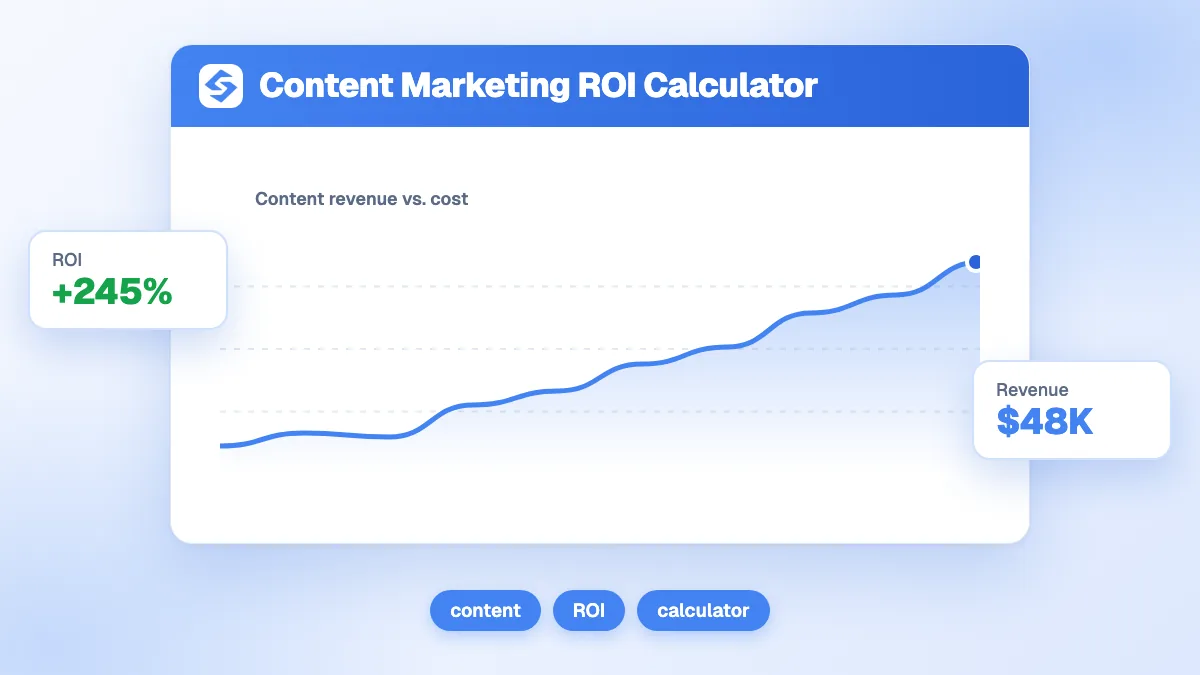
Because revenue compounds while the budget is spent in a straight line. The chart under the calculator shows both curves month by month; with the default example, they look like this.
| Month | Budget spent (cumulative) | Revenue earned (cumulative) |
|---|---|---|
| 1 | 500 | 1,050 |
| 3 | 1,500 | 6,300 |
| 6 | 3,000 | 22,050 |
| 9 | 4,500 | 47,250 |
| 12 | 6,000 | 81,900 |
Your real curve will start later: an article rarely reaches its mature traffic in its first month, which is why the visits field asks for the traffic "once the article has matured, usually after three to six months". Judge a programme on the full period, never on the first quarter.
How do you fill in the calculator with real data?
- Budget: everything the programme costs over the period, writing, editing, images and tools included.
- Articles: the number of articles that budget pays for.
- Visits per article: the median monthly organic clicks of your articles older than six months. The Performance report of Search Console shows clicks per page (Search Console Help, Performance report).
- Conversion rate: the share of article visits that become a lead, from your analytics. In Google Analytics 4, mark the form submission as a key event so it is counted (Analytics Help, key events).
- Value per lead: average deal value × close rate. A 3,000 deal closed one time in 20 gives 150 per lead.
- Period: 12 months is a good default; 24 shows the long tail.
No history yet? Estimate the visits of a new article with the organic traffic estimator and the price of each piece with the cost per article calculator.

Which input changes the ROI the most?
The traffic each article brings. The table keeps the default example and changes one input at a time.
| Scenario | Cumulative visits | Leads | Revenue | ROI |
|---|---|---|---|---|
| Default (350 visits per article) | 18,200 | 455 | 81,900 | 1,265% |
| 200 visits per article | 10,400 | 260 | 46,800 | 680% |
| 100 visits per article | 5,200 | 130 | 23,400 | 290% |
| 20 visits per article (articles that do not rank) | 1,040 | 26 | 4,680 | −22% |
| Conversion at 1% instead of 2.5% | 18,200 | 182 | 32,760 | 446% |
| Period of 24 months instead of 12 | 35,000 | 875 | 157,500 | 2,525% |
The lesson: an article that never ranks returns nothing, whatever it cost. Choosing topics people search, and that your site can rank for, matters more than publishing volume.
How do you read the result?
The ROI is colored to help you read it at a glance.
- Below 0%, "Losing money": the programme costs more than it brings over the period. Check the traffic per article first.
- 0% to 99%, "Watch this": profitable but fragile; a small drop in traffic or conversion wipes it out.
- 100% to 299%, "Healthy": each unit spent comes back two to four times.
- 300% and more, "Excellent": keep the inputs conservative before sharing a figure this high.
How does content compare with paid search?
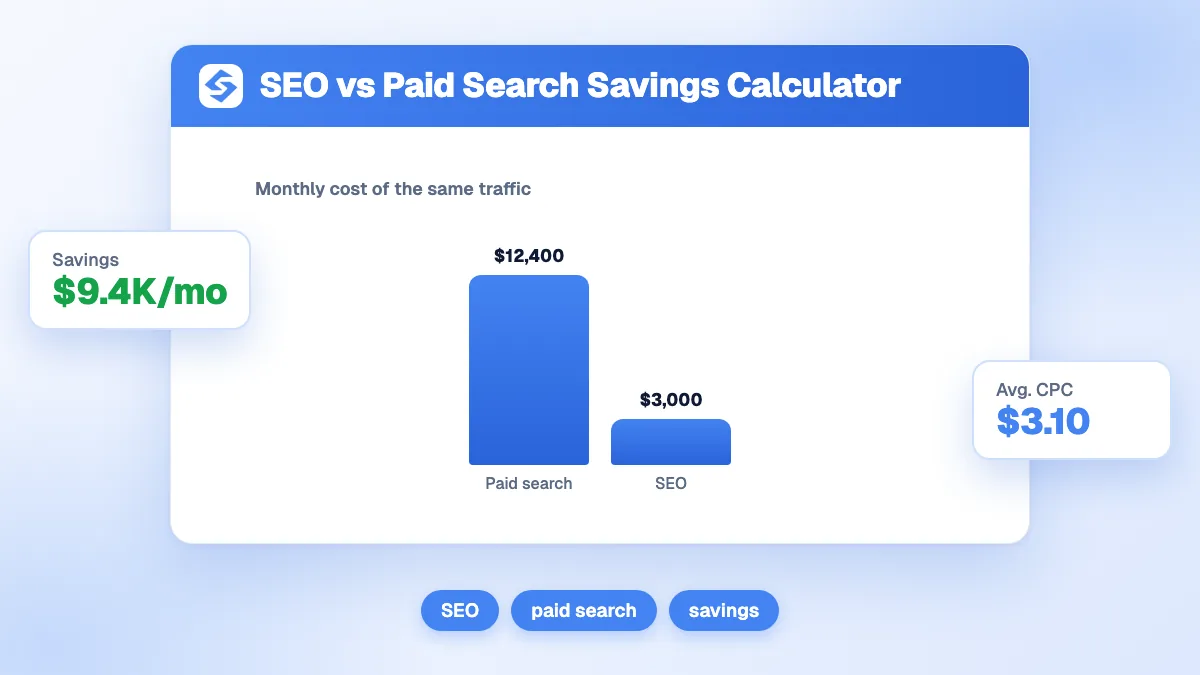
Divide the budget by the results to get a cost per visit and a cost per lead, then compare them with what ads charge. In the default example, 6,000 for 18,200 visits is about 0.33 per visit, and 6,000 for 455 leads is about 13 per lead. LocaliQ's 2026 benchmarks put the average search ad at $5.42 per click and $66.69 per lead across industries (LocaliQ, search advertising benchmarks 2026).
| Cost | Content (default example) | Search ads (2026 average, all industries) |
|---|---|---|
| Per visit | About 0.33 | $5.42 per click |
| Per lead | About 13 | $66.69 |
The comparison is not perfect: ads bring traffic from day one and stop when you stop paying, while content starts slowly and keeps working. That is why the two channels are usually combined, with ads covering the months the articles need to mature.
What does the model leave out?
It is deliberately simple, so state its limits when you present it.
- Traffic after the period: articles keep working after month 12; the model stops counting.
- Ramp-up time: it assumes each article reaches its mature traffic as soon as it goes live.
- Content decay: traffic can fall as articles age or competitors publish better ones. Update the best ones each year.
- Zero-click searches: fewer people click when Google shows an AI summary. Pew Research Center measured a click on a classic result in 8% of visits with an AI summary, against 15% without (Pew Research Center, 2025). Use your recent click data, not older averages.
- Indirect value: brand awareness, sales enablement and mentions in AI answers are real but not counted.
How do you improve the return of your content?
- Pick topics with demand: the Sorank keyword research finds the queries your site can rank for without cannibalizing existing pages.
- Cover a subject in a cluster: the topic cluster generator plans articles that support each other instead of competing.
- Lower the cost per article: the blog article generator writes and publishes sourced, illustrated articles every day.
- Compare with the alternative: the SEO ROI calculator and the SEO vs paid savings calculator put content next to ads.
Content pays back slowly and then keeps paying: measure it over 12 months or more, with your own traffic per article. See the Sorank plans to publish the articles that move that number, on autopilot.