Summary
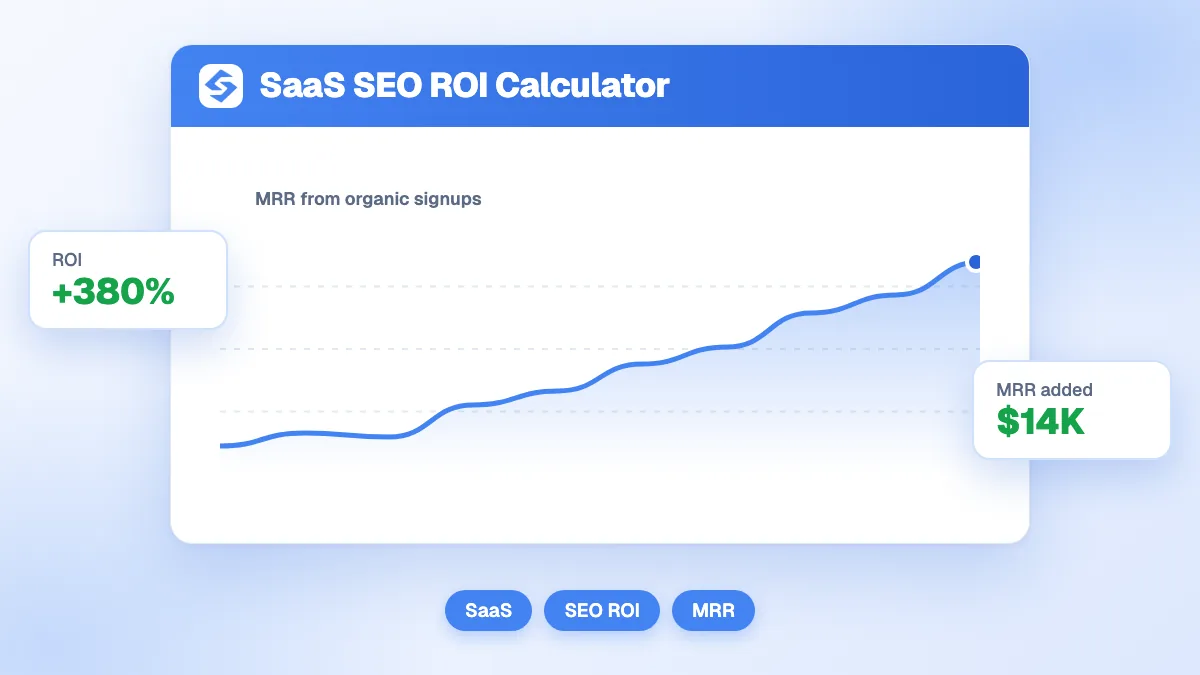
The SaaS SEO ROI calculator follows organic visitors down a subscription funnel: visits become trials, trials become paying customers, and customers bring monthly recurring revenue for as long as they stay. It returns the trials, the new customers, the added MRR, the lifetime revenue, the cost per customer and the return on one month of SEO spend. Months retained is the input that moves the result most, so take it from your own cohorts.
Want to go further? Ask


A SaaS SEO ROI calculator fixes the most common mistake in judging SEO for a software company: measuring it on the first month of revenue. A subscriber acquired today pays every month until churn, so the value of a customer is spread over time. Investors read it the same way: the average lifespan of a customer in months is 1 divided by the monthly churn, and lifetime value builds on that lifespan (Andreessen Horowitz, 16 startup metrics). The calculator applies this logic to the customers your organic traffic brings.

How does the SaaS SEO ROI calculator work?
Six inputs feed six results. The table uses the default values of the tool.
| Result | Formula | Example (spend 5,000, 15,000 visits, 3%, 20%, 99 per month, 14 months) |
|---|---|---|
| Trials | Organic visits × visit-to-trial rate | 450 |
| New customers | Trials × trial-to-paid rate | 90 |
| Added monthly revenue (MRR) | New customers × monthly subscription | 8,910 |
| Lifetime revenue | Added MRR × months retained | 124,740 |
| Cost per customer | Monthly SEO spend ÷ new customers | 56 |
| Return on investment | (Lifetime revenue − spend) ÷ spend × 100 | 2,395% |
The gauge reads a negative return as critical, 0 to 100% as average, 100 to 300% as good and above 300% as excellent. Read the ROI as the return of one month of SEO spend measured against the lifetime revenue of the customers acquired that month.
Where do the inputs come from?
- Monthly SEO spend: salaries or agency fees, content, tools and links, for one month.
- Monthly organic visits: the clicks from the Performance report of Search Console (Search Console Help, Performance report), or organic sessions in your analytics. Exclude branded queries if you want to measure what SEO wins beyond people who already know you.
- Visit-to-trial and trial-to-paid rates: from your product analytics, for organic visitors only. Blog visitors convert much less than visitors of pricing or comparison pages, so segment when you can.
- Monthly subscription: the average revenue per account, after discounts.
- Months retained: 1 ÷ monthly churn. At 7% churn, customers stay about 14 months; at 3%, about 33 months.
What does a more cautious scenario look like?
The defaults describe a SaaS with strong organic traffic. A younger product with less traffic, a cheaper plan and lower conversion gives a very different answer, which is why you should run your own numbers.
| Input or result | Established SaaS (defaults) | Young SaaS |
|---|---|---|
| Monthly SEO spend | 5,000 | 8,000 |
| Organic visits | 15,000 | 6,000 |
| Visit to trial | 3% | 2% |
| Trial to paid | 20% | 15% |
| Subscription | 99 | 49 |
| Months retained | 14 | 12 |
| New customers | 90 | 18 |
| Lifetime revenue | 124,740 | 10,584 |
| Cost per customer | 56 | 444 |
| ROI | 2,395% | 32% |
The young SaaS still earns more than it spends, but barely. Its levers are clear: more visits on pages that lead to a trial, and a better trial experience.

Which pages bring trials for a SaaS?
Not all organic visits are equal, and the visit-to-trial rate you enter should reflect where your traffic lands. A SaaS site usually has four kinds of pages, each with its own role in the funnel.
| Page type | Search intent | Role in the funnel |
|---|---|---|
| Comparison and alternative pages | "tool A vs tool B", "alternative to" | Closest to a trial: the visitor is choosing |
| Use case and feature pages | "software for" a job or an industry | Strong trial intent when the page shows the product |
| Free tools and templates | "free calculator", "template" | Large volume, trials when the tool leads to the product |
| Blog guides | "how to", "what is" | Awareness, newsletter sign-ups and retargeting more than trials |
Run the calculator per page group when your analytics allow it. A small volume of comparison traffic often brings more customers than a large volume of blog traffic.
Which input changes the result the most?
Months retained, because it multiplies everything else. With the default inputs, moving from 12 to 18 months raises lifetime revenue from 106,920 to 160,380, half as much again. Every point of churn you remove makes each organic customer worth more, which is why SEO for SaaS and retention work belong in the same discussion.
The second lever is the trial-to-paid rate. Doubling it doubles customers, MRR and lifetime revenue without a single extra visit.
How do you compare SEO with paid acquisition?
Put the cost per customer from the calculator next to the cost per customer of your paid channels. As a reference, search ads cost $66.69 per lead on average across industries in 2026, and $93.69 for business services (LocaliQ search advertising benchmarks); a lead is not yet a paying customer, so the cost per customer on ads is higher still.
Two rules keep the comparison fair. Compare blended and paid costs separately, as investors do when they distinguish blended CAC from paid CAC. And remember that ads stop the day the budget stops, while ranked pages keep bringing trials. For a full view across channels, the customer acquisition cost calculator and the LTV to CAC ratio calculator take the analysis further.
What are the limits of this ROI calculation?
- Revenue, not margin. The calculator uses lifetime revenue. Andreessen Horowitz warns that a lifetime value built on revenue overstates what you can spend to acquire a customer; multiply the result by your gross margin for a stricter view.
- No delay. SEO takes months to produce traffic. The calculation assumes the visits already exist; for a new program, use the SEO forecast calculator and the SEO break-even calculator.
- No expansion revenue. Upgrades and extra seats are not counted, which makes the result conservative for products with strong expansion.
- One cohort. It measures one month of spend against one month of new customers. Over a year, earlier cohorts keep paying, and the total return grows.
How does AI search affect SaaS acquisition?
Buyers of software increasingly ask ChatGPT, Perplexity or Gemini for recommendations before they search. In Google Analytics 4, those visits now have their own AI Assistant channel (Analytics Help, default channel group), so you can measure their trial rate separately. Adobe found that visitors from generative AI sources browsed 12% more pages per visit with a 23% lower bounce rate than other traffic on US retail sites in early 2025 (Adobe Analytics, 2025). For a SaaS, being cited on "best tool for" prompts can matter as much as ranking on the same query. Value that traffic with the AI traffic value calculator.
From ROI to a growth plan
For a SaaS, SEO pays through retention: judge it on lifetime revenue, not on the first invoice. Once the numbers make the case, the next step is volume on the right pages. The Sorank competitor spy shows the keywords behind your competitors' new pages, and AI mention tracking checks whether ChatGPT, Claude and Gemini recommend your product. See the Sorank plans to publish on autopilot.