Summary
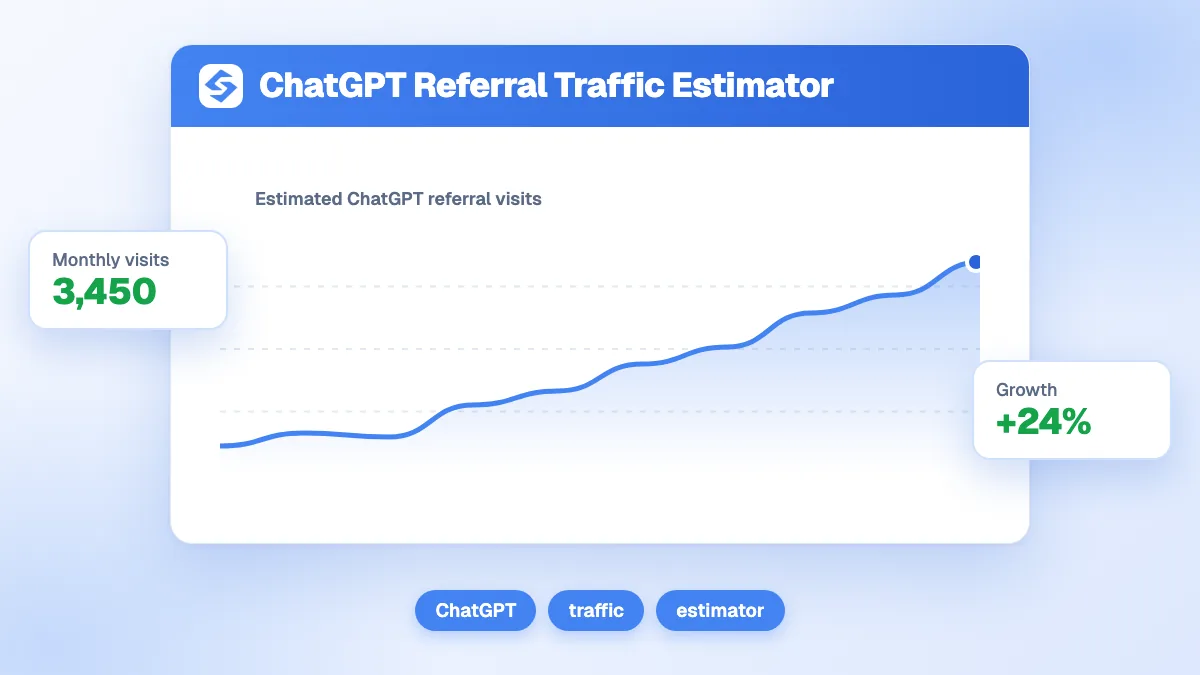
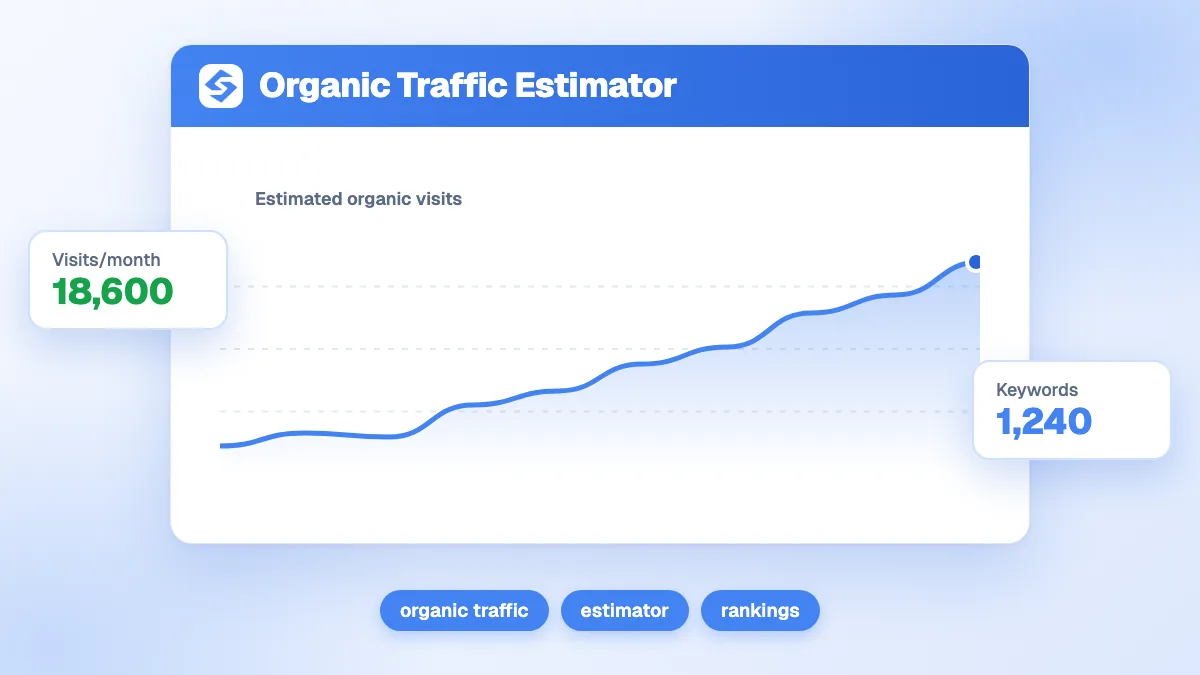
The organic traffic estimator predicts the monthly visits a page can expect from its main keyword: search volume × the click-through rate of the position it holds, plus a long tail uplift for the secondary terms the page also ranks on. At 8,000 searches a month in position 5 (CTR 5.9%), the main keyword brings 472 visits; a 35% long tail uplift adds 165, for 637 visits a month and 7,646 a year. Use it to decide whether a page is worth writing or improving.
Want to go further? Ask


An organic traffic estimator converts a keyword into a traffic forecast before you invest in content. Search volume alone overstates the opportunity, because only part of the searchers click, and fewer still click when the result sits low on the page. In Search Console, Google defines the click-through rate as "the click count divided by the impression count" (Search Console Help, Performance report); the estimator applies a typical CTR for each position to the volume you enter.

How does the organic traffic estimator calculate visits?
In three steps. The position is rounded to a whole number, matched to a CTR, applied to the volume, then the long tail is added on top.
| Result | Formula | Example (8,000 searches, position 5, uplift 35%) |
|---|---|---|
| CTR at that position | Read from the CTR curve below | 5.9% |
| Visits from the main keyword | Volume × CTR | 472 |
| Visits from the long tail | Main keyword visits × uplift | 165 |
| Monthly visits | Main + long tail | 637 |
| Annual visits | Monthly visits × 12 | 7,646 |
The form also asks how many keywords the page ranks on. That number is a reminder that a page rarely ranks on one term; the traffic of those extra terms enters the result through the long tail uplift, which you set from your own data.
What CTR does each Google position get?
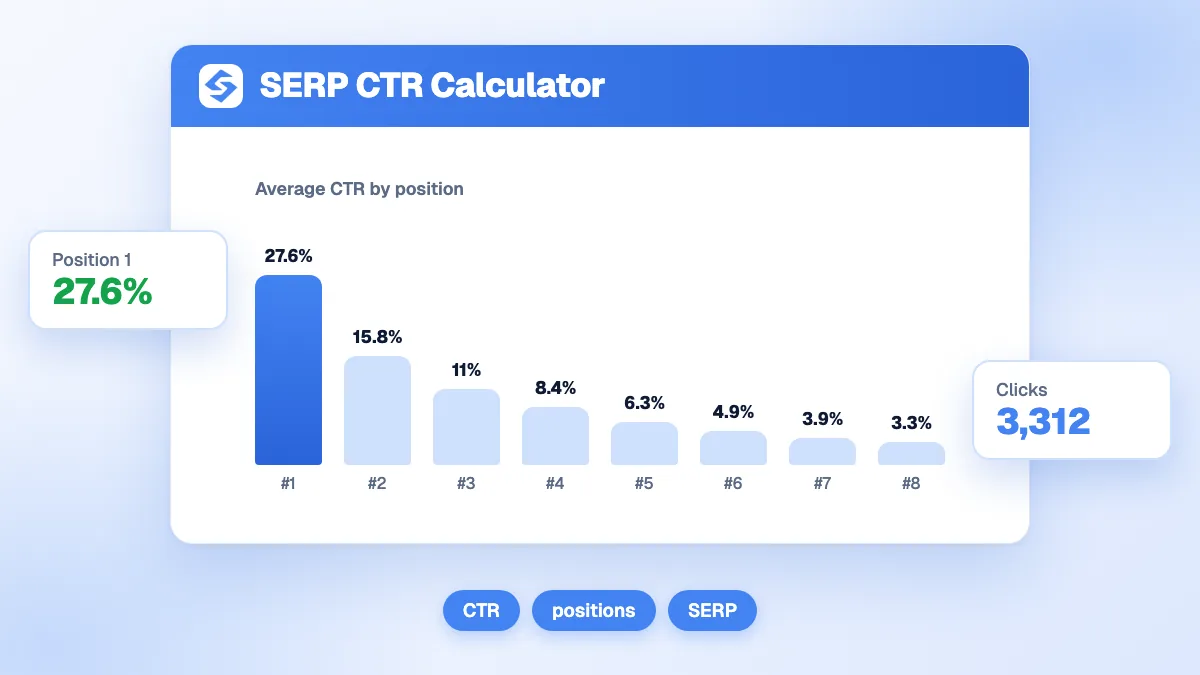
The estimator uses a fixed curve of average organic CTR by position, from 27.6% in first place down to 0.5% in twentieth. Below position 20, it counts 0.3%.
| Position | CTR used | Visits for 8,000 searches |
|---|---|---|
| 1 | 27.6% | 2,208 |
| 2 | 15.3% | 1,224 |
| 3 | 10.2% | 816 |
| 4 | 7.8% | 624 |
| 5 | 5.9% | 472 |
| 6 to 10 | 4.6% to 1.8% | 368 to 144 |
| 11 to 20 | 1.5% to 0.5% | 120 to 40 |
| Beyond 20 | 0.3% | 24 |
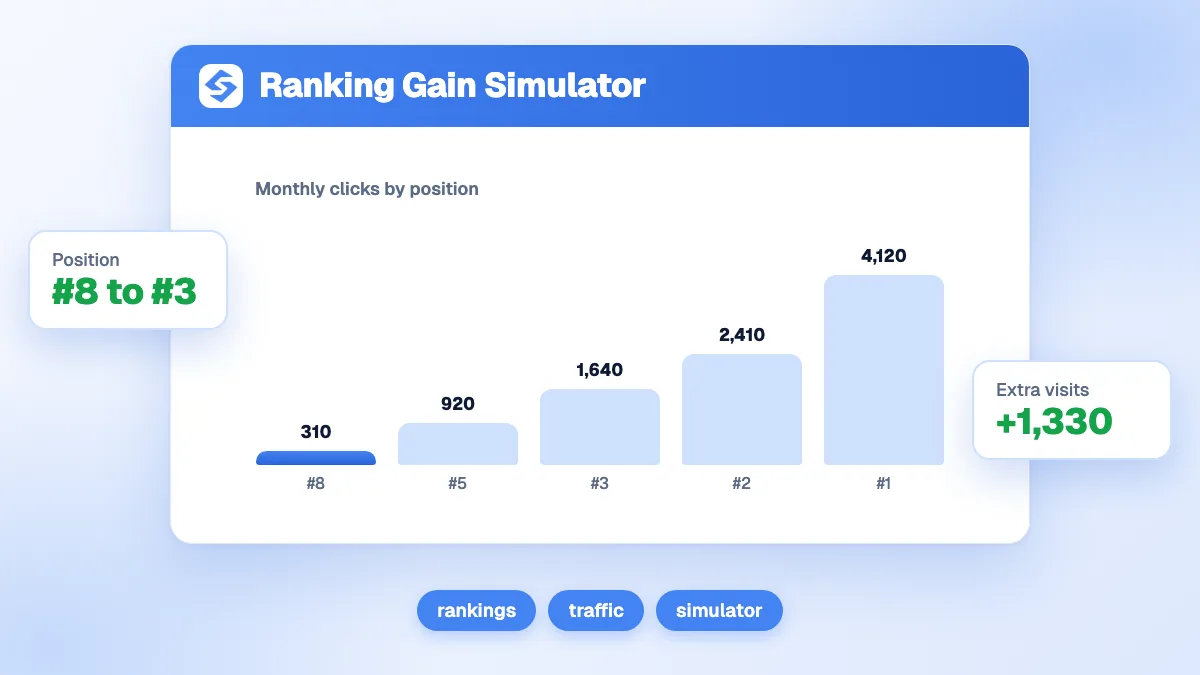
The gap between positions is the main lesson. Moving from position 5 to position 2 multiplies the clicks of the main keyword by about 2.6; moving from page two to page one changes everything. The ranking gain simulator turns that gain into revenue, and the SERP CTR calculator compares the curve with your own click-through rate.
Where do you find search volume and position?
For a keyword you do not rank on yet, take the volume from a keyword tool and choose the position you can realistically reach. For a keyword you already rank on, take both from Google.
- Search volume: Google Ads Keyword Planner shows "estimates on the number of searches a keyword gets each month" (Google Ads Help, Keyword Planner). Keywords with very low volume may not appear at all; for those, the long tail of a broader page is a better target.
- Current position: Search Console shows the average position, which it describes as the topmost position of your result, "averaged across all queries" where it appeared (Search Console Help, average position).
- Long tail uplift: in the Performance report, filter on the page and compare the clicks of the main query with the clicks of all other queries. Their ratio is your uplift.
For the definitions, see our glossary entries on search volume and click-through rate.

Why does the long tail matter so much?
Because a page that ranks on its main keyword picks up dozens of related searches along the way: variants, questions, longer phrases. Ignoring them understates the traffic, often by a third or more. Google's own guidance on generative AI search notes that its systems understand synonyms and meaning, so a page can be shown for searches that do not use its exact words (Google, optimizing for generative AI search).
| Page type | Typical long tail situation | Uplift to test |
|---|---|---|
| Short definition page | Few variants beyond the main term | 10% to 20% |
| Complete guide | Many questions and phrasings | 50% or more |
| Product or service page | Brand, model and location variants | 20% to 40% |
These ranges are starting points, not benchmarks. Replace them with your own ratio from Search Console as soon as the page has a few months of data.
What is the difference between impressions, clicks and visits?
Search Console counts an impression each time your site appears in the results, and a click each time someone clicks through to it. The estimator works on clicks, which become visits in your analytics. Expect the two to differ: analytics tools can miss visitors who refuse cookies or block scripts, while Search Console counts the click itself.
| Metric | Where you see it | What it tells you |
|---|---|---|
| Impressions | Search Console | How often searchers saw your result: the demand you reach |
| Clicks | Search Console | How often they chose you: what the estimator predicts |
| Sessions | Google Analytics | The visits that loaded your page and its tracking |
How accurate is the estimate?
Treat it as an order of magnitude. Three factors move real traffic away from the curve.
- SERP features: ads, maps, videos and AI Overviews push organic results down. Pew Research Center measured that users who saw an AI summary clicked a traditional result in 8% of visits, against 15% without one (Pew Research Center, 2025).
- Zero-click searches: SparkToro, using Similarweb clickstream data, found that 68.01% of Google searches in the first four months of 2026 ended without a click (SparkToro, 2026).
- Volume estimates: every keyword tool models volume, and seasonal terms swing from month to month.
The estimate is most useful for comparing keywords with each other: if keyword A promises three times the visits of keyword B at the same position, that ratio holds even when the absolute numbers move. Read our glossary entry on zero-click search for the wider trend.
How do you use the estimate to choose what to write?
Estimate before writing, not after. It is the cheapest way to decide whether a page is worth producing.
- List the candidate keywords for your next pages, with their volumes.
- Set a realistic position for each one, based on the sites ranking today.
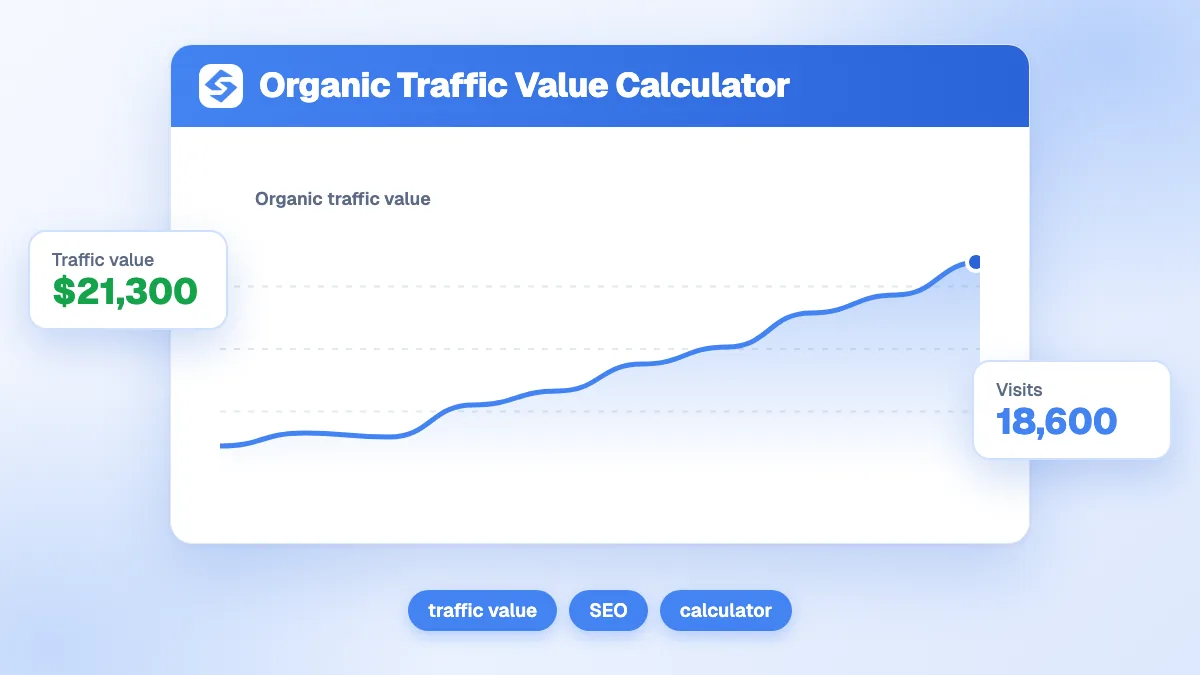
- Estimate the visits, then put a value on them with the keyword value calculator or the organic traffic value calculator.
- Start with the best visits per effort, not the biggest volume.
Doing this for hundreds of keywords by hand is slow. The Sorank keyword research finds the keywords your site can rank for and filters out those that would cannibalize existing pages, and the topic cluster generator groups them into pages without overlap.
How do you check the estimate after publishing?
Compare it with Search Console after three months: clicks for the main query, clicks for the page in total, and average position. If the page ranks where you expected but gets fewer clicks, work on the title and meta description; if it ranks lower, work on the content and links. Follow traffic from Google and from AI assistants in one place with the GEO and SEO dashboard.
Volume tells you the demand; position decides your share of it. Estimate your next keyword now, and see the Sorank plans to turn the best estimates into published pages on autopilot.