Summary
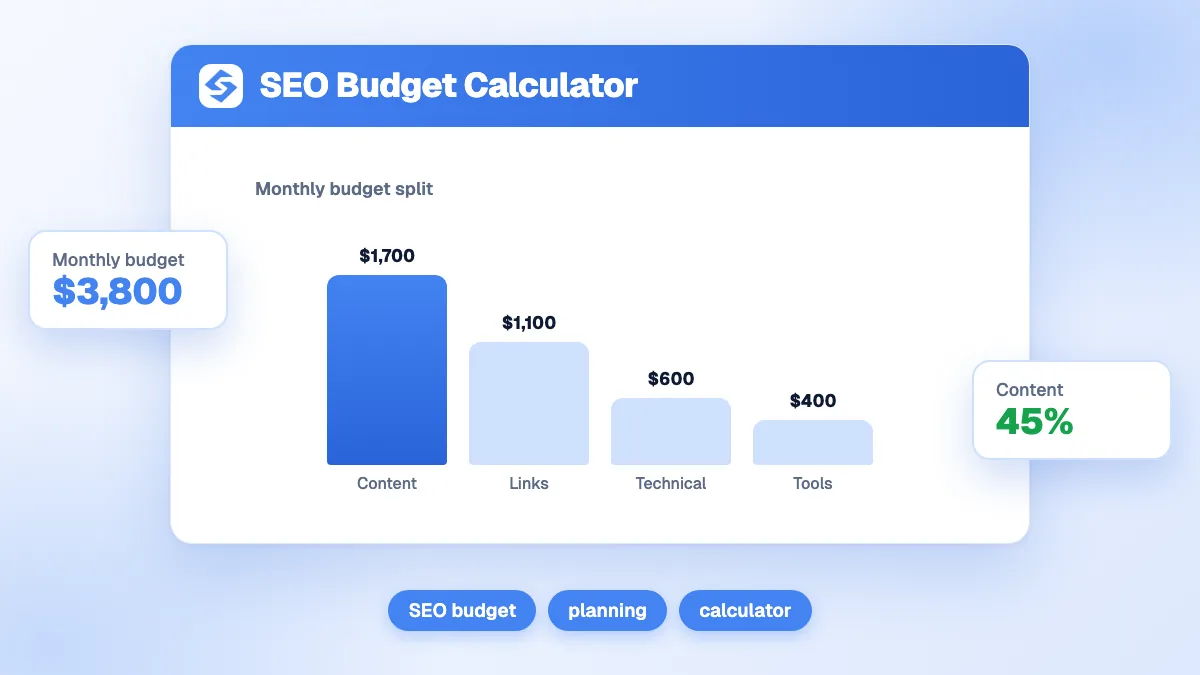
The SEO budget calculator splits a monthly budget between content, links, technical work and tools according to your market: local (60/15/15/10), national (50/30/12/8) or highly contested (40/45/10/5). It then converts the content and link shares into a number of articles and links per month from your unit costs. A 4,000 national budget gives 2,000 for content (10 articles at 200), 1,200 for links (6 at 180), 480 for technical work and 320 for tools.
Want to go further? Ask


An SEO budget calculator answers a different question from "how much should I spend?": it tells you where each unit of a given budget should go. Most SEO budgets fail through imbalance, not size: twenty articles on a site Google cannot crawl, or expensive links pointing at thin pages. Google's own advice when hiring help is to ask what results to expect, in what timeframe and how success will be measured, and to beware of anyone who guarantees a first place, because no one can (Google, do you need an SEO?).
How does the SEO budget calculator split your budget?
You enter four values: the monthly budget, your market (ambition), the cost of one article and the cost of one link. The split depends on the market, because the harder the competition, the more the gap is won on links.
| Market | Content | Links | Technical | Tools |
|---|---|---|---|---|
| Local market | 60% | 15% | 15% | 10% |
| National market | 50% | 30% | 12% | 8% |
| Highly contested market | 40% | 45% | 10% | 5% |
The outputs are the amount for each line, shown as a chart, plus two counts: articles per month (content share ÷ cost per article, rounded down) and links per month (link share ÷ cost per link, rounded down). Rounding down is deliberate: half an article is not published.
What does a 4,000 monthly budget buy in each market?
With the default unit costs (200 per article, 180 per link), the same budget produces very different plans.
| Market | Content | Articles | Links | Links per month | Technical | Tools |
|---|---|---|---|---|---|---|
| Local | 2,400 | 12 | 600 | 3 | 600 | 400 |
| National | 2,000 | 10 | 1,200 | 6 | 480 | 320 |
| Highly contested | 1,600 | 8 | 1,800 | 10 | 400 | 200 |
A local business needs pages for each service and area, a clean Business Profile and a sound website, and fewer links. A business in a crowded national market can publish excellent content and still sit on page two if competitors have far more referring domains. Change the currency in the tool; the split stays the same.

How do you choose your market level?
Look at who ranks for your main keywords today. If the first results are local businesses, directories and map listings, choose the local market. If they are national brands and specialized media, choose national. If the same few large sites hold every query and their pages have many referring domains, choose highly contested. Compare your link profile with theirs using the free backlink analysis: the gap tells you whether links deserve the larger share.
What does each budget line pay for?
- Content: new articles and pages, updates of pages that are losing traffic, and the briefs behind them. It is the line that creates the pages that rank.
- Links: digital PR, guest articles, partnerships and outreach time. Links tell Google that other sites trust your pages.
- Technical: crawling, indexing, speed, structured data and fixes after each release. A small share, but it gates everything else: a page that is not crawled wastes every unit spent writing it.
- Tools: rank and traffic tracking, audits, keyword research and, increasingly, tracking of your visibility in AI answers.
Measure the technical basics for free before paying for fixes: the on-page audit, the robots.txt checker and the XML sitemap generator cover the most common blockers.
How do you set your unit costs?
Use what you really pay, all costs included. The two unit costs change the number of articles and links more than the split itself.
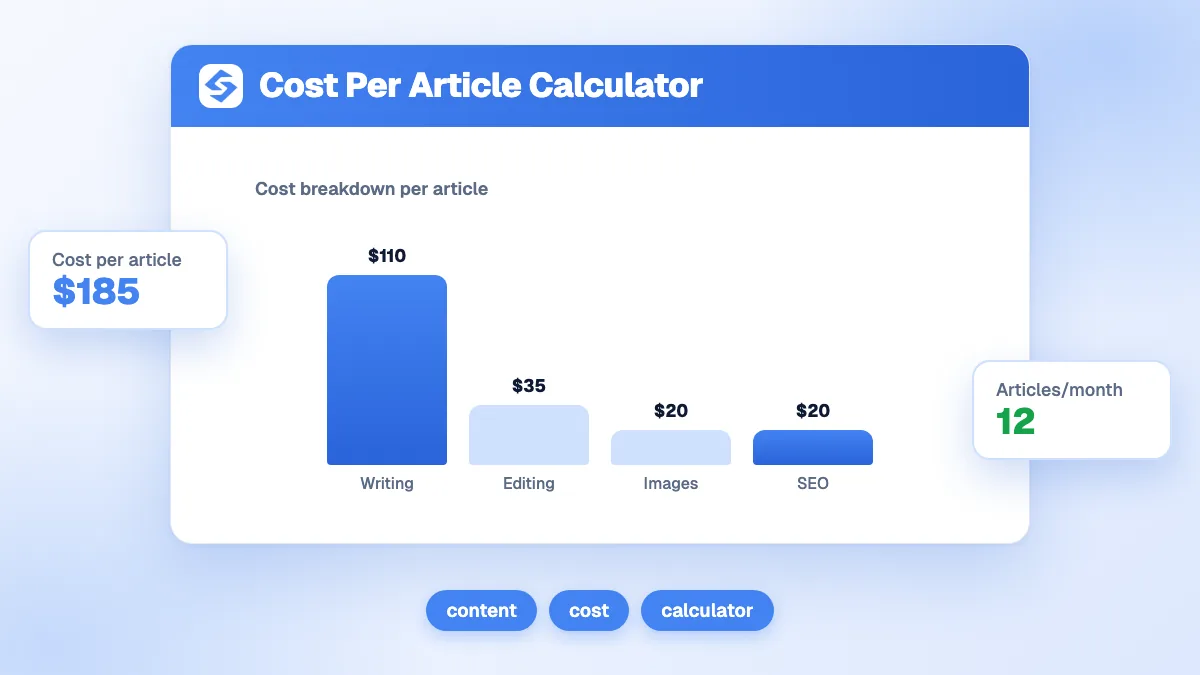
- Cost per article: writing, editing, images, publishing and the time of whoever briefs and reviews. The cost per article calculator adds it up.
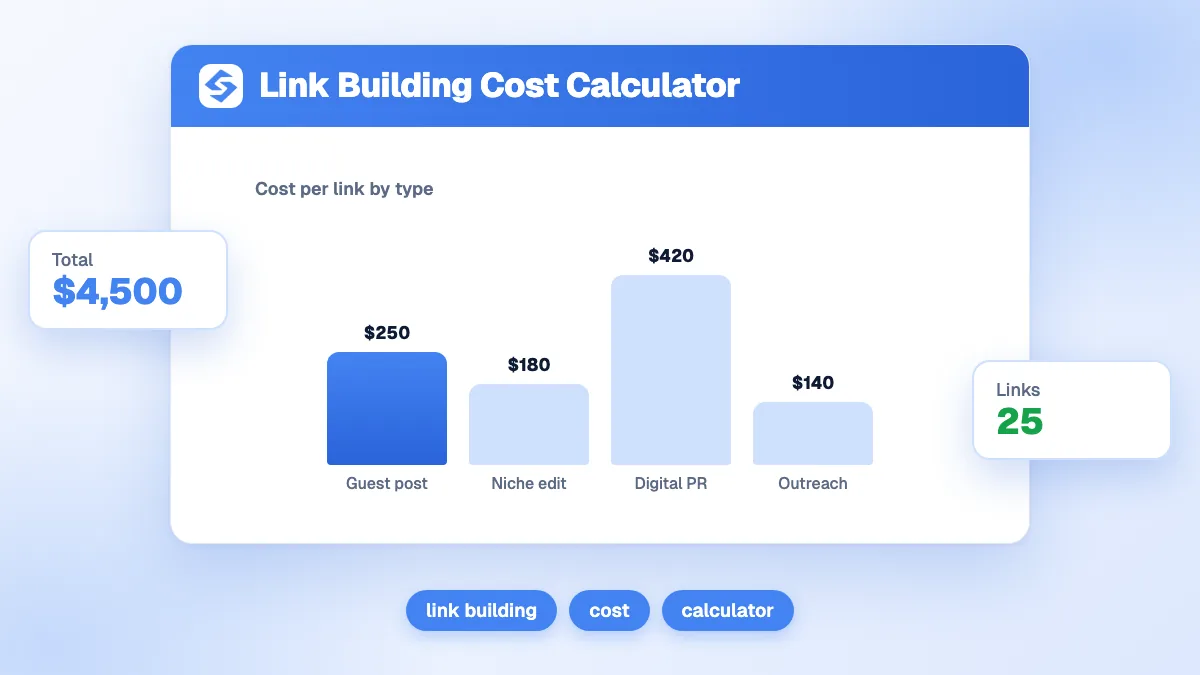
- Cost per link: fees, content and outreach time, divided by the links actually obtained. The link building cost calculator does the math.
Two Google rules keep these costs honest. Buying links that pass ranking credit is link spam, and paid links must carry rel="sponsored" or rel="nofollow". Publishing many pages mainly to manipulate rankings, whatever the method, is scaled content abuse (Google, spam policies for web search). A cheap unit cost that breaks either rule costs more than it saves.
How small can an SEO budget be?
Small enough to work, if you do not spread it. Below a certain level, four lines that each get a little move nothing.
| Monthly budget (national split) | Content | Articles | Links | Links per month |
|---|---|---|---|---|
| 1,000 | 500 | 2 | 300 | 1 |
| 4,000 | 2,000 | 10 | 1,200 | 6 |
| 10,000 | 5,000 | 25 | 3,000 | 16 |
At 1,000 a month, one link and two articles will not change much. Put the whole budget on content until the site has pages worth linking to, then open the link line. Google warns against producing lots of content on many topics in the hope that some of it ranks (Google, creating helpful content): fewer, better pages on your core topics beat volume.

Should part of the budget go to AI visibility?
Yes, and most of it is already in the content and link lines. AI assistants cite pages that answer clearly and sites that others mention. What is new is measurement: Pew Research found that Google users who saw an AI summary clicked a traditional result in 8% of visits, against 15% for those who did not (Pew Research Center, 2025). Clicks alone no longer show your full visibility, so the tools line should cover your mentions in AI answers too.
How do you know if the budget works?
Set the expected results before you spend, as Google suggests when you hire an SEO, then review them every quarter.
- Fix a baseline: clicks, positions and conversions from Search Console and Analytics for the last three months.
- Translate the budget into a target with the SEO forecast calculator.
- Check the break-even point with the SEO break-even calculator: the traffic you need for the budget to pay for itself.
- Compare with the return after two or three quarters in the SEO ROI calculator.
What are the limits of this calculator?
The split is a starting point based on market difficulty, not a rule for every site. A site with a serious technical problem needs a bigger technical share for a few months; a site with plenty of links and thin content needs the opposite. The calculator does not cover paid ads, design or conversion work, and it treats every article and every link as equal. Adjust the split after your first audit and your first quarter of results.
How do you get more out of each unit of SEO budget?
Lower the cost per article and per link, and put the saved time into choosing the right topics. Sorank automates the costly parts.
- Choose the topics that bring traffic without cannibalizing your pages with Sorank keyword research.
- Produce and schedule articles with the blog article generator and the blog planner.
- Get links from sites in your niche with backlinks acquisition.
- Track Google and AI results together in the GEO and SEO dashboard.
The right SEO budget is the one split for your market and spent on few things done well. Run the calculator with your real unit costs, then see the Sorank plans to run content, links and tracking on autopilot.