Summary
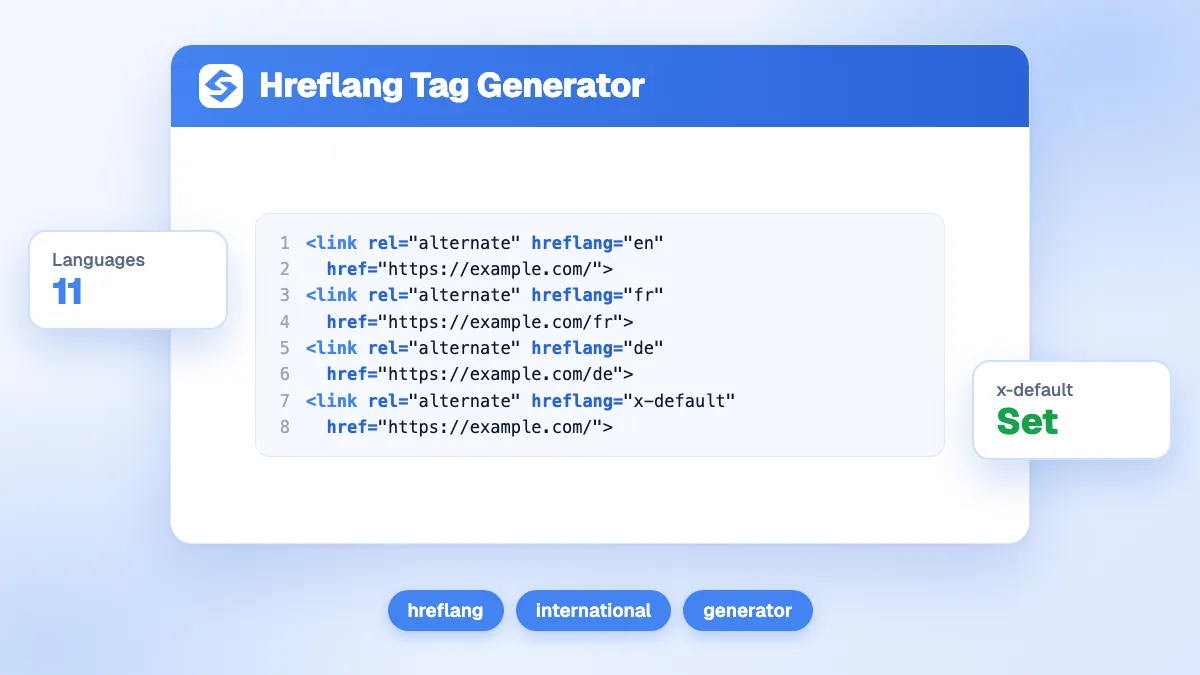
The free hreflang generator writes the <link rel="alternate" hreflang> tags for every language version of a page. Add one line per version, choose the language (27 available) and, if needed, the region (21 available), paste the full URL, pick the x-default page and generate the code. Then paste the same block in the head of every version: each page must list itself and all the others, with absolute URLs, or search engines ignore the set.
Want to go further? Ask


The hreflang generator solves a small problem that causes big ones: a French reader who lands on your English page, or a UK buyer sent to US prices. Hreflang tags tell Google that several pages are localized versions of the same content, so it can show each searcher the right one. Google is explicit that it does not use hreflang or the HTML lang attribute to detect the language of a page; hreflang only links the versions together (Google Search Central, localized versions of your pages).

How do you use the hreflang generator?
- Add one line per version of the page with "+ Add a language".
- Choose the language, and a region only if the version targets one country, such as en-GB for the United Kingdom or pt-BR for Brazil.
- Paste the full URL of that version, starting with https://.
- Tick x-default on the version to show visitors who match none of the others, or untick "Include x-default".
- Generate the code, copy it and paste it in the <head> of every version listed.
For three versions with an x-default, the tool returns four lines:
<link rel="alternate" hreflang="en" href="https://example.com/page" />
<link rel="alternate" hreflang="fr" href="https://example.com/fr/page" />
<link rel="alternate" hreflang="pt-BR" href="https://example.com/br/page" />
<link rel="alternate" hreflang="x-default" href="https://example.com/page" />
The code is the same on every page of the set: the English page, the French page and the Brazilian page all carry these four lines. Nothing is sent or stored; the code is built in your browser.
What are the rules of a valid hreflang set?
They come from Google's documentation and are the same whichever method you choose.
| Rule | What it means | What happens if broken |
|---|---|---|
| Self-reference | Each version lists itself as well as all other versions | The set is incomplete |
| Return links | If page A points to page B, page B must point back to A | Google ignores tags that are not confirmed by the other page |
| Absolute URLs | https://example.com/foo, not //example.com/foo or /foo | Relative addresses are not valid alternates |
| Language first | An ISO 639-1 language code, then an optional ISO 3166-1 alpha-2 region | A region alone, such as hreflang="US", is invalid |
| Supported codes only | Codes outside those two standards, such as es-419, are not supported | The tag is ignored |
| In the head | The link tags sit inside a well-formed <head> | Tags pushed into the body by broken HTML are not read |
Return links exist for a reason: Google explains that it requires both pages to point to each other so that another site cannot name itself as an alternate version of your page. Alternates can sit on different domains, for example example.fr and example.de, as long as the links go both ways.
Which language and region codes should you use?
Use a language code alone unless the content really differs by country. A single Spanish page for all Spanish speakers is es; separate pages for Spain and Mexico, with different prices or spellings, are es-ES and es-MX. Language codes come from ISO 639-1 (Library of Congress, ISO 639 code list) and region codes from ISO 3166-1 alpha-2 (ISO 3166 country codes).
| Audience | Correct value | Common mistake |
|---|---|---|
| English, United Kingdom | en-GB | en-UK (the assigned code of the United Kingdom is GB) |
| Portuguese, Brazil | pt-BR | br (the language comes first; br is Breton) |
| German, Switzerland | de-CH | ch-de (order reversed) |
| Spanish, Latin America | es, or one es-XX per country | es-419 (not supported by Google) |
| Any visitor not matched | x-default | Several x-default values in one set |
Google accepts upper and lower case, but writing the region in capitals, as the generator does, keeps the code readable.

Where should you put hreflang: head, HTTP header or sitemap?
Google treats the three methods as equivalent, so pick the one that is easiest to maintain and stick to it.
| Method | Best for | Watch out for |
|---|---|---|
| <link> tags in the head | Most sites; the generator writes this format | Every page carries the full set, so a new language means editing every version |
| HTTP Link header | Non-HTML files such as PDFs | Needs server configuration |
| XML sitemap | Large sites with many languages | Each URL entry lists all alternates, itself included |
If you use the sitemap method, check the file with the sitemap checker after each change, or generate it with the XML sitemap generator.
Which mistakes break hreflang most often?
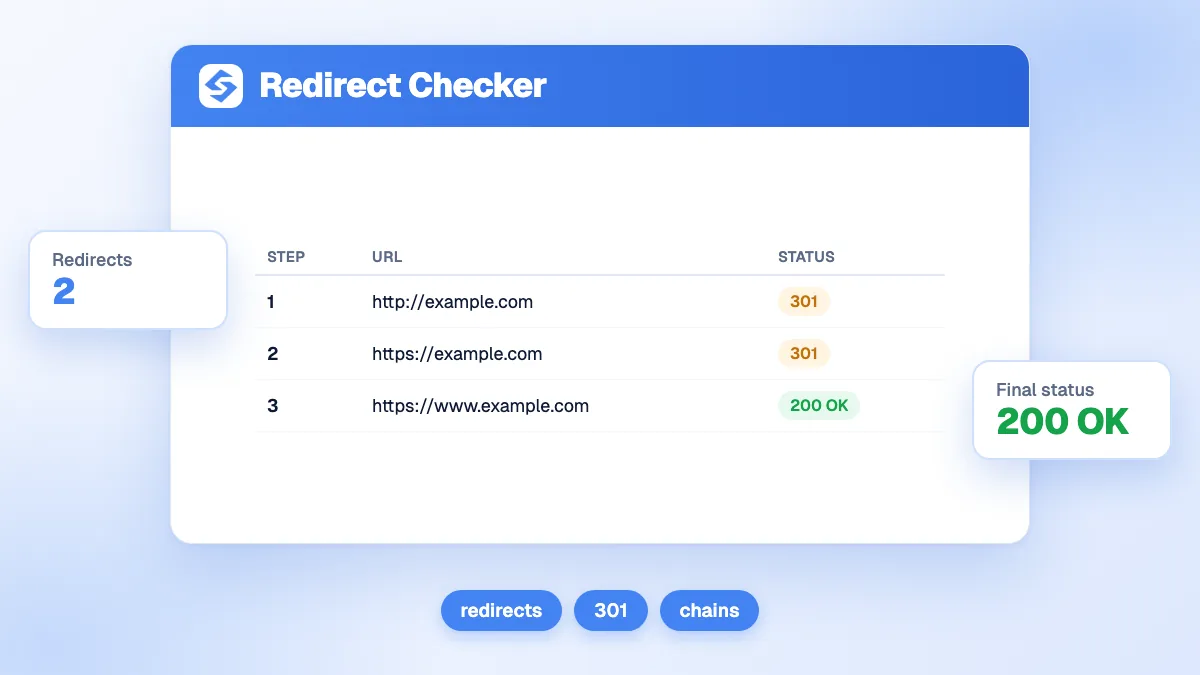
- Pointing to a URL that redirects or returns an error. Each alternate should answer 200 directly; test doubtful ones with the redirect checker.
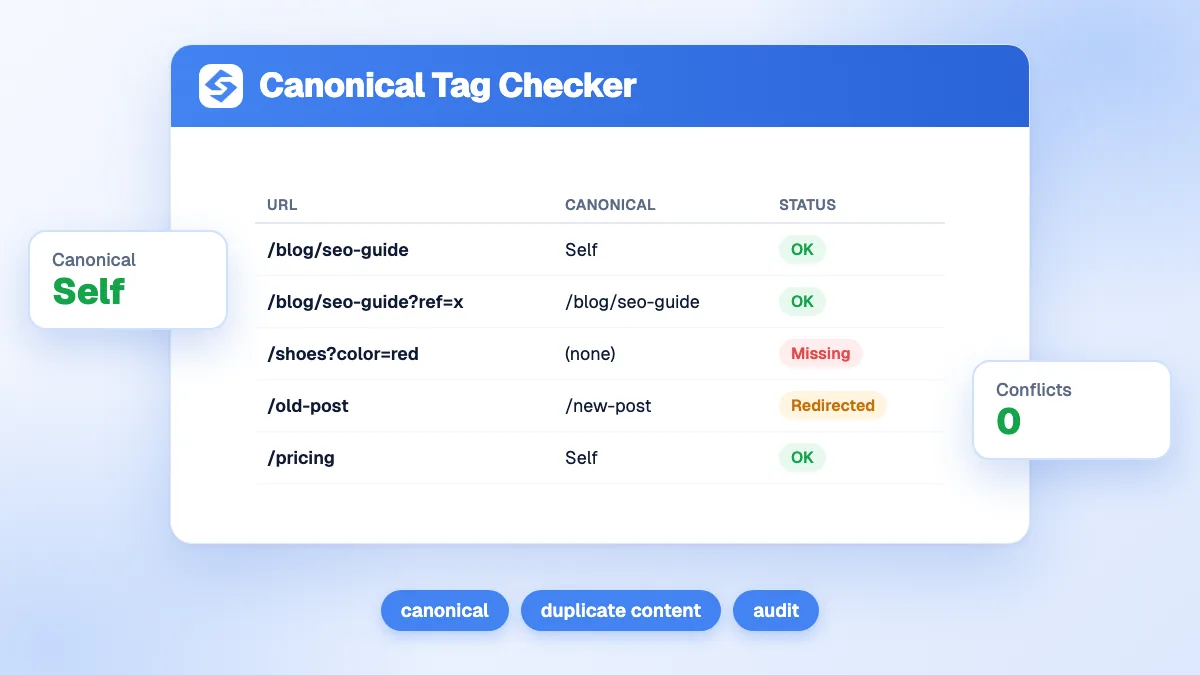
- Hreflang and canonical in conflict. Each version should have a self-referencing canonical. If the French page names the English page as canonical, you are telling Google they are duplicates, not translations. Check it with the canonical checker.
- Untranslated pages. Google only treats localized versions as duplicates when the main content stays untranslated; a page with a translated menu and English body text is not a real French version.
- Automatic redirects by language. Google advises against redirecting users to another language version based on what you think their language is, because it can stop users and search engines from reaching all versions (Google, multi-regional and multilingual sites). Let visitors switch, and use x-default for the selector page.
- One language per cookie. Google recommends a different URL for each language version rather than cookies or browser settings.
How do you check that your hreflang tags work?
- Open the source of each version and confirm that the same block appears in the head, with one line per version and the page itself among them.
- Follow every URL in the block. Each one should load directly, in the right language, without a redirect.
- Check the return links by opening a second version and making sure it points back to the first.
- Inspect the indexed page with the URL Inspection tool in Search Console. Its Google-selected canonical field shows which version Google treats as canonical; for a translated page, it should be the page itself (Search Console Help, URL Inspection tool).
If Google picks another language version as canonical, the content is probably too close to a duplicate, or the canonical tags contradict the hreflang set.
Does hreflang improve rankings?
Not directly. It does not make a page rank higher; it helps the right version appear for the right audience, and stops your language versions from competing for the same searches. Each version still has to earn its place with content written for its market, local links and the usual on-page work. Our glossary entries on hreflang and duplicate content go further.
How do you keep a multilingual site consistent?
Treat hreflang as part of publishing, not as a one-off task: every new page and every new language must update the whole set. Check a sample of pages every quarter, and after any change of URL structure. To grow traffic in each language and see where it comes from, the Sorank GEO and SEO dashboard follows your Google and AI traffic in one view, and the keyword research finds the queries each version can win.
A working hreflang set lists every version, itself included, with absolute URLs, valid codes and return links on every page. Generate your tags now, then see the Sorank plans to grow each language version on autopilot.