Summary: The Broken Link Checker reads a page, extracts every link and requests each one. It flags the links that return a 404, a server error or a redirect, with their anchor text, so you can fix them in minutes instead of waiting for visitors or Google to find them.
Links break quietly. A partner removes a page, a product goes out of stock, a URL changes after a redesign, and the link that used to send readers somewhere useful now ends on an error page. On one page it looks minor. Across a whole site, dead links waste crawl budget, leak authority and make visitors leave.
What the checker looks at
- Every link of the page, internal and external, deduplicated, internal links first (up to 100 per analysis).
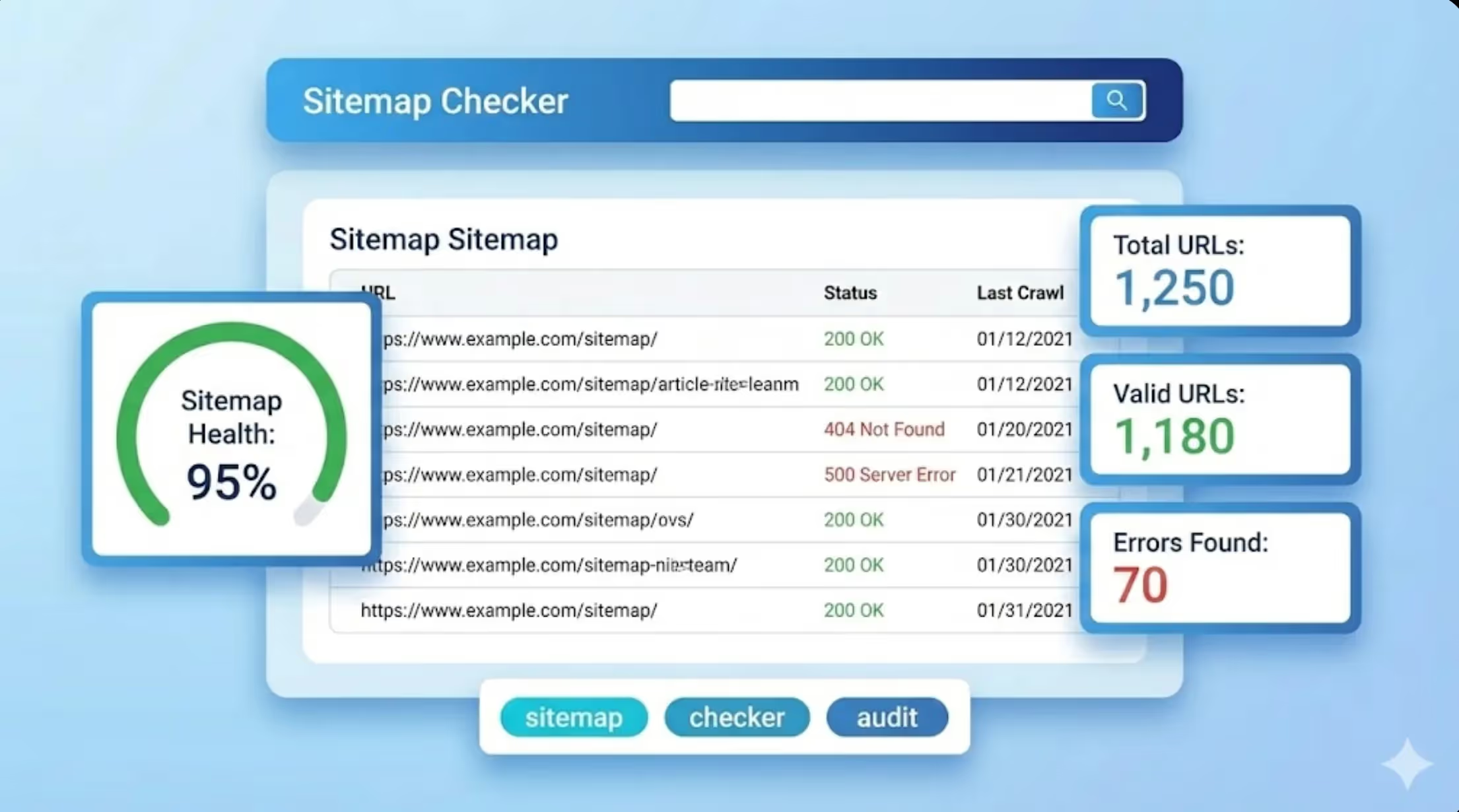
- The HTTP status of each link: 2xx works, 3xx redirects, 4xx and 5xx are broken. Links that refuse robots (401, 403, 429) are shown apart, because they often work for a human.
- The redirect target, so you can replace a link that hops through a 301 redirect with its final address.
- The anchor text and the nofollow attribute, to find the link in your editor straight away.
How to fix what it finds
- Replace a broken external link with the page that moved, or with an equivalent source.
- For a broken internal link, point it to the live page, or redirect the old address to it.
- Update links that go through a redirect: each hop slows the visit and dilutes the signal.
- Run the check again on the pages that bring traffic, after every redesign or migration.
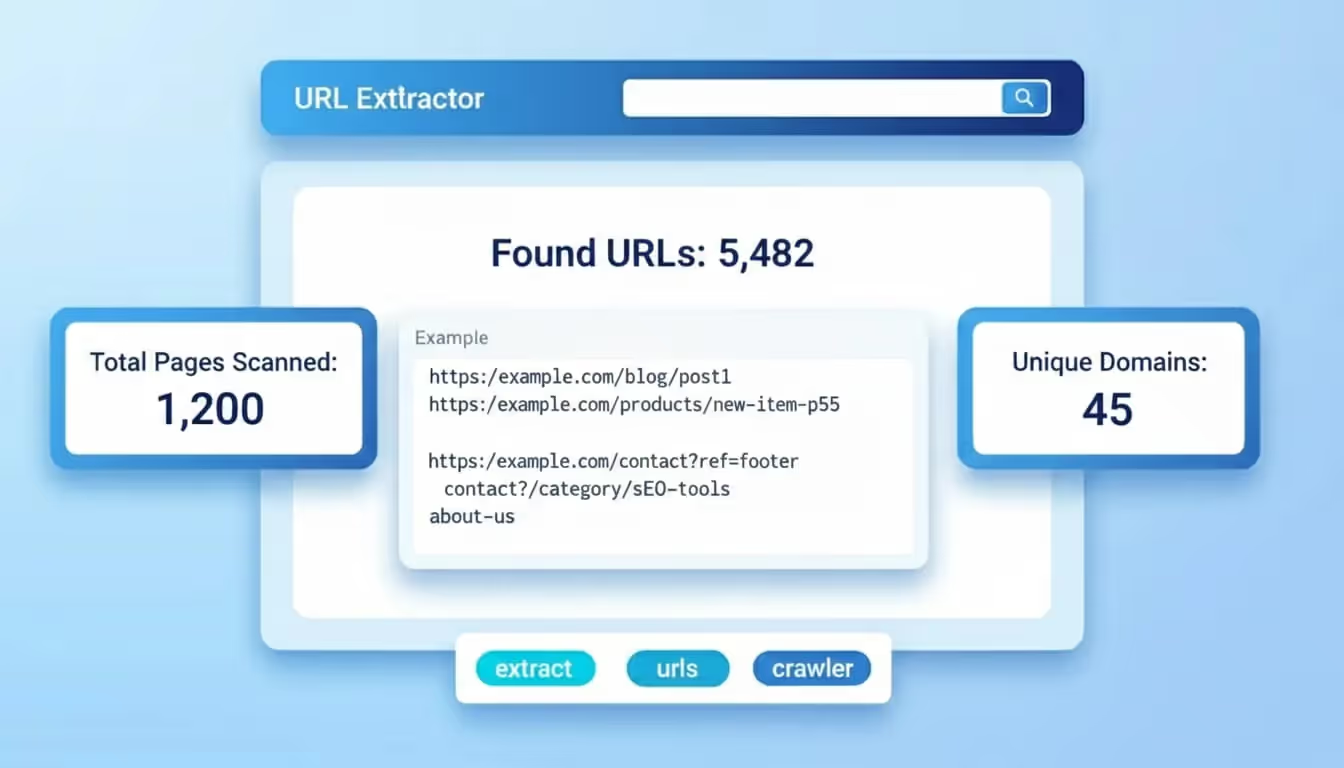
To follow a full redirect chain, use the redirect checker. To list every link of a page without testing them, use the URL extractor. Sorank keeps the internal linking of the articles it publishes up to date for you.