Summary
The SERP CTR calculator turns a Google position into an expected click-through rate, then into clicks: expected clicks = monthly impressions × CTR of the position. It uses a fixed curve built from aggregated public studies (27.6% in position 1, 5.9% in position 5, 1.8% in position 10) and multiplies it by 1.6 for brand queries. At position 7 with 5,400 impressions, you can expect about 194 clicks a month; position 3 would bring 551.
Want to go further? Ask


A SERP CTR calculator answers a planning question: how many clicks is a ranking worth? Rankings alone do not pay; clicks do. In Search Console, Google defines click-through rate as clicks divided by impressions, and position as the topmost position your link occupied, averaged across queries (Search Console Help, Performance report metrics). The calculator applies a typical CTR to your position so you can estimate clicks before you invest, and compare them with what you actually get.
How does the SERP CTR calculator work?
Enter three things: your average position (1 to 100), your monthly impressions, and whether the query is a brand query or not. The calculator returns five figures.
- Expected CTR for your position, colored by level.
- Expected clicks: impressions × expected CTR.
- Clicks in position 3 and clicks in position 1, for the same impressions.
- Clicks gained by reaching 3: the difference between position 3 and your current position (zero if you are already in the top 3).
A chart draws the CTR curve for the first 20 positions and marks yours, so you see how steep the drop is between page one and the rest. The position is rounded to the nearest whole number: 6.4 counts as 6.

What CTR does each Google position get?
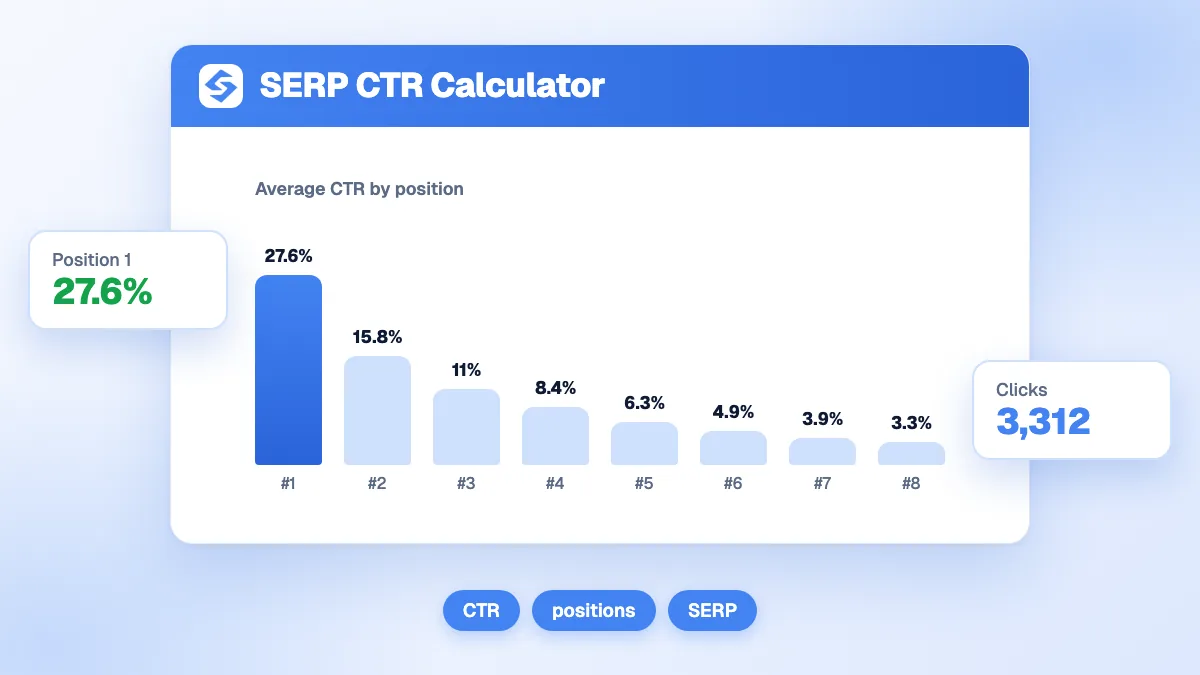
The table shows the curve used by the calculator, with the clicks it implies for 10,000 monthly impressions. Brand queries use the same curve multiplied by 1.6, because the searcher already knows where they want to go.
| Position | Expected CTR (non-brand) | Clicks per 10,000 impressions | Expected CTR (brand) | Clicks per 10,000 impressions (brand) |
|---|---|---|---|---|
| 1 | 27.6% | 2,760 | 44.16% | 4,416 |
| 2 | 15.3% | 1,530 | 24.48% | 2,448 |
| 3 | 10.2% | 1,020 | 16.32% | 1,632 |
| 4 | 7.8% | 780 | 12.48% | 1,248 |
| 5 | 5.9% | 590 | 9.44% | 944 |
| 6 | 4.6% | 460 | 7.36% | 736 |
| 7 | 3.6% | 360 | 5.76% | 576 |
| 8 | 2.7% | 270 | 4.32% | 432 |
| 9 | 2.2% | 220 | 3.52% | 352 |
| 10 | 1.8% | 180 | 2.88% | 288 |
| 11 to 20 | 1.5% down to 0.5% | 150 down to 50 | 2.4% down to 0.8% | 240 down to 80 |
| 21 and beyond | 0.3% | 30 | 0.48% | 48 |
The drop is not linear. Position 1 earns almost twice position 2 and more than four times position 5. Moving from 7 to 3 nearly triples clicks, while moving from 17 to 13 changes little. That is why the calculator highlights the gain from reaching position 3.
How do you read the expected CTR?
The main result is colored in four bands, which roughly follow the shape of the curve.
| Expected CTR | Label | Typical positions (non-brand) |
|---|---|---|
| Below 2% | Below par | Position 10 and beyond |
| 2% to 5.99% | Watch this | Positions 5 to 9 |
| 6% to 14.99% | Healthy | Positions 3 and 4 |
| 15% and above | Excellent | Positions 1 and 2 |
With the default values (position 7, 5,400 impressions, non-brand), the expected CTR is 3.6%, or 194 clicks a month. Position 3 would bring 551 clicks, a gain of 356, and position 1 would bring 1,490.
Why does the calculator treat brand queries differently?
Because the intent is different. Someone who types your brand name is looking for your site, not comparing options, so the first result takes a much larger share of clicks. The calculator applies a coefficient of 1.6 to the whole curve for brand queries: 44.16% in position 1 instead of 27.6%. Mixing both kinds of query in one average hides the real performance of your non-brand pages, the ones that bring new customers. In Search Console, filter the Performance report with a query filter that excludes your brand name, then compare the remaining queries with the non-brand curve.
Why is your real CTR different from the curve?
Because no results page looks like the average. Compare your Search Console CTR, query by query, with the calculator's figure, then look for the cause of the gap.
- Search features above the results. Ads, AI Overviews, featured snippets, maps and videos push organic links down. Users who saw an AI summary clicked a traditional result in 8% of visits, against 15% for those who did not (Pew Research Center, 2025).
- Zero-click searches. In the US, just under 60% of searches end without any click, and only 360 of every 1,000 searches send a click to a site outside Google (SparkToro and Datos, 2024 zero-click study).
- Average position hides spread. A page ranking 2 on one query and 12 on another shows an average of 7, but the clicks come almost only from the first query.
- Your snippet. A vague title or a missing meta description loses clicks to a clearer neighbor at the same position.
- Device and intent. Mobile screens show fewer results, and informational questions answered on the page get fewer clicks than buying queries.
Treat the curve as a ceiling for a standard results page, not as a promise. For your own measured rate, the CTR calculator divides clicks by impressions.

How do you raise the CTR of a page?
Work on the two things you control: the position, and what the snippet says.
- Rewrite the title. Google asks for descriptive and concise titles, unique to each page, and warns against keyword stuffing (Google Search Central, title links). Put the query first and the promise second. The SEO title generator proposes five options.
- Write a meta description that answers the query and gives a reason to click. The meta description generator drafts it, and the SERP preview shows where it gets cut.
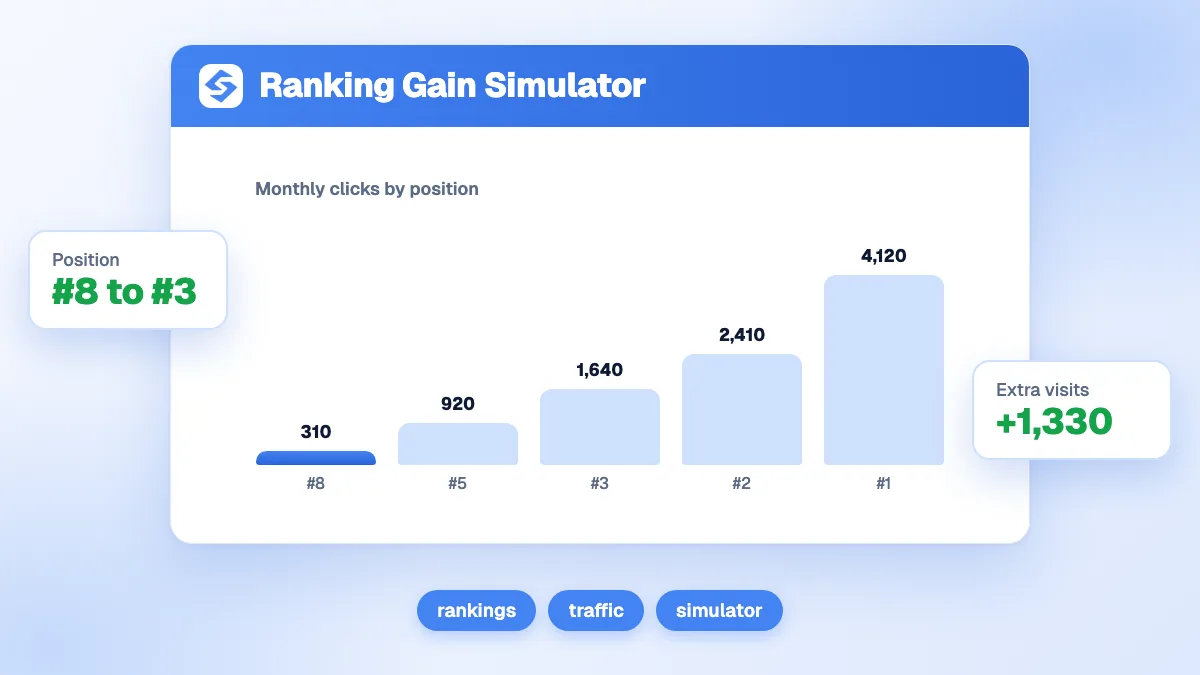
- Target the queries where you sit in positions 4 to 10. They have the biggest gain per position. The ranking gain simulator converts that gain into revenue.
- Earn a place in AI answers too. When an AI Overview takes the top of the page, being cited inside it is the way to stay visible.
How do you use the curve to plan content?
Multiply each target keyword's impressions, or its search volume for a new page, by the CTR of a realistic position, then add up the clicks. This gives a traffic forecast you can compare with the cost of writing. The organic traffic estimator does it from search volume and position.
A quick example with three target keywords: 2,000 monthly impressions at a realistic position 3 bring about 204 clicks, 5,000 impressions at position 5 bring about 295, and 800 impressions at position 1 bring about 221. Together, about 720 clicks a month, a figure you can set against the time and budget the three pages require.
With Sorank, keyword research starts from your own Search Console data to find the queries where you sit just below the top positions, and the GEO and SEO dashboard follows clicks, positions and the pages that drop, week by week. For the definitions, see our glossary entries on click-through rate and zero-click search.
Every position won on page one is worth more than the one before it. Estimate your clicks above, then see the Sorank plans to climb the positions that pay, on autopilot.