Summary
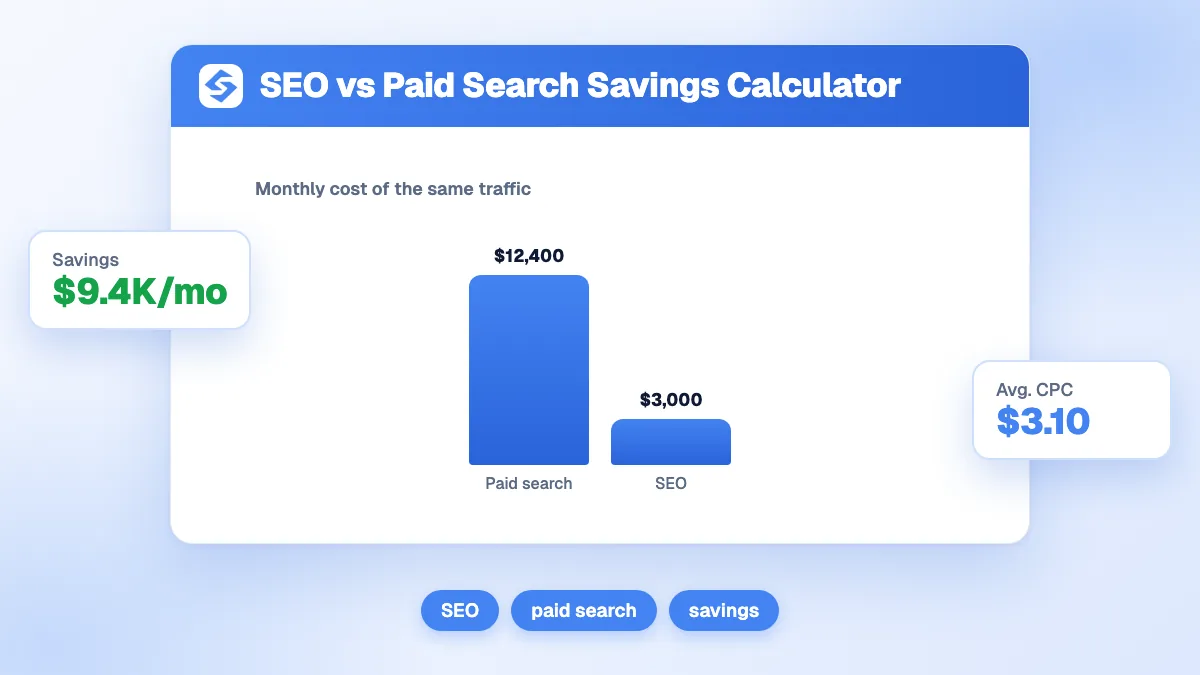
The SEO vs PPC calculator compares what your organic visits would cost if you bought them as ads (visits × average CPC) with what your SEO really costs. It returns your monthly saving, your saving over a period of 1 to 60 months, your cost per organic visit and how much traffic value each unit of SEO budget buys. With 12,000 visits at a 1.80 CPC and 2,500 of SEO spend, you save 19,100 a month and pay 0.21 per visit instead of 1.80. Remember that SEO takes months to deliver; ads deliver the day you pay.
Want to go further? Ask


The SEO vs PPC calculator answers the question every marketing budget meeting ends up asking: should we keep paying for clicks, or invest in ranking for them? In paid search, each click is priced by an auction, and your actual cost per click is often lower than your maximum bid (Google Ads Help, cost per click). In organic search, there is no price per click, but there is a monthly cost to produce the content and earn the rankings. The calculator puts both on the same scale.

How does the SEO vs PPC calculator work?
Enter four numbers: your monthly organic visits, the average CPC of the keywords that bring them, your monthly SEO spend and the period you want to look at. The calculator returns five results and a chart of ads equivalent against SEO spend.
| Result | Formula | Example (12,000 visits, CPC 1.80, SEO 2,500, 12 months) |
|---|---|---|
| Same traffic on ads | Visits × CPC | 21,600 per month |
| Monthly saving | Ads equivalent − SEO spend | 19,100 |
| Saving over the period | Monthly saving × months | 229,200 over 12 months |
| Your cost per visit | SEO spend ÷ visits | 0.21 |
| Traffic value per unit spent | Ads equivalent ÷ SEO spend | 8.6 |
A negative saving means your SEO currently costs more than the same traffic would in ads; the result turns red. Switch the currency in the tool; the formulas stay the same.
Where do you find your visits and your CPC?
- Organic visits: the clicks from Google Search in the Search Console Performance report, which counts "the number of times a user clicked your site from Google Search results" (Search Console Help, Performance report). Take a three-month average and exclude branded queries, which would be cheap to buy in ads.
- Average CPC: Keyword Planner shows the average cost for an ad to show on each keyword (Google Ads Help, Keyword Planner). Use the CPC of the keywords that actually bring your organic traffic, weighted by their clicks.
- SEO spend: everything: agency or freelance fees, content, tools, links, and the in-house time spent on SEO.
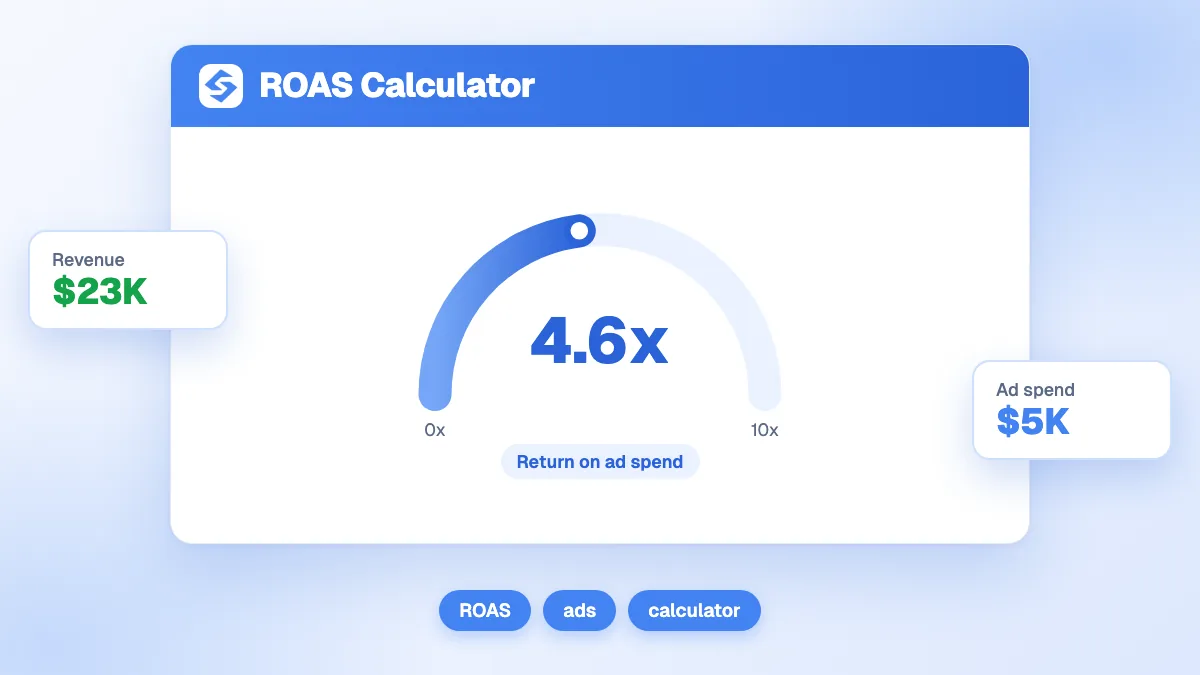
To compare with your current campaigns, check their profitability with the ROAS calculator.
How much traffic does the same budget buy in ads?
It depends on your industry, because CPCs vary several times over. The table applies the 2026 average search CPCs published by LocaliQ (LocaliQ, search advertising benchmarks) to a monthly budget of 2,500, and to 12,000 organic visits.
| Industry | Average CPC (2026) | Visits bought with 2,500 a month | Ad cost of 12,000 visits a month |
|---|---|---|---|
| Attorneys and legal services | $9.87 | 253 | $118,440 |
| Home and home improvement | $8.33 | 300 | $99,960 |
| Business services | $5.87 | 426 | $70,440 |
| All industries (average) | $5.42 | 461 | $65,040 |
| Finance and insurance | $3.39 | 737 | $40,680 |
| Travel | $2.14 | 1,168 | $25,680 |
| Arts and entertainment | $1.63 | 1,534 | $19,560 |
The higher the CPC, the faster SEO pays off. In low-CPC markets, the comparison is closer and the quality of the traffic decides.
How long does SEO take to beat paid search?
Longer than the calculator's monthly view suggests, because organic traffic builds up. The calculator multiplies today's saving by the period; in a new SEO programme, the first months cost more than they save. Here is the same example with a realistic ramp-up: 2,500 of SEO spend every month, CPC 1.80, and traffic growing quarter by quarter.
| Months | Organic visits per month | Ads equivalent per month | Monthly saving | Cumulative saving |
|---|---|---|---|---|
| 1 to 3 | 1,000 | 1,800 | −700 | −2,100 |
| 4 to 6 | 4,000 | 7,200 | 4,700 | 12,000 |
| 7 to 9 | 8,000 | 14,400 | 11,900 | 47,700 |
| 10 to 12 | 12,000 | 21,600 | 19,100 | 105,000 |
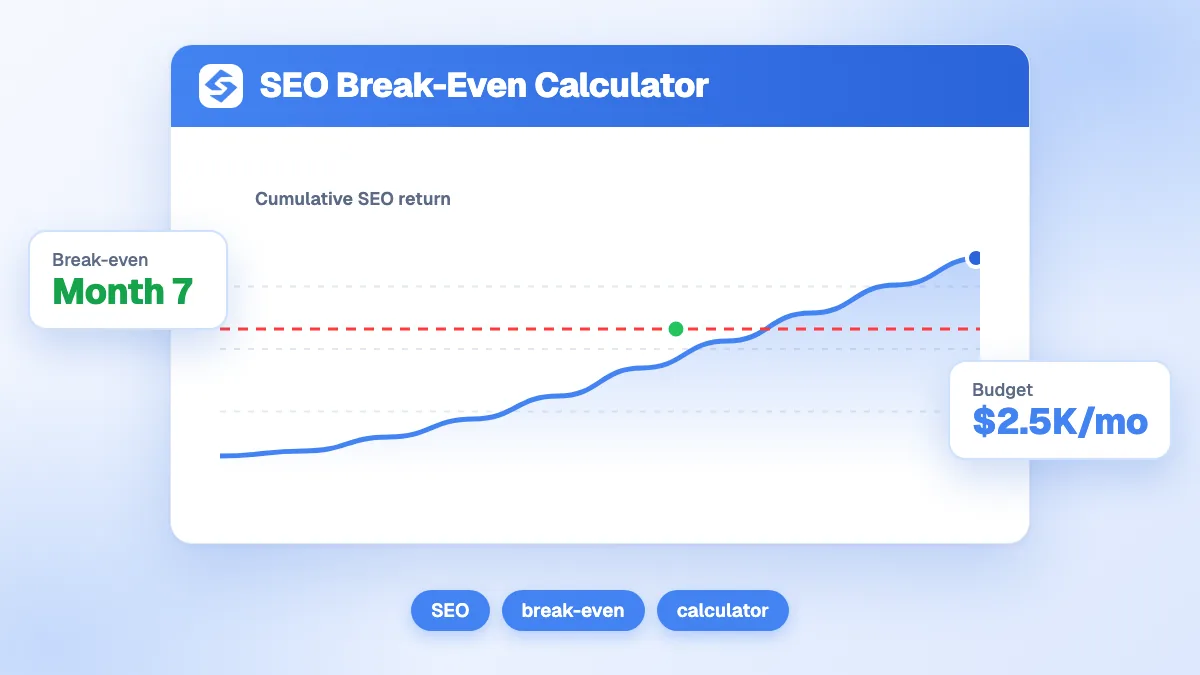
In this scenario, SEO breaks even during the fourth month and saves 105,000 in year one, less than half the 229,200 the flat calculation shows. Run the calculator on each phase, or use the SEO break-even calculator to find your own break-even month. Rankings are never certain either: Google warns that "no one can guarantee a #1 ranking on Google" (Google Search Central, do you need an SEO?).

When is paid search the better choice?
When speed, control or testing matter more than cost. SEO and ads are not rivals; each wins in different situations.
| Situation | Better channel | Why |
|---|---|---|
| Product launch or short promotion | Paid search | Traffic arrives the day the campaign starts |
| Testing a new offer or message | Paid search | Results in days, with full control of the audience |
| Keywords you cannot rank for yet | Paid search | Visibility while the content and authority grow |
| Recurring questions and evergreen demand | SEO | Traffic keeps coming without a cost per click |
| High-CPC commercial keywords | SEO, with ads at first | Each organic click replaces an expensive paid one |
| Visibility in AI answers | SEO and GEO | AI assistants cite pages, not ads |
How do AI Overviews change the comparison?
They reduce the clicks organic results receive on some queries, so recheck your visits rather than assuming they stay flat. In a Pew Research Center study, Google users who saw an AI summary clicked a traditional result in 8% of visits, against 15% when no summary appeared (Pew Research Center, 2025). Questions are the most exposed: in the same study, 60% of searches starting with "who", "what", "when" or "why" produced an AI summary, against 8% of one- or two-word searches. Two practical rules: update the visits in the calculator every quarter, and count the visits that now come from AI assistants, which have no ad equivalent at all.
How do you present the result to a finance team?
Give one sentence and three numbers. "Our organic traffic would cost X a month in ads; it costs us Y."
- Cost per visit: 0.21 through SEO against 1.80 in ads. It is the comparison everyone understands.
- Traffic value per unit spent: 8.6 means each unit of SEO budget brings traffic that would cost 8.6 in ads.
- Saving over a realistic period, with the ramp-up, not the flat projection.
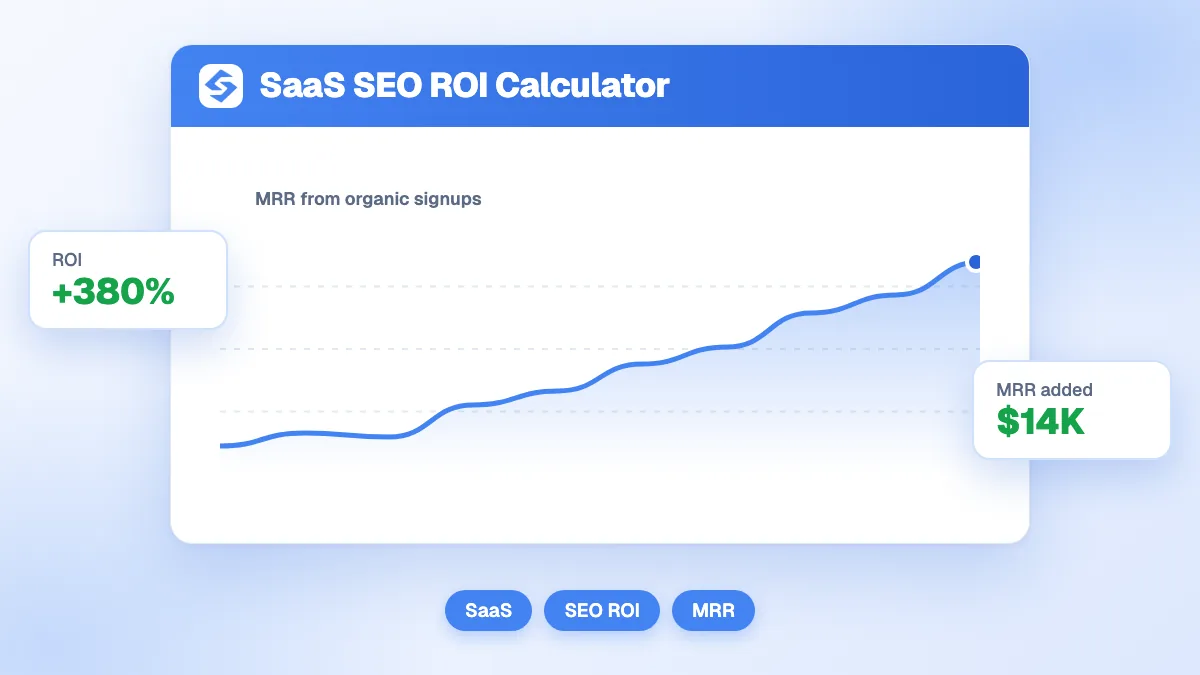
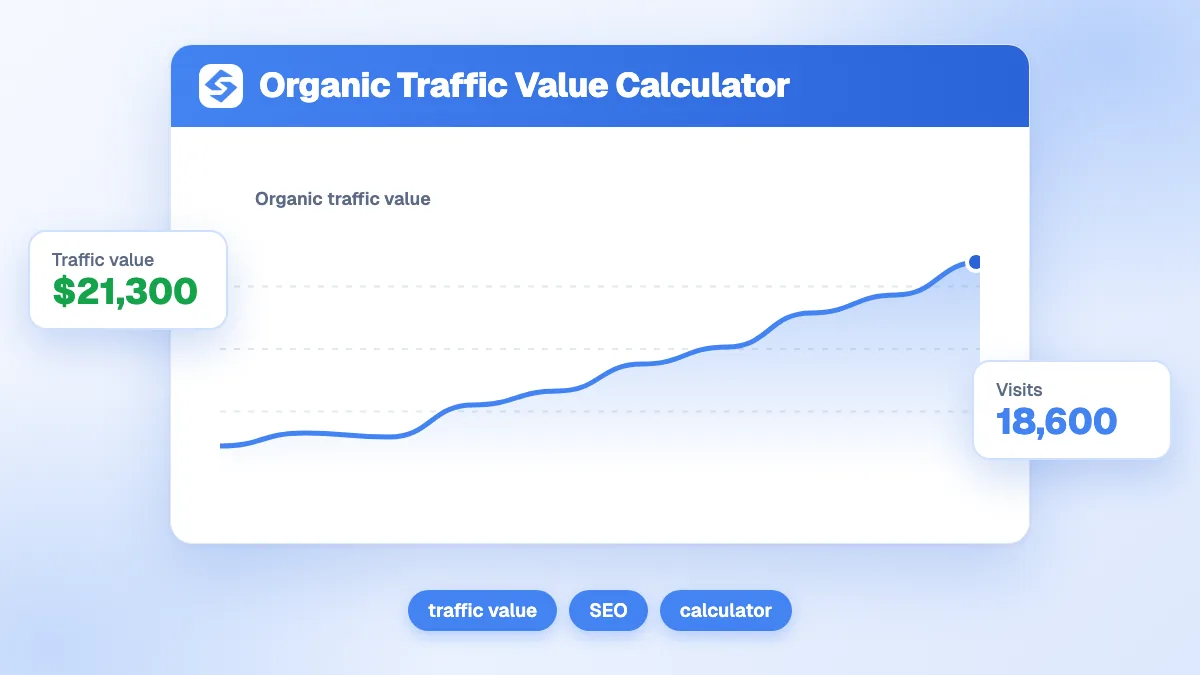
Then connect traffic to revenue with the SEO ROI calculator. To size the asset itself, the organic traffic value calculator adds the yearly value and the revenue of your organic visits.
Which mistakes distort the comparison?
- Counting branded traffic at full CPC. Branded clicks are cheap in ads; including them at a generic CPC inflates the saving.
- Using one site-wide CPC. Informational queries cost far less than commercial ones. Price each group of pages separately when you can.
- Leaving costs out of SEO spend. In-house time, content and tools belong in the total.
- Projecting a peak month. Use a three-month average of visits.
- Forgetting that ads also convert. If paid visitors convert better on some keywords, compare revenue, not only traffic.
How do you grow the saving?
Rank for the keywords that cost the most in ads. The Sorank keyword research finds high-CPC keywords you can realistically rank for, the blog article generator publishes the content on your site, and the GEO and SEO dashboard tracks the traffic it brings, in Google and in AI answers.
Every organic click on an expensive keyword is an ad you no longer pay for. Run your numbers in the calculator above, then see the Sorank plans to grow your organic traffic on autopilot.