Summary
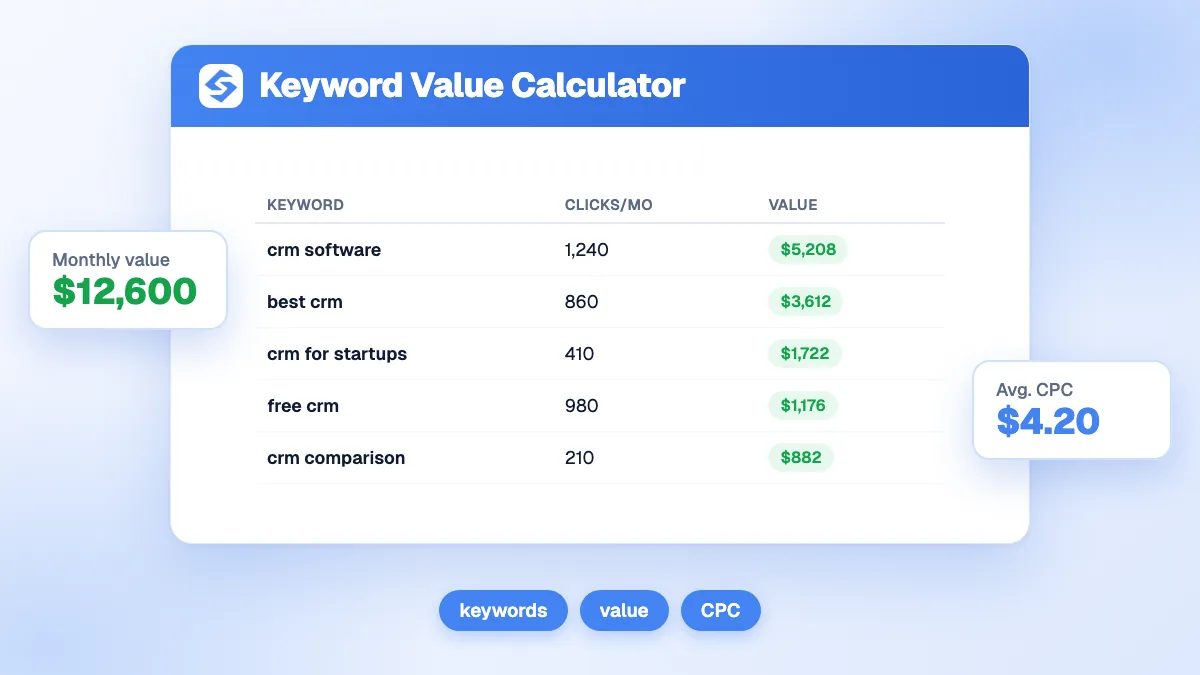
The keyword value calculator estimates what one keyword is worth at a given Google position: expected clicks, conversions, monthly and annual revenue, value per click, and what the same clicks would cost in ads. Enter the monthly search volume, your target position, the CPC, your conversion rate and your value per conversion. A keyword searched 3,600 times a month brings about 367 clicks in position 3 and 1,469 a month in revenue with a 2.5% conversion rate and 160 per conversion.
Want to go further? Ask


A keyword value calculator replaces the most common shortcut in SEO, ranking keywords by search volume, with a business number. Volume says how many people search; it says nothing about how many will click your result, how many will buy, or what a click costs on the ad market. Google Ads prices each click through an auction (Google Ads Help, cost per click), and that price is a useful signal of commercial intent. Put the two together and you know which keyword deserves the next article.

How is the value of a keyword calculated?
The calculator chains four steps: clicks from the position, conversions from the clicks, revenue from the conversions, and an ads equivalent from the clicks.
| Result | Formula | Example (3,600 searches, position 3, CPC 2.20, 2.5%, value 160) |
|---|---|---|
| Expected clicks | Volume × CTR of the position | 3,600 × 10.2% = 367 |
| Conversions | Clicks × conversion rate | 9.2 |
| Monthly value | Conversions × value per conversion | 1,469 |
| Annual value | Monthly value × 12 | 17,626 |
| Same clicks on ads | Clicks × CPC | 808 |
| Value per click | Monthly value ÷ clicks | 4.00 |
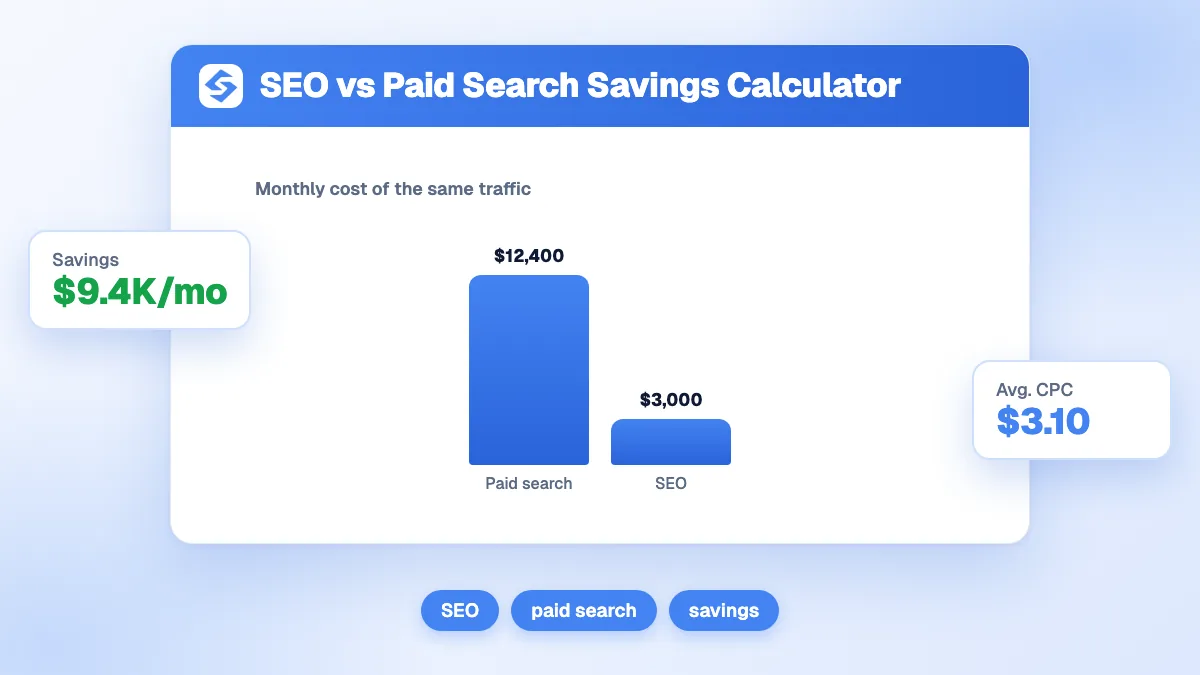
In the example, each click is worth 4.00 in revenue while the ad market prices it at 2.20. When value per click is well above the CPC, the keyword is a strong organic target: you would pay less than it earns, and SEO gets it without paying per click.
Which CTR does the calculator use for each position?
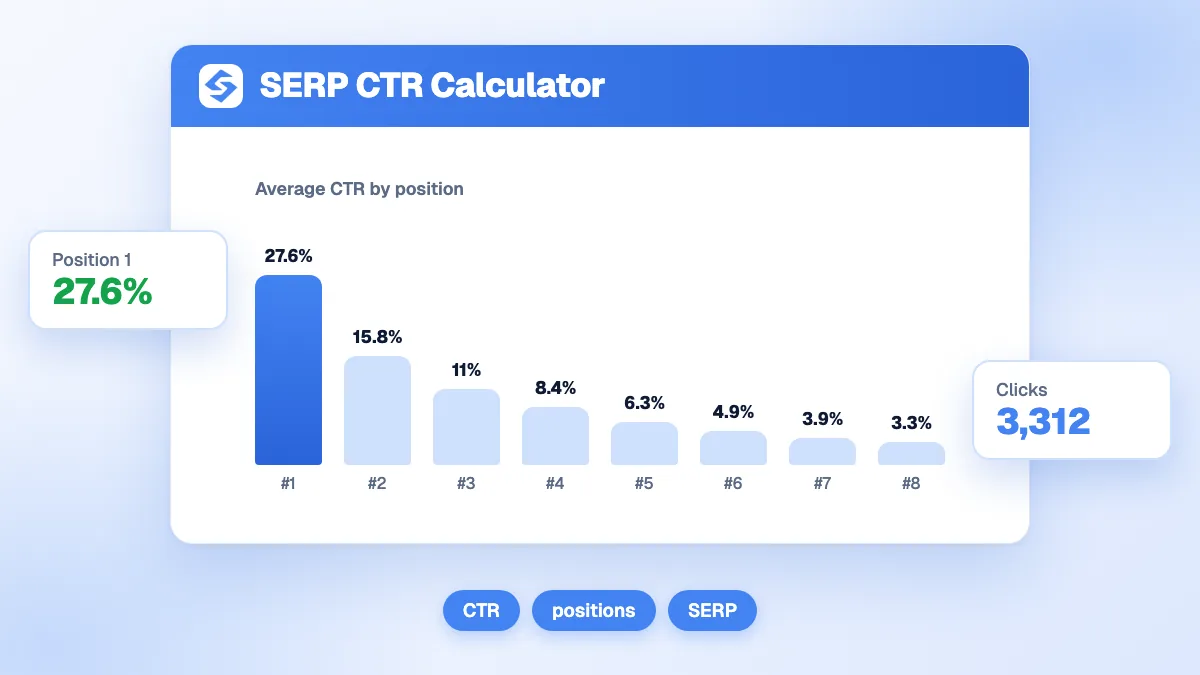
A reference click-through curve that drops quickly after the first results. It is the same curve in all Sorank position calculators, so their results stay consistent.
| Position | CTR used | Clicks for 3,600 searches | Monthly value (2.5%, 160) |
|---|---|---|---|
| 1 | 27.6% | 994 | 3,974 |
| 2 | 15.3% | 551 | 2,203 |
| 3 | 10.2% | 367 | 1,469 |
| 4 | 7.8% | 281 | 1,123 |
| 5 | 5.9% | 212 | 850 |
| 6 | 4.6% | 166 | 662 |
| 7 | 3.6% | 130 | 518 |
| 8 | 2.7% | 97 | 389 |
| 9 | 2.2% | 79 | 317 |
| 10 | 1.8% | 65 | 259 |
The curve continues down to 0.5% in position 20, then 0.3% beyond. The chart in the tool draws this curve with your own inputs and marks your position, so you can see what each place gained is worth: here, moving from position 5 to position 2 multiplies the monthly value by 2.6.
Where do you find the inputs?
- Search volume and CPC: Google Ads Keyword Planner gives search volumes and forecasts for a list of keywords (Google Ads Help, Keyword Planner). Use the monthly average, not the peak month.
- Target position: your current position from Search Console for a keyword you already rank for, or a realistic target for a new one. Position 1 is rarely realistic in six months on a competitive query.
- Conversion rate: from your analytics, for organic visitors on similar pages. As a benchmark, Google Ads search campaigns converted at 8.18% on average across industries in 2026 (LocaliQ search advertising benchmarks); informational articles usually convert far below that.
- Value per conversion: average order value for a store, or deal value × close rate for a lead business.
No paid tool needed. To find candidate keywords first, try the free keyword suggestions tool.

How do you use keyword value to prioritize content?
Run the calculator for every keyword on your shortlist, with the position you can realistically reach, and sort the list by annual value. Three patterns usually appear.
- Mid-volume keywords with high value per click rise to the top: they often bring more revenue than broad terms ten times bigger.
- Keywords where you sit in positions 4 to 10 show the biggest gains for the least work, since a few places up can double the value.
- High-volume informational keywords drop down when their conversion rate is low. Keep them for awareness, not for revenue targets.
A quick comparison makes the point. In position 3, a broad keyword of 12,000 monthly searches that converts at 0.5%, with 160 per conversion, is worth about 979 a month. A narrow keyword of only 900 searches that converts at 4%, with 400 per conversion because it targets a premium service, is worth about 1,469. The smaller keyword wins by half again, with a thirteenth of the volume.
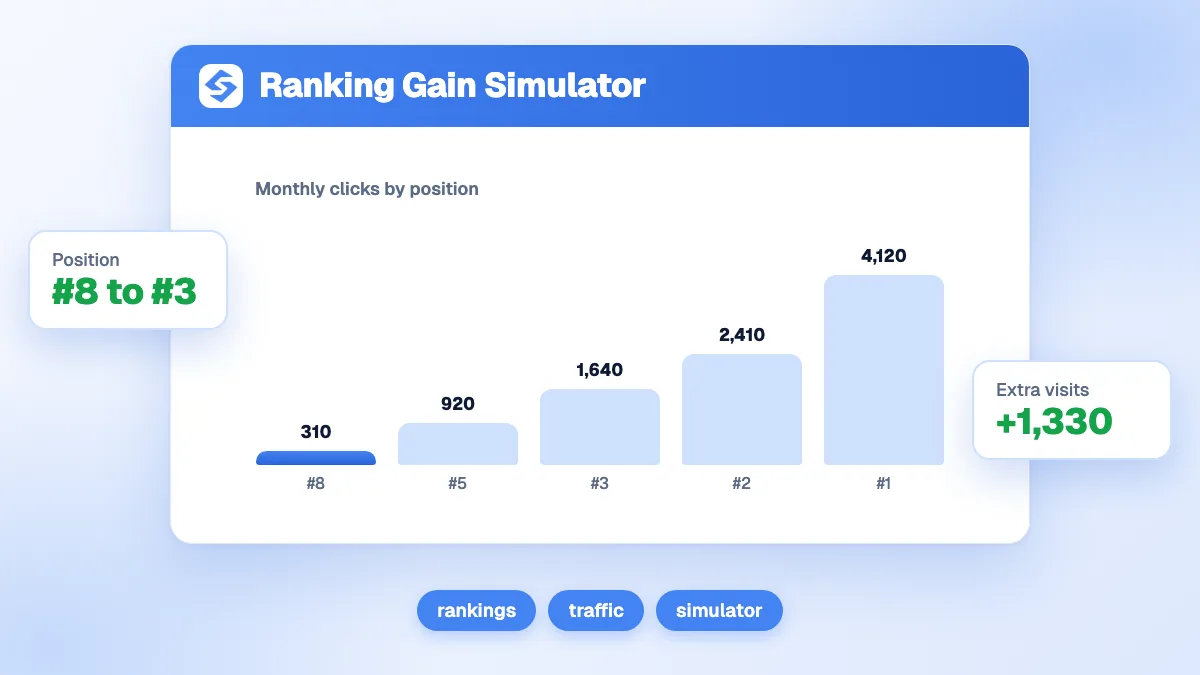
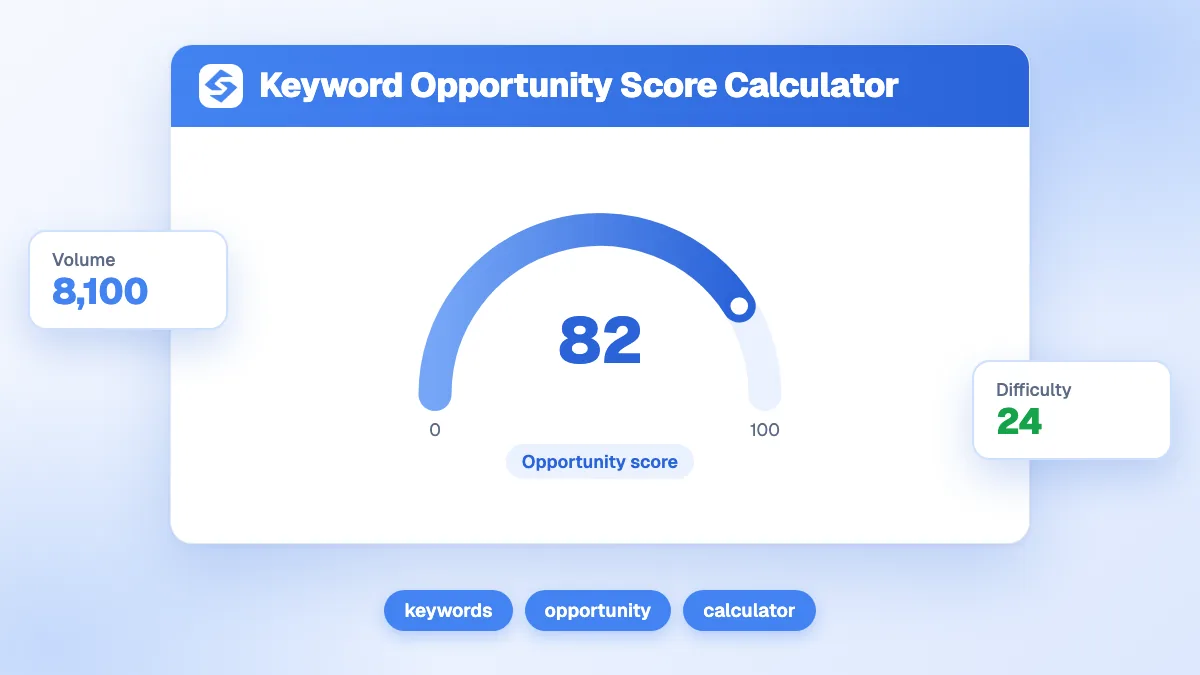
Then check difficulty. The keyword opportunity score calculator weighs value against competition, and the ranking gain simulator estimates the traffic gained by moving several keywords at once.
Why does the estimate differ from what I actually earn?
Because each input is an average and the results page is not. Keep these effects in mind before you promise a number.
- SERP features take clicks. When a Google AI summary appeared, users clicked a traditional result in 8% of visits against 15% without one (Pew Research Center, 2025). On informational queries, lower the CTR.
- Volumes are averages. Demand moves with the seasons, and Keyword Planner does not show keywords with very low search volumes at all.
- One page ranks for many keywords. The real value of a page is the sum of all the queries it ranks for, often far more than its main keyword.
- Brand queries behave differently, with much higher CTRs in position 1.
Compare the estimate with the clicks Search Console reports once the page ranks, and adjust your conversion rate with real data.
How does AI search change the value of a keyword?
It lowers the clicks available on some queries and adds a second way to be found. In 2024, 58.5% of US Google searches ended without a click to any website (SparkToro and Datos, 2024), and AI summaries reduce clicks further on informational questions. Commercial queries hold up better, because people still compare offers and visit sites before they buy.
Two adjustments keep the calculation honest. Lower the CTR for definitions and simple questions that an AI summary can answer on its own. And look at the questions people ask AI assistants about your market: the AI query fan-out shows the sub-queries ChatGPT, Claude and Gemini run before answering, often long and specific keywords with low volume and high intent that the calculator values well.
Keyword value or traffic value: which one do you need?
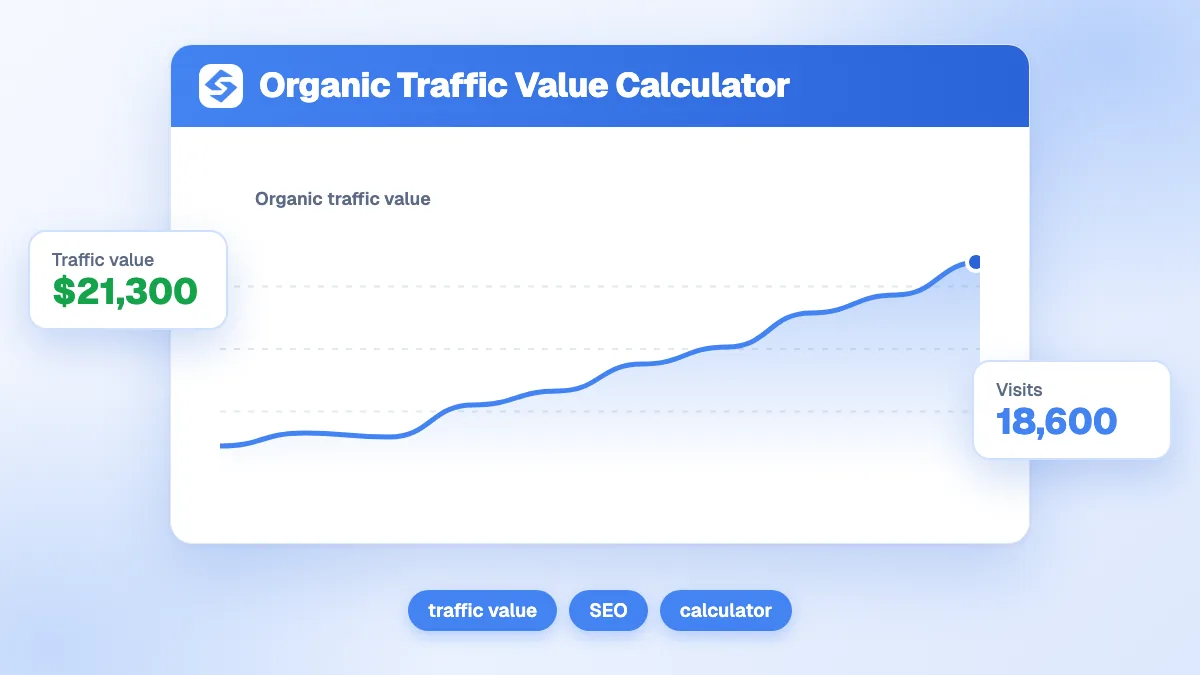
Keyword value looks forward: what one query could bring if you rank. Traffic value looks back: what all your current organic visits are worth. Use this calculator to choose what to write next, and the organic traffic value calculator to report on what SEO already brings. Our glossary entries on keyword volume and CPC define both inputs.
From one keyword to a full content plan
Rank keywords by value, not by volume, and the content plan pays for itself. Doing it by hand for hundreds of queries is slow. Sorank keyword research pulls keywords from your Search Console, your competitors and AI answers, filters out those that would cannibalize your pages, and the blog content planner turns the best ones into a publishing calendar. See the Sorank plans to run it on autopilot.