Preferences
Privacy is important to us, so you have the option of disabling certain types of storage that may not be necessary for the basic functioning of the website. Blocking categories may impact your experience on the website. More information

Privacy is important to us, so you have the option of disabling certain types of storage that may not be necessary for the basic functioning of the website. Blocking categories may impact your experience on the website. More information

How to use Google Keyword Planner for SEO: free access, keyword ideas and volumes, how to read the data, its limits and the best alternatives.

Tools

In short
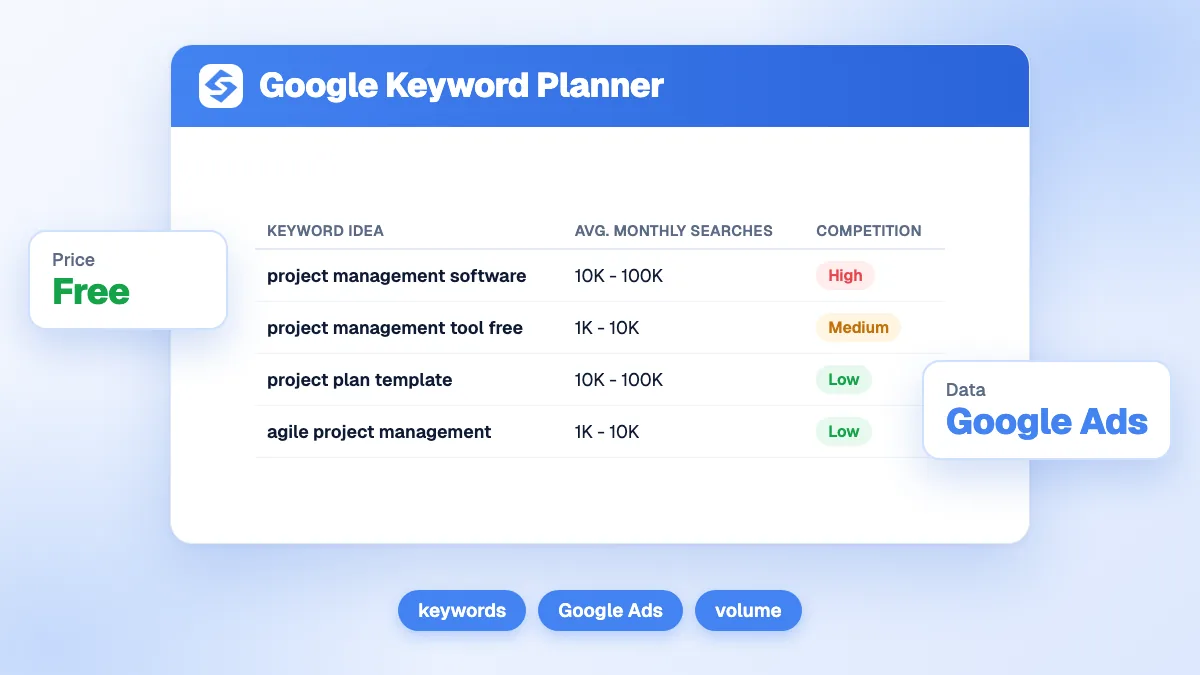
Google Keyword Planner is the free keyword tool inside Google Ads. It gives keyword ideas from a word or a website and estimates monthly searches, with two tools: Discover new keywords, and Get search volume and forecasts. You need a Google Ads account with billing details, but no running campaign. For SEO, it is a good source of ideas and volume ranges straight from Google; its limits are approximate volumes, grouped variants and a "competition" column that measures advertisers, not ranking difficulty. Pair it with Search Console and a difficulty score.
Want to go further? Ask
Quick quiz
How should you find the right keywords?
Sorank matches your answers


Test it for 3 days on your own site and see where you stand on Google, ChatGPT and the other AIs.
Start 3-day free trial3 days free, then stop whenever you want. 90-day results-or-refund guarantee.
Google Keyword Planner is one of the most used keyword tools in the world because it is free and its data comes from Google. It was built for advertisers, which explains both its strengths and its traps for SEO. This guide shows how to access it, how to use each tool step by step, how to read its numbers, and when to use an alternative. Official reference: Use Keyword Planner in Google Ads Help.
Yes. Keyword Planner costs nothing, but Google requires a Google Ads account with completed setup, including billing information, to use basic features such as getting keyword ideas. You do not have to run or pay for a campaign. To skip campaign creation when you open a new account, look for the option to switch to Expert mode and create the account without a campaign, then open Keyword Planner from the Tools menu.
Note
Accounts with little or no ad spend usually see search volumes as broad ranges (for example 1K to 10K) instead of precise figures. That is enough to compare keywords by order of magnitude, not to forecast traffic precisely.
Tip
Start from a competitor's URL in Discover new keywords. Keyword Planner reads the page and returns the themes Google associates with it, a quick way to see topics you have not covered.
| Column | What it means | How to use it for SEO |
|---|---|---|
| Avg. monthly searches | Estimated searches per month, often as a range | Compare orders of magnitude between keywords |
| Three-month and YoY change | Trend of interest | Spot rising or seasonal topics |
| Competition | How many advertisers bid on the keyword | Commercial value, not SEO difficulty |
| Top-of-page bid (low and high range) | What advertisers pay for top ad positions | A proxy for buying intent and value |
Two traps: the competition column says nothing about how hard it is to rank organically, and Keyword Planner groups close variants (singular and plural, word order), so the same volume can appear for several phrasings. Check organic difficulty with a dedicated tool (see keyword difficulty) and group variants into one page.
| Need | Alternative | Why |
|---|---|---|
| Queries you already rank for | Google Search Console | Real impressions and positions, free |
| Seasonality and rising topics | Google Trends | Relative interest over time, free |
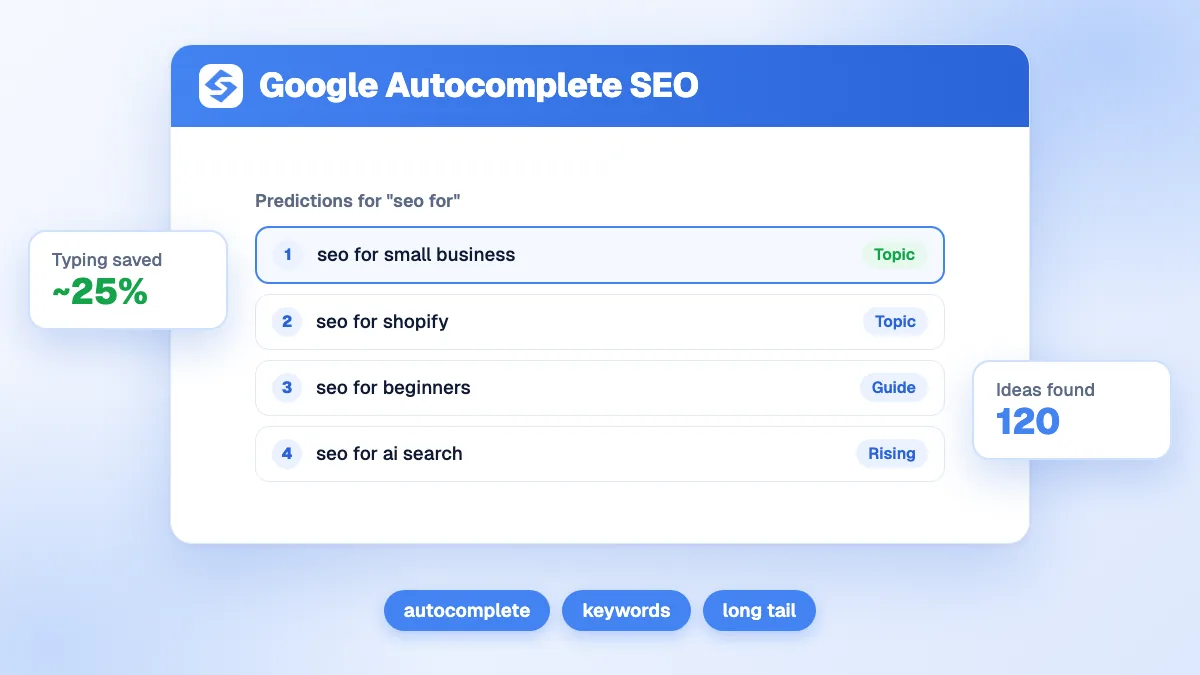
| Questions and long tail | Google Autocomplete and People Also Ask | Real phrasing, free |
| Precise volumes, difficulty, competitors | Semrush, Ahrefs, Moz, SE Ranking | Large databases and SEO metrics |
| Keywords turned into published content | Sorank | Finds and prioritizes keywords, then writes and publishes the articles |
Our ranking of the best keyword research tools compares them, and the guides to Google Autocomplete for SEO and Google Trends for SEO cover the free options. Search Console's Performance report remains the most reliable source for your own site.
Watch out
Do not choose keywords only by the highest volume in Keyword Planner. Broad head terms are dominated by large sites; a group of precise long-tail queries with clear intent usually brings more qualified visitors to a smaller site.
Keyword Planner is a free, reliable source of ideas and volume ranges from Google, to be completed with organic data. Use it to explore and size topics, Search Console to find quick wins and an SEO tool for difficulty. If you prefer to skip the spreadsheets, Sorank's keyword research finds and prioritizes keywords automatically, then publishes the articles; see the Sorank plans, with a 3-day free trial. Our Google Ads guide covers the advertising side.

Yes. You need a Google Ads account with completed setup, including billing information, but you do not have to launch or pay for a campaign. Without ad spend, volumes are usually shown as ranges rather than exact figures.
Its volumes come from Google data but are rounded or shown as ranges, and close variants are grouped. It is reliable for comparing keywords by order of magnitude, not for precise forecasts. Its competition column measures advertiser demand, not organic difficulty.
Google Search Console, for the queries you already appear for, combined with Google Trends for seasonality and Google Autocomplete for real phrasing. Together they cover most needs of a small site without paying for a tool.
We analyse your competitors, your website and your AI visibility to create a tailored content plan for free.
 AI Content Brief Generator
 FAQ Schema Generator
 AI Blog Post Ideas Generator
 Structured Data Validator (Schema Validator)
 Alt Text Checker
 Internal Link Analyzer
 Backlink Challenge
 AI Meta Description Generator
 AI Blog Title Generator
 Google Indexability Checker
 AI Blog Outline Generator
 UTM Link Builder
 Keyword Clustering Tool
 Canonical Tag Checker
 XML Sitemap Generator
 Broken Link Checker
 AI SEO Title Generator
 Headline Analyzer
 SERP Preview Tool
 Redirect Checker
 Hreflang Tag Generator
 Heading Structure Analyzer
 HTTP Headers Checker
 Favicon Extractor
 SERP CTR Calculator
 SEO vs Paid Search Savings Calculator
 SEO Share of Voice Calculator
 SEO ROI Calculator
 SEO Traffic and Revenue Forecast Calculator
 SEO Budget Calculator
 SEO Break-Even Calculator
 SaaS SEO ROI Calculator
 ROAS Calculator
 Reading Time Calculator
 Ranking Gain Simulator
 Organic Traffic Value Calculator
 Organic Traffic Estimator and Website Traffic Checker
 LTV to CAC Ratio Calculator
 Local SEO ROI Calculator
 Link Building Cost Calculator
 Keyword Value Calculator
 Keyword Opportunity Score Calculator
 Keyword Density Calculator
 GEO ROI Calculator
 GEO Content Investment Calculator
 Ecommerce SEO ROI Calculator
 Customer Lifetime Value Calculator
 Customer Acquisition Cost Calculator
 CTR Calculator
 Cost Per Article Calculator
 Conversion Rate Calculator
 Content Marketing ROI Calculator
 ChatGPT Referral Traffic Estimator
 Bounce Rate Calculator
 Backlink ROI Calculator
 AI Visibility Score Calculator
 AI Traffic Value Calculator
 AI Share of Voice Calculator
 Cost of AI Invisibility Calculator
 AI Citation Rate Calculator
 llms.txt Validator
 AI Overview Checker and AI Overviews Rank Checker
 Robots.txt Checker
 AI SEO Audit
 LLM Readability Checker
 SearchGPT Readiness Checker
 Structured Data LLM Audit
 Website Crawlability AI Audit
 Why ChatGPT Is Not Recommending My Website
 Gemini Ranking Tool
 Perplexity Ranking Checker
 LLM Citation Checker
 Answer Engine Optimization Audit
 GEO Audit
 AI Search Visibility Test
 ChatGPT Visibility Checker
 llms.txt Generator
 URL Extractor
 Webpage to Markdown
 Sitemap Checker
 SERP Volatility Sensor
 Page Size Checker
 Word Counter
 Slug Generator
 Schema Generator
 Robots Generator
 OG Preview
 Meta Tags Generator
 Image Compressor
 Favicon Generator
 On-Page SEO Audit: SEO Checker and SEO Analyzer
 Backlink Analysis Tool
 Keyword Research Tool
 Domain Authority Checker
THEY TRIED SORANK BEFORE YOU
 “I tested Sorank on a real client site and it's insane. It does everything an agency would bill you $1500 a month for. It's going into production on that client now.”

 Guillaume Guersanguersanguillaume.com“We are an Ads agency and we wanted to get our SEO back on track once and for all. Sorank gave us a clear view of our site, helped us prioritize optimizations, and properly structure our content. The tool is easy to use, well designed for a team, and very practical for centralizing tracking without having to juggle multiple platforms. A very solid foundation to start fresh with our SEO.”
 Gaspard MadouiAds Agency
 “I just let the Sorank software do its thing, and now my DR is 25 and my page is ranking higher.”
 Lucas Flandrefoundertrace.fr“I specialized in GEO thanks to Sorank. The GEO Leaderboard allows me to show my clients their position vs competitors on ChatGPT. It’s a real commercial differentiator.”
 MélanieSEO Freelance“Great service, works well for our website and helps us understand how to improve it to rank better on Google and elsewhere. Congrats, keep going, I recommend it.”
 Hugo T.E-commerce merchant