Preferences
Privacy is important to us, so you have the option of disabling certain types of storage that may not be necessary for the basic functioning of the website. Blocking categories may impact your experience on the website. More information

Privacy is important to us, so you have the option of disabling certain types of storage that may not be necessary for the basic functioning of the website. Blocking categories may impact your experience on the website. More information

Graphic design software: our 2027 ranking of Canva, Figma, Adobe Express, CorelDRAW, Inkscape and 5 other tools, with euro prices, free versions and limits.

Summarize this article with AI
Graphic design software produces the pieces your customers see first: logo, poster, business card, Instagram post, product page visual, sales deck. This ranking compares ten graphic design tools, read on their vendors' websites in October 2026, from template-based online editors to vector suites built for print. For each one, you will find what it produces, who it is aimed at, its limitations and its price as the vendor publishes it.
A visual that comes out of an online editor can become a company asset: the logo printed on your storefront sign, the brand guidelines repeated on every quote, the poster for a trade show. French law therefore has a say in which tool you pick.
Copyright arises with the creation itself, provided the work is original. The INPI, France's national intellectual property office, explains that an original work automatically gives you copyright, and specifies that it must reflect its author's personality and result from free, creative choices. In a dispute, you must be able to prove who the author is and on what date the work was created; for this, the INPI offers the e-Soleau service, an electronic filing that timestamps the creation. If your visual starts from a template offered to every user of a tool, ask yourself which choices are truly yours, and keep your source files with their dates.
A logo can also be protected as a trademark. According to the INPI page on the different types of trademark, a drawing or a logo can be registered as a figurative mark, and registration grants an exclusive right of use across French territory for 10 years, renewable indefinitely. The office asks you to check, before filing, that the chosen sign is available. For a logo, make sure the software exports a vector file and that its templates may serve as the basis for a registered sign.
Faces on your visuals also put the company on the line. According to Service Public, the French government's official information site, showing a recognizable person on a visual requires their written authorization, which details the medium, the purpose and the duration. The image libraries built into design tools make the work easier, but the license of each asset and the consent of the people photographed still need checking before a paid campaign.
In October 2026, we read each tool's home page, features page and, where one exists, pricing page, and nothing else: no paid testing, no partnership with any vendor. The rank follows from four criteria, in order of weight:
1. What the software can produce. Vector files for a logo or a sign, interface mockups, social media visuals, product photos: we looked at which deliverables each vendor describes, and for which media.
2. Ease of getting started. Ready-to-adapt templates, one-click tools, a browser version, a mobile app or installed software: a freelancer with no design training has different needs from a studio.
3. Brand consistency and teamwork. Brand kits, shared libraries, comments, approvals: these features keep a team from producing ten different versions of the same logo.
4. A clear offer. Whether a free version exists, a price published in euros, rules for commercial use and metered AI credits: a buyer should be able to estimate the bill before committing.
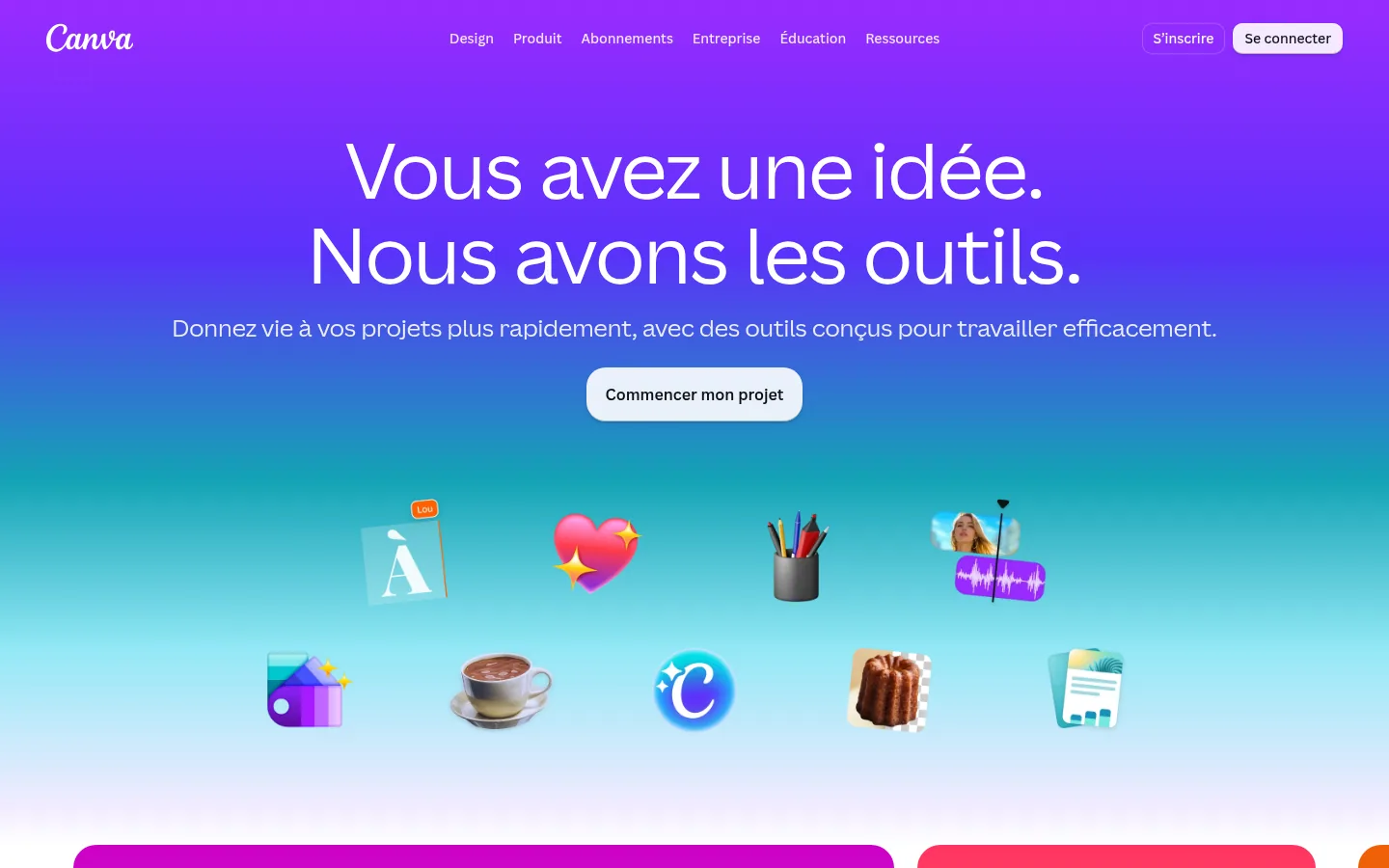
Canva brings design, photo editing, AI, video and teamwork together in one editor. On the retouching side, it offers Magic Eraser to make an element disappear from a photo, a one-click background remover and an image upscaler.
The Brand Kit keeps your colors and fonts within reach, and Magic Resize adapts a design to each channel. The free plan gives access to a drag-and-drop editor, more than 1.6 million templates and 5 GB of storage; the paid plans add social media post scheduling and a larger AI allowance. Every plan, free one included, mentions access to Affinity, the photo, design and layout software presented further down.
Best for: independent creators (the audience Canva assigns to its Pro plan), individuals and small teams (the audience for Pro+) who produce many different visuals without a dedicated designer.
Strengths: a free version open to everyone; very broad format coverage (presentation, video, print, social media); export of print-ready designs in CMYK (the color mode printers use) appears in the plan comparison.
Limitations: the free plan is limited to a three-color brand identity and 20 AI uses; each AI tool consumes a different share of a shared allowance, and the vendor states that actual usage may come in below its estimates; an AI pass can be added as an option, at extra cost.
Pricing: free for one person; Pro at €110 per year for a single person and Pro+ at €170 per year per person, billed annually, VAT treatment not stated; Entreprise on request from the sales team (price checked on October 10, 2026).
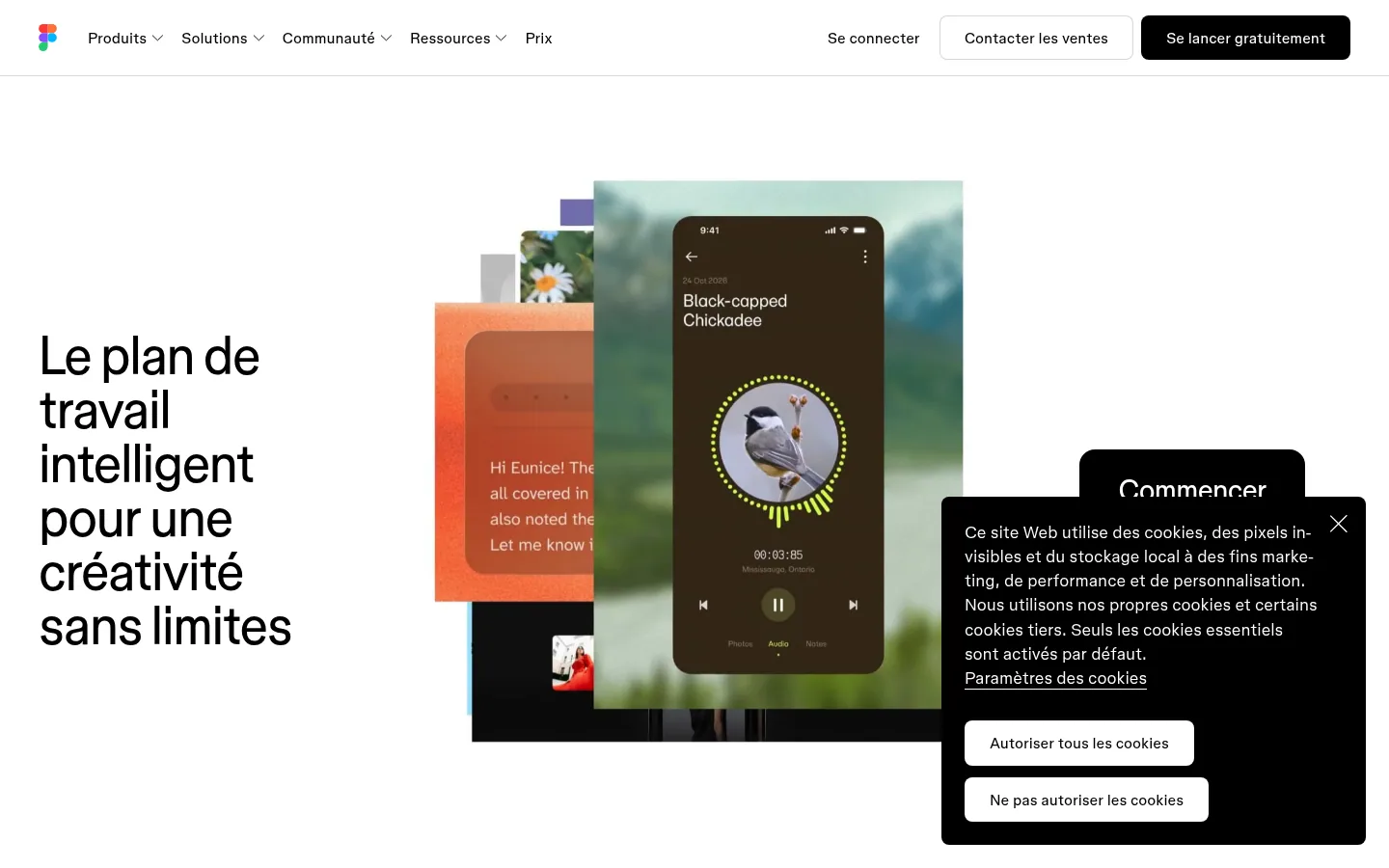
A collaborative canvas where design, code and AI meet, Figma helps turn an idea into an app, a website or a product. The Figma Design editor combines frames, layers, grids, vectors, shapes and text, with auto layout for responsive designs and interactive prototypes that simulate a user's gestures.
Around this editor, the pricing page lists FigJam (a whiteboard for workshops), Figma Slides for presentations, Dev Mode to hand specifications over to developers and Figma Make, which generates a working prototype or web app from a few prompts. Files link to Jira, Asana, Microsoft Teams or Zoom.
Best for: teams that build digital products, from product manager to interface designer, and work in the same file.
Strengths: real-time collaboration on designs; team libraries to build a shared design system; the option, on a paid plan, to let other people view and comment on files without an extra license.
Limitations: billing is per seat type (Full, Dev or Collab) and per person, with AI credits metered each month; the features described target interfaces and digital products above all, and the Organisation and Entreprise plans show annual billing.
Pricing: free starter plan; the French pricing page shows its prices in US dollars: Professionnel plan at $16 per month for a Full seat, $12 for a Dev seat and $3 for a Collab seat, VAT treatment not stated (price checked on October 10, 2026).
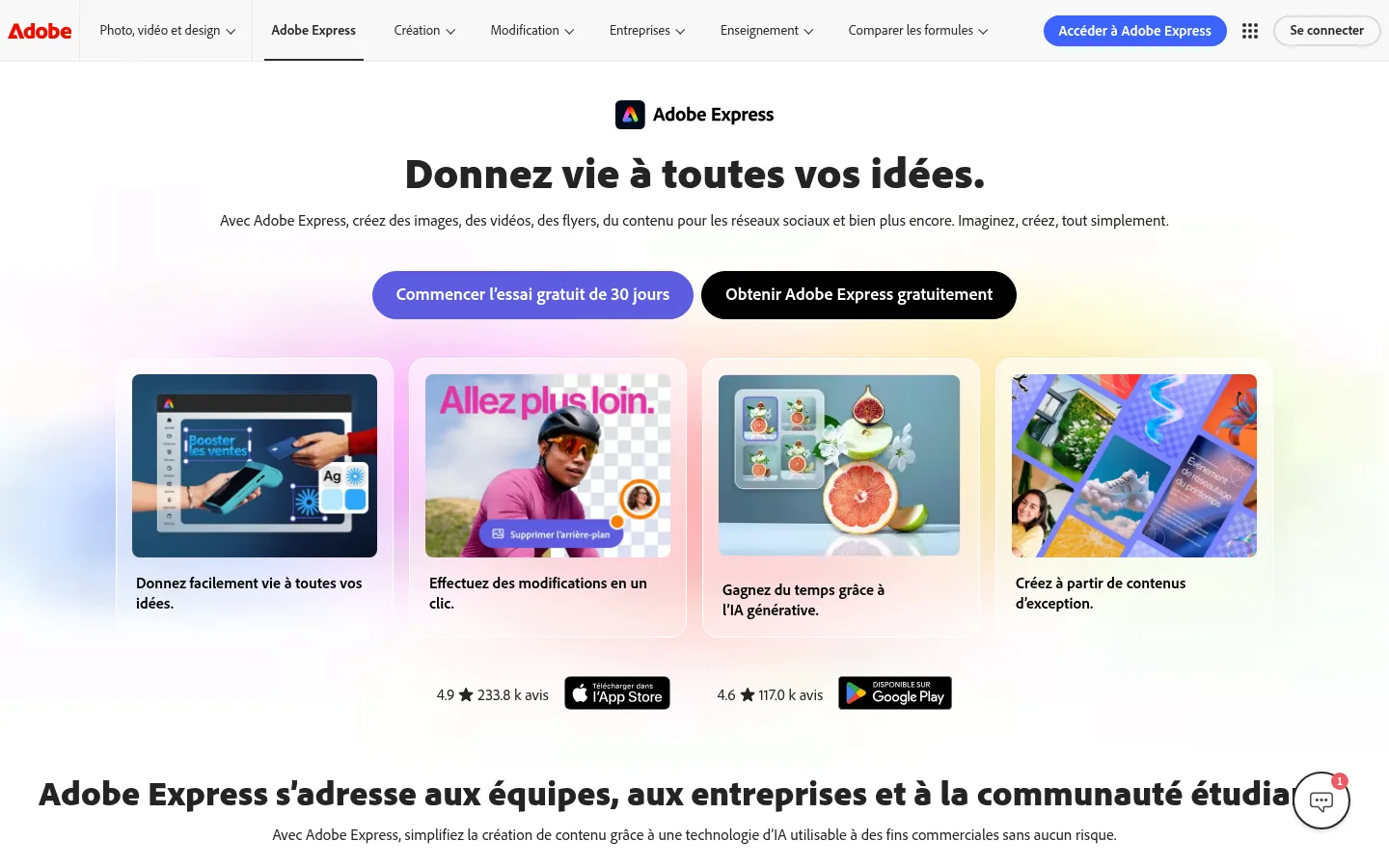
With Adobe Express, you create images, videos, flyers and social media content, starting from a template or a blank page. Quick actions process a file in one click: convert an image to JPG, PNG or SVG, crop, resize, remove the background, create a logo or a collage.
Brand kits apply the company's logo, fonts and colors to any design, and a content scheduler lets you plan and publish posts from within the app. Adobe Express syncs with Photoshop and Illustrator: .psd or .ai files added to a design keep the edits made in those programs. The generative AI features run on Adobe Firefly, which Adobe presents as safe for commercial use.
Best for: freelancers, individuals, teams and businesses that want to produce on-brand visuals quickly, especially if they already use other Adobe applications.
Strengths: a free plan with no credit card; access to Adobe Stock photos, videos and music and to the Adobe Fonts collection; use on desktop through the browser and on smartphones, with synced files.
Limitations: the free plan schedules posts for only one account per social network (three on Premium) and keeps 10 days of version history; the Premium plan includes 250 generative credits per month per person, while Adobe Firefly Pro counts 4,000 per month for video and audio.
Pricing: free plan at €0.00 incl. VAT; Adobe Express Premium at €11.99 incl. VAT per month, with no annual commitment and a 30-day free trial; Adobe Firefly Pro at €22.18 incl. VAT per month (price checked on October 10, 2026).
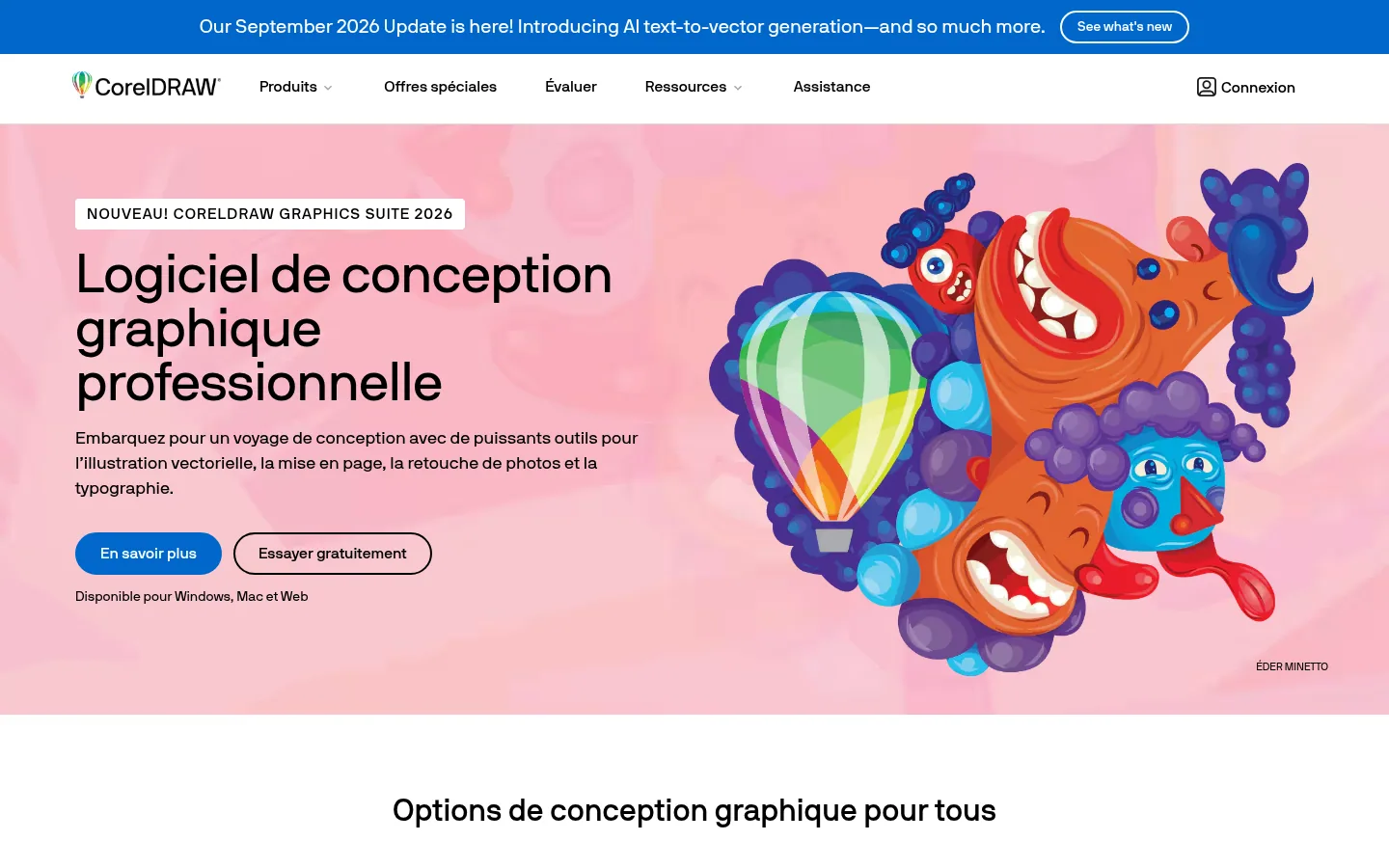
Professional graphic design software, CorelDRAW combines vector illustration, layout, photo editing and typography in its Graphics Suite 2026, for Windows, Mac and the web. The suite includes CorelDRAW, Corel PHOTO-PAINT for image editing, Corel Font Manager to manage fonts, and CorelDRAW Web, reserved for subscribers, to work from a browser.
The vendor cites very concrete uses: signage and large-format printing, apparel and textiles (screen printing, embroidery), retail, technical plans and diagrams. The 2026 additions include an AI that converts text or an illustration into an editable vector graphic, and export to DWG and DXF formats (technical drawing files used in CAD) from CorelDRAW Web. The lineup goes down to CorelDRAW Go, an app for beginners, and CorelDRAW Standard, designed for logos and signage.
Best for: professional designers, signage and print shops, and hobbyists or home-based small businesses who draw logos and signs.
Strengths: the choice between a subscription and a one-time purchase; built-in Pantone colors; a 15-day free trial with no credit card required.
Limitations: CorelDRAW Web, the monthly AI credits and several features are reserved for subscribers; AI credit packs are sold separately.
Pricing: CorelDRAW Graphics Suite on an annual plan at €369 incl. VAT per year, shown as €30.75 per month; one-time purchase of the 2026 version at €779, VAT treatment not stated (price checked on October 10, 2026).
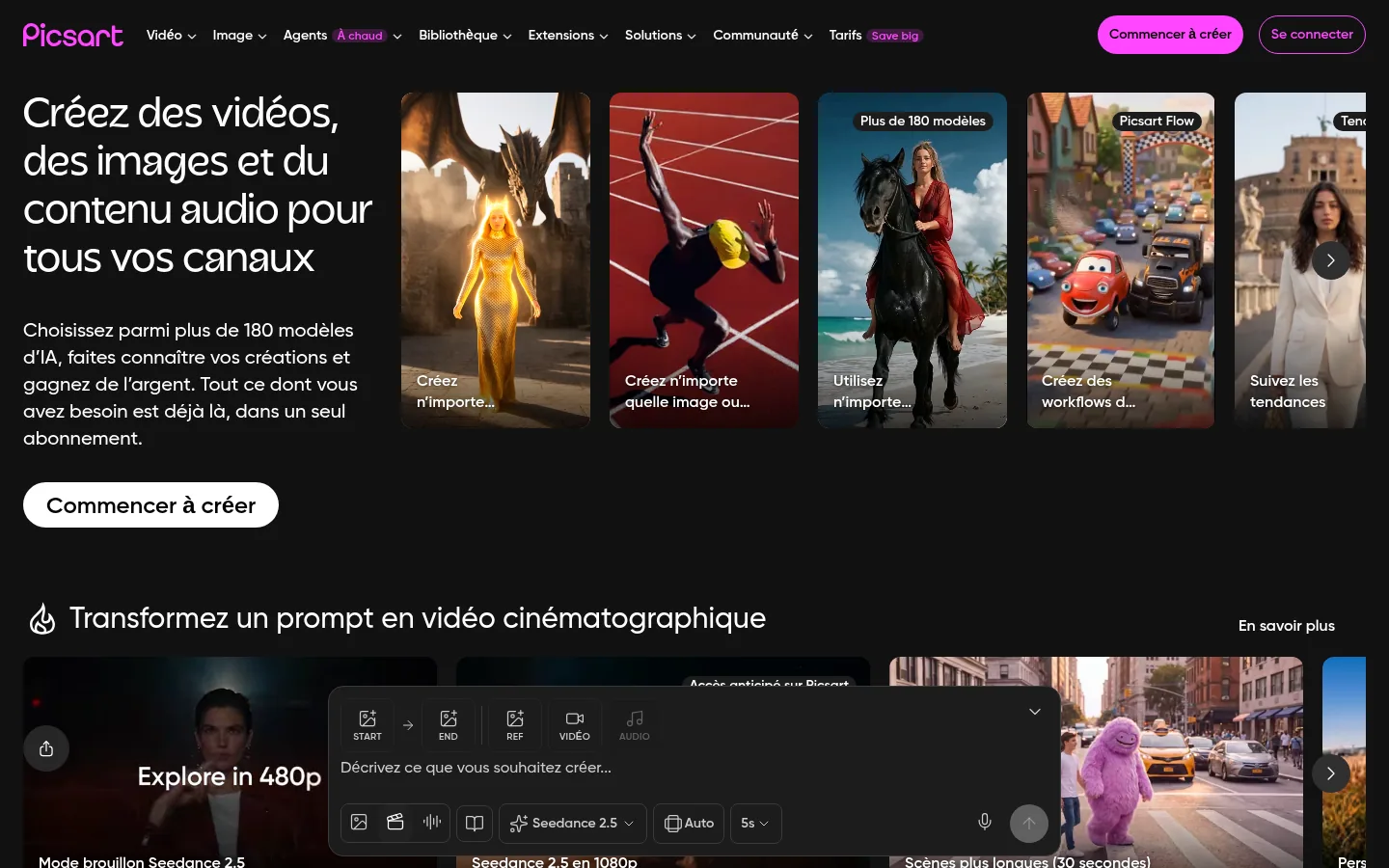
An all-in-one creative platform, Picsart offers free AI-based creation tools, templates designed by experts and built-in asset libraries. It is used to produce images, videos and audio content for every channel, with background removal, image animation and effects that follow social media trends.
Picsart Flow chains connected steps on a canvas: a single input (a prompt, an image, a spreadsheet or a PDF) produces a whole series of visuals. The Pro plan gives access to photo and video editing features, thousands of premium templates, several brand kits and batch editing of up to 50 images at once.
Best for: creators, small businesses that publish every week without hiring, and online retailers who produce product page visuals at volume, three profiles Picsart targets on its solutions page.
Strengths: batch editing; 100 GB of storage on Pro and 300 GB per seat on Ultra; use from Claude Code, Cursor or ChatGPT through the MCP protocol, which connects an AI assistant to a piece of software.
Limitations: AI features consume monthly credits that do not roll over from one cycle to the next; real-time collaboration and share links are announced as coming soon.
Pricing: Pro at €9.16 per month billed annually, €12.99 billed monthly; Ultra from €32.75 per month per seat billed annually (€41 monthly), an amount that rises with the number of credits chosen; VAT treatment not stated. The pricing page is written in English, with prices shown in euros (price checked on October 10, 2026).
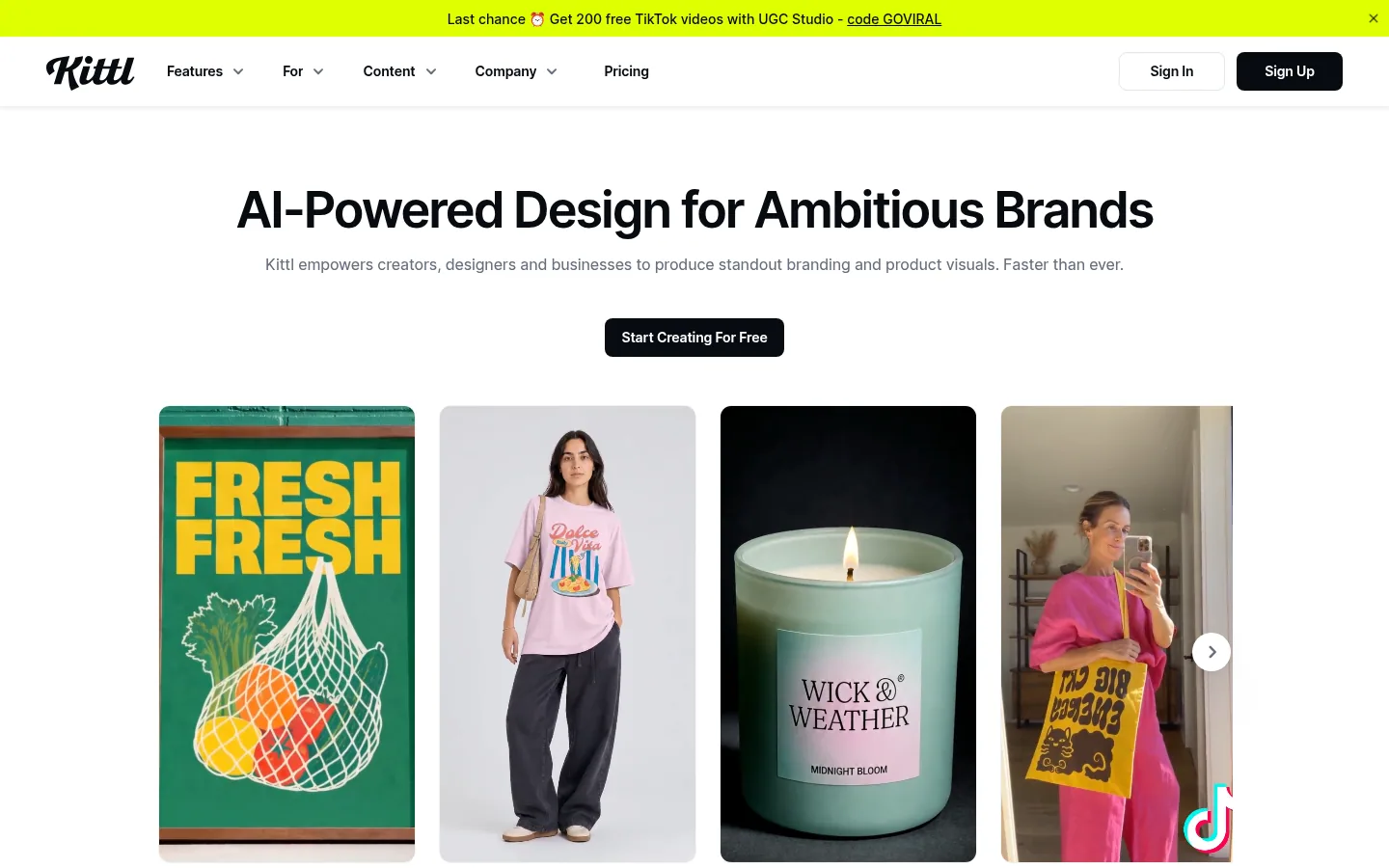
Built for people who have products to sell, Kittl helps creators, designers and businesses produce their brand identity and product visuals. Its editor relies on an infinite canvas, customizable templates, text effects, a curated font selection, vector tools, a logo maker and realistic mockups to present a T-shirt, a poster or packaging.
Kittl targets three profiles: print-on-demand sellers, who want to go from idea to listing without a photo shoot, small businesses and agencies. The Kittl Brand Studio remembers the brand so it can roll out ads, posts and campaigns, and collaboration happens in real time.
Best for: sellers of custom products (T-shirts, sweatshirts, posters, labels) and small brands that care about their typography.
Strengths: a library of product mockups; a commercial license included in the Pro and Expert plans, for up to 500,000 reproduced copies; viewers invited to the workspace for free.
Limitations: the site exists only in English; the free plan is limited to personal use, with no commercial rights; each additional editor is billed and monthly AI tokens do not roll over.
Pricing: prices published in dollars on the site.
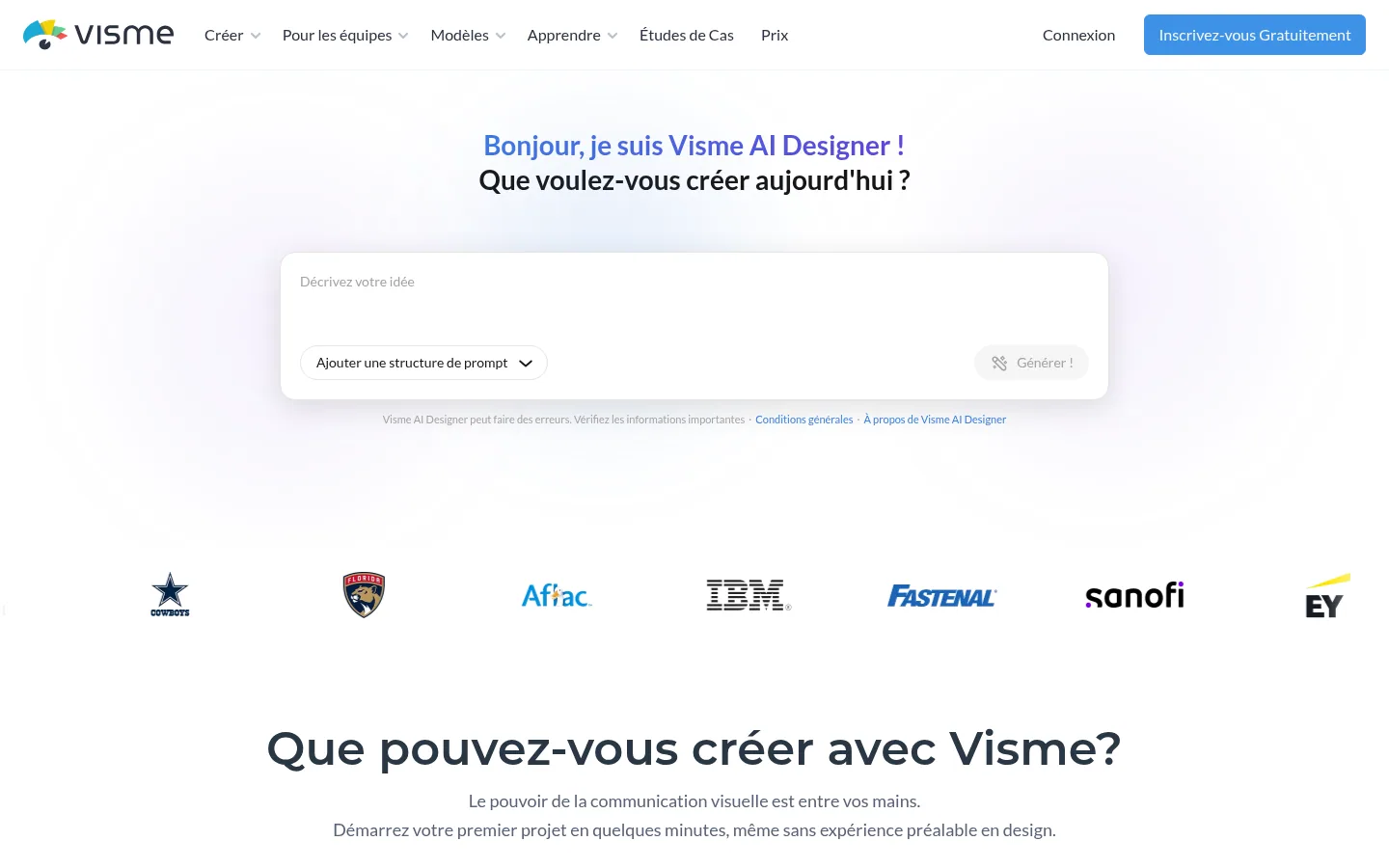
Visme brings professional presentations, interactive infographics, documents and videos together in a single tool. The home page also mentions data visualizations, forms and surveys, and wireframes to visualize an idea before putting it in place.
Visme AI Designer turns a text prompt into a ready-to-use design. Projects can be given interactivity and animations, and a content calendar lets you create, schedule and publish from the same platform. The Pro plan adds a brand kit, analytics and most integrations.
Best for: teams that turn figures and reports into presentations, infographics and documents, even with no prior design experience.
Strengths: data charts and widgets; export to PPTX, HTML5, video and GIF from the Pro plan up; forms whose responses are collected inside the tool.
Limitations: the free plan limits templates and assets, and the vendor lists download options among the premium features; the Enterprise offer starts at 10 users.
Pricing: free Basic plan; the French pricing page shows Starter at $12.25 per month per person and Pro at $24.75 per month per person billed annually, with payments in US dollars, VAT treatment not stated (price checked on October 10, 2026).
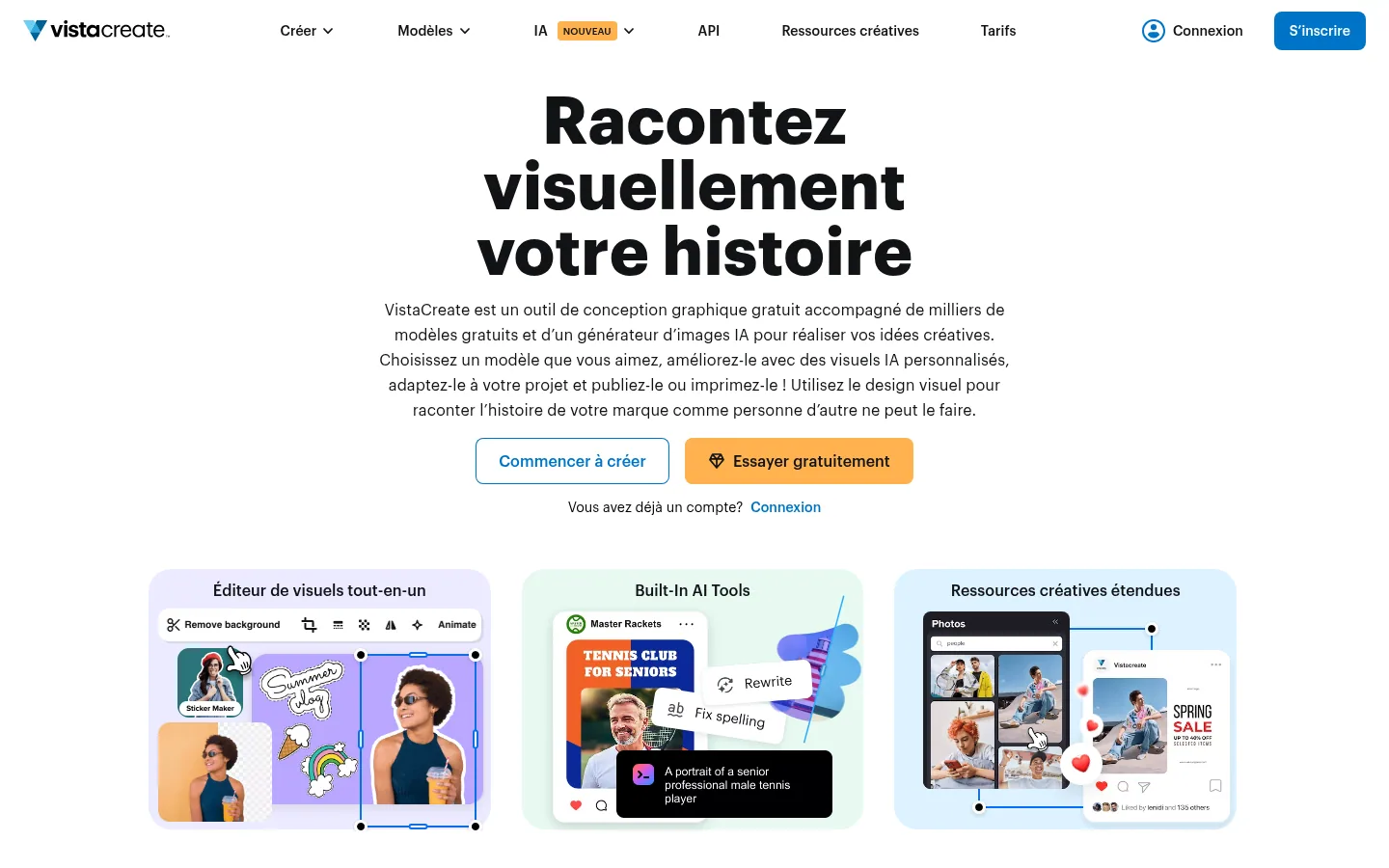
A free graphic design tool, VistaCreate relies on more than 200,000 professionally designed templates for social media, the web and print: Instagram posts and stories, YouTube thumbnails, business cards, flyers, posters, menus.
The Brand Kit feature stores colors, fonts and logos, and the Styles tool extracts the colors from a template to apply them to yours. The editor also handles animation and video, background removal, an object eraser, one-click resizing and social media post scheduling.
Best for: creators, entrepreneurs, social media managers and designers who publish static or animated content, the profiles named in the vendor's FAQ.
Strengths: a free plan for one user; a Pro plan shared by up to 10 users; a library of more than 170 million photos, videos and vectors with Pro.
Limitations: the free plan gives access to 100,000 templates, a single brand kit and one million photos, videos and vectors, compared with more than 200,000 templates and 170 million assets on Pro.
Pricing: free Starter plan; the French pricing page shows the Pro plan at $120 per year, billed in one payment after a 14-day free trial, VAT treatment not stated (price checked on October 10, 2026).
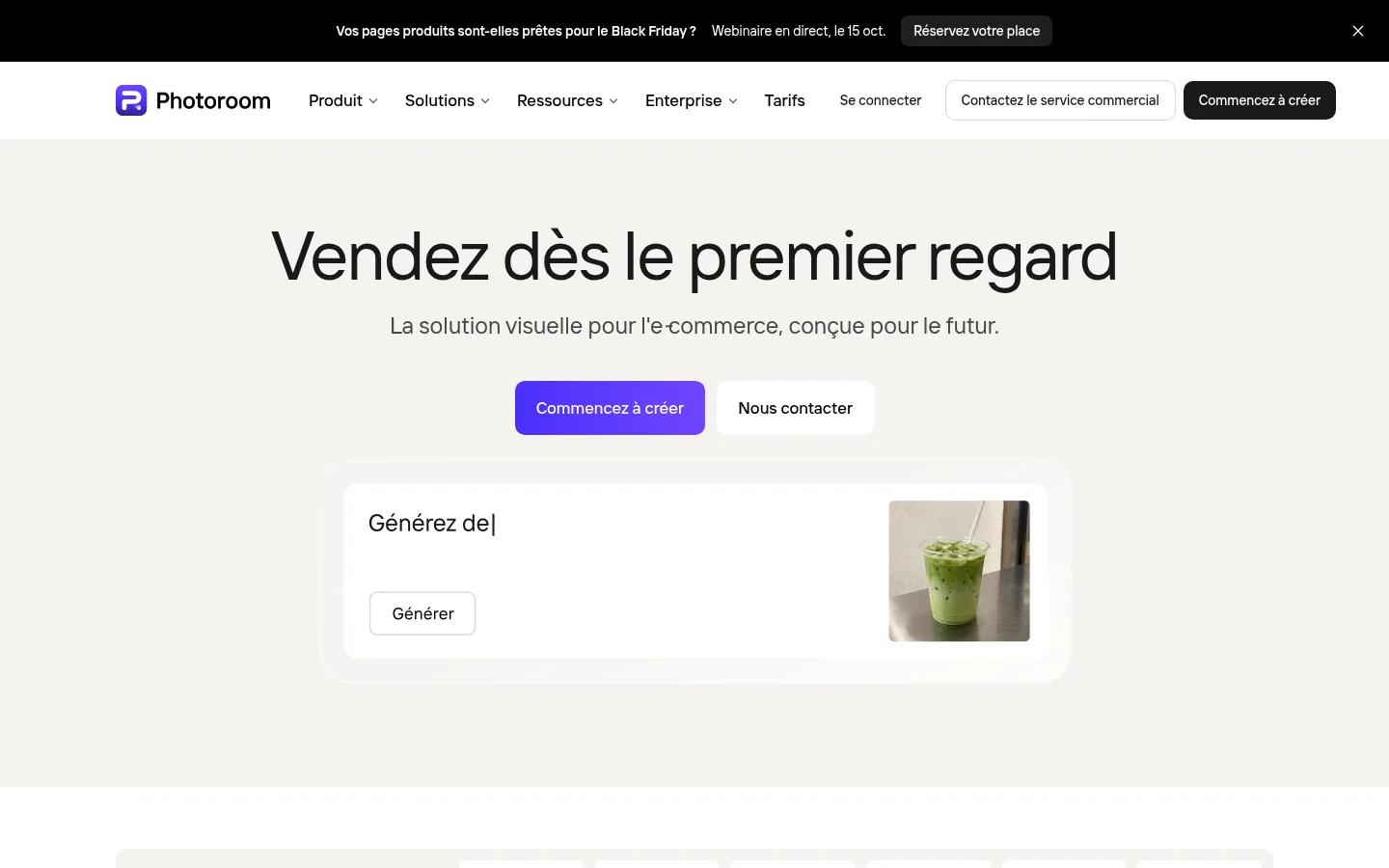
A photo editor and product ad creation studio, Photoroom is aimed at e-commerce businesses and social media content creators. It removes backgrounds, adds natural shadows, recolors a product, stages it in a realistic setting and resizes the same image for Instagram, Amazon or Shopify.
For large product ranges, the batch feature (called Série on the French site) edits hundreds of product images in one go, a brand library enforces colors, logos and layouts on every visual, and an API automates production. Visuals publish directly to Shopify; sync currently works one way only, and other marketplaces are announced.
Best for: online retailers, from sole entrepreneurs to teams managing millions of SKUs, who want consistent product photos without a studio.
Strengths: batch processing; Shopify integration from the Max plan up; an Enterprise plan with custom AI models, SSO (single sign-on with the company's credentials) and a service commitment.
Limitations: the heaviest AI features, such as the video generator, consume credits, and export is capped each month depending on the plan.
Pricing: price varies by visitor country, to be checked from France (checked on October 10, 2026).
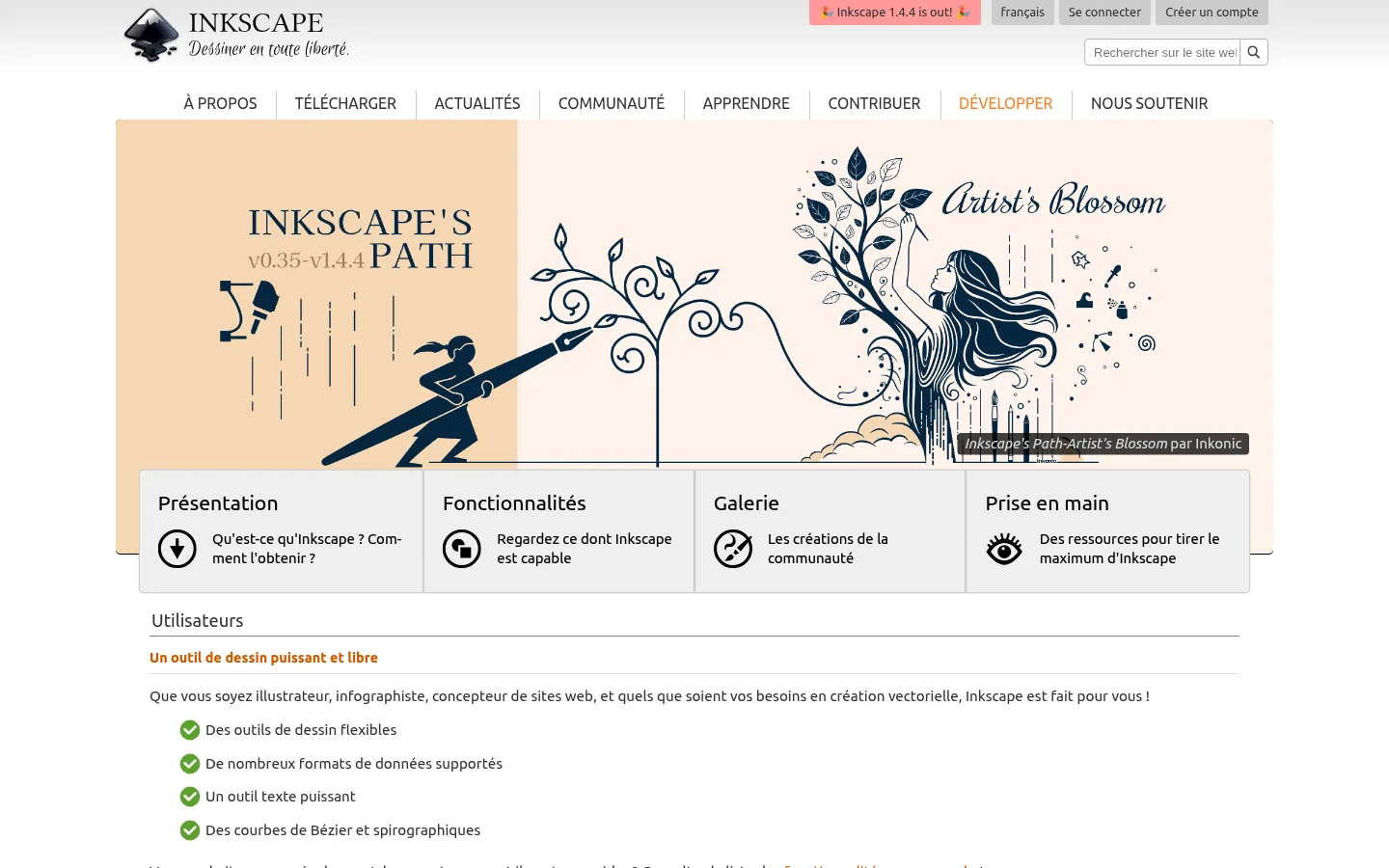
Professional vector drawing software for Windows, macOS and Linux, Inkscape is free and open source, released under the GPL (a free software license). It is aimed at illustrators, graphic artists and web designers, with freehand, Bézier curve and calligraphy tools, parametric shapes, layers and Boolean operations on paths.
Inkscape creates and edits files fully compliant with SVG, the open vector format of the web, and exports to PNG, PDF, EPS, DXF or PostScript. It also traces raster images into vectors, places text on a path or inside a shape, and its color picker handles RGB (screen colors), HSL (hue, saturation, lightness) and CMYK.
Best for: illustrators and graphic artists who want a complete vector tool with no subscription, and organizations that prefer free software.
Strengths: no license to pay for; open formats that avoid dependence on a vendor; command-line export to automate conversions.
Limitations: the site mentions no template library, no image bank and no AI tool; Inkscape is downloaded for Windows, macOS and Linux, and the site describes no browser version.
Pricing: free.
Prices checked on October 10, 2026 on the vendors' websites. Prices are given in the currency of each vendor's French pricing page; the last column says what drives the cost up as usage grows.
| Software | Who it is for | Free version | Published starting price | What raises the bill |
|---|---|---|---|---|
| Canva | Freelancers, individuals, small teams | Yes | Pro: €110 per year for one person, VAT treatment not stated | Number of people (Pro+), AI allowance, optional AI pass |
| Figma | Product teams and interface designers | Yes (starter plan) | Professionnel, Full seat: $16 per month, VAT treatment not stated | Seats per person (Full, Dev, Collab), AI credits |
| Adobe Express | Freelancers, teams, businesses | Yes | Premium: €11.99 incl. VAT per month | Generative credits, upgrade to Firefly Pro |
| CorelDRAW | Designers, signage, print | 15-day trial | Graphics Suite: €369 incl. VAT per year | Subscription or one-time purchase, AI credit packs |
| Picsart | Creators, small businesses, e-commerce | Free tools advertised | Pro: €9.16 per month billed annually (English-language page), VAT treatment not stated | AI credits, seats on the Ultra plan |
| Kittl | Sellers of custom products, small brands | Yes, personal use | Prices published in dollars | Additional editors, AI tokens, commercial license |
| Visme | Teams that format figures and reports | Yes (Basic) | Starter: $12.25 per month per person billed annually, VAT treatment not stated | Number of people, AI credits, export formats |
| VistaCreate | Small businesses, social media | Yes (Starter) | Pro: $120 per year, VAT treatment not stated | Upgrade to Pro, shared by up to 10 users |
| Photoroom | Online retailers | Yes, to get started | Varies by visitor country | AI credits and number of exports per month |
| Inkscape | Illustrators, graphic artists | Free, open source software | Free | No license to pay for |
| Software | What it does |
|---|---|
| Affinity | Professional photo, design and layout software combined in a single app, presented as free forever, whose files export to Canva. |
| GIMP | A free, open source image editor for GNU/Linux, macOS and Windows, designed for photo retouching and creating graphic elements. |
| Krita | A professional digital painting program, free and open source, developed by artists. |
| Penpot | An open source design platform for teams building digital products, with prototypes and design systems. |
| Sketch | A design, prototyping, collaboration and developer handoff tool, made by designers for designers. |
| Genially | A tool for creating interactive and animated content: presentations, infographics, quizzes, escape rooms, with no code. |
| Venngage | Software for creating professional infographics and charts from templates. |
| Piktochart | An infographic tool that turns complex ideas into visuals, reports and presentations, with no design experience needed. |
| Snappa | Simple graphic design software for creating visuals for social media, ads and blogs. |
| Pixlr | Online photo editing and design tools, in the browser, on mobile or on desktop. |
| Fotor | An online photo editor to crop, resize, add effects and text, and create collages. |
| Pixelixe | A platform for producing editable brand visuals from templates, data, APIs and AI workflows. |
This ranking judges graphic design software on what vendors put on public display: what each vendor writes about its product, its plans and its limitations, read in October 2026. We neither drew a logo nor exported a file for a printer.
Our reading has blind spots too: some pricing pages load their prices through a script, others display a currency or a country that does not match a French reader, and a few sites were only partly readable. The prices quoted here may therefore differ from what you see at checkout.
Read this ranking starting from your final medium: a studio that prints signs and an online retailer that publishes a hundred photos a week will not make the same first choice. We will revise this ranking, and each revision will first revisit AI allowances, commercial use licenses and prices in euros.
Graphic design software gives your brand a polished, consistent image: logo, posters, posts, product photos. Bringing in the buyer who types a question into Google, or who asks an AI like ChatGPT which provider to pick, is a different job. To show up at that moment, you need pages that answer those questions and a way to track what AI assistants say about you.
Sorank automates that work: the software produces sourced SEO articles ready to publish, tracks your brand's mentions in AI assistants prompt by prompt, and keeps an editorial calendar that publishes itself. To see what it would look like on your site, book a call. If you would rather entrust your visual identity to specialists, our ranking of brand identity agencies in France lists studios that create logos and brand guidelines, and our ranking of motion design agencies covers animation.
Three families emerge: template-based editors (Canva, Adobe Express, VistaCreate), vector tools for print (CorelDRAW, Inkscape) and tools geared toward online selling (Picsart, Kittl, Photoroom). Figma and Visme meet more specific team needs: interfaces for the first, presentations and data for the second.
For a small business without a designer that wants to produce everything in one place, start with Canva: its free plan is enough to judge the tool, and Pro+ adds team collaboration. For a designer or a shop that prints signs, textiles or diagrams, CorelDRAW combines vector, photo editing, layout and typography, with the choice between a subscription and a one-time purchase. For an online retailer that has to process hundreds of product photos, Photoroom is built for that case, with batch processing and publishing to Shopify.


Canva, Adobe Express and VistaCreate offer a free plan for creating visuals from templates. For vector drawing, Inkscape is free, open source software for Windows, macOS and Linux. Read the limits of each free plan: at Canva, the brand identity is limited to three colors and AI to 20 uses.
Both offer a free version, templates and brand kits. Adobe Express schedules your posts from its free plan (one account per social network), Canva from its Pro plan. Adobe Express syncs with Photoshop and Illustrator and lists its Premium plan at €11.99 incl. VAT per month, price checked on October 10, 2026. Canva lists Pro at €110 per year for one person, and its Pro+ plan adds team collaboration and administration tools.
For a logo, choose vector software. CorelDRAW Standard is presented by its vendor as ideal for logos and signage, and CorelDRAW Graphics Suite adds layout, photo editing and typography. Inkscape, free and open source, produces files compliant with the SVG format and exports to PDF and EPS, among others.
 AI Meta Description GeneratorAI Blog Title Generator
 Google Indexability CheckerAI Blog Outline Generator
 UTM Link Builder
 Keyword Clustering ToolCanonical Tag Checker
 XML Sitemap GeneratorBroken Link CheckerAI SEO Title GeneratorHeadline AnalyzerSERP Preview ToolRedirect Checker
 Hreflang Tag GeneratorHeading Structure AnalyzerHTTP Headers CheckerFavicon Extractor
 SERP CTR Calculator
 SEO vs Paid Search Savings Calculator
 SEO Share of Voice Calculator
 SEO ROI Calculator
 SEO Traffic and Revenue Forecast Calculator
 SEO Budget Calculator
 SEO Break-Even Calculator
 SaaS SEO ROI Calculator
 ROAS Calculator
 Reading Time Calculator
 Ranking Gain Simulator
 Organic Traffic Value Calculator
 Organic Traffic Estimator
 LTV to CAC Ratio Calculator
 Local SEO ROI Calculator
 Link Building Cost Calculator
 Keyword Value Calculator
 Keyword Opportunity Score Calculator
 Keyword Density Calculator
 GEO ROI Calculator
 GEO Content Investment Calculator
 Ecommerce SEO ROI Calculator
 Customer Lifetime Value Calculator
 Customer Acquisition Cost Calculator
 CTR Calculator
 Cost Per Article Calculator
 Conversion Rate Calculator
 Content Marketing ROI Calculator
 ChatGPT Referral Traffic Estimator
 Bounce Rate Calculator
 Backlink ROI Calculator
 AI Visibility Score Calculator
 AI Traffic Value Calculator
 AI Share of Voice Calculator
 Cost of AI Invisibility Calculator
 AI Citation Rate Calculatorllms.txt ValidatorAI Overview CheckerRobots.txt Checker
 AI SEO AuditLLM Readability CheckerSearchGPT Readiness Checker
 Structured Data LLM AuditWebsite Crawlability AI AuditWhy ChatGPT Is Not Recommending My Website
 Gemini Ranking ToolPerplexity Ranking CheckerLLM Citation CheckerAnswer Engine Optimization AuditGEO AuditAI Search Visibility TestChatGPT Visibility Checkerllms.txt Generator
 URL ExtractorWebpage to MarkdownSitemap CheckerSERP Volatility SensorPage Size Checker
 Word Counter
 Slug GeneratorSchema GeneratorRobots Generator
 OG PreviewMeta Tags Generator
 Image CompressorFavicon Generator
 On-Page SEO Audit
 Backlink Analysis Tool
 Keyword Research Tool
 Domain Authority Checker
THEY TRIED SORANK BEFORE YOU
 “I tested Sorank on a real client site and it's insane. It does everything an agency would bill you $1500 a month for. It's going into production on that client now.”
 Guillaume Guersanguersanguillaume.com“We are an Ads agency and we wanted to get our SEO back on track once and for all. Sorank gave us a clear view of our site, helped us prioritize optimizations, and properly structure our content. The tool is easy to use, well designed for a team, and very practical for centralizing tracking without having to juggle multiple platforms. A very solid foundation to start fresh with our SEO.”
 Gaspard MadouiAds Agency
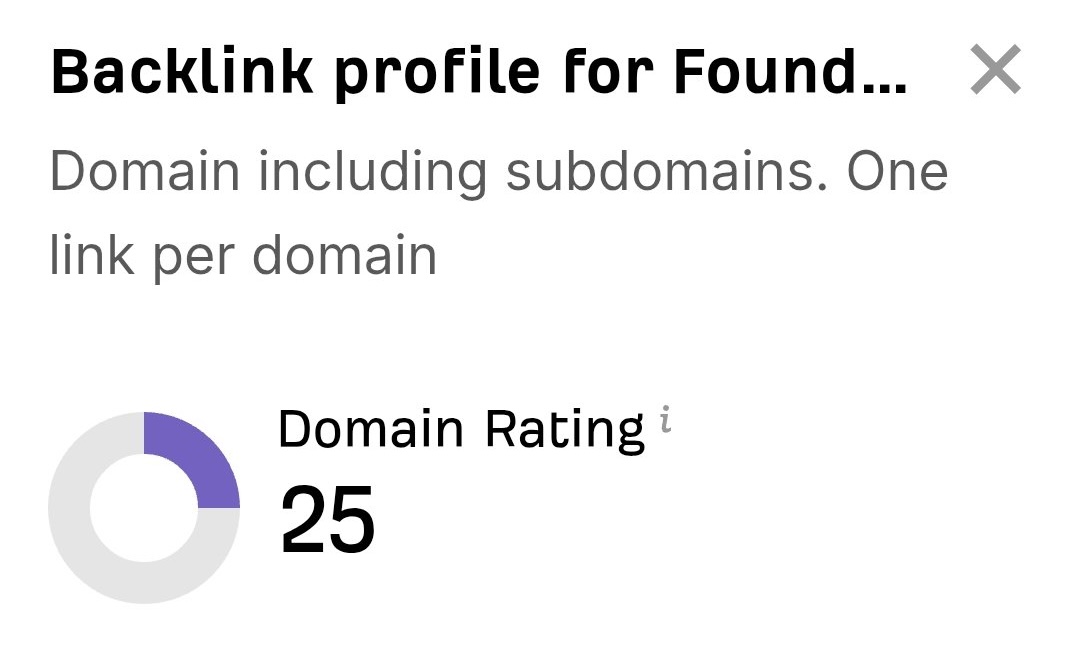 “I just let the Sorank software do its thing, and now my DR is 25 and my page is ranking higher.”
 Lucas FlandrePodcast Host“I specialized in GEO thanks to Sorank. The GEO Leaderboard allows me to show my clients their position vs competitors on ChatGPT. It’s a real commercial differentiator.”
 MélanieSEO Freelance“Great service, works well for our website and helps us understand how to improve it to rank better on Google and elsewhere. Congrats, keep going, I recommend it.”
 Hugo T.E-commerce merchant