Preferences
Privacy is important to us, so you have the option of disabling certain types of storage that may not be necessary for the basic functioning of the website. Blocking categories may impact your experience on the website. More information

Privacy is important to us, so you have the option of disabling certain types of storage that may not be necessary for the basic functioning of the website. Blocking categories may impact your experience on the website. More information

Project management software: 2027 comparison of monday.com, Asana, Wrike, ClickUp, Jira, Notion and 4 other tools, with views, limits and checked prices.


Summarize this article with AI
Choosing project management software means choosing the place where your team plans, assigns and tracks its work every day. This ranking sorts ten tools based on what their vendors write on their own pages: the views on offer (Kanban, Gantt, calendar), resource planning, time tracking, the limits of the free plans and the published prices. You will find one review per tool, a comparison table, ten other tools to look at and a list of questions to ask before signing.
Buying project software as SaaS (hosted by the vendor and used from a browser) puts you in line with what most European companies do: according to Eurostat, the statistical office of the European Union, 52.74% of EU companies used paid cloud services in 2025, and the share reached 49.3% among small businesses. Among companies that buy cloud services, 96.44% buy at least one piece of SaaS software.
A project tool can hold your schedules, your budgets, your internal conversations and your clients' documents. So ask yourself where that data will be hosted, especially if you work for public-sector buyers or handle sensitive data. In France, the ANSSI (Agence nationale de la sécurité des systèmes d'information, France's national cybersecurity agency) created the SecNumCloud framework in 2016, which is used to qualify cloud providers. SaaS services can obtain this qualification, valid for 3 years and checked every year by a surveillance audit.
Then comes day-to-day use: plan to test the tool on a real project, with the people who will use it, through the free plans and trials described in the reviews.
For each candidate, we read the home page, the features page and the price grid the vendor published in October 2026. No paid account was opened and no vendor paid for or negotiated its place. Four criteria set the order:
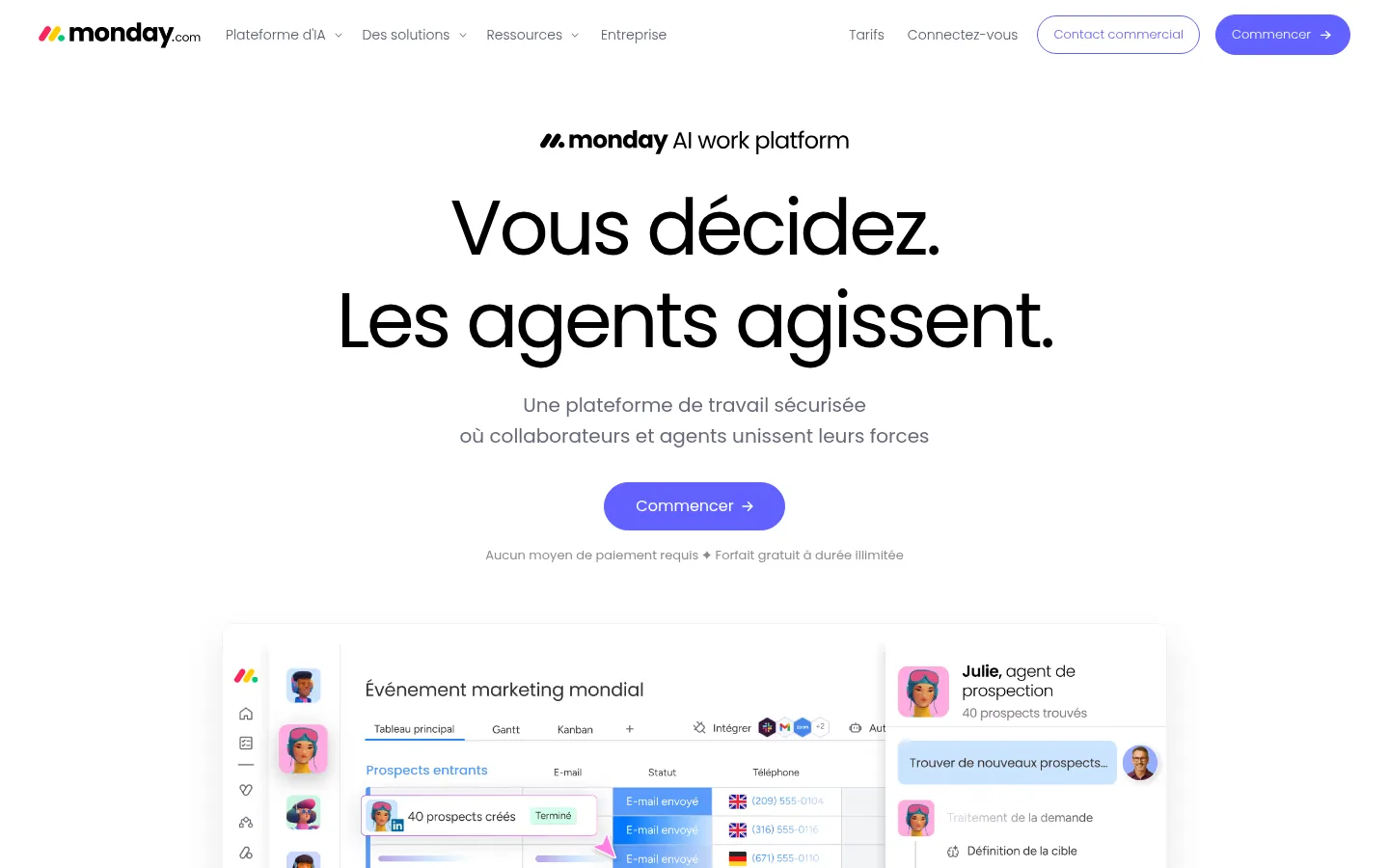
monday.com describes itself on its home page as "a secure work platform where people and agents join forces". The vendor places several products on this platform: monday work management "for projects and tasks", monday CRM, monday dev, monday service and monday campaigns. On the project side, the page devoted to the Gantt chart details milestone tracking, task dependencies and the import of Excel sheets, turned into boards that can be displayed as a Gantt.
The Gantt, Kanban, Calendar and Workload views give several readings of the same data. Automations take over repetitive tasks, and integrations connect monday.com to the tools already in place. Sidekick, the AI assistant, comes from the Basique plan, and a Notetaker that turns meetings into actionable information arrives with Standard.
Best for: a company that wants to manage its projects and, in the same tool, its sales pipeline or support requests.
Strengths: more than 200 templates from the free plan; import from Excel to get started without retyping everything; time tracking on each task in the Pro plan.
Limitations: the free plan stops at 2 users, 3 boards and 3 Docs, and paid plans start at 3 users. The calendar and Gantt views come with the Standard plan, where automations are capped at 250 actions per month.
Pricing: Free plan, then Basique at €9, Standard at €12 and Pro at €19 per user per month, excl. VAT, billed annually, with a minimum of 3 users (€27 per month to start); the page advertises 18% savings on annual billing; Entreprise on quote. Price checked on October 10, 2026.
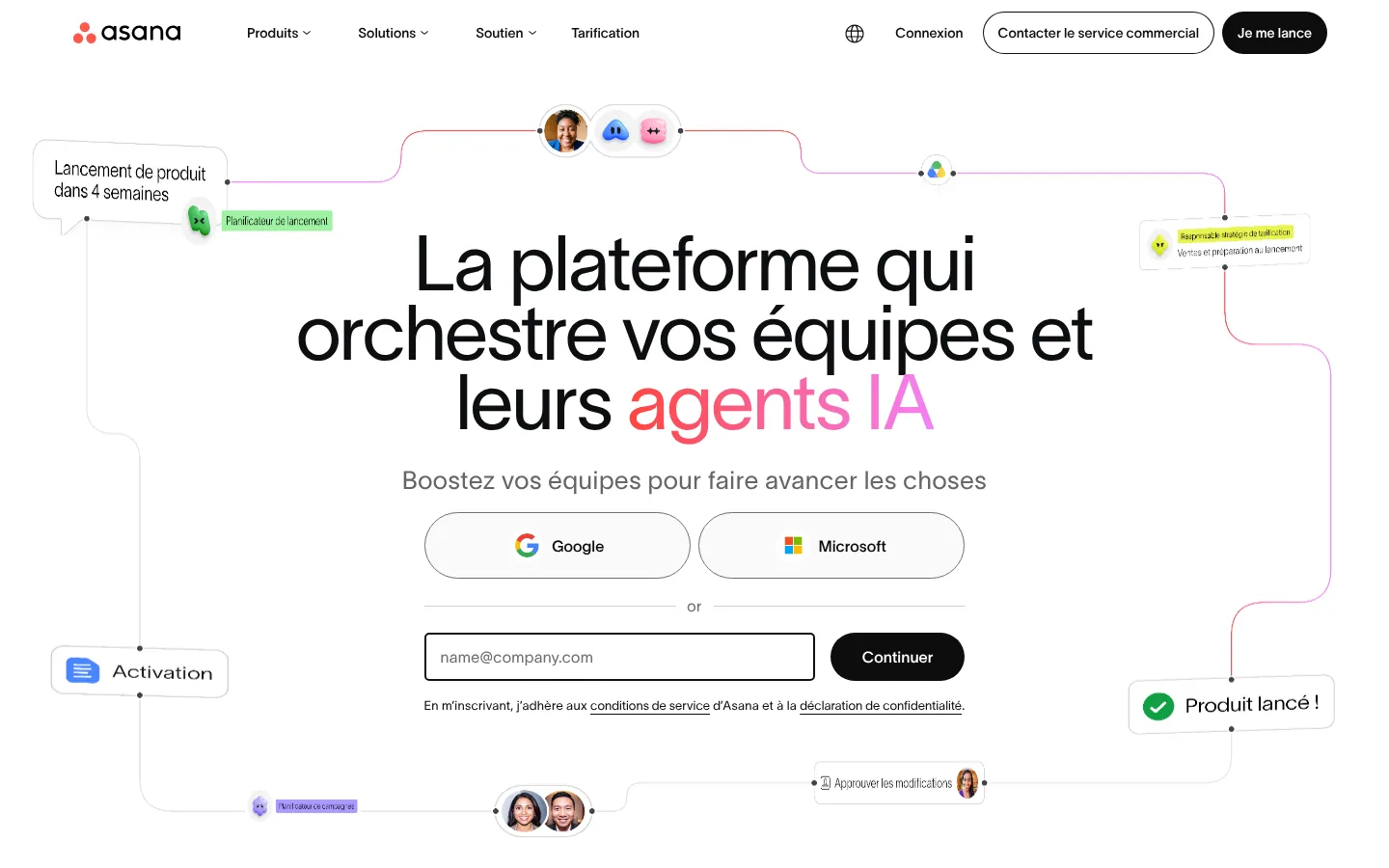
On its product page, Asana offers to set company-wide goals, manage strategic plans and get the work done in the same place. Portfolios group related projects, goals link daily tasks to overall priorities, and resource management spots people who are overloaded or available.
The vendor highlights its AI Teammates, predefined AI agents that work alongside the team with a shared memory. Asana also offers products for internal services (Asana Service Management) and for agencies delivering projects for their clients (Asana Client Management). The software integrates with more than 200 work tools and runs on desktop, browser and mobile.
Best for: an organization that wants to see how each project moves its goals forward, with external guests in its projects.
Strengths: Timeline and Gantt views, intake forms and unlimited automation rules from Starter; unlimited free guests for clients and subcontractors; 30-day trial on Starter and Advanced.
Limitations: the free Personal plan is meant for one or two people. Resource management, time tracking and approvals require the Advanced plan.
Pricing: prices published in dollars on the site. A discount exists for eligible nonprofits, on the annual Starter and Advanced plans.
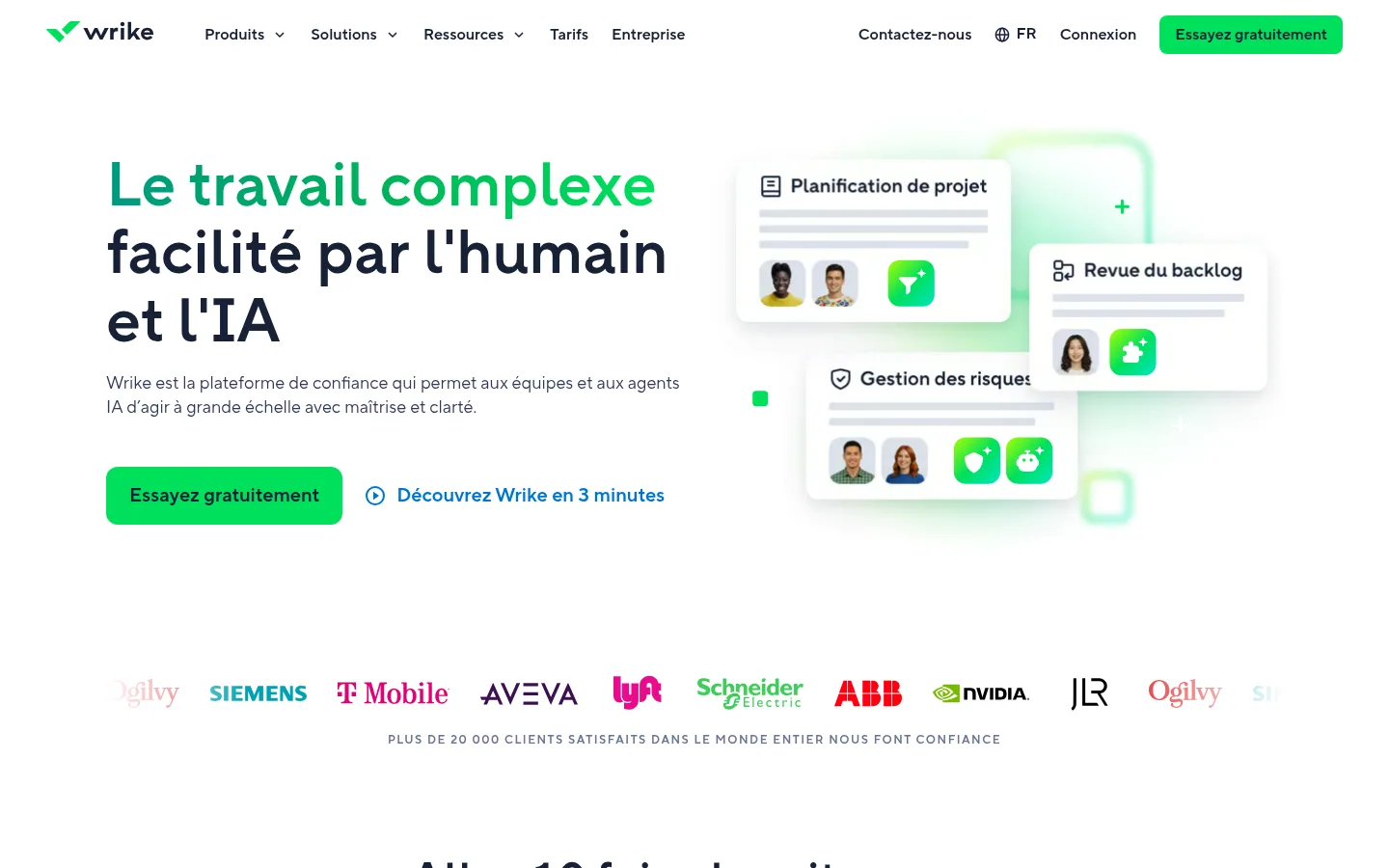
The features page of Wrike opens with getting work started. It lists configurable spaces, a hierarchy of folders, projects, tasks and subtasks, dynamic request forms that collect requests from internal and external clients, templates and blueprints (saved structures of recurring projects, ready to be replicated).
Planning runs through a Calendar view, an agile Kanban-style board, Gantt charts, resource booking and workload charts. For money and time, Wrike offers budgeting that compares estimated and actual costs, and time tracking that can sync with a financial management system. Approvals can involve outside people, and Wrike Copilot answers questions and summarizes ongoing tasks.
Best for: a team that receives many requests and must spread its workload across several parallel projects.
Strengths: request forms and approval chains; resource management and budgeting; prebuilt integrations for more than 400 apps.
Limitations: the Team plan stops at 15 users. Advanced resource planning and billable hours tracking belong to the Pinnacle plan, on quote. The whiteboard, two-way sync with 22 systems and encryption key management (Wrike Lock) are sold as add-ons.
Pricing: prices published in dollars on the site, with a Free plan and a 14-day trial with no credit card.
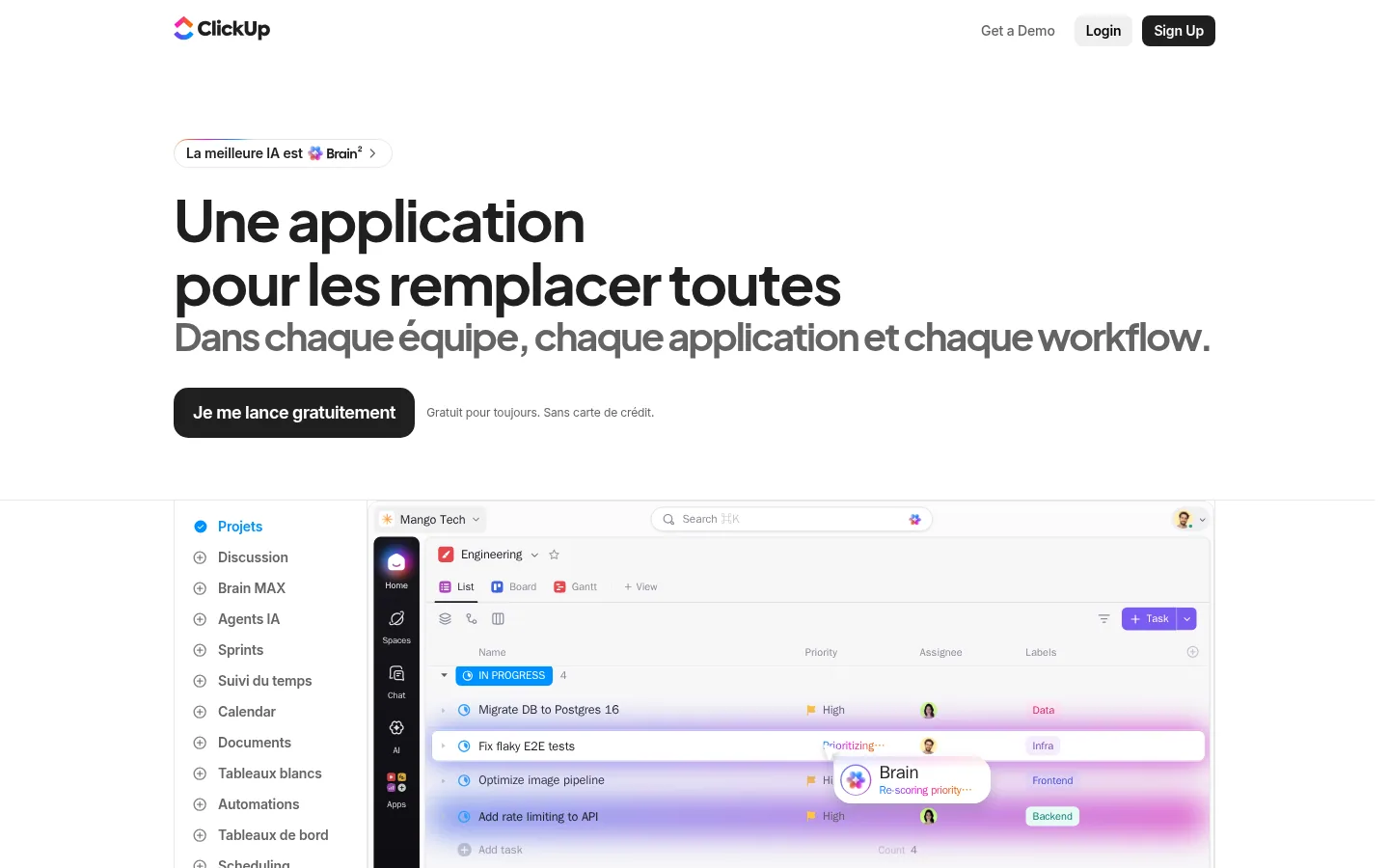
For ClickUp, the promise fits in one line: "the app for all your work", with tasks, documents, goals and conversations. The home page lists projects, Docs, Brain (its in-house AI), Chat and Super Agents, presented as AI teammates able to automate workflows.
The features page details a hierarchy running from the task to company goals, subtasks nested 7 levels deep, more than 15 views (list, board, Gantt), sprints (short work cycles), time estimates, timesheets, whiteboards, mind maps and forms that create tasks. An AI notetaker transcribes meetings and pulls action items from them.
Best for: a team that wants to replace several tools (tasks, documents, internal messaging) with a single app.
Strengths: Free Forever plan with unlimited tasks and unlimited members; native time tracking and resource management from the Illimité plan; data residency offered in the United States, the EU or Asia-Pacific, mentioned in the Enterprise plan.
Limitations: on the free plan, Gantt, workload and dashboards are offered as a trial. Unlimited storage starts with the Illimité plan, and Google single sign-on (logging in with one set of credentials) with Business.
Pricing: prices published in dollars on the site; the page advertises up to 33% savings with an annual subscription and a money-back guarantee.
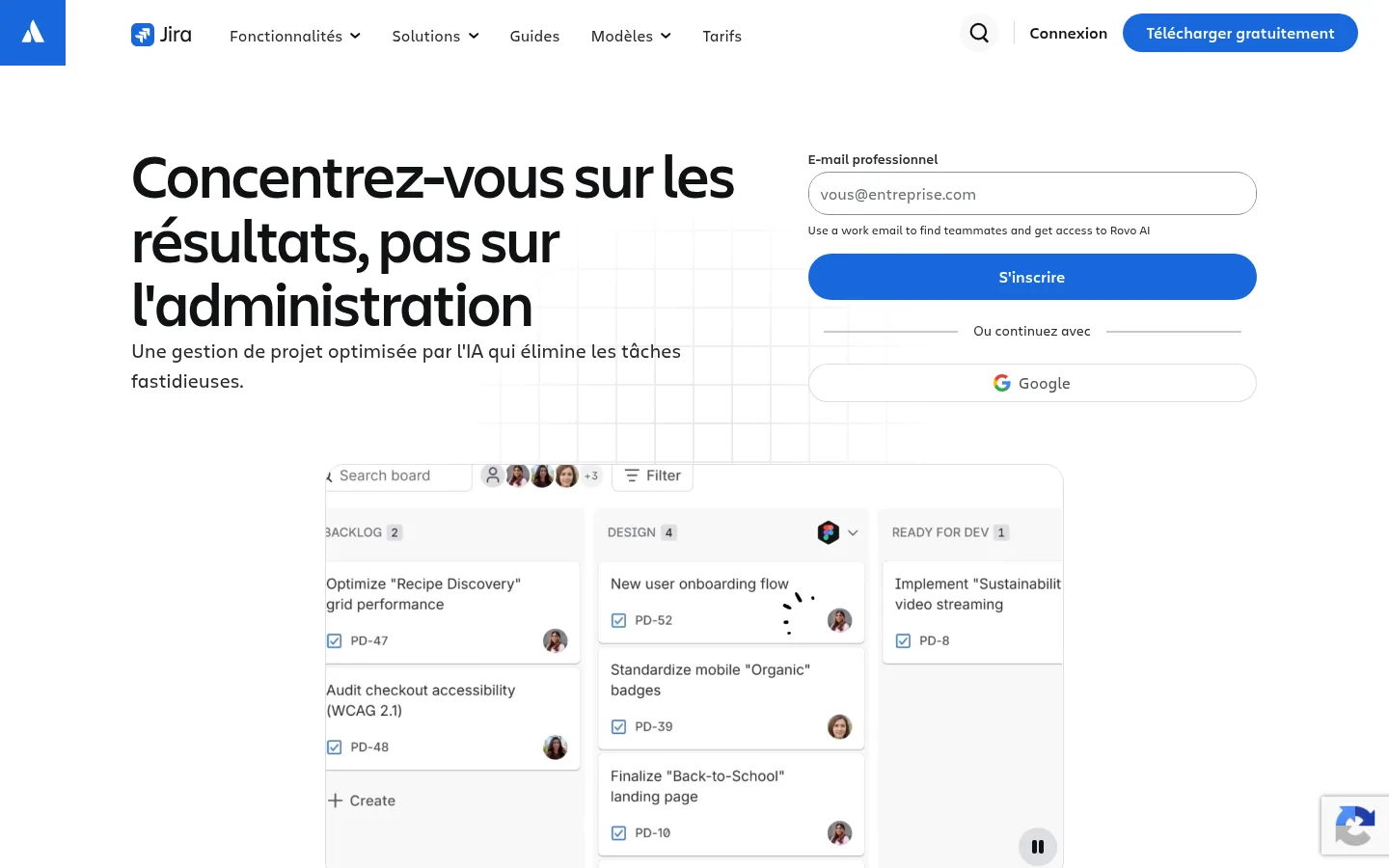
Jira is presented on the Atlassian site (the former jira.com site redirects to atlassian.com) as AI-powered project management. The tool targets every team: it brings design, marketing, HR, operations and engineering together in a shared space to plan tickets and track progress.
Templates cover every type of project, from agile sprints to marketing campaigns. Work can be viewed as boards, lists, a timeline or a calendar, forms collect requests from partner teams, and Rovo AI creates automations or assigns tasks. More than 3,000 integrations are available on the Atlassian Marketplace, and a self-managed offer, Data Center, targets customers with strict regulatory or security requirements.
Best for: a product or technical team that works in tickets and wants to bring marketing or operations into the same schedule.
Strengths: Free plan for up to 10 users with unlimited projects, tasks and forms; Backlog, List, Board, Timeline and Calendar views from the free tier; data residency in several regions from Standard.
Limitations: cross-team planning and dependency management require the Premium plan. The free plan is limited to 2 GB of storage and 150 automation steps per month, and Enterprise is only available with annual billing.
Pricing: prices published in dollars on the site, with savings of up to 17% advertised for annual billing.
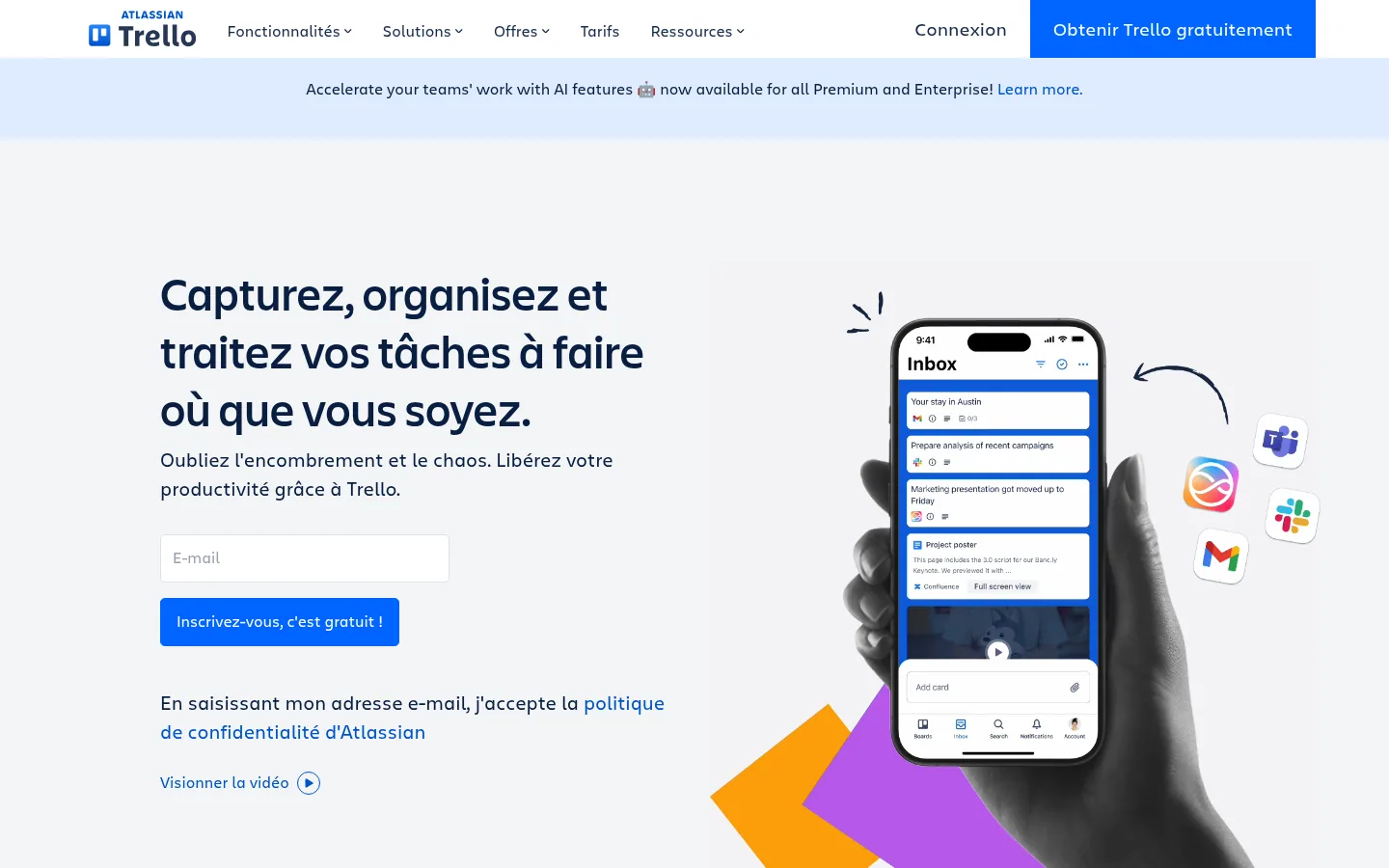
With Trello, the starting point is still the board: you sign up, create a board and move cards around. The site adds an inbox that captures information from emails and Slack, a planner that syncs your calendar, built-in no-code automation and Power-Ups, modules that connect Trello to more than 200 apps such as Slack, Google Drive or Salesforce.
The Calendar, Timeline, Table, Dashboard and Map views come with Premium, as does Atlassian Intelligence, the plan's AI layer. Trello Enterprise adds a centralized admin dashboard and single sign-on; the vendor aims it at companies of 50 people or more.
Best for: an individual or a small team that wants simple visual tracking, on desktop and mobile alike.
Strengths: free plan for up to 10 collaborators per workspace with unlimited cards; mirroring a card across several boards from Standard; iOS and Android mobile apps.
Limitations: the free plan caps out at 10 boards per workspace and 250 command runs per month. The comparison table on the pricing page still marks the inbox and the planner as "Coming soon".
Pricing: prices published in dollars on the site, cheaper with annual billing than monthly.
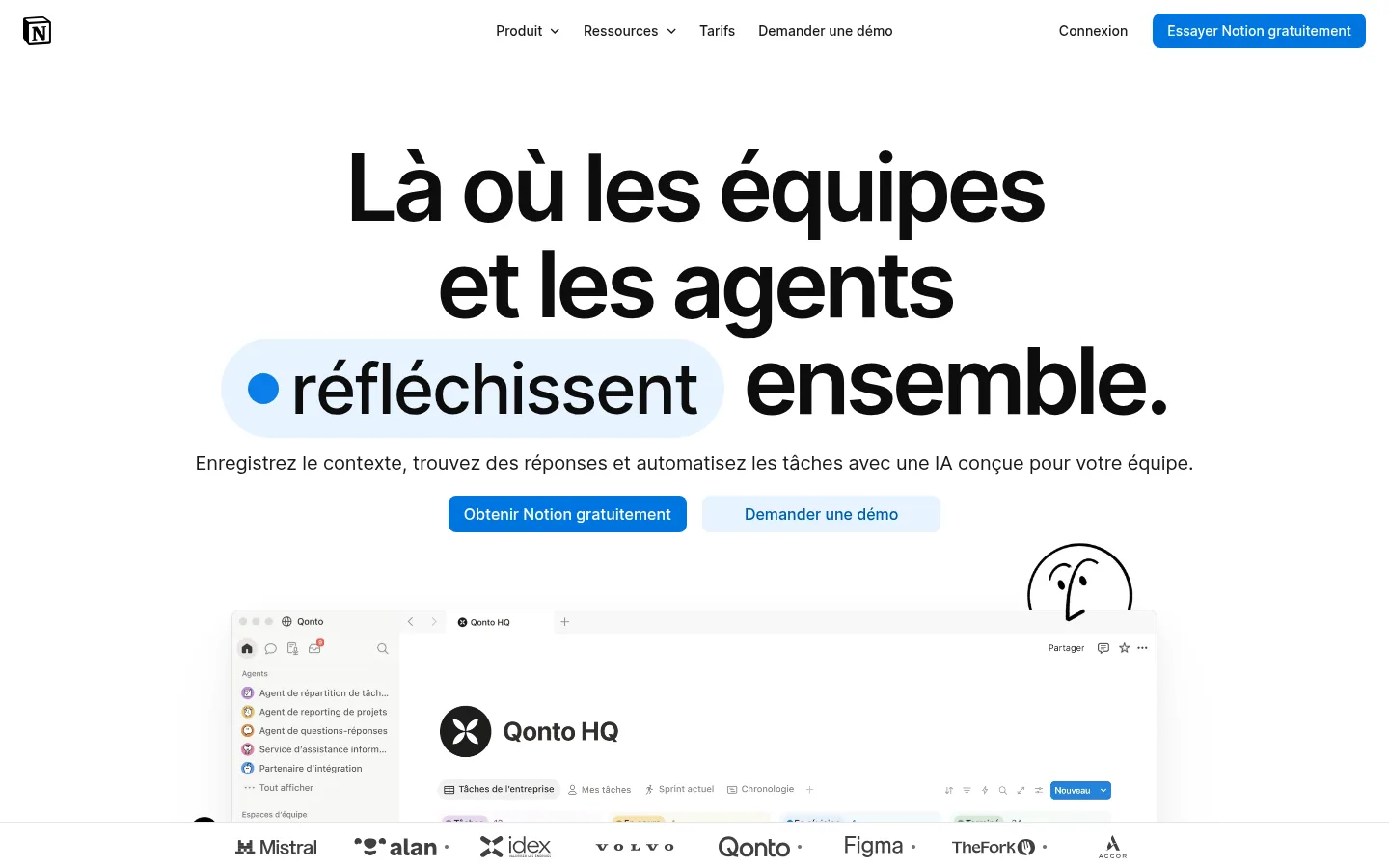
Notion describes itself as the AI workspace, built to capture team knowledge, find answers across all your apps and automate tedious tasks. Projects live in databases that handle subtasks, dependencies and custom properties, displayed as Kanban and Gantt views, charts or dashboards.
Around these databases, Notion adds documents, wikis, forms, AI meeting notes, the Notion Agent and always-on custom agents. Synced databases show live Salesforce and Jira data inside Notion. On security, the vendor cites SOC 2 Type 2, ISO 27001 and BSI C5 certifications (information security standards) and a choice of data storage location.
Best for: a team that wants to document and track its projects in one place, wiki included.
Strengths: prices published in euros; flexible databases with dependencies and Gantt views; data residency of your choice.
Limitations: the site talks about knowledge and agents first, and project management has to be built in the databases. On the free plan, blocks are limited once there are 2 members and files are capped at 5 MB. The Notion Agent and AI notes require the Business plan.
Pricing: Free, then Plus at €9.50 and Business at €19.50 per member per month, prices shown with annual billing, checked by default on the page (up to 20% savings advertised compared with monthly); Enterprise on quote. VAT treatment not stated, price checked on October 10, 2026.
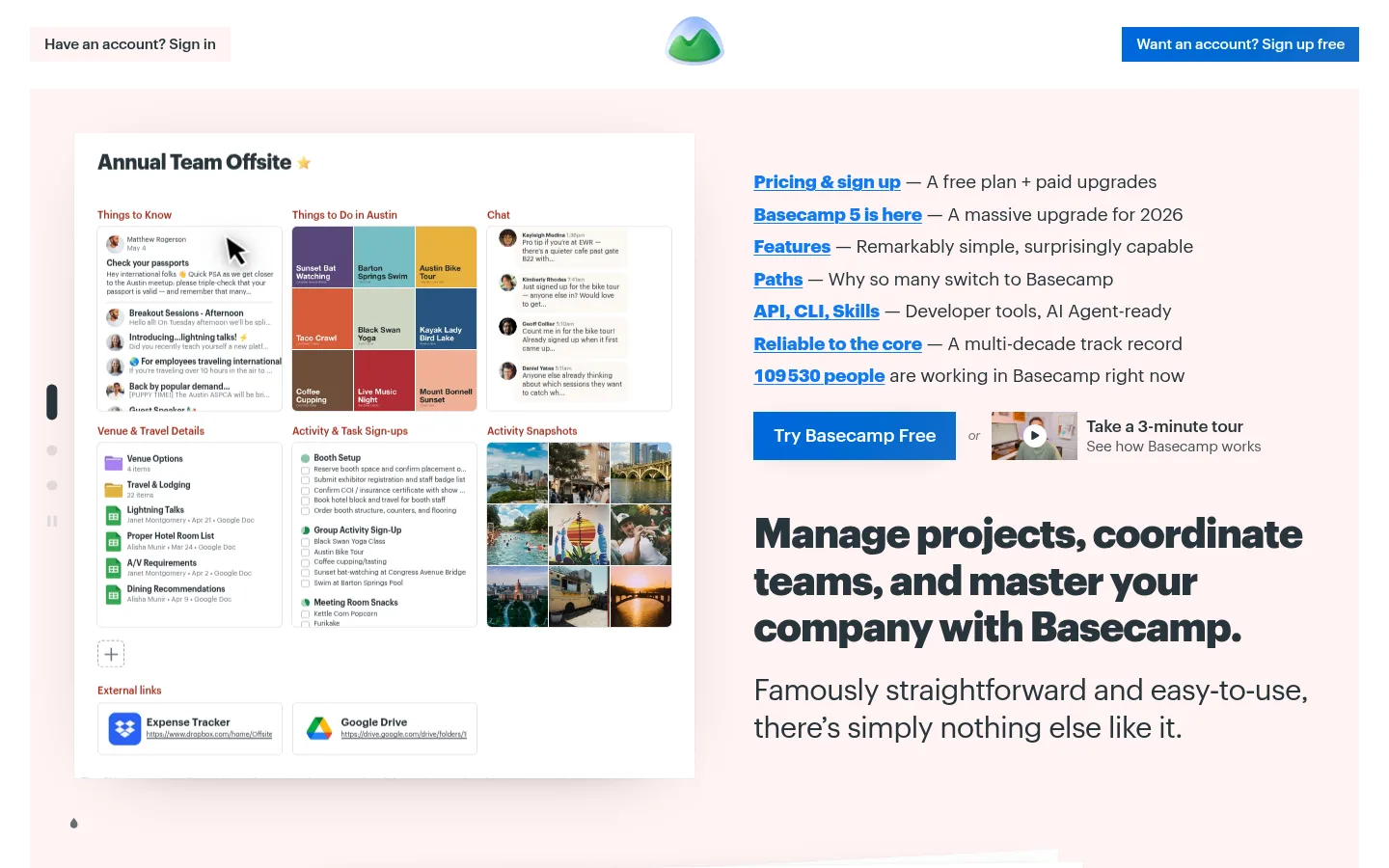
Basecamp gives each project its own page, where you add the tools you need: to-do lists, a message board, chat, a calendar, Card Tables (its take on Kanban). You can invite colleagues, clients and even AI agents. The message board replaces internal email, Automatic Check-ins ask the team recurring questions to cut down on meetings, and Hill Charts show where each project really stands.
The Lineup places every project on a timeline according to its start and end dates. Client mode decides, project by project, what the client sees. Basecamp offers an API (application programming interface), a command-line interface and connectors for ChatGPT and Claude.
Best for: a team that works with its clients inside the tool and wants a cost that does not depend on headcount.
Strengths: fixed prices with no per-user fees; client mode to hide work in progress; 30-day free trial, 45 days on the Unlimited plan.
Limitations: Basecamp's site is English-only. Its free plan covers a single project, 1 GB and 5 users, and every paid plan caps the number of active projects, except Unlimited.
Pricing: prices published in dollars on the site, per month and per account.
Beesbusy sums up its offer in three watchwords: project management, resource planning, time tracking. The vendor, a French company, says it designed the tool for occasional users and experts alike. The Gantt, Kanban, List and Calendar views can be combined across one or several projects, and multi-project calendars show the workload of the whole team.
Each member has a personal calendar to log their time and unavailability. A portal centralizes requests from clients and internal teams, read-only shared pages show a project to outsiders, and custom reports compare planned and actual work. Beesbusy is available as SaaS, dedicated SaaS or on the client's own servers.
Best for: a consulting firm, an IT company or an engineering office that plans its teams' workload and tracks time.
Strengths: occupancy rate calculated in real time; three hosting modes; 90% discount for sports, cultural and charitable associations, and a free tool for education.
Limitations: the Gantt chart starts with the Business plan. Time management, budgets and the global dashboard are reserved for the Entreprise plan.
Pricing: Free plan, then Business at €9.99 and Entreprise at €19.99 per month billed annually (20% savings advertised). Packs lower the price per Entreprise license: €18.90, €15.90 and €13.90 per month for 5, 50 and 100 licenses with an annual commitment. VAT treatment not stated, price checked on October 10, 2026.

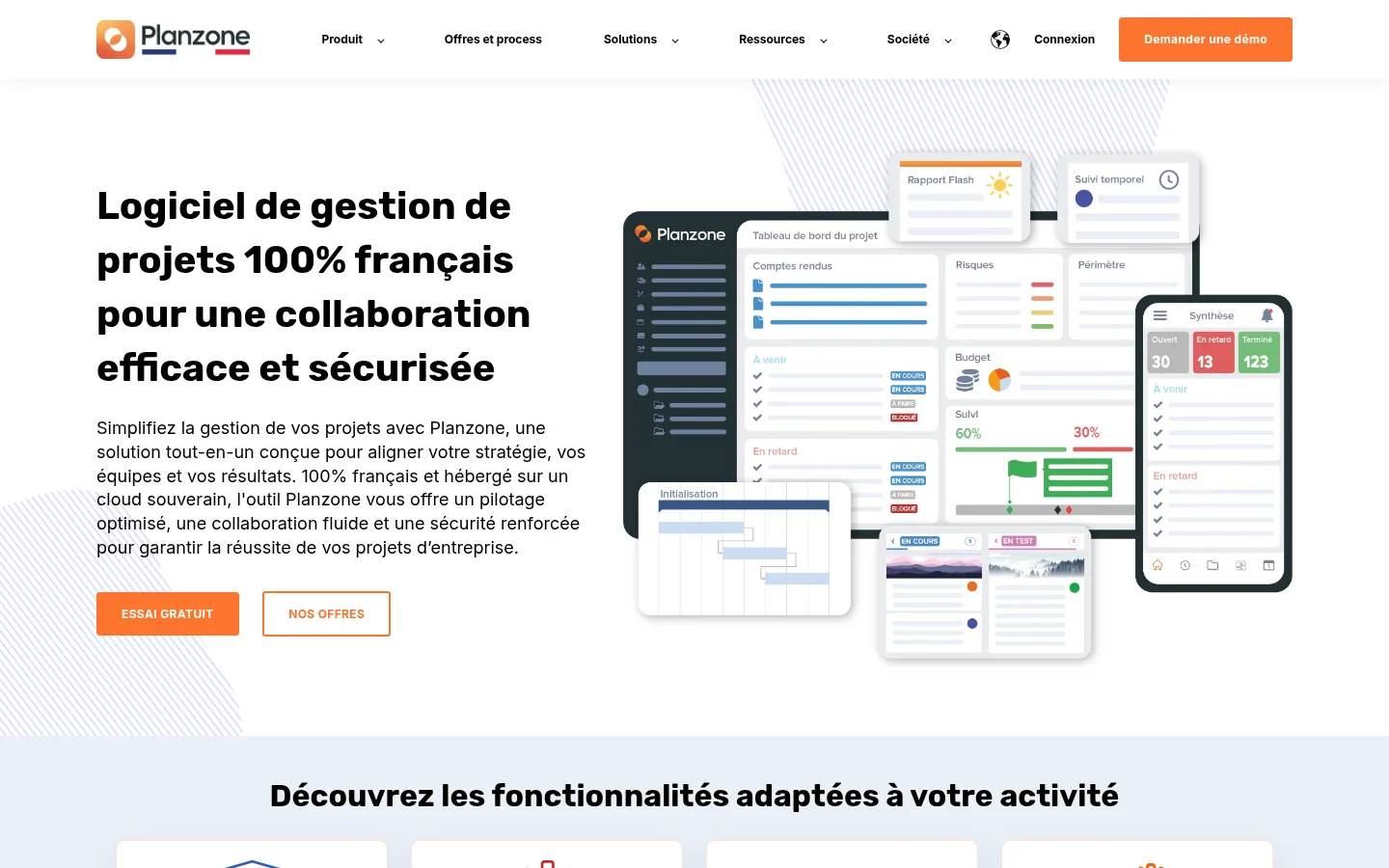
Planzone presents itself as 100% French project management software, hosted on a sovereign cloud. The tool covers portfolio management with dashboards, resource management, scheduling, an agile Kanban mode, time tracking, document collaboration with version history, budget control and custom fields.
The site targets specific uses: industrial projects, IT projects, public policy monitoring and product innovation, where R&D time tracking feeds CII and CIR claims (France's innovation and research tax credits). Calendars sync with external calendars, a chat module ties conversations to each project and Google Drive syncs with the platform. Support is provided by advisors based in France.
Best for: a project department or a PMO (project management office) that runs a portfolio and insists on sovereign hosting.
Strengths: every feature included whatever the plan; change management support, training and workshops; 30-day free trial with no credit card.
Limitations: the subscription starts at 5 users, billed annually. The site mentions no permanent free plan.
Pricing: €30 per user per month for 5 to 10 users, €25 for 11 to 50 and €20 for 51 to 100, on an annual billing basis; quote above 100 users. VAT treatment not stated, price checked on October 10, 2026.
Prices checked on October 10, 2026 on the vendors' websites. Entry price means the first paid plan, per user per month unless stated otherwise.
| Software | Who it's for, according to the site | Key views and features | Free plan | Published entry price in euros |
|---|---|---|---|---|
| monday.com | Project, sales, service and development teams | Gantt, Kanban, calendar, workload, automations | Yes, 2 users | €9 excl. VAT per user billed annually, 3 users minimum |
| Asana | Cross-functional teams, agencies, internal services | Timeline, Gantt, portfolios, goals, resources | Yes, Personal (2 users) | Prices published in dollars on the site |
| Wrike | Teams with complex, cross-functional projects | Request forms, Gantt, Kanban, resources, budgets | Yes, Free | Prices published in dollars on the site |
| ClickUp | Every team, in a single app | More than 15 views, sprints, timesheets, chat, documents | Yes, Free Forever | Prices published in dollars on the site |
| Jira | Engineering, marketing, design, HR, operations | Backlog, board, timeline, calendar, forms | Yes, 10 users | Prices published in dollars on the site |
| Trello | Individuals and small teams | Boards, cards, automation, Power-Ups | Yes, 10 collaborators per workspace | Prices published in dollars on the site |
| Notion | Teams that document and track their projects | Databases, Kanban, Gantt, wikis, agents | Yes | €9.50 per member billed annually, VAT treatment not stated |
| Basecamp | Companies that work with their clients | To-dos, messages, Card Tables, Hill Charts, calendar | Yes, 1 project | Prices published in dollars on the site (fixed price per account) |
| Beesbusy | All kinds of teams, French vendor | Gantt, Kanban, multi-project workload, time tracking | Yes | €9.99 per month billed annually, VAT treatment not stated |
| Planzone | Project portfolios, 100% French tool | Portfolios, resources, Kanban, time, budgets | 30-day trial | €20 to €30 depending on the number of users, annual, VAT treatment not stated |
These tools did not make the top ten, but their sites describe an offer that may suit a specific need.
| Software | What it does, according to its site |
|---|---|
| Smartsheet | Intelligent work management platform, with solutions for projects and portfolios. |
| Airtable | Platform for building workflows, apps and AI agents for the business. |
| Teamwork.com | Professional services automation software that manages projects, resources, capacity and profitability. |
| MeisterTask | Kanban board project management tool, designed and hosted in Germany. |
| OpenProject | Open source software for classic, agile or hybrid project management. |
| Linear | Product planning and development system, designed to work with AI agents. |
| Gouti | Project and portfolio management tool, with time and availability tracking. |
| Wimi | Sovereign French collaborative suite for projects, documents and communications. |
| Bubble Plan | French project management software with scheduling, Gantt, Kanban and dashboards. |
| Kantree | No-code collaborative work platform to orchestrate projects and processes. |
1. The view your project managers need, in the plan you will pay for. The Gantt chart sometimes costs extra: at monday.com it comes with Standard, at Beesbusy with Business, and at ClickUp it stays a trial on the free plan. List the views you cannot do without and tick them off plan by plan.
2. What pushes the bill up. Most vendors charge per user, Basecamp charges a fixed price per account, and Planzone sets a minimum of 5 users. Also look at the caps on automations, storage and AI credits: monday.com counts 1,000 AI credits per month on Basique, Jira 150 automation steps per month on its free plan.
3. How outside people are handled. If your clients or subcontractors need to see progress, check how the tool counts them. Asana advertises unlimited free guests from Starter, Basecamp a client mode project by project, Beesbusy read-only shared pages.
4. Hosting location and written guarantees. Ask where the data is stored, whether residency in the European Union exists and in which plan. For sensitive data or a public contract, ask whether the hosting is SecNumCloud-qualified and ask to see the qualification decision.
5. Time and budget tracking. If you bill for time spent or claim research expenses, check that timesheets, budgets and exports exist in the plan you are targeting, and not only in the most expensive one.
Any ranking of project tools runs into a simple problem: a tool's value shows after a few weeks of use, on your own projects, and we ran none of them. This text compares what vendors display publicly on their websites in October 2026, nothing more, nothing less. Features are cited as the pages describe them, with no measurement of their quality.
Our reading of the sites also has blind spots. Some pages load their prices by script or adapt them to the visitor's country, and part of the vendors' documentation exists only in English: a price or an option may therefore differ from what you see when you open the page. The rank depends on our four criteria, and your context (team size, agile or classic method, hosting constraints) can reverse the order. We will go back over the reviews and prices at the next revision of this comparison, starting with AI credits and agents, which several vendors charge for separately.
Good project management software keeps the commitments already signed: tasks are assigned, workload is visible, deadlines are tracked. The next projects, though, may start with a search: a business owner types a need into Google or asks ChatGPT for advice. Ask yourself the question for your own company: what does that person find when they look for a provider like you?
Sorank automates the work that makes you visible at that moment. On autopilot, it writes articles for your site structured for AI assistants, goes after backlinks in your niche and fixes technical issues, with two targets: Google and AIs like ChatGPT, Perplexity, Claude or Gemini. Articles can wait for your approval as drafts, and a tracker shows, prompt by prompt, when an AI mentions your company.
To find out which topics Sorank would cover for your business, book a call.
On paper, these ten tools look alike. Once you read the offers, they split on three points: how much room they give to resources and time, what the entry plan contains, and where your data is hosted. Test two or three candidates on a real project, with the people who will use it every day, before committing for a year.
For a team that wants everything in one place, from projects to sales tracking, monday.com offers products for projects, CRM, development and service on a single platform. A consulting firm or service company that lives on scheduling its consultants will find time tracking and occupancy rates in Beesbusy, with a French vendor. A project department that runs a portfolio and insists on sovereign hosting will look at Planzone first.

Yes, several tools in the ranking have a permanent free plan. Jira is free for up to 10 users, Trello for up to 10 collaborators per workspace, and ClickUp offers a Free Forever plan with unlimited members. Each has its caps: 2 GB of storage at Jira, 10 boards per workspace at Trello, the Gantt chart as a trial at ClickUp.
A Kanban board sorts tasks into columns that match their stages, and each card moves from one column to the next. A Gantt chart places tasks on a timeline, with their links and the main deadlines shown as milestones. Beesbusy, Wrike and monday.com offer both views.
In this ranking, Beesbusy describes itself as a French company and Planzone as 100% French project management software, hosted on a sovereign cloud. Among the other tools mentioned, Wimi, Bubble Plan and Kantree also present themselves as French.
 AI Meta Description GeneratorAI Blog Title Generator
 Google Indexability CheckerAI Blog Outline Generator
 UTM Link Builder
 Keyword Clustering ToolCanonical Tag Checker
 XML Sitemap GeneratorBroken Link CheckerAI SEO Title GeneratorHeadline AnalyzerSERP Preview ToolRedirect Checker
 Hreflang Tag GeneratorHeading Structure AnalyzerHTTP Headers CheckerFavicon Extractor
 SERP CTR Calculator
 SEO vs Paid Search Savings Calculator
 SEO Share of Voice Calculator
 SEO ROI Calculator
 SEO Traffic and Revenue Forecast Calculator
 SEO Budget Calculator
 SEO Break-Even Calculator
 SaaS SEO ROI Calculator
 ROAS Calculator
 Reading Time Calculator
 Ranking Gain Simulator
 Organic Traffic Value Calculator
 Organic Traffic Estimator
 LTV to CAC Ratio Calculator
 Local SEO ROI Calculator
 Link Building Cost Calculator
 Keyword Value Calculator
 Keyword Opportunity Score Calculator
 Keyword Density Calculator
 GEO ROI Calculator
 GEO Content Investment Calculator
 Ecommerce SEO ROI Calculator
 Customer Lifetime Value Calculator
 Customer Acquisition Cost Calculator
 CTR Calculator
 Cost Per Article Calculator
 Conversion Rate Calculator
 Content Marketing ROI Calculator
 ChatGPT Referral Traffic Estimator
 Bounce Rate Calculator
 Backlink ROI Calculator
 AI Visibility Score Calculator
 AI Traffic Value Calculator
 AI Share of Voice Calculator
 Cost of AI Invisibility Calculator
 AI Citation Rate Calculatorllms.txt ValidatorAI Overview CheckerRobots.txt Checker
 AI SEO AuditLLM Readability CheckerSearchGPT Readiness Checker
 Structured Data LLM AuditWebsite Crawlability AI AuditWhy ChatGPT Is Not Recommending My Website
 Gemini Ranking ToolPerplexity Ranking CheckerLLM Citation CheckerAnswer Engine Optimization AuditGEO AuditAI Search Visibility TestChatGPT Visibility Checkerllms.txt Generator
 URL ExtractorWebpage to MarkdownSitemap CheckerSERP Volatility SensorPage Size Checker
 Word Counter
 Slug GeneratorSchema GeneratorRobots Generator
 OG PreviewMeta Tags Generator
 Image CompressorFavicon Generator
 On-Page SEO Audit
 Backlink Analysis Tool
 Keyword Research Tool
 Domain Authority Checker
THEY TRIED SORANK BEFORE YOU
 “I tested Sorank on a real client site and it's insane. It does everything an agency would bill you $1500 a month for. It's going into production on that client now.”
 Guillaume Guersanguersanguillaume.com“We are an Ads agency and we wanted to get our SEO back on track once and for all. Sorank gave us a clear view of our site, helped us prioritize optimizations, and properly structure our content. The tool is easy to use, well designed for a team, and very practical for centralizing tracking without having to juggle multiple platforms. A very solid foundation to start fresh with our SEO.”
 Gaspard MadouiAds Agency
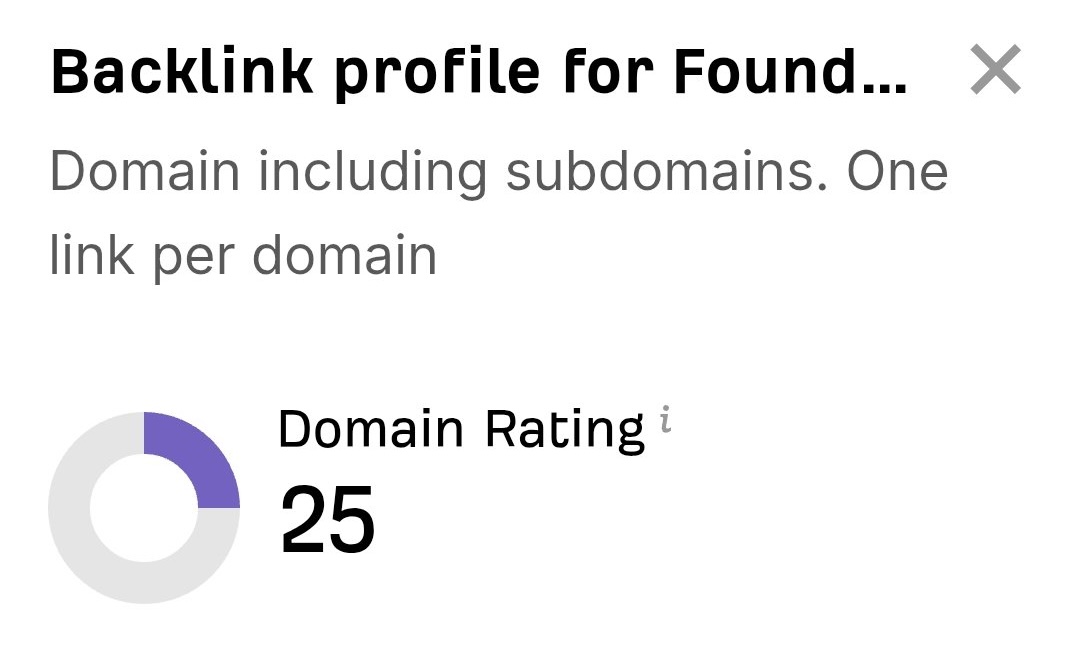 “I just let the Sorank software do its thing, and now my DR is 25 and my page is ranking higher.”
 Lucas FlandrePodcast Host“I specialized in GEO thanks to Sorank. The GEO Leaderboard allows me to show my clients their position vs competitors on ChatGPT. It’s a real commercial differentiator.”
 MélanieSEO Freelance“Great service, works well for our website and helps us understand how to improve it to rank better on Google and elsewhere. Congrats, keep going, I recommend it.”
 Hugo T.E-commerce merchant