Preferences
Privacy is important to us, so you have the option of disabling certain types of storage that may not be necessary for the basic functioning of the website. Blocking categories may impact your experience on the website. More information

Privacy is important to us, so you have the option of disabling certain types of storage that may not be necessary for the basic functioning of the website. Blocking categories may impact your experience on the website. More information

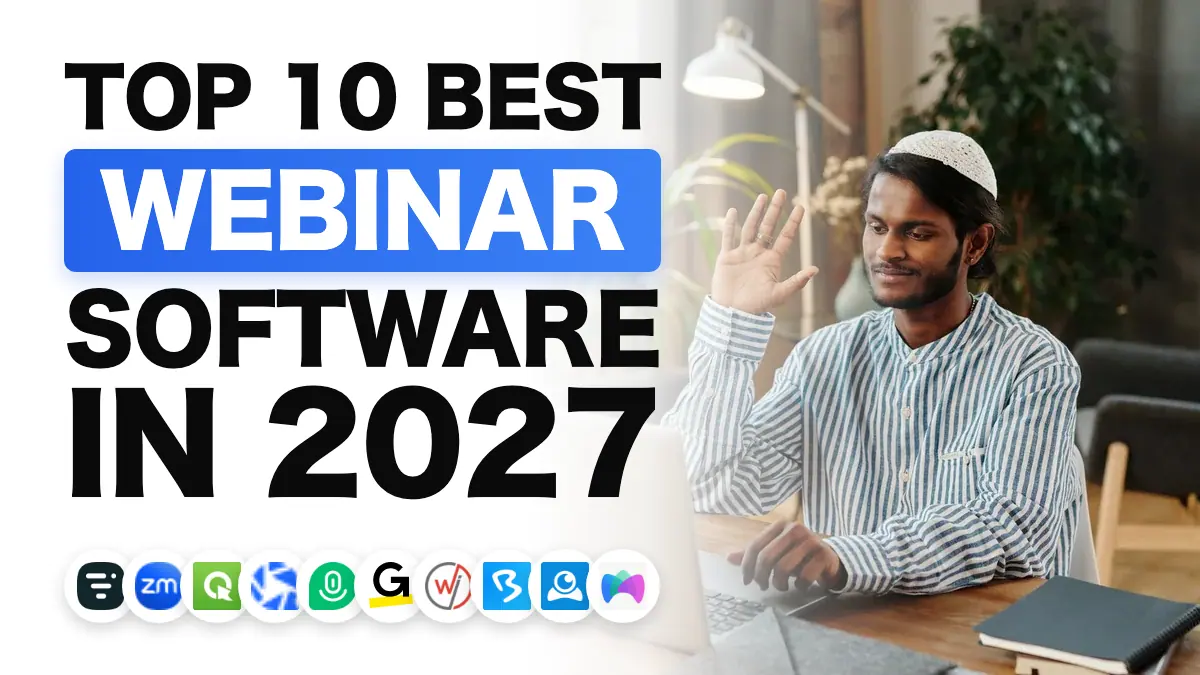
Webinar software: compare the 10 best tools of 2027 (Livestorm, Zoom, ClickMeeting, WebinarGeek...), their formats, their limits and what drives the price up.

Summarize this article with AI
Webinar software is used to prepare, host and get value from an online presentation: registration page, email reminders, a broadcast room in the browser, polls, Q&A, then statistics and the transfer of registrants to your customer relationship management (CRM) software. This ranking sets ten webinar tools side by side, drawing on what each vendor publishes on its site. Every profile tells you what the tool does, which organizers it targets, where it shines, where it falls short and what its pricing page states.
For Insee, France's national statistics institute, hybrid work is now an established practice in companies. Its study Insee Analyses No. 105, published on March 5, 2025, reports that 22% of private-sector employees worked from home at least once a month in early 2024; those employees worked remotely 1.9 days a week on average. When some of your teams, customers or prospects work remotely, your training sessions, information meetings and demos have to be watchable on screen, with registration, a set time and follow-up.
The choice of tool also involves your data. Every registration hands the software a name, an email address and often a company. The European Commission's Implementing Decision (EU) 2023/1795, adopted on July 10, 2023, recognizes an adequate level of protection for organizations based in the United States that appear on the EU-U.S. Data Privacy Framework list, kept by the U.S. Department of Commerce. If the vendor you are considering is based in the United States, ask on what basis it transfers your data: its listing under this framework, or standard contractual clauses written into the contract, the other route the decision mentions. Livestorm and MyOwnConference, for their part, advertise hosting in Europe.
A poor choice then costs you day after day: a plan capped at one hour of broadcast, a room limited to 50 attendees, a CRM integration reserved for the most expensive offer, or a price calculated per host when you expected it per attendee. The profiles below spell out these rules.
We hosted no webinars on these platforms and signed no partnership with their vendors. Each platform is judged on its own pages (homepage, features, pricing), read in October 2026, against four criteria designed for a webinar organizer:
1. The webinar formats covered. Live, automated (a recorded video broadcast at a set time like a live session), on-demand, hybrid, paid: the more formats a tool covers, the longer it keeps up with your uses.
2. Engagement and conversion tools. Polls, Q&A, call-to-action (CTA) buttons, bringing an attendee on screen, customizable registration pages.
3. Data and integrations. Attendance statistics, tracking of registration sources, sending data to your CRM or your marketing automation tool.
4. A clear offer. A published price, preferably in euros, a free plan or a trial, and limits (attendees, duration, hosts) stated in black and white.
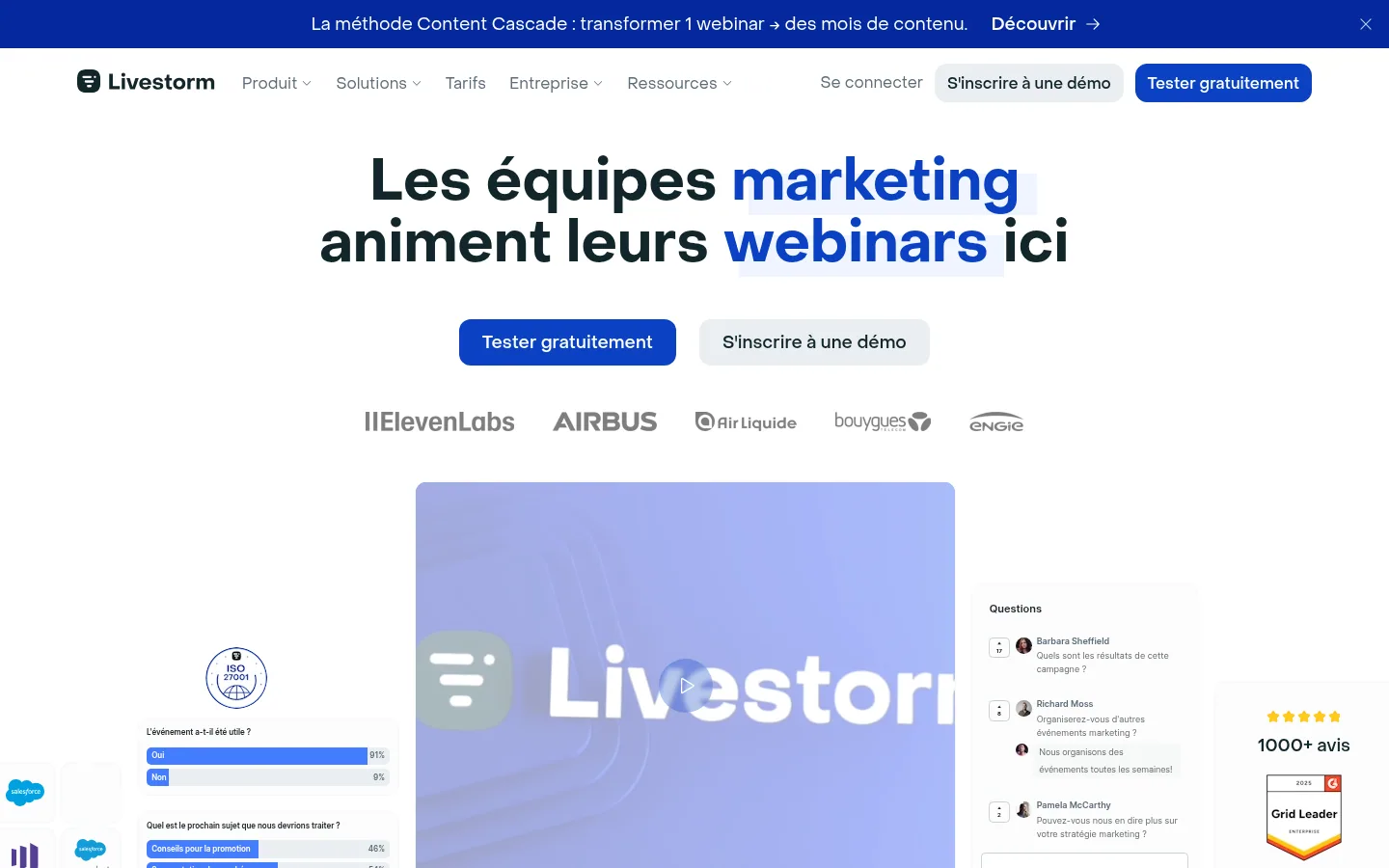
Livestorm speaks first to marketing teams: its homepage headline reads "Marketing teams host their webinars here" and describes itself as "The webinar leader built in Europe". The platform covers the full path of an event: customizable registration pages, unlimited sequences of reminders and follow-up emails, a room you join from the browser without downloading any software, then contact profiles and built-in reports. It also serves product demos, customer training and internal communication.
Livestorm is hosted in Europe, certified ISO 27001 (the information security management standard) and states that it complies with the GDPR. Livestorm MCP (named after the Model Context Protocol, a standard for plugging software into AI assistants) lets you connect the tool to Claude, ChatGPT and your AI agents to create events, register attendees and analyze engagement in natural language.
Best for: marketing teams that run regular webinars and want to link attendee engagement to their CRM.
Strengths: a price per actual attendee, with team members not counted; hosting in Europe, with an optional choice of EU or US region for videos; elements (emails, registration pages, room) available in 24 languages.
Limitations: the Pro offer limits each session to 4 hours, compared with 12 hours for the Enterprise offer. The HubSpot, Pardot, Salesforce, Marketo and Microsoft Dynamics integrations carry the label "Enterprise Plan". Live translations and the PowerPoint integration are also reserved for that plan.
Pricing: Pro offer at €2.50 per attendee credit, with credits bought upfront in bundles (the page's slider starts at 400 credits); one credit is used per unique attendee per session, over 12 months; VAT treatment not stated, price checked on October 10, 2026; free plan to try it out; custom Enterprise offer.
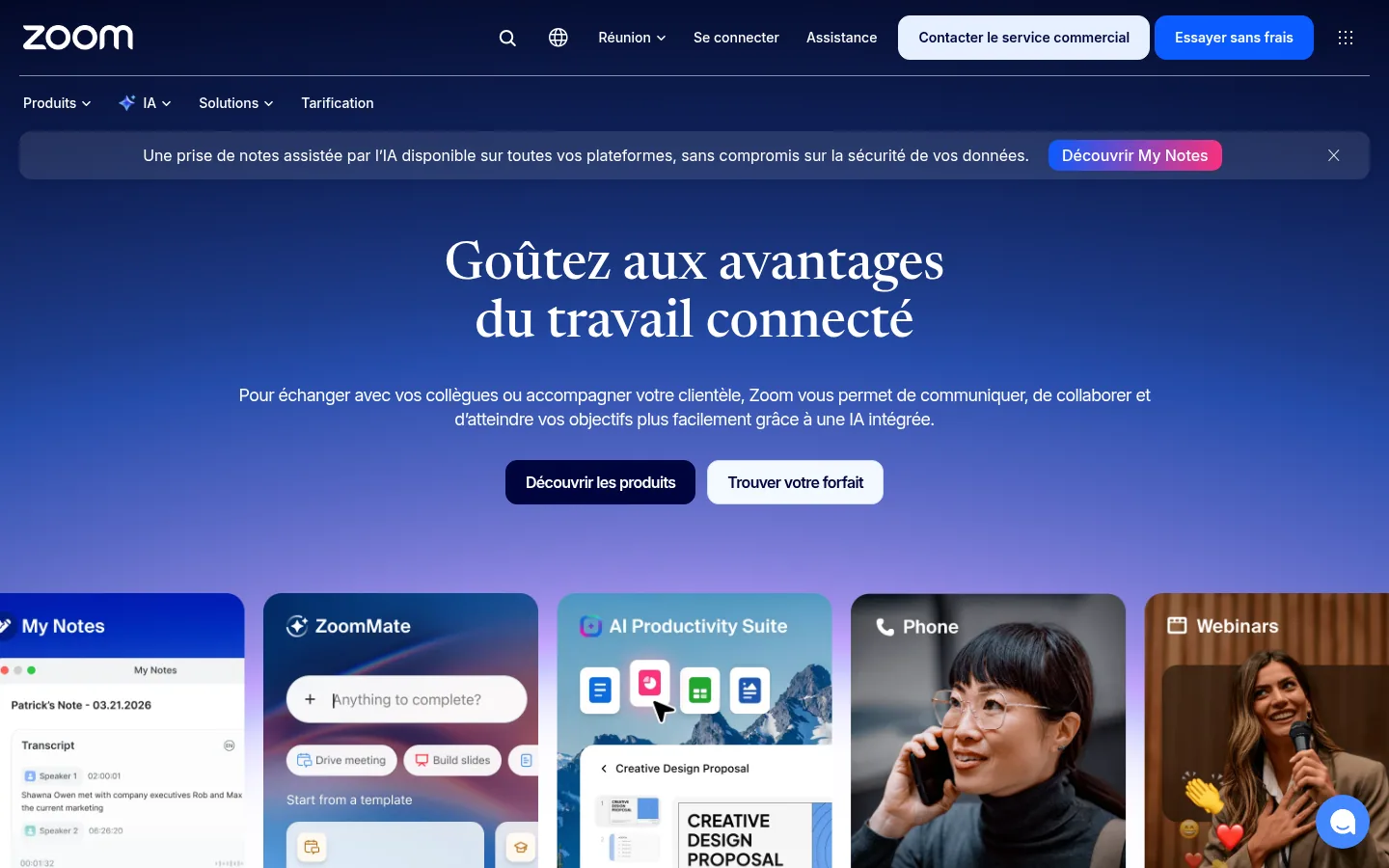
Zoom splits its Webinars & Events offer into three plans: Webinars, Webinars Plus and Events. Its product page offers to run "any type of webinar, from the simplest to the most complete". The Webinars plan covers audio and video broadcasting, chat, reactions, polls and Q&A, custom backgrounds with your branding, recordings split into chapters by AI and downloadable performance reports, connected to your marketing tools.
Webinars Plus adds broadcasting of prerecorded content as if it were live, a private backstage for speakers and moderators, several layouts and scenes, event pages whose copy and images are generated by AI, and richer engagement analytics. Events includes everything in Webinars Plus and adds virtual events with several simultaneous sessions, ticketing (from early-bird rates to VIP access), a lobby, sponsor matchmaking, real-time networking and hybrid features.
Best for: organizations subscribed to Zoom Workplace Pro that want to move from a simple webinar to a hybrid event without changing vendors.
Strengths: three tiers, from the standard webinar to the multi-session event with ticketing; recordings with AI-generated chapters; prices published in euros, excl. VAT, from the first plan.
Limitations: every plan carries the note "Zoom Workplace Pro required". Broadcasting prerecorded content as live and the private backstage start with Webinars Plus. The "Additional hub host" and "Additional co-editor" options cost €60 per month each, excl. VAT.
Pricing: for 500 attendees on an annual subscription, Webinars at €76.67 per month, Webinars Plus at €267.50 per month and Events at €382.50 per month, excl. VAT, price checked on October 10, 2026.
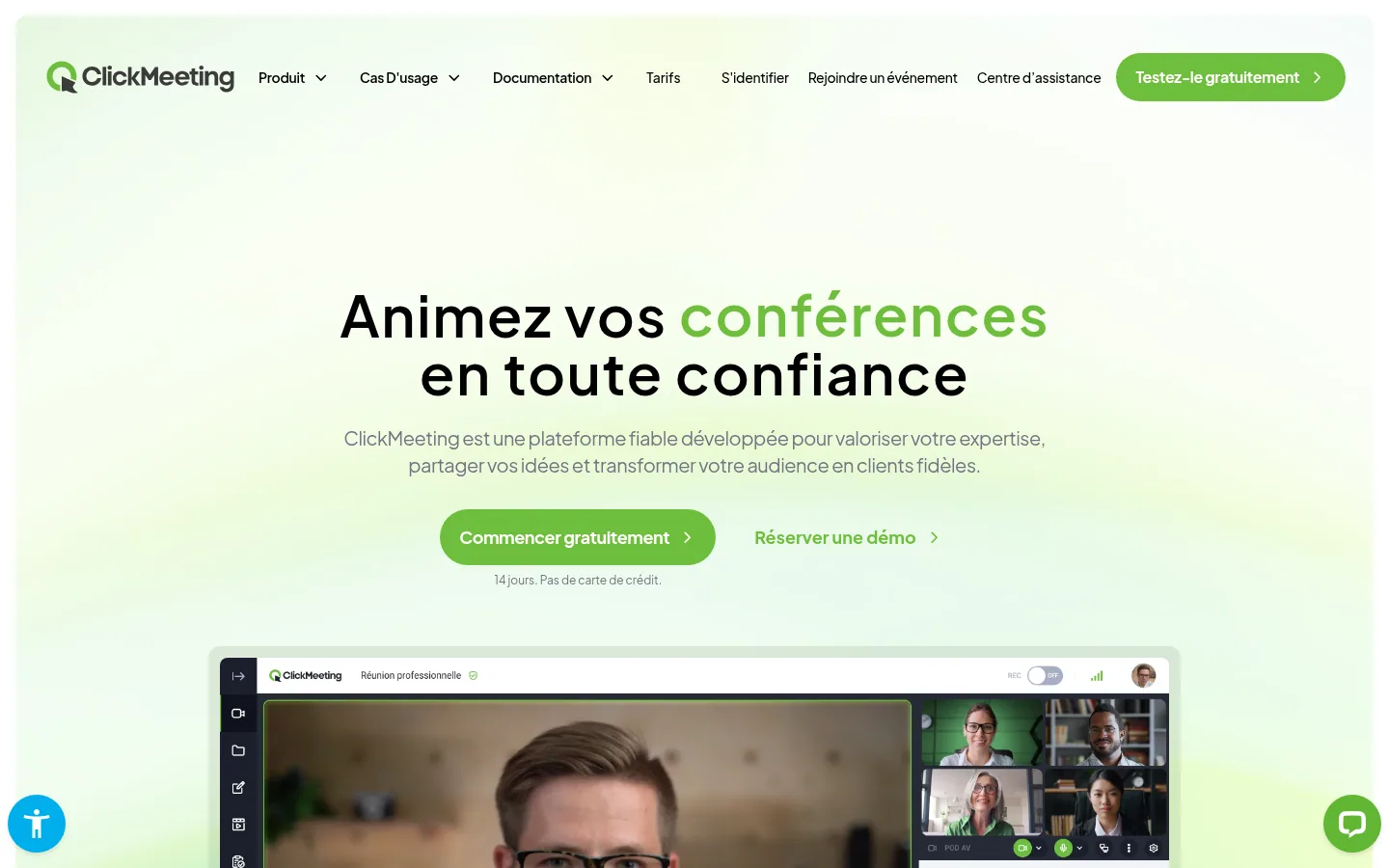
ClickMeeting offers live, automated and on-demand webinars that run in the browser, with nothing to install. The site puts monetization up front: ticketing and secure payments, promo codes and discounts, sales of on-demand recordings.
The site targets six audiences: teachers and trainers, marketers and salespeople, NGOs and the public sector, managers and consultants, content creators, trainers and coaches. The pricing page lists event streaming to YouTube, Facebook and LinkedIn, the whiteboard, polls, Q&A and call-to-action buttons.
Best for: trainers, nonprofits and experts that want to sell access to their webinars or their recordings.
Strengths: support that speaks English, German, Spanish, French, Russian and Polish, whatever the plan; automated webinars with reminders, follow-up messages and attendance certificates in the Automated plan; 3 users included, according to the pricing page, to collaborate with other experts.
Limitations: the Live and Automated plans include 50 attendees. A webinar allows at most 8 cameras and microphones switched on at the same time. Extra presenter seats and parallel events are bought as add-ons.
Pricing: Live at €31.92 per month and Automated at €42 per month, billed annually, VAT treatment not stated, price checked on October 10, 2026; 14-day free trial with no credit card; Enterprise (up to 10,000 attendees) on contact.
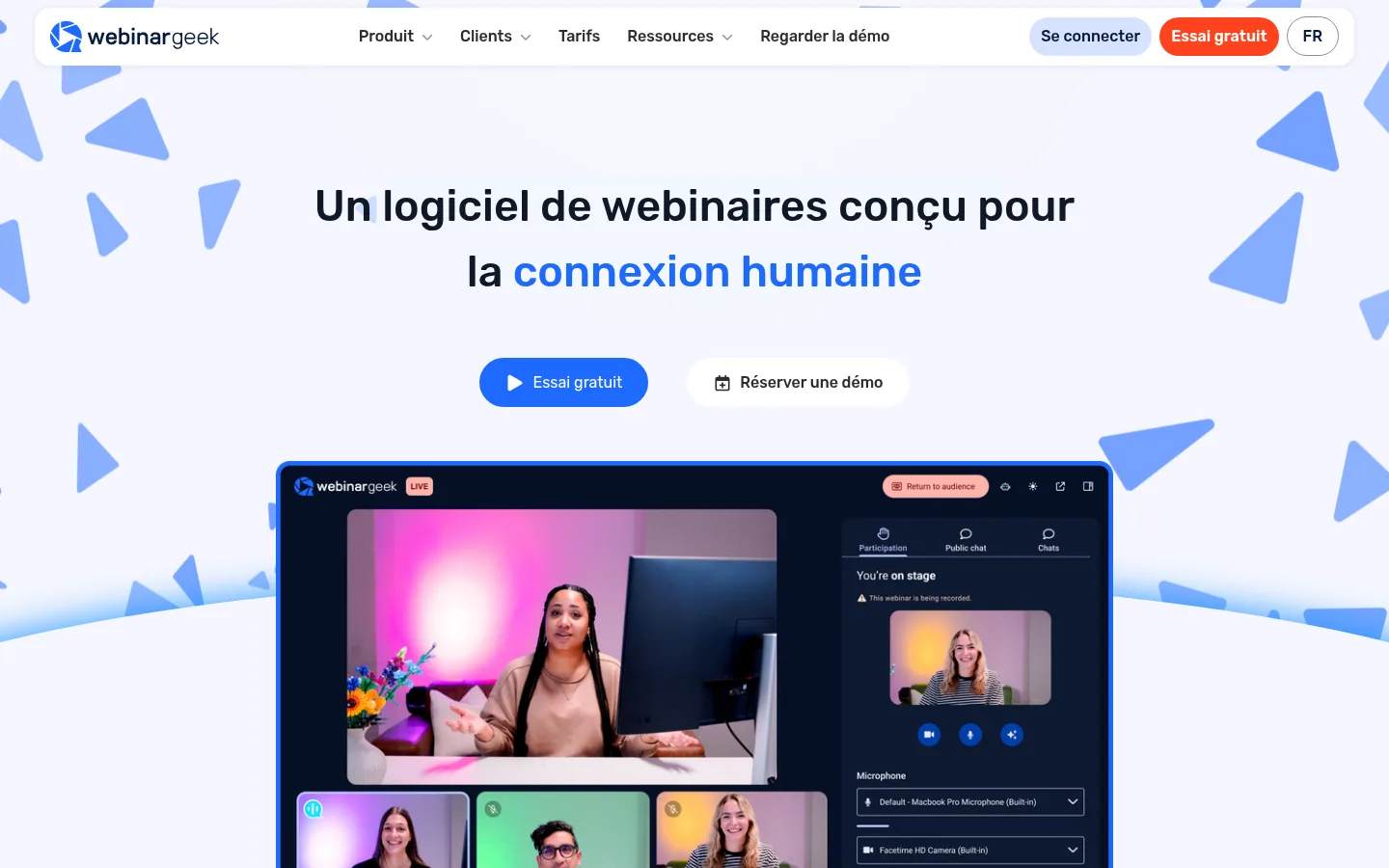
WebinarGeek offers six formats: live, automated, hybrid, on-demand, paid and "just-in-time" webinars, which start every 5, 10 or 15 minutes so that a visitor to the registration page arrives at the right moment. The tool works in the browser, for organizers and viewers alike, and a main presenter can launch a webinar from their phone.
On the interaction side, WebinarGeek offers chat, Q&A, polls and inviting people on stage, with up to 100 presenters. Live subtitles are available in 125 languages. A webinar can be restreamed to YouTube, LinkedIn, Facebook or an RTMP destination (sending the stream to another broadcast platform).
Best for: organizations that want to move from live to automated and on-demand without changing tools.
Strengths: the recording of a live session converts into an automated or on-demand webinar; marketing integrations (Mailchimp, Zapier, ActiveCampaign, Pipedrive) from the Premium offer; an AI analysis that provides summaries and advice after each session.
Limitations: the Premium offer goes up to 1,000 viewers and 8 hours per session. The custom domain, the included Salesforce and HubSpot integrations and localization in five languages belong to the Enterprise offer, which requires an annual contract.
Pricing: for the Premium offer, the page shows €59 per month billed annually, next to an amount of €99, without stating the number of viewers covered; Enterprise is shown at €349 per month, billed annually; VAT treatment not stated; amounts to confirm with the vendor, price checked on October 10, 2026; free trial.
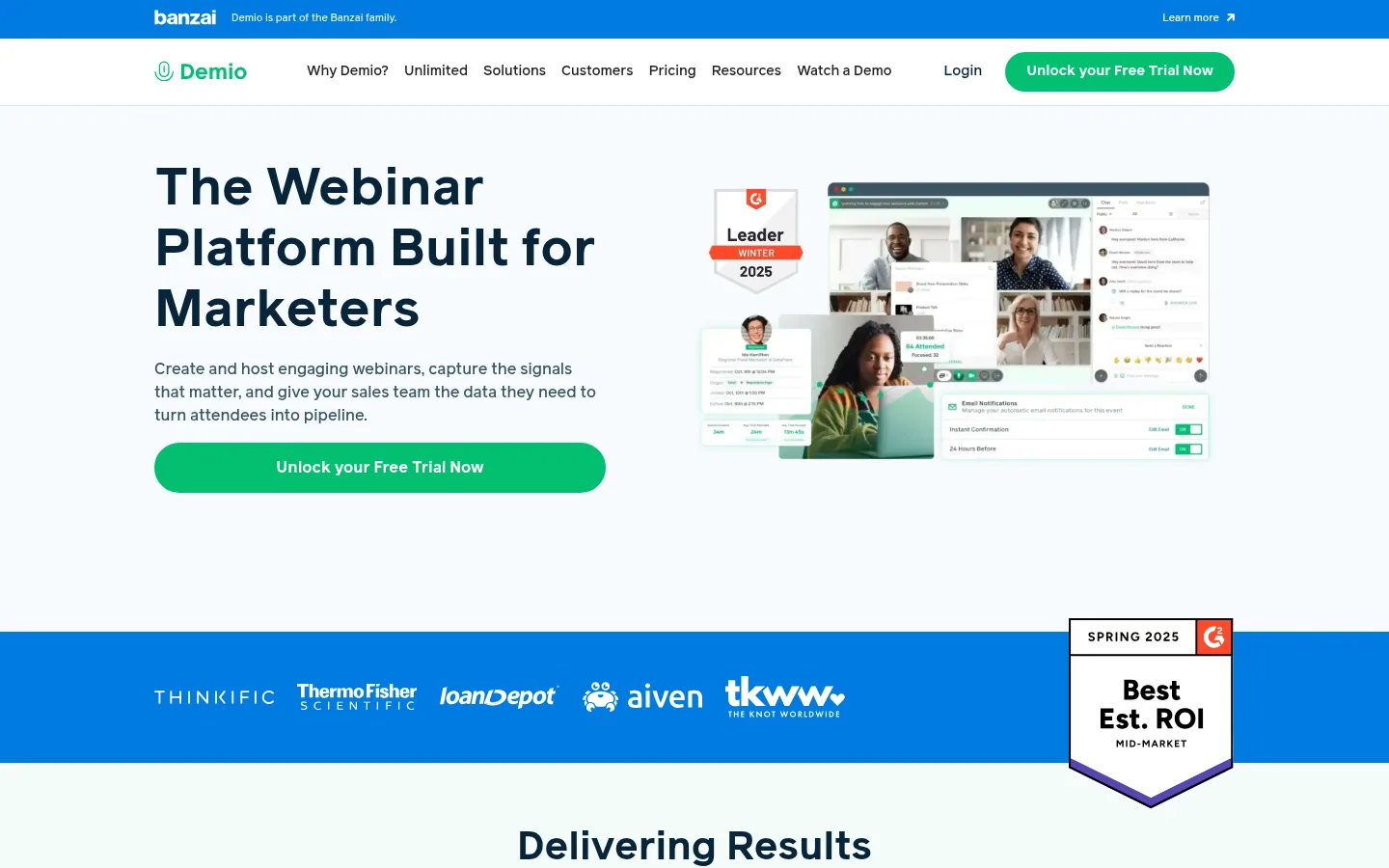
Demio, part of the Banzai family, presents itself as a webinar platform built for marketers. Attendees join the event with no download. The host has polls, featured actions, downloadable handouts, real-time chat and a Q&A queue, and can bring an attendee up on stage.
Its sharpest angle is intent analysis: Demio tracks who downloaded your handouts, answered your polls, clicked your featured actions or kept the chat going, to spot the most engaged attendees. This data can then flow to your marketing automation platform or your CRM. The tool also offers automated and on-demand events, and custom registration fields.
Best for: marketing, sales and customer success teams that want to sort their attendees by engagement.
Strengths: detailed tracking of each attendee's engagement; automatic email notifications in your brand colors; a 14-day free trial.
Limitations: the site is in English only. The Starter plan is limited to one host and a room of 50 attendees, and running several events at the same time requires several hosts. The free trial is limited to 20 attendees and one hour per session.
Pricing: prices published in dollars on the site, per host.
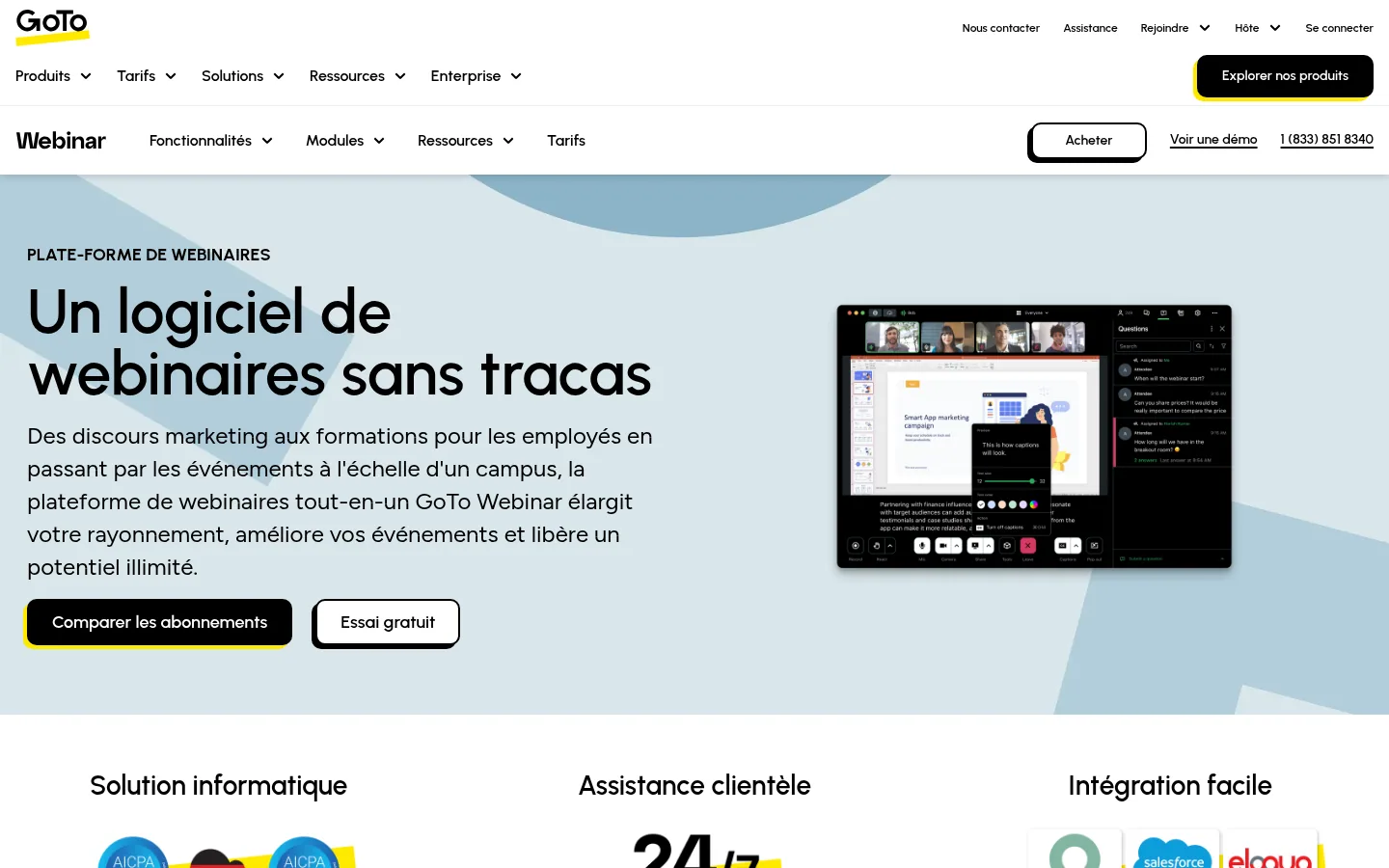
GoTo Webinar promises "Hassle-free webinar software" and covers a range of uses: marketing talks, employee training, courses for students, international conferences. Before the event, you schedule from a dashboard, rehearse in practice mode, create custom registration forms and automate email invitations, confirmations and reminders.
During the webinar, up to six organizers, presenters or guests share their webcam, and the audience answers polls and quizzes. Webcast mode (one-way live broadcast to a large audience) brings together up to 3,000 attendees from their browser, with no download. A recorded webinar can also be shared on GoToStage, presented as an on-demand webinar platform.
Best for: companies that run internal training, courses or conferences and want prerecorded events broadcast as live ones.
Strengths: practice mode before going live; event promotion on GoToStage; integrations with Salesforce, Outlook, Slack, HubSpot or Zoho.
Limitations: the Reach plan includes one organizer seat and up to 500 attendees, and Elevate goes up to 1,000. Paid events, certified training and tracking of each registration source are part of the Complete plan, available through sales.
Pricing: amounts shown in dollars by default, with a currency selector that includes the euro; Complete plan through sales; free trial with no credit card.
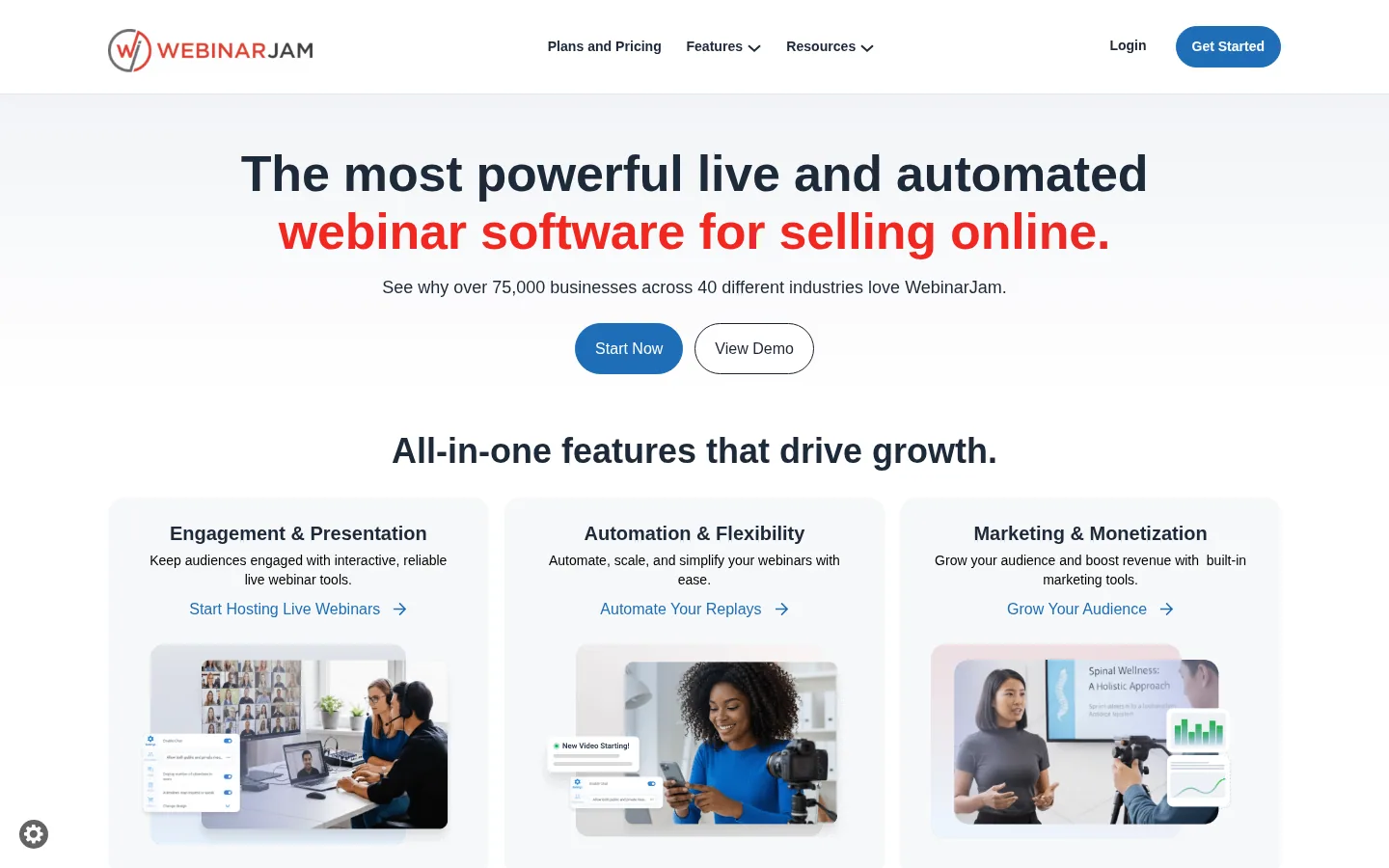
WebinarJam focuses on selling online through webinars: HD broadcasting, one-click sales offers and built-in marketing tools. Attendees join the event from their browser or their device. Every plan includes unlimited webinars, live chat, fully customizable pages, an email and SMS system, offers displayed during the live session, polls, a whiteboard and A/B tests of registration pages.
For automated sessions, WebinarJam relies on its sister platform, EverWebinar, included at no extra cost in the Basic, Professional and Enterprise plans: you host live, then you convert the recording into an automated webinar.
Best for: coaches, experts and creators who sell their offers during their webinars, live and then on autopilot.
Strengths: built-in sales tools (offers shown live, A/B tests, email and SMS); EverWebinar included from the Basic plan; a 30-day money-back guarantee.
Limitations: the site is in English only. The maximum length of a webinar ranges from 1 hour (Starter) to 4 hours (Enterprise). WebinarJam lets you schedule several simultaneous webinars on the same account, but one answer in its FAQ advises against it and states that support does not cover this case: get this point confirmed if you need it.
Pricing: prices published in dollars on the site.
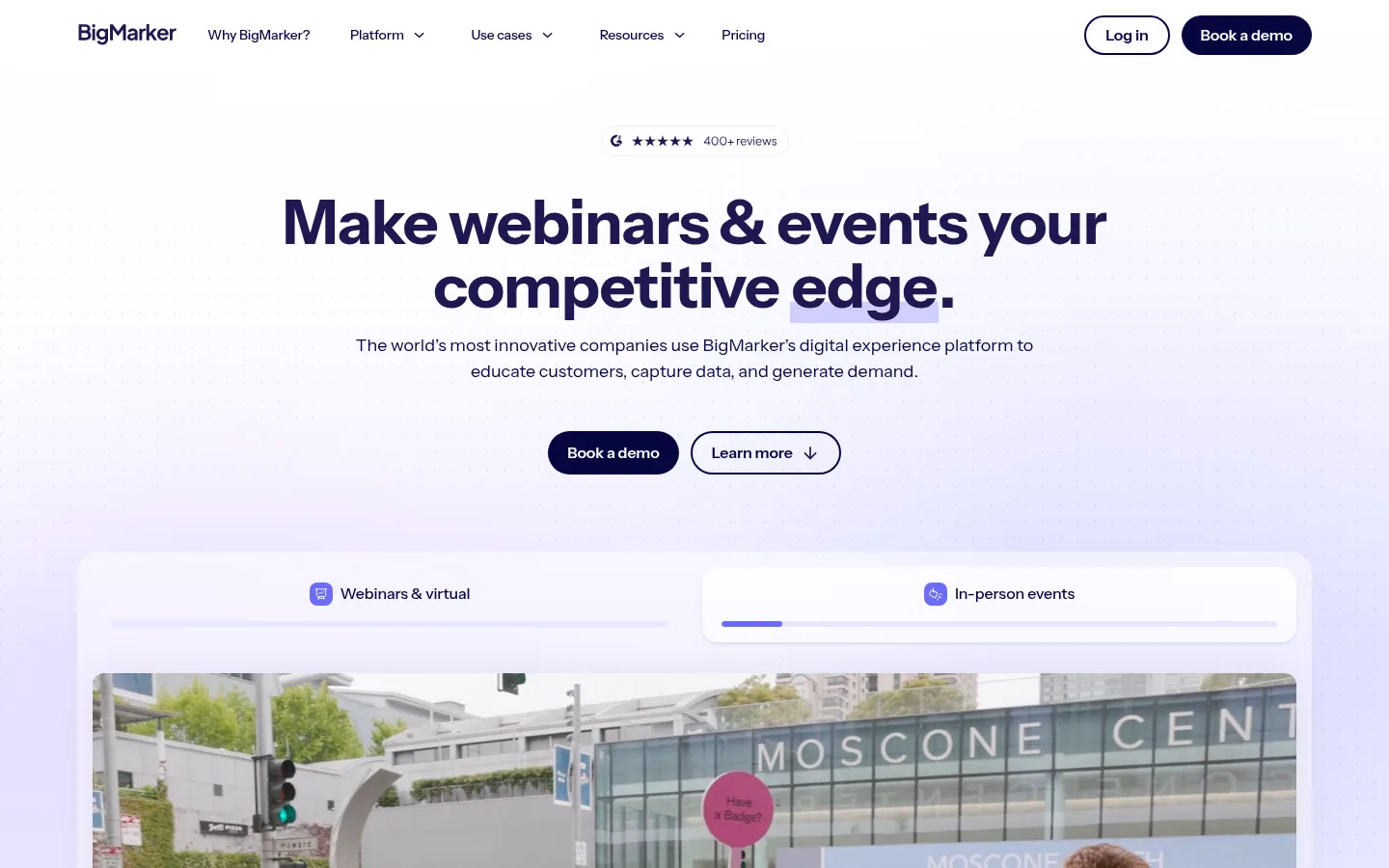
BigMarker brings together webinars, in-person events, virtual and hybrid events, on-demand content hubs and online training platforms. For webinars, the vendor advertises a download-free experience, enrichment of CRM records with the data captured, "simulive" broadcasts (prerecorded and broadcast as live), full email for invitations and reminders, and reactions, chat, Q&A, polls, CTAs and breakout rooms.
The tool also offers registration page templates and built-in ticketing. The Webcast plans can be configured for up to one million live attendees.
Best for: companies that run webinars, in-person events and training programs at once, and want a single provider.
Strengths: a platform that stretches from the webinar to the in-person event (badges, on-site check-in, mobile app); engagement data synced with the CRM; a wide choice of integrations, including Salesforce, HubSpot, Marketo, Eloqua, Pardot and Microsoft Dynamics.
Limitations: the site is in English only. No plan shows a price. The Webcast Basic plan includes a single host license, and CRM or marketing automation integration starts with Webcast Professional.
Pricing: on quote ("Request pricing") for every plan.
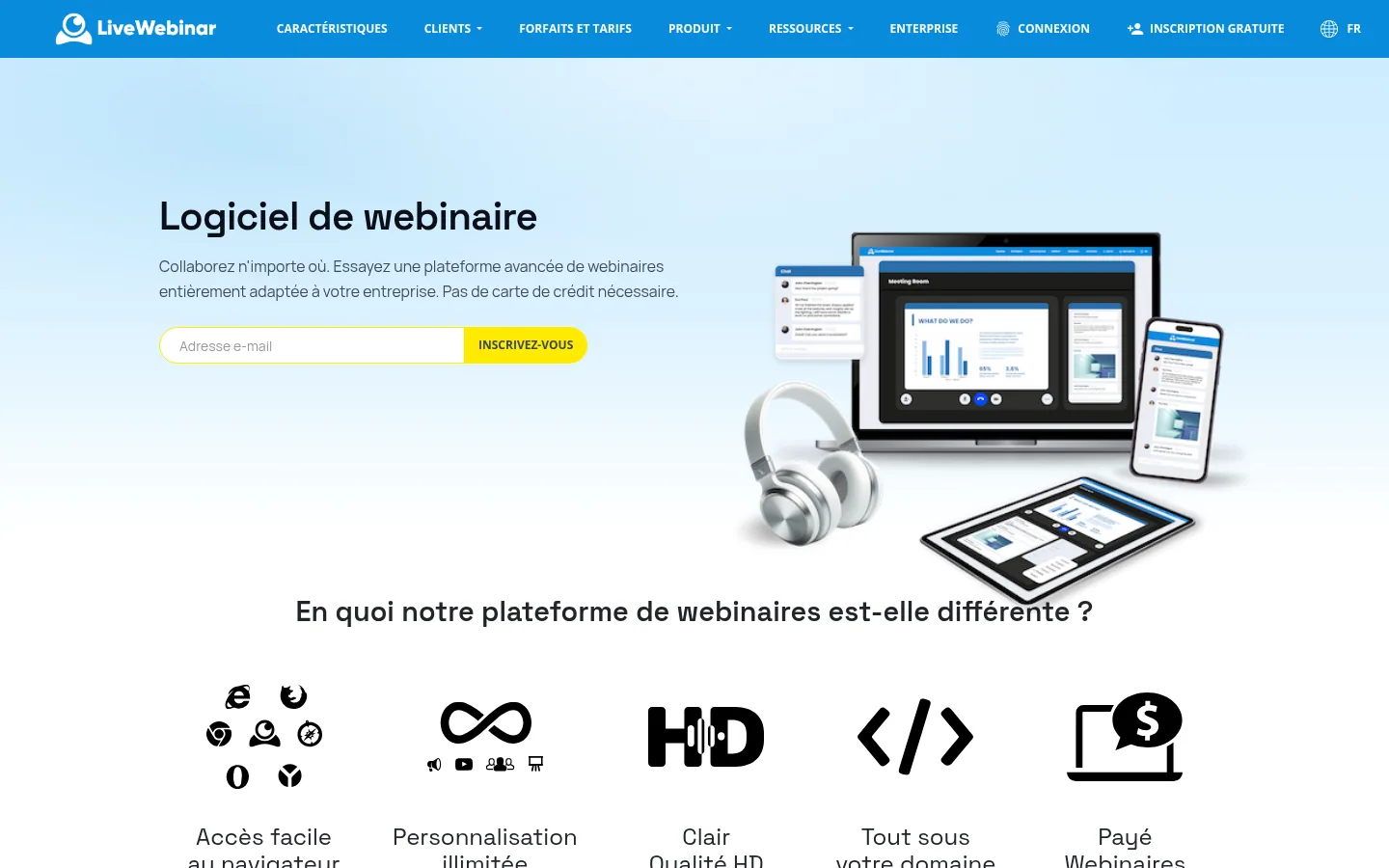
LiveWebinar bets on customization: sessions with your logo and colors, under your own domain, direct embedding in your site, and a white-label platform built around the features you need. The tool works in the browser, with no download or plugin, from a computer, a smart TV or a mobile device.
The platform covers webinars, meetings, training and sales presentations. It offers screen sharing, a whiteboard, polls and surveys, moderated chat, call-to-action buttons, certificates, streaming to YouTube, Facebook and Vimeo, Evergreen (automated) webinars and paid webinars with built-in ticketing.
Best for: companies that want to host their webinars under their own brand and their own domain.
Strengths: white-labeling and embedding in the site; an API and integrations with MailChimp, Campaign Monitor or FreshMail; a phone bridge for joining a webinar by phone.
Limitations: the Free plan is limited to 5 attendees and 30-minute sessions. The pricing grid lists "English" as the support language for every plan. Several features (captioning, certificates, landing pages, source tracking) are paid add-ons.
Pricing: Free plan at no cost; Basic, Plus and Premium plans billed in euros according to the number of attendees (from 25 to 1,000); Enterprise on quote.
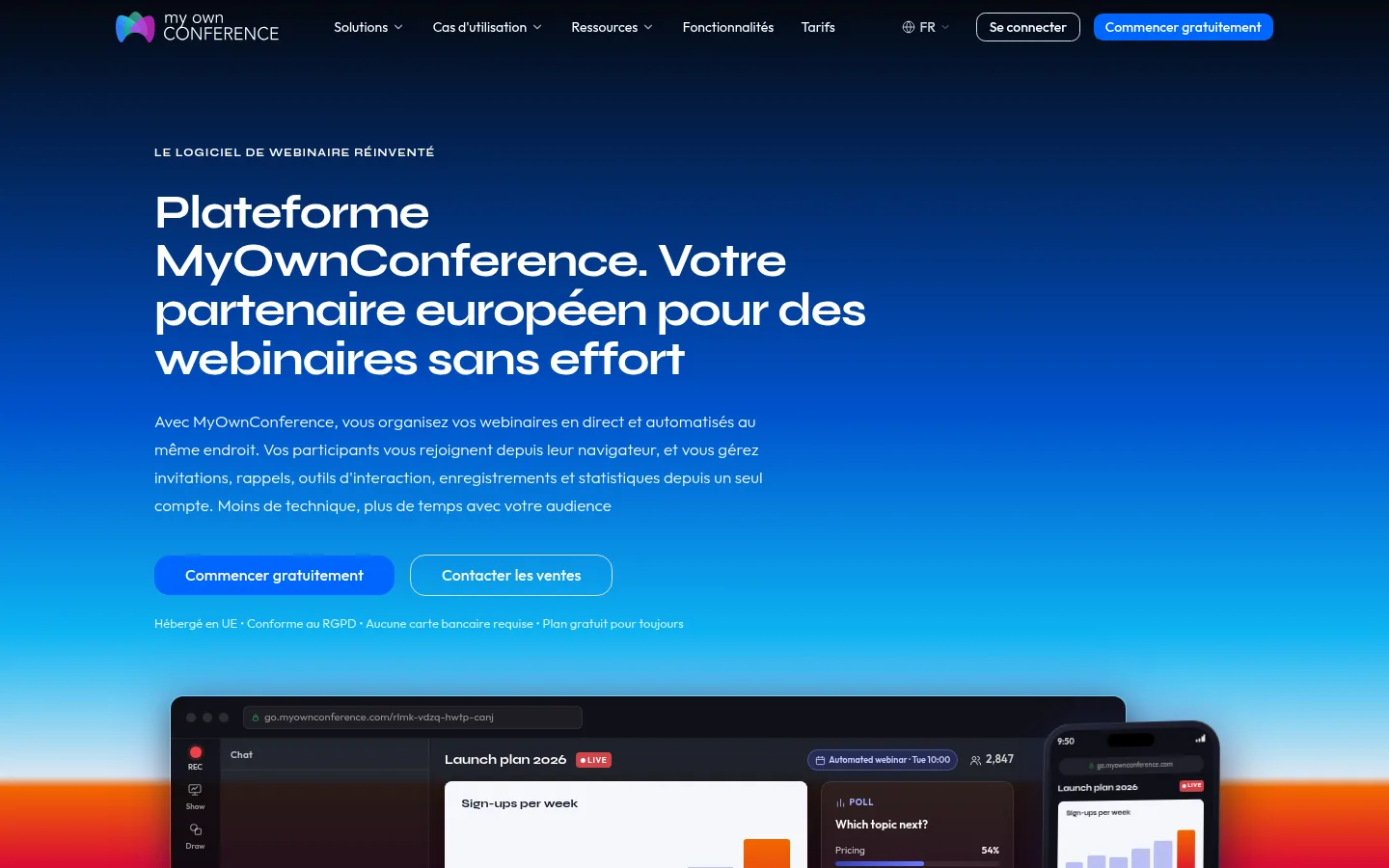
MyOwnConference describes itself as "Your European partner for effortless webinars". Live and automated webinars are managed in the same place, and attendees join from their browser. From a single account, the organizer handles invitations, reminders, interaction tools, recordings and statistics. The platform is hosted in the European Union and states that it complies with the GDPR.
The features cover scheduling of webinars and series, sync with Google Calendar and Outlook, up to 12 simultaneous speakers, branding (themes, registration pages, emails), scheduled CTAs, polls and the whiteboard. Paid webinars go through your own PayPal account, with no commission.
Best for: organizers that want hosting in the European Union and to start on a free plan.
Strengths: a Starter plan that is free forever; unlimited webinars with no duration restriction on every plan; a one-off 24-hour access for a single large event, with no subscription.
Limitations: the Starter plan is limited to 5 attendees, one automated webinar and 20-minute recordings. Sharing a recording by link starts with the paid offers. Videos from third-party services are not included in recordings.
Pricing: Starter at €0 forever; one-off access from €11 for 24 hours (20 attendees), VAT treatment not stated, price checked on October 10, 2026; Business based on the number of attendees; Enterprise on contact.
Prices and limits of the ten webinar platforms, checked on October 10, 2026 on their pricing pages. The right-hand column shows what raises the amount once the audience or the team grows.
| Software | For whom, according to the site | Webinar formats | Published entry price | What pushes the bill up |
|---|---|---|---|---|
| Livestorm | Marketing teams | Live, automated, on-demand | Free plan; Pro at €2.50 per attendee credit, bought in bundles (VAT treatment not stated) | Number of attendees, paid options, Enterprise plan for CRM integrations |
| Zoom | Zoom Workplace Pro subscribers | Live, prerecorded broadcast as live (Webinars Plus), hybrid events (Events) | Webinars at €76.67 per month for 500 attendees, on an annual subscription (excl. VAT) | Number of attendees, moving up to Webinars Plus or Events, extra hub hosts and co-editors |
| ClickMeeting | Trainers, marketers, NGOs, consultants | Live, automated, on-demand, paid | 14-day trial; Live at €31.92 per month, billed annually (VAT treatment not stated) | Attendees (50 included), Automated plan, presenter seats, parallel events |
| WebinarGeek | Organizations of every size | Live, automated, hybrid, on-demand, paid, just-in-time | Free trial; price to be confirmed | Number of viewers, add-ons, Enterprise offer |
| Demio | Marketing, sales, customer success | Live, series, automated, on-demand | 14-day trial; no price in euros | Number of hosts, room size |
| GoTo Webinar | Training, courses, conferences | Live, prerecorded, on-demand, Webcast mode | Free trial; shown in dollars by default | Number of attendees, organizer seats, Complete plan |
| WebinarJam | Coaches, experts, creators | Live, hybrid, automated with EverWebinar | 30-day money-back guarantee; no price in euros | Number of attendees, hosts and maximum duration |
| BigMarker | Webinars, events and online training | Live, simulive, on-demand | On quote | Host licenses, per-event price for events |
| LiveWebinar | Companies that want their own brand | Live, Evergreen, paid | Free plan (5 attendees); paid plans in EUR by number of attendees | Number of attendees, add-ons |
| MyOwnConference | Organizers that want EU hosting | Live, automated, series, paid | Starter at €0 (5 attendees); one-off access from €11 for 24 hours (VAT treatment not stated) | Number of attendees, one-off 24-hour access |
| Software | What it does |
|---|---|
| Webikeo | Webinar platform giving free, unlimited access to professional webinars in marketing, HR, tech or finance. |
| Digitevent | Event software to manage invitations, registrations, check-in and engagement at your business events. |
| Swapcard | Event management platform for associations, trade shows and conferences. |
| Glowbl | "In-person, remotely" for virtual classrooms, workshops and team rituals, which can be embedded in a learning management system (LMS). |
| Airmeet | Customizable virtual and hybrid events and AI-assisted webinars. |
| EasyWebinar | Live webinars from the browser, then automated, with in-room payment and your CRM or its own. |
| eWebinar | Turns a prerecorded video into an interactive on-demand webinar, with chat. |
| Goldcast | Video platform for B2B marketers, using AI to create and distribute video content, webinars and events. |
| Sequel | Hosts webinars on the company's own domain. |
| WorkCast | British platform for webinars, live streams and virtual events, self-service or fully managed. |
1. The billing unit. Livestorm bills per attendee, Demio per host, ClickMeeting, WebinarJam or LiveWebinar by attendee tier. Estimate your audience over twelve months and the number of people who will host at the same time, then run the numbers on each price grid.
2. The caps on each plan. Maximum session length, attendees per webinar, simultaneous cameras, recording length: these limits range from one hour to several hours and from a few dozen to several thousand attendees depending on the tool and the plan. Read them before signing.
3. Integration with your CRM. At Livestorm, the HubSpot and Salesforce integrations carry the label "Enterprise Plan"; at WebinarGeek, they are included in the Enterprise offer and available as an add-on on Premium. Check which plan connects your CRM natively, and what the tool sends to it: registrations, attendance, poll answers.
4. The formats you will need a year from now. If you plan to rebroadcast your best live sessions on autopilot, or to sell access to your webinars, check now that the plan you choose allows it, and at what price.
5. Where registrant data is hosted. Ask where the data and the videos are stored. For a vendor based in the United States, ask whether it relies on its listing under the EU-U.S. Data Privacy Framework or on standard contractual clauses. Livestorm and MyOwnConference advertise hosting in Europe.
None of these platforms was tried in front of a real audience: video quality, stability under heavy load and support responsiveness remain for you to judge in your own trials. Our information comes from the pages each vendor published in October 2026. Some could only be read in part, and one well-known webinar vendor, whose site blocked automated reading, could not be assessed: so it does not appear in the top ten.
On these platforms, the price nearly always follows the audience size picked on a slider: the amounts quoted apply to the tier displayed on October 10, 2026. Demio and WebinarJam show their prices in dollars, BigMarker only on quote. How you use the tool counts for more than the rank: a trainer who sells sessions, a marketing team feeding its CRM and an HR department training staff remotely do not have the same needs. We will reread these pages as vendors change their offers.
Webinar software handles registration, the live session and attendee follow-up well. Getting your registration page in front of people who do not know you yet takes a different kind of work: showing up on Google and in the answers of AIs like ChatGPT when they look for a solution to their problem. Webinar software leaves that part to you.
Sorank automates this work. It is an SEO and GEO platform on autopilot: it writes and publishes articles optimized for AI on your site, and its AI mention tracking shows you when your brand is cited in the answers of ChatGPT, Claude or Gemini. These articles can then point to your upcoming webinars and their replays. For organizing the event itself, our ranking of the best webinar agencies in France presents the providers that take care of it.
If you want to see what Sorank would do for your site, book a call.
All ten tools in this ranking let you run webinars. What sets them apart is how they bill, their caps, and what they do with the data after the event. Start with these three points before comparing features.
If you host marketing webinars and want to link engagement to your CRM, with hosting in Europe, look at Livestorm first. If you are a trainer or a nonprofit and want to sell access to your sessions, ClickMeeting offers ticketing, donations and paid recordings, with plans shown in euros. If you want to rebroadcast your live sessions on autopilot or on demand, WebinarGeek brings live, automated, on-demand and hybrid webinars together in its Premium offer.


Webinar software manages the full path of an event, beyond the video room. Livestorm, for example, offers customizable registration pages, sequences of reminders and follow-up emails, then contact profiles and built-in reports. WebinarGeek adds automated, on-demand and paid webinars. If you mostly run internal meetings, a video conferencing tool may be enough; to attract and follow up with an audience, these features matter.
Yes, with limits. MyOwnConference offers a free-forever Starter plan, limited to 5 attendees and 20-minute recordings. LiveWebinar has a Free plan limited to 5 attendees and 30-minute sessions, and Livestorm offers a free plan to try it out. ClickMeeting and Demio offer a 14-day free trial.
The price depends mainly on the number of attendees. On October 10, 2026, Livestorm showed its Pro offer at €2.50 per attendee credit, Zoom its Webinars plan at €76.67 per month excl. VAT for 500 attendees on an annual subscription, ClickMeeting its Live plan at €31.92 per month billed annually for 50 attendees, and MyOwnConference a one-off access from €11 for 24 hours. Demio and WebinarJam publish their prices in dollars; GoTo Webinar shows them in dollars by default, with the euro in its currency selector, and BigMarker answers on quote.
 AI Meta Description GeneratorAI Blog Title Generator
 Google Indexability CheckerAI Blog Outline Generator
 UTM Link Builder
 Keyword Clustering ToolCanonical Tag Checker
 XML Sitemap GeneratorBroken Link CheckerAI SEO Title GeneratorHeadline AnalyzerSERP Preview ToolRedirect Checker
 Hreflang Tag GeneratorHeading Structure AnalyzerHTTP Headers CheckerFavicon Extractor
 SERP CTR Calculator
 SEO vs Paid Search Savings Calculator
 SEO Share of Voice Calculator
 SEO ROI Calculator
 SEO Traffic and Revenue Forecast Calculator
 SEO Budget Calculator
 SEO Break-Even Calculator
 SaaS SEO ROI Calculator
 ROAS Calculator
 Reading Time Calculator
 Ranking Gain Simulator
 Organic Traffic Value Calculator
 Organic Traffic Estimator
 LTV to CAC Ratio Calculator
 Local SEO ROI Calculator
 Link Building Cost Calculator
 Keyword Value Calculator
 Keyword Opportunity Score Calculator
 Keyword Density Calculator
 GEO ROI Calculator
 GEO Content Investment Calculator
 Ecommerce SEO ROI Calculator
 Customer Lifetime Value Calculator
 Customer Acquisition Cost Calculator
 CTR Calculator
 Cost Per Article Calculator
 Conversion Rate Calculator
 Content Marketing ROI Calculator
 ChatGPT Referral Traffic Estimator
 Bounce Rate Calculator
 Backlink ROI Calculator
 AI Visibility Score Calculator
 AI Traffic Value Calculator
 AI Share of Voice Calculator
 Cost of AI Invisibility Calculator
 AI Citation Rate Calculatorllms.txt ValidatorAI Overview CheckerRobots.txt Checker
 AI SEO AuditLLM Readability CheckerSearchGPT Readiness Checker
 Structured Data LLM AuditWebsite Crawlability AI AuditWhy ChatGPT Is Not Recommending My Website
 Gemini Ranking ToolPerplexity Ranking CheckerLLM Citation CheckerAnswer Engine Optimization AuditGEO AuditAI Search Visibility TestChatGPT Visibility Checkerllms.txt Generator
 URL ExtractorWebpage to MarkdownSitemap CheckerSERP Volatility SensorPage Size Checker
 Word Counter
 Slug GeneratorSchema GeneratorRobots Generator
 OG PreviewMeta Tags Generator
 Image CompressorFavicon Generator
 On-Page SEO Audit
 Backlink Analysis Tool
 Keyword Research Tool
 Domain Authority Checker
THEY TRIED SORANK BEFORE YOU
 “I tested Sorank on a real client site and it's insane. It does everything an agency would bill you $1500 a month for. It's going into production on that client now.”
 Guillaume Guersanguersanguillaume.com“We are an Ads agency and we wanted to get our SEO back on track once and for all. Sorank gave us a clear view of our site, helped us prioritize optimizations, and properly structure our content. The tool is easy to use, well designed for a team, and very practical for centralizing tracking without having to juggle multiple platforms. A very solid foundation to start fresh with our SEO.”
 Gaspard MadouiAds Agency
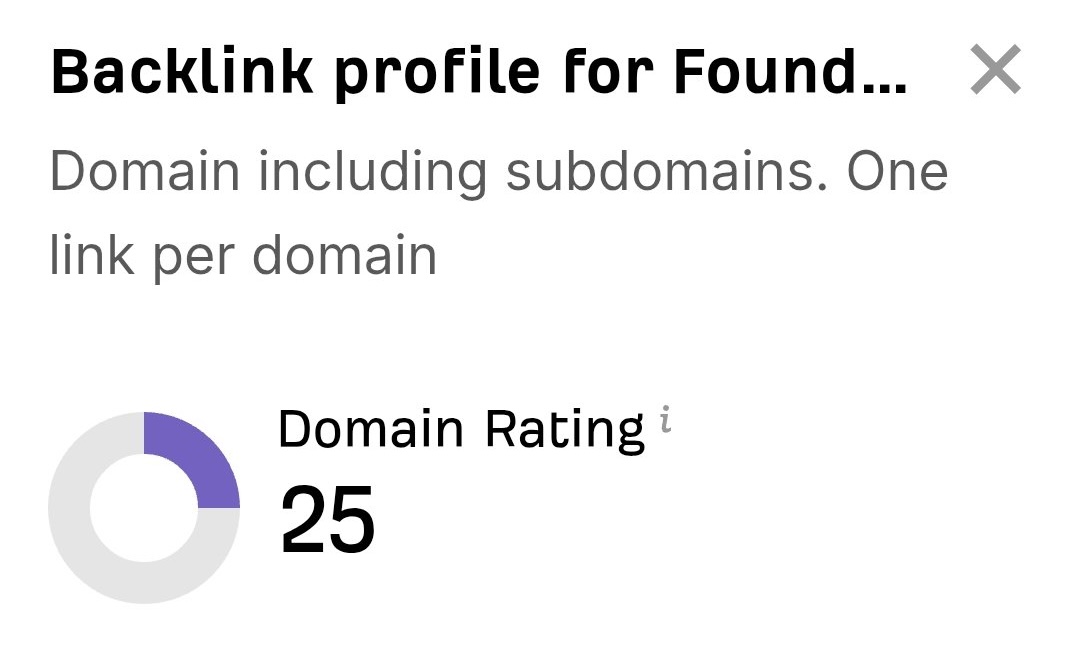 “I just let the Sorank software do its thing, and now my DR is 25 and my page is ranking higher.”
 Lucas FlandrePodcast Host“I specialized in GEO thanks to Sorank. The GEO Leaderboard allows me to show my clients their position vs competitors on ChatGPT. It’s a real commercial differentiator.”
 MélanieSEO Freelance“Great service, works well for our website and helps us understand how to improve it to rank better on Google and elsewhere. Congrats, keep going, I recommend it.”
 Hugo T.E-commerce merchant