Preferences
Privacy is important to us, so you have the option of disabling certain types of storage that may not be necessary for the basic functioning of the website. Blocking categories may impact your experience on the website. More information

Privacy is important to us, so you have the option of disabling certain types of storage that may not be necessary for the basic functioning of the website. Blocking categories may impact your experience on the website. More information

LinkedIn automation tool: compare Waalaxy, La Growth Machine, HeyReach, Kanbox and 6 other tools on automation, account safety and billing.


Summarize this article with AI
A LinkedIn automation tool sends the invitations, messages and follow-ups you would otherwise write by hand, and brings the replies back to one place. On this network, the tool acts through your own account: choosing one also means deciding which risks you are willing to let it take on your behalf. This ranking compares ten tools on what they automate, how they protect your account, the channels they add to LinkedIn and how they bill, based on what each vendor publishes on its site in October 2026.
LinkedIn brings together a very large number of professionals, and its rules tightly restrict automation. The network reports more than 1.3 billion members on its About page, including more than 430 million in Europe, the Middle East and Africa.
LinkedIn's User Agreement, in force since November 3, 2025, prohibits using bots or other unauthorized automated methods to access the service, add contacts or send messages, as well as software, plug-ins and browser extensions that copy profiles. LinkedIn's help article on prohibited software and extensions states that a member who uses them breaches these terms and that their account may be restricted or shut down. Several vendors in this ranking, such as Dripify, Linked Helper, Expandi or Dux-Soup, highlight daily limits, random delays or a dedicated IP address to reduce this risk; the decision to restrict an account remains LinkedIn's.
The second risk concerns data. On December 5, 2024, the CNIL, France's data protection authority, imposed a €240,000 fine on the publisher of a Chrome extension that supplied the business contact details of people whose LinkedIn profile its customers visited. It ruled that collecting contact details whose visibility members had restricted went beyond what they could reasonably expect when joining a professional network. Several tools ranked here, such as Closely, Dripify, Kanbox or Linked Helper, find emails or phone numbers from LinkedIn: ask them where this data comes from before prospecting with it.
To separate these LinkedIn automation tools, in October 2026 we read each vendor's public pages (homepage, features, pricing). No campaign was launched from a LinkedIn account, no paid plan was purchased and no vendor has a partnership with us. Four criteria, in this order:
1. What the tool automates on LinkedIn. Invitations, messages, follow-ups, profile visits, InMails (LinkedIn messages sent to people outside your network), interactions with posts, and the logic that links these steps together.
2. Account protection. Daily limits, random delays, working hours, dedicated IP address (an internet address specific to your account), running in the cloud or on your computer.
3. What surrounds LinkedIn. Email in the same sequence, unified inbox, contact lookup, connection to a CRM (customer relationship management software), teamwork or work for several clients.
4. How clear the offer is. Published prices, billing unit (user, LinkedIn account, sender, credits), free trial and site language.
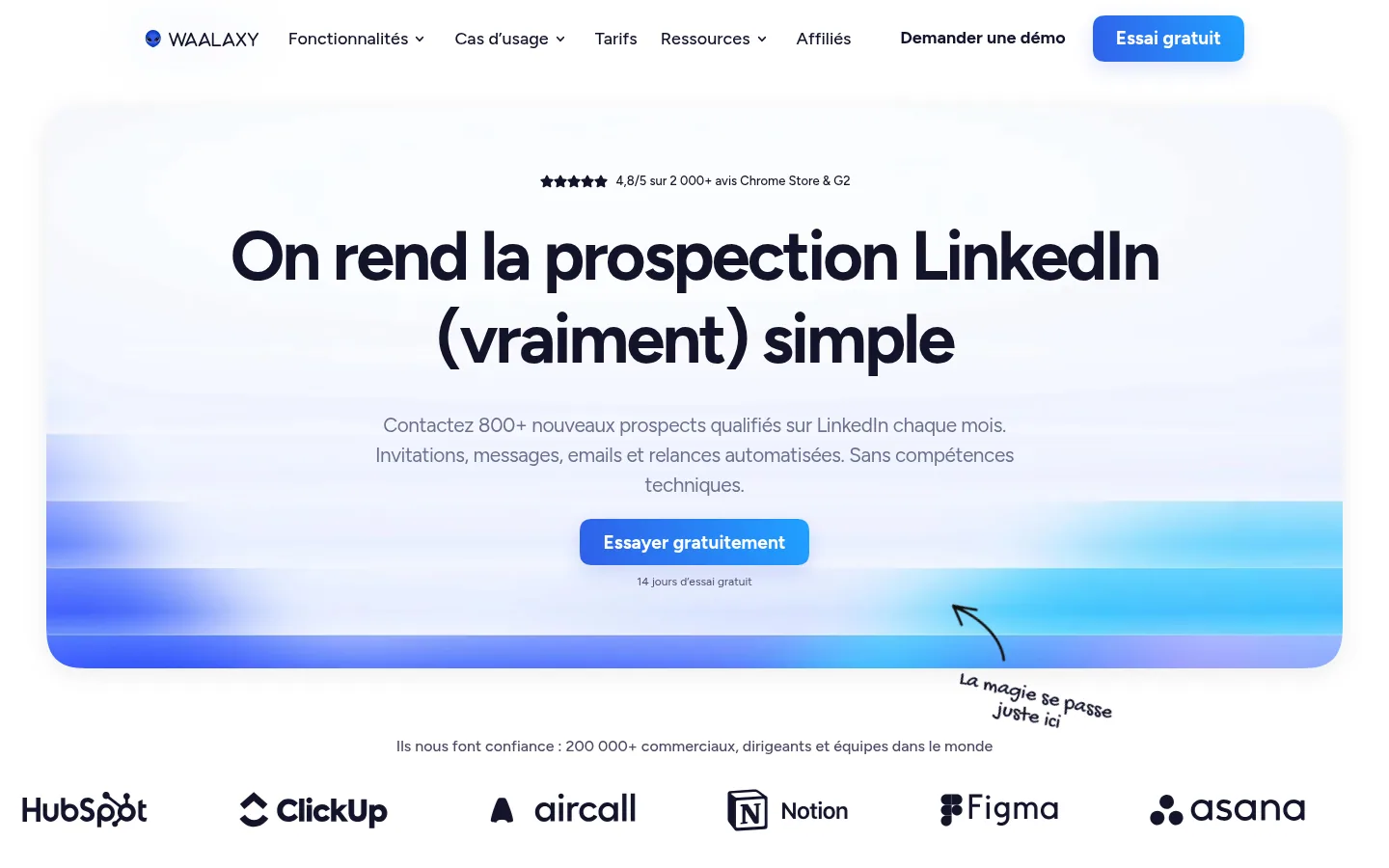
Waalaxy automates invitations, messages, emails and follow-ups, and promises LinkedIn prospecting "with no technical skills". You build your lists from LinkedIn Search, Sales Navigator or Recruiter Lite, or from intent signals such as reactions to posts, groups and events. The tool offers more than 99 ready-made sequences, a dashboard of reply rates per campaign and an AI assistant trained on the vendor's methods to write your messages.
Qualified prospects then flow to HubSpot, Pipedrive or more than 2,000 apps via Make, Zapier and n8n. The Business plan adds cold email sequences and campaigns that mix LinkedIn and email.
Best for: sales reps launching their first LinkedIn campaigns who want a guided tool, with no technical skills required, on a French-language site.
Strengths: ready-made sequences and timing presented as respecting LinkedIn's limits; a support team based in France; a 14-day free trial.
Limitations: the Pro plan is capped at 300 invitations a month; cold email is reserved for the Business plan; the LinkedIn inbox is a paid add-on, free up to 500 conversations.
Pricing: Pro plan shown at €19 per user per month, Advanced at €49, Business at €69 (VAT treatment not stated), price checked on October 10, 2026. The page offers discounts for quarterly (-20%) and annual (-50%) payment: check which billing period the displayed price refers to.
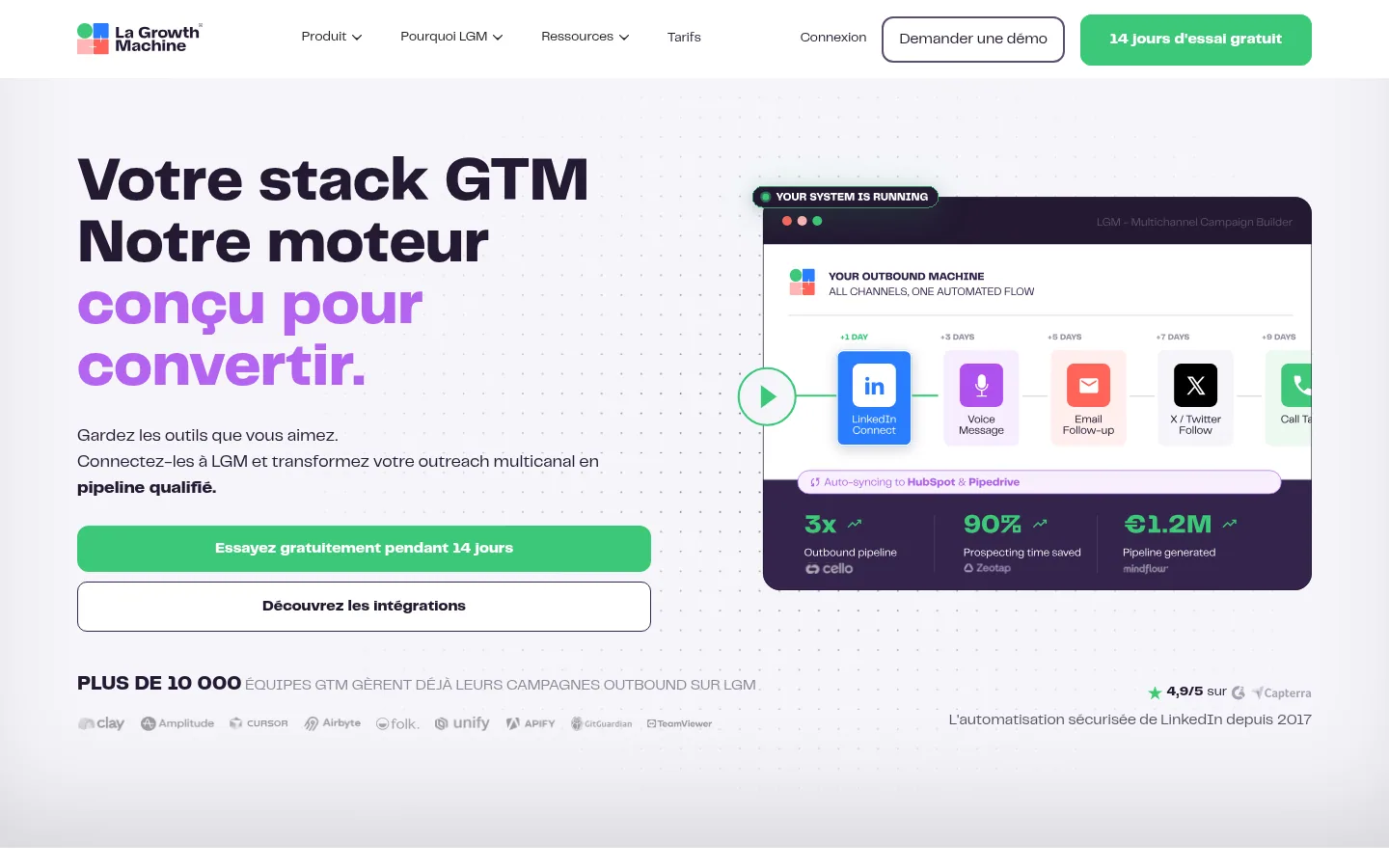
With La Growth Machine, one sequence chains LinkedIn, email and phone, and the vendor says it has been automating LinkedIn since 2017. The logic is built on conditions: if a prospect accepts your invitation, they get a LinkedIn message; otherwise, a follow-up goes out by email. A/B tests (two versions compared) cover email subject lines, connection requests with or without a note, and messages.
The software adds AI-generated LinkedIn voice messages based on your own voice, a shared inbox that gathers LinkedIn and email replies, Slack alerts when a prospect replies, and contact enrichment with verified emails. It connects to HubSpot, Clay, Slack and more than 100 other tools, to webhooks (automatic transfers of data to another piece of software), to an API and to Claude through an MCP connection, the protocol that links an AI assistant to a piece of software.
Best for: a B2B sales team that wants to drive several channels from a single sequence and share replies among its reps.
Strengths: native conditions on every LinkedIn and email action; a multichannel inbox filterable by identity, campaign or status; a 14-day trial with no credit card.
Limitations: billing is per identity, meaning per profile that runs campaigns; the Basic plan is limited to 3 active campaigns and to the LinkedIn and email channels; syncing with HubSpot or Pipedrive sits in the top plan.
Pricing: Basic plan shown at €60 per month per identity, with the mention "2 months free" (VAT treatment not stated), price checked on October 10, 2026. The page lets you choose annual, monthly, quarterly or semiannual billing: check which period this amount refers to. The agency plan requires a minimum 6-month commitment.
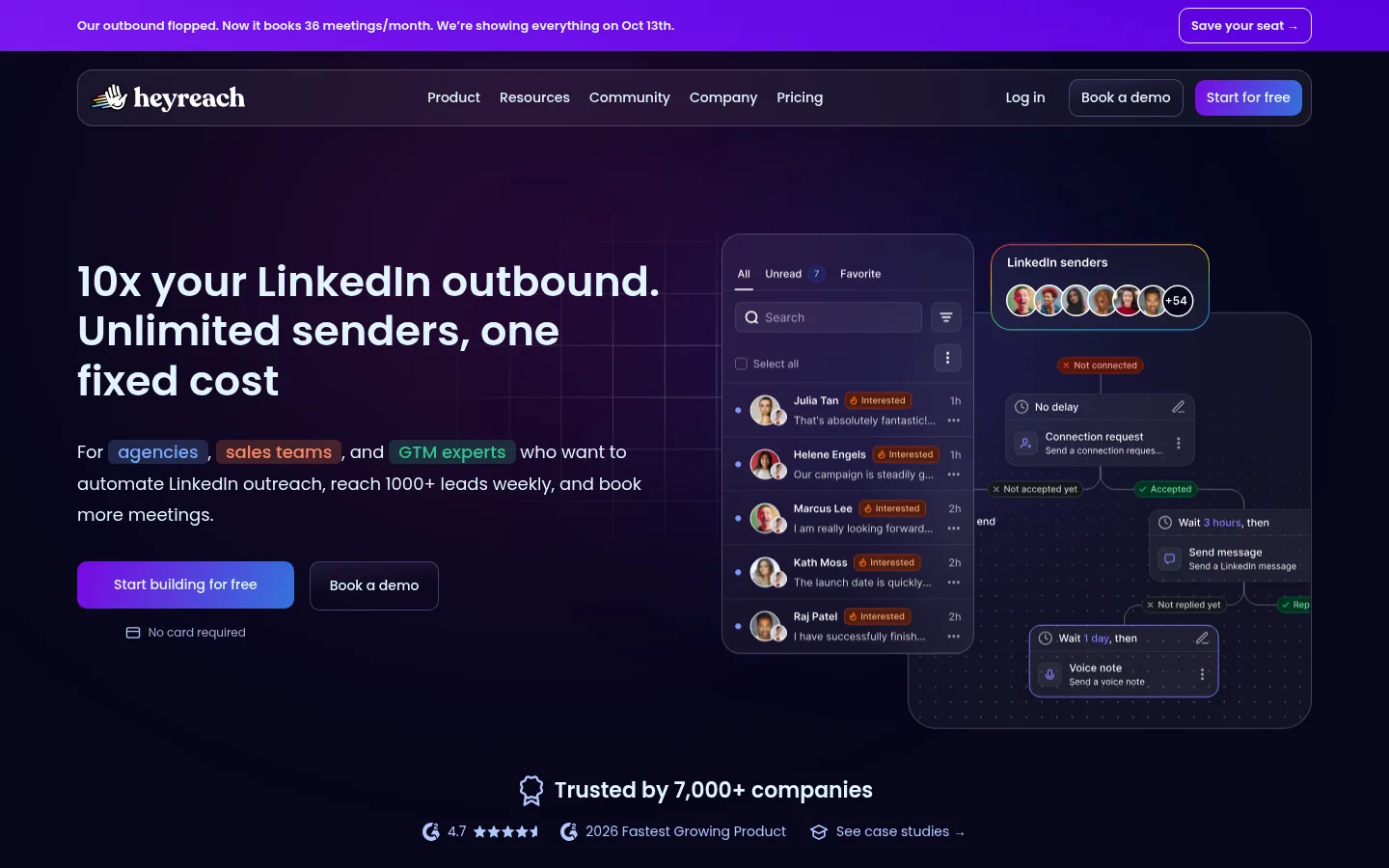
HeyReach targets agencies, sales teams and sales specialists who automate several LinkedIn accounts at once. Its core pitch: connect an unlimited number of LinkedIn accounts for a flat fee, and spread sending across them automatically. Campaigns combine connection requests, messages, voice notes and profile visits, with "If Connected" logic that separates your existing connections from new ones.
Prospects are imported from Sales Navigator, Clay, RB2B, HubSpot or other tools. Every conversation lands in a unified inbox, from which you can reply on behalf of a colleague without switching accounts, with reply sentiment analysis and automatic flagging of interested prospects.
Best for: an agency or team that manages many LinkedIn profiles and wants a flat fee.
Strengths: automatic sender rotation; one inbox shared by all accounts; API, webhooks and MCP server in the entry plan, white label (the tool resold under your own brand) in the agency plan.
Limitations: the site exists in English only; the entry plan is billed per sender; the agency plan covers 25 or 50 senders, and unlimited senders are reserved for the highest tier; the discounted program is reserved for young companies that meet size and revenue conditions.
Pricing: prices published in US dollars on the site, with a free trial requiring no credit card.
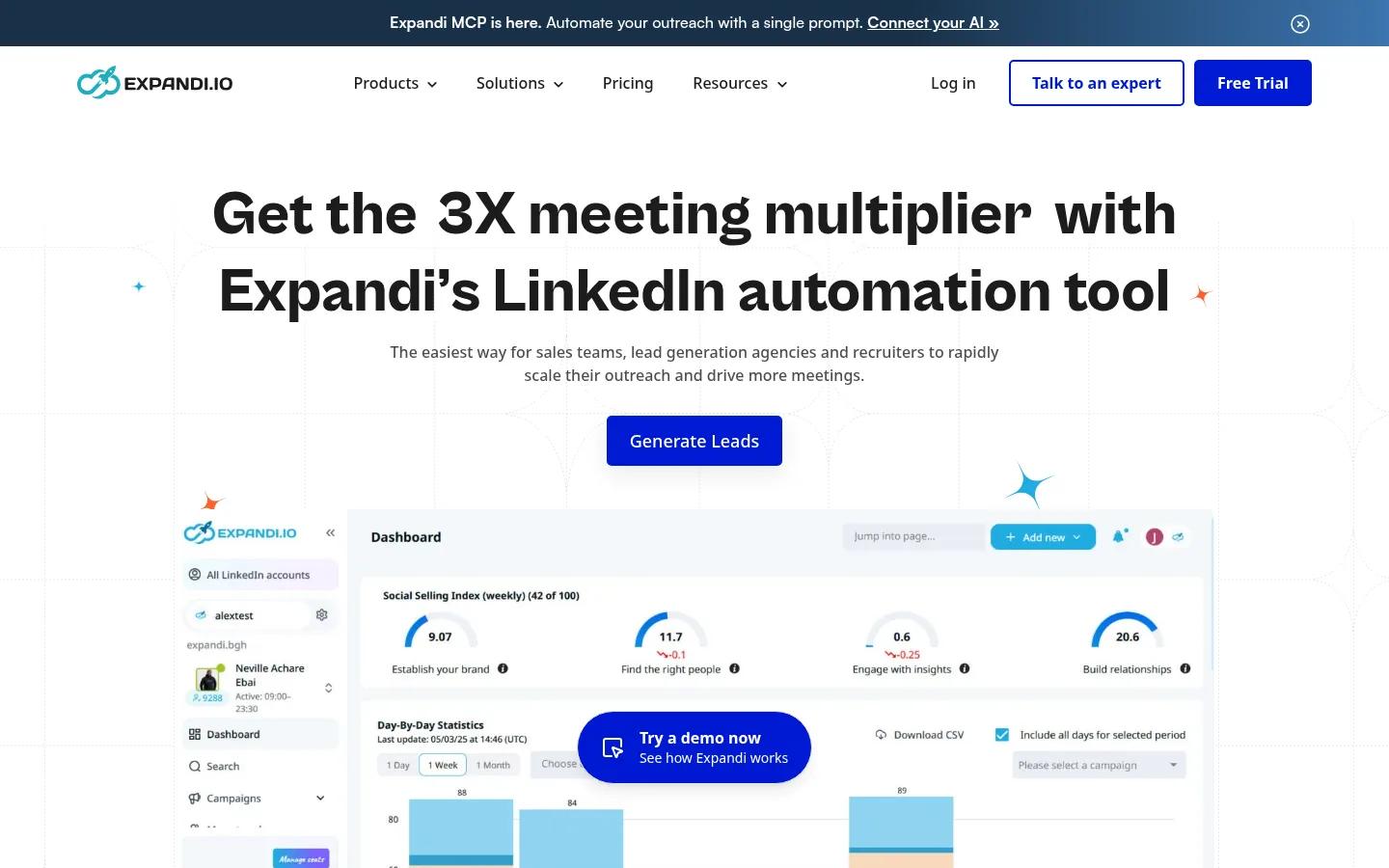
Expandi is aimed at sales teams, lead generation agencies and recruiters. The software automatically sends connection requests and messages, open InMails, skill endorsements, likes and follows of profiles or company pages. Its sequences combine 10 different actions and 10 conditions based on each prospect's behavior, and include email follow-ups from the email provider of your choice.
On the security side, the tool runs in the cloud, assigns a dedicated IP address tied to your country and gradually ramps up the volume of a new profile. Expandi has opened an MCP connection in private beta: Claude, ChatGPT or another AI assistant builds lists, prepares campaigns and drafts replies, and you approve every send.
Best for: a team or agency that wants access to every feature without comparing several tiers.
Strengths: a single base plan that includes every feature; campaign prioritization based on results; for agencies, roles, permissions, client reports and white label.
Limitations: the site exists in English only; personalization with images, GIFs and videos is a paid add-on; the agency plan, beyond 10 accounts, is quote-based.
Pricing: prices published in US dollars on the site, with a 7-day trial.
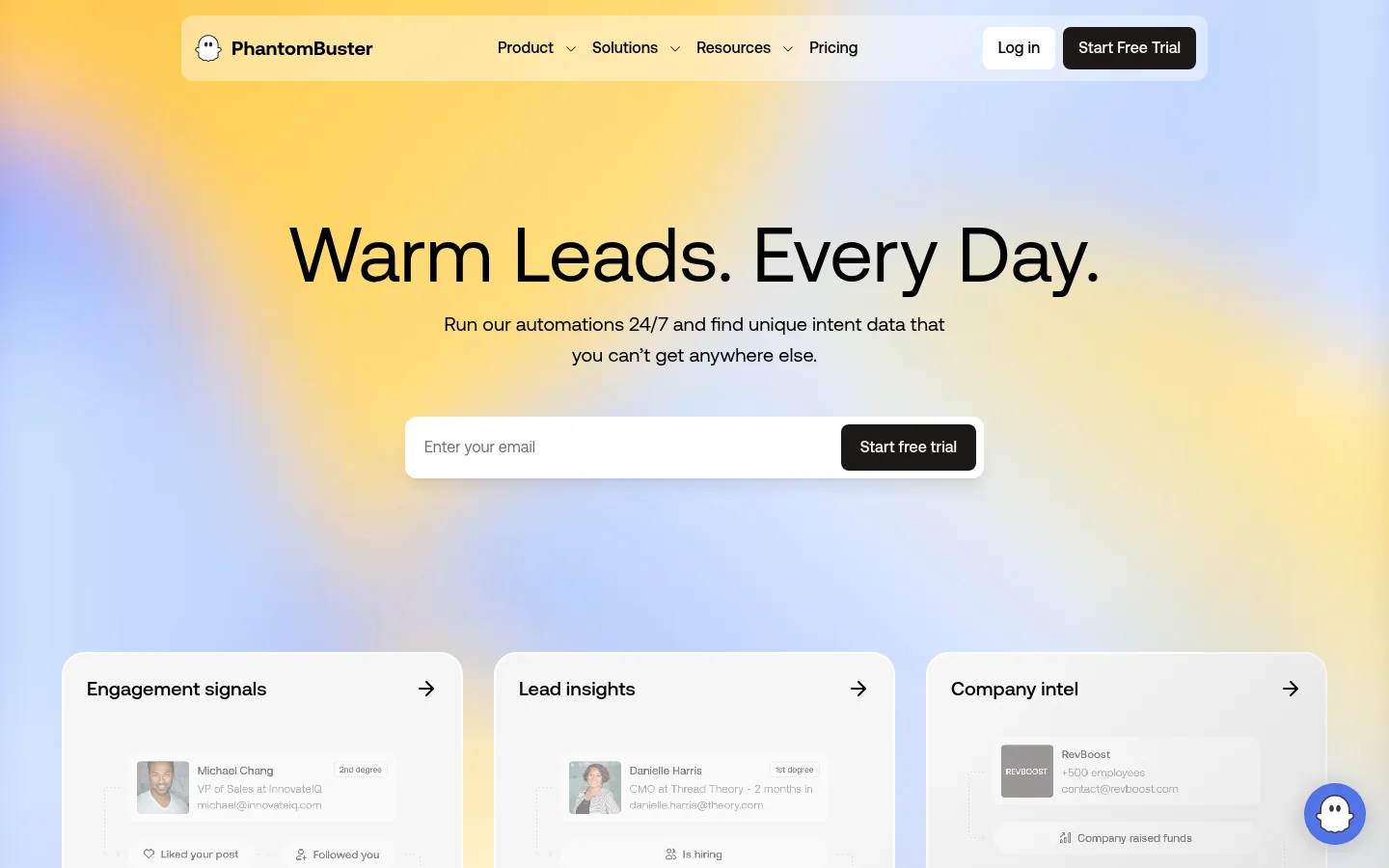
PhantomBuster starts from data: its automations extract information in real time from more than 15 platforms, including LinkedIn, X, Instagram, Slack and Facebook, to spot signals such as a job change or an interaction on a post. Each "Phantom" performs one task, for example extracting LinkedIn profiles or enriching contacts with emails, and "Workflows" chain several Phantoms toward a given goal.
An AI writer then drafts personalized LinkedIn messages from this data, and triggers messages, connection requests, likes or event invitations according to each prospect's signals. Automations run in the cloud, even with your browser closed, and connect to HubSpot, n8n, Zapier, Make and your AI tools via an MCP server.
Best for: a team comfortable with automation that wants to build its own lists from public signals.
Strengths: a large number of data sources; ready-to-launch workflows; no overage billed automatically, as automations pause when execution time runs out.
Limitations: the site exists in English only; the bill depends on technical notions (automation slots, execution hours, email and AI credits); the vendor itself states that the tool may be more than you need if you require neither automation, nor volume, nor fresh data.
Pricing: a free trial, with exports limited to 10 rows, then three paid plans (Start, Grow, Scale), with 20% off for annual payment; the currency and amount displayed depend on the visitor's country.
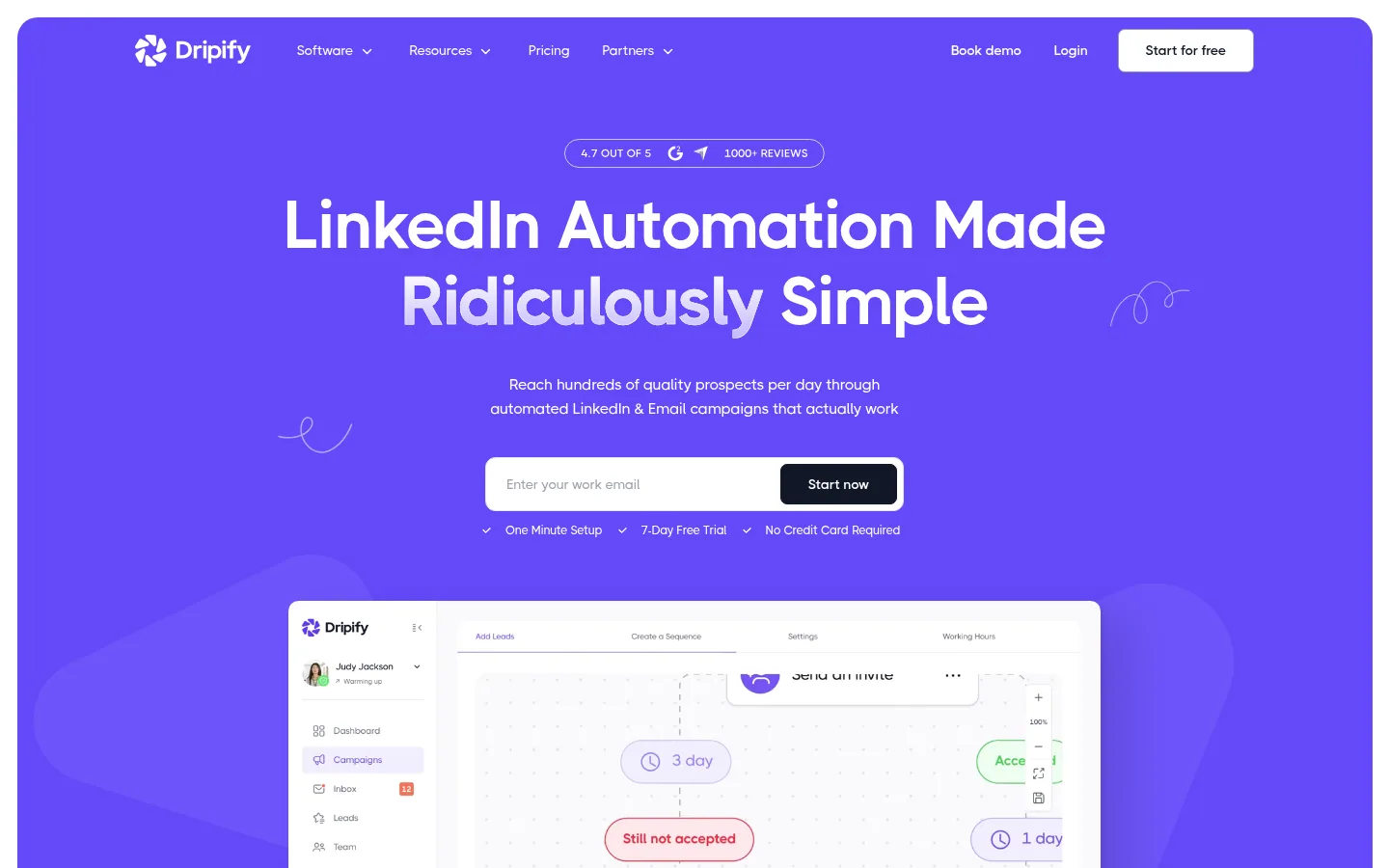
On Dripify, LinkedIn and email sequences are built by drag and drop, with more than 15 actions and conditions. Every paid plan brings LinkedIn and email together in the same sequence: you connect your mailbox, find and verify prospects' emails with the built-in tool, then add email steps alongside invitations, messages, InMails and profile visits. A dedicated inbox, per-campaign statistics and team management round out the package.
The vendor describes an infrastructure designed to mimic human behavior: a dedicated IP address in your area, sending from its servers without relying on your browser, actions spaced out and limited to the working hours you set. Dripify works with every type of LinkedIn account, including free ones, with Sales Navigator remaining optional.
Best for: a solo seller or a team that wants to run LinkedIn and email together without a paid LinkedIn subscription.
Strengths: a 7-day trial with no credit card and the features of the Advanced plan; duplicate prevention between reps; email sends are not counted, only emails found and verified consume credits.
Limitations: the site exists in English only; the Basic plan is limited to one campaign and 20 connection requests a day; each seat connects only one LinkedIn account.
Pricing: prices published in US dollars on the site, per user, with a discount for annual payment.
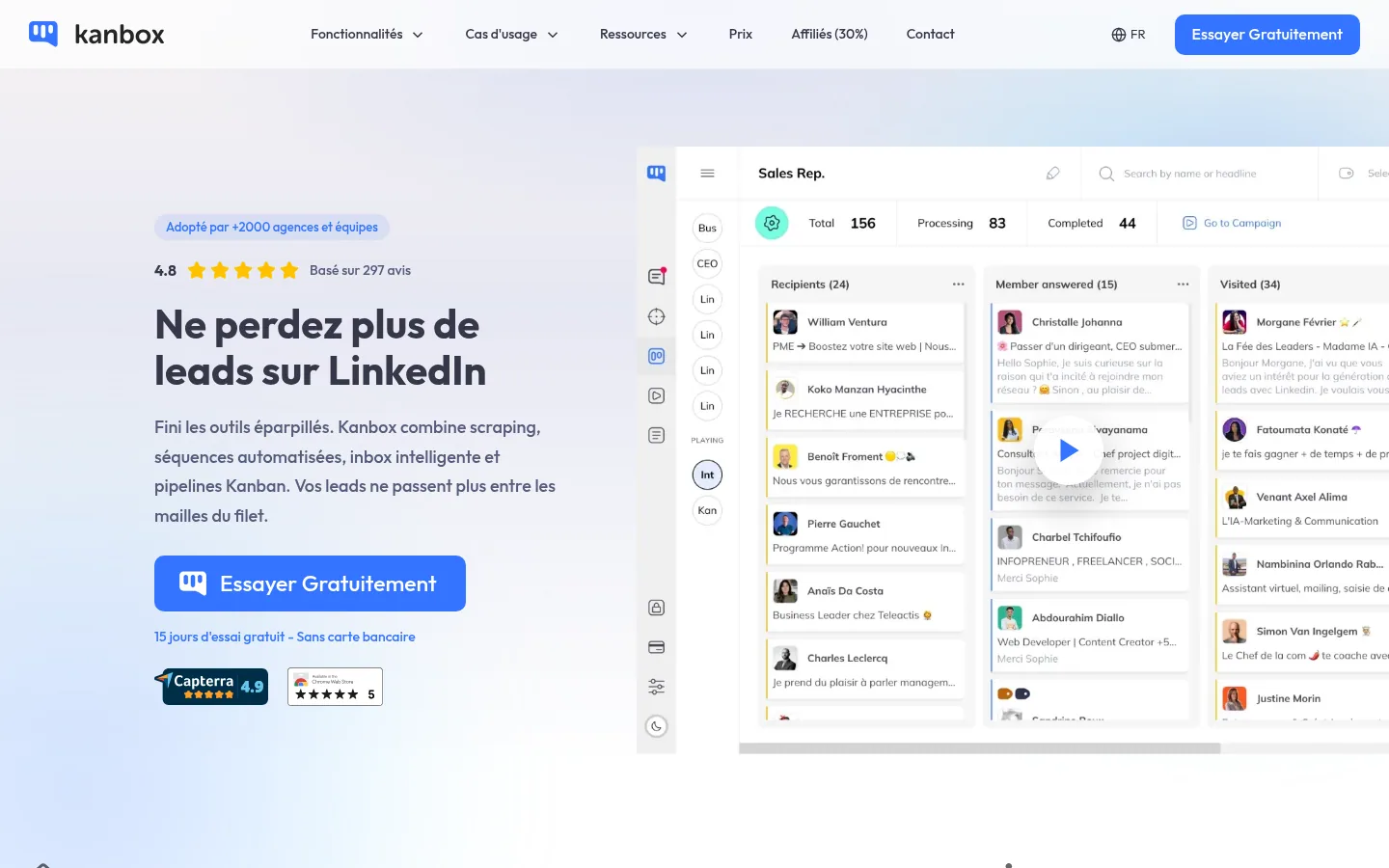
Kanbox brings together prospect extraction, automated sequences, an inbox and Kanban pipelines, column boards where each prospect moves from one stage to the next, in one tool. You import the people who liked or commented on a post, event attendees, or up to 2,500 prospects a day from a Sales Navigator or LinkedIn Recruiter search, then filter them and find their verified business emails.
Sequences visit the profile, follow the member, like their posts, send the invitation and then up to 6 follow-ups, with random delays and cloud operation. For agencies, a multi-account dashboard lets you switch from one LinkedIn account to another without logging out and give access to co-managers without sharing clients' passwords.
Best for: agencies and sales teams that want to follow every LinkedIn conversation visually through to the sale.
Strengths: each prospect tracked in a visual pipeline; email lookup credits that do not expire; a 15-day trial with no credit card, on a site available in French, English, Spanish, German and Portuguese.
Limitations: the Starter plan runs only one campaign at a time and imports 300 prospects a month; the billing unit of the Essential plan differs by page ("per user" on the homepage, "per LinkedIn account" on the pricing page), confirm with the vendor.
Pricing: Starter, Essential and Pro plans, then Agency plans by number of accounts, billed annually or monthly; price varies by visitor country, to be checked from France.
Linked Helper is a desktop application: the vendor explains that no code is injected into the LinkedIn page. Its toolkit counts more than 30 automated LinkedIn actions, message chains with reply detection, skill endorsements, inviting your connections to an event or to follow your company page, and a built-in CRM to sort prospects by tags.
The AI features write personalized messages that you approve before sending, score each profile against your ideal customer profile and write comments on posts. The application works with a free or Premium LinkedIn account, and switches between LinkedIn, Sales Navigator, Recruiter and Talent. Each profile gets its own proxy, and therefore its own IP address.
Best for: a prospector who wants to fine-tune every action and is fine with software installed on their computer.
Strengths: a very wide range of features; two versions to choose from, with data stored on your device or in the vendor's cloud; a French-language site and 14 days of full access to the Pro plan.
Limitations: in both versions, the computer must stay on with the application open; in the local version, sharing data with the team goes through file exports and imports.
Pricing: prices published in US dollars on the site, per license, with discounts based on duration and number of licenses; the page notes that a local tax may be added.
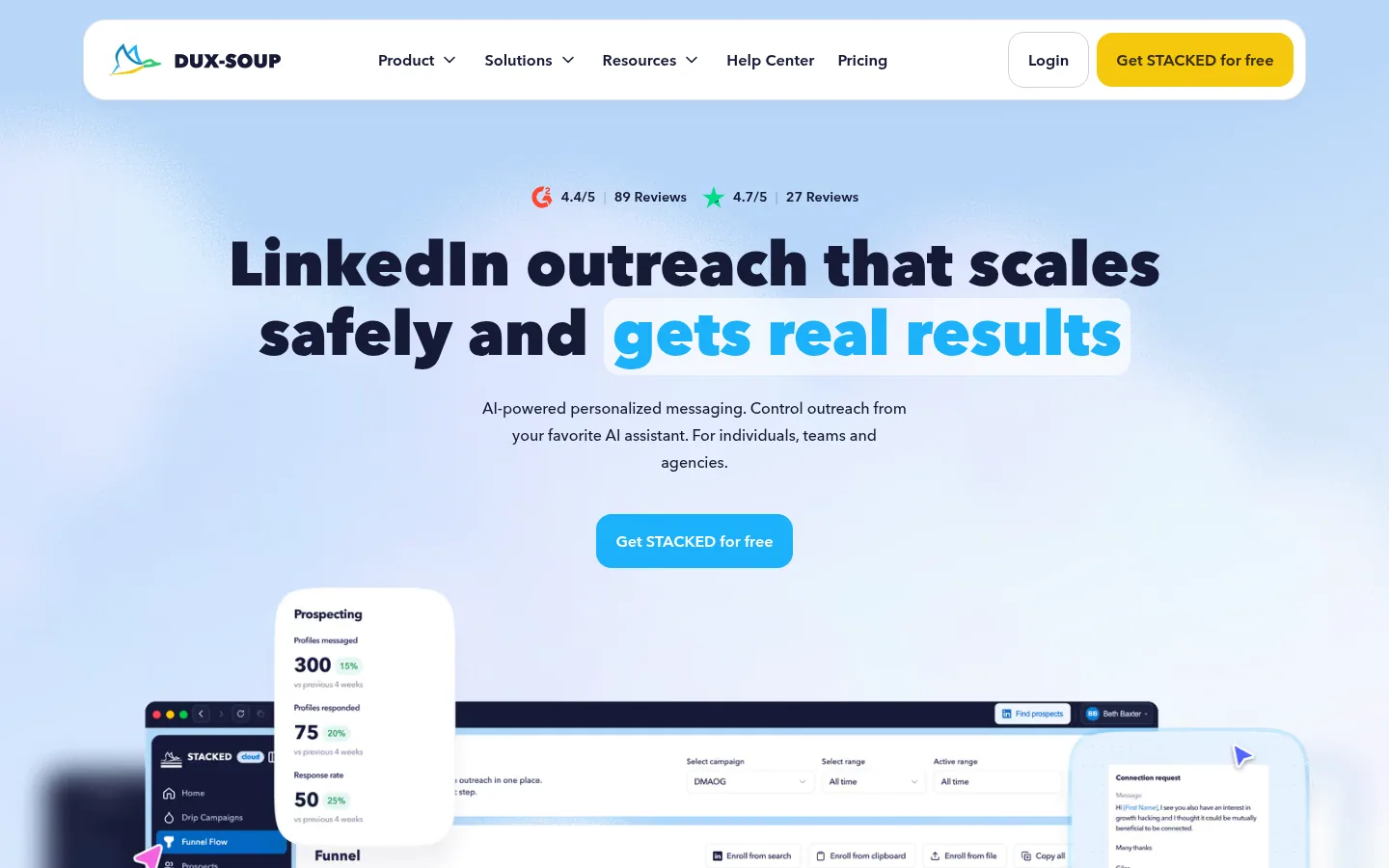
The Dux-Soup site now presents its product under the name STACKED, "powered by Dux-Soup". Its campaigns chain up to 12 actions (visit, invitation, message, InMail, follow, endorsement, like), with adjustable delays between each step and an automatic stop as soon as a prospect replies. AI tailors each message to the recipient's LinkedIn profile, and you can run your campaigns from your AI assistant.
The product comes in two versions: STACKED local, a desktop application for Mac and Windows that runs on your machine, and STACKED cloud, hosted by the vendor, which works without leaving a computer switched on. Replies from LinkedIn, Sales Navigator and Recruiter arrive in a single inbox, and integrations cover Slack, Salesforce, Pipedrive, HubSpot, Freshsales, HighLevel, Zapier and Make.
Best for: a freelancer, team or agency that wants to choose where its automation runs.
Strengths: unlimited simultaneous campaigns; two-way CRM integrations; for teams and agencies, accounts added or removed with billing by the day.
Limitations: the site exists in English only; the local version requires your computer to stay on.
Pricing: the pricing page shows amounts in dollars ($55 per month per seat for STACKED local), while its description announces €49 per month per seat (VAT treatment not stated): confirm the price with the vendor, price checked on October 10, 2026.
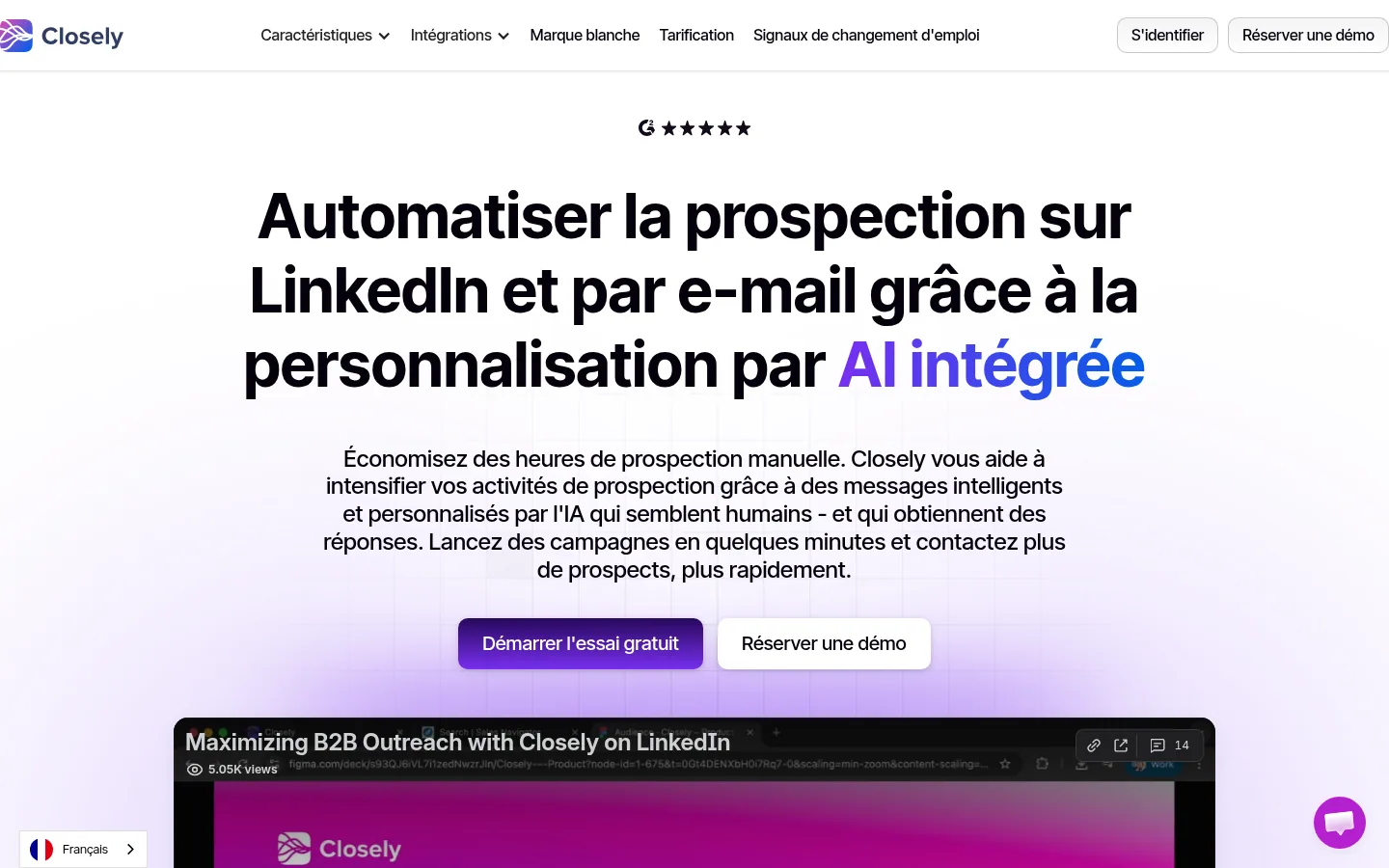
Closely automates prospecting on LinkedIn and by email with AI-personalized messages. Its sequences combine connection requests, profile visits, follow-ups and automatic pauses when someone replies, followed by email steps. A unified inbox gathers LinkedIn messages, InMails and email replies, with conversations assigned among teammates.
The software also finds verified emails and direct phone numbers from LinkedIn, and syncs the results with HubSpot, Salesforce or Pipedrive. Its pricing page announces a dedicated residential IP address for each LinkedIn account, an unlimited number of email accounts and white label.
Best for: a sales team that wants LinkedIn, email and contact lookup in the same subscription.
Strengths: built-in email and phone lookup; analytics by campaign, sequence and rep, with A/B tests; a free trial.
Limitations: plans are sized by number of LinkedIn accounts (1, 3 or 5, then custom): check which tier matches the size of your team.
Pricing: prices published in US dollars on the site, with 40% off for annual payment.
Information checked on October 10, 2026 on the vendors' sites. Waalaxy and La Growth Machine show euros on a French-language pricing page; at Kanbox, the currency depends on the visitor's country. To compare all ten, the table shows what makes each subscription climb.
| Software | Who it is for, according to the site | Channels announced | French-language site | What drives the bill up |
|---|---|---|---|---|
| Waalaxy | Sales reps, executives and teams | LinkedIn, email (Business plan) | Yes | Number of users, invitation volume (300 or 800 a month), inbox as an add-on |
| La Growth Machine | B2B teams, founders, agencies | LinkedIn, email, phone, X | Yes | Number of identities, enrichment packs |
| HeyReach | Agencies, sales teams | LinkedIn, multichannel | No | Number of senders, up to the unlimited flat fee |
| Expandi | Sales teams, agencies, recruiters | LinkedIn, email | No | Number of accounts, visual personalization add-ons |
| PhantomBuster | Sales teams | LinkedIn and more than 15 data platforms | No | Automation slots, execution hours, email and AI credits |
| Dripify | Solo sellers and teams | LinkedIn, email | No | Number of seats (one LinkedIn account each), email lookup credit packs |
| Kanbox | Agencies and sales teams | Yes | Number of LinkedIn accounts, simultaneous campaigns, email credit packs | |
| Linked Helper | Prospectors, teams, agencies | Yes | Number of licenses, local or cloud storage, license duration | |
| Dux-Soup (STACKED) | Individuals, teams, agencies | No | Number of seats, local or cloud version | |
| Closely | Sales teams | LinkedIn, email | Yes | Number of LinkedIn accounts (1, 3 or 5), credits |
These tools also automate part of LinkedIn prospecting, or prepare it.
| Software | What it does, based on its site |
|---|---|
| Evaboot | Chrome extension that exports prospect lists from Sales Navigator and finds their verified emails. |
| Botdog | Scheduling of invitations and follow-ups directly from LinkedIn Sales Navigator. |
| Skylead | LinkedIn automation and cold email software, with data enrichment and account-based prospecting. |
| Meet Alfred | Cloud-based multichannel prospecting, on LinkedIn, by email and on X. |
| We-Connect | LinkedIn automation platform that detects buying signals. |
| Aimfox | AI-personalized LinkedIn prospecting, multi-account management and a unified inbox. |
| Sendpilot | Connection requests, messages and follow-ups sent in parallel from all your LinkedIn accounts, billed per sender. |
| Salesflow | Social and email prospecting: connection requests, InMails and messages. |
| SalesRobot | Automated cloud campaigns on LinkedIn and by email. |
| Prosp | LinkedIn message and voice note written by AI for each prospect, based on their profile and activity. |
If you would rather entrust your presence and prospecting on this network to a team, see the 10 best LinkedIn agencies in France. For prospecting that leads with email, take a look at the best cold email agencies.
1. Where does the tool run? The vendor's cloud, a desktop application or a browser extension: the answer decides whether your campaigns stop when you close your computer, and where your LinkedIn account session lives. Linked Helper and the local version of STACKED need a machine that stays on; Dripify, PhantomBuster or Kanbox highlight cloud operation.
2. Which limits protect your account, and who sets them? Ask for the number of invitations and messages per day or per week, whether there are random delays and working hours, and whether the IP address is dedicated to your account. LinkedIn's terms stay the same whatever the tool.
3. Which unit do you pay on? User, identity, LinkedIn account, sender, license or execution time: two tools with similar entry prices can end up far apart for a team of five reps. Run the numbers on your actual team and over twelve months, add-ons included.
4. Where do the contact details the tool supplies come from? If the software finds emails or phone numbers, ask for its sources and what it does with contact details a member chose to hide. Also check how you inform the people you contact and how they can object to prospecting.
5. What happens to the replies? A conversation that stays inside LinkedIn gets lost quickly. Check the sync with your CRM, which direction it works in, which plan includes it, and whether you can export your data at any time.
No LinkedIn account was put at stake. This comparison relies on what each vendor displays on its site, viewed in October 2026. We did not subscribe to any plan, send invitations or measure acceptance rates. For some vendors, the features page could not be read; their profile then relies on the homepage and pricing, and may underestimate what the software does.
It does not know how you will use it. A consultant sending a few dozen invitations a week, a team of ten reps and an agency managing thirty client profiles do not need the same tool. Choose with the Best for line first; the rank comes second.
It depends on rules that are not its own. LinkedIn can change its limits and terms at any time, and vendors adapt their offers accordingly. This page will be revised regularly; check prices and limits on the vendor's site when you subscribe.
A LinkedIn automation tool moves forward the conversations you start. It contacts the profiles you target, follows up at the right pace and files the replies. Before accepting a meeting, a prospect may also look up your company on Google or ask an AI about it. When a buyer searches Google for a provider on their own, or asks ChatGPT which solution to choose, the pages of your site are what answer them.
Sorank automates this second job: technical audit, analysis of your visibility in AI assistants, keyword research, writing and publishing articles, then tracking the prompts for which ChatGPT, Claude or Gemini cite your brand, as detailed on our GEO software page. To see what this would look like in your market, book a call.
One recommendation per profile: Waalaxy if you are starting LinkedIn prospecting alone or in a small team and want a guided tool, in French, with a price in euros; La Growth Machine if your team wants conditional sequences that move from LinkedIn to email and phone; HeyReach if you are an agency running many LinkedIn accounts and want to group all the replies together.
Before the first campaign, set cautious limits and write messages you would send yourself: the tool repeats your choices at scale.

LinkedIn's User Agreement prohibits bots and other unauthorized automated methods to access the service, add contacts or send messages. LinkedIn's help center states that an account using prohibited software may be restricted or shut down. Several vendors highlight activity limits and random delays to reduce this risk; the decision remains LinkedIn's. Set cautious volumes and read the terms before you start.
Not always. Dripify works with every type of LinkedIn account, including free ones, and Expandi states that no premium subscription is needed to get started. Waalaxy imports prospects from LinkedIn Basic, Sales Navigator and Recruiter Lite, and Linked Helper works with a free or Premium LinkedIn account. Dripify notes that Sales Navigator brings better search filters, as a separate LinkedIn subscription.
For a first campaign, favor a guided tool with a free trial. Waalaxy's Pro plan includes 300 invitations a month and a 14-day free trial, and Kanbox's Starter plan runs one campaign at a time, with a 15-day trial and no credit card. Start small, measure your reply rate, then increase the volume.
 AI Meta Description GeneratorAI Blog Title Generator
 Google Indexability CheckerAI Blog Outline Generator
 UTM Link Builder
 Keyword Clustering ToolCanonical Tag Checker
 XML Sitemap GeneratorBroken Link CheckerAI SEO Title GeneratorHeadline AnalyzerSERP Preview ToolRedirect Checker
 Hreflang Tag GeneratorHeading Structure AnalyzerHTTP Headers CheckerFavicon Extractor
 SERP CTR Calculator
 SEO vs Paid Search Savings Calculator
 SEO Share of Voice Calculator
 SEO ROI Calculator
 SEO Traffic and Revenue Forecast Calculator
 SEO Budget Calculator
 SEO Break-Even Calculator
 SaaS SEO ROI Calculator
 ROAS Calculator
 Reading Time Calculator
 Ranking Gain Simulator
 Organic Traffic Value Calculator
 Organic Traffic Estimator
 LTV to CAC Ratio Calculator
 Local SEO ROI Calculator
 Link Building Cost Calculator
 Keyword Value Calculator
 Keyword Opportunity Score Calculator
 Keyword Density Calculator
 GEO ROI Calculator
 GEO Content Investment Calculator
 Ecommerce SEO ROI Calculator
 Customer Lifetime Value Calculator
 Customer Acquisition Cost Calculator
 CTR Calculator
 Cost Per Article Calculator
 Conversion Rate Calculator
 Content Marketing ROI Calculator
 ChatGPT Referral Traffic Estimator
 Bounce Rate Calculator
 Backlink ROI Calculator
 AI Visibility Score Calculator
 AI Traffic Value Calculator
 AI Share of Voice Calculator
 Cost of AI Invisibility Calculator
 AI Citation Rate Calculatorllms.txt ValidatorAI Overview CheckerRobots.txt Checker
 AI SEO AuditLLM Readability CheckerSearchGPT Readiness Checker
 Structured Data LLM AuditWebsite Crawlability AI AuditWhy ChatGPT Is Not Recommending My Website
 Gemini Ranking ToolPerplexity Ranking CheckerLLM Citation CheckerAnswer Engine Optimization AuditGEO AuditAI Search Visibility TestChatGPT Visibility Checkerllms.txt Generator
 URL ExtractorWebpage to MarkdownSitemap CheckerSERP Volatility SensorPage Size Checker
 Word Counter
 Slug GeneratorSchema GeneratorRobots Generator
 OG PreviewMeta Tags Generator
 Image CompressorFavicon Generator
 On-Page SEO Audit
 Backlink Analysis Tool
 Keyword Research Tool
 Domain Authority Checker
THEY TRIED SORANK BEFORE YOU
 “I tested Sorank on a real client site and it's insane. It does everything an agency would bill you $1500 a month for. It's going into production on that client now.”
 Guillaume Guersanguersanguillaume.com“We are an Ads agency and we wanted to get our SEO back on track once and for all. Sorank gave us a clear view of our site, helped us prioritize optimizations, and properly structure our content. The tool is easy to use, well designed for a team, and very practical for centralizing tracking without having to juggle multiple platforms. A very solid foundation to start fresh with our SEO.”
 Gaspard MadouiAds Agency
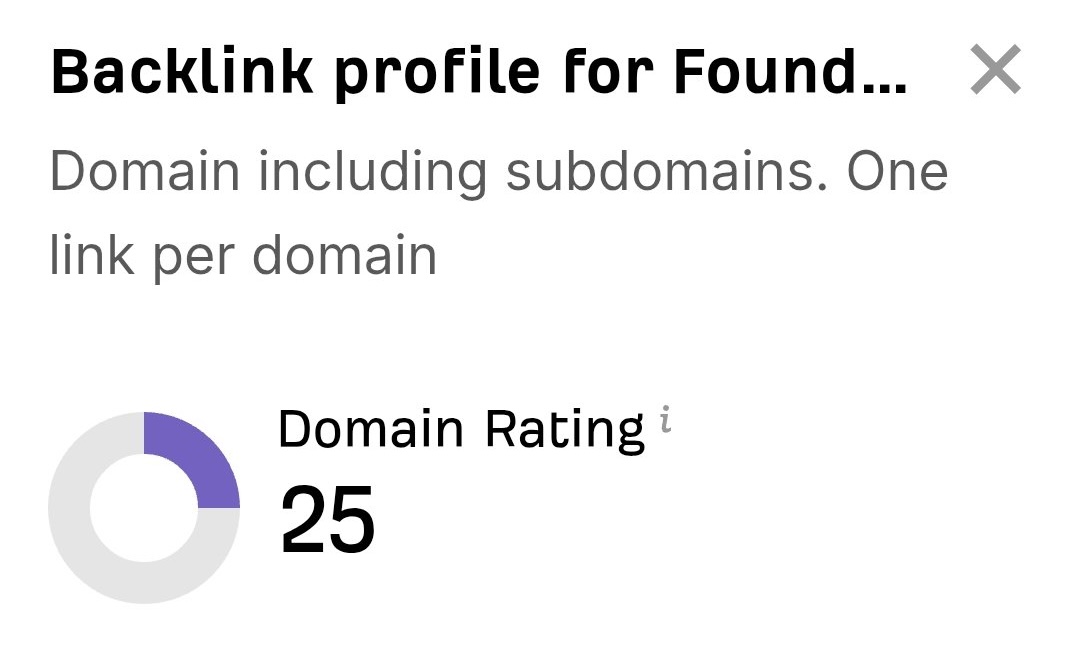 “I just let the Sorank software do its thing, and now my DR is 25 and my page is ranking higher.”
 Lucas FlandrePodcast Host“I specialized in GEO thanks to Sorank. The GEO Leaderboard allows me to show my clients their position vs competitors on ChatGPT. It’s a real commercial differentiator.”
 MélanieSEO Freelance“Great service, works well for our website and helps us understand how to improve it to rank better on Google and elsewhere. Congrats, keep going, I recommend it.”
 Hugo T.E-commerce merchant