Preferences
Privacy is important to us, so you have the option of disabling certain types of storage that may not be necessary for the basic functioning of the website. Blocking categories may impact your experience on the website. More information
Privacy is important to us, so you have the option of disabling certain types of storage that may not be necessary for the basic functioning of the website. Blocking categories may impact your experience on the website. More information

Compare the 10 best AI tools for ecommerce by job: store building, content, support, email, photos, stock and pricing, with real prices and honest limits.
In short
An AI tool for ecommerce is software that uses AI to do one job of an online store, such as content, support, photos or stock. Our picks: Sorank for organic traffic, Shopify Sidekick for daily store work, Klaviyo for email, Tidio or Gorgias for support, Photoroom for images and Prediko for inventory.
Want to go further? Ask
Quick quiz
Where should your online shop find its next customers?
Sorank matches your answers


Test it for 3 days on your own site and see where you stand on Google, ChatGPT and the other AIs.
Start 3-day free trial3 days free, then stop whenever you want. 90-day results guarantee, conditions apply.
The best AI tool is the one that removes your most expensive weekly task. No product covers the whole store, so this ranking gives one strong tool per job, with the price published by its maker. All prices below were read on the official sites on 25 November 2026, and they change often.
| Tool | Job | Best for | Main strength | Starting price |
|---|---|---|---|---|
| 1. Sorank | Organic traffic | Stores that want buyers from Google and AI models | Writes and publishes buying guides, tracks AI mentions | $49 per month, billed yearly |
| 2. Shopify Sidekick | Store operations | Every Shopify store | Works inside the admin with your store data | Included in Shopify plans |
| 3. Klaviyo | Email and retention | Stores with a customer list | Predictive segments and send times | Free, then $20 per month |
| 4. Tidio | Chat and support | Small teams | Lyro AI agent, quick start | Free, then $33 per month |
| 5. Gorgias | Helpdesk | Stores with many tickets | Helpdesk and AI agent in one inbox | $10 per month |
| 6. Photoroom | Product images | Catalogs with many photos | Batch editing and AI scenes | Free plan, API from $0.02 per image |
| 7. Prediko | Inventory | Shopify brands that reorder stock | Demand forecast to purchase order | $49 per month |
| 8. Algolia | Site search | Large catalogs | AI ranking and recommendations | $0, pay as you go |
| 9. Prisync | Pricing | Resellers with visible competitors | Competitor prices and repricing rules | $99 per month |
| 10. Hostinger | Store creation | First store, small budget | Store built from a description | $1.99 per month, paid for 12 months |
A low entry price says little about the final bill. Gorgias starts at $10, but that covers 50 tickets. Prisync starts at $99, with unlimited competitors. The pricing section further down shows how to compare them fairly.
We ranked each tool on four points: the job it finishes alone, the price its maker publishes, the data it needs to work, and what it cannot do. A tool entered the list only if its official site is live and describes the AI feature in detail. We read those pages and documentation. We did not run a lab test of all ten on the same store, and no ranking of this kind should pretend otherwise.
Sorank is our own product. It ranks first for one job, organic traffic, because that is the job it does. It does not handle your support, your stock or your prices, and the nine other tools are here for that.
Start from the step where you lose the most money. A store with 300 visits per month does not need better search. A store with 30000 visits and slow replies does not need more traffic first.
Where each AI tool acts in the sale
Two tools sit outside this path. Shopify Sidekick and Hostinger help you build and run the store itself. For a wider view of use cases and risks, read our guide to how AI is used in ecommerce.

Each review follows the same order: what the tool is, who it suits, its strengths, its limit and its price. The limit matters most, because it decides whether you will still use the tool in six months.
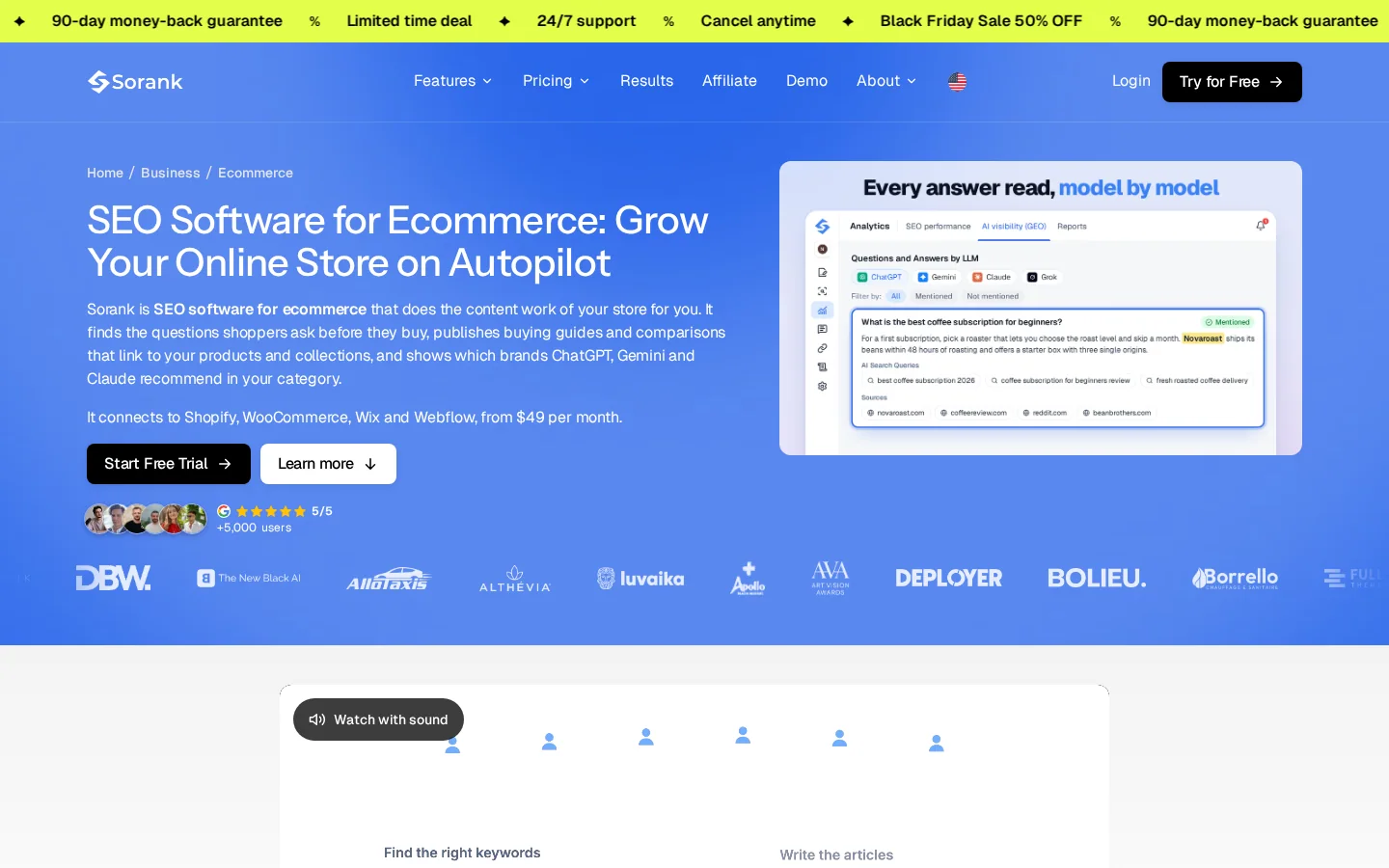
Sorank is an SEO and GEO software that brings buyers from Google and from AI models. GEO means being recommended in answers from ChatGPT, Claude, Gemini or Grok. It finds the buying questions in your category, writes the guides and comparisons, links them to your products and collections, and publishes them on your store blog. The SEO software for online stores page shows the full workflow.
Who it suits: stores on Shopify, WooCommerce, Wix, Webflow or WordPress that depend on ads and want a second source of sales. Custom stores can connect through a webhook or the API.
Scope to know: Sorank works on your blog, your links and your AI visibility. Product titles, prices and descriptions stay in your store admin. As with any SEO work, the product page advises judging a category after about three months.
Price: Essential costs $49 per month and per site, billed yearly, with 20 articles and 10 tracked AI prompts. Pro costs $129 and Business $249 on the same terms. Each plan has a 3-day free trial and a 90-day results or money back guarantee (sorank.com, 25 November 2026).
 Shopify Sidekick

Shopify Sidekick is the AI built into the Shopify admin. You write a request in plain words, it reads your store data, prepares the change and waits for your approval. It can write product copy, edit photos, build collections, create discount codes, generate Shopify Flow workflows and analyze sales.
Who it suits: every Shopify store. Try it before you pay for anything else, because you already have it.
Limit: it only exists inside Shopify, and usage limits vary by plan. The product page does not publish a detailed limit per plan, so check your admin before you plan heavy work on it.
Price: included in Shopify plans. Basic was shown at €36 per month, or €27 per month billed yearly, on the European pricing page (25 November 2026).
 Klaviyo

Klaviyo is a customer platform for email, SMS and mobile messages. Its AI predicts customer lifetime value, scores the risk of losing a customer, picks the send time for each person and recommends products. Composer turns a goal into a campaign: audience, copy and send strategy.
Who it suits: stores with a few hundred customers or more. Predictions need order history, so a brand new store will mostly use the templates and the basic flows.
Limit: the bill grows with your active profiles, and Composer, Customer Agent, Helpdesk and SMS appear as paid add-ons on the Email and Marketing plans.
Price: free up to 250 active profiles and 500 emails per month, with 10 Customer Agent resolutions. Email starts at $20 per month for 500 profiles and 5000 emails, Marketing at $25 (25 November 2026). If you hesitate, compare it with other email marketing software.
 Tidio
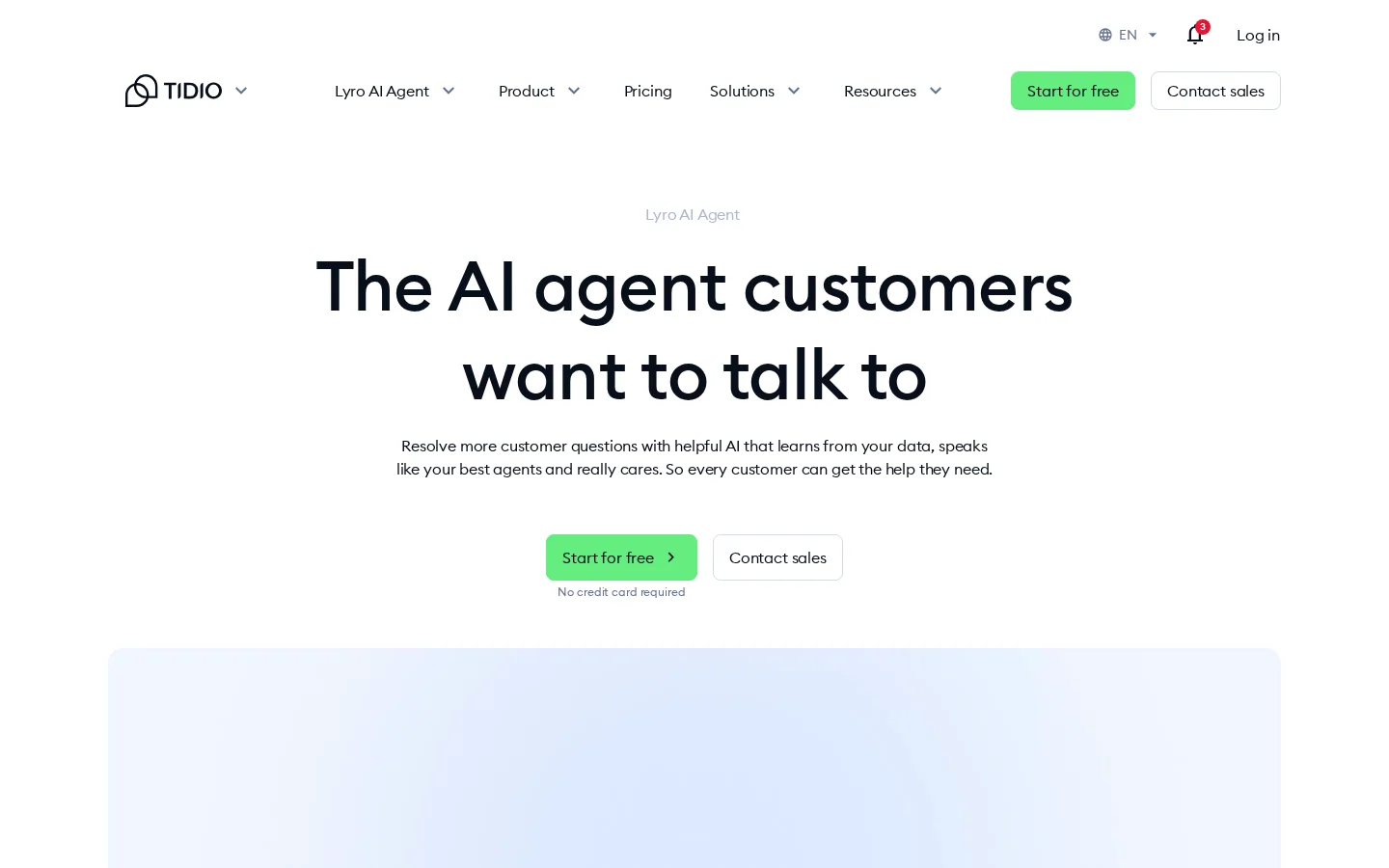
Tidio is a live chat and helpdesk with an AI agent called Lyro. Lyro reads your support content, answers visitors, gives order status, recommends products from your store and passes the question to a person when it does not know. Tidio says Lyro runs on Claude and on its own models.
Who it suits: small teams that receive the same 20 questions every day: delivery time, returns, sizes, stock.
Limit: quotas are small on entry plans. Tidio states an average resolution rate of 75% with Lyro, but its page does not explain the method, so measure your own rate during the trial.
Price: a free plan with 50 human conversations per month and 50 Lyro conversations once. Starter with Lyro costs $33 per month for 50 conversations, Growth starts at $63 for 100 (25 November 2026).
Gorgias is a helpdesk made for ecommerce. It brings messages into one inbox and adds an AI agent that answers support questions and recommends products. Gorgias names Shopify and BigCommerce among its integrations.
Who it suits: stores with several hundred tickets per month and at least one person in charge of support.
Limit: two meters run at once, tickets and automated interactions. Gorgias pages describe overlap between the two differently, so ask sales in writing whether an AI resolution also uses a ticket.
Price: Starter at $10 per month for 50 tickets, Basic at $60 for 300, Pro at $360 for 2000, all billed monthly. The AI agent costs $1 per automated interaction on monthly contracts and $0.90 on annual ones, with higher overage rates (25 November 2026).
 Photoroom
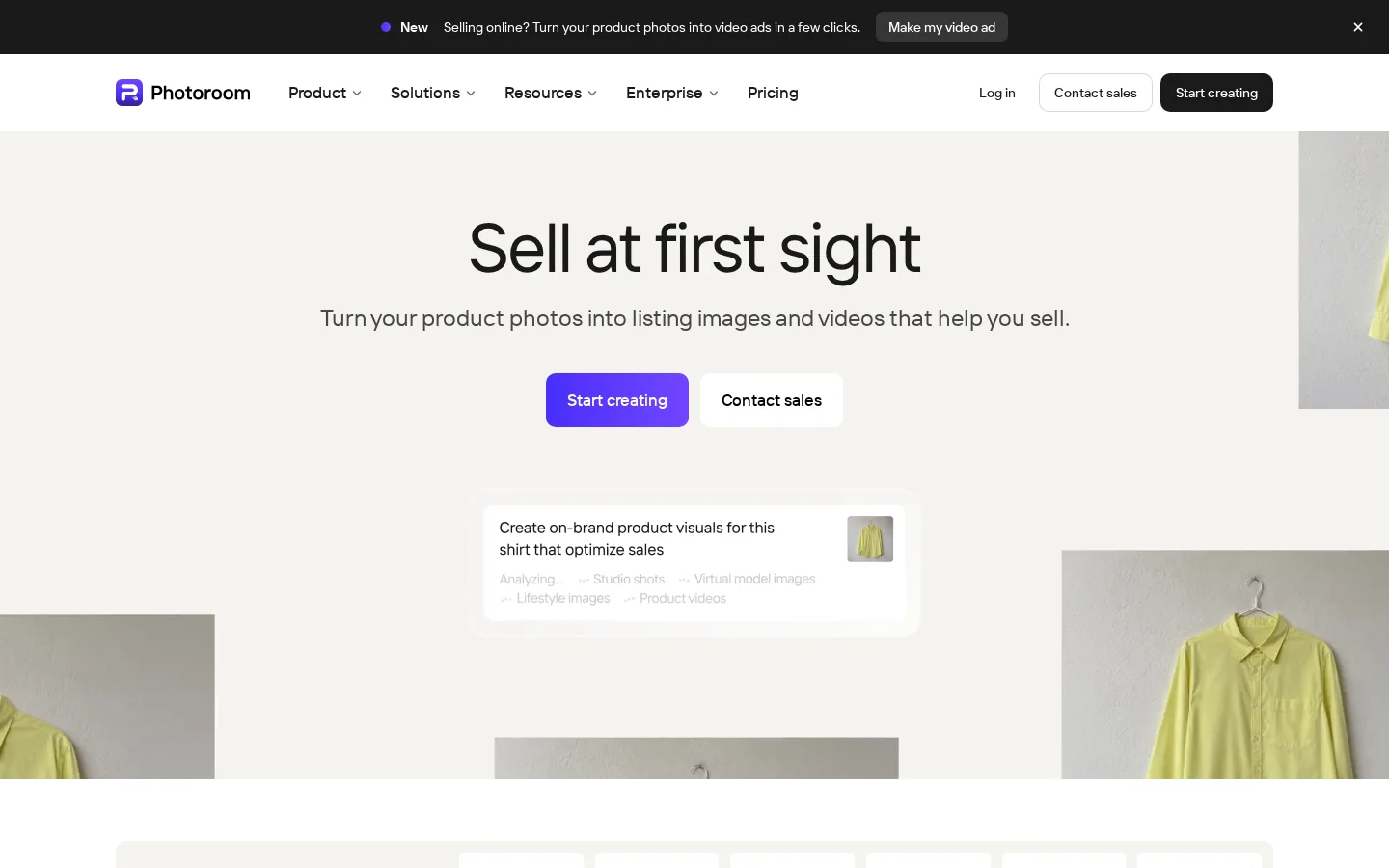
Photoroom is an AI photo studio for sellers. It removes backgrounds, adds shadows, places a product in a scene, dresses an AI model with your clothes and turns a product photo into a short video. Batch mode applies the same edit to a whole set of images.
Who it suits: fashion, beauty and home stores with many products and no photo studio.
Limit: exports are counted, and a batch of 10 images uses 10 exports. A generated scene can also change a detail of the product, so check texture, color and proportions on every image.
Price: free plan with 100 exports per month, according to its help center. Pro gives 1000 exports, Max 3000. The pricing page we read did not show amounts for these plans. The API costs $0.02 per image for background removal and $0.10 for AI editing (25 November 2026).
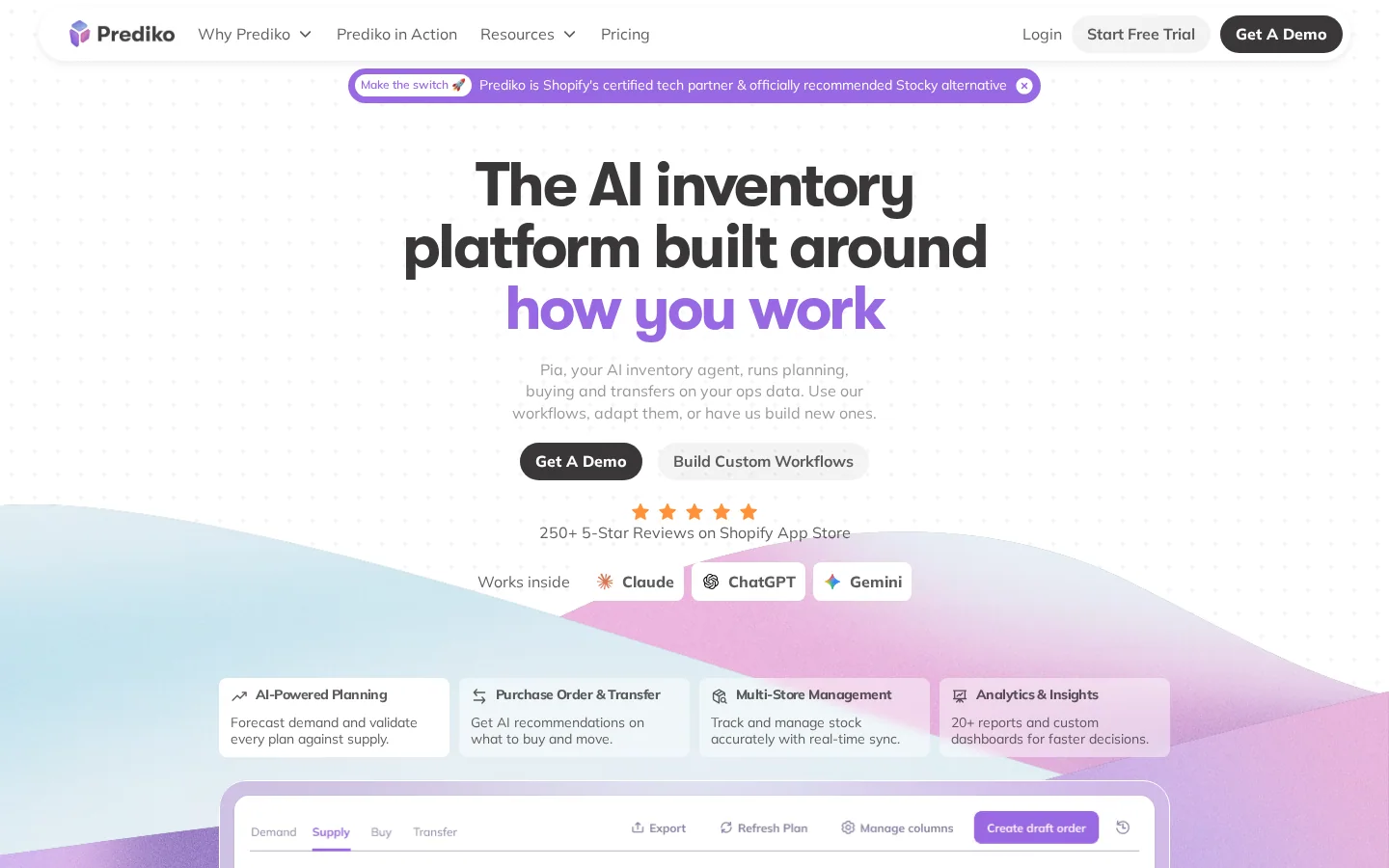
Prediko is an inventory planning tool for Shopify brands. It forecasts demand, compares the forecast with your stock, recommends what to reorder and prepares purchase orders, with a 12-month purchase calendar. Its AI agent, Pia, runs planning, buying and transfers.
Who it suits: brands that buy stock in advance and lose sales to empty shelves or cash to slow products.
Limit: Shopify is the primary platform, and the site does not describe the forecasting model. Compare its forecast with your own sales for past months before you trust an order.
Price: by annual sales volume. $49 per month under $100K of sales, $119 up to $500K, $199 up to $2M, with a 14-day free trial (25 November 2026).

Algolia is a search and discovery engine. It replaces your store search with one that understands intent, ranks products by AI, personalizes results and powers recommendations. Agent Studio adds guided conversations on top of your catalog data.
Who it suits: stores with large catalogs and a developer, or a technical partner.
Limit: the strongest AI features are not in the cheapest plan. AI Ranking and AI Synonyms start with Grow Plus, and NeuralSearch is reserved for Elevate, an annual contract on quote.
Price: Grow and Grow Plus start at $0, with 10000 search requests included per month. Extra requests cost $0.50 per 1000 on Grow and $1.75 per 1000 on Grow Plus (25 November 2026).
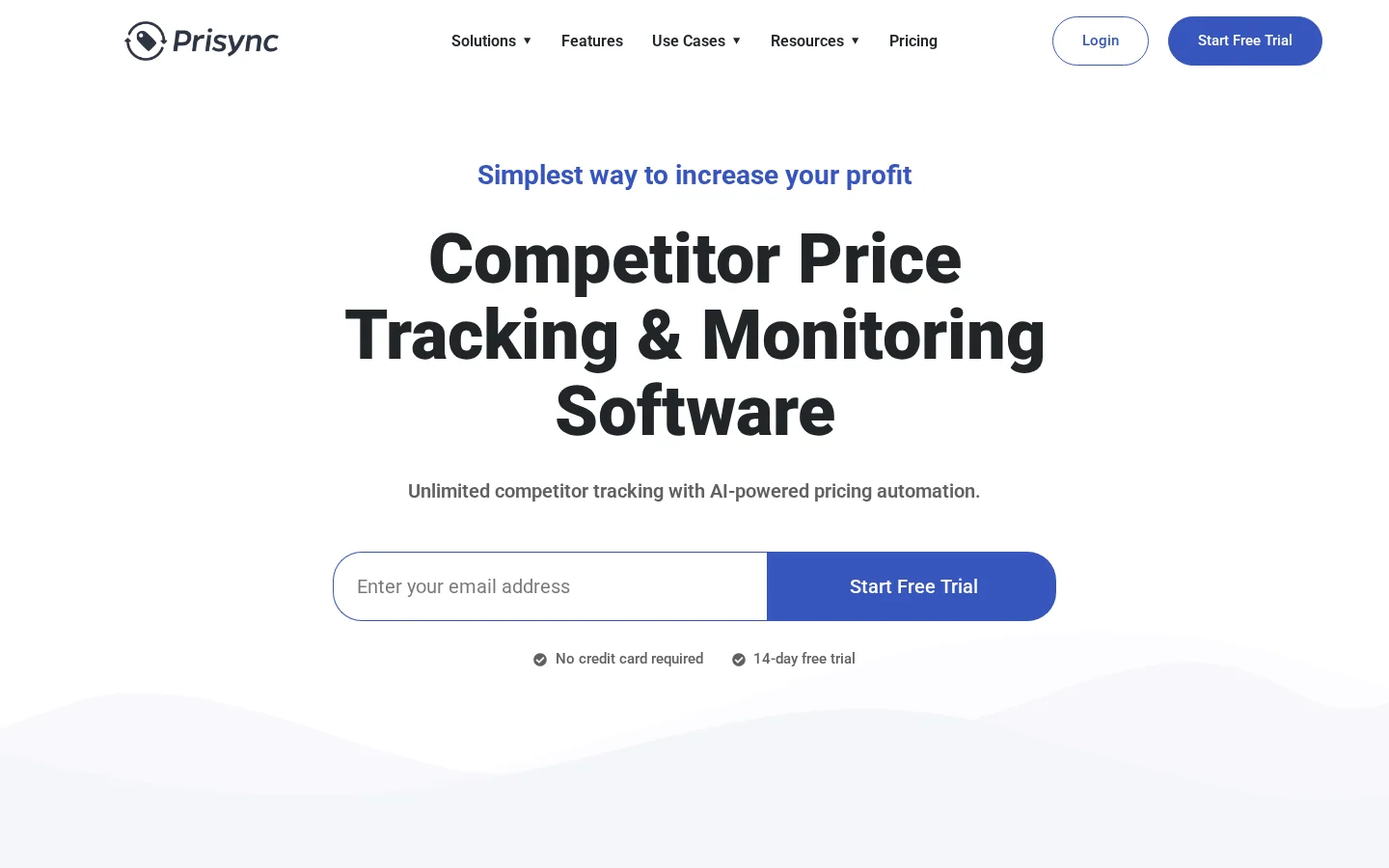
Prisync tracks the prices and stock of your competitors and can change your own prices with rules that you set. It adds automated competitor discovery, mainly on Google Shopping.
Who it suits: resellers of known brands, where shoppers compare the same product on several sites.
Limit: it brings little to a store that sells its own brand, since nobody sells the same item. The API adds 20% to the subscription.
Price: with URL monitoring, $99 per month for 100 products, $199 for 1000 and $399 for 5000, with a 14-day trial (25 November 2026).
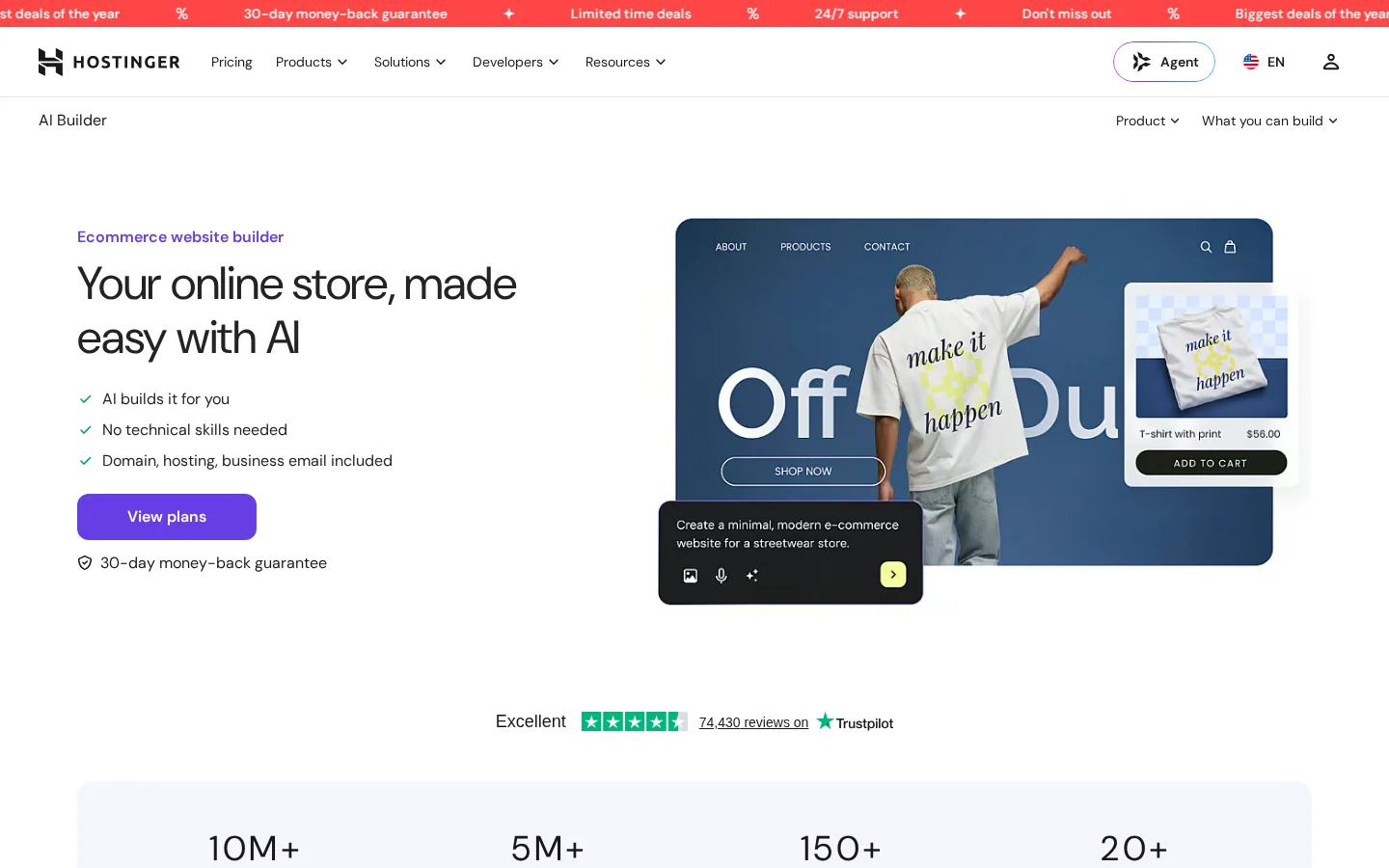
Hostinger builds an online store from a description of your business. The AI creates the storefront and product pages, writes titles and descriptions from your photos for up to 10 products at once, and lets you change the design by chat.
Who it suits: a first store, a test of an idea, or a local shop that starts selling online.
Limit: the page we read does not explain how to export the store to another platform. Keep your product file and customer list on your side from day one.
Price: Ecommerce Growth at $1.99 per month, or $23.88 paid for 12 months. Unlimited starts at $2.79 but renews at $16.99 per month (25 November 2026).
AI ecommerce tools use five pricing models, and the model matters more than the entry price. It decides how your bill behaves when sales grow.
| Model | Principle | Tools here | Use it when | Risk |
|---|---|---|---|---|
| Included in the platform | The AI comes with your store plan | Shopify Sidekick, Hostinger | You want no new contract | You depend on one platform |
| Fixed quota | A set volume per month | Sorank, Tidio, Photoroom, Prisync | Your volume is stable | You hit the cap in high season |
| Per contact | You pay for active profiles | Klaviyo | Your list buys often | You pay for inactive people |
| Per result or request | You pay for each resolution or search | Gorgias, Algolia, Photoroom API | Volume is irregular | A peak, or bots, raise the bill |
| By sales volume | The price follows your revenue | Prediko | You want unlimited users and products | The price steps up at each threshold |
Take Algolia with 100000 searches in a month. The first 10000 are included. The other 90000 cost $45 on Grow and $157.50 on Grow Plus. Same traffic, 3.5 times the price, because the second plan adds AI ranking. Take Tidio Starter: $33 for 50 conversations is $0.66 per conversation, whether the AI or a person answers.
Fixed quota or pay per resolution for support AI?
Tip
Ask every support vendor one question: if the customer leaves the chat without replying, does it count as resolved? The answer can change your real cost more than the list price.
Choose by stage, not by feature list. One tool per problem, and never two new tools in the same month, or you will not know which one changed the numbers.
Use what is free or included: Sidekick on Shopify or the Hostinger builder, the free plans of Klaviyo, Tidio and Photoroom. Add organic content early, because it needs the longest time to pay back. Skip inventory forecasting and site search: there is not enough data for either.
Pay for three things: traffic, repeat purchases and support. A typical set is Sorank Essential at $49, Klaviyo Email at $20, Tidio Starter at $33 and, if you hold stock, Prediko at $49 to $199 depending on sales. The four entry prices total $151 per month.
Move support to a helpdesk such as Gorgias, add Algolia for search, use the Photoroom API for images and Prisync if you resell brands. At this size, integration is the real cost. Check that each tool reads the same product identifiers. Our comparison of ecommerce software beyond AI helps with the base platform.
Check these points before you pay
Permissions deserve a real look. A content tool that only needs to publish articles should not ask for access to customers or orders. On Shopify, read the list of scopes on the install screen: write_content is normal for a blog tool, read_customers is not.
Install one tool, on one job, with one number to beat. Thirty days are enough for support, photos or email. Organic content and stock forecasts need a full quarter or a full buying cycle.
The 30-day test
Step two is the one most teams skip. A support agent that reads three different return policies will quote the wrong one with confidence. This is called an AI hallucination when the model invents, but most bad answers in a store come from an old page that nobody deleted.
Expect a moderate average gain, with large differences between people. In a study of 5179 customer support agents, economists Brynjolfsson, Li and Raymond measured 14% more issues resolved per hour with an AI tool, and 34% for beginners, while experienced agents gained little (NBER working paper 31161, revised November 2023). That study measured AI helping people, not AI replacing them.
Productivity gain of support agents using AI
Source: Brynjolfsson, Li and Raymond, NBER working paper 31161, 5179 agents
To know if a tool pays for itself, use a formula that includes review time and errors:
Monthly gain = (hours saved x hourly cost) + extra gross margin
Monthly cost = subscription + usage fees + (review hours x hourly cost) + cost of errors
ROI          = (Monthly gain - Monthly cost) / Monthly cost

Example, support AI:
30 hours saved x $25              = $750
$33 subscription + 8 review hours x $25 + $40 refunds = $273
ROI = (750 - 273) / 273           = 1.75, or 175%
The numbers in the example are an illustration: replace them with yours. Take your gross margin, not your revenue, and pick the right metric in our list of ecommerce KPIs with formulas. For organic traffic, the free store SEO return calculator does the projection.
AI content is allowed on Google if it adds value and if product data is labeled correctly. Two rules matter for a store: one for pages, one for the product feed.
Google says that producing many pages with AI without adding value can break its policy on scaled content abuse, and it asks publishers to check facts, including titles, meta descriptions, structured data and image alt text (Google Search guidance on AI content, read in November 2026). So 2000 descriptions rewritten from the supplier text are a risk. Fifty guides that answer real questions with your own measurements are not. Our guide to writing product descriptions that rank gives a template.
In Merchant Center, AI titles and descriptions go in dedicated attributes, structured_title and structured_description, with the source trained_algorithmic_media. AI images must keep the IPTC DigitalSourceType tag (Merchant Center help on AI-generated content). New to this? Start with the definition of a product feed.
<item>
  <g:id>LINEN-SHIRT-M-BLUE</g:id>
  <g:structured_title>
    <g:digital_source_type>trained_algorithmic_media</g:digital_source_type>
    <g:content>Linen shirt for men, regular fit, blue, size M</g:content>
  </g:structured_title>
  <g:structured_description>
    <g:digital_source_type>trained_algorithmic_media</g:digital_source_type>
    <g:content>Shirt in 100% European linen, 160 g per square meter.</g:content>
  </g:structured_description>
</item>
There is a trap. If you send both title and structured_title, Google uses only title, and the content of the structured title is limited to 150 characters (title attribute documentation). Many feed apps fill title by default, so check the final file, not the app screen.
To see whether an image still carries its label after compression, use ExifTool:
exiftool -XMP-iptcExt:DigitalSourceType product-photo.jpgAn empty answer on an AI image means a plugin or your CDN removed the metadata. Turn off the option that strips metadata for product images, then export again.
An AI product feed, before and after
In the European Union, Article 50 of the AI Act requires that people are told when they interact with an AI system, unless it is obvious. It applies from 2 August 2026 (text of Article 50). In practice, write it in the first message of the chat and give a way to reach a person. This is general information, so ask a lawyer about your case.
They can, if they find clear facts about your products on your site and on sites they trust. This is a separate job from automating the store. Shoppers now ask ChatGPT, Gemini or Claude which product to buy, and the answer names a few brands. The topic has its own name, AI shopping.
Free check
Test your brand today with the free ChatGPT visibility checker. For a monthly follow-up by prompt, Sorank includes AI mention tracking in every plan.
For the method in detail, read how to get products recommended by AI.
Most failures come from setup, not from the model. Here are seven, with the sign that reveals each one and the fix.
What it is: a subscription taken after a demo. How to spot it: nobody can state the number it should move. Fix: write the baseline first. No baseline, no purchase.
What it is: the agent reads old policies. How to spot it: two answers to the same question differ. Fix: keep one page per policy, with a date and an owner, and redirect the rest.
What it is: descriptions go live untouched. How to spot it: returns with the reason “not as described” go up. Fix: lock the fields the AI may not invent, such as material, size, certification and compatibility. Sample 20 products per batch, and reject the batch if one of them is wrong on a locked field.
What it is: the report ignores review time. How to spot it: the dashboard shows 40 hours saved but the team works as much as before. Fix: log review hours for two weeks and put them in the cost line.
What it is: every closed chat counts as a success. How to spot it: the same customer writes again by email the next day. Fix: measure the share of customers who contact you again within 72 hours, next to the resolution rate.
What it is: a rule that follows the cheapest competitor. How to spot it: margin falls while sales stay flat. Fix: set a floor price per product:
floor price before tax = (product cost + shipping + packaging + fixed payment fee) / (1 - minimum margin rate - payment fee rate)

Example: (18 + 4 + 1 + 0.25) / (1 - 0.25 - 0.015) = $31.63What it is: Klaviyo, Tidio and Gorgias each have an AI agent, and some stores turn on two. How to spot it: a customer receives two different answers, or two chat bubbles appear. Fix: one agent per channel, and a table of who owns what: chat, email, product copy, prices.
Start with what you already pay for, then fix the biggest leak. On Shopify, spend a week with Sidekick. If replies are slow, test Tidio, or Gorgias above several hundred tickets per month. If customers buy once, set up Klaviyo. If stock runs out, try Prediko during its 14-day trial.
If your real problem is that too few people find the store, our recommendation is Sorank, because guides and comparisons keep bringing buyers after the work is done, while ads stop when the budget stops. See how the AI blog article generator works, and compare it with other SEO tools for ecommerce.
One action for today: write down the three tasks that took the most time this week, with the hours. The first line of that list tells you which tool to try.
This ranking reflects my own experience and opinion as an SEO expert with more than 7 years in the field. It is based on verified facts, but the order itself is my personal view.
There is no single best tool, because each one does a different job. Sorank is our pick for organic traffic, Shopify Sidekick for daily store work, Klaviyo for email, Tidio or Gorgias for support, Photoroom for images and Prediko for inventory. Start with the job that costs you the most hours or sales.
Yes. Sidekick is included in Shopify plans, Klaviyo is free up to 250 active profiles, Tidio has a free plan with 50 Lyro AI conversations once, Photoroom offers free exports each month and Algolia includes 10000 searches per month. These limits were read in November 2026 and can change.
No. AI can draft content, answer common questions, forecast stock and adjust prices within rules, but a person must check facts, prices and exceptions. Keep AI outputs in draft mode first, then open a limited scope once the error rate is low.
We analyse your competitors, your website and your AI visibility to create a tailored content plan for free.
 Duplicate Content Checker
 Mobile-Friendly Test
 Website Speed Test
 Subdomain Finder
 Domain Age Checker
 CMS Detector
 Googlebot Simulator
 Nofollow Link Checker
 Meta Tag Checker
 Keyword Cannibalization Checker
 Keyword Intent Checker
 Keyword Extractor
 Google Ads Cost Calculator
 CPC Calculator
 Local Citation Finder
 Reddit Threads Finder
 Disavow File Generator
 Redirect Generator
 Canonical Tag Generator
 Passive Voice Checker
 Google Location Changer
 Google Review Calculator
 Google Review Link Generator
 Keyword Combiner
 Podcast Show Notes Generator
 AI Content Rewriter
 AI Text Humanizer
 ChatGPT Prompt Generator
 Twitter Thread Generator
 Tweet Generator
 Landing Page Copy Generator
 Google Ads Copy Generator
 Pinterest Pin Description Generator
 Anchor Text Generator
 Social Media Post Generator
 LinkedIn Post Generator
 Free AI Writer
 Review Response Generator
 LSI Keyword Generator
 YouTube Video Ideas Generator
 YouTube Tag Generator
 YouTube Description Generator
 Product Description Generator
 CTA Generator
 Blog Introduction Generator
 Conclusion Generator
 Hook Generator
 AI Content Brief Generator
 FAQ Schema Generator
 AI Blog Post Ideas Generator
 Structured Data Validator (Schema Validator)
 Alt Text Checker
 Internal Link Analyzer
 Backlink Challenge
 AI Meta Description Generator
 AI Blog Title Generator
 Google Indexability Checker
 AI Blog Outline Generator
 UTM Link Builder
 Keyword Clustering Tool
 Canonical Tag Checker
 XML Sitemap Generator
 Broken Link Checker
 AI SEO Title Generator
 Headline Analyzer
 SERP Preview Tool
 Redirect Checker
 Hreflang Tag Generator
 Heading Structure Analyzer
 HTTP Headers Checker
 Favicon Extractor
 SERP CTR Calculator
 SEO vs Paid Search Savings Calculator
 SEO Share of Voice Calculator
 SEO ROI Calculator
 SEO Traffic and Revenue Forecast Calculator
 SEO Budget Calculator
 SEO Break-Even Calculator
 SaaS SEO ROI Calculator
 ROAS Calculator
 Reading Time Calculator
 Ranking Gain Simulator
 Organic Traffic Value Calculator
 Organic Traffic Estimator and Website Traffic Checker
 LTV to CAC Ratio Calculator
 Local SEO ROI Calculator
 Link Building Cost Calculator
 Keyword Value Calculator
 Keyword Opportunity Score Calculator
 Keyword Density Calculator
 GEO ROI Calculator
 GEO Content Investment Calculator
 Ecommerce SEO ROI Calculator
 Customer Lifetime Value Calculator
 Customer Acquisition Cost Calculator
 CTR Calculator
 Cost Per Article Calculator
 Conversion Rate Calculator
 Content Marketing ROI Calculator
 ChatGPT Referral Traffic Estimator
 Bounce Rate Calculator
 Backlink ROI Calculator
 AI Visibility Score Calculator
 AI Traffic Value Calculator
 AI Share of Voice Calculator
 Cost of AI Invisibility Calculator
 AI Citation Rate Calculator
 llms.txt Validator
 AI Overview Checker and AI Overviews Rank Checker
 Robots.txt Checker
 AI SEO Audit
 LLM Readability Checker
 SearchGPT Readiness Checker
 Structured Data LLM Audit
 Website Crawlability AI Audit
 Why ChatGPT Is Not Recommending My Website
 Gemini Ranking Tool
 Perplexity Ranking Checker
 LLM Citation Checker
 Answer Engine Optimization Audit
 GEO Audit
 AI Search Visibility Test
 ChatGPT Visibility Checker
 llms.txt Generator
 URL Extractor
 Webpage to Markdown
 Sitemap Checker
 SERP Volatility Sensor
 Page Size Checker
 Word Counter
 Slug Generator
 Schema Generator
 Robots Generator
 OG Preview
 Meta Tags Generator
 Image Compressor
 Favicon Generator
 On-Page SEO Audit: SEO Checker and SEO Analyzer
 Backlink Analysis Tool
 Keyword Research Tool
 Domain Authority Checker
 “I tested Sorank on a real client site and it's insane. It does everything an agency would bill you $1500 a month for. It's going into production on that client now.”

 Guillaume Guersanguersanguillaume.com“We are an Ads agency and we wanted to get our SEO back on track once and for all. Sorank gave us a clear view of our site, helped us prioritize optimizations, and properly structure our content. The tool is easy to use, well designed for a team, and very practical for centralizing tracking without having to juggle multiple platforms. A very solid foundation to start fresh with our SEO.”
 Gaspard MadouiAds Agency
 “I just let the Sorank software do its thing, and now my DR is 25 and my page is ranking higher.”
 Lucas Flandrefoundertrace.fr“I specialized in GEO thanks to Sorank. The GEO Leaderboard allows me to show my clients their position vs competitors on ChatGPT. It’s a real commercial differentiator.”
 MélanieSEO Freelance“Great service, works well for our website and helps us understand how to improve it to rank better on Google and elsewhere. Congrats, keep going, I recommend it.”
 Hugo T.E-commerce merchant