Preferences
Privacy is important to us, so you have the option of disabling certain types of storage that may not be necessary for the basic functioning of the website. Blocking categories may impact your experience on the website. More information

Privacy is important to us, so you have the option of disabling certain types of storage that may not be necessary for the basic functioning of the website. Blocking categories may impact your experience on the website. More information

The best SEO automation tools in 2026: what Sorank, Semrush, Ahrefs, Screaming Frog, Yoast, Zapier and Looker Studio automate, their prices and their limits.
Tools

In short
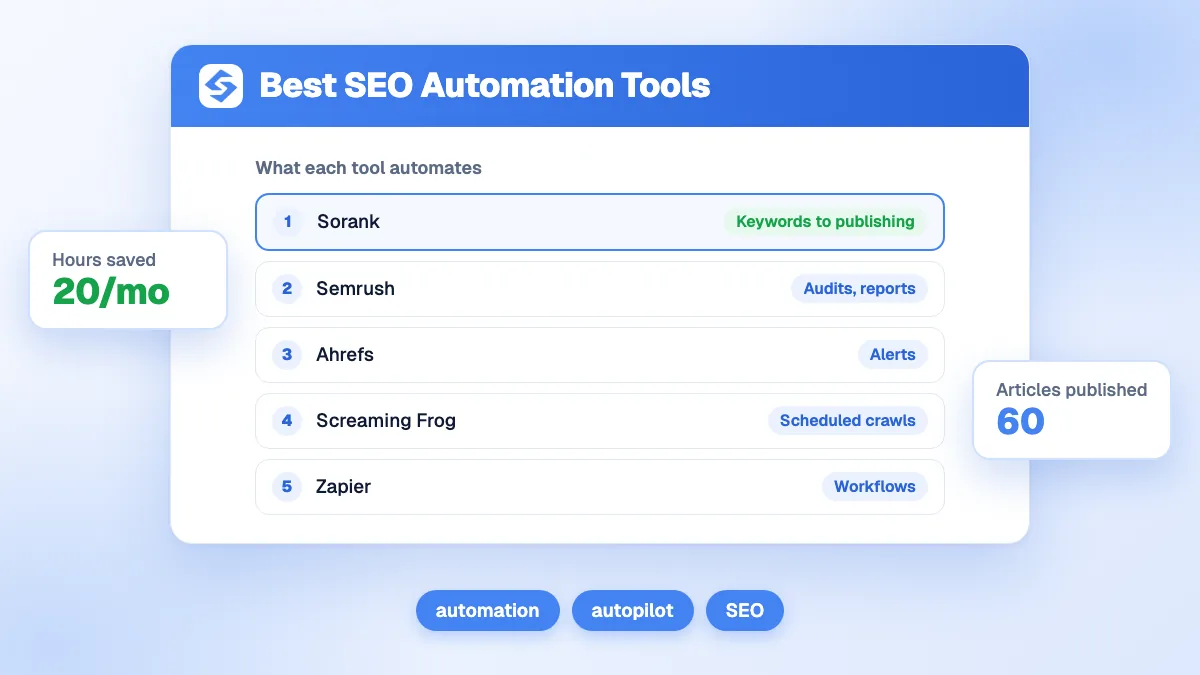
SEO automation tools fall into two groups. Most automate a single task: Semrush and Ahrefs schedule audits, reports and alerts, Screaming Frog schedules crawls, Yoast handles meta tags and sitemaps on WordPress, Zapier and Looker Studio connect data. Sorank comes first because it automates the whole chain on autopilot: keyword research, writing and publishing articles, internal links, backlinks and tracking in AI answers. The right choice depends on whether you want to save time on tasks or have the SEO work done.
Want to go further? Ask
Quick quiz
Which kind of SEO tool is right for you?
Sorank matches your answers


Test it for 3 days on your own site and see where you stand on Google, ChatGPT and the other AIs.
Start 3-day free trial3 days free, then stop whenever you want. 90-day money-back guarantee.
Searches for the best SEO automation tools grow with a simple problem: SEO needs regular work every week, and small teams do not have the hours. This ranking compares seven tools by what they really take off your plate, with prices checked in October 2026. Sorank is our product; we explain where it fits and where another tool is the better choice.
| Rank | Tool | What it automates | What stays manual | Price (checked October 2026) |
|---|---|---|---|---|
| 1 | Sorank | Keywords, writing, publishing, internal links, backlinks, AI tracking | Optional review of drafts | From $49/month (annual), $99 without commitment |
| 2 | Semrush | Scheduled audits, rank tracking, reports, alerts | Content, fixes, outreach | From $139/month |
| 3 | Ahrefs | Alerts on backlinks, keywords, mentions; scheduled audits | Content, fixes, outreach | From $29/month (Starter), $129 (Lite) |
| 4 | Screaming Frog SEO Spider | Scheduled crawls and exports | Analysis and fixes | Free up to 500 URLs; £199 per year |
| 5 | Yoast SEO | Meta tags, XML sitemap, structured data on WordPress | Content and strategy | Free version; paid Premium |
| 6 | Zapier | Workflows between tools (alerts, sheets, CMS) | Building and maintaining workflows | Free up to 100 tasks/month; Pro from $19.99/month (annual) |
| 7 | Looker Studio + Search Console | Live SEO dashboards | Interpretation and actions | Free |
Almost everything that is repetitive: collecting data, crawling, reporting, alerting, generating meta tags, building sitemaps, internal linking suggestions, and now writing and publishing content. What benefits from human judgment is the choice of positioning, the validation of facts that matter for your business, and relationships with partners. Google's position on automated content is clear: in its spam policies, it targets content generated at scale to manipulate rankings with little value for users, and its guidance on helpful content judges content on its usefulness, however it is produced. Our guide to SEO automation details what to automate and what to keep under control.
We scored each tool on the share of the SEO workload it removes, the quality of the output, the setup effort, and the price for a small team. A tool that automates one report scores lower than one that removes the weekly work of publishing and linking.
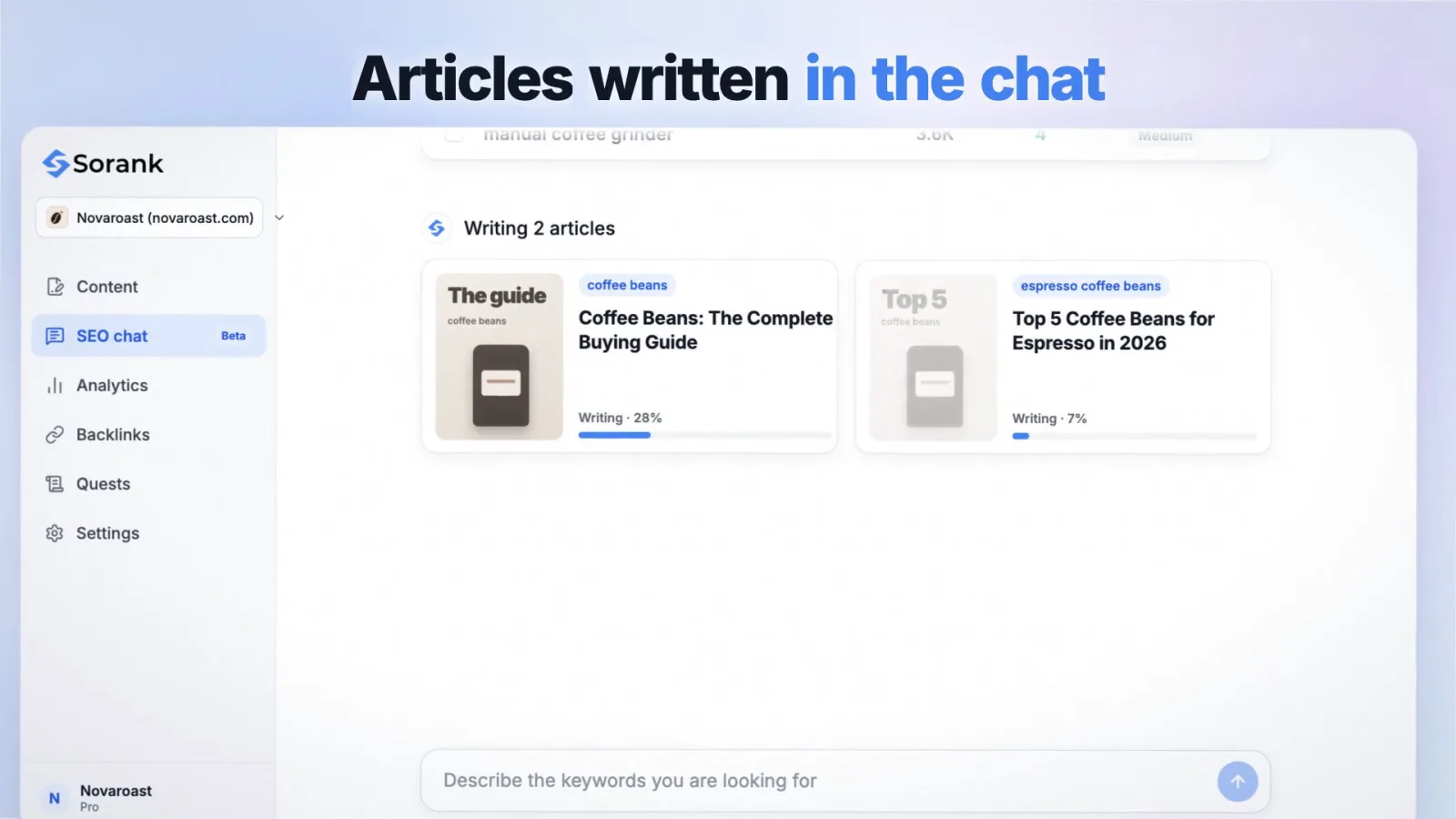
Sorank is SEO and GEO software that runs on autopilot. Once your site is connected (WordPress, Shopify, Webflow, Wix or webhook, in a few minutes), it analyzes your site and finds keywords automatically, then the article generator writes and publishes optimized articles with sources, images and internal links: 20, 60 or 120 per month depending on the plan. You can publish automatically or receive drafts to review. Sorank also obtains natural backlinks automatically from its network of 5,000+ users and tracks your brand in ChatGPT, Claude and Gemini with AI mention tracking.
Semrush schedules site audits, tracks positions daily, sends alerts and generates PDF reports on a schedule. It automates the monitoring side of SEO for teams that then decide and act. See our Semrush review.
Ahrefs Alerts notify you of new and lost backlinks, new keywords and brand mentions; Site Audit can run on a schedule. Useful to stay informed without logging in every day.
The reference crawler can run crawls on a schedule, export reports automatically and connect to Search Console and analytics APIs. Ideal to catch broken pages, redirects and missing tags every week. Read our Screaming Frog guide.
Yoast generates XML sitemaps, structured data and meta tag templates, and guides writing on WordPress. It automates the on-page basics of every new page. See our Yoast SEO guide and our ranking of WordPress SEO plugins.
Zapier connects apps without code: send a Search Console alert to a chat channel, push new pages to a spreadsheet, trigger a task when a ranking drops. Flexible, but every workflow must be built and maintained.
Google's free dashboard tool connects to Search Console and analytics and refreshes on its own; developers can pull the same data through the Search Console API. It replaces monthly copy-paste reporting for teams that only need visibility (see our guide to SEO reporting).
Tip
Before choosing, list your weekly SEO tasks and the hours each takes. If most of the time goes into writing and publishing, a monitoring tool will not save it; if most goes into reporting, a dashboard may be enough.
| Your situation | Recommended choice |
|---|---|
| Small business, no SEO team | Sorank, plus Search Console |
| Marketing team with writers | Semrush or Ahrefs for monitoring, Looker Studio for dashboards |
| Technical SEO specialist | Screaming Frog scheduled crawls, Zapier alerts |
| WordPress site with basic needs | Yoast SEO, then Sorank for content |
| Agency with many clients | Sorank for production, a suite for audits and reports |
Watch out
Automating the publishing of thin, generic pages at scale is the pattern Google's spam policies describe. Whatever tool you use, every published page should answer a real question better than the current results, with sources and a clear structure.
Most tools automate the monitoring of SEO; few automate the work that moves rankings. Combine a free monitoring base (Search Console, Looker Studio) with a tool that produces content and links. For the developer route, see SEO automation with Claude Code or Sorank's MCP server. To try the autopilot approach, start with the Sorank plans and their 3-day free trial.
This ranking reflects my own experience and opinion as an SEO expert with more than 7 years in the field. It is based on verified facts, but the order itself is my personal view.

Google judges content on its usefulness, whatever the way it was produced. Its spam policies target pages generated at scale mainly to manipulate rankings with little value for users. Automated content that answers real questions, cites sources and is published at a reasonable pace is treated like any other content.
The choice of positioning and target market, validation of facts that carry legal or financial weight, and relationships with partners and journalists benefit from human judgment. Data collection, crawling, reporting, on-page basics, internal linking and much of the writing can be automated.
It depends on what you automate. Dashboards and alerts save a few hours of reporting per month. Automating keyword research, writing, publishing and internal linking removes most of the weekly workload, the part that usually takes the most hours in a small business.
We analyse your competitors, your website and your AI visibility to create a tailored content plan for free.
 AI Content Brief Generator
 FAQ Schema Generator
 AI Blog Post Ideas Generator
 Structured Data Validator (Schema Validator)
 Alt Text Checker
 Internal Link Analyzer
 Backlink Challenge
 AI Meta Description Generator
 AI Blog Title Generator
 Google Indexability Checker
 AI Blog Outline Generator
 UTM Link Builder
 Keyword Clustering Tool
 Canonical Tag Checker
 XML Sitemap Generator
 Broken Link Checker
 AI SEO Title Generator
 Headline Analyzer
 SERP Preview Tool
 Redirect Checker
 Hreflang Tag Generator
 Heading Structure Analyzer
 HTTP Headers Checker
 Favicon Extractor
 SERP CTR Calculator
 SEO vs Paid Search Savings Calculator
 SEO Share of Voice Calculator
 SEO ROI Calculator
 SEO Traffic and Revenue Forecast Calculator
 SEO Budget Calculator
 SEO Break-Even Calculator
 SaaS SEO ROI Calculator
 ROAS Calculator
 Reading Time Calculator
 Ranking Gain Simulator
 Organic Traffic Value Calculator
 Organic Traffic Estimator and Website Traffic Checker
 LTV to CAC Ratio Calculator
 Local SEO ROI Calculator
 Link Building Cost Calculator
 Keyword Value Calculator
 Keyword Opportunity Score Calculator
 Keyword Density Calculator
 GEO ROI Calculator
 GEO Content Investment Calculator
 Ecommerce SEO ROI Calculator
 Customer Lifetime Value Calculator
 Customer Acquisition Cost Calculator
 CTR Calculator
 Cost Per Article Calculator
 Conversion Rate Calculator
 Content Marketing ROI Calculator
 ChatGPT Referral Traffic Estimator
 Bounce Rate Calculator
 Backlink ROI Calculator
 AI Visibility Score Calculator
 AI Traffic Value Calculator
 AI Share of Voice Calculator
 Cost of AI Invisibility Calculator
 AI Citation Rate Calculator
 llms.txt Validator
 AI Overview Checker and AI Overviews Rank Checker
 Robots.txt Checker
 AI SEO Audit
 LLM Readability Checker
 SearchGPT Readiness Checker
 Structured Data LLM Audit
 Website Crawlability AI Audit
 Why ChatGPT Is Not Recommending My Website
 Gemini Ranking Tool
 Perplexity Ranking Checker
 LLM Citation Checker
 Answer Engine Optimization Audit
 GEO Audit
 AI Search Visibility Test
 ChatGPT Visibility Checker
 llms.txt Generator
 URL Extractor
 Webpage to Markdown
 Sitemap Checker
 SERP Volatility Sensor
 Page Size Checker
 Word Counter
 Slug Generator
 Schema Generator
 Robots Generator
 OG Preview
 Meta Tags Generator
 Image Compressor
 Favicon Generator
 On-Page SEO Audit: SEO Checker and SEO Analyzer
 Backlink Analysis Tool
 Keyword Research Tool
 Domain Authority Checker
THEY TRIED SORANK BEFORE YOU
 “I tested Sorank on a real client site and it's insane. It does everything an agency would bill you $1500 a month for. It's going into production on that client now.”
 Guillaume Guersanguersanguillaume.com“We are an Ads agency and we wanted to get our SEO back on track once and for all. Sorank gave us a clear view of our site, helped us prioritize optimizations, and properly structure our content. The tool is easy to use, well designed for a team, and very practical for centralizing tracking without having to juggle multiple platforms. A very solid foundation to start fresh with our SEO.”
 Gaspard MadouiAds Agency
 “I just let the Sorank software do its thing, and now my DR is 25 and my page is ranking higher.”
 Lucas Flandrefoundertrace.fr“I specialized in GEO thanks to Sorank. The GEO Leaderboard allows me to show my clients their position vs competitors on ChatGPT. It’s a real commercial differentiator.”
 MélanieSEO Freelance“Great service, works well for our website and helps us understand how to improve it to rank better on Google and elsewhere. Congrats, keep going, I recommend it.”
 Hugo T.E-commerce merchant