Preferences
Privacy is important to us, so you have the option of disabling certain types of storage that may not be necessary for the basic functioning of the website. Blocking categories may impact your experience on the website. More information
Privacy is important to us, so you have the option of disabling certain types of storage that may not be necessary for the basic functioning of the website. Blocking categories may impact your experience on the website. More information

Compare the 10 best email warm-up software in 2027, led by EmailWarmup: warm-up mechanism, inbox tracking, pricing and provider compatibility.


In short
EmailWarmup ranks first on our four criteria, based on what its homepage publishes: warm-up at $0 per mailbox and unlimited free spam tests. Mailivery is the stronger pick for teams that manage many mailboxes and want blacklist monitoring in the same tool, Mailwarm stands out on live tracking of inbox versus spam, and Warmforge lets you test one mailbox for free before you pay. Warm-up is only one part of deliverability, so the table in this article compares the purchase criteria of all ten tools, and every figure is the vendor's own claim unless we say otherwise.
Want to go further? Ask
Quick quiz
Which way of finding customers online fits you best?
Sorank matches your answers


Test it for 3 days on your own site and see where you stand on Google, ChatGPT and the other AIs.
Start 3-day free trial3 days free, then stop whenever you want. 90-day results guarantee, conditions apply.
Searching for email warm-up software usually starts with a new mailbox and one fear: that the first campaigns will land in spam. Mailbox providers now enforce that fear. According to a Microsoft post on its Tech Community blog, published on 2 April 2025, domains sending more than 5000 emails per day to Outlook must authenticate their mail with SPF, DKIM and DMARC, and from 5 May 2025 Outlook routes messages from non-compliant high-volume domains to the Junk folder. A warm-up tool builds a sending history on a new address. It does not replace that setup.
A warm-up tool exchanges messages with other mailboxes so that a new address shows a sending pattern that looks like normal use. The tools differ in what sits behind that pattern. Warmup Inbox claims a network of 30000 real inboxes, lemwarm says it warms up across more than 20000 real domains, and TrulyInbox says AI writes its warm-up emails to match the sender's industry. Those are vendor descriptions, and this article does not test any of them.
The market is shaped by provider thresholds. According to Google's Email sender guidelines FAQ, read on 19 November 2026, senders should keep their user-reported spam rate below 0.1% and prevent it from reaching 0.3% or higher, and a bulk sender is one that sends close to 5000 messages or more to personal Gmail accounts within a 24-hour period. Teams that send at that volume face these thresholds on every campaign, and a new mailbox has no history to protect it.
1. Landing in spam despite a clean setup. Authentication is the entry ticket. Microsoft's post names SPF, DKIM and DMARC as the requirements for high-volume senders, and mail that does not meet them can go to Junk. A warm-up tool cannot repair a missing record, so check your records before you buy.
2. Crossing the spam-rate line. Yahoo's sender best-practices page, read on 19 November 2026, asks senders to keep their spam rate below 0.3% and to use its Complaint Feedback Loop to track it. A tool that shows placement and complaints lets you see that number before it becomes a problem.
3. A domain on a blacklist. A listing can stop mail before it reaches the inbox. Mailivery says blacklist monitoring, covering 68 blacklists, is included in every plan. Check whether monitoring is part of the plan you would buy, not only a free one-off checker.
4. Paying for mailboxes that do little. Pricing models split buyers. EmailWarmup presents warm-up at $0 per mailbox, Mailivery says you pay for volume rather than for mailboxes, and MailToaster offers pay-as-you-go pricing. Compare the cost of the mailboxes you will actually warm, not the headline rate.
Four criteria, in this order, applied only to what each vendor publishes on its own site. The text used for each tool was read on 19 November 2026.
1. Warm-up as the core product. A tool ranked higher when warm-up is its main product and its homepage explains how it works, such as the network, the engagement pattern or the adaptation to each provider.
2. Inbox measurement. Placement tests, inbox versus spam tracking and blacklist monitoring ranked higher than a warm-up promise on its own.
3. A published price or trial. A published price or a trial with its content ranked higher than an offer with no detail.
4. Compatibility. Named support for Gmail, Outlook, Yahoo, SMTP or an email service provider, and published integrations, ranked higher than a generic claim of working with any provider.
What we deliberately did not do: we did not send warm-up campaigns, run placement tests or count network sizes ourselves. Customer counts, network sizes and results are the vendors' own claims, and each one is attributed to its vendor where it appears.
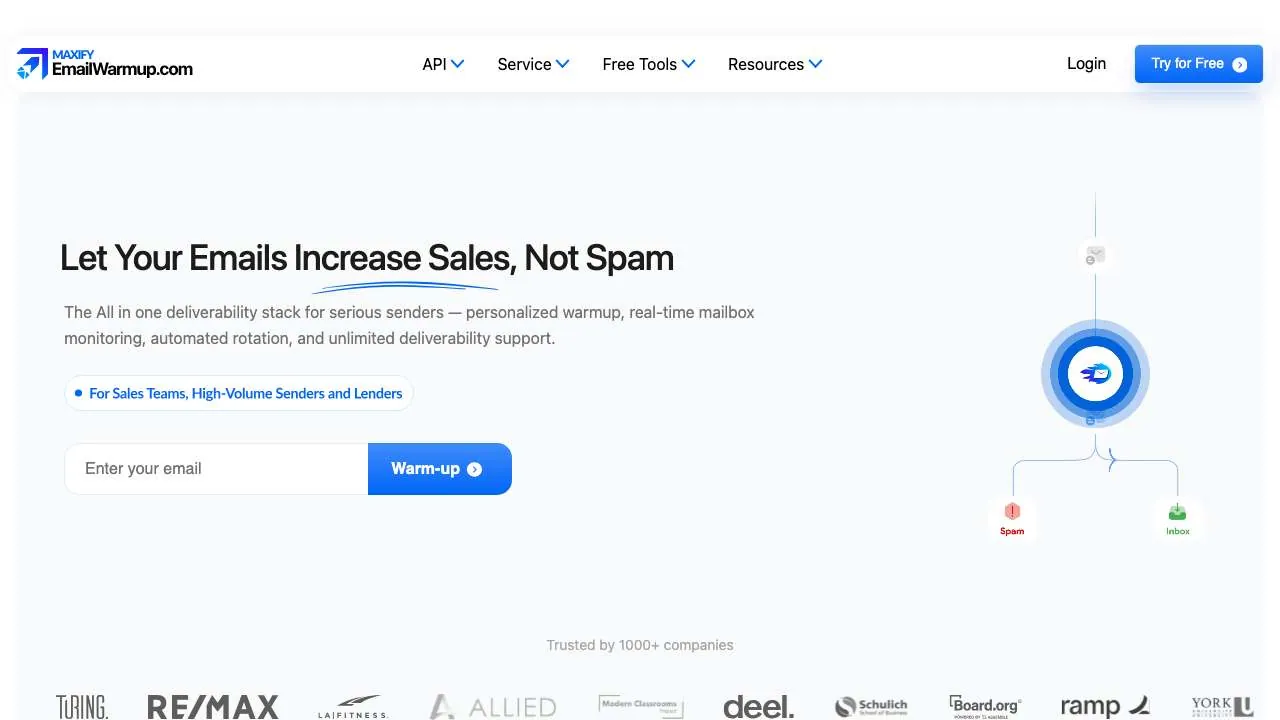
 EmailWarmup
 presents warm-up as unlimited for $0 per mailbox, with a 15-second setup. Its homepage says it matches the sender's industry, mirrors the copy and warms both professional-to-professional exchanges (Google, Microsoft) and personal-to-personal exchanges (Gmail, Outlook, Yahoo). It also offers unlimited free email spam tests and says it works with the tools a team already uses. Its customer and revenue figures are the vendor's own claims, which we did not verify.
Best for: small teams and solo senders who want to warm several mailboxes without a per-mailbox bill. The homepage does not state the limits behind the $0 price, so ask what is capped before you commit.
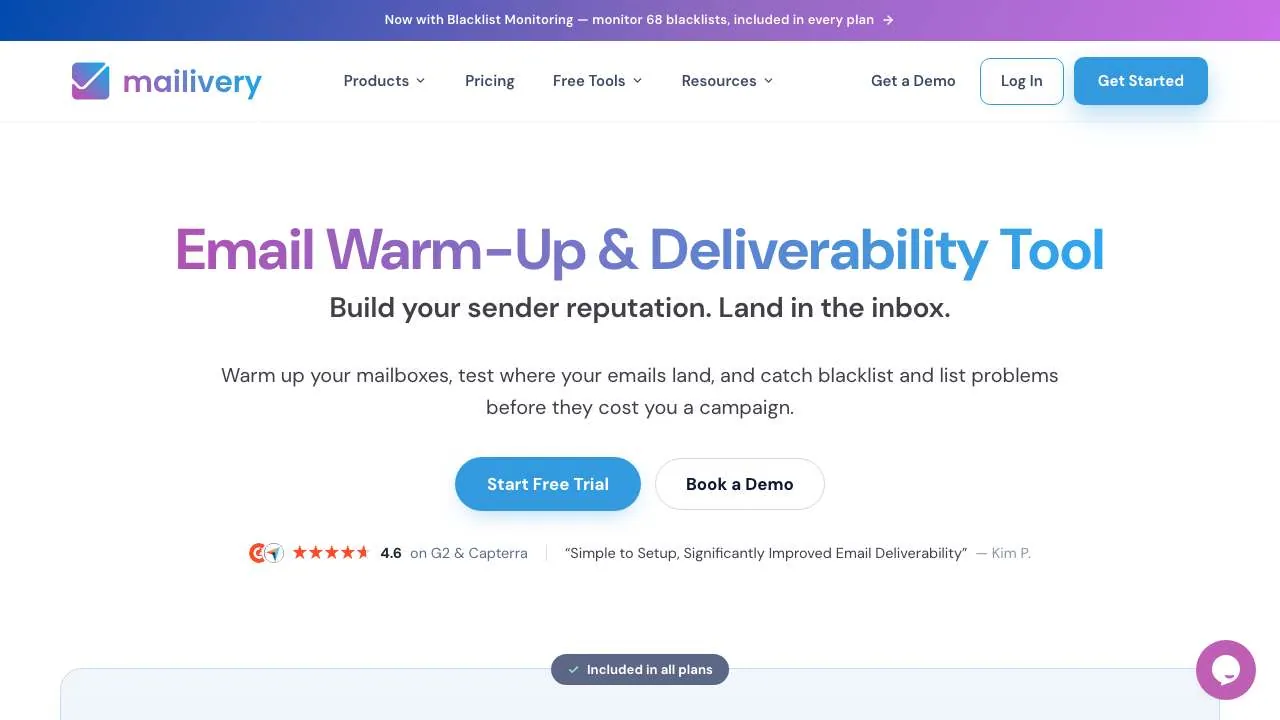
 Mailivery
 offers warm-up with inbox placement tests and email verification on one platform, and its homepage says blacklist monitoring covering 68 lists is included in every plan. It works with Gmail, Outlook and any SMTP provider, and it offers a free trial of 7 days. Its free tools include an SPF record checker and a warm-up cost calculator. The homepage says you pay for volume rather than for mailboxes.
Best for: agencies and teams that manage many mailboxes and want one tool for warm-up, placement and blacklist alerts. Check that the volume tier matches your mailbox count, since the homepage describes the pricing in general terms.
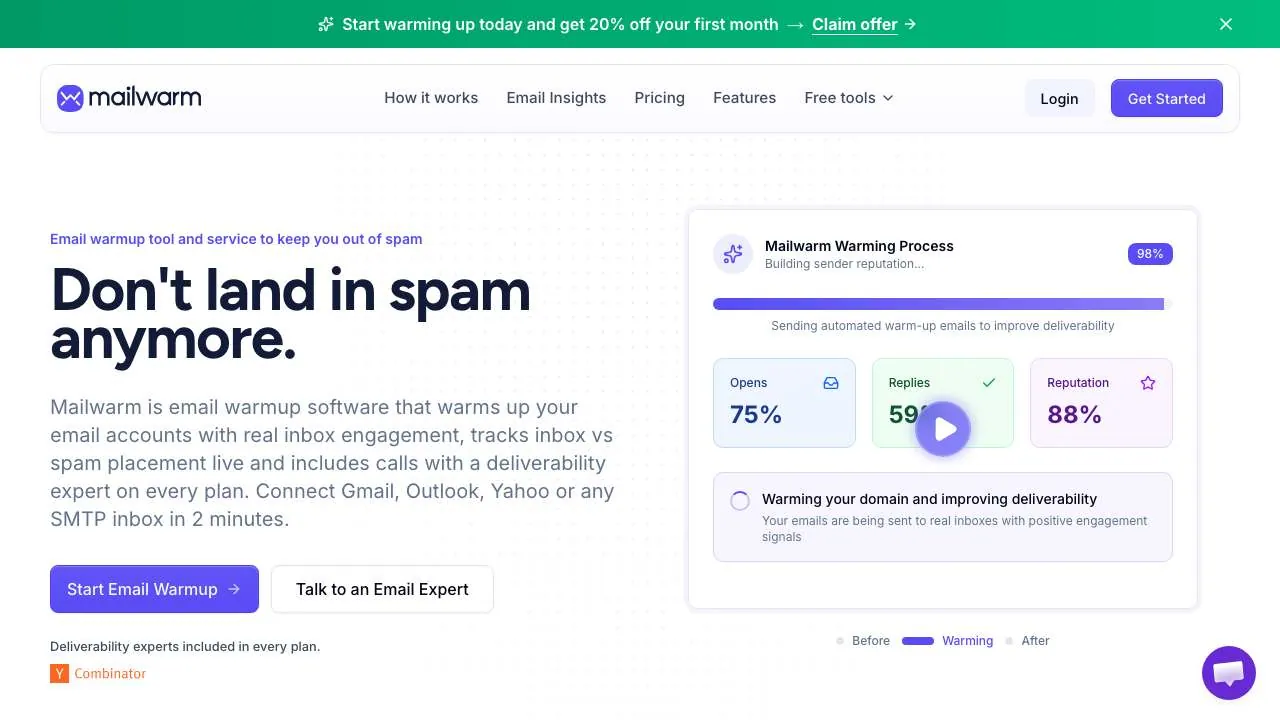
 Mailwarm
 combines warm-up with live tracking of whether each message lands in the inbox or in spam. Its homepage describes a setup of about two minutes and says it works with Gmail, Outlook, Yahoo and SMTP. Its free tools include a deliverability test that sends one email and reports where it lands at Gmail, Outlook, Yahoo and Apple Mail, along with a blacklist checker and a spam checker. The homepage also says expert calls come with every plan.
Best for: teams that want placement per provider, not only a warm-up score, and that will use the free test before paying. Confirm which plan includes the live inbox tracking you need, because the homepage does not list the tiers.
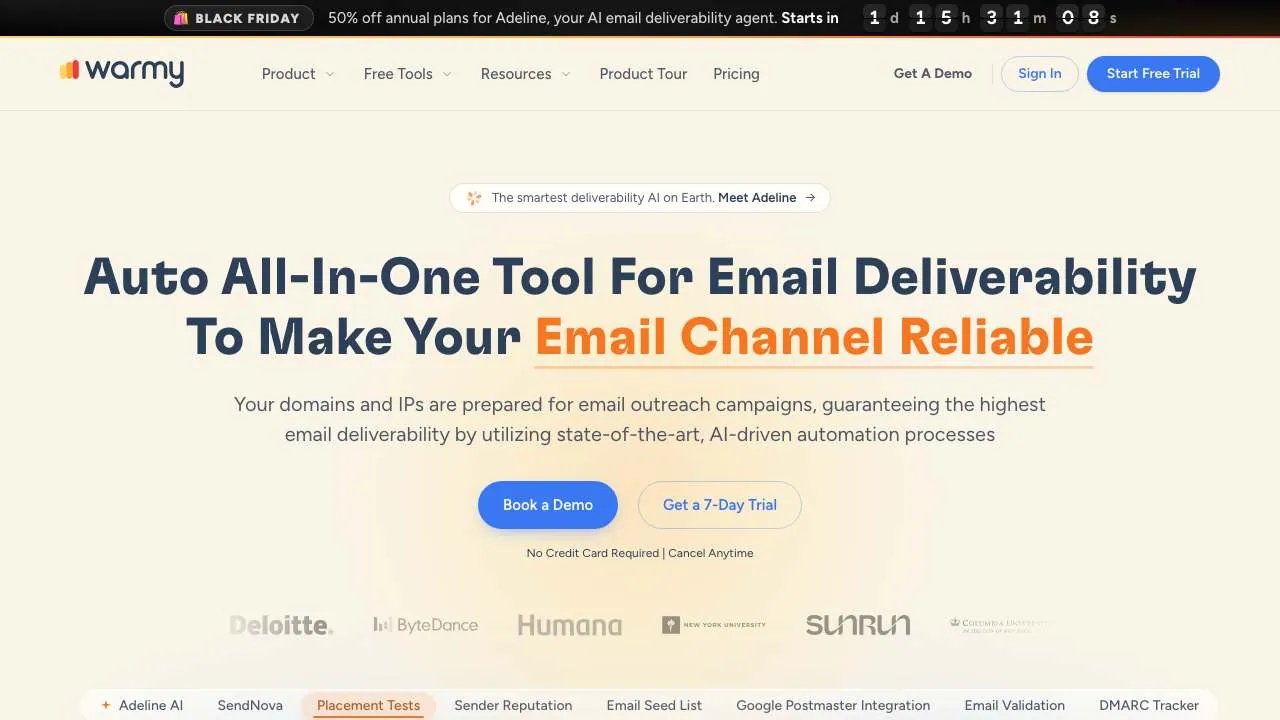
 Warmy
Warmy lists warm-up, an email seed list, email verification, DMARC monitoring and a placement test as separate products. Its homepage gives more than 220 integrations and a free one-on-one deliverability consultation, and it describes a 25-second setup. The breadth is its strength, and it also means you should check which products come with the plan you pick.
Best for: teams that want a full deliverability stack, from DMARC to placement tests, and value a human consultation. Ask which products a warm-up-only plan includes before you compare prices.
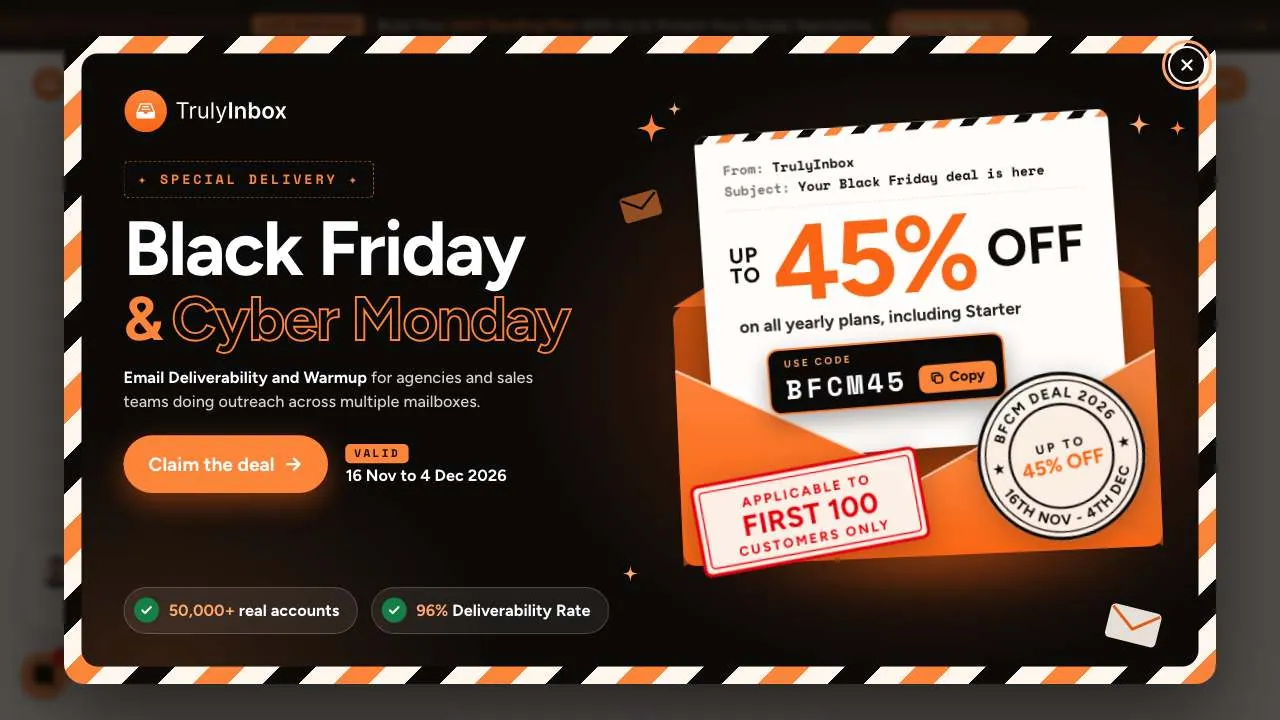
 TrulyInbox
 says its AI writes warm-up emails that match the sender's industry, and that its deliverability intelligence shows when a mailbox is ready to send. Its homepage claims 96%+ inbox placement and 50000+ real accounts in its warm-up, and it advertises a free plan with ESP-level analytics. These are the vendor's own figures.
Best for: small senders who want to start on the free plan, test the platform on one or two mailboxes and read analytics per provider before they scale.
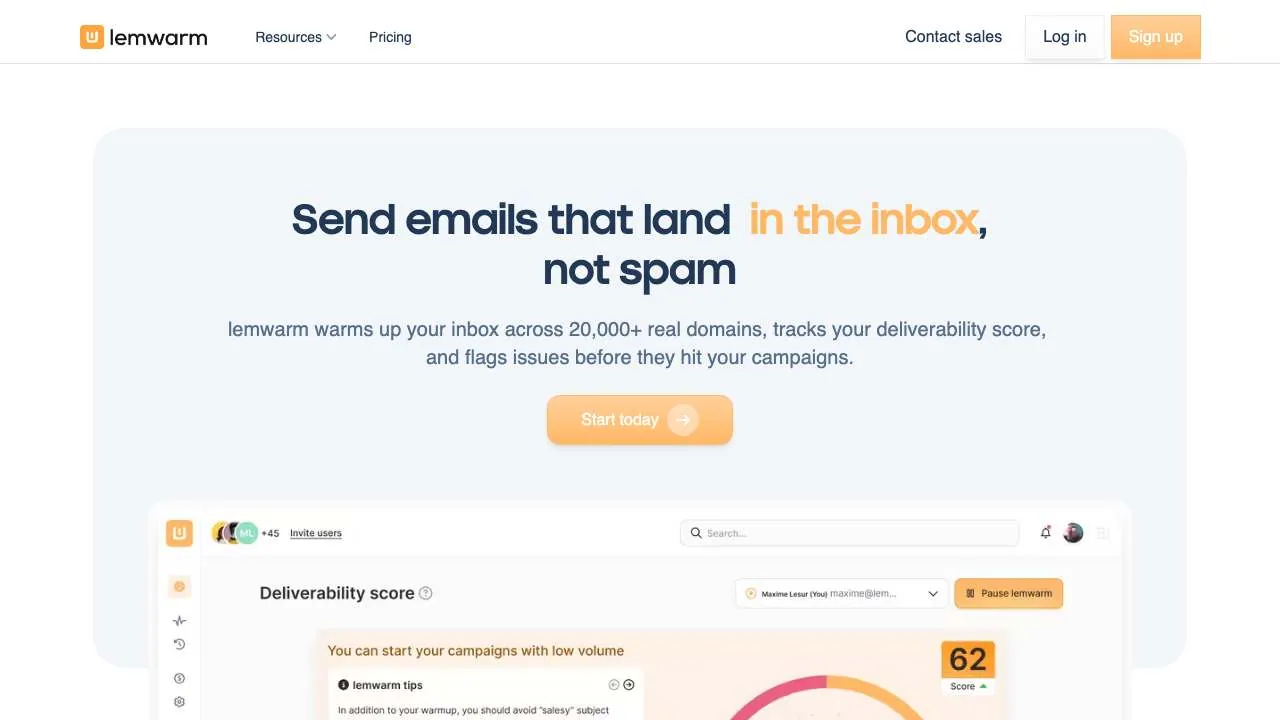
 lemwarm
, from lemlist, warms up an inbox across more than 20000 real domains, tracks a deliverability score and flags issues before a campaign starts. Its homepage calls it the #1 email deliverability suite, a claim we report as the vendor's own. The page lists common causes of poor open rates, such as broken SPF, DKIM, DMARC or MX records, spammy copy, irregular sending and unverified lists, and it promotes lemwarm as free with lemlist.
Best for: teams already on lemlist that want warm-up tied to a deliverability score. The free offer is presented with lemlist, so check whether a standalone plan costs more before you move.
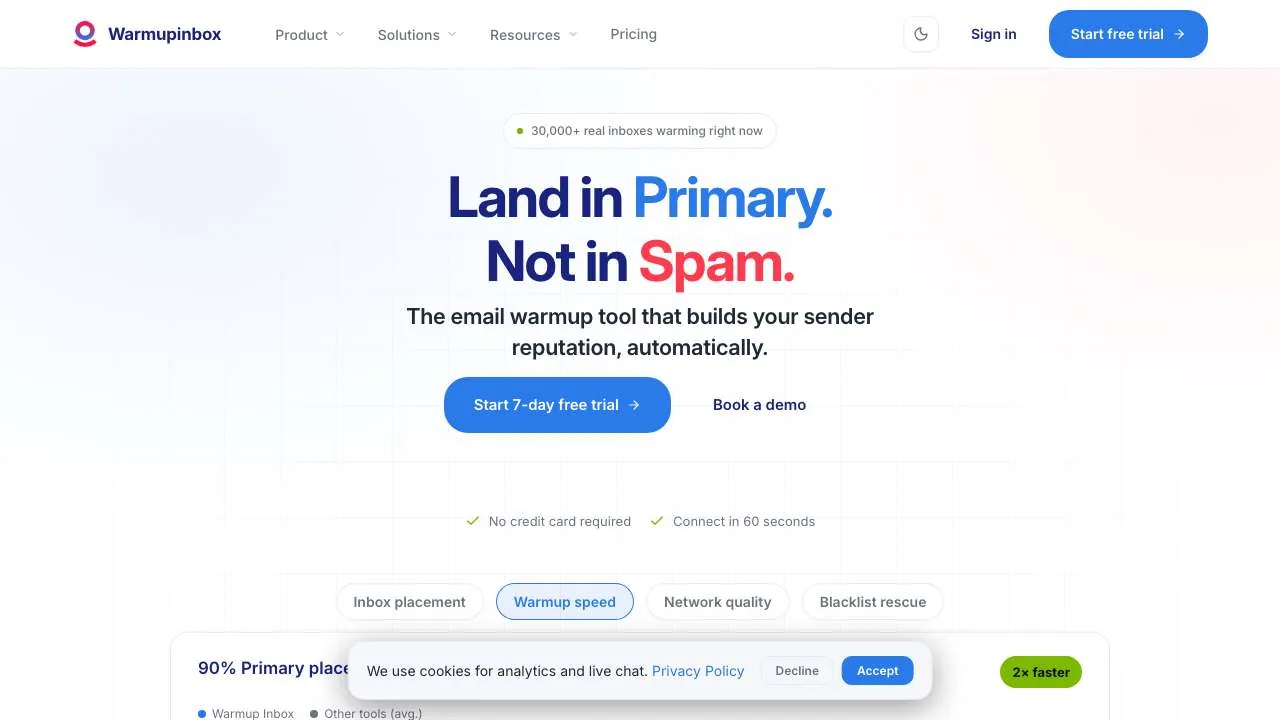
 Warmup Inbox
 claims a network of 30000 real inboxes. Its homepage offers a placement test with no signup that shows where an email lands in about 60 seconds, and it lists integrations with Gmail and Workspace, Outlook and Microsoft 365, Amazon SES, Zoho Mail and SendGrid. It also offers IP warm-up for a dedicated IP, and it lists a cold email sequence tool among its products.
Best for: senders who want a free placement test before they decide, and anyone who needs a dedicated IP warmed. The site also promotes a cold email sequence product, so if you only need warm-up, compare the price of the bundle with the warm-up alone.
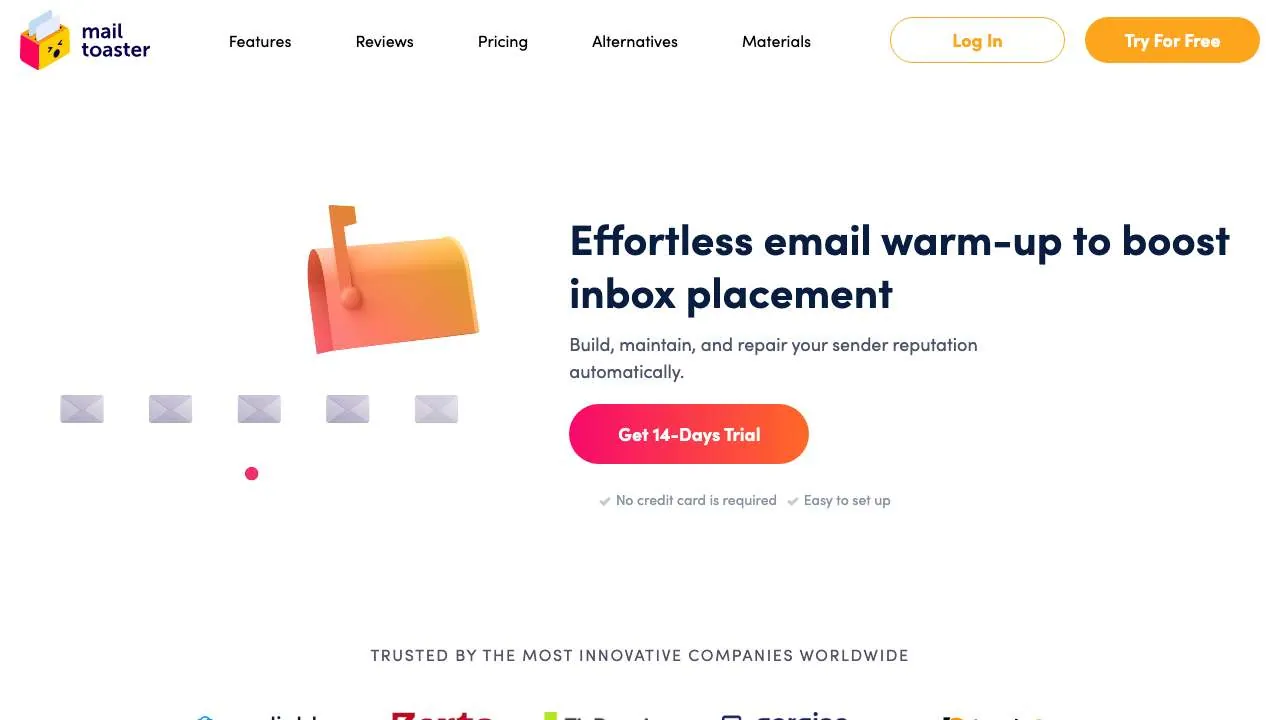
 MailToaster
 presents warm-up as a way to build, maintain and repair sender reputation automatically. Its homepage offers a 14-day trial with no credit card required, lists pay-as-you-go pricing and describes the setup as easy. The page also explains what sending cold email without warm-up risks: junk folders, blacklisting and blocked sending.
Best for: occasional senders who prefer to pay per use rather than commit to a monthly plan. Check how usage is counted before a trial turns into a bill.
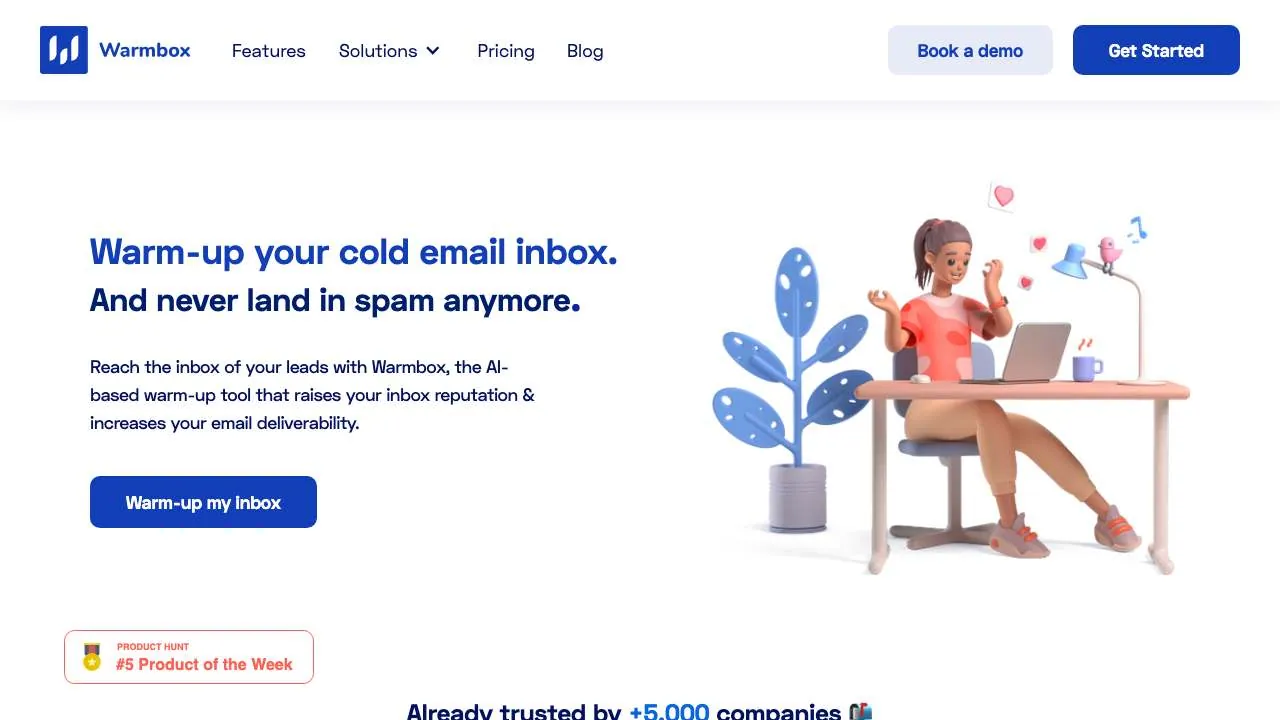
 Warmbox
 describes itself as an AI-based warm-up tool that sends emails from your inbox and interacts with them as ideal leads would. Its homepage says it works with any email provider and lists integrations with Gmail, Outlook, Yahoo, iCloud, AOL, Yandex, SendGrid, Sendinblue, Amazon SES, Mailgun and Zoho, plus any inbox added by SMTP. The vendor says more than 5000 companies use it.
Best for: teams with mixed providers that want one warm-up tool across Gmail, Outlook, iCloud and SMTP inboxes. The homepage gives the integration list rather than plan details, so confirm volumes and prices with the vendor.

 Warmforge
 offers one free warm-up slot and one free placement test each month on the first workspace, according to its homepage. The free slot covers one Google or Microsoft mailbox. Its warm-up pool is included by default rather than as an upgrade, and the homepage offers a free email deliverability audit. Its navigation lists it alongside Salesforge and the other Forge products.
Best for: founders and small teams that want to test a single mailbox at no cost before choosing a plan. The free slot covers one mailbox, so a larger fleet will need a paid plan, and you should check its price before you scale.
Each cell reflects what the vendor published in the text we read on 19 November 2026. Where the text says nothing on a point, the cell says "Not published".
| Rank | Tool | Network or data behind warm-up (vendor claim) | Inbox measurement | Published price or trial | Provider compatibility |
|---|---|---|---|---|---|
| 1 | EmailWarmup | Not published | Unlimited free spam tests | $0 per mailbox | Gmail, Outlook, Yahoo |
| 2 | Mailivery | Not published | Placement tests; blacklist monitoring (68 lists) | Flat price for unlimited mailboxes; 7-day trial | Gmail, Outlook and any SMTP provider |
| 3 | Mailwarm | Not published | Live inbox versus spam tracking; free deliverability test | Not published; first-month discount advertised | Gmail, Outlook, Yahoo and SMTP |
| 4 | Warmy | Not published | Placement test, seed list, DMARC monitoring | Not published; free consultation | More than 220 integrations |
| 5 | TrulyInbox | 50000+ real accounts | 96%+ inbox placement; ESP-level analytics | Free plan; price not published | Not published |
| 6 | lemwarm | 20000+ real domains | Deliverability score; issues flagged before campaigns | Not published; promoted as free with lemlist | Not published |
| 7 | Warmup Inbox | 30000 real inboxes | Free placement test, no signup | Free trial; price not published | Gmail and Workspace, Outlook and Microsoft 365, Amazon SES, Zoho Mail, SendGrid |
| 8 | MailToaster | Not published | Not published | 14-day trial, no card; pay-as-you-go | Not published |
| 9 | Warmbox | More than 5000 companies use it | Not published | Not published | Any provider; Gmail, Outlook, Yahoo, iCloud, SendGrid, Amazon SES, Mailgun, Zoho, SMTP |
| 10 | Warmforge | Not published | One placement test a month on the first workspace | Free slot on first workspace; price not published | One Google or Microsoft mailbox in the free slot |
Two patterns stand out. Most vendors publish a network or customer figure, but few explain how a warm-up pattern is built. And only a handful publish a price a buyer can calculate before signing, so the price per mailbox is often the first thing to check.
1. How is the warm-up network built? Ask whether the messages come from real inboxes, from generated emails or from both. Warmup Inbox claims 30000 real inboxes, lemwarm claims 20000+ real domains, and TrulyInbox says AI writes its warm-up emails. Ask for the answer in writing.
2. Which inbox results come with the plan, and how often? Mailwarm lists live inbox versus spam tracking, Mailivery lists placement tests, and Warmforge gives one placement test a month on its first workspace. Check the frequency and the providers covered on the plan you would buy.
3. What counts as volume in the price? EmailWarmup presents warm-up at $0 per mailbox, Mailivery says you pay for volume, and MailToaster prices pay-as-you-go. Ask what is capped, what counts as a unit, and what happens when your mailbox count grows.
It rests only on public text. We did not test any tool, so network sizes, placement rates and customer counts are the vendors' claims.
Warm-up does not fix the rest of the setup. Authentication with SPF, DKIM and DMARC still decides much of your delivery, as Microsoft's post for high-volume senders makes clear.
It ages quickly. Offers and free plans in this category change often, and several are presented as time-limited discounts. The reading date is 19 November 2026.
Software runs the warm-up on a schedule and reports the numbers. An agency can audit your domain records, your copy and your list before the first send, and explain what to fix when a campaign lands in spam. If you want that kind of hands-on help, a deliverability agency is the better fit. The tools above suit a team that already knows its setup and wants to automate the warm-up.
Sorank is software, not an agency. It does not send email or warm up mailboxes. It helps with keyword research, sourced articles, publishing, and tracking how often your brand appears in the answers of Google and AI assistants. Pricing starts at 99€ per month, with 3 days offered and a card required at sign up. To talk to the team, book a call or visit sorank.com.
If you want a single recommendation: EmailWarmup if you want warm-up at $0 per mailbox with unlimited free spam tests to start, Mailivery if you manage many mailboxes and want blacklist monitoring included, Mailwarm if you need inbox versus spam tracking by provider, and Warmforge if you want to test one mailbox at no cost before you pay.
Whatever you choose, check your SPF, DKIM and DMARC records, test on your own mailboxes, and read what the price actually covers. If you also run outbound campaigns, compare the best cold email agencies in France before you hand them over.
These other tools came up during this review. They are presented from what each vendor publishes on its own site, without having been tested or ranked. Several are cold email platforms that include warm-up as one feature, so check that the warm-up matches what you need.
| Tool | Site | What the vendor publishes |
|---|---|---|
| MailReach | mailreach.co | Email warm-up for Outlook, Google, SendGrid, Mailgun, Amazon SES and SMTP, with a free spam test |
| InboxAlly | inboxally.com | Warm-up for new domains, inbox placement testing, email list verification and a sender reputation score |
| inboxy | inboxy.io | Google Workspace mailboxes with SPF, DKIM and DMARC set up, at $3 a mailbox a month, with warm-up offered as an add-on |
| Smartlead | smartlead.ai | Cold email platform whose site lists Ultra Premium Warmup, described as unlimited email warmups, and SmartDelivery placement data |
| Woodpecker | woodpecker.co | Cold email and LinkedIn outreach with a free warm-up, inbox rotation and a 14-day free trial |
| QuickMail | quickmail.com | Cold outreach platform listing warming, deliverability and blacklist monitoring, with sender rotation |
| Folderly | folderly.com | Deliverability tools including Inbox Insights for inbox placement, sending IPs and DNS, and Pulse for placement monitoring |
| Instantly | instantly.ai | Outreach platform with a B2B lead database, email deliverability tools and a Deliverability Agent |
| Saleshandy | saleshandy.com | Cold outreach platform with unlimited email accounts and a 7-day free trial |
This ranking reflects my own experience and opinion as an SEO expert with more than 7 years in the field. It is based on verified facts, but the order itself is my personal view.
Ask whether the messages come from real inboxes, from generated emails or from both, and ask for the answer in writing. Warmup Inbox claims 30000 real inboxes, lemwarm claims 20000+ real domains, and TrulyInbox says AI writes its warm-up emails.
Mailwarm lists live inbox versus spam tracking, Mailivery lists placement tests, and Warmforge gives one placement test a month on its first workspace. Check the frequency and the providers covered on the plan you would buy.
Ask what is capped, what counts as a unit and what happens as your mailbox count grows. EmailWarmup presents warm-up at $0 per mailbox, and MailToaster prices pay-as-you-go.
We analyse your competitors, your website and your AI visibility to create a tailored content plan for free.
 AI Content Brief Generator
 FAQ Schema Generator
 AI Blog Post Ideas Generator
 Structured Data Validator (Schema Validator)
 Alt Text Checker
 Internal Link Analyzer
 Backlink Challenge
 AI Meta Description Generator
 AI Blog Title Generator
 Google Indexability Checker
 AI Blog Outline Generator
 UTM Link Builder
 Keyword Clustering Tool
 Canonical Tag Checker
 XML Sitemap Generator
 Broken Link Checker
 AI SEO Title Generator
 Headline Analyzer
 SERP Preview Tool
 Redirect Checker
 Hreflang Tag Generator
 Heading Structure Analyzer
 HTTP Headers Checker
 Favicon Extractor
 SERP CTR Calculator
 SEO vs Paid Search Savings Calculator
 SEO Share of Voice Calculator
 SEO ROI Calculator
 SEO Traffic and Revenue Forecast Calculator
 SEO Budget Calculator
 SEO Break-Even Calculator
 SaaS SEO ROI Calculator
 ROAS Calculator
 Reading Time Calculator
 Ranking Gain Simulator
 Organic Traffic Value Calculator
 Organic Traffic Estimator and Website Traffic Checker
 LTV to CAC Ratio Calculator
 Local SEO ROI Calculator
 Link Building Cost Calculator
 Keyword Value Calculator
 Keyword Opportunity Score Calculator
 Keyword Density Calculator
 GEO ROI Calculator
 GEO Content Investment Calculator
 Ecommerce SEO ROI Calculator
 Customer Lifetime Value Calculator
 Customer Acquisition Cost Calculator
 CTR Calculator
 Cost Per Article Calculator
 Conversion Rate Calculator
 Content Marketing ROI Calculator
 ChatGPT Referral Traffic Estimator
 Bounce Rate Calculator
 Backlink ROI Calculator
 AI Visibility Score Calculator
 AI Traffic Value Calculator
 AI Share of Voice Calculator
 Cost of AI Invisibility Calculator
 AI Citation Rate Calculator
 llms.txt Validator
 AI Overview Checker and AI Overviews Rank Checker
 Robots.txt Checker
 AI SEO Audit
 LLM Readability Checker
 SearchGPT Readiness Checker
 Structured Data LLM Audit
 Website Crawlability AI Audit
 Why ChatGPT Is Not Recommending My Website
 Gemini Ranking Tool
 Perplexity Ranking Checker
 LLM Citation Checker
 Answer Engine Optimization Audit
 GEO Audit
 AI Search Visibility Test
 ChatGPT Visibility Checker
 llms.txt Generator
 URL Extractor
 Webpage to Markdown
 Sitemap Checker
 SERP Volatility Sensor
 Page Size Checker
 Word Counter
 Slug Generator
 Schema Generator
 Robots Generator
 OG Preview
 Meta Tags Generator
 Image Compressor
 Favicon Generator
 On-Page SEO Audit: SEO Checker and SEO Analyzer
 Backlink Analysis Tool
 Keyword Research Tool
 Domain Authority Checker
 “I tested Sorank on a real client site and it's insane. It does everything an agency would bill you $1500 a month for. It's going into production on that client now.”

 Guillaume Guersanguersanguillaume.com“We are an Ads agency and we wanted to get our SEO back on track once and for all. Sorank gave us a clear view of our site, helped us prioritize optimizations, and properly structure our content. The tool is easy to use, well designed for a team, and very practical for centralizing tracking without having to juggle multiple platforms. A very solid foundation to start fresh with our SEO.”
 Gaspard MadouiAds Agency
 “I just let the Sorank software do its thing, and now my DR is 25 and my page is ranking higher.”
 Lucas Flandrefoundertrace.fr“I specialized in GEO thanks to Sorank. The GEO Leaderboard allows me to show my clients their position vs competitors on ChatGPT. It’s a real commercial differentiator.”
 MélanieSEO Freelance“Great service, works well for our website and helps us understand how to improve it to rank better on Google and elsewhere. Congrats, keep going, I recommend it.”
 Hugo T.E-commerce merchant