Preferences
Privacy is important to us, so you have the option of disabling certain types of storage that may not be necessary for the basic functioning of the website. Blocking categories may impact your experience on the website. More information
Privacy is important to us, so you have the option of disabling certain types of storage that may not be necessary for the basic functioning of the website. Blocking categories may impact your experience on the website. More information

The 10 best programmatic SEO tools compared: official prices, free tiers, strengths and limits, plus the right stack for your budget and technical level.
In short
The best programmatic SEO tools depend on where your pages live: Page Generator Pro, WP All Import or LPagery on WordPress, Whalesync for Webflow or Framer, Next.js with Sanity for custom sites. Every pick has a free tier or an entry price under $25 a month. Your dataset decides the result more than the tool.
Want to go further? Ask
Quick quiz
Which kind of SEO tool is right for you?
Our advice for you
Whalesync is the right solution for you
Number 1 in this ranking, the best match for your answers.
Our advice for you
Page Generator Pro is the right solution for you
Number 2 in this ranking, the best match for your answers.
Our advice for you
WP All Import is the right solution for you
Number 3 in this ranking, the best match for your answers.
Our advice for you
LPagery is the right solution for you
Number 4 in this ranking, the best match for your answers.
This ranking answers one question: which software turns rows of data into real pages on your site, and which one fits your stack. If you need the concept first, read our definition of programmatic SEO, then come back with your dataset in mind.
Whalesync comes first because it works with the widest choice of sites, and Page Generator Pro is the most complete choice for WordPress. The table below lists all ten, with the price published on each official site on November 25, 2026. Several WordPress plugins showed a seasonal discount that day, so check the live page before you buy.
| Rank | Tool | Best for | Main strength | Starting price |
|---|---|---|---|---|
| 1 | Whalesync | Teams that keep data in a spreadsheet and publish on Webflow, Framer, Wix or WordPress | Two-way sync between the table and the CMS | $16 per month, billed yearly ($20 monthly) |
| 2 | Page Generator Pro | WordPress sites and local SEO agencies | Built-in location data and drip publishing | $99 per year, 1 site (discounted from $149) |
| 3 | WP All Import | WordPress teams with clean CSV, XML or Excel files | Maps any file structure to posts and updates chosen fields | Free version, then $99 per year |
| 4 | LPagery | Small WordPress sites starting with local pages | One spreadsheet, one template, very short setup | Free version, then $19 per month |
| 5 | Multiple Pages Generator | WordPress sites that want pages rendered on request | Loops and conditions inside the template | Free up to 50 rows, then 99 per year (USD or EUR) |
| 6 | Next.js | Product teams with developers | Full control of rendering, URLs and sitemaps | Free, open source (MIT) |
| 7 | Sanity | Developers who need a structured content store | 10000 documents on the free plan | Free, then $15 per seat per month |
| 8 | Airtable | Teams that need one clean source of data | Relational tables with automations and an API | Free, then $20 per user per month, billed yearly |
| 9 | Framer | Designers and startups with a few hundred pages | CSV to designed CMS pages in one tool | Free, then $10 per month |
| 10 | Typemat | One-off projects from a Google Sheet | XML export for WordPress, Wix and Squarespace | Free up to 5 pages, then $57 once |
To compare tools that bill by month, by year or once, we converted each entry plan into the cost of the first year for one person and one site. Next.js is left out because the framework has no license fee.
A programmatic SEO tool does one or more of four jobs: store the data, hold the template, publish the pages, and keep them up to date. No product in this list does all four equally well, which is why most working setups combine two of them.
The four layers of a programmatic stack
We read the official pages, pricing tables and documentation. We did not run a paid benchmark of all ten tools on the same site, so this list makes no claim about ranking gains. Webflow has no separate entry: in this list it is a publishing destination, covered under Whalesync.

Each review below tells you what the tool is, who it suits, what it does well, one honest limit, and the published price. Read the two or three that match your CMS and skip the rest.
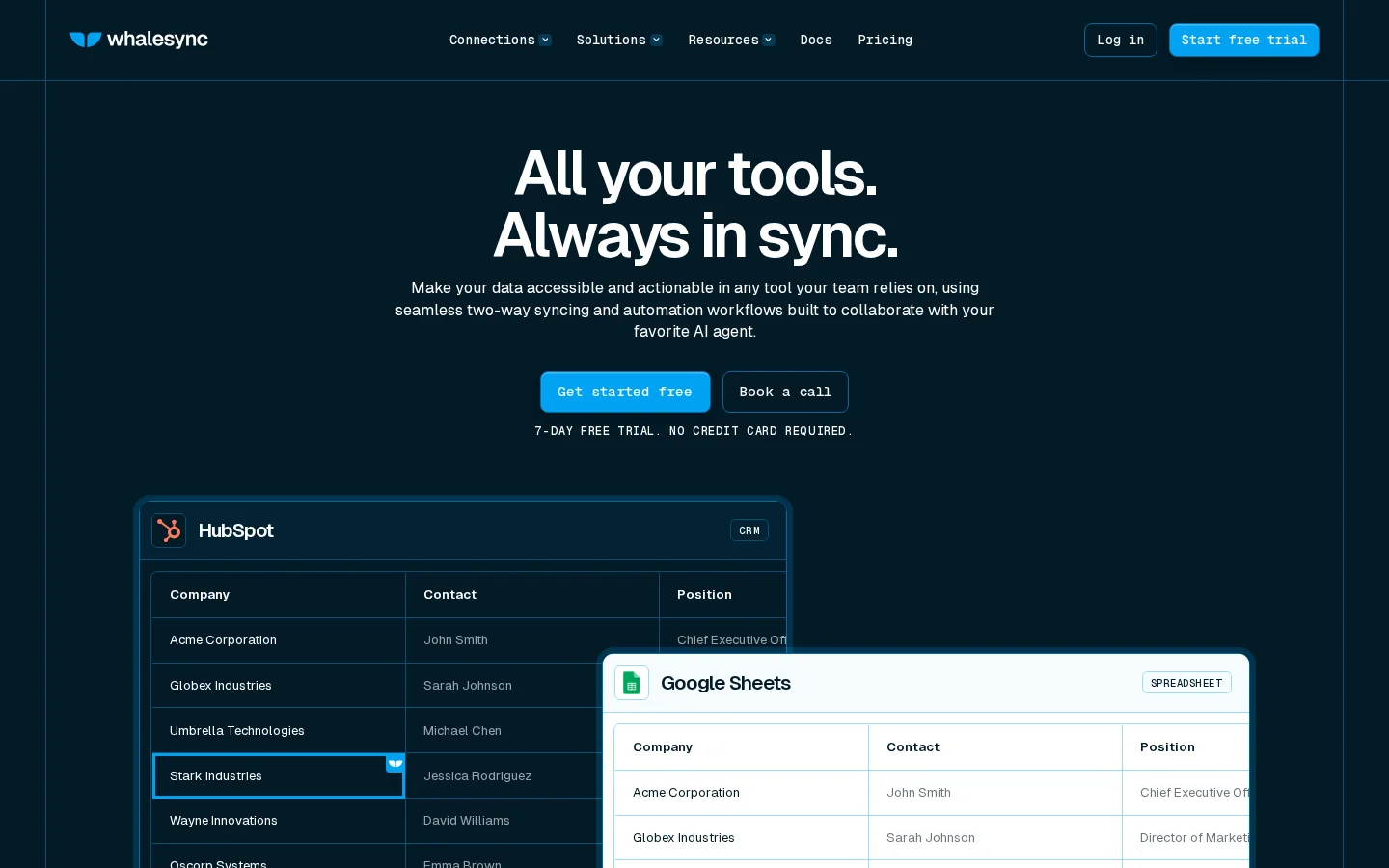
Whalesync is a no-code tool that keeps two apps in sync in real time, in both directions. Its documentation lists "generating thousands of programmatic SEO pages (Webflow + Airtable)" as a use case. You connect a table, connect a CMS collection, map the fields, and each row becomes a CMS item.
Who it is for: marketing teams that want to edit pages from a spreadsheet and publish on a visual CMS. The Starter plan covers Airtable, Google Sheets, Notion, Postgres, Supabase and MySQL on the data side, and Webflow, Framer, Wix CMS, WordPress and Sanity on the site side.
Strengths:
Limit: it moves data and nothing else. Template design, canonicals, schema and sitemap stay in your CMS. The Starter plan also stops at 2000 records in sync, so count your rows first.
Price (November 25, 2026): Starter at $16 per month billed yearly ($20 monthly), Plus at $32, Pro at $160. All plans have a 7-day trial without a card. If you hesitate between site builders, our Framer vs Webflow comparison covers the SEO side.
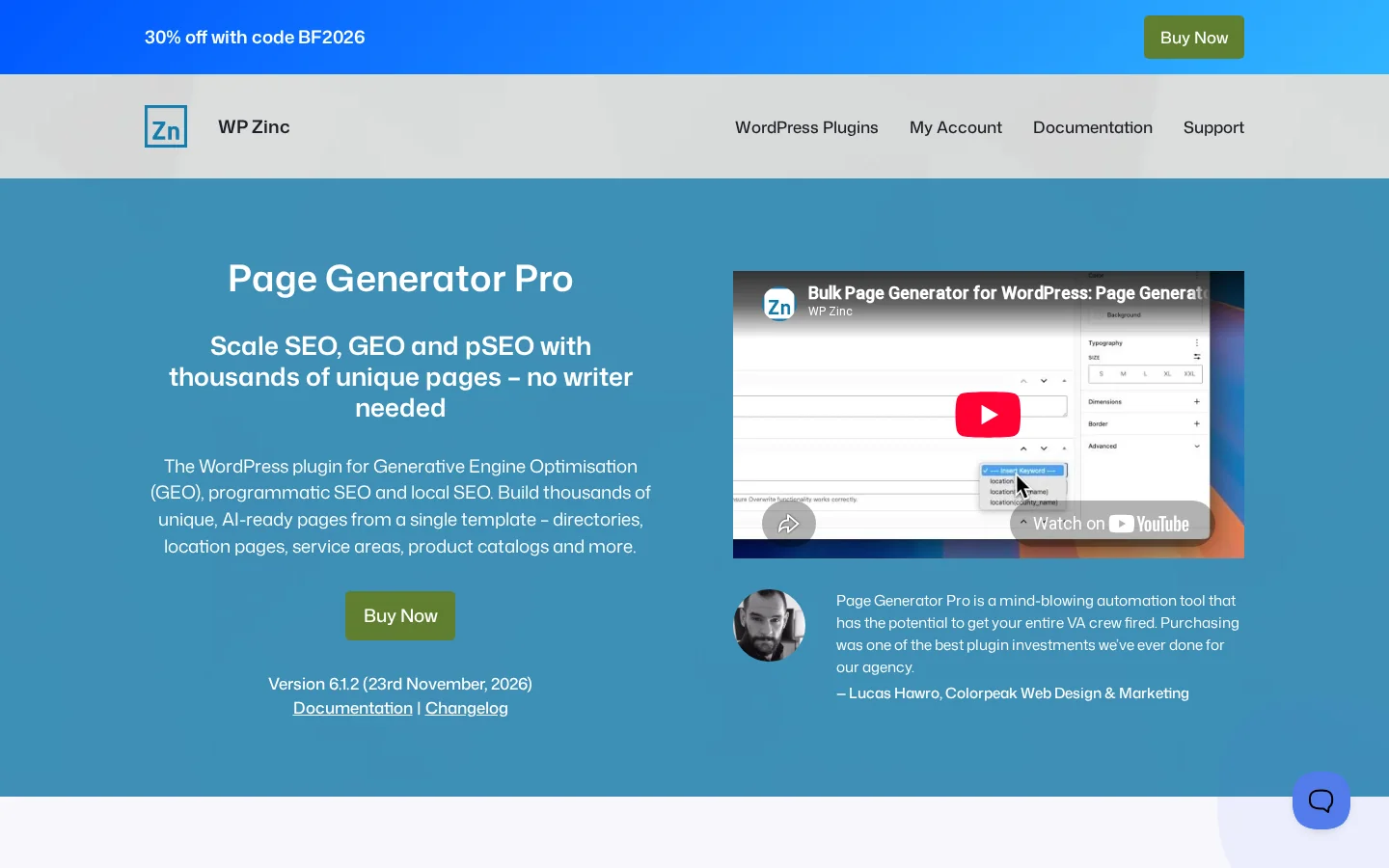
Page Generator Pro is a WordPress plugin by WP Zinc that generates pages, posts or custom post types from one content template. Keywords (locations, services, products) come from Airtable, CSV, a database, Google Sheets or Notion.
Who it is for: WordPress site owners and agencies that build location or service pages, and that need more control than a simple spreadsheet import.
Strengths:
Limit: it is WordPress only (self-hosted, or a WordPress.com Business plan or higher, with WordPress 5.0 and PHP 8.0 at minimum). The "all combinations" mode also makes it very easy to create too many pages: 40 services times 300 cities gives 12000 URLs, most of them without any demand.
Price (November 25, 2026): $99 per year for one site, $199 for unlimited sites, $299 once for a lifetime license (regular prices: $149, $299 and $449). The refund window is 14 days. A free version exists on WordPress.org.
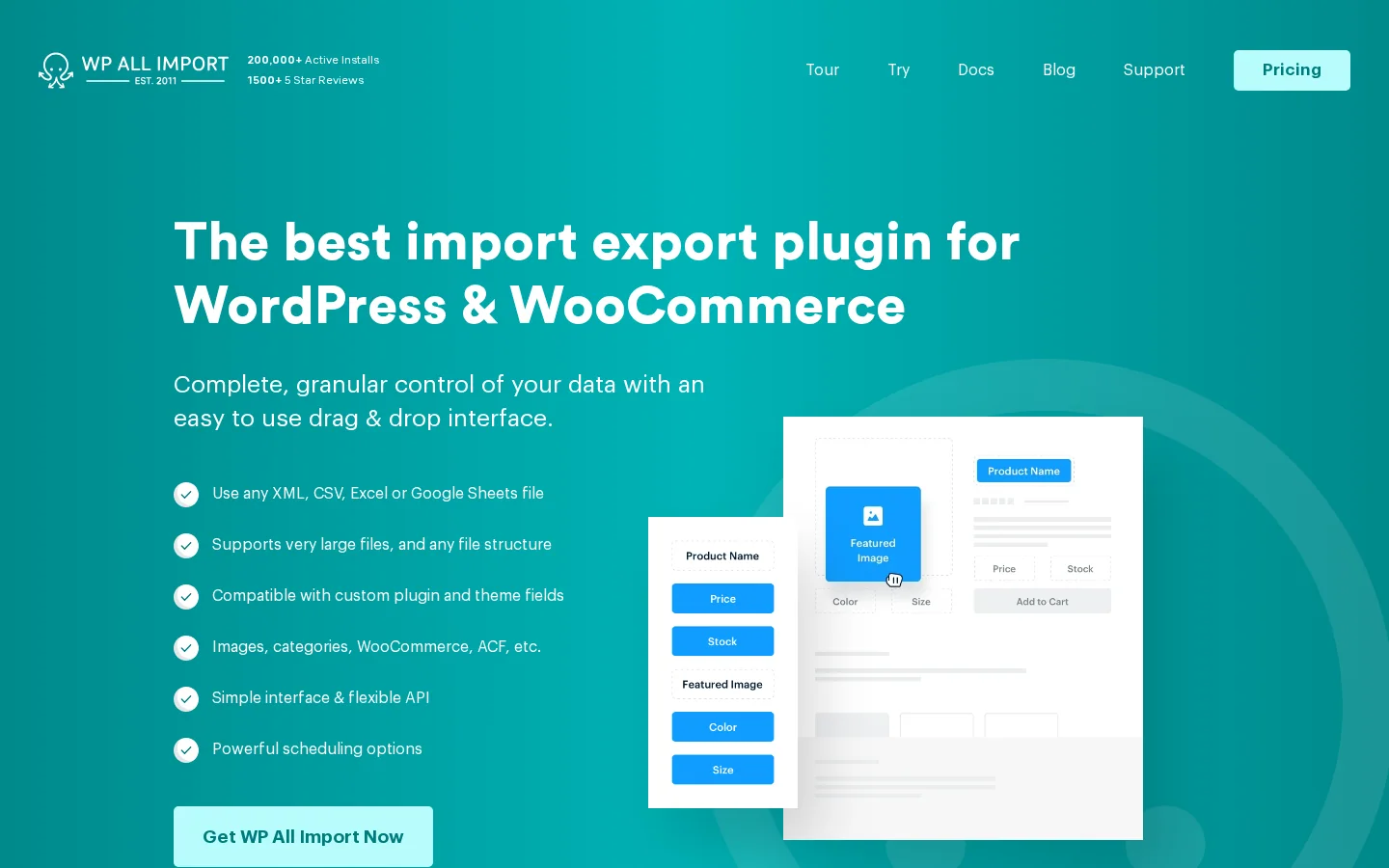
WP All Import is an import and export plugin for WordPress and WooCommerce. It was not built for SEO, and that is its strength: it takes any XML, CSV, Excel or Google Sheets file and maps each column to a WordPress field by drag and drop.
Who it is for: teams that already own a clean file (a product feed, a directory, a price list) and a WordPress template that displays custom fields well.
Strengths:
Limit: importing custom fields and running recurring imports require the Pro version. The plugin also brings no keyword logic, no internal linking and no schema: you need a theme and an SEO plugin for those.
Price (November 25, 2026): free version, then $99 per year for Import Standalone and $199 per year for the Import Pro Package, with a 90-day money-back guarantee. The lifetime license shows $1299 in one place of the page and $1399 in another, so confirm it at checkout.
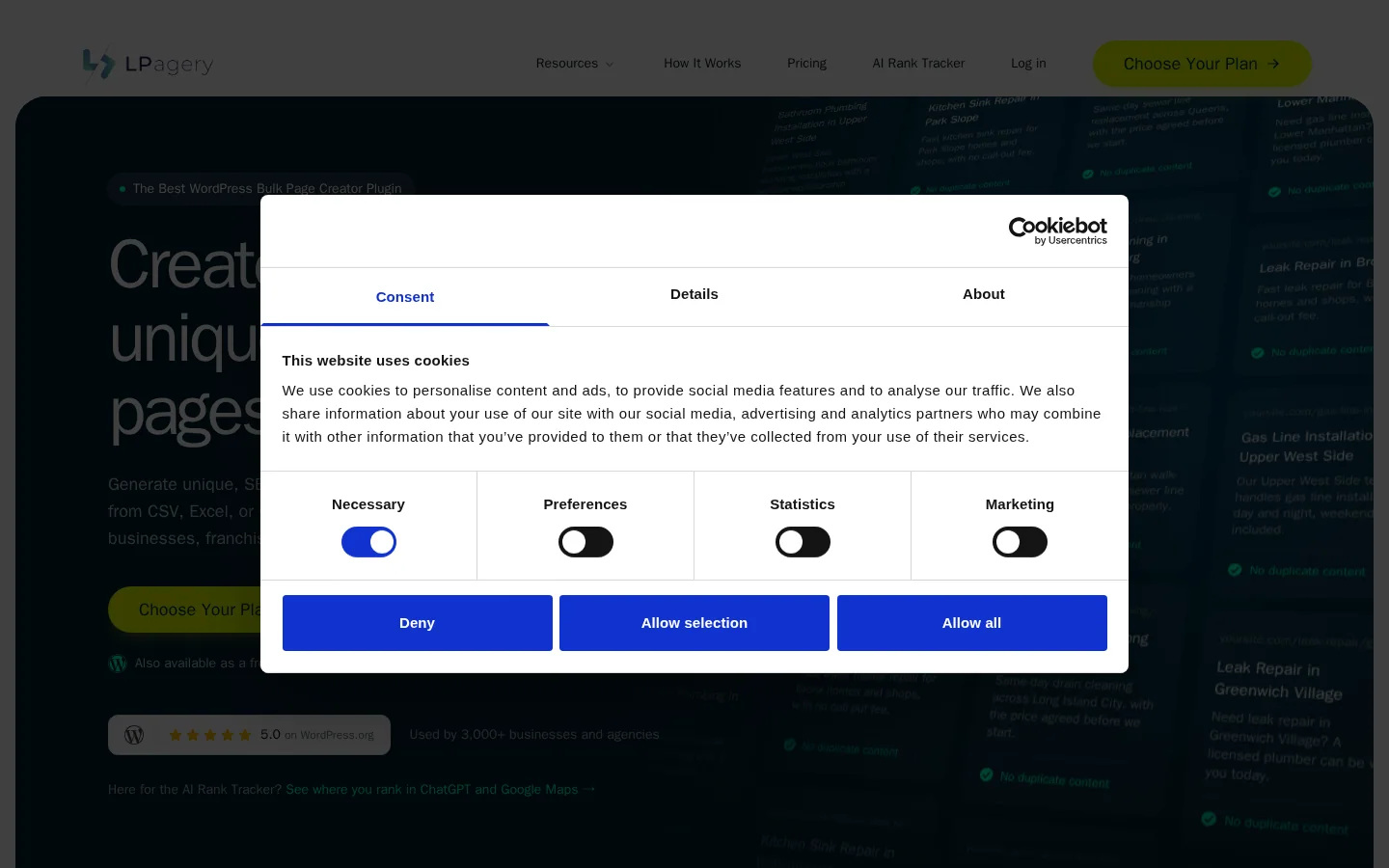
LPagery is a WordPress plugin that takes one template page with placeholders such as {city} and {service}, plus a CSV, XLSX or Google Sheets source, and creates one page per row.
Who it is for: local businesses and freelancers who want their first page set online this week, in the builder they already use (Elementor, Divi, Bricks, Breakdance, Beaver Builder, WPBakery or Gutenberg).
Strengths:
Limit: the features that matter after launch (sheet sync, bulk updates, drip dates) start at the Extended plan. With Standard, one schedule date applies to the whole set.
Price (November 25, 2026): Standard at $19 per month or $171 per year, Extended at $27 or $243, Ultimate (unlimited sites) at $77 or $693, excluding VAT.
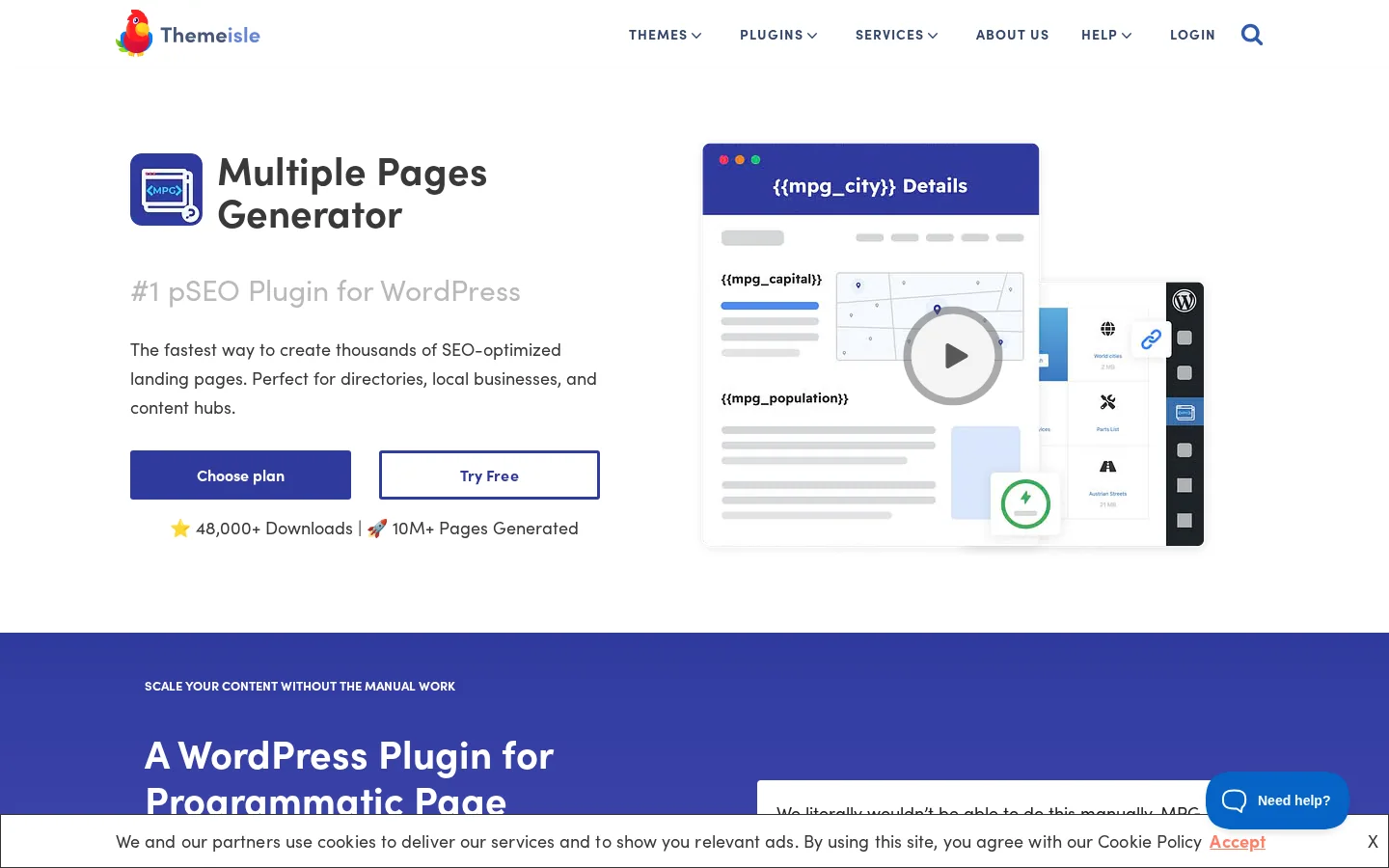
Multiple Pages Generator, by Themeisle, is a WordPress plugin that renders many landing pages from one template and a data file. Its WordPress.org FAQ says it "renders unique pages when URLs are requested", so the rows stay in the dataset instead of filling your posts list.
Who it is for: sites with many similar pages that change together, such as directories, job boards or listings by city.
Strengths:
Limit: since pages are rendered from the file, you improve a page through its row or through the template. Test caching, site search and sitemap output before launch. The free version stops at 50 rows.
Price (November 25, 2026): 99 per year for one site, 199 for five, 399 for unlimited sites (sold in USD or EUR, half the regular price that day), with a 30-day refund period.
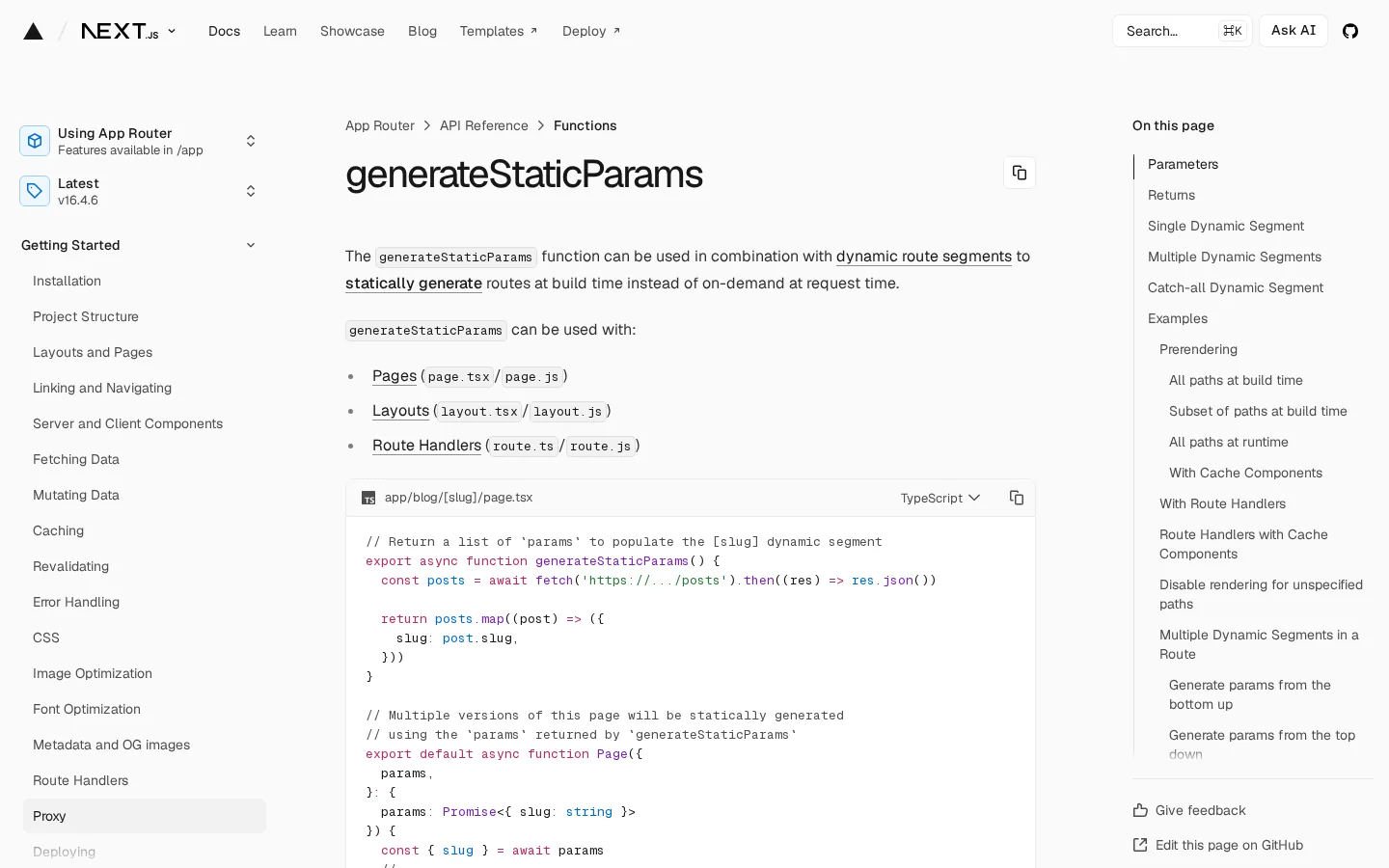
Next.js is an open source React framework. For programmatic SEO, the key function is generateStaticParams: it returns a list of slugs, and the framework builds one static page per slug at build time.
Who it is for: product teams with at least one developer, and any project where pages come from your own database.
Strengths:
dynamicParams = false, any slug outside your list returns a 404, which blocks accidental URLs.generateSitemaps lets you split the sitemap into several files once you pass 50000 URLs.// app/integrations/[slug]/page.tsx
export const dynamicParams = false
export async function generateStaticParams() {
const rows = await getRows() // your table or API
return rows
.filter((row) => row.status === 'publish')
.map((row) => ({ slug: row.slug }))
}Limit: no editor and no interface out of the box. Every change of template goes through a developer, and you must build the quality checks yourself. Note that dynamicParams is not available when Cache Components are on (Next.js documentation, updated November 18, 2026).
Price (November 25, 2026): free, MIT license; you pay for hosting. Our Next.js SEO guide covers rendering, metadata and sitemaps in detail.
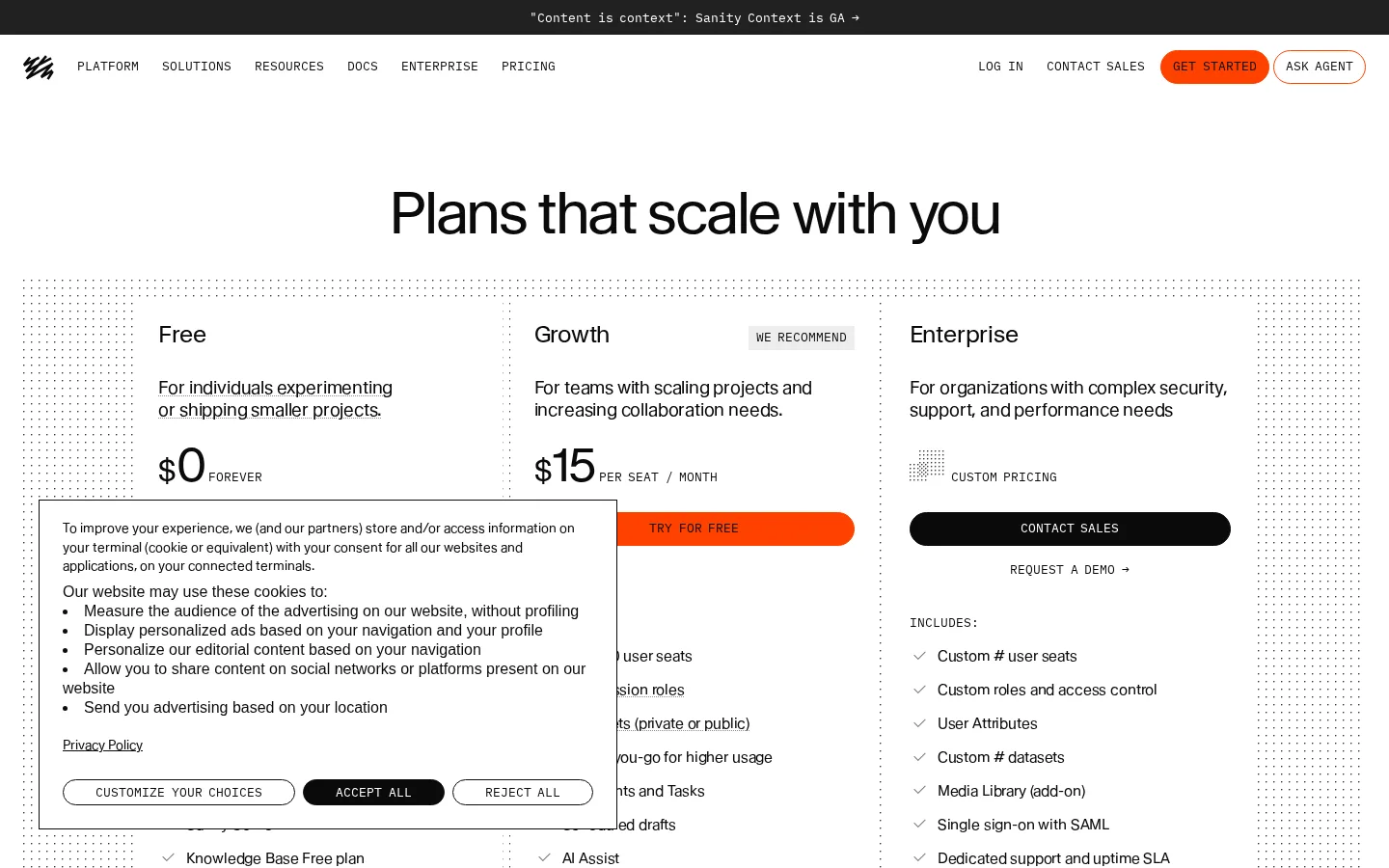
Sanity is a structured content platform. Content is stored as JSON documents in its Content Lake, queried with the GROQ language or GraphQL, and displayed by your own front end. Its developer section covers Next.js, Astro, Nuxt, Remix, Svelte and Angular.
Who it is for: teams that pair a custom front end with editors who need a clean interface.
Strengths:
Limit: you need a developer for the schema and the templates. The free plan only offers public datasets and no paid overage, and the Growth plan stops at 25000 documents unless you add a quota ($299 for 50000 more documents).
Price (November 25, 2026): free, then $15 per seat per month on Growth.
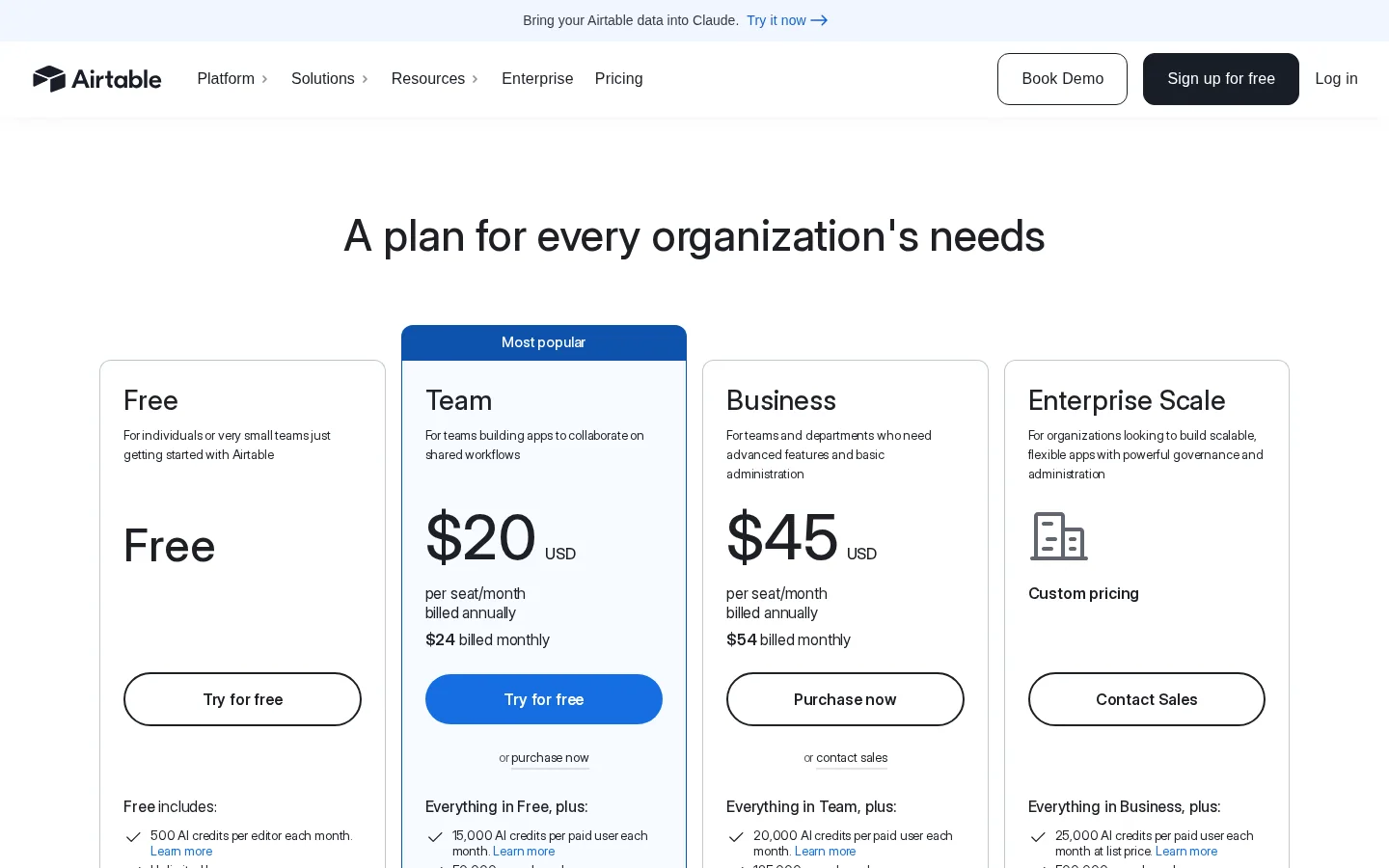
Airtable is a relational database with a spreadsheet interface. It creates no page on your site by itself. It is the place where the rows of your page set are collected, checked and approved, before Whalesync, a plugin or an API call publishes them.
Who it is for: any team where several people touch the data (SEO, product, support, sales).
Strengths:
Limit: record caps arrive quickly. Airtable's plan documentation lists 1000 records per base on Free, 50000 on Team and 125000 on self-serve Business, counted across all the tables of a base.
Price (November 25, 2026): free, then $20 per user per month billed yearly on Team ($24 monthly) and $45 on Business.
 Framer
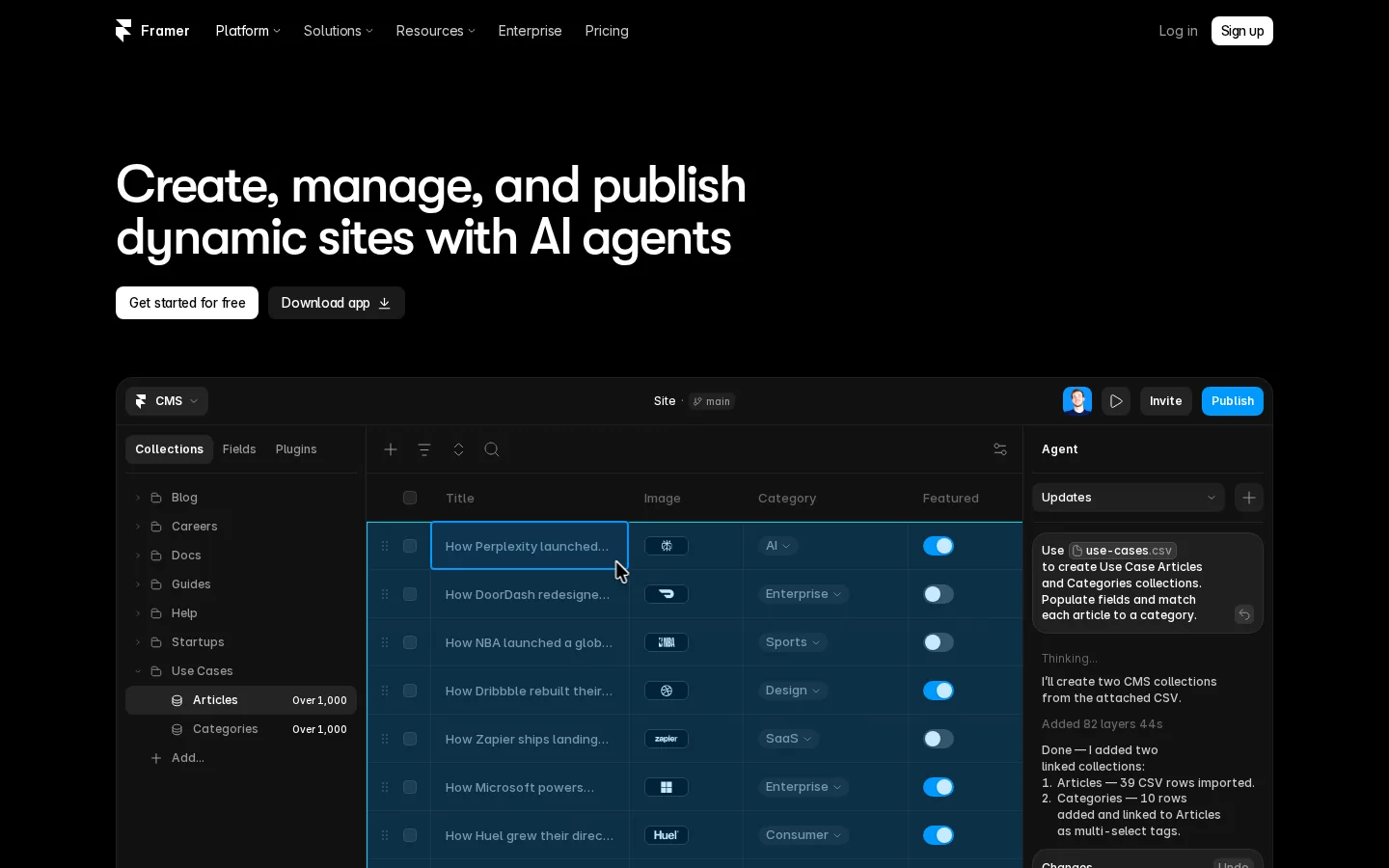
Framer is a visual site builder with a CMS. You drop a CSV, the agent reads the columns, creates the collection and its slugs, then builds a detail page whose title and description come from CMS fields. Google Sheets and Airtable sync are listed too.
Who it is for: startups and designers who want good-looking pages and a few hundred to a few thousand items.
Strengths:
Limit: item counts. Basic includes 2 collections and 1000 CMS items, Pro includes 10 collections and 2500 items. You can buy 10000 more items for $20, up to 40000 in total, so large sets need a budget line.
Price (November 25, 2026): free, then $10 per month for Basic and $30 for Pro.
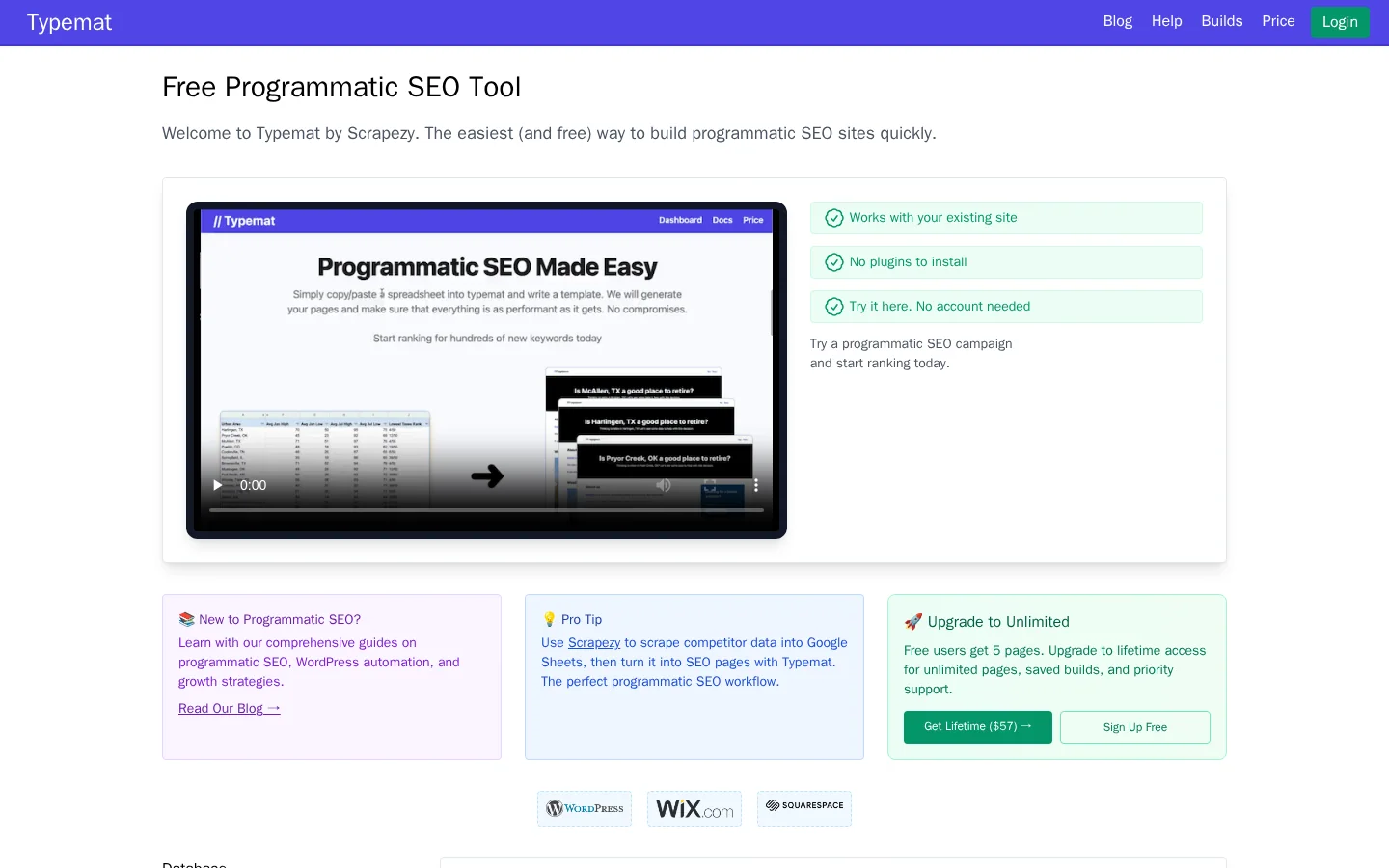
Typemat, from Scrapezy, builds pages from a public Google Sheet and an HTML or text template with {{ variables }}, then exports an XML file for WordPress, Wix or Squarespace. Nothing is installed on your site.
Who it is for: one-off launches, tests and people who refuse to add a plugin.
Strengths:
Limit: it is an export, so there is no live connection. The page does not explain how to update pages that are already published, which makes it a poor choice for data that moves.
Price (November 25, 2026): free up to 5 pages, then $57 once for unlimited pages.
There are six working methods behind these tools, and picking the method before the brand saves weeks. The right one depends on who edits the pages and how often the data changes.
| Method | Technical level | Time to first page | Updates after launch | Good page count |
|---|---|---|---|---|
| Generator plugin | Low | Hours | Regenerate or sync the sheet | 20 to 1000 |
| Rendered on request | Low to medium | Hours to days | Change the file or the template | 100 to 10000 |
| File import | Low to medium | Hours | Recurring import (Pro) or manual | 50 to 10000 |
| Sync | Low | One day | Real time | 50 to 2000 on entry plans |
| Visual CMS | Low | One day | CSV or sheet sync | 20 to 2500 |
| Code plus content store | High | Weeks | Rebuild or webhook | 500 and more |
The page counts are our working ranges, based on the published caps and on what one person can review. They are not technical maximums.
Choose by asking three questions in this order: which CMS do you use, who will update the data, and how many rows hold unique facts? Budget comes last, because the gap between the cheapest and the most expensive entry plan here is under $200 a year.
No-code stack vs code stack
| Your situation | Stack we would pick | Entry cost on November 25, 2026 |
|---|---|---|
| Testing the idea with no budget, WordPress | LPagery free or MPG free | $0 (100 pages per run, or 50 rows) |
| Local business or agency, WordPress | Page Generator Pro | $99 to $199 per year |
| Product feed or directory, WordPress | WP All Import plus your SEO plugin | $99 to $199 per year |
| Marketing team on Webflow or Framer | Airtable plus Whalesync | About $36 per month for one user, plus the site plan |
| Startup without developer time | Framer CMS from a CSV | $10 to $30 per month |
| SaaS or marketplace with developers | Next.js plus your database or Sanity | $0 in licenses, plus hosting |
| One launch, data that never changes | Typemat | $57 once |
Four of the ten tools let you test the full process for nothing, with very different caps.
Free tier limits that decide your test
Sources: official pricing and WordPress.org pages of each tool, November 25, 2026
The safest launch is one pattern, 50 rows, four weeks of observation, then a decision. The steps are the same whichever tool you picked.
From pattern to first batch
Paste your keyword list into a clustering tool first. Two variants that trigger the same results belong on one page, not two. Sorank's topic cluster generator flags these overlaps while it builds the clusters, so you do not discover them once 300 URLs are online. For the manual method, see our guide to grouping keywords into pages.
Tip
For a quick check without an account, our free keyword clustering tool groups up to 2000 keywords in your browser and exports a CSV. One group equals one row in your table.
Start with a header row like this one, then adapt it. Only two columns repeat the name of the page. The others are facts.
slug,city,service,price_from,lead_time_days,local_proof,permit_rule,faq_1,photo_url,last_verified,statusThen let the sheet decide which rows may go live. In Google Sheets, with the slug in column A and the fact columns in D to H, this formula publishes a row only if it has at least four facts and a unique slug:
=IF(AND(COUNTA(D2:H2)>=4, COUNTIF(A:A, A2)=1), "publish", "hold")Feed the tool from a filtered view that only contains "publish". In Airtable, that is a view. In WP All Import, it is an import filter. In Next.js, it is the filter shown earlier.
The template must hide what it does not know. If permit_rule is empty, the whole section disappears, heading included. MPG and Framer offer conditions in their interface. In a simple placeholder plugin, put the heading and the text in the same spreadsheet cell so an empty cell removes both.
Link the 50 pages from one hub, link the hub from your menu or footer, and give the set its own sitemap. Google's sitemap documentation (read in November 2026) caps each file at 50000 URLs or 50MB uncompressed, ignores priority and changefreq, and uses lastmod only when it is "consistently and verifiably" accurate. So write the date of the last real change of the row, not the date of the last rebuild. Our free XML sitemap validator spots duplicates, empty files and oversized files.
Run three checks on each batch: similarity, reachability and indexing. They take an hour and catch most of the problems that sink a page set.
Open the two weakest rows of the batch side by side and remove the variable. If you cannot tell the pages apart, the set is not ready. At scale, a crawler does it for you: our tutorial on the Screaming Frog SEO Spider explains how to set up a full crawl. Pages that come out as copies are what our glossary calls thin content.
The same row, before and after the check
Crawl the site from the home page with links only, no sitemap. Every page of the set should appear within four clicks. Pages found only in the sitemap are orphans. Fix them with hubs and neighbor links, following an internal linking plan rather than random "related pages".
In Search Console, open the Performance report, add a page filter with a custom regex, and look at the set alone:
^https://example\.com/(roof-repair|gutter-cleaning)/[a-z-]+/?$Then compare it with the Page indexing report of the dedicated sitemap. A large share of URLs under Crawled, currently not indexed usually means the pages were read and judged too weak. Many URLs under Discovered usually point to links and priority. Google's crawl budget guide targets sites with 1 million or more unique pages that change weekly, 10000 or more that change daily, or a large part of URLs stuck in Discovered. Below those sizes, crawl budget is rarely the cause.
Google allows templates and automation, and it penalizes pages made mainly to manipulate rankings. Its spam policies (read in November 2026) describe two risks that concern every tool in this list.
Warning
Spintax does not protect you. Google's list of scaled content examples includes "automated transformations like synonymizing, translating, or other obfuscation techniques". Changing words around the same facts adds no value. Change the facts.
Most failures come from how the tool is set up, not from the tool. Here are the seven we would check first, how to spot each one, and how to fix it.
What it is: the plugin is installed and the sheet holds a list of city names. How to spot it: your columns are only variations of the keyword. How to fix it: stop, and collect four real facts for 10 rows. If you cannot find them for 10, you will not find them for 500.
What it is: services times cities times audiences. How to spot it: your planned page count is above your number of rows with data. How to fix it: list the combinations that have search demand and delete the others. Use a sequential mode, not "all combinations".
What it is: 1500 URLs on day one. How to spot it: a flat line in the indexing report after three weeks. How to fix it: set the weak pages to noindex, keep 50, and use drip dates (Page Generator Pro, LPagery Extended) for the next batches.
What it is: prices from last year on 400 pages. How to spot it: the last_verified column is empty or older than six months. How to fix it: move to a sync, a recurring import or a rebuild, and name one owner for the table.
What it is: generated pages copy the canonical of the template page. How to spot it: URL Inspection shows the template as the canonical. How to fix it: empty the custom canonical field on the template, regenerate, and test three pages with our canonical tag checker.
What it is: a live page that reads "Best {service} in {city}". How to spot it: search your own site for curly braces. How to fix it: keep the template as a draft, or set it to noindex and remove it from the sitemap.
What it is: a blog guide and a generated page chase the same search. How to spot it: in Search Console, one query alternates between two URLs. How to fix it: choose the page that matches the intent, merge the other one into it, and redirect. This is keyword cannibalization, and it gets worse with volume.
Before you press publish
If you run WordPress, start with the free version of LPagery to prove the pattern, then move to Page Generator Pro for locations or WP All Import for files. If your marketers work in tables and your site runs on Webflow or Framer, take Airtable with Whalesync. If your pages come from your own product, go straight to Next.js and add Sanity when editors need an interface.
Remember that a page set rarely ranks alone. It needs articles that explain the topic, link to the hub and answer the broader questions. That is the part Sorank runs on autopilot: keyword research for Google and AI, article writing and publishing, backlink exchange, and tracking of your visibility in ChatGPT, Gemini and Claude. You keep your time for the dataset. If you sell software, our playbook on programmatic SEO for SaaS goes deeper into page types and pruning.
To do today: open a sheet, write one pattern, fill 10 rows with four real facts each, and apply the gate formula above. If eight rows or more say "publish", pick your tool from the table. If not, your next task is data, and no software on this list will replace it.
This ranking reflects my own experience and opinion as an SEO expert with more than 7 years in the field. It is based on verified facts, but the order itself is my personal view.
It depends on your CMS. Page Generator Pro is the most complete choice on WordPress, Whalesync with Airtable fits Webflow and Framer, and Next.js with Sanity fits teams with developers. The quality of your dataset matters more than the tool.
Yes. LPagery has a free plugin limited to 100 pages per run and 3 placeholders, Multiple Pages Generator is free up to 50 rows, and Next.js is open source. Sanity and Airtable also have free plans, with 10000 documents and 1000 records per base.
The tool itself is not the problem. Google's spam policies target many pages generated mainly to manipulate rankings without helping users, whatever the method. Pages with real facts on each row, published in small batches and linked from a hub, stay on the safe side.
We analyse your competitors, your website and your AI visibility to create a tailored content plan for free.
 Duplicate Content Checker
 Mobile-Friendly Test
 Website Speed Test
 Subdomain Finder
 Domain Age Checker
 CMS Detector
 Googlebot Simulator
 Nofollow Link Checker
 Meta Tag Checker
 Keyword Cannibalization Checker
 Keyword Intent Checker
 Keyword Extractor
 Google Ads Cost Calculator
 CPC Calculator
 Local Citation Finder
 Reddit Threads Finder
 Disavow File Generator
 Redirect Generator
 Canonical Tag Generator
 Passive Voice Checker
 Google Location Changer
 Google Review Calculator
 Google Review Link Generator
 Keyword Combiner
 Podcast Show Notes Generator
 AI Content Rewriter
 AI Text Humanizer
 ChatGPT Prompt Generator
 Twitter Thread Generator
 Tweet Generator
 Landing Page Copy Generator
 Google Ads Copy Generator
 Pinterest Pin Description Generator
 Anchor Text Generator
 Social Media Post Generator
 LinkedIn Post Generator
 Free AI Writer
 Review Response Generator
 LSI Keyword Generator
 YouTube Video Ideas Generator
 YouTube Tag Generator
 YouTube Description Generator
 Product Description Generator
 CTA Generator
 Blog Introduction Generator
 Conclusion Generator
 Hook Generator
 AI Content Brief Generator
 FAQ Schema Generator
 AI Blog Post Ideas Generator
 Structured Data Validator (Schema Validator)
 Alt Text Checker
 Internal Link Analyzer
 Backlink Challenge
 AI Meta Description Generator
 AI Blog Title Generator
 Google Indexability Checker
 AI Blog Outline Generator
 UTM Link Builder
 Keyword Clustering Tool
 Canonical Tag Checker
 XML Sitemap Generator
 Broken Link Checker
 AI SEO Title Generator
 Headline Analyzer
 SERP Preview Tool
 Redirect Checker
 Hreflang Tag Generator
 Heading Structure Analyzer
 HTTP Headers Checker
 Favicon Extractor
 SERP CTR Calculator
 SEO vs Paid Search Savings Calculator
 SEO Share of Voice Calculator
 SEO ROI Calculator
 SEO Traffic and Revenue Forecast Calculator
 SEO Budget Calculator
 SEO Break-Even Calculator
 SaaS SEO ROI Calculator
 ROAS Calculator
 Reading Time Calculator
 Ranking Gain Simulator
 Organic Traffic Value Calculator
 Organic Traffic Estimator and Website Traffic Checker
 LTV to CAC Ratio Calculator
 Local SEO ROI Calculator
 Link Building Cost Calculator
 Keyword Value Calculator
 Keyword Opportunity Score Calculator
 Keyword Density Calculator
 GEO ROI Calculator
 GEO Content Investment Calculator
 Ecommerce SEO ROI Calculator
 Customer Lifetime Value Calculator
 Customer Acquisition Cost Calculator
 CTR Calculator
 Cost Per Article Calculator
 Conversion Rate Calculator
 Content Marketing ROI Calculator
 ChatGPT Referral Traffic Estimator
 Bounce Rate Calculator
 Backlink ROI Calculator
 AI Visibility Score Calculator
 AI Traffic Value Calculator
 AI Share of Voice Calculator
 Cost of AI Invisibility Calculator
 AI Citation Rate Calculator
 llms.txt Validator
 AI Overview Checker and AI Overviews Rank Checker
 Robots.txt Checker
 AI SEO Audit
 LLM Readability Checker
 SearchGPT Readiness Checker
 Structured Data LLM Audit
 Website Crawlability AI Audit
 Why ChatGPT Is Not Recommending My Website
 Gemini Ranking Tool
 Perplexity Ranking Checker
 LLM Citation Checker
 Answer Engine Optimization Audit
 GEO Audit
 AI Search Visibility Test
 ChatGPT Visibility Checker
 llms.txt Generator
 URL Extractor
 Webpage to Markdown
 Sitemap Checker
 SERP Volatility Sensor
 Page Size Checker
 Word Counter
 Slug Generator
 Schema Generator
 Robots Generator
 OG Preview
 Meta Tags Generator
 Image Compressor
 Favicon Generator
 On-Page SEO Audit: SEO Checker and SEO Analyzer
 Backlink Analysis Tool
 Keyword Research Tool
 Domain Authority Checker
 “I tested Sorank on a real client site and it's insane. It does everything an agency would bill you $1500 a month for. It's going into production on that client now.”

 Guillaume Guersanguersanguillaume.com“We are an Ads agency and we wanted to get our SEO back on track once and for all. Sorank gave us a clear view of our site, helped us prioritize optimizations, and properly structure our content. The tool is easy to use, well designed for a team, and very practical for centralizing tracking without having to juggle multiple platforms. A very solid foundation to start fresh with our SEO.”
 Gaspard MadouiAds Agency
 “I just let the Sorank software do its thing, and now my DR is 25 and my page is ranking higher.”
 Lucas Flandrefoundertrace.fr“I specialized in GEO thanks to Sorank. The GEO Leaderboard allows me to show my clients their position vs competitors on ChatGPT. It’s a real commercial differentiator.”
 MélanieSEO Freelance“Great service, works well for our website and helps us understand how to improve it to rank better on Google and elsewhere. Congrats, keep going, I recommend it.”
 Hugo T.E-commerce merchant