Preferences
Privacy is important to us, so you have the option of disabling certain types of storage that may not be necessary for the basic functioning of the website. Blocking categories may impact your experience on the website. More information
Privacy is important to us, so you have the option of disabling certain types of storage that may not be necessary for the basic functioning of the website. Blocking categories may impact your experience on the website. More information

Build an internal linking strategy: priority pages, topic clusters, anchor rules, the 3 linking models compared, a 7-step plan and the mistakes to fix.


Tools

In short
an internal linking strategy is a written plan that decides which pages receive links, from which pages, and with which anchor text. It rests on three pillars: a short list of priority pages, topic clusters that group related content, and anchor rules. Pick one linking model (a dense "Wikipedia" mesh, a semantic cocoon or a URL silo), apply it with a crawler, then measure inlinks, click depth and clicks every month.
Want to go further? Ask
Quick quiz
Which way of finding customers online fits you best?
Sorank matches your answers


Test it for 3 days on your own site and see where you stand on Google, ChatGPT and the other AIs.
Start 3-day free trial3 days free, then stop whenever you want. 90-day results guarantee, conditions apply.
This guide goes further than the definition. If you only need the basics of what an internal link is, read our definition of internal linking first. Here we cover the plan: how link value moves through a site, how to choose the pages that deserve it, the three main linking models with their trade offs, a step by step method, the numbers to track and the mistakes that quietly cost rankings, including the ones specific to multilingual sites.
Most sites add internal links one article at a time: a writer remembers an older post and links to it. That is a tactic. A strategy works the other way round. You decide first where you want authority to end up, then every new link serves that goal.
A real strategy answers four questions in writing:
Internal links do three jobs at once. They let crawlers discover pages. They pass a share of authority (the logic behind PageRank). And their anchors and surrounding text tell Google what the target page is about. Google's own documentation on crawlable links puts it plainly: "Every page you care about should have a link from at least one other page on your site." The same page adds that there is no ideal number of links per page.
AI search engines rely on the same signals. Their crawlers follow links to find pages, and a page buried six clicks deep is rarely fetched, so it is rarely cited. A clean internal structure helps both Google and the answer engines.
The largest public study on the topic comes from Cyrus Shepard at Zyppy (updated February 23, 2026). He analysed 23 million internal links across 1800 websites and compared them with Search Console clicks. It is a correlation study, so read it as a direction, not a law. The direction is still clear.
What 23 million internal links tell us
Source: Cyrus Shepard, Zyppy internal link study (1800 sites, 520000 URLs), updated February 2026
Two other findings matter for your plan. Traffic stopped rising past roughly 45 to 50 links, most likely because those extra links were sitewide menu links pointing to weak pages. And the variety of anchors pointing to a page correlated strongly with more clicks. You can read the full Zyppy internal link study for the charts.
Before you plan, you need a mental model of how value flows. Simplified: each page has a certain amount of authority (from backlinks and from the internal links it receives). It shares that authority among the links it contains. A link placed in the main text, likely to be clicked, counts more than a link hidden in a footer. This is the "reasonable surfer" idea described in a Google patent: links are not all weighted equally.
Click depth is the number of clicks from the home page to a page. The home page usually holds the most authority, so every extra level dilutes what reaches the page. A common rule is to keep important pages within three clicks. Depth also affects crawl frequency: on large sites with a tight crawl budget, deep pages are visited less often and updated later in the index.
Not every link has the same role. Your strategy should say what each type is for.
| Link type | Where it sits | Main role | Weight as a signal | What to decide |
|---|---|---|---|---|
| Contextual link | Inside the body text | Pass relevance and authority between related pages | High: surrounded by topical text, likely to be clicked | Which pages link where, with which anchor |
| Main navigation | Header menu, on every page | Give top sections a link from every URL | Medium: sitewide, little context | Only 5 to 9 top sections, never long tail pages |
| Breadcrumb | Above the title | Push value up to parent categories, show the hierarchy | Medium: structured, consistent anchors | Path logic and the BreadcrumbList markup |
| Related content block | End of article or product page | Connect siblings in a cluster | Medium: can be automated | Rules: same cluster first, then neighbouring clusters |
| Footer | Bottom of every page | Legal, contact, a few key pages | Low: Google discounts boilerplate | Keep it short, avoid 80 keyword links |
The practical consequence: when you want to boost a page, contextual links from strong, related pages are your first lever. Menu links are the second, and they are a scarce resource.
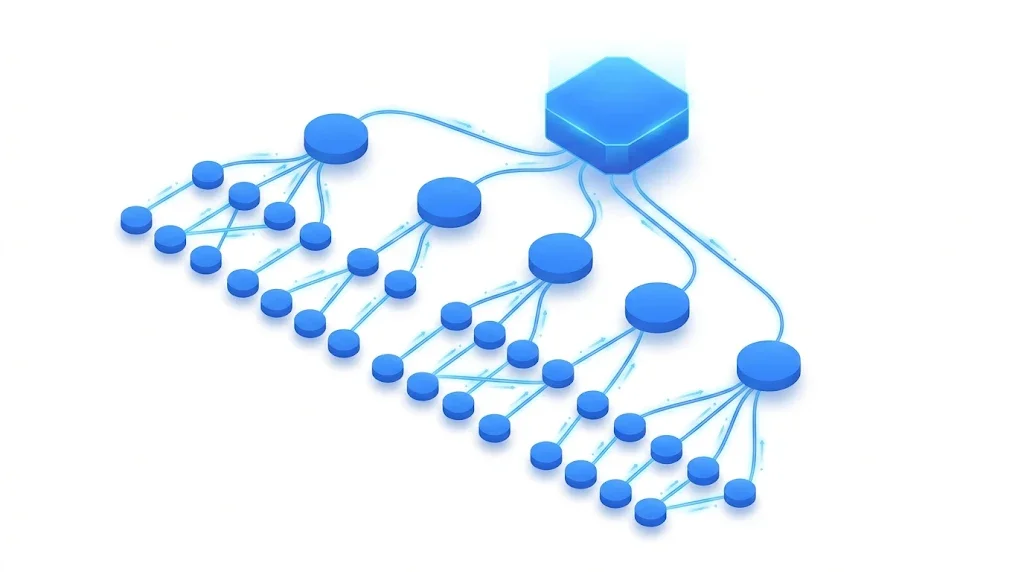
A strategy starts with a short list. If every page is a priority, none is. You want 10 to 30 pages per site section that receive the bulk of your internal links: the pages that sell, the pages that already rank near the top, and the guides that support them.
Cross three sources:
From every URL to the priority list
For each page on the list, write three things in your plan: the main query it targets, the cluster it belongs to, and a target number of contextual inlinks. A workable starting grid: conversion pages and pillar guides at 10 or more unique contextual inlinks, cluster articles at 3 to 8, utility pages at 0 to 2. These are working targets, not rules from Google. Adjust them to the size of your site: a 60 page site cannot give 15 links to 20 pages.
The pages that act as anchors of your site are often called cornerstone content. Our guide to cornerstone content explains how to choose and write them so they deserve the links you send.
The second pillar groups pages by topic. A cluster is a pillar page that covers a broad subject, surrounded by narrower articles that each answer one specific question. Pillar and articles link to each other. The result: Google sees a block of pages that cover a subject in depth, which builds topical authority, and each page passes relevance to its neighbours.
How to build a cluster map in 5 steps
Grouping queries by shared Google results is the core of keyword clustering, and the full pillar and spoke model is detailed in our guide to topic clusters and pillar pages. If you want a map produced for you, the Sorank topic cluster generator groups keywords into clusters and flags overlaps that would cause cannibalization.
The anchor is the clickable text of a link. Google reads it as a short description of the target page. Its documentation asks for anchors that are "descriptive, reasonably concise, and relevant" to both the page they sit on and the page they point to, and warns against generic text such as "click here" and against keyword stuffing.
Anchor text: before and after a clean up
In code, the difference looks like this. The last example matters for image links: Google uses the alt attribute as anchor text.
<!-- Weak: generic anchor, no context -->
<p>To learn more, <a href="/blog-geo-seo/site-architecture-seo">click here</a>.</p>

<!-- Strong: descriptive anchor inside a relevant sentence -->
<p>Pages buried too deep get crawled less often, so check
your <a href="/blog-geo-seo/site-architecture-seo">crawl depth by directory</a> first.</p>

<!-- Image link: the alt text becomes the anchor -->
<a href="/pricing"><img src="/img/plans.png" alt="Sorank pricing plans"></a>
For a full list of anchor types (exact, partial, branded, naked URL, generic), see our guide to anchor text.
Once your pillars are defined, you choose how pages connect. There are three main models. Most real sites combine them, but one should lead, otherwise every editor follows a different logic.
Principle. Every time a page mentions a concept that has its own page, it links to it. Links go in all directions between all close pages, like on Wikipedia, where an article can contain hundreds of internal links.
When to use it. Large knowledge bases, glossaries, documentation, media sites, any site where readers jump from concept to concept.
Advantages. Very low click depth, fast discovery of new pages, many anchor variations, excellent for readers who explore. It is simple to apply: if a term has a page, link it.
Limits. Authority spreads evenly, so you cannot push a few priority pages. On a small site with little authority, the dilution hurts. Topic boundaries blur, so Google gets a weaker signal about what each section covers.
Example. A glossary entry on "crawl budget" links to "crawling", "robots.txt", "sitemap", "log files" and "server errors" in the first paragraphs, and each of those pages links back.
Principle. Popularised in France by Laurent Bourrelly under the name "cocon sémantique", the cocoon organises pages as a strict hierarchy built from search intent. A mother page covers a broad intent. Daughter pages cover narrower intents below it. Pages at the same level are sisters. Links follow precise rules: the mother links down to all its daughters; each daughter links up to its mother; a daughter links to its sisters only when the topic flows naturally; and nothing links outside the cocoon except through the top page.
When to use it. Competitive niches where topical authority makes the difference, sites you build from scratch, sections you can plan fully before writing.
Advantages. The strongest relevance signal of the three models. Authority is concentrated where you want it, because links climb back towards the mother page. Every page has a clear role, which prevents cannibalization.
Limits. Heavy to plan and maintain. Strict rules can force artificial links or forbid useful ones. Hard to retrofit on an existing site with years of unplanned links. Purists ban links outside the cocoon, which can hurt the reader.
Example. Mother page: "running shoes". Daughters: "trail running shoes", "road running shoes", "running shoes for flat feet". Granddaughters below "trail running shoes": "waterproof trail shoes", "trail shoes for mud". The waterproof page links up to the trail page and sideways to the mud page, never directly to the road page.
Our full guide to the semantic cocoon covers how to build one level by level.
Principle. The hierarchy is written into the addresses. Each section has a directory, each page sits in the directory of its topic, and the breadcrumb mirrors that path. Links mostly stay inside their silo: pages link to their parent directory page and to siblings in the same directory.
/seo/                                  section page (pillar)
/seo/technical/                        category page
/seo/technical/crawl-depth/            article
/seo/technical/orphan-pages/           article
/seo/content/                          category page
/seo/content/topic-clusters/           article
When to use it. Online stores, catalogues, local service sites, any site with a natural tree of categories. It also suits teams with many editors, because the rule is visible in the address itself.
Advantages. Easy to understand for everyone. The breadcrumb creates consistent upward links automatically. Reports by directory (crawl, traffic, indexing) become trivial. It is the model most site architectures already follow, as explained in our guide to site architecture for SEO.
Limits. A page can only live in one directory, while real topics overlap. Moving a page later means changing its URL and adding a redirect. Strict silos block useful cross links between sections.
Add breadcrumb markup so Google understands the path. Google's breadcrumb structured data documentation requires at least two ListItems, each with a position and a name:
<script type="application/ld+json">
{
  "@context": "https://schema.org",
  "@type": "BreadcrumbList",
  "itemListElement": [
    {"@type": "ListItem", "position": 1, "name": "SEO", "item": "https://www.example.com/seo/"},
    {"@type": "ListItem", "position": 2, "name": "Technical SEO", "item": "https://www.example.com/seo/technical/"},
    {"@type": "ListItem", "position": 3, "name": "Crawl depth"}
  ]
}
</script>| Criterion | Wikipedia mesh | Semantic cocoon | URL silo |
|---|---|---|---|
| Core rule | Link every related concept | Links follow the intent hierarchy | Links follow the directory tree |
| Best for | Glossaries, docs, media | Competitive niches, new sites | Stores, catalogues, local services |
| Authority flow | Spread evenly | Concentrated on mother pages | Concentrated on category pages |
| Topical signal | Weak to medium | Strong | Medium to strong |
| Effort to plan | Low | High | Medium |
| Effort to maintain | Medium (many links) | High | Low |
| Retrofit on an old site | Easy | Hard | Medium (URL changes) |
| Main risk | Dilution, no priorities | Artificial links, rigidity | Isolated sections |
Which model should lead on a typical business site?
Our recommendation for most sites: use the URL silo or the cocoon as the backbone (it decides where authority ends up), and allow a light mesh inside each cluster (it keeps pages useful for readers). Keep cross silo links rare and intentional.
Here is the method we use, from audit to rollout. On a site of a few hundred pages, plan two to three working days for the first pass.
The 7-step rollout
Use a crawler such as Screaming Frog SEO Spider. The free version crawls up to 500 URLs, enough for many small business sites. Our Screaming Frog setup guide covers the configuration.
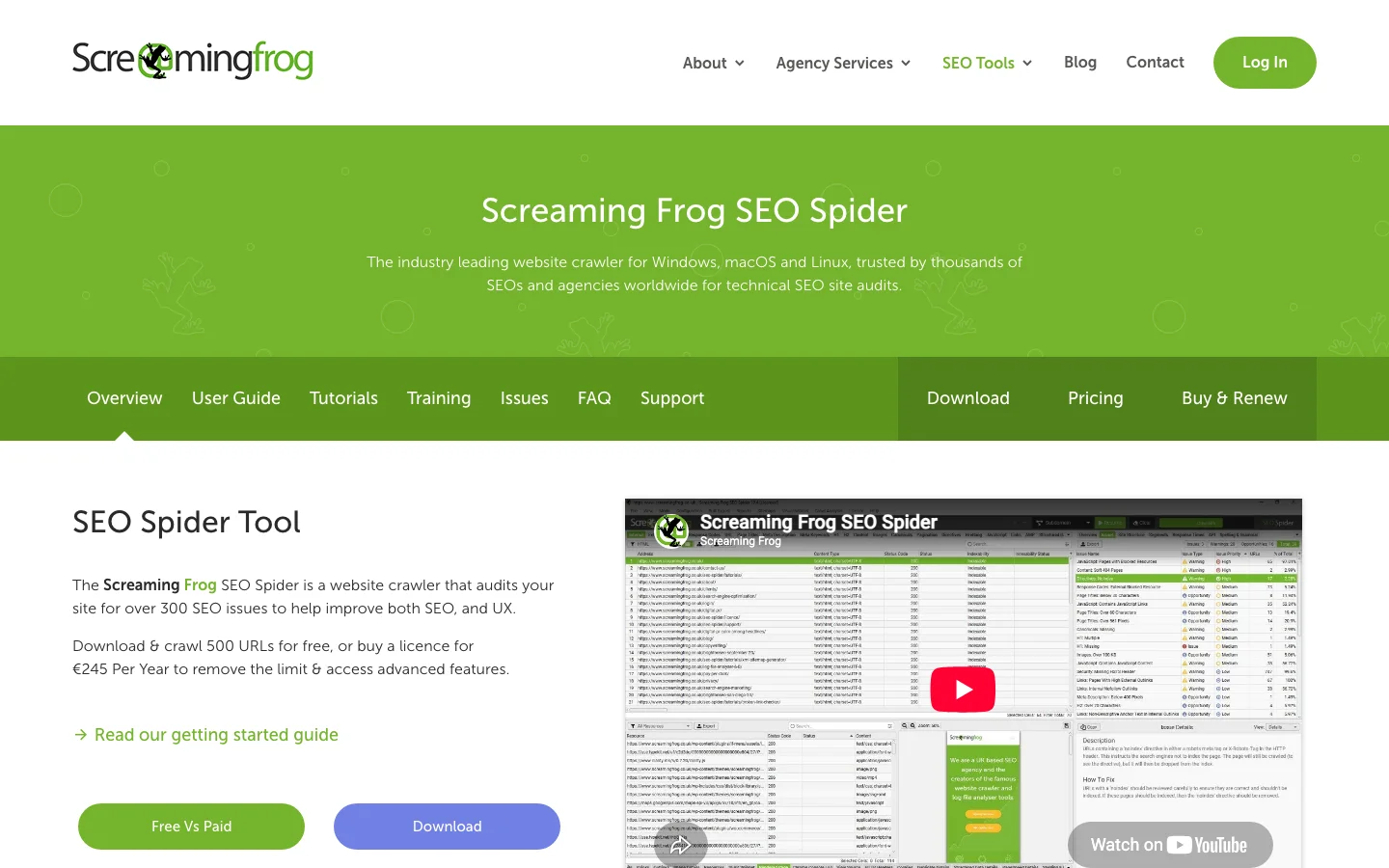
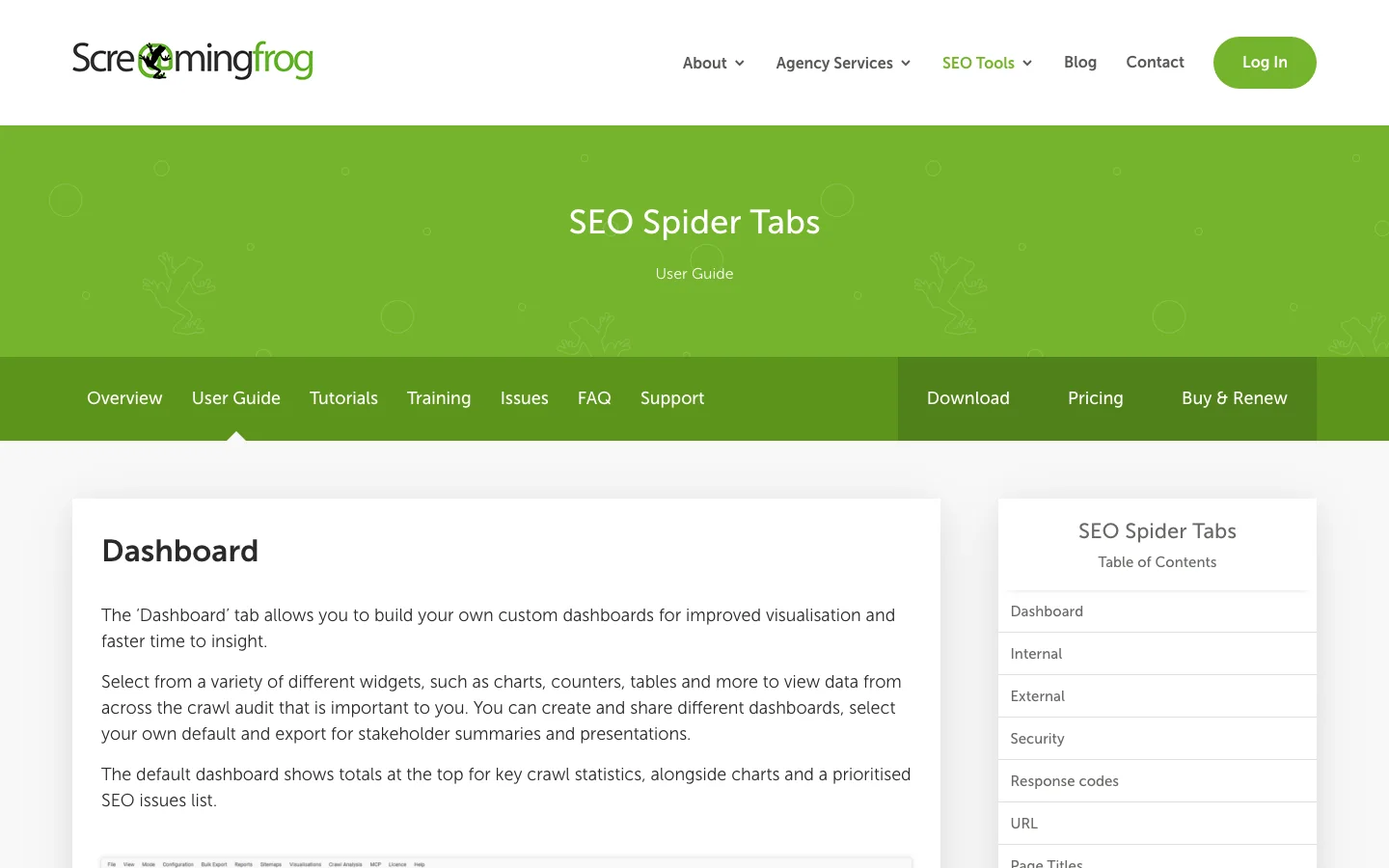
In the Internal tab, four columns drive your plan. Screaming Frog's documentation defines them: Inlinks (number of internal links to the URL), Unique Inlinks (a page linked three times from the same page counts once), Crawl Depth (clicks from the start page) and Link Score (a 0 to 100 metric of the relative value of a page based on its internal links, computed after a crawl analysis).
A crawler only finds pages that are linked. To find orphans, compare a list of all known URLs (XML sitemap plus Search Console Pages export) with the crawl. In Google Sheets, put all known URLs in column A of a "Known" sheet and the crawled URLs in column A of a "Crawl" sheet, then:
=FILTER(Known!A2:A, Known!A2:A<>"", ISNA(MATCH(Known!A2:A, Crawl!A:A, 0)))Every URL returned is known to Google or to your sitemap but receives no internal link. Decide for each one: link it from its cluster, merge it into a stronger page, or remove it with a redirect.
Sort your crawl by Link Score or by referring domains. Your top 20 pages are your donors. For each priority page, find two to five donors on a related topic and add one contextual link each, with an anchor from your plan. Placing the link in the first half of the text, inside a sentence that explains why the reader should click, follows the reasonable surfer logic.
Tip
Before editing, check what a page already links to. The free Sorank internal link analyzer lists every internal link of a page with its anchor, so you can spot generic anchors and duplicates in seconds.
When a URL changes, old internal links keep pointing to the redirect. Each hop wastes crawl and can lose a little signal. After every migration, export internal links whose target returns a 301 or 302 and replace them with the final URL. Our guide to SEO redirects explains the status codes, and the free broken link checker finds dead links on any page.
Track a small set of numbers, the same way every month, on your priority pages first.
| Metric | Where to read it | What good looks like | Action if it is off |
|---|---|---|---|
| Unique contextual inlinks | Crawler, Internal tab | At or above the target in your plan | Add links from donor pages |
| Crawl depth | Crawler | 3 or less for priority pages | Link from the menu, a hub or a category page |
| Orphan pages | Sitemap and Search Console compared with crawl | Zero among pages you want indexed | Link, merge or redirect |
| Internal links to redirects or errors | Crawler, response codes of link targets | Zero | Replace with the final URL |
| Average position and clicks | Search Console, Performance by page | Rising 4 to 12 weeks after the links went live | Check anchors and the content itself |
| Pages indexed | Search Console, Pages report | Priority pages all indexed | Inspect the URL, check links are crawlable |
Note the date of every batch of new links in your plan. Without it, you cannot tell in Search Console whether a ranking change came from links, from content or from an algorithm update.
Each mistake below is common on real sites. For each one: what it is, how to spot it, how to fix it.
What it is. A page with no internal link pointing to it. Google may still know it through the sitemap, but it receives no authority and little crawl.
How to spot it. The sitemap versus crawl comparison from step 2.
How to fix it. Link it from its pillar and from one or two siblings. If no page naturally links to it, it probably should not exist alone: merge it.
What it is. A money page five or six clicks from the home page, often because it only appears on page 4 of a paginated blog.
How to spot it. Filter the crawl by depth greater than 3 and cross with your priority list.
How to fix it. Add it to a hub or category page, to the relevant menu, or link it from a strong article. Avoid relying on pagination alone to reach content.
What it is. Two different URLs receive the same anchor, so Google cannot tell which one answers the query.
How to spot it. Export all internal links (anchor and destination), pivot by anchor, count distinct destinations. Any anchor with more than one destination is a flag.
How to fix it. Reassign each anchor to one page only. If both pages really answer the same query, merge them.
What it is. Navigation built with buttons, onclick events or framework components that never render a real link. Google states that it reliably follows <a> elements with an href attribute, and that markup such as <span href>, <a onclick> or javascript: URLs is not reliable.
How to spot it. Crawl with JavaScript rendering off, then on. Pages found only with rendering on, or not at all, depend on fragile links. The URL Inspection tool in Search Console shows the rendered HTML.
How to fix it. Render every navigational link as <a href="/blog-geo-seo/site-architecture-seo">. Our guide to JavaScript SEO covers the rendering side.
What it is. Adding rel="nofollow" to internal links to "sculpt" authority. It does not keep the authority on the page, it simply stops it from flowing through that link.
How to spot it. In your crawler, filter internal links by the nofollow attribute.
How to fix it. Remove nofollow from internal links. If a page should not get authority, remove the link or noindex the page. See our page on nofollow links.
What it is. A mega menu with 150 links or a footer listing 80 keyword pages. Every page then links to everything, which flattens your priorities. The Zyppy data also shows traffic falling past roughly 50 links, likely from this kind of sitewide link.
How to spot it. Count links in the header and footer templates. If the sitewide links outnumber the contextual ones on most articles, the template dominates.
How to fix it. Keep 5 to 9 top level entries in the menu, move long lists to hub pages, and keep the footer for legal, contact and a handful of key pages.
Multilingual sites add a family of mistakes that most guides skip. Language versions are separate pages in Google's eyes, and links tell Google which versions belong together. Our guide to international SEO covers the wider setup; here are the linking errors.
7a. A page in one language linking to a page in another. A French article links to the English version of a guide, often because a translator kept the original link. The French reader lands on English content and leaves, and the French guide loses an internal link it should have received.
How to spot it. In Screaming Frog, run Bulk Export, Links, All Inlinks, then filter rows where the source is in one language folder and the destination in another. With folders such as /fr/ and /en/, these two regular expressions isolate French pages linking to any other language folder:
Source:      ^https://www\.example\.com/fr/
Destination: ^https://www\.example\.com/(?!fr/)[a-z]{2}/
How to fix it. Replace each link with the equivalent page in the same language. The only cross language links that belong in body content are the language switcher and deliberate references ("this study is only available in English").
7b. Versions that do not point to their translation. The French page has an English equivalent, but nothing connects them: no hreflang, no language switcher pointing to the exact translation (the switcher goes to the English home page instead). Google may then treat them as unrelated pages, or show the wrong language in results.
How to spot it. Check the language switcher on a sample of deep pages: does it go to the translated page or to a home page? Then check hreflang tags on the same pages.
How to fix it. Make the switcher link to the exact equivalent URL, and declare every version with hreflang. Google's documentation on localized versions is strict: "Each language version must list itself as well as all other language versions", and "if two pages don't both point to each other, the tags will be ignored."
<!-- On BOTH the English and the French page -->
<link rel="alternate" hreflang="en" href="https://sorank.com/blog-geo-seo/site-architecture-seo" />
<link rel="alternate" hreflang="fr" href="https://sorank.com/fr/blog-geo-seo/architecture-site-seo" />
<link rel="alternate" hreflang="x-default" href="https://sorank.com/blog-geo-seo/site-architecture-seo" />
7c. Hreflang and internal links that tell different stories. The hreflang says page A in French matches page B in English, but the canonical of page B points elsewhere, or the switcher links to page C, or the French internal links point to a redirected URL while hreflang lists the final one. Google receives contradictory signals and may ignore the hreflang cluster.
How to spot it. For a sample of pages, write four URLs side by side: the hreflang target, the switcher target, the canonical of the target page, and the final URL after redirects. All four must be identical.
How to fix it. Generate hreflang, canonical and switcher links from the same source of truth in your CMS (one translation table), never by hand. The free Sorank hreflang generator builds a correct, reciprocal set of tags, and our hreflang guide explains each attribute.
Warning
Translated slugs change the URL in each language. When you translate an article, translate its internal links too: every link must point to the version of the target page in the same language, with a slug that exists in that language.
What it is. New articles get links to older ones, but old articles never link to the new ones. Fresh pages stay weak for months.
How to spot it. Sort pages by publication date and look at unique inlinks for the last three months of content.
How to fix it. Make it part of publishing: every new article gets two to five links from existing, related pages on the day it goes live.
Monthly internal linking check
Manual linking works well up to a few dozen pages. Past a few hundred, nobody remembers every page, and links start pointing to outdated or cannibalizing content. Automation helps, with three safeguards:
This is where Sorank fits. It plans topic clusters with anti-cannibalization checks through its topic cluster generator, and its content optimization feature rewrites and updates older pages, which is the moment to refresh their internal links.
You do not need to rebuild your whole site to start. In one afternoon:
Then decide which model leads your site (silo, cocoon or mesh) and write it down. Once the model and the anchor rules are written, every new page fits into the structure instead of drifting outside it.
For most business sites, the best approach is a URL silo or a semantic cocoon as the backbone, so authority flows to priority pages, with light cross linking inside each topic cluster. Pure "link everything" meshes suit glossaries and documentation but make it hard to push the pages that sell.
Google says there is no ideal number. A useful working target is 10 or more unique contextual inlinks for priority pages and 3 to 8 for supporting articles, within three clicks of the home page. Zyppy's study of 23 million links found traffic stopped rising past roughly 45 to 50 links, mostly sitewide menu links.
Only through the language switcher or a deliberate reference. In body content, every link should point to the page in the same language. Each translated page must also link to its equivalents with reciprocal hreflang tags, consistent with the switcher and the canonical URLs.
We analyse your competitors, your website and your AI visibility to create a tailored content plan for free.
 AI Content Brief Generator
 FAQ Schema Generator
 AI Blog Post Ideas Generator
 Structured Data Validator (Schema Validator)
 Alt Text Checker
 Internal Link Analyzer
 Backlink Challenge
 AI Meta Description Generator
 AI Blog Title Generator
 Google Indexability Checker
 AI Blog Outline Generator
 UTM Link Builder
 Keyword Clustering Tool
 Canonical Tag Checker
 XML Sitemap Generator
 Broken Link Checker
 AI SEO Title Generator
 Headline Analyzer
 SERP Preview Tool
 Redirect Checker
 Hreflang Tag Generator
 Heading Structure Analyzer
 HTTP Headers Checker
 Favicon Extractor
 SERP CTR Calculator
 SEO vs Paid Search Savings Calculator
 SEO Share of Voice Calculator
 SEO ROI Calculator
 SEO Traffic and Revenue Forecast Calculator
 SEO Budget Calculator
 SEO Break-Even Calculator
 SaaS SEO ROI Calculator
 ROAS Calculator
 Reading Time Calculator
 Ranking Gain Simulator
 Organic Traffic Value Calculator
 Organic Traffic Estimator and Website Traffic Checker
 LTV to CAC Ratio Calculator
 Local SEO ROI Calculator
 Link Building Cost Calculator
 Keyword Value Calculator
 Keyword Opportunity Score Calculator
 Keyword Density Calculator
 GEO ROI Calculator
 GEO Content Investment Calculator
 Ecommerce SEO ROI Calculator
 Customer Lifetime Value Calculator
 Customer Acquisition Cost Calculator
 CTR Calculator
 Cost Per Article Calculator
 Conversion Rate Calculator
 Content Marketing ROI Calculator
 ChatGPT Referral Traffic Estimator
 Bounce Rate Calculator
 Backlink ROI Calculator
 AI Visibility Score Calculator
 AI Traffic Value Calculator
 AI Share of Voice Calculator
 Cost of AI Invisibility Calculator
 AI Citation Rate Calculator
 llms.txt Validator
 AI Overview Checker and AI Overviews Rank Checker
 Robots.txt Checker
 AI SEO Audit
 LLM Readability Checker
 SearchGPT Readiness Checker
 Structured Data LLM Audit
 Website Crawlability AI Audit
 Why ChatGPT Is Not Recommending My Website
 Gemini Ranking Tool
 Perplexity Ranking Checker
 LLM Citation Checker
 Answer Engine Optimization Audit
 GEO Audit
 AI Search Visibility Test
 ChatGPT Visibility Checker
 llms.txt Generator
 URL Extractor
 Webpage to Markdown
 Sitemap Checker
 SERP Volatility Sensor
 Page Size Checker
 Word Counter
 Slug Generator
 Schema Generator
 Robots Generator
 OG Preview
 Meta Tags Generator
 Image Compressor
 Favicon Generator
 On-Page SEO Audit: SEO Checker and SEO Analyzer
 Backlink Analysis Tool
 Keyword Research Tool
 Domain Authority Checker
5/5 from 5 reviews
 “I tested Sorank on a real client site and it's insane. It does everything an agency would bill you $1500 a month for. It's going into production on that client now.”

 Guillaume Guersanguersanguillaume.com“We are an Ads agency and we wanted to get our SEO back on track once and for all. Sorank gave us a clear view of our site, helped us prioritize optimizations, and properly structure our content. The tool is easy to use, well designed for a team, and very practical for centralizing tracking without having to juggle multiple platforms. A very solid foundation to start fresh with our SEO.”
 Gaspard MadouiAds Agency
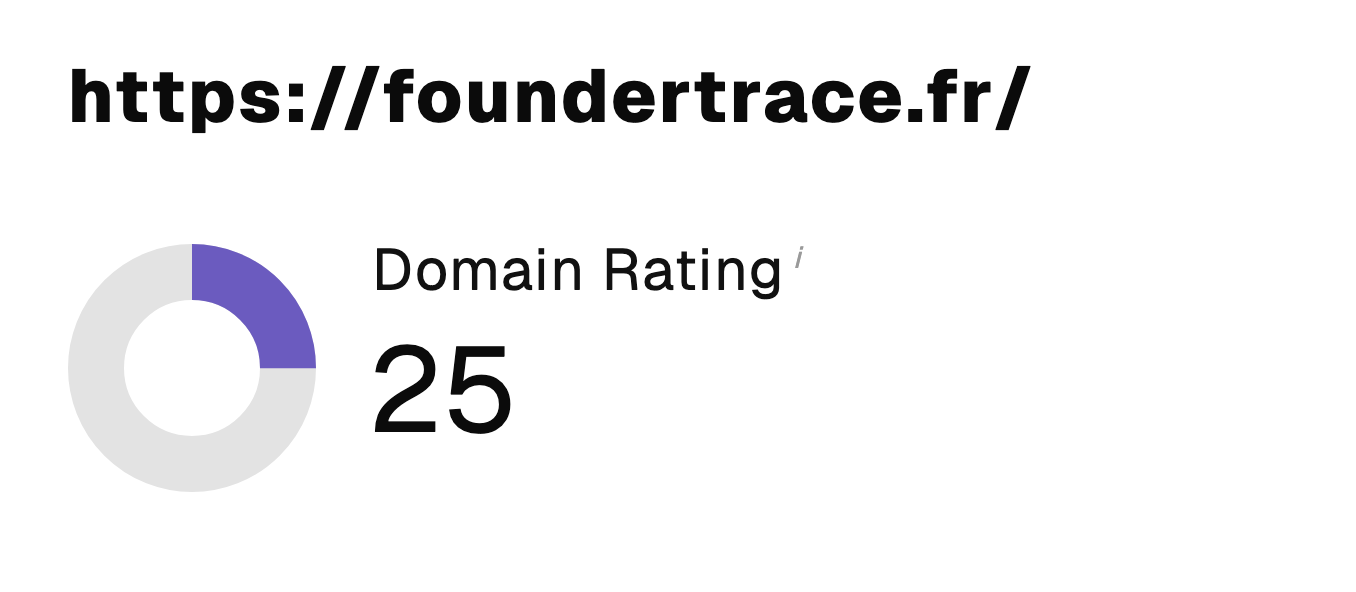 “I just let the Sorank software do its thing, and now my DR is 25 and my page is ranking higher.”
 Lucas Flandrefoundertrace.fr“I specialized in GEO thanks to Sorank. The GEO Leaderboard allows me to show my clients their position vs competitors on ChatGPT. It’s a real commercial differentiator.”
 MélanieSEO Freelance“Great service, works well for our website and helps us understand how to improve it to rank better on Google and elsewhere. Congrats, keep going, I recommend it.”
 Hugo T.E-commerce merchant