
Preferences
Privacy is important to us, so you have the option of disabling certain types of storage that may not be necessary for the basic functioning of the website. Blocking categories may impact your experience on the website. More information

Privacy is important to us, so you have the option of disabling certain types of storage that may not be necessary for the basic functioning of the website. Blocking categories may impact your experience on the website. More information

JavaScript SEO guide: how Google crawls, renders and indexes JS pages, CSR vs SSR vs static rendering, why AI crawlers often miss JS content, and how to test and fix it.

Tools


In short
JavaScript SEO makes sure that content and links generated by JavaScript can be crawled, rendered and indexed. Google can render JavaScript, but in a separate step that can be delayed and that fails when scripts are blocked or need a click. Many AI crawlers do not execute JavaScript at all. The safest setup is server-side rendering or static generation, real "a href" links, and the important content present in the initial HTML.
Want to go further? Ask
Modern frameworks such as React, Vue, Angular or Svelte build pages in the browser. That is great for interactivity and risky for visibility. JavaScript SEO is the set of practices that keeps a JS site readable by search engines and by the AIs. This guide explains how Google processes JavaScript, the rendering options, the common mistakes and how to test your pages.
In three phases: crawling, rendering, indexing. Google Search Central describes the pipeline this way:
The consequence: anything missing from the raw HTML depends on the rendering step succeeding. If a script fails, times out or is blocked by robots.txt, Google indexes what it saw before, which may be an empty shell.
The difference is where the HTML is built: in the browser, on the server for each request, or once at build time.
| Rendering mode | How it works | SEO impact |
|---|---|---|
| Client-side rendering (CSR) | Server sends minimal HTML; JavaScript builds the page in the browser | Highest risk: content depends on rendering, often invisible to AI crawlers |
| Server-side rendering (SSR) | Server builds full HTML for each request, then JavaScript hydrates it | Safe: content and links in the first HTML |
| Static generation (SSG) | HTML generated at build time and served as files | Safest and fastest for content pages |
| Hybrid (SSR or SSG plus islands) | Static or server HTML, JavaScript only for interactive parts | Good balance for most sites |
| Dynamic rendering | Bots receive a pre-rendered version, users the JS app | Workaround that Google no longer recommends |
Frameworks such as Next.js, Nuxt, SvelteKit or Astro make SSR and static generation the default for content pages. For a blog, documentation or product pages, there is rarely a reason to render content only in the browser.
Most issues come from content or links that only exist after an interaction.
Because most AI crawlers read the raw HTML only. Crawler log analyses, such as Vercel's 2024 study of AI crawler traffic, found that the bots of OpenAI and Anthropic fetch JavaScript files but do not execute them. A page whose text appears only after JavaScript runs may look empty to the systems that feed ChatGPT, Claude or Perplexity, even if Google indexes it correctly.
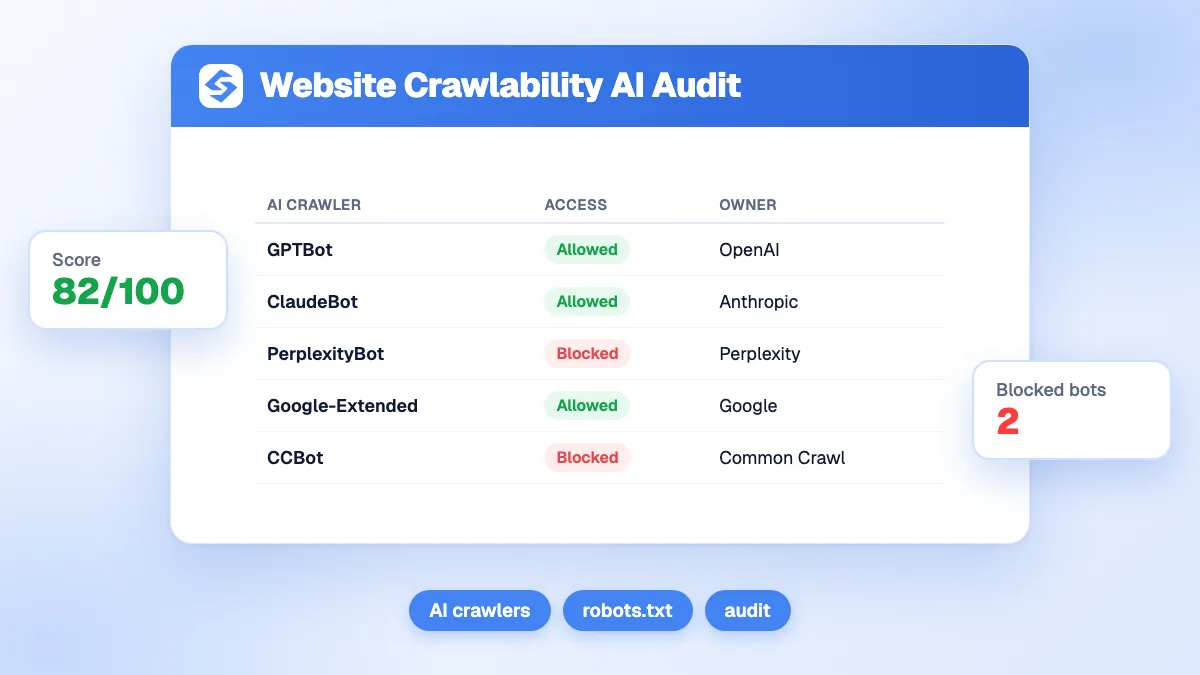
If being cited by the AIs matters to you, put the main answer, headings, tables and links in the server HTML, and check that your robots.txt lets the AI crawlers you want in. Our guide on robots.txt for AI crawlers lists the main bots, and the AI crawlability audit shows what they can read on your pages.
Compare the raw HTML with what Google renders.
Six rules cover most cases:
JavaScript and SEO work together when the content does not depend on JavaScript to exist. Render content pages on the server or at build time, keep links real and test what Google and the AIs actually see. Sorank publishes its articles as clean HTML directly in your CMS, with internal links and structured data, on autopilot: see the plans and the 3-day free trial.

Yes. Google renders pages with a recent version of Chromium, so it can see content added by JavaScript. Rendering happens after crawling, sometimes with a delay, and fails if scripts are blocked, too slow or depend on user actions. Content present in the initial HTML is always the safest option.
Not automatically, but it adds risk. With client-side rendering the first HTML is almost empty, so search engines must run JavaScript to see the content, and many AI crawlers do not. Server-side rendering or static generation deliver the content directly and avoid these problems.
Most do not today. Analyses of crawler logs, such as the one published by Vercel in 2024, found that the crawlers of OpenAI and Anthropic download JavaScript files without executing them. Content that only appears after JavaScript runs is therefore often invisible to ChatGPT, Claude and similar assistants.
 AI Content Brief Generator
 FAQ Schema Generator
 AI Blog Post Ideas Generator
 Structured Data Validator
 Alt Text Checker
 Internal Link Analyzer
 Backlink Challenge
 AI Meta Description Generator
 AI Blog Title Generator
 Google Indexability Checker
 AI Blog Outline Generator
 UTM Link Builder
 Keyword Clustering Tool
 Canonical Tag Checker
 XML Sitemap Generator
 Broken Link Checker
 AI SEO Title Generator
 Headline Analyzer
 SERP Preview Tool
 Redirect Checker
 Hreflang Tag Generator
 Heading Structure Analyzer
 HTTP Headers Checker
 Favicon Extractor
 SERP CTR Calculator
 SEO vs Paid Search Savings Calculator
 SEO Share of Voice Calculator
 SEO ROI Calculator
 SEO Traffic and Revenue Forecast Calculator
 SEO Budget Calculator
 SEO Break-Even Calculator
 SaaS SEO ROI Calculator
 ROAS Calculator
 Reading Time Calculator
 Ranking Gain Simulator
 Organic Traffic Value Calculator
 Organic Traffic Estimator
 LTV to CAC Ratio Calculator
 Local SEO ROI Calculator
 Link Building Cost Calculator
 Keyword Value Calculator
 Keyword Opportunity Score Calculator
 Keyword Density Calculator
 GEO ROI Calculator
 GEO Content Investment Calculator
 Ecommerce SEO ROI Calculator
 Customer Lifetime Value Calculator
 Customer Acquisition Cost Calculator
 CTR Calculator
 Cost Per Article Calculator
 Conversion Rate Calculator
 Content Marketing ROI Calculator
 ChatGPT Referral Traffic Estimator
 Bounce Rate Calculator
 Backlink ROI Calculator
 AI Visibility Score Calculator
 AI Traffic Value Calculator
 AI Share of Voice Calculator
 Cost of AI Invisibility Calculator
 AI Citation Rate Calculator
 llms.txt Validator
 AI Overview Checker
 Robots.txt Checker
 AI SEO Audit
 LLM Readability Checker
 SearchGPT Readiness Checker
 Structured Data LLM Audit
 Website Crawlability AI Audit
 Why ChatGPT Is Not Recommending My Website
 Gemini Ranking Tool
 Perplexity Ranking Checker
 LLM Citation Checker
 Answer Engine Optimization Audit
 GEO Audit
 AI Search Visibility Test
 ChatGPT Visibility Checker
 llms.txt Generator
 URL Extractor
 Webpage to Markdown
 Sitemap Checker
 SERP Volatility Sensor
 Page Size Checker
 Word Counter
 Slug Generator
 Schema Generator
 Robots Generator
 OG Preview
 Meta Tags Generator
 Image Compressor
 Favicon Generator
 On-Page SEO Audit
 Backlink Analysis Tool
 Keyword Research Tool
 Domain Authority Checker
THEY TRIED SORANK BEFORE YOU
 “I tested Sorank on a real client site and it's insane. It does everything an agency would bill you $1500 a month for. It's going into production on that client now.”
 Guillaume Guersanguersanguillaume.com“We are an Ads agency and we wanted to get our SEO back on track once and for all. Sorank gave us a clear view of our site, helped us prioritize optimizations, and properly structure our content. The tool is easy to use, well designed for a team, and very practical for centralizing tracking without having to juggle multiple platforms. A very solid foundation to start fresh with our SEO.”
 Gaspard MadouiAds Agency
 “I just let the Sorank software do its thing, and now my DR is 25 and my page is ranking higher.”
 Lucas Flandrefoundertrace.fr“I specialized in GEO thanks to Sorank. The GEO Leaderboard allows me to show my clients their position vs competitors on ChatGPT. It’s a real commercial differentiator.”
 MélanieSEO Freelance“Great service, works well for our website and helps us understand how to improve it to rank better on Google and elsewhere. Congrats, keep going, I recommend it.”
 Hugo T.E-commerce merchant























