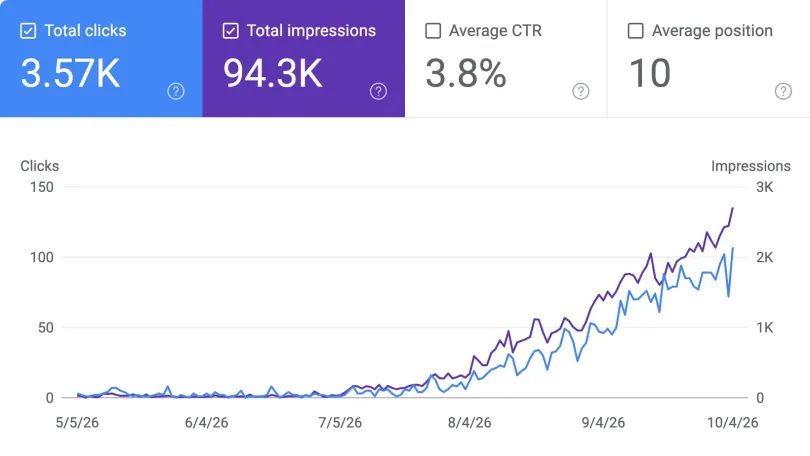
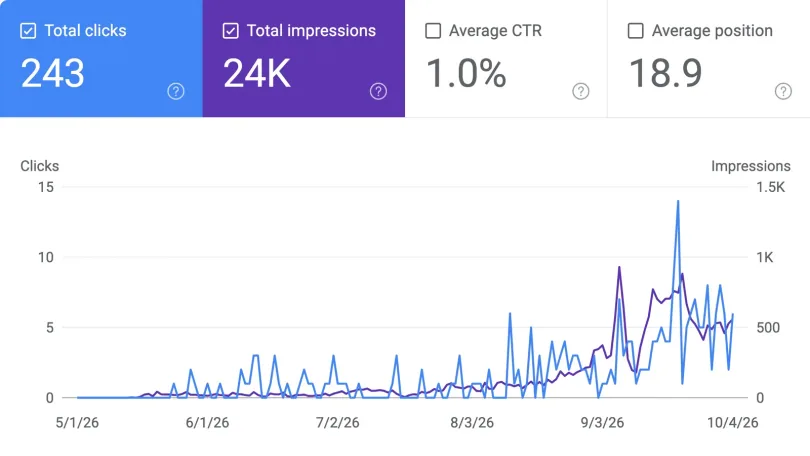
Preferences
Privacy is important to us, so you have the option of disabling certain types of storage that may not be necessary for the basic functioning of the website. Blocking categories may impact your experience on the website. More information

Privacy is important to us, so you have the option of disabling certain types of storage that may not be necessary for the basic functioning of the website. Blocking categories may impact your experience on the website. More information

Indexing is how Google analyzes and stores your pages so they can rank. Learn how it works, why pages get skipped, and how to fix it.







Sources
Indexing is the process by which a search engine analyzes the content of a page it has crawled and stores a representation of it in its index. The index is a vast database hosted across thousands of machines, and only pages held there are eligible to appear in search results. Without indexing, a page is invisible no matter how good it is.
This makes indexing a make-or-break step. It sits in the middle of the pipeline that runs from crawling to indexing to ranking, and a failure here blocks everything downstream. As AI systems increasingly draw on indexed content, getting pages indexed is also foundational to AI search visibility.
Indexing is the analysis and storage phase of search. After a page is downloaded, the engine parses its text, reads key tags such as the title and alt attributes, examines images and video, and works out what the page is about. If the page passes the engine's bar, a representation of it is filed in the index so it can be retrieved for relevant queries.
The key point is that indexing is not automatic. Google states plainly that indexing is not guaranteed: not every page it processes will be stored. The engine is selective, keeping content it judges useful and skipping content it does not.
Crawling and indexing are distinct steps that are easy to confuse. Crawling is discovery: a bot finds and downloads your pages by following links and reading sitemaps. Indexing is selection: the engine analyzes that downloaded content and decides whether to store it. A page must be crawled before it can be indexed, but being crawled does not guarantee it will be.
A useful analogy is a job application. Crawling is the employer receiving your resume, while indexing is being judged worth an interview. Many pages clear the first step and fail the second, which is why understanding the link between crawling and indexing matters.
During indexing, Google processes the page's content and often renders it, executing JavaScript where needed so that script-dependent content can be seen. It then clusters similar pages to spot duplicates and selects one as the canonical, the version eligible to appear in results, treating the others as alternates for specific contexts.
Along the way it collects signals such as language, region, and usability, which feed the later serving stage. The chosen canonical and information about its cluster may then be stored in the index. This is why a clean canonical URL strategy matters: it helps Google store the version you actually want to rank.
Several issues keep pages out of the index. A noindex directive in the robots meta tag explicitly tells Google not to store the page. Thin or low-quality content can fail the engine's standards. Duplicate or near-duplicate pages may be collapsed into a single canonical, leaving the others unindexed. And a common status, discovered but currently not indexed, means Google found the page but judged it not worth storing yet.
Technical problems add to the list. Heavy reliance on JavaScript that the renderer cannot process, accidental blocks, or weak internal linking can all stop a page from being indexed. Diagnosing these is a core part of any technical SEO audit.
Google Search Console is the primary tool. The Page Indexing report lists which URLs are indexed and which are not, with a reason for each exclusion, while the URL Inspection tool shows the status of a single page, its last crawl, and the canonical Google selected. A quick site search using the site operator gives a rough estimate of how many pages are indexed.
You can also guide the process. Use sitemaps that list only canonical, indexable URLs, apply noindex deliberately to pages you want excluded, and set canonical tags to consolidate duplicates. Checking these regularly in GSC keeps Google's view of your site accurate.
Natural recrawling can take days or weeks, so there are ways to speed things up. Requesting indexing through the URL Inspection tool nudges Google to look at an important new or updated page. Strong internal links from already indexed pages help the engine discover and value new content, and external links from trusted sites reinforce that a page matters.
Some engines also support a push protocol called IndexNow, which notifies them the moment a URL changes rather than waiting for a crawl. Above all, publishing unique, genuinely useful content remains the most reliable way to earn and keep an index spot.
For SEO, indexing is the gate to ranking. If your best page is not in the index, it cannot appear for any query, so monitoring index coverage is as important as creating content. A site with many valuable pages stuck unindexed is leaving traffic and authority on the table.
For generative AI, the same gate applies in a parallel form. AI systems retrieve and cite content they can find and process, which mirrors classic indexing and is sometimes described as AI indexing. Clean, well-structured pages that index easily are also the pages AI models can ingest, so pairing indexing hygiene with disciplined keyword research and content planning supports visibility in both worlds.
Indexing is the analysis-and-storage step that decides whether a crawled page enters Google's database and becomes eligible to rank. It is selective: thin content, duplicates, noindex directives, and technical barriers can all keep pages out, so checking coverage and fixing problems is essential work.
To go further, connect this with crawling and structured content, and use Sorank's research and content planning tools to build pages that index and rank cleanly. Reference sources: Google Search Central, CrawlWP, and SEO Kreativ.

Crawling is discovery: a search engine bot finds and downloads your pages by following links and reading sitemaps. Indexing is selection: the engine analyzes that content and decides whether to store it in its database. A page must be crawled before it can be indexed, but being crawled does not guarantee indexing, since the engine may judge the page not worth keeping.
This usually means Google downloaded the page but decided it was not worth storing. Common reasons include thin or low-value content, near-duplicate pages collapsed into one canonical, an accidental noindex tag, or a quality judgment shown as discovered but currently not indexed. Strengthening the content, consolidating duplicates, and improving internal links often resolves it.
Request indexing for important pages through the URL Inspection tool in Google Search Console, and make sure they are linked from pages that are already indexed. External links from trusted sites also help signal importance. Some engines support the IndexNow protocol to notify them instantly when a URL changes. The most durable approach is publishing unique, genuinely useful content.
THEY TRIED SORANK BEFORE YOU
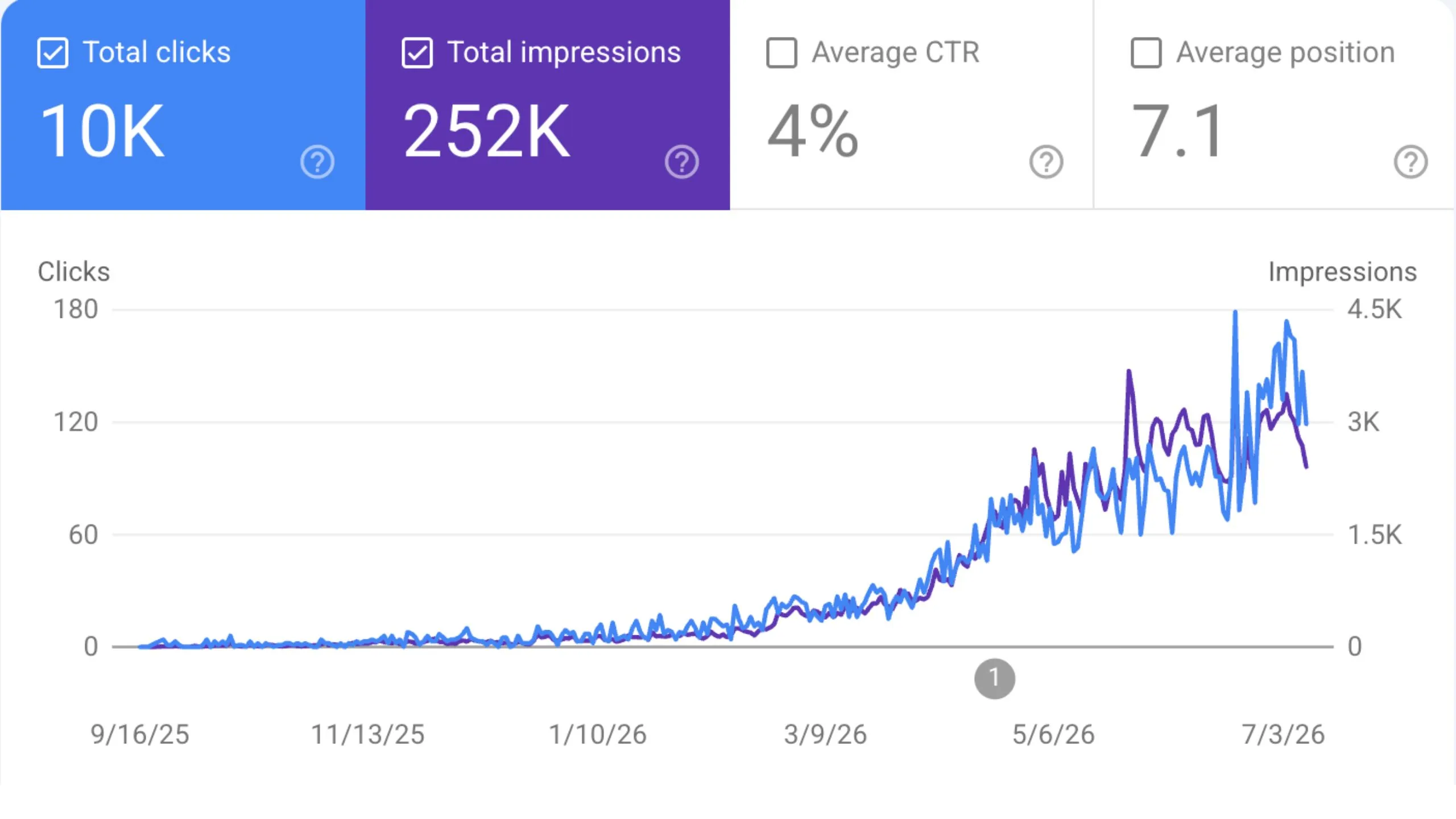
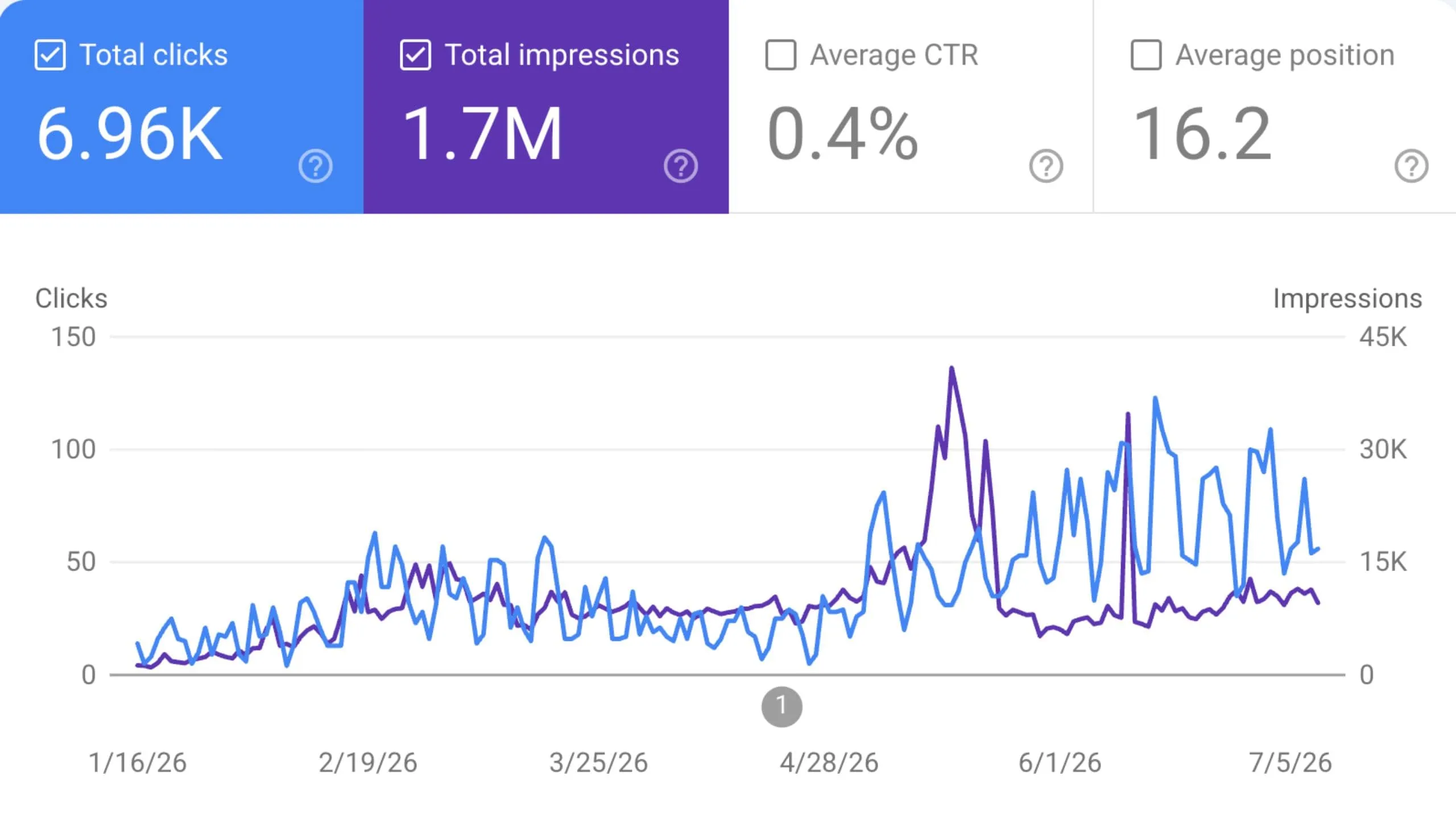
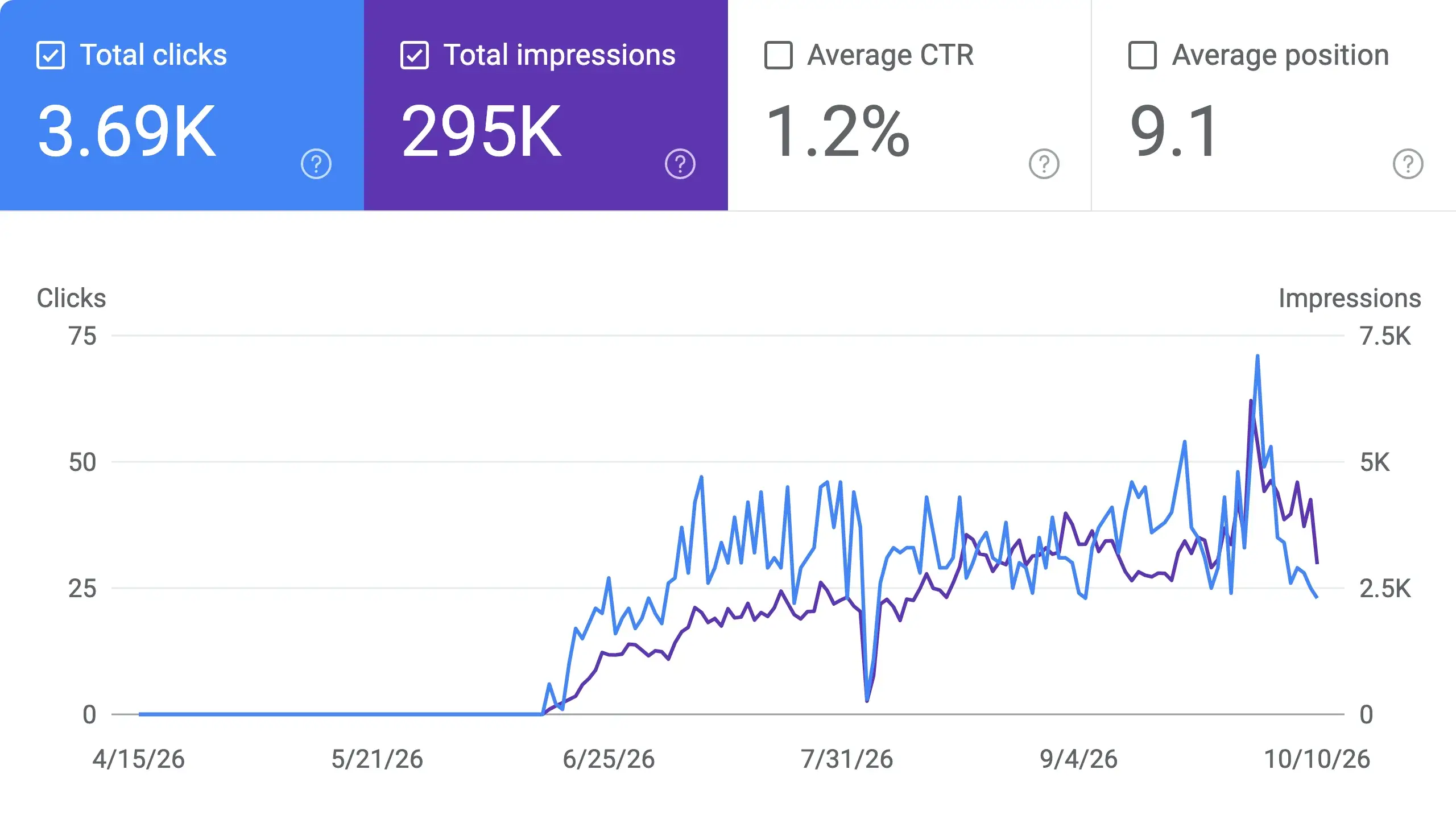
 “I tested Sorank on a real client site and it's insane. It does everything an agency would bill you $1500 a month for. It's going into production on that client now.”
 Guillaume Guersanguersanguillaume.com“We are an Ads agency and we wanted to get our SEO back on track once and for all. Sorank gave us a clear view of our site, helped us prioritize optimizations, and properly structure our content. The tool is easy to use, well designed for a team, and very practical for centralizing tracking without having to juggle multiple platforms. A very solid foundation to start fresh with our SEO.”
 Gaspard MadouiAds Agency
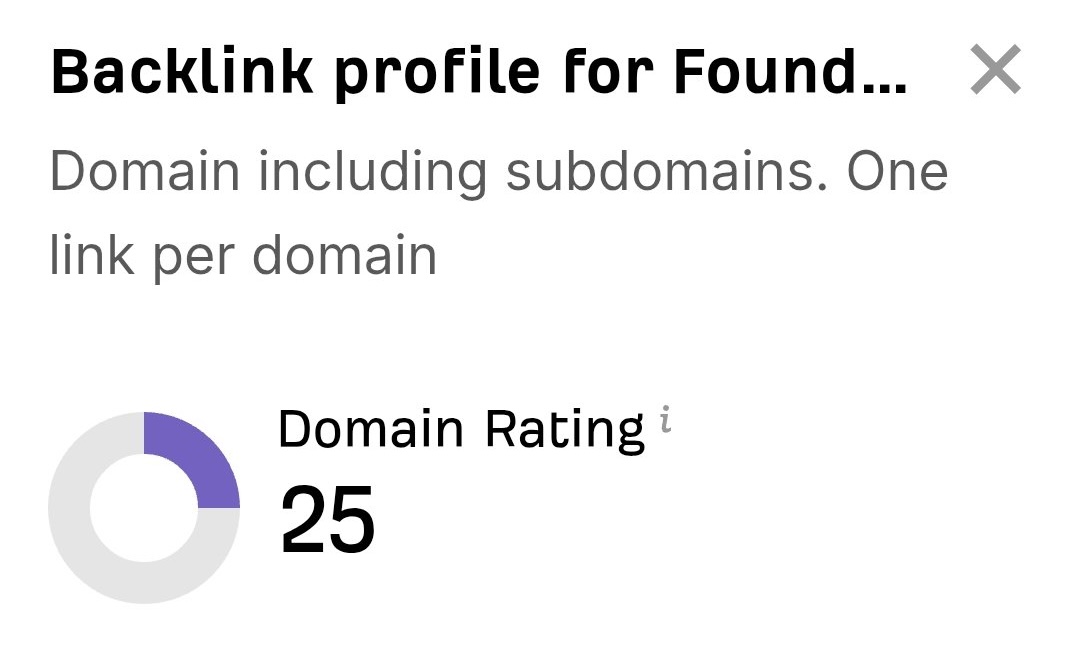 “I just let the Sorank software do its thing, and now my DR is 25 and my page is ranking higher.”
 Lucas FlandrePodcast Host“I specialized in GEO thanks to Sorank. The GEO Leaderboard allows me to show my clients their position vs competitors on ChatGPT. It’s a real commercial differentiator.”
 MélanieSEO Freelance“Great service, works well for our website and helps us understand how to improve it to rank better on Google and elsewhere. Congrats, keep going, I recommend it.”
 Hugo T.E-commerce merchant