Preferences
Privacy is important to us, so you have the option of disabling certain types of storage that may not be necessary for the basic functioning of the website. Blocking categories may impact your experience on the website. More information
Privacy is important to us, so you have the option of disabling certain types of storage that may not be necessary for the basic functioning of the website. Blocking categories may impact your experience on the website. More information

Compare the 10 best web hosts for SEO on TTFB, CDN, uptime and real prices, then test any host yourself with our curl commands before you migrate.

In short
The best web hosting for SEO is the host that answers fast (server response under 0.8 seconds), stays online, serves HTTPS and a CDN by default, and has servers close to your visitors. For most sites, that means Kinsta, Rocket.net or WP Engine at the top end, SiteGround or Cloudways in the middle, and Hostinger on a tight budget.
Want to go further? Ask
Quick quiz
Is SEO right for you, and how should you start?
Sorank matches your answers


Test it for 3 days on your own site and see where you stand on Google, ChatGPT and the other AIs.
Start 3-day free trial3 days free, then stop whenever you want. 90-day results guarantee, conditions apply.
A host does not make you rank. Content and links do that. But a slow or unstable host can stop good content from ranking: Google crawls you less, your Core Web Vitals fail, and visitors leave before the page loads. This ranking compares 10 hosts on the criteria that actually touch SEO, with the prices published on their official sites, then shows you how to test a host yourself before you commit.
Kinsta is the strongest all-round choice for SEO, Rocket.net is the fastest path to edge caching, and Hostinger is the cheapest serious option. The table below sums up each host: who it fits, its main SEO strength and its published starting price. We read every price on the official site on November 26, 2026, during Black Friday offers, so we list the standard price and mention the promo where it matters.
| Rank | Host | Best for | Main SEO strength | Starting price (published) |
|---|---|---|---|---|
| 1 | Kinsta | Business sites where organic traffic pays the bills | 30 data centers and a CDN with 300+ edge locations | $35/month (Single 20GB) |
| 2 | Rocket.net | WordPress sites that need low TTFB worldwide | Enterprise Edge, WAF and 99.99% uptime guarantee | $30/month, or $25/month billed yearly |
| 3 | WP Engine | Marketing teams and agencies on WordPress | Cloudflare-powered CDN, staging, mature tooling | $28/month billed yearly |
| 4 | SiteGround | Small and medium businesses | 11 data centers on 4 continents, multilevel caching | $1.99/month promo, then $17.99/month |
| 5 | Cloudways | Developers who want cloud servers without admin work | Choice of cloud and location, NGINX caching stack | $14/month (DigitalOcean Micro) |
| 6 | WPX | One fast WordPress site on a mid budget | Own CDN (XDN) with 43 points of presence | $17.99/month, or $107.94 for the first year |
| 7 | Liquid Web | Growing WordPress sites that want room to scale | Edge CDN and Object Cache Pro on every plan | From $19/month |
| 8 | Hostinger | Budget sites, blogs and first projects | LiteSpeed servers and a CDN from the cheapest plan | $1.99/month promo (48 months), then $10.99/month |
| 9 | DreamHost | Long prepaid terms at a low price | NVMe storage, free SSL, 100% uptime guarantee on shared hosting | €1.79/month promo (4 years), then €7.99/month |
| 10 | Bluehost | Beginners who want WordPress set up for them | Free SSL and free CDN on every listed plan | $3.99/month promo (36 months), then $9.99/month |
Promo prices hide the real cost. A $1.99 plan that renews at $17.99 costs you nine times more from the second term. The chart below compares the standard monthly price of each entry plan in US dollars (DreamHost is left out because its site showed us prices in euros).
We ranked the hosts on what changes crawling and page experience: server response, caching, CDN, data center choice, uptime commitments and security at the edge. Price comes second, because a cheap host that fails your Core Web Vitals costs more in lost traffic than it saves. Every fact below comes from the host's official site.
Kinsta is a managed WordPress host that runs each site in an isolated container. It fits businesses where organic traffic brings leads or sales and where a slow week costs real money.
Its strength for SEO is reach: Kinsta lists 30 global data centers and a CDN with 300+ edge locations, so you can put the origin server near your main market and cache pages close to everyone else. Edge caching, a Cloudflare integration, free wildcard SSL, a firewall with DDoS protection and an APM tool (application performance monitoring, which shows the slow PHP functions and database queries behind a high TTFB) are all included. The pricing page promises 99.9% uptime.
The honest limit: the entry plan (Single 20GB) is billed on bandwidth, with 20GB of server bandwidth and 125GB of CDN bandwidth per month. A site with heavy images or video will move up a plan fast. On November 26, 2026, the plan cost $35/month billed monthly, or $420 per year billed annually (a Black Friday offer lowered both).
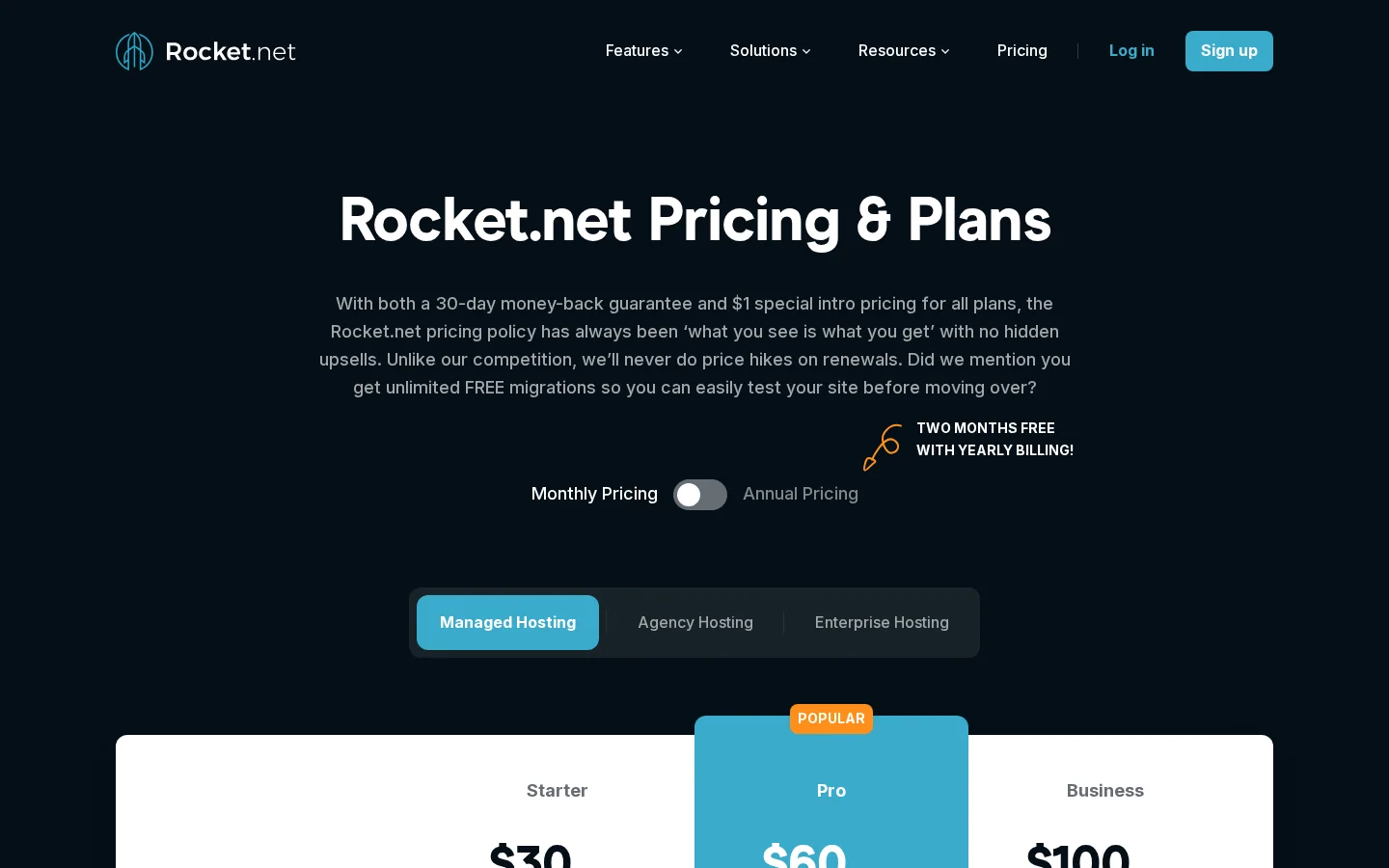
Rocket.net is a managed WordPress host built around an edge network: every site is pre-configured to use its Enterprise Edge, with a web application firewall (WAF) in front. It fits sites with an international audience that need a low time to first byte everywhere.
Its pricing page states a 99.99% uptime guarantee and unmetered visits. The home page lists unlimited PHP workers, free Redis, Object Cache Pro, Relay and HTTP/3, and shows an average TTFB of about 83 ms in Rocket.net's own comparison chart (a vendor measurement, so test it on your own site). For SEO, edge caching means Googlebot and visitors get the HTML from a nearby location instead of waiting for PHP.
The honest limit: the Starter plan includes 10GB of storage, which is tight for a large media library. On November 26, 2026, Starter cost $30/month billed monthly, or $25/month billed yearly, with a $1 first month.
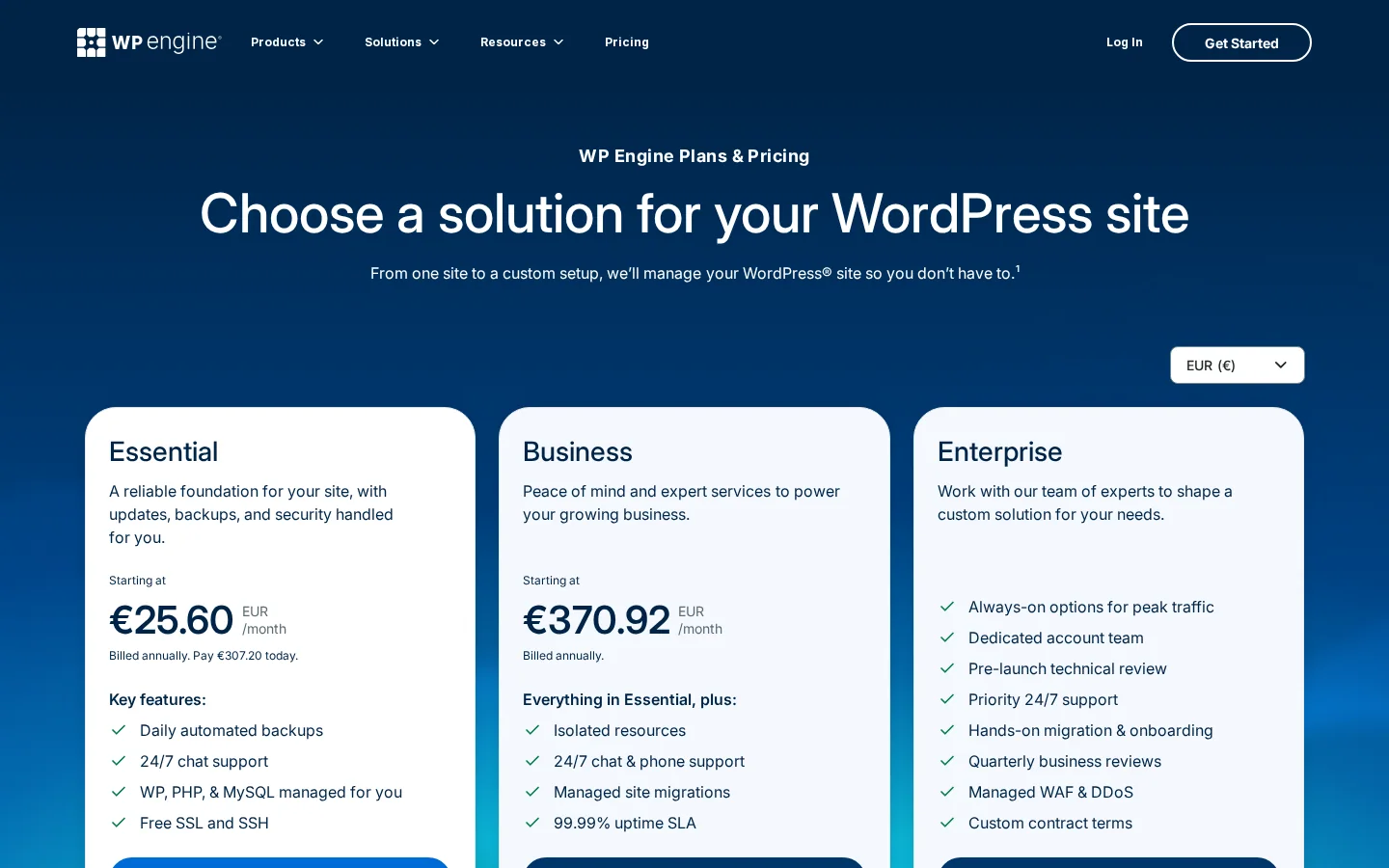
WP Engine is one of the oldest managed WordPress hosts. It fits marketing teams and agencies that want staging, backups and a stable workflow more than raw tuning.
Every plan includes a CDN powered by Cloudflare, auto-renewing SSL, SSH access and layer 3 and 4 DDoS protection. Its home page cites infrastructure from Google Cloud for some customers and a 99.99% uptime figure. The Essential plan covers 25000 to 400000 visits per month and 10 to 50GB of storage depending on the size you pick.
The honest limit: the 99.99% SLA is listed for the Business and Enterprise plans only, and the advanced DDoS protection with managed WAF is a paid add-on. On November 26, 2026, Essential cost $28/month billed annually ($336), or $35/month billed monthly for one site.

SiteGround is a shared and managed WordPress host with its own control panel and caching layer. It fits small and medium businesses that want good speed without managing a server.
SiteGround says it uses 11 data centers on 4 continents, and you can pick the location and change it later, which matters if your market moves. All plans include multilevel caching, a CDN, a free pre-installed wildcard SSL and daily backups stored in several locations. GrowBig adds staging, GoGeek adds staging with Git.
The honest limit: the gap between promo and renewal. On November 26, 2026, StartUp cost $1.99/month as a promo and $17.99/month at the regular price, prepaid for 12 months, excluding VAT. StartUp has no staging, so you test changes on the live site. The page we read did not state an uptime percentage.

Cloudways is a managed cloud platform: you choose a cloud provider (DigitalOcean, Vultr, Linode, AWS or Google Cloud), a server size and a location, and Cloudways handles the server stack. It fits developers and agencies that want dedicated resources and full control over location without doing system administration.
For SEO, the choice of location is the main win. DigitalOcean alone offers 9 locations (New York, Amsterdam, Bangalore, Frankfurt, London, San Francisco, Singapore, Sydney and Toronto). Free Let's Encrypt SSL and the NGINX-based Lightning Stack for caching are included, and you can add the Cloudflare Enterprise CDN from $4.99 per domain per month.
The honest limit: the cheapest server (Micro) has 1GB of RAM and 1 vCPU, too little for a busy WooCommerce store, and Object Cache Pro is only free on servers with 4GB of RAM or more (Medium, $54/month). On November 26, 2026, the DigitalOcean Micro server cost $14/month ($0.0208 per hour).
WPX is a managed WordPress host that runs its own CDN, called XDN. It fits owners of one important WordPress site who want managed performance at a mid-range price.
The pricing page lists XDN "with 43 end points around the world", free SSL certificates, unlimited visitors and a "99.95% uptime guaranteed". The Starter plan includes 1 website, 10GB of storage and 100GB of bandwidth.
The honest limit: the pricing page does not say how many data centers WPX runs or where they are, so ask before you buy if your audience is far from the US or Europe. On November 26, 2026, Starter cost $17.99/month billed monthly, or $107.94 prepaid for the first year.
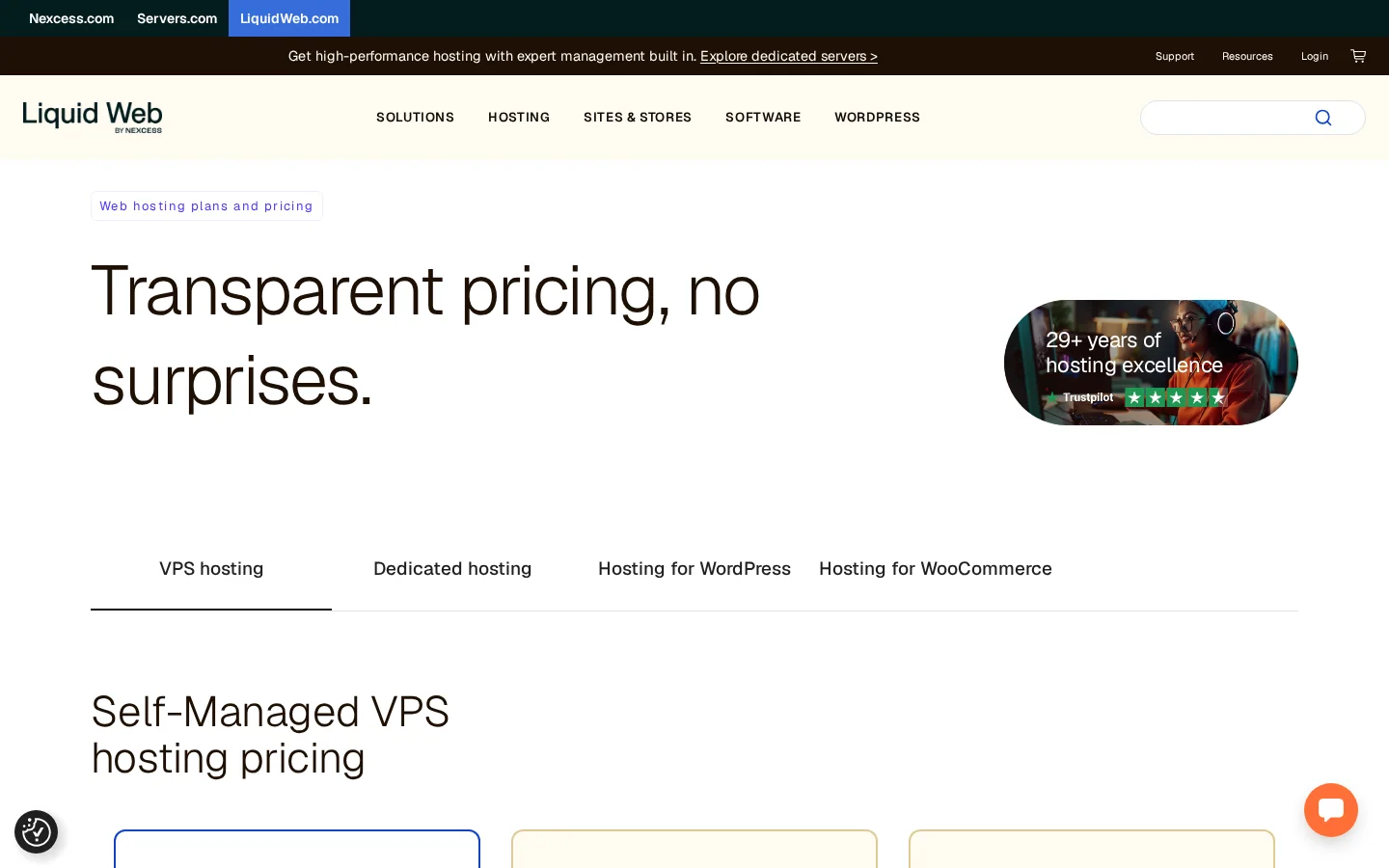
Liquid Web is a managed hosting company that sells managed WordPress plans sized by monthly visits. It fits growing WordPress sites that expect traffic to multiply and want a clear upgrade path.
Every managed WordPress plan includes an edge CDN, free SSL and Object Cache Pro, which speeds up database-heavy pages such as WooCommerce categories and filtered archives. The entry Pro WordPress plan covers 50000 visits a month and 20GB of storage, with 100000 extra visits for $10/month and an extra site for $9/month. Liquid Web states a 99.9999% power and network SLA.
The honest limit: that SLA covers power and network, not the uptime of your whole site. On November 26, 2026, the pricing page showed "Starting at $19/mo" for managed WordPress, while the individual plan cards did not display a price.
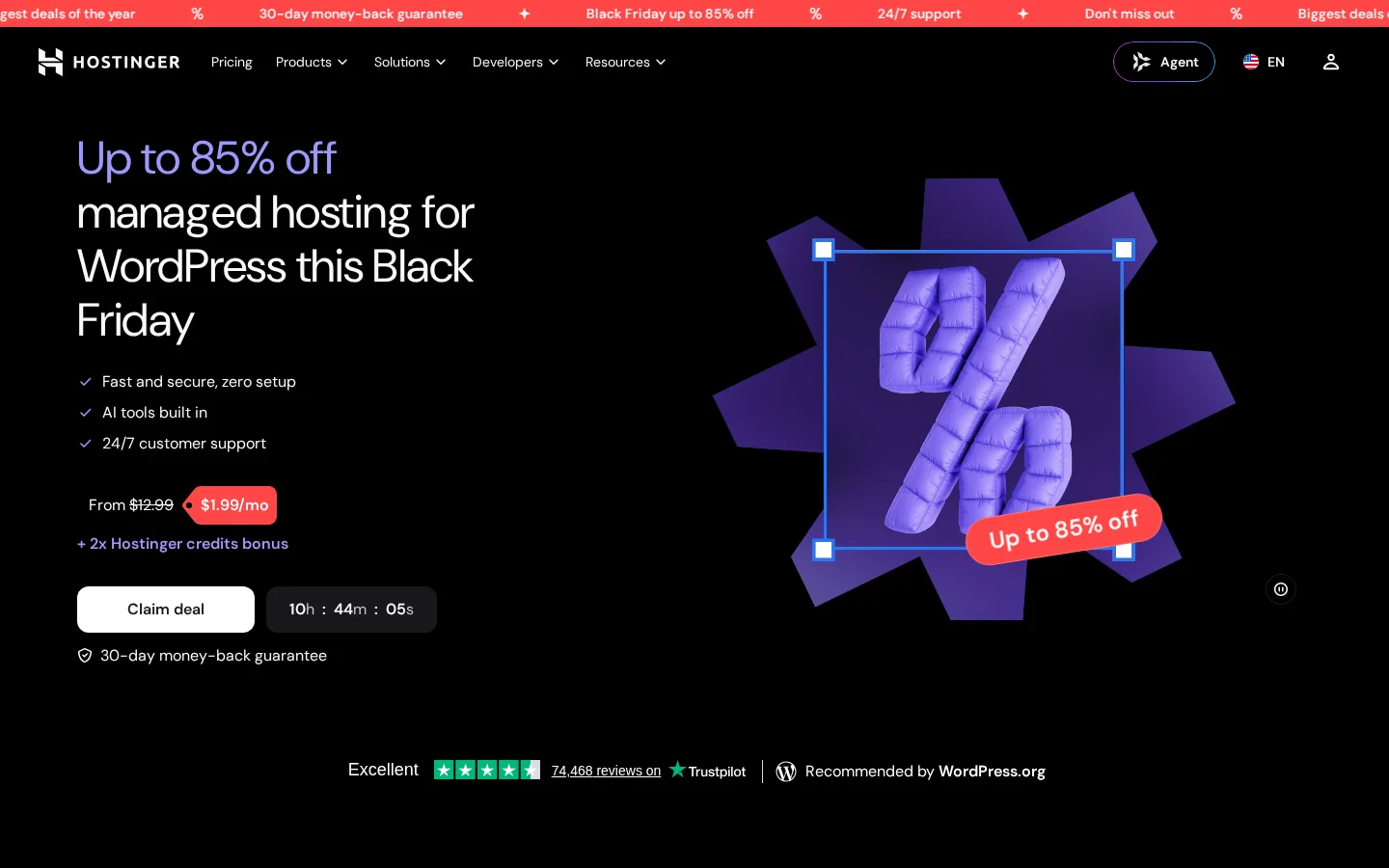
Hostinger is a budget host with shared, cloud and managed WordPress plans. It fits blogs, local businesses and first projects where every dollar counts.
For the price, the SEO basics are there: Hostinger runs LiteSpeed servers with caching, includes a CDN from the cheapest plan, lets you pick a data center at setup and advertises a 99.9% uptime guarantee. The Premium plan hosts up to 3 websites.
The honest limit: the low price needs a 48-month prepayment, and the renewal is more than five times higher. On November 26, 2026, Premium cost $1.99/month for 48 months ($95.52 upfront), then $10.99/month at renewal. If your site grows past a few thousand visits a day, plan for the Cloud Startup tier ($7.99/month promo, $25.99/month at renewal).
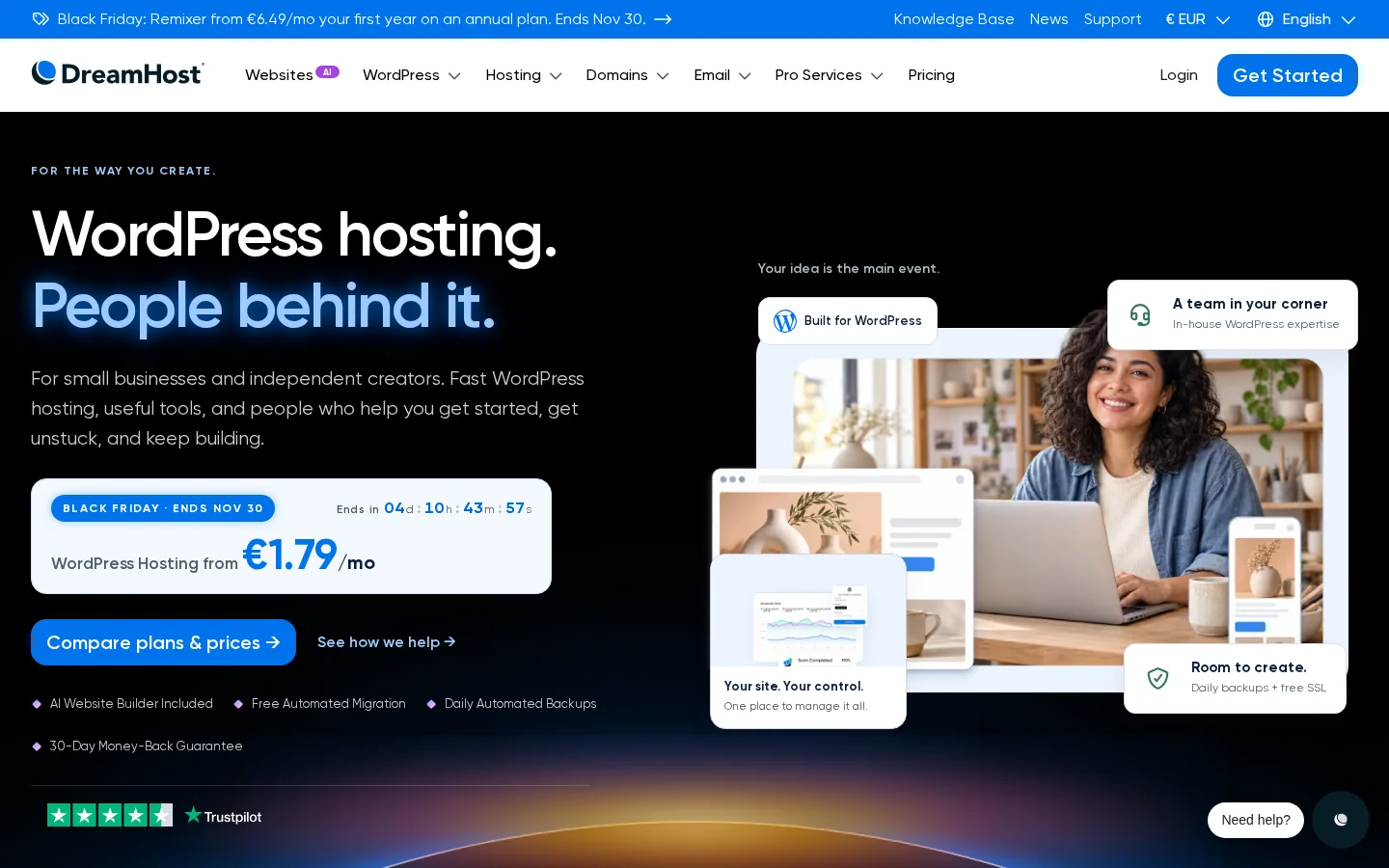
DreamHost is a long-standing host with shared, WordPress, VPS and managed DreamPress plans. It fits site owners who are happy to prepay several years to lock a low price.
The WordPress Hosting plans include NVMe SSD storage (25GB on Launch, for 40000 visits a month) and unlimited free SSL certificates. DreamHost's shared hosting page advertises a "100% Uptime Guarantee", backed by several data centers and emergency generators.
The honest limit: the entry WordPress plans do not list a CDN; the Bunny CDN comes with DreamPress. On November 26, 2026, the site showed us prices in euros: WordPress Hosting Launch at €1.79/month for a 4-year term, renewing at €7.99/month.
Bluehost is a mainstream host known for its WordPress onboarding. It fits beginners who want a site online in an afternoon, with the technical setup done for them.
All listed WordPress plans include free Let's Encrypt SSL and a free CDN, with data centers you choose at checkout. For a new site that mainly needs HTTPS, a CDN and stable hosting, that covers the essentials.
The honest limit: the page we read gave two uptime figures (99.99% in the pricing section, a 99.9% SLA in the FAQ), so read the terms of service before you rely on either. On November 26, 2026, Starter cost $3.99/month for 36 months, then $9.99/month, excluding taxes.

Hosting changes four things Google can see: how fast your server answers, how often it is down, whether pages load over HTTPS, and how hard Googlebot can crawl without hurting your server. It does not change relevance or authority. Here is what each factor does, from the simple version to the technical one.
The thresholds your host must help you meet
Sources: web.dev, Barry Pollard and Jeremy Wagner (TTFB, updated November 2025); Philip Walton (Web Vitals, updated October 2024)
TTFB is the time between the request and the first byte of HTML. Barry Pollard and Jeremy Wagner write on web.dev's TTFB guide (updated November 18, 2025) that a good TTFB is 0.8 seconds or less and a poor one is above 1.8 seconds. It includes redirects, DNS lookup, connection and TLS setup, and the server's own work.
TTFB is not a Core Web Vital, but it sits inside Largest Contentful Paint: if the HTML arrives at 1.5 seconds, you have one second left for everything else. This is where the host matters most. A full-page cache at the edge serves HTML in tens of milliseconds; an uncached WordPress page on a crowded shared server can take over a second before PHP even returns.
Philip Walton's Web Vitals article on web.dev sets the "good" targets at LCP of 2.5 seconds, INP of 200 ms and CLS of 0.1, measured at the 75th percentile of page loads on mobile and desktop. The host mostly drives LCP (through TTFB and CDN delivery of images). INP and CLS depend far more on your theme, scripts and fonts. A better host will not fix a page that shifts when an ad loads. Our guide to what LCP, CLS and INP measure goes metric by metric.
Google adapts its crawl rate to your server. Its crawl budget documentation for large sites explains that the crawl capacity limit rises when the site responds quickly and consistently, and drops when latency increases or when the server returns 5xx errors or 429 rate-limiting responses. In short, a slow host means fewer pages crawled, and new articles take longer to be indexed. If you see repeated errors, our page on fixing 5xx server errors lists the usual causes.
HTTPS has been a ranking signal since Zineb Ait Bahajji and Gary Illyes announced it on Google's Search Central blog on August 7, 2014, calling it "a very lightweight signal" that affected fewer than 1% of global queries at the time. Every host in this ranking includes free SSL, so the risk is not the certificate itself but a bad setup: mixed content, HTTP pages still live, or redirect chains. The HTTPS migration guide covers the safe way to switch.
Google's guide to multi-regional sites says server location can be a signal about your intended audience but "is not a definitive signal", because many sites use CDNs. So the location matters mainly for speed: put the origin server near your largest market, and let a content delivery network serve images, CSS and, ideally, cached HTML to everyone else.
Tip
Before you change host, measure your current one. The free website speed test shows whether your slowness comes from the server (high TTFB) or from the page itself (heavy images, scripts).
Hosts now put firewalls and bot filters in front of your site. That protects you, but an aggressive rule can also block Googlebot during a traffic spike, or block the crawlers that ChatGPT, Claude and Gemini use to read pages. If you want to be cited in AI answers, check that your host's WAF lets those bots through. The free AI crawlability audit tests which bots can actually fetch your pages.
The type of hosting matters more than the brand: a managed WordPress plan beats a cheap shared plan on speed almost every time, whoever sells it. There are five main types, each with a clear use case.
Principle: hundreds of sites share one server. When to use it: a new blog or a local business site under a few hundred visits a day. Advantages: very low price, everything set up for you. Limits: a noisy neighbour can slow your site, and caching is usually basic. Example: Hostinger Premium, Bluehost Starter.
Principle: the host tunes servers, caching and updates for WordPress only. When to use it: any WordPress site where traffic brings revenue. Advantages: page caching, staging, backups and support that knows WordPress. Limits: higher price, some plugins banned, billed by visits or bandwidth. Example: Kinsta, WP Engine, Rocket.net, WPX.
Principle: you rent a dedicated cloud server and a platform manages it. When to use it: agencies with several sites, WooCommerce stores, non-WordPress PHP apps. Advantages: dedicated RAM and CPU, choice of provider and location. Limits: you size the server yourself, and the CDN is often an add-on. Example: Cloudways.
Principle: a virtual server you administer yourself. When to use it: you have a developer who knows NGINX, PHP-FPM and security patches. Advantages: lowest cost per resource, full control. Limits: every outage and every patch is your job, which is the opposite of what SEO needs. Example: a self-managed VPS from DreamHost or a cloud provider.
Principle: pre-built HTML files served directly from a CDN. When to use it: sites built with a static generator or a headless CMS. Advantages: near-instant TTFB everywhere, almost nothing to hack. Limits: not suited to classic WordPress, forms and search need extra services. Example: a site built with Astro and deployed to a CDN.
| Type | Typical TTFB control | Who manages it | Best for | Main risk for SEO |
|---|---|---|---|---|
| Shared | Low | Host | New and small sites | Slow peaks caused by other sites |
| Managed WordPress | High (page cache, edge) | Host | WordPress sites that earn money | Bandwidth or visit caps |
| Managed cloud | High if sized well | Platform plus you | Agencies, WooCommerce | Undersized server |
| Unmanaged VPS | Full | You | Teams with a sysadmin | Downtime and missed patches |
| Edge or static | Very high | Platform | Static and headless sites | Build errors that publish broken pages |
Cheap shared hosting vs managed WordPress hosting
Choose a host by testing it, not by reading its home page. Most hosts offer a trial period or a money-back window: use it to measure your own site on their servers before you move DNS.
Test a host in 7 steps
Browser tools mix network and rendering. For the server alone, curl splits the request into its phases. Run it 10 times and look at the median, not the best run.
for i in $(seq 1 10); do
  curl -o /dev/null -s -w "dns %{time_namelookup}  connect %{time_connect}  tls %{time_appconnect}  ttfb %{time_starttransfer}\n" https://example.com/
done
How to read it: if tls is already high, the distance to the server is the problem (a CDN or a closer data center fixes it). If the gap between tls and ttfb is large, the server is slow to build the page (caching, PHP workers or the database fix it).
A cache hides a slow server until the cache is empty, which is exactly when Googlebot often arrives on a page nobody has visited recently. Add a random query string to bypass most page caches and compare.
curl -o /dev/null -s -w "ttfb %{time_starttransfer}\n" "https://example.com/?nocache=$RANDOM"On a well-tuned managed host, the uncached page should still answer in well under a second. If it takes 2 seconds or more, the cache is covering a weak server.
Each host names its cache header differently. Look for a hit status and an age value on the second request.
curl -sI https://example.com/ | grep -iE "cache-control|age|x-cache|cf-cache-status|server"You can also paste any URL into the free HTTP response headers checker to see the same data without a terminal.
A staging copy indexed by Google creates duplicate content. Protect it with a password, or at least send a noindex header. On an NGINX server, the header looks like this:
location / {
    add_header X-Robots-Tag "noindex, nofollow" always;
}An uptime guarantee tells you how much downtime the host accepts before it owes you a credit, not how much downtime you will have. The gap between 99.9% and 99.99% looks tiny but is ten times more downtime.
Maximum downtime allowed per 30-day month
Source: calculation on a 30-day month (43200 minutes)
For SEO, a few minutes of downtime is harmless. What hurts is repeated errors: if Googlebot hits 5xx answers again and again, it slows its crawl, and pages that stay in error for days can drop out of the index. Three points to read in the terms:
Warning
During planned maintenance, make your server answer with a 503 status and a Retry-After header, never a 200 page that says "under maintenance". A 200 tells Google the maintenance page is your real content.
location / {
    return 503;
}
error_page 503 @maintenance;
location @maintenance {
    add_header Retry-After 3600 always;
    rewrite ^ /maintenance.html break;
}A host migration that keeps the same domain and the same URLs is low risk for SEO, as long as the new server answers correctly from the first minute. Rankings drop when URLs change, when the old server is cut too early, or when the new one blocks Googlebot.
Migration checklist
Point your own computer to the new server by editing your hosts file. You see the new site under the real domain while the rest of the world still sees the old one.
# /etc/hosts (macOS, Linux) or C:\Windows\System32\drivers\etc\hosts
203.0.113.10 example.com www.example.comIn Search Console, Settings then Crawl stats shows the average response time and the host status. A rising response time or a "host had problems" warning in the days after the move is the sign to call support. For a closer look, the guide to reading your server logs shows how to check every Googlebot request and its status code.
A slow shared host vs a tuned managed host, as Googlebot sees it
Most hosting mistakes come from choosing on the first-term price or on the home page promises. Each one below is easy to spot and to fix.
What it is: picking the $1.99 plan without reading the renewal. How to spot it: your second invoice is five to nine times the first. How to fix it: compare the standard prices (the bar chart above) and the total cost over 3 years, and pay the long term only if you are sure of the host.
What it is: a US server for a French audience, or the reverse. How to spot it: high connect and tls times in curl, and a poor LCP in the field data while lab tests from the US look fine. How to fix it: move the origin to the main market (SiteGround and Cloudways let you choose), and use a CDN for the rest.
What it is: judging speed on the home page, which is always cached. How to spot it: deep pages, filtered categories and new articles are slow, and Search Console's crawl stats show a high average response time. How to fix it: test with a query string, add object caching (Redis, Object Cache Pro) and enough PHP workers.
What it is: a staging or temporary domain that Google indexes. How to spot it: search site: on the staging domain, or see your own content ranking on a strange subdomain. How to fix it: password protection, a noindex header, and removal through Search Console if it is already indexed.
What it is: a bot filter that challenges Googlebot or AI crawlers. How to spot it: crawl errors in Search Console that you cannot reproduce in a browser, or 403 answers in your logs for real Googlebot IPs. How to fix it: allow verified search engine and AI bots in the WAF settings, and test with the free Googlebot simulator.
What it is: moving host and redesigning at the same time, with new URLs and no redirects. How to spot it: a wave of 404 errors in Search Console a week later. How to fix it: one change at a time; if URLs must change, map each old URL to its new one with a 301 redirect, then check them with the free redirect chain checker.
What it is: moving host to fix a layout shift or a heavy JavaScript bundle. How to spot it: TTFB is already good but LCP, INP or CLS still fail. How to fix it: work on the page itself, starting with your PageSpeed Insights report and what it actually flags.
| Mistake | Quick check | Fix |
|---|---|---|
| Promo price trap | Read the renewal line | Compare 3-year cost |
| Far data center | curl connect and tls times | Closer origin plus CDN |
| Cache hides a slow server | Query string test | Object cache, more PHP workers |
| Staging indexed | site: search | Password and noindex |
| WAF blocks bots | 403 in logs for Googlebot | Allow verified bots |
| URLs changed | 404 report | 301 redirects |
| Page-side slowness | Good TTFB, bad LCP | Optimize images, scripts, fonts |
A good host removes a handicap; it does not create rankings. Google's page experience guidance is clear that relevance comes first: a fast page with thin content will not beat a slower page that answers the question better.
Once your host answers in under 0.8 seconds and stays up, the next gains come from publishing pages that match what people search, linking them well and earning links from other sites. Our technical SEO checklist, ranked by impact covers what to fix after hosting. If writing is your bottleneck, Sorank's AI blog article generator plans, writes and publishes SEO articles on your site on autopilot, so your fast server has something worth crawling.
For a business site where organic traffic brings revenue, start with Kinsta: data center choice, an edge CDN and the tools to find slow queries cover everything hosting can do for SEO. If your audience is spread across continents and you want edge caching by default, Rocket.net is the strongest alternative. On a tight budget, Hostinger gives you LiteSpeed, a CDN and free SSL for a few dollars, as long as you plan for the renewal price.
Whatever you pick, do one thing today: run the curl test above on your 5 most important pages. If the median TTFB is over 0.8 seconds on uncached pages, your host is the bottleneck. If it is under, keep your host and spend your effort on content.
This ranking reflects my own experience and opinion as an SEO expert with more than 7 years in the field. It is based on verified facts, but the order itself is my personal view.
Yes, indirectly. A slow or unstable host raises your time to first byte, hurts Largest Contentful Paint and makes Google lower its crawl rate when it sees slow answers or 5xx errors. The host does not make you rank, but a bad one can stop good content from ranking.
Google says server location can be a signal about your audience but is not a definitive one, because many sites use CDNs. It matters mostly for speed: put your origin server near your main market and let a CDN serve visitors elsewhere.
Not for a new or small site with little traffic, as long as it has HTTPS, caching and a decent response time. Once traffic brings revenue, managed WordPress or cloud hosting gives you page caching, staging and steadier response times, which protect your Core Web Vitals and crawl rate.
We analyse your competitors, your website and your AI visibility to create a tailored content plan for free.
 Website Value Calculator
 Website Accessibility Checker
 Google Analytics Checker
 Duplicate Content Checker
 Mobile-Friendly Test
 Website Speed Test
 Subdomain Finder
 Domain Age Checker
 CMS Detector
 Googlebot Simulator
 Nofollow Link Checker
 Meta Tag Checker
 Keyword Cannibalization Checker
 Keyword Intent Checker
 Keyword Extractor
 Google Ads Cost Calculator
 CPC Calculator
 Local Citation Finder
 Reddit Threads Finder
 Disavow File Generator
 Redirect Generator
 Canonical Tag Generator
 Passive Voice Checker
 Google Location Changer
 Google Review Calculator
 Google Review Link Generator
 Keyword Combiner
 Podcast Show Notes Generator
 AI Content Rewriter
 AI Text Humanizer
 ChatGPT Prompt Generator
 Twitter Thread Generator
 Tweet Generator
 Landing Page Copy Generator
 Google Ads Copy Generator
 Pinterest Pin Description Generator
 Anchor Text Generator
 Social Media Post Generator
 LinkedIn Post Generator
 Free AI Writer
 Review Response Generator
 LSI Keyword Generator
 YouTube Video Ideas Generator
 YouTube Tag Generator
 YouTube Description Generator
 Product Description Generator
 CTA Generator
 Blog Introduction Generator
 Conclusion Generator
 Hook Generator
 AI Content Brief Generator
 FAQ Schema Generator
 AI Blog Post Ideas Generator
 Structured Data Validator (Schema Validator)
 Alt Text Checker
 Internal Link Analyzer
 Backlink Challenge
 AI Meta Description Generator
 AI Blog Title Generator
 Google Indexability Checker
 AI Blog Outline Generator
 UTM Link Builder
 Keyword Clustering Tool
 Canonical Tag Checker
 XML Sitemap Generator
 Broken Link Checker
 AI SEO Title Generator
 Headline Analyzer
 SERP Preview Tool
 Redirect Checker
 Hreflang Tag Generator
 Heading Structure Analyzer
 HTTP Headers Checker
 Favicon Extractor
 SERP CTR Calculator
 SEO vs Paid Search Savings Calculator
 SEO Share of Voice Calculator
 SEO ROI Calculator
 SEO Traffic and Revenue Forecast Calculator
 SEO Budget Calculator
 SEO Break-Even Calculator
 SaaS SEO ROI Calculator
 ROAS Calculator
 Reading Time Calculator
 Ranking Gain Simulator
 Organic Traffic Value Calculator
 Organic Traffic Estimator and Website Traffic Checker
 LTV to CAC Ratio Calculator
 Local SEO ROI Calculator
 Link Building Cost Calculator
 Keyword Value Calculator
 Keyword Opportunity Score Calculator
 Keyword Density Calculator
 GEO ROI Calculator
 GEO Content Investment Calculator
 Ecommerce SEO ROI Calculator
 Customer Lifetime Value Calculator
 Customer Acquisition Cost Calculator
 CTR Calculator
 Cost Per Article Calculator
 Conversion Rate Calculator
 Content Marketing ROI Calculator
 ChatGPT Referral Traffic Estimator
 Bounce Rate Calculator
 Backlink ROI Calculator
 AI Visibility Score Calculator
 AI Traffic Value Calculator
 AI Share of Voice Calculator
 Cost of AI Invisibility Calculator
 AI Citation Rate Calculator
 llms.txt Validator
 AI Overview Checker and AI Overviews Rank Checker
 Robots.txt Checker
 AI SEO Audit
 LLM Readability Checker
 SearchGPT Readiness Checker
 Structured Data LLM Audit
 Website Crawlability AI Audit
 Why ChatGPT Is Not Recommending My Website
 Gemini Ranking Tool
 Perplexity Ranking Checker
 LLM Citation Checker
 Answer Engine Optimization Audit
 GEO Audit
 AI Search Visibility Test
 ChatGPT Visibility Checker
 llms.txt Generator
 URL Extractor
 Webpage to Markdown
 Sitemap Checker
 SERP Volatility Sensor
 Page Size Checker
 Word Counter
 Slug Generator
 Schema Generator
 Robots Generator
 OG Preview
 Meta Tags Generator
 Image Compressor
 Favicon Generator
 On-Page SEO Audit: SEO Checker and SEO Analyzer
 Backlink Analysis Tool
 Keyword Research Tool
 Domain Authority Checker
 “I tested Sorank on a real client site and it's insane. It does everything an agency would bill you $1500 a month for. It's going into production on that client now.”

 Guillaume Guersanguersanguillaume.com“We are an Ads agency and we wanted to get our SEO back on track once and for all. Sorank gave us a clear view of our site, helped us prioritize optimizations, and properly structure our content. The tool is easy to use, well designed for a team, and very practical for centralizing tracking without having to juggle multiple platforms. A very solid foundation to start fresh with our SEO.”
 Gaspard MadouiAds Agency
 “I just let the Sorank software do its thing, and now my DR is 25 and my page is ranking higher.”
 Lucas Flandrefoundertrace.fr“I specialized in GEO thanks to Sorank. The GEO Leaderboard allows me to show my clients their position vs competitors on ChatGPT. It’s a real commercial differentiator.”
 MélanieSEO Freelance“Great service, works well for our website and helps us understand how to improve it to rank better on Google and elsewhere. Congrats, keep going, I recommend it.”
 Hugo T.E-commerce merchant