Preferences
Privacy is important to us, so you have the option of disabling certain types of storage that may not be necessary for the basic functioning of the website. Blocking categories may impact your experience on the website. More information
Privacy is important to us, so you have the option of disabling certain types of storage that may not be necessary for the basic functioning of the website. Blocking categories may impact your experience on the website. More information

Learn log file analysis for SEO step by step: verify Googlebot in your server logs, find the crawl waste, and fix it with commands, tools and a checklist.

Tools

In short
Log file analysis for SEO means reading your server's access logs to see which URLs Googlebot and other bots request, how often they come back, and which status codes they get. The logs show what crawlers do on your site, not what your SEO tools estimate. To run it, export 30 days of logs, keep only the Googlebot requests you can verify, measure crawl activity by URL group and status code, fix the waste, then compare a new export two to four weeks later.
Want to go further? Ask
Quick quiz
Is SEO right for you, and how should you start?
Sorank matches your answers


Test it for 3 days on your own site and see where you stand on Google, ChatGPT and the other AIs.
Start 3-day free trial3 days free, then stop whenever you want. 90-day results guarantee, conditions apply.
Each time something requests a file from your server, the server writes one line to its access log. Most servers use a format close to the Apache "combined" format. A Googlebot request looks like this:
66.249.66.1 - - [13/Nov/2026:08:14:22 +0100] "GET /products/red-running-shoes HTTP/1.1" 200 18342 "-" "Mozilla/5.0 AppleWebKit/537.36 (KHTML, like Gecko; compatible; Googlebot/2.1; +http://www.google.com/bot.html)"Read it from left to right: the IP address, the timestamp, the HTTP method and URL, the status code (200 here), the number of bytes sent, the referrer, and the user agent. Every request is in there, including the ones that never show up as a page view in your analytics tool: images, CSS files, redirects, and 404 errors.
Your other data sources each see part of this. The Crawl Stats report in Search Console is aggregated and only covers Google's crawlers. Analytics tools only record visitors whose browsers run your JavaScript. A site crawler such as Screaming Frog shows what it can reach by following your links, which is not the same as what Google chose to request. Only the server log records what actually happened.
Server logs vs Search Console Crawl Stats
Crawl budget is the set of URLs Google can and wants to crawl on your site. Google describes it with two factors. The first is the crawl capacity limit: how many connections Google's crawlers can hold open to your server without overloading it. That limit rises when your site stays healthy and falls when responses slow down or return 5xx or 429 errors. The second is crawl demand, which depends on your site's size, how often its content changes, its quality, and how popular its pages are.
Google presents the topic as an advanced guide for large sites. Its rough thresholds are sites with 1 million or more unique pages whose content changes about once a week, and sites with 10000 or more unique pages whose content changes every day. Sites where many URLs sit in the "Discovered - currently not indexed" status also fall in scope. Smaller sites can usually rely on an up-to-date sitemap and regular checks of the Page Indexing report. That does not make logs useless for them. When something is wrong with crawling, the log is the fastest way to see exactly where.
When log analysis matters most, according to Google
Source: Google Search Central, advanced guide to crawl budget. Google calls these rough estimates, not exact thresholds.
If your site is in that range, the question is no longer whether to read logs but how often. A one-off audit shows you the waste today. A monthly export shows you whether your fixes changed what Googlebot spends its time on. For background on the vocabulary, the crawl budget glossary entry covers the basics, and the Discovered, currently not indexed guide explains the status that usually triggers this kind of review.
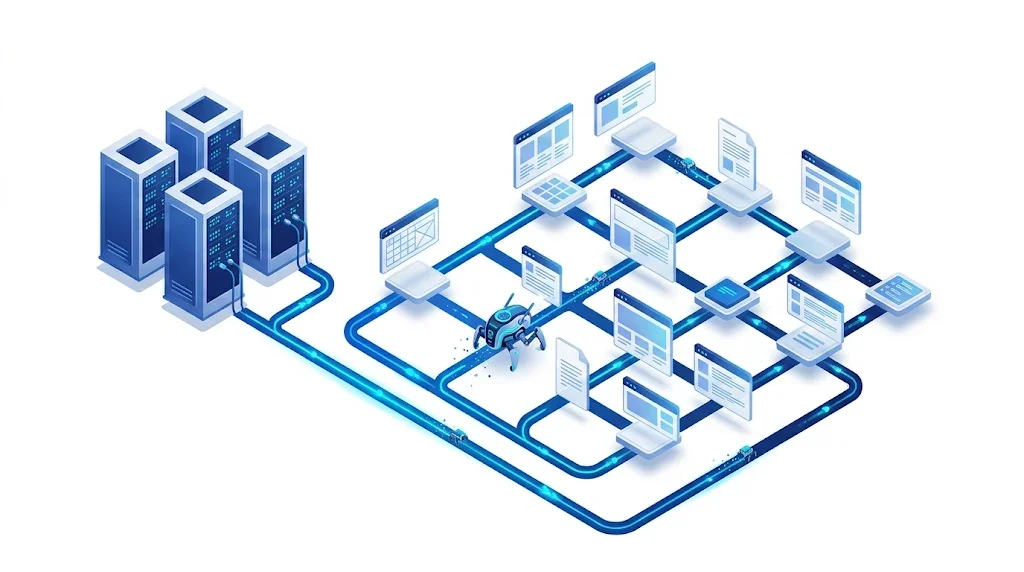
The workflow below works with any server and any tool. The later sections explain each step in detail and give the commands you can run on a raw log file today.
The six-step method
Ask your developer or hosting provider for the raw access logs of the web server (Apache, Nginx or IIS). Check three things before you start: the log format, the timezone, and the retention period. Depending on your setup, old logs can be rotated out after a few days or weeks, so ask for the export now rather than later.
The layer matters more than people expect. If a CDN answers a request from its cache, your origin server never sees it. Googlebot can crawl a URL that never appears in your origin log, so an origin-only export undercounts crawl activity on cached content. Export the CDN logs too, and compare the two sources for a few URLs before you trust either total.
On a combined-format log, the status code is the 9th field and the URL path is the 7th. Those two columns answer most first questions. This command counts Googlebot requests by status code:
grep "Googlebot" access.log | awk '{print $9}' | sort | uniq -c | sort -rnThis one lists the 20 paths Googlebot requests most, with the query string removed so that filter variants group together:
grep "Googlebot" access.log | awk '{print $7}' | cut -d '?' -f1 | sort | uniq -c | sort -rn | head -20The first command reads the user agent text, which anyone can fake. Treat its output as a candidate list until the next section is done. Also, if your log uses a custom format, the field numbers change, so check one line by eye before you trust the columns.
Google's own method for confirming a visitor is Googlebot uses DNS. Run a reverse DNS lookup on the IP address from your log, check that the hostname ends in googlebot.com, google.com or googleusercontent.com, then run a forward lookup on that hostname and check that it returns the original IP. Google's documentation uses this example, where 66.249.66.1 reverse-resolves to crawl-66-249-66-1.googlebot.com:
host 66.249.66.1The forward check is the second command, and it must return the same IP:
host crawl-66-249-66-1.googlebot.comIf you process millions of lines, DNS lookups get slow. Google also publishes JSON files of its crawler IP ranges, including common-crawlers.json for Googlebot. Matching against those ranges is faster, and the official verification guide describes both methods in Google's guide to verifying Googlebot.
Warning
Google's crawler documentation says the HTTP user agent string can be spoofed. Plenty of scrapers copy the Googlebot string to slip past rules. A tool that reports "Googlebot hits" without an IP check can overstate Google's crawl by a wide margin, so check the IPs before you put a number in a report.
Raw counts per URL are hard to act on. Group the URLs by template first, because a fix usually applies to a template, not to one page. Then measure four things for each group. Measure how many Googlebot hits it gets compared with its importance to your business. Measure the status code mix. Measure how fast new pages get their first hit after publication. Measure whether the hits concentrate on pages you want ranked.
Read the results as a pattern, not as a single number. If most Googlebot hits land on filter URLs and only a few on product pages, crawl budget is leaking, and the problem is probably internal links or parameter handling, not the product pages. The next section lists the signals to look for.
Once the Googlebot lines are verified and grouped, seven signals explain most crawl problems. The table gives the pattern to look for and the usual fix. Each fix is a change to the site, so confirm it in the next export.
| Signal | What the logs show | What to do |
|---|---|---|
| Crawl waste | Googlebot hits on filters, sort orders, internal search and session URLs | Consolidate with canonicals, remove the internal links to these URLs, and block pointless variants in robots.txt where they cannot be consolidated |
| Redirects | Hits on 301 or 302 responses, and chains of two or more hops | Link to the final URL directly. The 301 vs 302 guide helps you pick the right redirect type |
| Errors | Repeated 404 or 410 hits, and spikes of 5xx responses | Restore or redirect pages that still matter, and fix server errors, because 5xx responses reduce how much Google crawls |
| Missing crawls | Important URLs with no Googlebot hit at all in the window | Check internal links, sitemap entries and robots.txt rules that might keep crawlers away from them |
| Duplicates | The same content hit under several URLs, with trailing slashes, uppercase letters or parameters | Pick one canonical URL and link to it everywhere |
| Time to first crawl | Time between publication and the first Googlebot hit on a new page | Link new pages from pages that are already crawled often, and keep your sitemap clean |
| Response time | Slow responses on the templates Googlebot hits most | Speed up those templates first, since Google says slow responses lead it to crawl less |
The "missing crawls" row is the one people skip, and it is often the most expensive. A page you never see in the log can still rank for nothing, even when its content is excellent. If a URL is in your sitemap but never shows up in the logs, the page is probably reachable only through a path crawlers do not follow. The Crawled, currently not indexed guide covers the other side of that situation, when Googlebot does visit but still does not index.
You can run log analysis with scripts, with a desktop application, or with a platform. Each one suits a different volume and a different team. The right choice depends less on the size of your site than on how often you need the answer and who will read it.
Principle: you parse the raw files with scripts and write the results to a file or a spreadsheet. When to use it: one-off checks, small sites, or a developer who wants full control. Advantages: it is free, you see every line, and you can automate it with a scheduled job. Limits: it takes time to write and maintain, it runs only as fast as your machine, it has no charts, and you must verify the bots yourself.
Example: the commands in the method section, run once a month on the same export, give you the status code mix and the top paths for Googlebot. A short Python script can do the same and add the DNS check, which is slower but more exact.
Principle: you import the raw logs into a desktop project, and the tool groups the bots, checks their identity and draws the charts. When to use it: a consultant or an in-house analyst working on a site with tens of thousands of URLs. Advantages: it reads Apache, IIS and Nginx logs in the W3C Extended format, it verifies search engine bots, and it flags large or slow pages. Limits: the free version is capped, and the amount of data you can load depends on your hard drive.
Note
Some guides say the free version covers 500 URLs. Screaming Frog's own product page says the free version is limited to 1000 log events, and the paid licence costs £99 per year and removes that limit. Plan with the official figures.
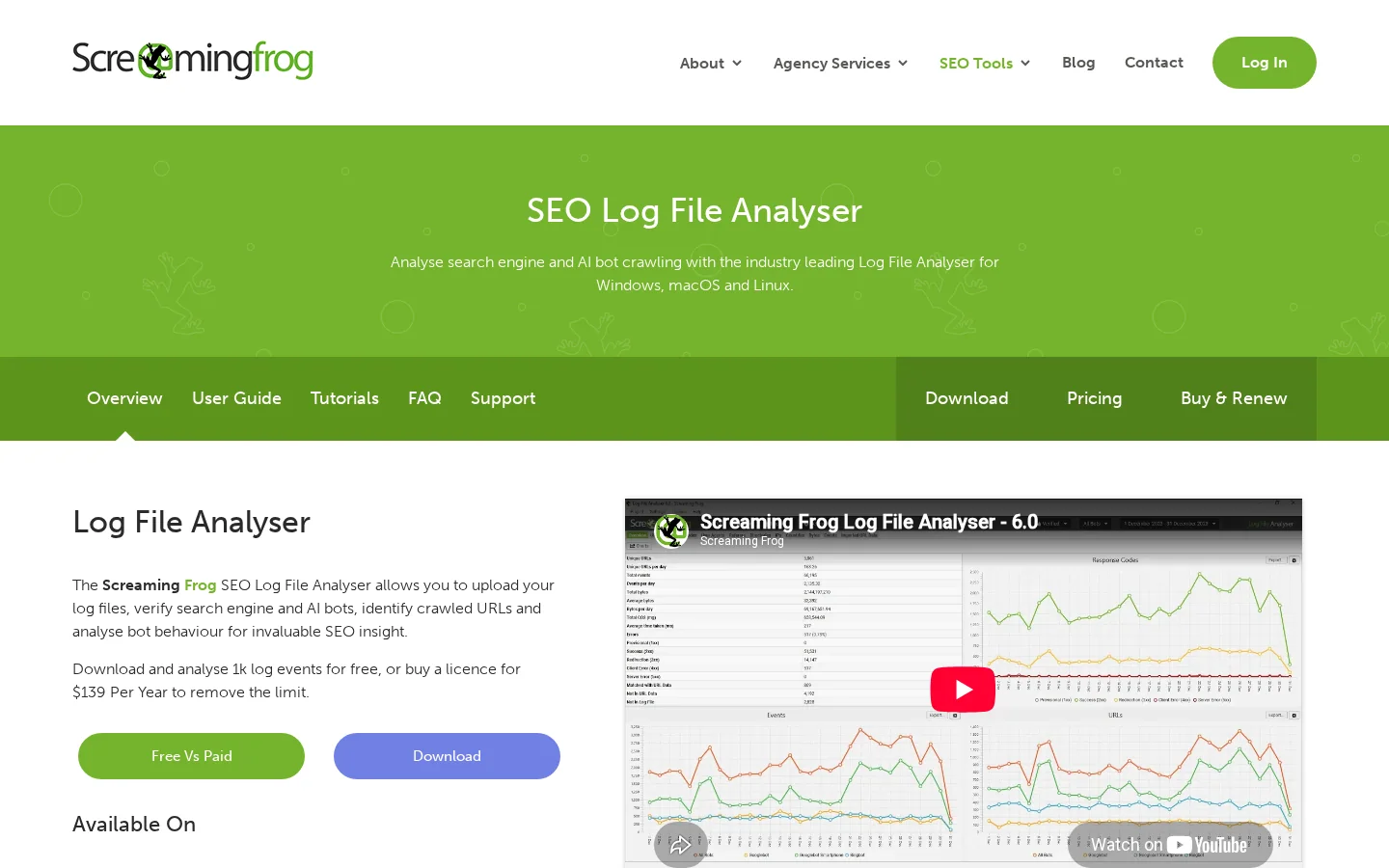
Read Screaming Frog's Log File Analyser page before you buy. For a full walkthrough of the crawler that pairs with it, see our Screaming Frog SEO Spider guide. The log analyser does one job the crawler cannot: it shows what bots requested in the real world, not what your links suggest.
Principle: the platform receives your logs on a schedule, often from the CDN or the server, and joins them with a crawl of your site and with indexing data. When to use it: large ecommerce sites or enterprise teams that monitor crawling every week across several markets. Advantages: it scales to very large logs, keeps history, and lets several teams share dashboards. Limits: it costs more, takes time to onboard, and the lock-in is real, so check how you can export your data before you commit. Vendors in this category include Oncrawl and Botify, and it is worth asking each one how it verifies bots.
| Criteria | Command line | Desktop tool | Platform |
|---|---|---|---|
| Cost | Free | Free up to 1000 log events, £99 per year for the full licence | Subscription, price depends on volume |
| Setup | You write and maintain the scripts | Install, import, start | Connectors and onboarding |
| Volume | Limited by your machine | Limited by your hard drive and licence | Built for very large logs |
| Bot verification | Manual, with DNS or IP range checks | Built in | Ask the vendor |
| Best for | One-off checks and small sites | Consultants and mid-size sites | Enterprise and ecommerce teams with weekly monitoring |
Before you export a single log, open the Crawl Stats report in Search Console. It shows total crawl requests, total download size, average response time, responses grouped by type, file types, crawl purpose and the Googlebot type that made each request. For a trend check, it is the fastest view you have, and the Google Search Console tutorial explains where to find it.
Its limits explain why logs still matter. The report is available only for domain properties and root-level URL-prefix properties. It covers Google's crawlers only, so GPTBot, ClaudeBot and the other bots are missing. It groups data instead of listing each URL, so it can tell you that crawl requests dropped but not which templates lost them. Use it to spot that something changed, then use the logs to find out what.
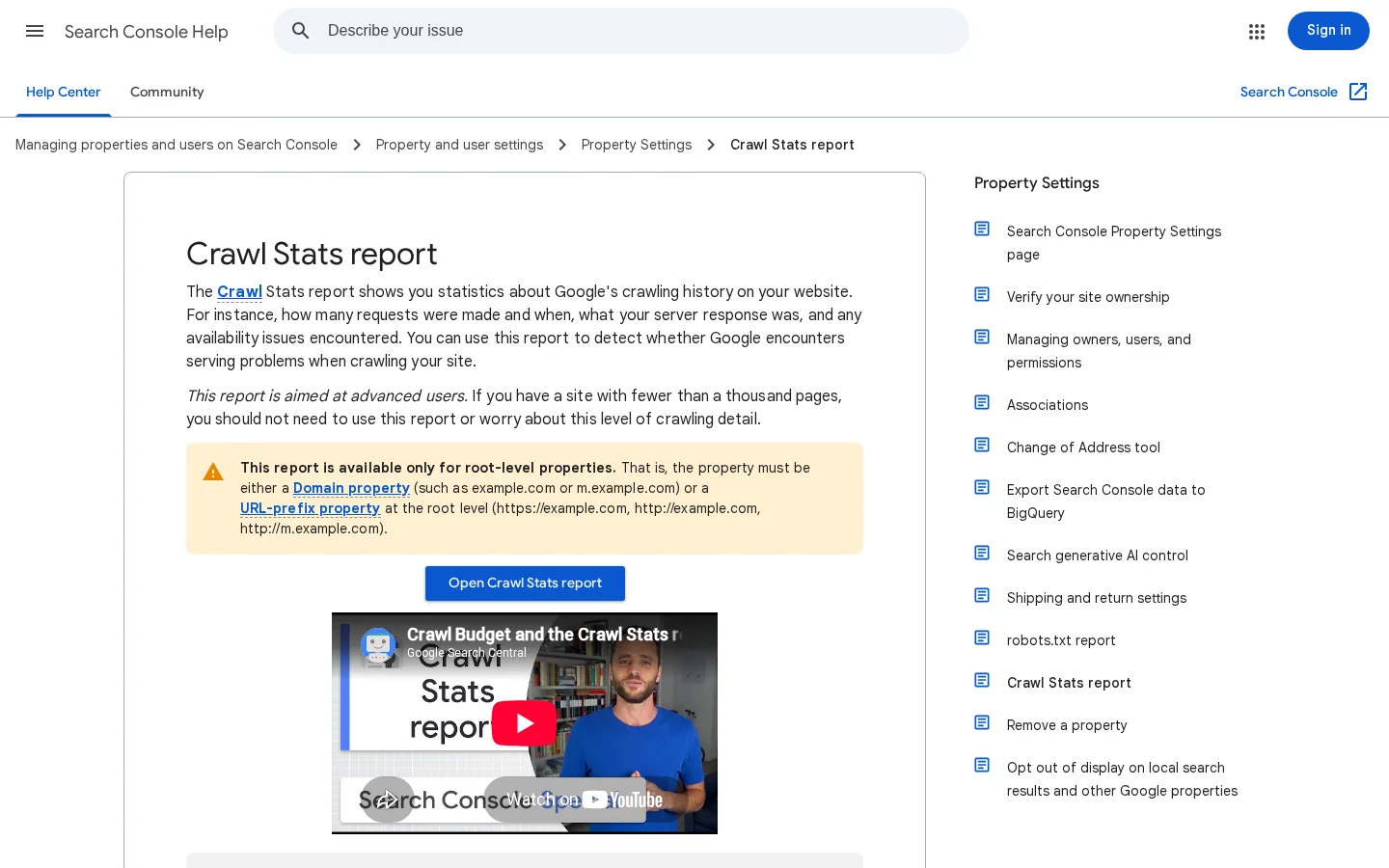
Google's Crawl Stats help page describes each grouping. When the chart and your log export disagree, trust neither until you have checked the time window and the verification step. Most of those disagreements come from a different window, a CDN that answers from cache, or a bot count that includes unverified requests.
The fixes follow from the signals. Most of them come down to three moves: stop sending crawlers to pages that do not matter, send them straight to the final URL when a page has moved, and make the pages that matter faster to load.
Crawl activity before and after the log review
Faceted navigation. Filters and sort orders create many URLs with almost the same content. Consolidate them with canonicals where you can, and remove the internal links to the variants that have no search value. Where a variant cannot be consolidated and must stay out of the crawl, block it in robots.txt. Google's guidance is specific here: do not use noindex for this, because Google still has to request the page before it can see the tag. Here is the kind of rule to test:
User-agent: Googlebot
Disallow: /*?sort=
Disallow: /*?color=
Tip
Test every robots.txt rule before you publish it. Our free robots.txt checker validates the syntax, so a typo does not block the pages you want crawled.
Keep the robots.txt change in proportion. Google says that blocking URLs does not free crawl budget for your other pages unless the site is already hitting its capacity limit. Blocking is for URLs that have no value, not a way to push budget toward your best pages. Our robots.txt glossary entry explains how the file is read.
Redirect chains. When a page moved twice, the crawler walks through both redirects every time. Update the internal links so that they point to the final URL, then keep the old redirects in place for external links. The choice between a permanent and a temporary redirect matters for the same reason, and the 301 vs 302 guide covers it in detail.
Gone pages. Return a 404 or 410 for pages that are permanently removed. Google says soft 404s keep being crawled and waste crawl budget, so a "page not found" message served with a 200 status is worse than a real 404.
Response time and caching. Google says slow or failing responses cause it to crawl less. Support 304 (Not Modified) responses, so unchanged pages can be served from cache. Then look at the templates that receive the most Googlebot hits and make those responses faster first.
Most log analyses that go wrong make one of a small set of mistakes. Each one below has a symptom you can spot in the data and a fix you can apply the same week.
What it is: counting every request that says "Googlebot" as Google's crawl. How to spot it: Googlebot hits from IP addresses that do not reverse-resolve to Google's hostnames, or a sudden jump from a single address. How to fix it: run the verification from the method section before you count anything, and keep the unverified hits in a separate bucket so you can still see scraper activity.
What it is: focusing on pages that return 200 and ignoring the rest. How to spot it: your report has no 3xx, 4xx or 5xx section, or the status code mix is never discussed. How to fix it: always start with the status code distribution. A rise in 404 hits can reveal a broken internal link, and a rise in 5xx hits can reveal a server problem that slows the whole crawl.
What it is: adding a robots.txt rule to a page that also carries a noindex tag. How to spot it: the page stays in the index, and the log shows no Googlebot hits, because the crawler is blocked from requesting it. How to fix it: remove the block so Google can read the noindex tag, wait for the page to drop out, then restore the block if you still need it. The Blocked by robots.txt guide explains the Search Console status that shows up in this case.
What it is: comparing a 3-day export before a fix with a 30-day export after it. How to spot it: the totals move a lot, but the share per template does not. How to fix it: compare the same number of days, at the same time of year when you can, and compare shares, not raw totals, when the volume changes.
What it is: celebrating a rise in Googlebot hits without checking whether those hits reach pages that get indexed. How to spot it: the hits concentrate on URLs that are not indexed or that never earn traffic. How to fix it: join your log groups with indexing status from the URL Inspection tool in Search Console, and only count a fix as a win when crawl moves toward pages that matter.
Before you draw any conclusion
The same logs show what AI crawlers do on your site, and the method is the same: group them, verify them where the vendor gives you a way to, and read the status codes. Our AI crawler logs guide covers which bots to look for and how they differ from Googlebot. This article covers the Googlebot method in depth, and the AI section below shows how to put both in one report.
| Bot type | Examples | What to check in the logs | Where to read more |
|---|---|---|---|
| Search crawler | Googlebot | Hits per template, status code mix, time to first crawl on new pages | The sections above in this article |
| Training crawler | GPTBot, ClaudeBot, CCBot | Whether they request your content at all, and whether they respect your robots.txt | Robots.txt for AI crawlers |
| Retrieval crawler | ChatGPT-User, PerplexityBot | Short bursts of visits tied to user questions, and the pages those bursts reach | AI crawler logs |
The training and retrieval split comes from the way AI crawlers are documented. Training crawlers collect content for models, and retrieval crawlers fetch pages when a user asks a question. Your report should keep the two apart, because a policy decision for one does not automatically apply to the other.
If you want to see Google traffic and AI traffic side by side while you ship these fixes, Sorank's GEO / SEO dashboard shows both in one view. Use it to check whether the changes you make from the logs move traffic, not only whether they change crawl counts.
It is the review of your server's access logs to see which URLs Googlebot and other bots request, how often, and which status codes they receive. The logs show what crawlers actually do on your site, not what a tool estimates.
Start with 30 days from your origin server and any CDN in front of it, or at least 7 days if that is all you have. Compare the same time window before and after each change, because a 3-day export and a 30-day export cannot be compared directly.
Not on its own, because Google says the user agent string can be spoofed. Verify the IP with a reverse DNS lookup that ends in googlebot.com, google.com or googleusercontent.com, then a forward lookup that returns the same IP.
We analyse your competitors, your website and your AI visibility to create a tailored content plan for free.
 AI Content Brief Generator
 FAQ Schema Generator
 AI Blog Post Ideas Generator
 Structured Data Validator (Schema Validator)
 Alt Text Checker
 Internal Link Analyzer
 Backlink Challenge
 AI Meta Description Generator
 AI Blog Title Generator
 Google Indexability Checker
 AI Blog Outline Generator
 UTM Link Builder
 Keyword Clustering Tool
 Canonical Tag Checker
 XML Sitemap Generator
 Broken Link Checker
 AI SEO Title Generator
 Headline Analyzer
 SERP Preview Tool
 Redirect Checker
 Hreflang Tag Generator
 Heading Structure Analyzer
 HTTP Headers Checker
 Favicon Extractor
 SERP CTR Calculator
 SEO vs Paid Search Savings Calculator
 SEO Share of Voice Calculator
 SEO ROI Calculator
 SEO Traffic and Revenue Forecast Calculator
 SEO Budget Calculator
 SEO Break-Even Calculator
 SaaS SEO ROI Calculator
 ROAS Calculator
 Reading Time Calculator
 Ranking Gain Simulator
 Organic Traffic Value Calculator
 Organic Traffic Estimator and Website Traffic Checker
 LTV to CAC Ratio Calculator
 Local SEO ROI Calculator
 Link Building Cost Calculator
 Keyword Value Calculator
 Keyword Opportunity Score Calculator
 Keyword Density Calculator
 GEO ROI Calculator
 GEO Content Investment Calculator
 Ecommerce SEO ROI Calculator
 Customer Lifetime Value Calculator
 Customer Acquisition Cost Calculator
 CTR Calculator
 Cost Per Article Calculator
 Conversion Rate Calculator
 Content Marketing ROI Calculator
 ChatGPT Referral Traffic Estimator
 Bounce Rate Calculator
 Backlink ROI Calculator
 AI Visibility Score Calculator
 AI Traffic Value Calculator
 AI Share of Voice Calculator
 Cost of AI Invisibility Calculator
 AI Citation Rate Calculator
 llms.txt Validator
 AI Overview Checker and AI Overviews Rank Checker
 Robots.txt Checker
 AI SEO Audit
 LLM Readability Checker
 SearchGPT Readiness Checker
 Structured Data LLM Audit
 Website Crawlability AI Audit
 Why ChatGPT Is Not Recommending My Website
 Gemini Ranking Tool
 Perplexity Ranking Checker
 LLM Citation Checker
 Answer Engine Optimization Audit
 GEO Audit
 AI Search Visibility Test
 ChatGPT Visibility Checker
 llms.txt Generator
 URL Extractor
 Webpage to Markdown
 Sitemap Checker
 SERP Volatility Sensor
 Page Size Checker
 Word Counter
 Slug Generator
 Schema Generator
 Robots Generator
 OG Preview
 Meta Tags Generator
 Image Compressor
 Favicon Generator
 On-Page SEO Audit: SEO Checker and SEO Analyzer
 Backlink Analysis Tool
 Keyword Research Tool
 Domain Authority Checker
5/5 from 5 reviews
 “I tested Sorank on a real client site and it's insane. It does everything an agency would bill you $1500 a month for. It's going into production on that client now.”

 Guillaume Guersanguersanguillaume.com“We are an Ads agency and we wanted to get our SEO back on track once and for all. Sorank gave us a clear view of our site, helped us prioritize optimizations, and properly structure our content. The tool is easy to use, well designed for a team, and very practical for centralizing tracking without having to juggle multiple platforms. A very solid foundation to start fresh with our SEO.”
 Gaspard MadouiAds Agency
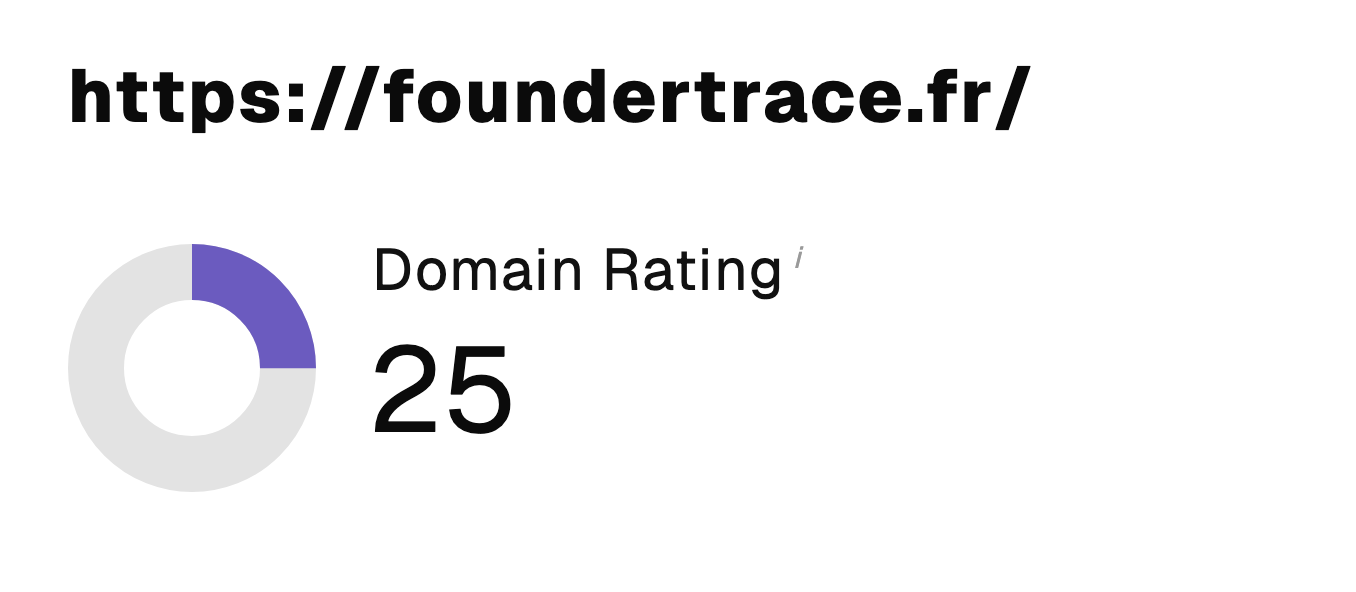 “I just let the Sorank software do its thing, and now my DR is 25 and my page is ranking higher.”
 Lucas Flandrefoundertrace.fr“I specialized in GEO thanks to Sorank. The GEO Leaderboard allows me to show my clients their position vs competitors on ChatGPT. It’s a real commercial differentiator.”
 MélanieSEO Freelance“Great service, works well for our website and helps us understand how to improve it to rank better on Google and elsewhere. Congrats, keep going, I recommend it.”
 Hugo T.E-commerce merchant